How we make this list: we compare pricing pages, product documentation and public user reviews. Rankite is independent; if a vendor ever pays for a featured spot, that listing is clearly labeled Partner.
Key takeaways
- Backblaze ($99/year per computer) is the default for unlimited personal backup: set it and forget it.
- IDrive (from $99.50/year for 10TB) wins on value for multiple devices: one plan covers PCs, Macs, phones and servers.
- CrashPlan ($10/user/month) fits small businesses with straightforward per-user pricing and unlimited storage.
- Businesses with infrastructure should evaluate Veeam, Acronis and MSP360: real backup platforms, not just cloud sync.
Quick comparison
| Tool | Best for | Starting price | Free plan |
|---|
 Backblaze Backblaze | Unlimited personal PC/Mac backup | $99/year per computer | Free trial (15 days) |
 IDrive IDrive | Multi-device backup on a budget | From $99.50/year (10TB, first year) | Yes (10GB) |
 Carbonite Carbonite | Simple automatic backup for home users | See website | Free trial |
 CrashPlan CrashPlan | Small business endpoint backup | $10/user/month | Free trial |
 Acronis Acronis | Backup plus cybersecurity in one agent | See website | Free trial |
 MSP360 MSP360 | IT pros wanting backup to their own cloud | See website | Free trial |
 Veeam Veeam | Business infrastructure backup | See website | Yes (Community Edition) |
 Duplicacy Duplicacy | Technical users wanting lock-free deduplication | Free (CLI) | Yes |
Is your product missing or out of date?
We review this list regularly. Vendors can request a listing, send updated pricing or ask about featured placement.
The best remote backup software
The laptop dies on a Tuesday. The question is not whether you have backups; it is whether the restore works and how much data you lose. Remote backup software copies your machines to the cloud automatically, and the differences that matter are storage limits, restore speed, versioning and price. These eight cover home users through IT departments.
Starting price$99/year per computer
Free planFree trial (15 days)
Backblaze Personal Backup is the default recommendation for a reason: $99 per year per computer for unlimited backup. Install it, and everything (except system files and applications) uploads continuously. Version history keeps 30 days (extendable to a year), and restores work by download, shipped USB drive or the mobile app.
The honest catch is the per-computer math. Three PCs cost $297/year, where IDrive's multi-device plan is cheaper. There is no Linux client on the personal plan and no phone backup. For one or two computers with lots of data, unlimited-for-$99 is unbeatable. For device fleets, keep reading.
What we like- Unlimited storage for one flat price: backup everything
- Genuinely set-and-forget with automatic continuous backup
- Restore by download, USB drive shipment or mobile app
Watch out for- Per-computer pricing adds up for multi-PC households
- No phone backup on the personal plan
Starting priceFrom $99.50/year (10TB, first year)
Free planYes (10GB)
IDrive is the value play: a single 10TB plan (around $99.50 for the first year) covering all your devices: PCs, Macs, iPhones, Androids and even servers. Disk-image backup, file sync and 30-day versioning round out a genuinely complete package. The 10GB free tier lets you test the whole system.
The catch is the intro pricing. Year-one deals renew higher, so check the renewal rate before committing. The interface packs in features at the cost of elegance. For households and small businesses with many devices, the per-device economics crush Backblaze's per-computer model.
What we like- One plan covers unlimited PCs, Macs, phones and servers
- 10TB for around $99.50 in year one
- Disk image backup and sync included
Watch out for- The interface is busy
- Renewal pricing is higher than the intro rate
Starting priceSee website
Free planFree trial
Carbonite is the simple choice: install it, and your files back up automatically with unlimited storage. No decisions about what to include, no complex settings. The company has been doing this for nearly two decades, and the restore process is straightforward.
The honest catch is speed and transparency. Initial backups run slower than Backblaze's, and pricing requires checking the current page. Power users will miss versioning depth and advanced options. For non-technical users who want backup to just happen, the simplicity is the product.
What we like- Extremely simple: install and it backs up automatically
- Unlimited storage on personal plans
- Long-established with a good reputation
Watch out for- Pricing needs a website visit
- Slower initial backup than competitors
- Fewer advanced features
Starting price$10/user/month
Free planFree trial
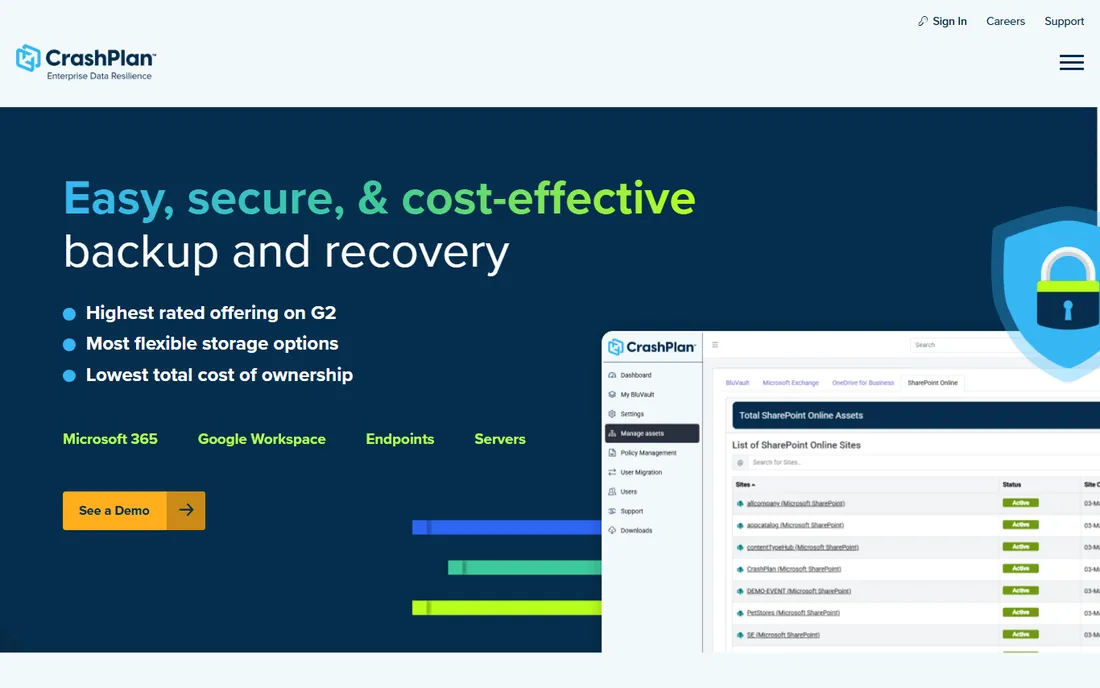
CrashPlan for Small Business keeps it simple: $10 per user per month, unlimited backup, admin console included. Every employee's machine backs up continuously with version history, and IT gets central visibility without enterprise complexity. The unlimited storage removes capacity planning entirely.
The catch is the user model. Shared machines and part-time users still cost per user, and the client uses more resources than Backblaze's. For small businesses that want predictable per-user backup without thinking about storage, it is the straightforward pick.
What we like- Unlimited storage per user at a flat $10/month
- Straightforward admin console for small IT
- Continuous backup with good versioning
Watch out for- Per-user pricing for shared machines adds up
- The client is heavier than Backblaze's
Starting priceSee website
Free planFree trial
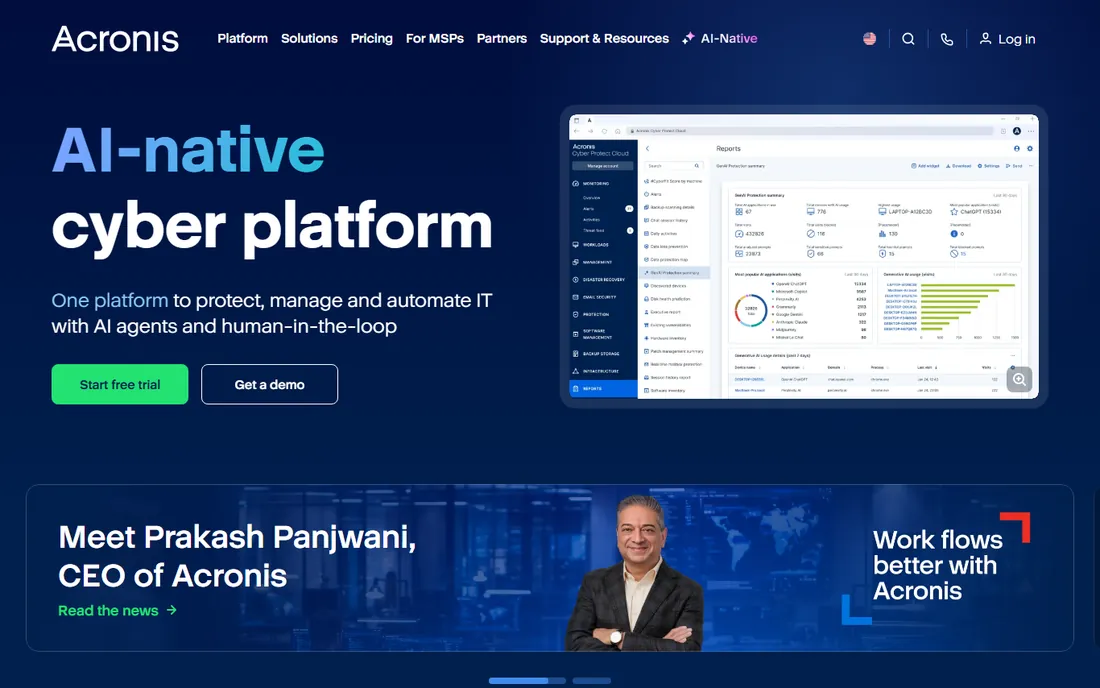
Acronis Cyber Protect merges backup with security: one agent does disk imaging, file backup, anti-malware and ransomware protection with backup-scanning. For businesses, the integration means the backup verifies clean and the security stack covers the endpoint. Universal restore moves images to different hardware.
The honest catch is weight and price opacity. The full agent uses more resources than a pure backup client, and pricing requires a quote or site visit. Buy Acronis when you want backup and endpoint security from one vendor. Buy pure backup when you already have security covered.
What we like- Backup integrated with anti-malware and ransomware protection
- Full disk imaging with universal restore
- Strong business feature set
Watch out for- Pricing needs a website visit
- The combined agent is heavier than pure backup tools
Starting priceSee website
Free planFree trial
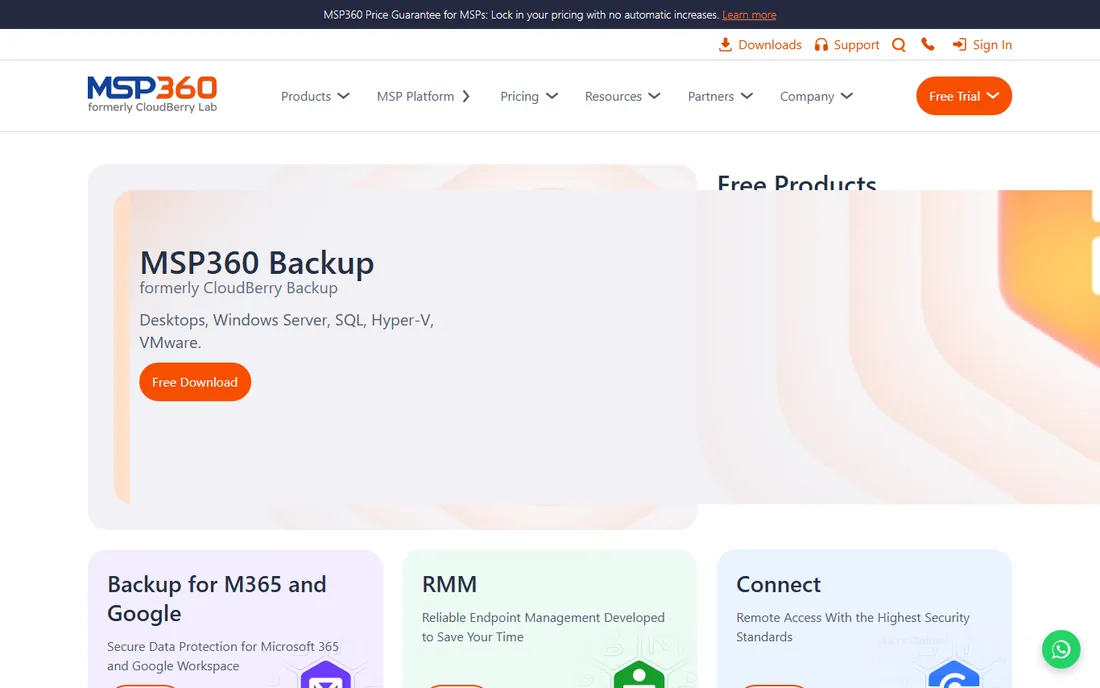
MSP360 (formerly CloudBerry) is backup software, not backup storage: you point it at your own S3, Azure, Google Cloud or B2 bucket and it handles scheduling, encryption, versioning and restores. IT pros and MSPs love the control: storage costs are transparent, data residency is yours, and client billing is clean.
The catch is the two-bill reality. You pay MSP360 for licenses and the cloud provider for storage; model both. The interface assumes IT competence. For professionals who want backup without surrendering their data to a vendor's cloud, it is the standard answer.
What we like- Backup to your own storage: S3, Azure, Google Cloud, Backblaze B2
- You control the data and the costs
- Strong for MSPs managing clients
Watch out for- You bring (and pay for) the storage separately
- The learning curve assumes IT skills
Starting priceSee website
Free planYes (Community Edition)
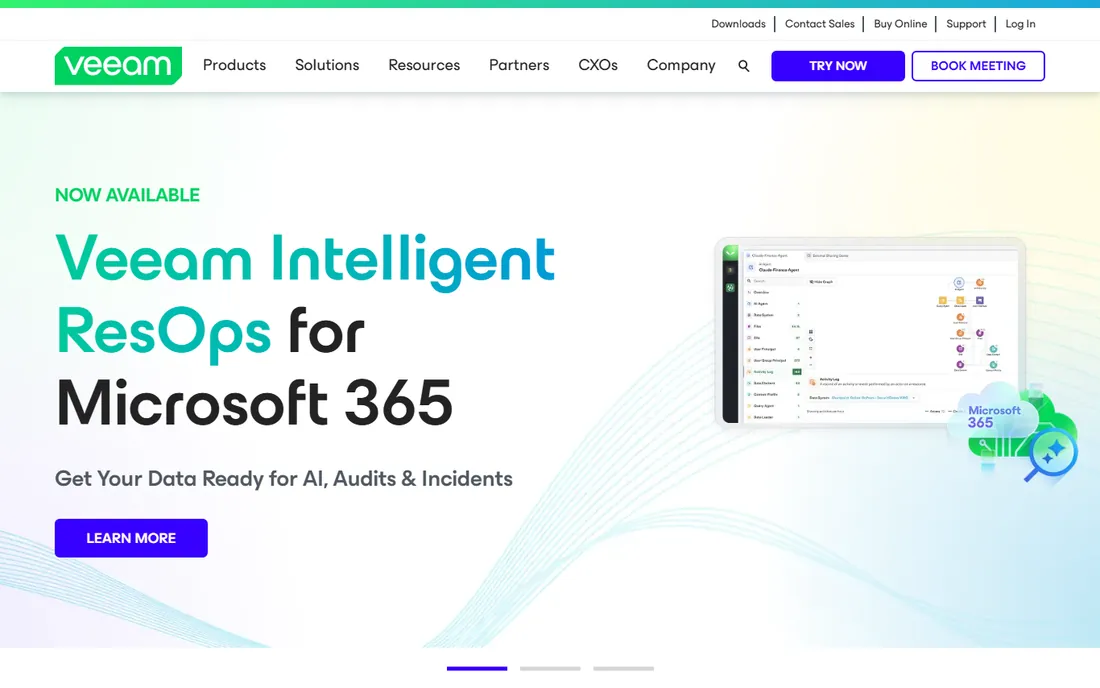
Veeam Data Platform is what businesses run when backup is infrastructure: VMs, physical servers, cloud workloads, Microsoft 365, all with centralized management and serious recovery options (instant VM recovery, granular restores). The free Community Edition covers up to 10 workloads, which handles many small businesses entirely.
The honest catch is the scope. This is infrastructure software with infrastructure pricing for larger deployments; home users should not be here. For businesses with servers and VMs, Veeam is the default evaluation. For laptops only, the simpler tools above are cheaper and easier.
What we like- The business backup standard for virtual, physical and cloud workloads
- Free Community Edition for small environments
- Excellent recovery options
Watch out for- Enterprise pricing for the full platform
- Overkill for simple PC backup
Starting priceFree (CLI)
Free planYes
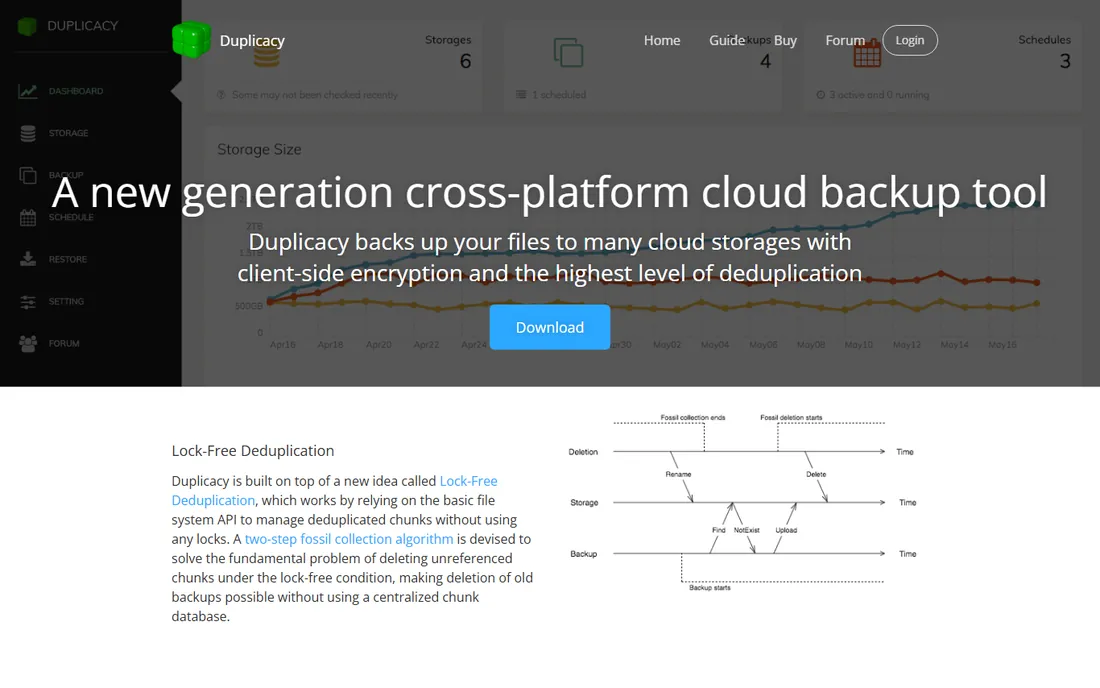
Duplicacy is the engineer's backup: lock-free deduplication means multiple machines back up to the same storage simultaneously without corruption, and cross-machine dedup saves enormous space. The CLI is free for personal use; the GUI is licensed. Storage backends include S3, B2, Azure and more.
The catch is the audience. This is a tool for people comfortable with terminals and backup theory; everyone else will find it opaque. But the technical design is genuinely best-in-class for deduplication. For technical users who want the smartest backup engine free, Duplicacy delivers.
What we like- Excellent deduplication across machines with lock-free architecture
- CLI free for personal use
- Backup to 20-plus storage backends
Watch out for- Technical: CLI-first with a paid GUI
- Documentation assumes expertise
What to check before you buy
Start with the restore, not the backup. Every tool here backs up fine; restores differ: download speed, file-by-file vs. full image, version history depth, and whether you can get a shipped drive for large restores. Trial the restore process with real files before trusting any of them.
Then check the versioning and retention that matters to you. Ransomware and accidental deletions make version history critical: Backblaze's 30-day default (extendable), IDrive's 30 days, CrashPlan's unlimited-ish versioning. For businesses, confirm retention policies meet compliance needs.
Finally, model the true three-year cost. Intro pricing (IDrive), per-computer vs. per-user vs. unlimited (Backblaze vs. CrashPlan), and storage-plus-license splits (MSP360, Duplicacy) produce very different totals. Include the storage bill where it is separate. The cheapest year one is rarely the cheapest year three.
The 3-2-1 rule still applies
No cloud backup replaces the 3-2-1 rule: three copies of important data, on two different media, with one offsite. Cloud backup is your offsite copy. Pair it with a local external drive (for fast restores) and the original files. The tools here handle the offsite leg; a $60 USB drive handles the local leg.
Test restores quarterly. A backup you have never restored is a hope, not a plan. Every tool here lets you restore individual files free: do it, verify the files open, and confirm the version history goes back as far as you need. Fifteen minutes per quarter prevents the worst day of your business life.
How we chose
We started with the searches buyers actually run: remote backup software, cloud backup for PC and Backblaze alternative. For each candidate we checked the vendor's own pricing page, confirmed the product is current, and compared storage limits, versioning, restore options and pricing against public reviews on G2, Capterra and practitioner discussion. Where a price could not be verified on the vendor's page, we wrote "See website" rather than guessing.
Frequently asked questions
How much does remote backup cost?
Personal: Backblaze $99/year/computer unlimited; IDrive ~$99.50/year for 10TB across devices (intro). Small business: CrashPlan $10/user/month unlimited. Infrastructure: Veeam and Acronis are quoted. Model three years including renewals, not just year one.
Backblaze vs IDrive: which is better?
Backblaze for unlimited storage on one or two computers ($99/year each). IDrive for many devices on one plan (10TB across unlimited devices). The math decides: count your devices and data, then compare the three-year totals.
Is cloud backup safe from ransomware?
Mostly: versioned backups let you restore pre-encryption files, and reputable vendors encrypt data in transit and at rest. But ransomware can encrypt local files before upload, so version history depth matters. Acronis adds active ransomware protection; for others, deep versioning is the defense.
How long does the first backup take?
Days, usually: uploading hundreds of gigabytes on typical home connections takes 3-10 days. All eight throttle politely and resume automatically. Start the initial backup immediately and let it run; subsequent incremental backups are fast.
Can I back up an external drive?
Backblaze backs up attached USB drives (they must stay connected periodically). IDrive and CrashPlan handle externals well. Check each vendor's external-drive policy: some unplug-and-forget drives age out of the backup set after 30 days.
What is the difference between backup and sync?
Sync (Dropbox, Google Drive) mirrors current files: delete or encrypt a file and the sync copies the damage everywhere. Backup keeps version history independently, so you can restore from before the damage. You need both: sync for access, backup for recovery.
Sources we checked (8)
- https://www.backblaze.com/cloud-backup/personal
- https://www.idrive.com/pricing
- https://www.carbonite.com
- https://www.crashplan.com/pricing
- https://www.acronis.com
- https://www.msp360.com/pricing/
- https://www.veeam.com
- https://www.duplicacy.com
Is your product missing or out of date?
We review this list regularly. Vendors can request a listing, send updated pricing or ask about featured placement.

Shihab Mia · Founder, Rankite
Shihab has spent more than a decade helping SaaS and e-commerce brands grow through search. He writes Rankite's software buying guides from pricing pages, documentation and public user reviews. More about Shihab.