How we make this list: we compare pricing pages, product documentation and public user reviews. Rankite is independent; if a vendor ever pays for a featured spot, that listing is clearly labeled Partner.
Key takeaways
- EaseUS Todo Backup is the best all-round pick for a Windows home PC. Imaging, cloning, sync and a perpetual license option cover every scenario.
- Backblaze is the simplest cloud backup for one computer. Unlimited storage, one flat price and genuinely set-and-forget behavior.
- IDrive beats Backblaze for households. One pooled storage plan covers every device you own instead of one computer per license.
- Acronis Cyber Protect Home Office is the choice when ransomware worries you. Backup plus active anti-malware in a single agent.
- Macrium Reflect X remains the imaging purist's tool. If your priority is a bulletproof system image and bare-metal restore, start here.
Quick comparison
Is your product missing or out of date?
We review this list regularly. Vendors can request a listing, send updated pricing or ask about featured placement.
Backup software splits into two camps: local imaging tools that clone your drive, and cloud services that copy your files offsite. The safest setup uses both. These nine cover the range.
Starting priceSee website
Free planYes
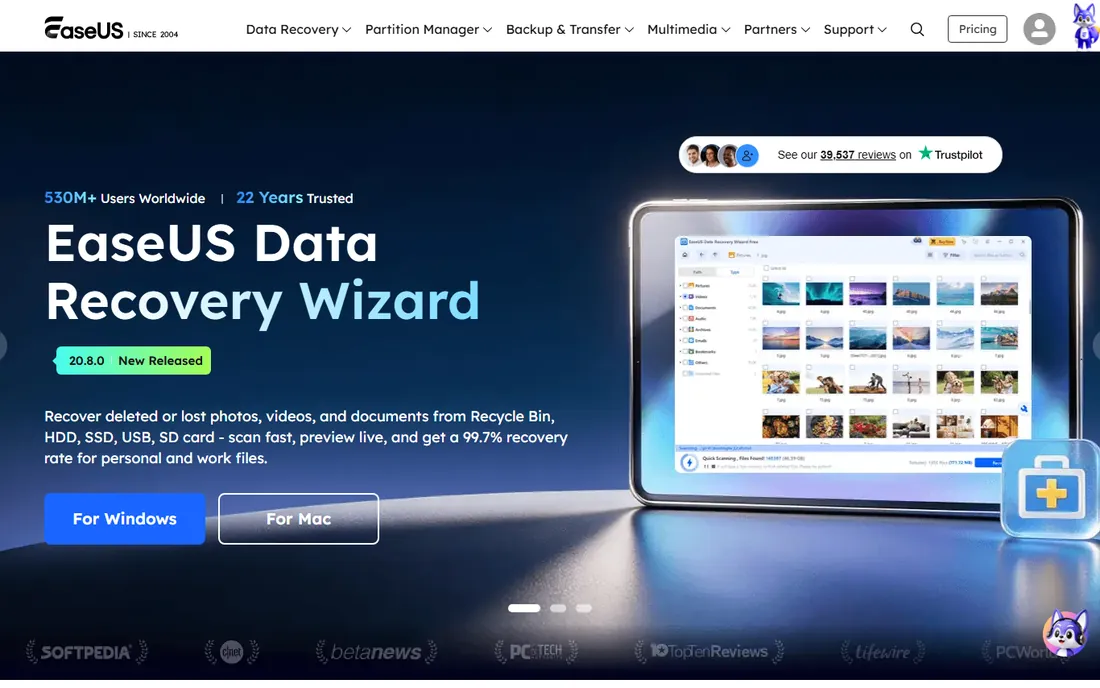
EaseUS Todo Backup has grown into the most complete home backup tool on Windows. It handles full system images, disk and partition backup, file-level backup, cloning to a new SSD and file sync. The interface is clear enough for non-technical users, and the option of a perpetual license instead of a subscription is increasingly rare.
The honest catch is cloud. EaseUS pushes its own cloud storage on yearly plans; you cannot point it at your own S3 bucket or Backblaze B2 directly. If your strategy is local images plus a separate cloud service, that limitation never bites.
What we like- Imaging, cloning, file backup and sync in one app
- Perpetual license option avoids subscriptions
- Clear interface
Watch out for- No direct third-party cloud storage support
- Free version lacks some advanced features
Starting priceSee website
Free planFree trial
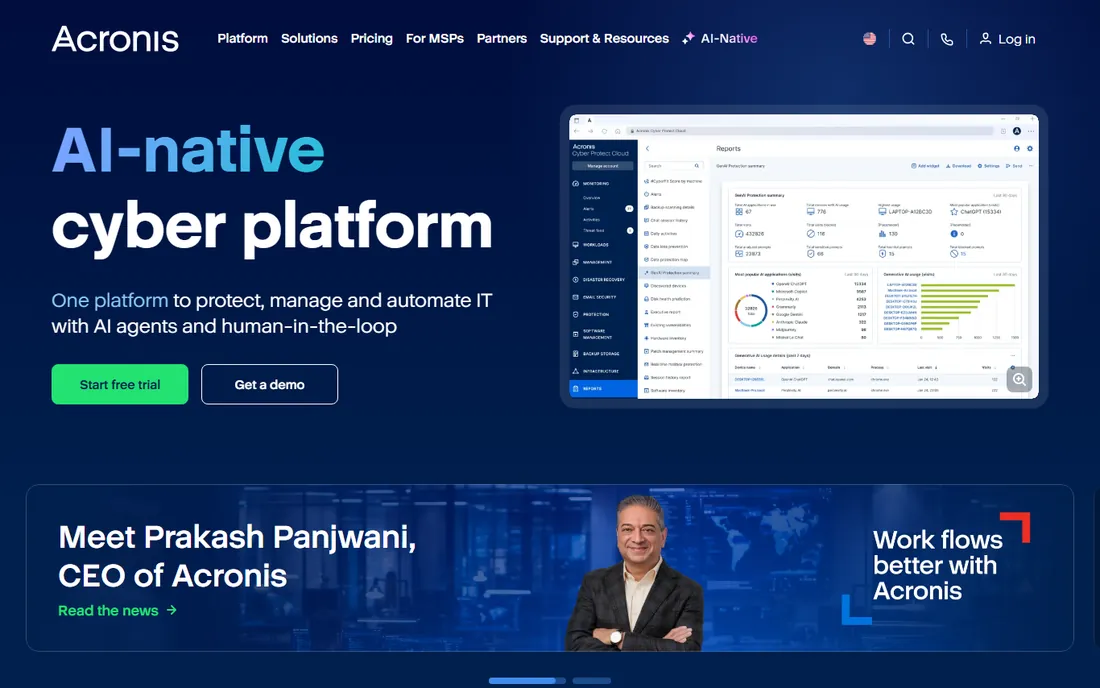
Acronis renamed True Image to Cyber Protect Home Office, and the new name is honest: this is backup plus endpoint security in one agent. It images your system, backs up to local or Acronis cloud storage, and actively blocks ransomware from encrypting your files and your backups.
The price of the bundle is a heavier install and subscription-only pricing. If you already pay for separate antivirus, the overlap wastes money. If you want one agent handling both protection and backup, especially on a family PC, it is the most complete option here.
What we like- Backup combined with anti-ransomware and antivirus
- Cloud storage included in plans
- Fast recovery with universal restore
Watch out for- Subscription only, no perpetual license
- Heavier system footprint than pure backup tools
Starting priceSee website
Free planFree trial
Macrium Reflect is the tool IT pros reach for when an image absolutely must restore. Its imaging engine is battle-tested, cloning to a new drive is straightforward, and rapid delta restore brings a system back in minutes instead of hours. Version X modernized the core while keeping the reliability reputation intact.
It is not a cloud backup service. Macrium does local and network imaging brilliantly and everything else adequately. The interface will not win design awards. Buy it when your nightmare scenario is a dead drive on Monday morning, because that is exactly what it solves.
What we like- Exceptionally reliable imaging and cloning
- Rapid delta restore
- Trusted by IT professionals for years
Watch out for- Interface feels dated
- Cloud features are thinner than competitors
Starting priceSee website
Free planYes
AOMEI Backupper gives away more in its free edition than most competitors: system, disk, partition and file backup plus cloning. The interface is simple, the paid Professional tier is reasonably priced, and it covers the core home scenarios without fuss.
The free edition has limits that matter over time: scheduled incremental chains and some advanced options need the paid version. AOMEI also nudges you toward its other utilities. For a free first imaging tool on a budget, though, it is hard to beat.
What we like- Generous free edition with real imaging
- Simple cloning and system backup
- Affordable paid tiers
Watch out for- Free version lacks incremental backup scheduling depth
- Upsells to other AOMEI tools
Starting priceSee website
Free planFree trial
Backblaze is the definition of set-and-forget. Install it, and it quietly backs up everything on one computer to unlimited cloud storage for a flat fee. Restoring a file takes seconds through the web interface; restoring everything can be done by downloading or having a drive mailed to you.
The model has two edges. One license covers one computer, so a household of three machines pays three times. And it backs up files, not system images, so a dead drive means reinstalling the OS first. Pair it with a local imaging tool and you have the classic 3-2-1 setup.
What we like- Truly unlimited storage for one price
- Silent continuous backup
- Simple restore by web or mailed drive
Watch out for- One computer per license
- No system imaging, files only
Starting priceSee website
Free planYes
IDrive's pooled storage model is its superpower. One subscription backs up every PC, Mac, phone and tablet in the house from a shared storage pool, which is far cheaper than per-computer licenses for multi-device households. It includes versioning, true archiving and a free tier for testing.
The catch is the cap. Power users with terabytes of video will hit the ceiling where Backblaze would not. For a typical family with a few computers and phones, IDrive's 5TB plans are the best value in cloud backup.
What we like- One plan covers unlimited devices with pooled storage
- Backs up phones and computers together
- Free 10GB tier
Watch out for- Storage is capped, not unlimited
- Interface is busier than Backblaze
Starting priceSee website
Free planFree trial
Carbonite has been doing automatic cloud backup longer than almost anyone, and it shows in the simplicity. Install, and it continuously backs up your files with no folders to pick and no schedules to set. Unlimited storage on every plan removes the capacity math.
The first backup is the pain point: large libraries can take days or weeks depending on your plan and connection. External drive backup also sits on higher tiers. It suits users who want the simplest possible cloud safety net and never want to think about settings.
What we like- Automatic continuous backup with no decisions
- Unlimited storage
- Long track record
Watch out for- Throttles initial backup on lower tiers
- External drive backup needs higher plans
Starting priceSee website
Free planFree trial
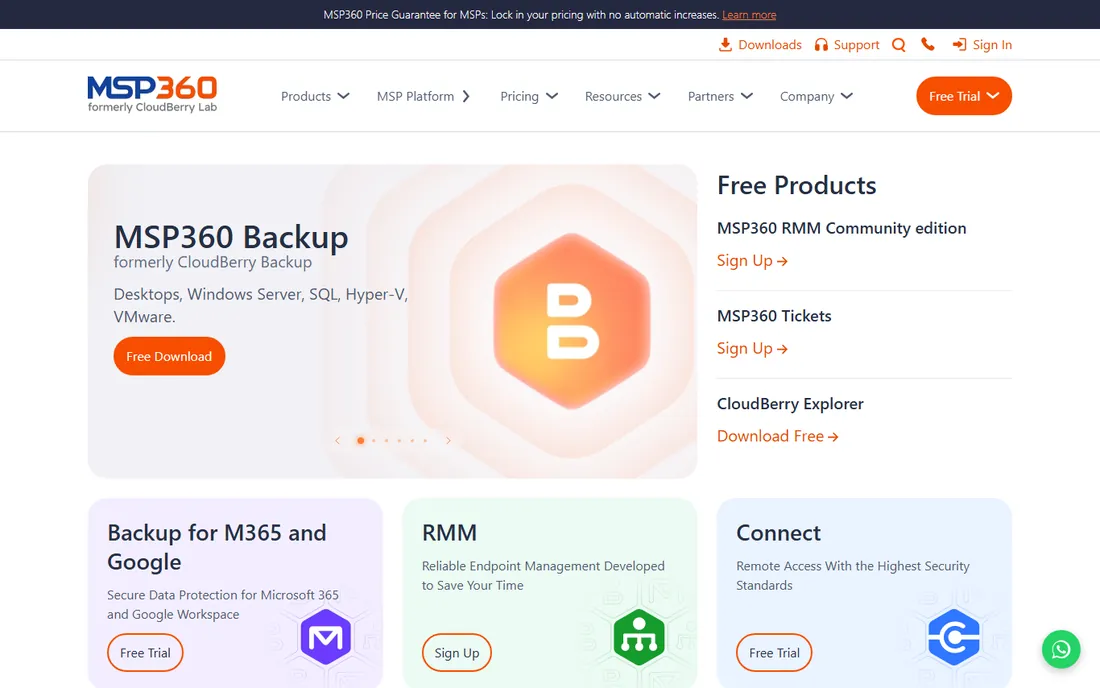
MSP360 (formerly CloudBerry) takes the opposite approach from Backblaze: it is the software, and you bring the storage. Point it at Amazon S3, Backblaze B2, Wasabi or dozens of others, and it handles imaging, file backup, scheduling and encryption. This decoupling is perfect for people who already have cheap cloud storage or strong opinions about where data lives.
The trade-off is complexity and cost math. You pay MSP360 plus the storage bill, and the interface expects you to understand backup concepts. Technical users get the most flexible backup on this list. Everyone else should pick a bundled service.
What we like- Use your own cloud storage (S3, B2, Wasabi, more)
- Image and file backup
- Strong encryption options
Watch out for- You pay for storage separately
- Setup assumes technical comfort
Starting priceSee website
Free planFree trial
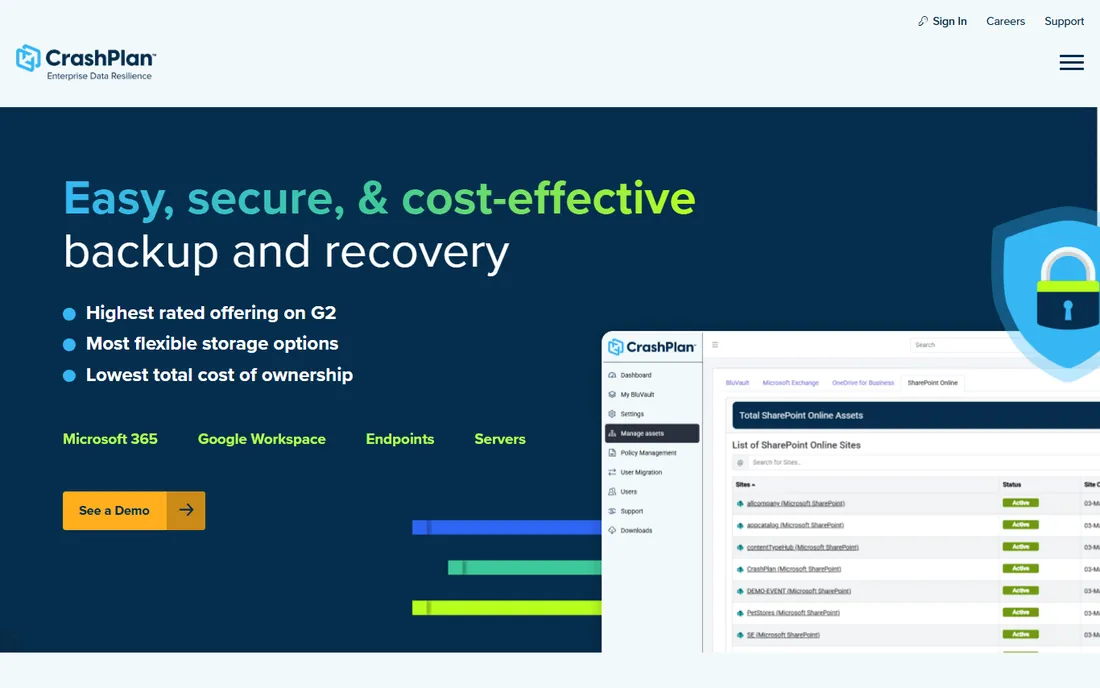
CrashPlan pivoted to business years ago and never looked back. Its current offering is unlimited endpoint backup with central management, aimed at small businesses protecting employee machines. The backup engine is solid, versioning is deep and restores are dependable.
For a personal user it is an odd fit: the plans and pricing assume a business buyer. But freelancers with client data, or a household run like a small office, get enterprise-grade backup discipline. Just know you are buying into a business product with business onboarding.
What we like- Unlimited storage per device
- Strong admin controls for small teams
- Reliable continuous backup
Watch out for- Consumer-unfriendly pricing model
- Overkill for a single home PC
How we chose
We compared tools on backup types (imaging, file, cloud), restore reliability, scheduling, encryption, pricing and plan limits. We read vendor pricing pages and documentation, reviews on G2 and Capterra, and long-term user reports on Reddit. We weighted restore success over feature lists, since a backup that does not restore is decoration. We did not run hands-on tests of every product.
Build the 3-2-1 setup, not a single product
The 3-2-1 rule is the whole game: three copies of your data, on two different media, with one offsite. One backup product cannot do this alone. The practical home version is a local system image plus a cloud file backup, which is why the best tools on this list pair naturally.
A sensible stack: EaseUS Todo Backup or Macrium Reflect X for a monthly system image to an external drive, plus Backblaze or IDrive for continuous cloud backup of your files. That covers a dead drive, a stolen laptop and a house fire. Total cost is roughly two subscriptions, which is cheap compared to data recovery.
Test your restore before you need it. Boot the rescue media once. Restore one folder from the cloud. If either fails, fix it now. An untested backup is a hope, not a plan.
Ransomware changes the math
Modern ransomware encrypts your files and then hunts for your backups. This is where backup hygiene matters more than brand. Keep at least one backup copy offline or immutable: an external drive you unplug, or cloud storage with object lock or versioning that ransomware cannot purge.
Acronis builds anti-ransomware into its agent, which is its main differentiator. Everyone else relies on your setup. Whatever tool you choose, enable versioning with long retention, use a private encryption key where offered, and never keep your only backup on a permanently attached drive.
Frequently asked questions
How much backup storage do I need?
Add up your documents, photos and videos, then double it for growth and versions. Most households land between 500GB and 2TB. Unlimited plans remove the math; capped plans like IDrive's 5TB cover the vast majority of families.
Is cloud backup enough, or do I need local backup too?
Use both. Cloud backup protects against theft, fire and drive failure but restores slowly. A local image restores a dead drive in under an hour. The combination is the standard recommendation for a reason.
How often should backups run?
Continuous for cloud file backup, which all the cloud tools here do automatically. Monthly full system images to a local drive are enough for most people, with incremental images weekly if you change a lot.
Can I back up multiple computers with one subscription?
IDrive's pooled plans cover unlimited devices under one subscription. Backblaze, Carbonite and CrashPlan license per computer. Check the device math before choosing: three PCs on per-device pricing cost triple.
Will backup software slow down my computer?
Initial backups use CPU and bandwidth heavily. After that, incremental and continuous backups are light. Schedule the first full backup overnight and exclude caches, downloads and node_modules to cut the size dramatically.
What happens to my backups if I cancel?
Policies differ. Some services delete your data within days of cancellation; others give a grace period. Before cancelling any cloud backup, download what you need or migrate to a new service first. Never cancel before the replacement is running.
Sources we checked (11)
- https://www.easeus.com
- https://www.acronis.com
- https://www.macrium.com
- https://www.aomeitech.com
- https://www.backblaze.com
- https://www.idrive.com
- https://www.carbonite.com
- https://www.msp360.com
- https://www.crashplan.com
- https://www.g2.com/categories/pc-backup
- https://www.reddit.com/r/DataHoarder/
Is your product missing or out of date?
We review this list regularly. Vendors can request a listing, send updated pricing or ask about featured placement.

Shihab Mia · Founder, Rankite
Shihab has spent more than a decade helping SaaS and e-commerce brands grow through search. He writes Rankite's software buying guides from pricing pages, documentation and public user reviews. More about Shihab.
 EaseUS Todo Backup
 Acronis Cyber Protect Home Office
 Macrium Reflect X
 AOMEI Backupper
 Backblaze Computer Backup
 IDrive
 Carbonite Safe
 MSP360 Backup
 CrashPlan