How we make this list: we compare pricing pages, product documentation and public user reviews. Rankite is independent; if a vendor ever pays for a featured spot, that listing is clearly labeled Partner.
Key takeaways
- Notion and Slack are the default knowledge and communication layer for early teams, both with generous free tiers.
- Stripe handles payments and billing with the least friction for startups selling online.
- Gusto covers payroll, benefits and HR compliance without a finance team.
- Linear, Figma, Vercel and Airtable form the product-building core: planning, design, hosting and flexible data.
- HubSpot's free CRM gives startups a real sales pipeline before they can afford a sales team.
Quick comparison
| Tool | Best for | Starting price | Free plan |
|---|
 Notion Notion | docs, wikis and project tracking | See website | Yes |
 Slack Slack | team communication | See website | Yes |
 Stripe Stripe | payments and billing | See website | Yes |
 Gusto Gusto | payroll and HR | See website | No |
 Linear Linear | product and engineering planning | See website | Yes |
 Figma Figma | product design | See website | Yes |
 Vercel Vercel | web app hosting and deployment | See website | Yes |
 Airtable Airtable | flexible databases and workflows | See website | Yes |
 HubSpot HubSpot | free CRM for early sales | See website | Yes |
Is your product missing or out of date?
We review this list regularly. Vendors can request a listing, send updated pricing or ask about featured placement.
Starting priceSee website
Free planYes
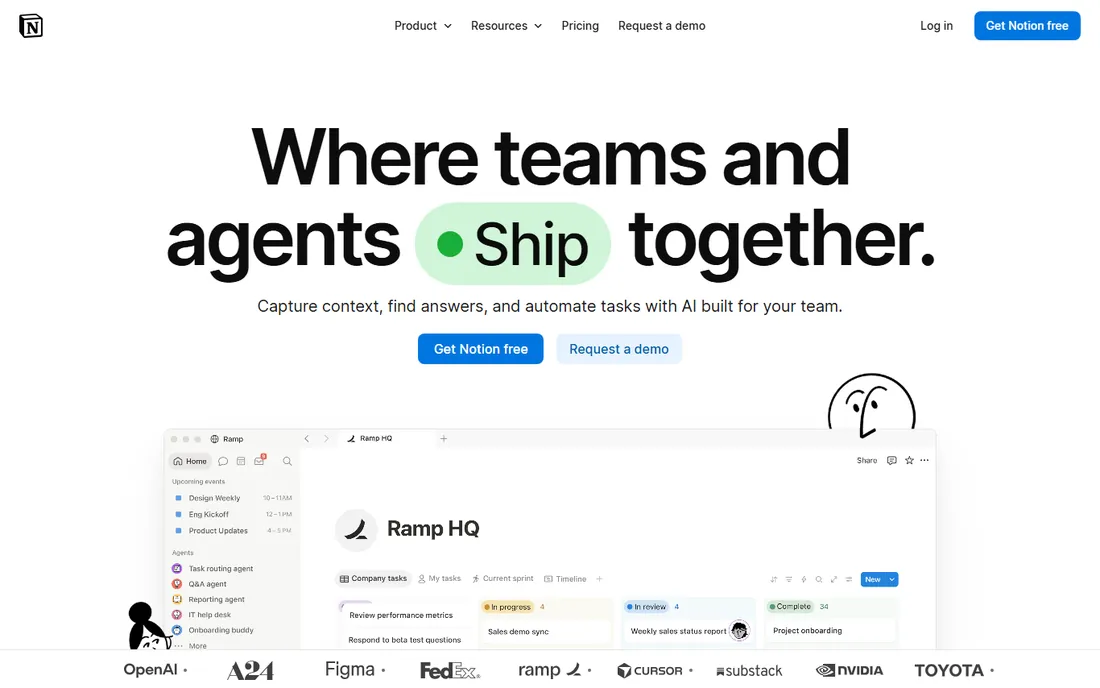
Notion is where startups put everything: the handbook, meeting notes, roadmaps, content calendars. Docs and databases live together, so a task list can pull from the same data as the project wiki. The free plan covers small teams comfortably.
It needs discipline. Without naming conventions and an owner for the workspace, Notion becomes a junk drawer. Set the structure early and it scales to hundreds of people.
Notion's free plan is generous enough that most startups should start there and upgrade when seats or storage demand it. The real cost is the time spent organizing: assign one owner for the workspace structure before it sprawls.
What we like- Docs, databases and tasks in one workspace
- Generous free plan for small teams
- Huge template gallery
Watch out for- Can get messy without conventions
- Offline support is limited
Starting priceSee website
Free planYes
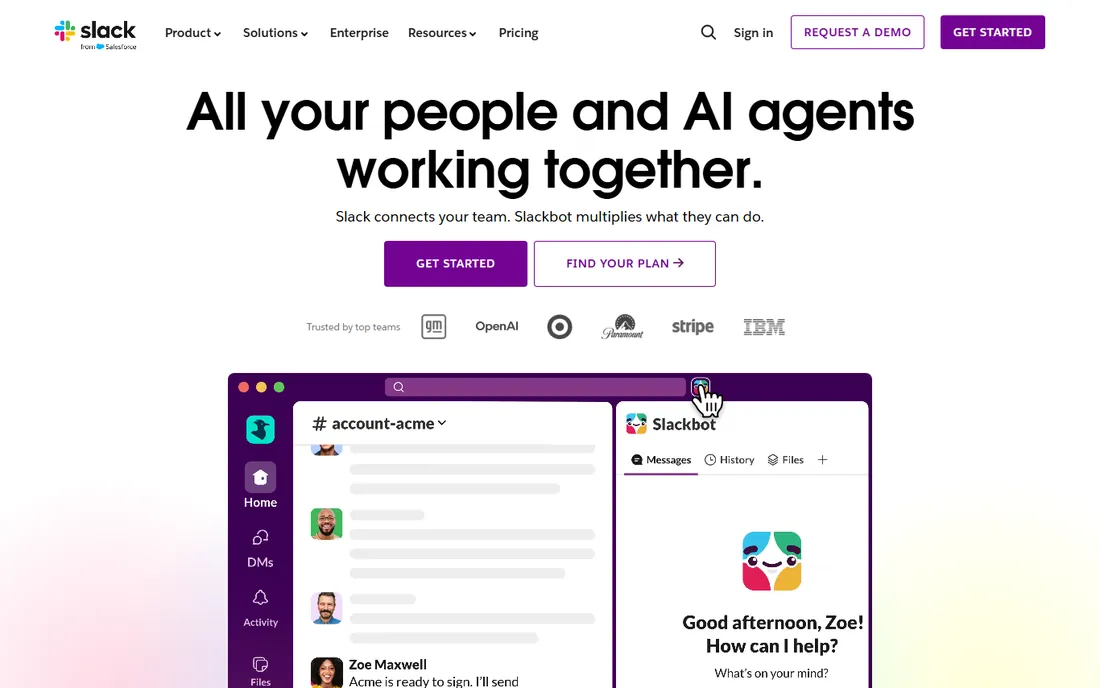
Slack replaced email for internal startup communication years ago and nothing has displaced it. Channels per project, DMs for quick questions, and integrations that pipe alerts from GitHub, Stripe and everything else into the conversation.
The free plan's history limit pushes growing teams to paid plans. Keep channel discipline: archive dead channels, name them well, and write things down in Notion instead of letting decisions live in chat scrollback.
Slack's value compounds with integrations, so connect your essential tools during the trial: deploy alerts, payment notifications, support tickets. A startup whose tools report into Slack catches problems hours earlier.
What we like- Channels organize conversation by topic
- Massive integration library
- Free plan works for tiny teams
Watch out for- Message history limits on the free plan
- Notification overload without channel hygiene
Starting priceSee website
Free planYes
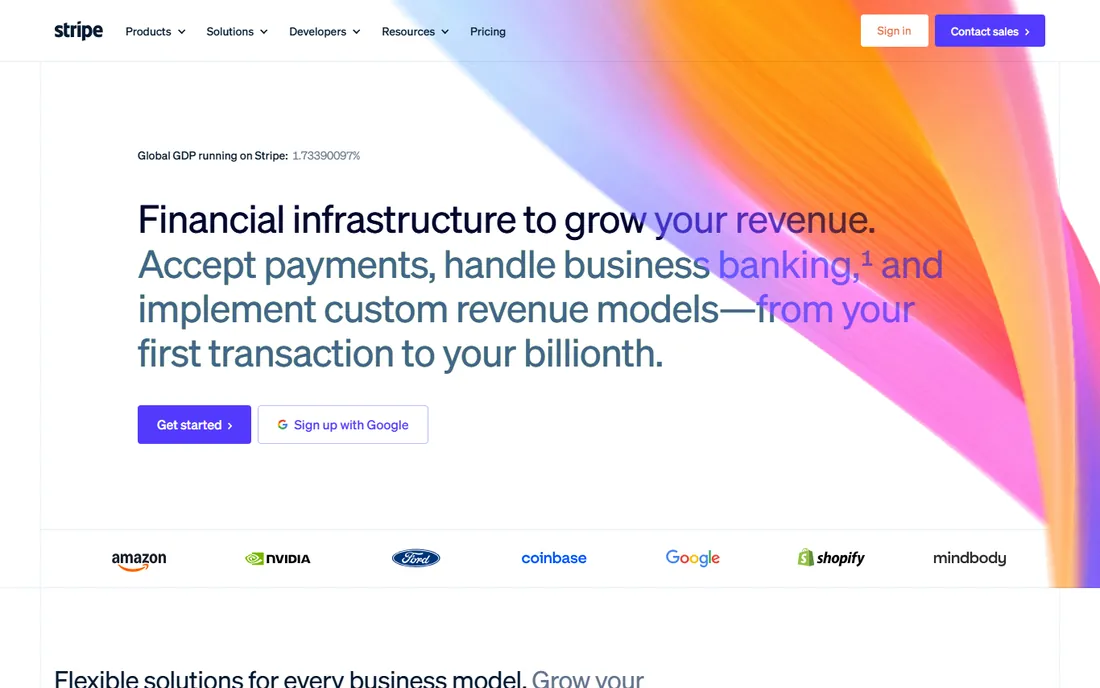
Stripe is the default payments choice for startups because it removes every excuse: integrate in an afternoon, accept cards globally, and add subscriptions with Stripe Billing. The fee is a percentage plus fixed, with no monthly minimums, which suits early revenue.
At scale the fees become negotiable and worth negotiating. Keep good records and responsive customer support: Stripe's fraud systems can hold funds, and startups with thin cash buffers feel it.
Stripe's per-transaction pricing means the cost scales exactly with revenue, which is ideal early on. Revisit the fee structure once volume grows; negotiated rates at scale meaningfully change unit economics.
What we like- Fastest path to accepting payments online
- Billing handles subscriptions
- Trusted by startups and enterprises alike
Watch out for- Fees add up at scale
- Account holds can freeze cash flow
Starting priceSee website
Free planNo
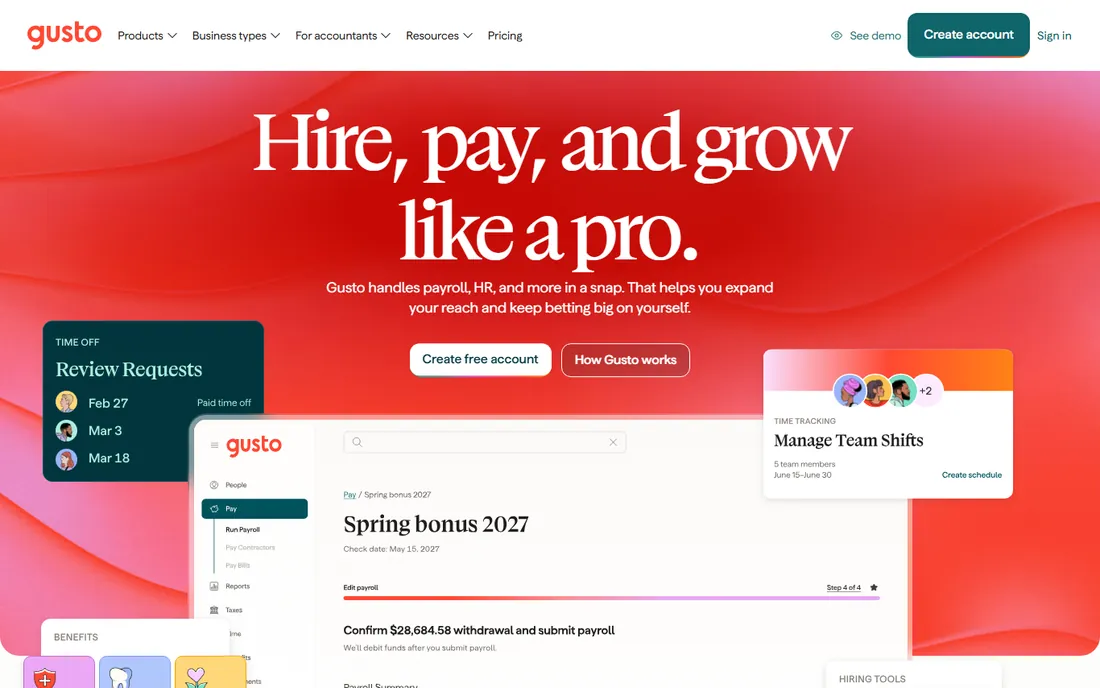
Gusto lets a founder run payroll without becoming a payroll expert: salaries, contractor payments, benefits enrollment and tax filings handled in one dashboard. Multi-state compliance, the thing that terrifies first-time employers, is built in.
It is US-centric, so international teams need other solutions. The per-employee pricing is fair but noticeable as headcount grows. For a US startup's first fifty hires, it is the easy choice.
Gusto's per-employee pricing deserves a headcount projection: model the cost at 10, 25 and 50 employees before committing. The compliance value is highest for first-time employers in multiple states.
What we like- Payroll, benefits and compliance in one place
- Handles multi-state tax filings
- Simple enough for founders
Watch out for- US-focused
- Pricing per employee adds up as you grow
Starting priceSee website
Free planYes
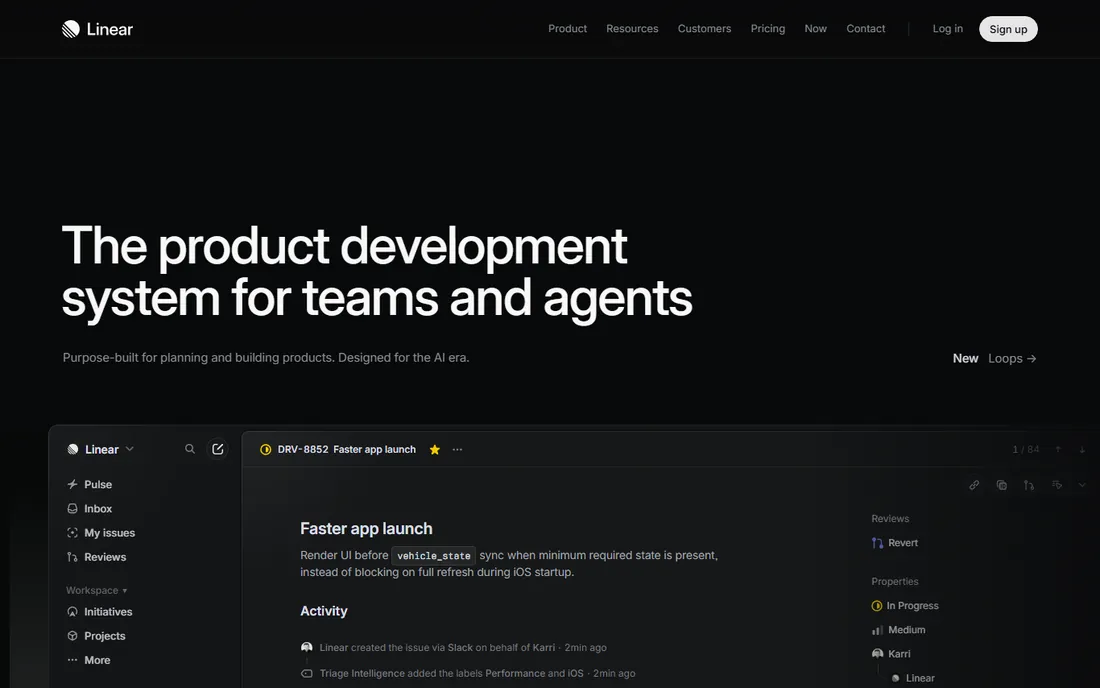
Linear is what startups use when Jira feels like too much process. Issues, cycles, roadmaps and integrations in an interface built for speed. Engineers adopt it willingly, which is the whole battle with project tools.
The free plan covers small teams. It is opinionated by design: if your workflow matches Linear's model, it is delightful; if you need heavy customization, look elsewhere.
Linear's free tier covers small teams fully, so there is little reason not to start there. The opinionated workflow either fits your team immediately or it does not; you will know within two sprints.
What we like- Fast, opinionated issue tracking engineers actually enjoy
- Cycles and roadmaps built in
- Generous free tier
Watch out for- Opinionated means less customizable
- Non-engineering teams may prefer other tools
Starting priceSee website
Free planYes
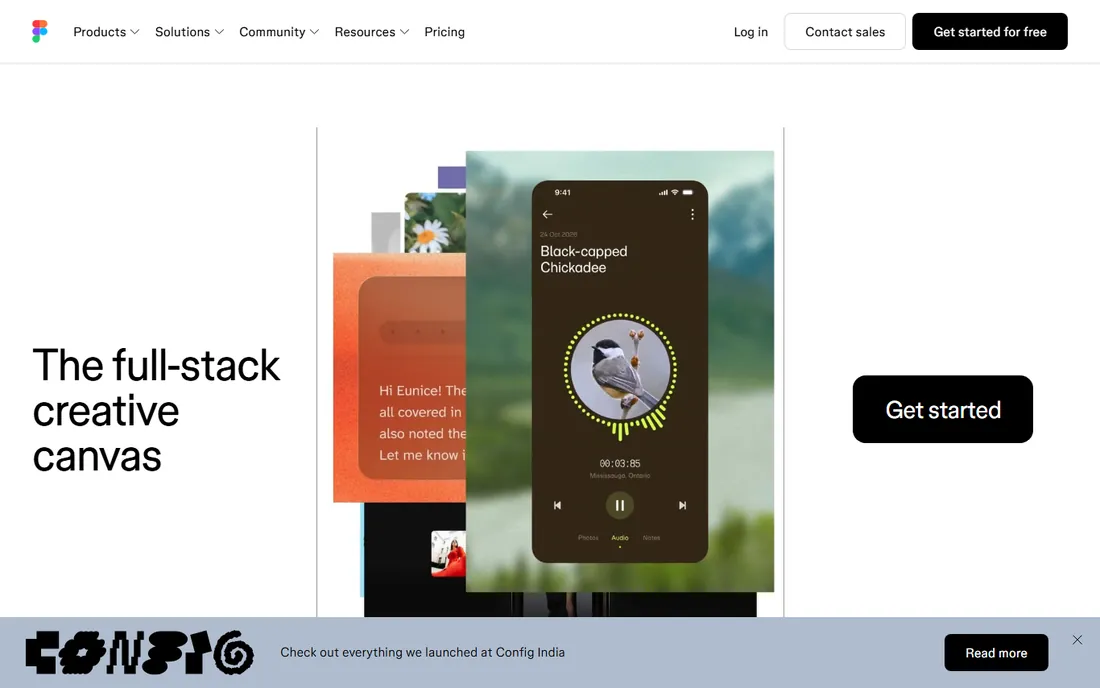
Figma ended the era of design files emailed as attachments. Designers, product managers and engineers collaborate in the same browser-based files, with comments, dev handoff and version history built in. The free plan covers small teams and side projects.
For startups, the collaboration is the value: feedback happens in the file, not in meetings. Per-seat pricing adds up as the team grows, but by then the workflow is embedded.
Figma's collaboration features justify the seats beyond designers: bring PMs and engineers into the files during the trial and watch feedback cycles shorten. The per-seat cost stings less when the whole team uses it.
What we like- Collaborative design in the browser
- Designers, PMs and engineers work in one file
- Free starter plan
Watch out for- Advanced prototyping has limits
- Can get expensive per-seat at scale
Starting priceSee website
Free planYes
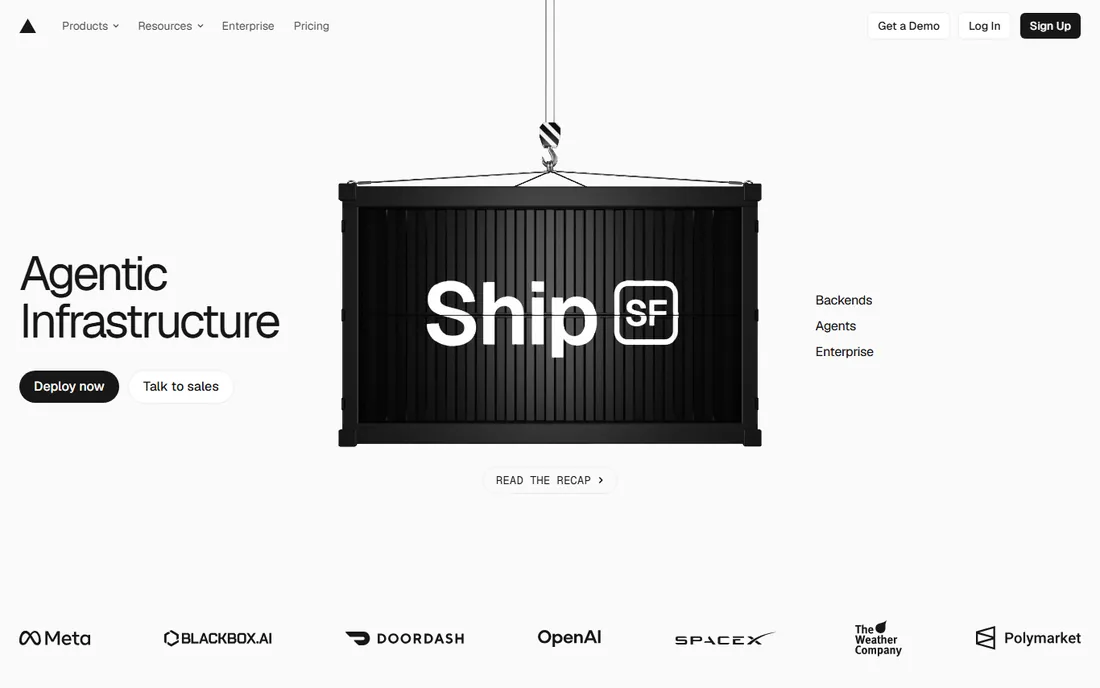
Vercel is how startups ship web apps: connect the repo, push, and get a deployed preview URL for every commit. The edge network handles global performance without DevOps work. The free hobby tier is genuinely generous.
Usage-based pricing means a viral launch shows up on the bill. Teams with complex infrastructure eventually move parts to AWS. For getting from zero to production fast, nothing beats it.
Vercel's hobby tier is genuinely free for side projects, making it the default for prototypes. Monitor usage as you scale; the bill for a viral launch arrives fast, so set up spend alerts early.
What we like- Push to deploy with preview URLs
- Global edge network
- Generous hobby tier for side projects
Watch out for- Costs scale with usage
- Deeper AWS needs outgrow it
Starting priceSee website
Free planYes
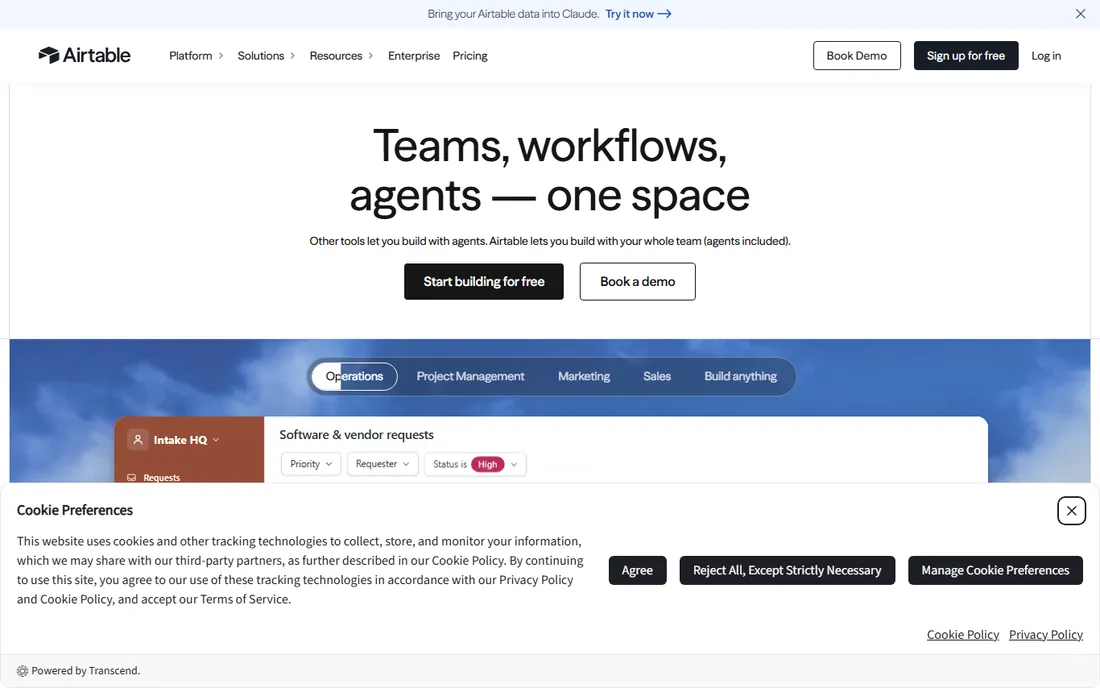
Airtable is the startup duct tape: content calendars, applicant tracking, lightweight CRMs, inventory, all in one flexible tool. The free plan covers real usage, and interfaces turn bases into simple apps for the team.
It is not a substitute for a real database or a real CRM at scale. But in the first years, when processes change monthly, Airtable's flexibility beats purpose-built tools that lock you into workflows you will outgrow.
Airtable's free plan covers real workflows, but watch the per-seat pricing as the team grows. Standardize your bases early: the tool's flexibility becomes a liability when every team invents its own schema.
What we like- Spreadsheet ease with database power
- Interfaces and automations built in
- Templates for every startup process
Watch out for- Gets expensive per seat
- Not a real database at scale
Starting priceSee website
Free planYes

HubSpot's free CRM is the rare enterprise tool with a free tier that startups can actually run on: contact management, deal pipelines, email tracking and meeting scheduling at no cost. When you are ready, the paid hubs add marketing automation and service tools.
The classic trap is growing into the paid tiers without negotiating. But as a starting point, a real CRM for free beats a spreadsheet from the day you have a pipeline worth tracking.
HubSpot's free CRM has no reason not to be adopted from the first pipeline: the cost is zero and the data compounds. The trap is the paid hubs; negotiate hard and buy only the hub you will actually use.
What we like- Genuinely free CRM with contacts, pipelines and email
- Marketing and service hubs grow with you
- Huge ecosystem
Watch out for- Paid hubs get expensive
- Free tier has HubSpot branding on some features
Build the stack in order
Start with communication and knowledge: Slack and Notion, both free. Add money movement when revenue starts: Stripe for payments, Gusto when you hire. Build product on Linear, Figma and Vercel. Track everything else in Airtable until a process is stable enough to deserve its own tool. Add HubSpot when you have a sales motion.
Resist buying the full stack on day one. Every tool adds administration overhead, and early teams should spend that energy on product and customers.
What to check before you buy
Free tier limits decide the first year: message history, seats, records, usage. Read them before you build processes on a tool. Then check the paid jump: what the first paid tier costs and what it opens up, because you will hit it sooner than you think.
Confirm data export and portability for every tool you adopt. Startups pivot, and the CRM or database you outgrow should not hold your data hostage. And standardize on as few tools as possible: ten subscriptions at $20 a seat is $200 a month per employee before you notice.
How we chose
We picked the operational core that most startups need regardless of industry: communication, knowledge, payments, payroll, product development and early sales. All nine are live products with free or low-cost entry points in 2026. Vendor URLs were corroborated through sibling research files during a browser service outage. No vendor pricing pages were individually verified, so all prices list see website.
Frequently asked questions
What SaaS tools does every startup need?
At minimum: team communication (Slack), documentation (Notion), payments (Stripe), and product tooling (Linear, Figma, Vercel). Add payroll (Gusto) when hiring and a CRM (HubSpot) when selling.
What is the best free tech stack for a startup?
Notion, Slack, Linear, Figma, Vercel, Airtable and HubSpot all offer free tiers that cover small teams. Stripe takes a cut of revenue but has no upfront cost.
Should startups use HubSpot or a simpler CRM?
Start with HubSpot's free CRM. It is a real CRM at no cost, and it grows with you. Move to something else only if your sales process genuinely does not fit it.
How much should a startup spend on SaaS?
As little as possible early on: lean on free tiers and add paid tools when a process is proven. Audit subscriptions quarterly; unused seats are the classic startup money leak.
Is Notion or Confluence better for startups?
Notion, for most startups: faster to start, flexible databases, and a generous free plan. Confluence suits larger organizations already on Atlassian.
When should a startup switch from Airtable to a real database?
When a process stabilizes and scales: thousands of records, multiple editors, or reliability requirements. Until then, Airtable's flexibility is worth more than a database's rigor.
Sources we checked (9)
- https://www.notion.so
- https://slack.com
- https://stripe.com/
- https://gusto.com
- https://linear.app
- https://figma.com
- https://vercel.com
- https://airtable.com/
- https://hubspot.com
Is your product missing or out of date?
We review this list regularly. Vendors can request a listing, send updated pricing or ask about featured placement.

Shihab Mia · Founder, Rankite
Shihab has spent more than a decade helping SaaS and e-commerce brands grow through search. He writes Rankite's software buying guides from pricing pages, documentation and public user reviews. More about Shihab.