How we make this list: we compare pricing pages, product documentation and public user reviews. Ratings come from G2, Capterra or Trustpilot, with the date we checked them.
Key takeaways
- Most small teams overpay by buying before they map their workflow: ClickUp ($7/user/month) and Zoho Projects ($4/user/month) cover the most for the least if you can live with less polish.
- Jira ($7.91/user/month Standard) is still the default for software teams running sprints, while marketing and ops teams adopt Asana ($10.99/user/month Starter) or monday.com ($9/seat/month Basic) faster.
- The honest price is rarely the advertised one: monday.com enforces a 3-seat minimum, Asana sells seats in blocks, and Asana's portfolio views need the $24.99 Advanced tier.
- Every tool here offers a free plan or trial, so run a real project in two of them for two weeks before committing.
Quick comparison
| Tool | Best for | Starting price | Free plan |
|---|
 ClickUp ClickUp | Teams that want one workspace to replace several subscriptions | $7/user/month billed annually (Unlimited plan) | Yes (Free Forever, unlimited tasks and members) |
 monday.com monday.com | Cross-functional and client-facing teams that want visual workflows | $9/seat/month billed annually (Basic plan) | Yes (up to 2 seats, 3 boards) |
 Asana Asana | Marketing, operations and cross-functional teams that need structured work management | $10.99/user/month billed annually (Starter plan) | Yes (Personal, capped at 2 users) |
 Wrike Wrike | Mid-size and enterprise teams running complex, multi-department projects | $10/user/month billed annually (Team plan, 2-15 users) | Yes |
 Smartsheet Smartsheet | PMOs, operations and construction or IT teams that already think in spreadsheets | $9/member/month billed annually (Pro plan, 1-10 members) | 30-day trial (no permanent free plan) |
 Jira Jira | Software, IT and product teams that live in sprints | $7.91/user/month (Standard plan) | Yes (up to 10 users, 2GB storage) |
 Notion Notion | Docs-driven teams and startups that want tasks alongside documentation | $10/member/month billed annually (Plus plan) | Yes (unlimited pages and blocks for one person) |
 Linear Linear | Startup and product-led software teams that want speed over configurability | $10/user/month billed annually (Basic plan) | Yes (unlimited members, 2 teams, 250 issues) |
 Zoho Projects Zoho Projects | Budget-conscious small and mid-size teams, especially those already using Zoho apps | $4/user/month billed annually (Premium plan) | Yes (up to 3 users, 2 projects) |
Is your product missing or out of date?
We review this list regularly. Vendors can request a listing, send updated pricing or ask about featured placement.
The best SaaS project management software
A team of six evaluating project tools in 2026 faces a wall of identical promises: boards, timelines, automation, AI. The products on this list separate quickly once you know what you actually need. Some are built for engineers tracking sprints. Some are built for marketers tracking campaigns. And the pricing gap between the $4 tier and the $25 tier usually reflects who does the configuration work: you, or the software.
These nine SaaS project management tools cover the realistic shortlist. Prices below come from the vendors' own pricing pages, checked in October 2026. Where a figure could not be verified on the vendor's page, the price column says so.
#1
ClickUp
Best for: Teams that want one workspace to replace several subscriptions
Visit clickup.com
Starting price$7/user/month billed annually (Unlimited plan)
Free planYes (Free Forever, unlimited tasks and members)
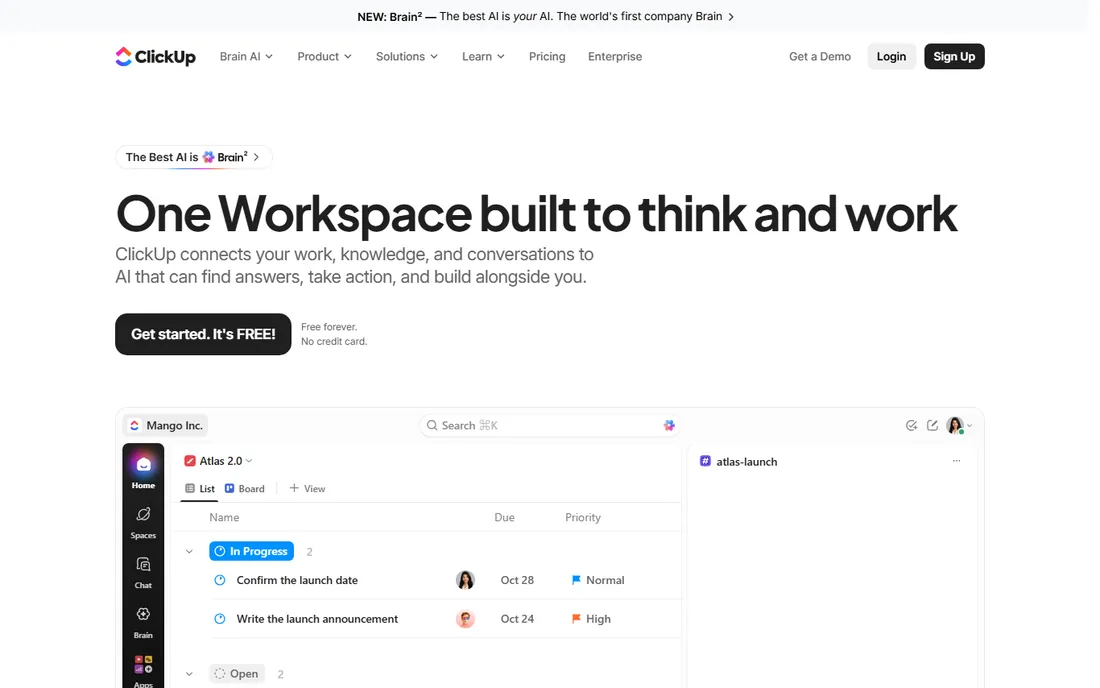
ClickUp is the value play for teams willing to configure. At $7 per user per month, Unlimited includes Gantt charts, custom fields, native time tracking and guests, a package that costs more elsewhere. The free tier is genuinely usable: unlimited tasks and members with 60MB of storage, which is enough for a small team to run indefinitely.
The trade is complexity. There are so many views, statuses and automation options that new teams stall, and the first weeks need someone to set up Spaces and workflows deliberately. ClickUp Brain AI starts around $9 per user per month on top of the seat price. If your team will invest that setup time, few tools deliver this much per dollar.
What we like- Free plan with unlimited tasks and members, unusual at $0
- Tasks, docs, chat, whiteboards, goals, native time tracking and dashboards in one product
- 1,000+ integrations on paid plans
Watch out for- Feature sprawl overwhelms new teams and setup needs real configuration effort
- ClickUp Brain AI is a separate per-seat add-on
#2
monday.com
Best for: Cross-functional and client-facing teams that want visual workflows
Visit monday.com
Starting price$9/seat/month billed annually (Basic plan)
Free planYes (up to 2 seats, 3 boards)
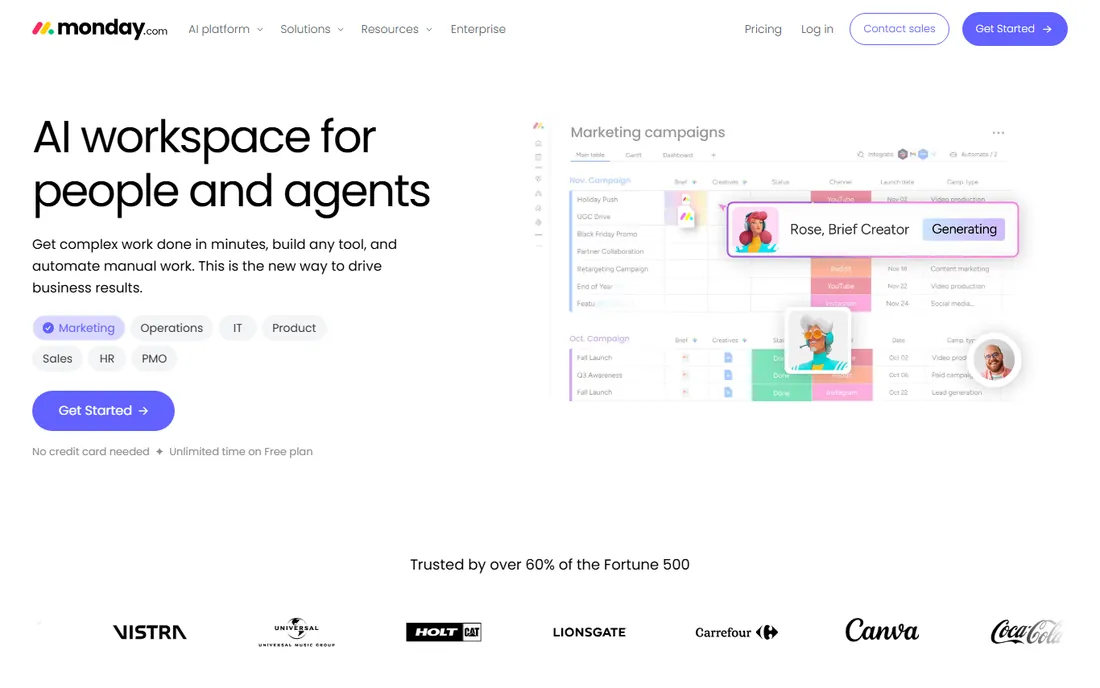
monday.com wins on adoption speed. Boards, dashboards and docs click for marketing, ops and agency teams within days, and the free viewer model makes client visibility cheap. Standard at $12 per seat adds timeline views and more automation capacity.
Watch the pricing mechanics. Paid plans start at three seats, so a two-person team pays triple what Basic advertises. Standard caps automations at 250 actions per month, which busy teams burn through, and Pro at $19 is where the serious automation and AI features live. Budget on Pro if your team automates heavily.
What we like- Colorful boards that non-technical teams adopt fast
- Approachable no-code automation builder and 200+ templates
- Unlimited free read-only viewers on paid plans
Watch out for- 3-seat minimum on paid plans, so pairs pay for an empty seat
- The sticker price rarely matches the invoice once seat bundles and automation limits push you up tiers
#3
Asana
Best for: Marketing, operations and cross-functional teams that need structured work management
Visit asana.com
Starting price$10.99/user/month billed annually (Starter plan)
Free planYes (Personal, capped at 2 users)

Asana's strength is clarity. Timelines, forms intake and dashboards are consistently praised and fast to adopt, and Starter covers most small teams' task, dependency and project-template needs. Guests are free, which agencies like.
The honest catch is tier placement. Most teams that need goals, workload reporting and portfolios end up on Advanced at $24.99 per user per month, roughly $25 a seat. Seats are sold in blocks, which can inflate cost for small teams. If you only need task management with deadlines, Starter is enough; audit which features you actually use before paying for Advanced.
What we like- Clean interface with strong Timeline and Gantt views
- Portfolios, goals and workload views give real cross-project visibility on Advanced
- Unlimited free guests on paid plans
Watch out for- Free plan caps at 2 users, so even a 3-person team pays
- Portfolios and native time tracking only appear on Advanced at $24.99
#4
Wrike
Best for: Mid-size and enterprise teams running complex, multi-department projects
Visit wrike.com
Starting price$10/user/month billed annually (Team plan, 2-15 users)
Free planYes
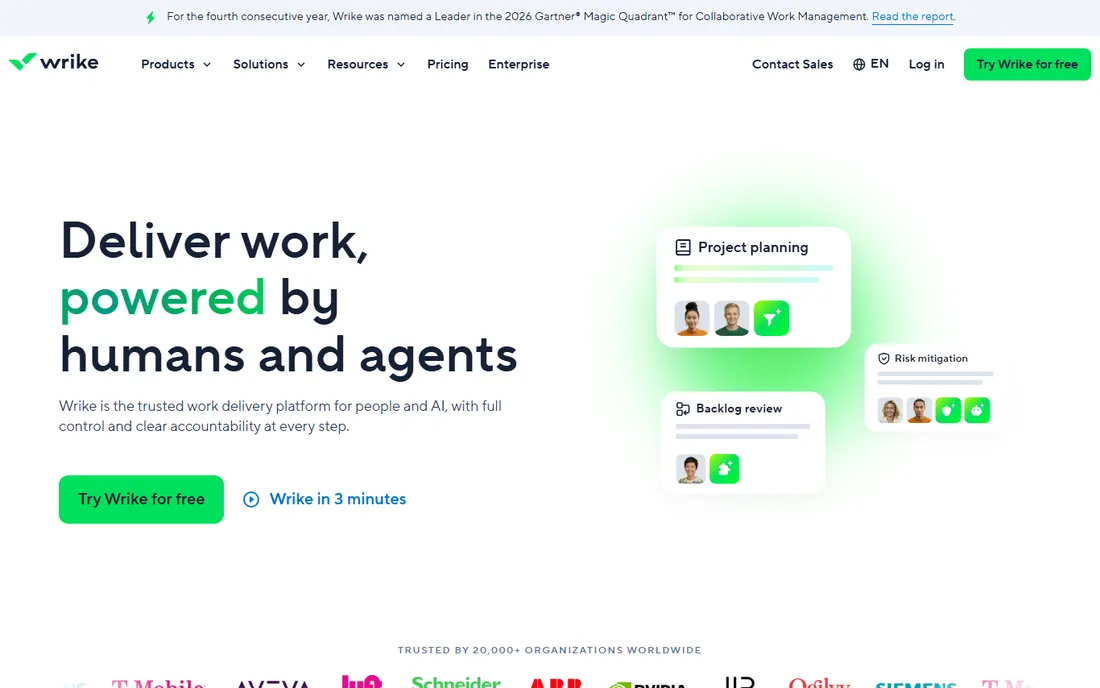
Wrike fits organizations where resource planning matters more than a pretty board. Team at $10 covers task management, Gantt and dashboards for small groups, but the product's real power (resource management, custom workflows, advanced reporting) concentrates in Business at $25 per user per month.
The platform rewards a dedicated admin, so budget that role mentally. Proofing and approval workflows make it a natural fit for creative and marketing teams handling review cycles. Smaller teams that want simplicity will find monday.com or Asana easier to start.
What we like- Strong Gantt charts, workload charts and resource and capacity planning
- Customizable workflows, request forms and approvals
- Built-in proofing tools serve marketing and creative teams
Watch out for- Needs real administration effort and the jump to Business at $25 is steep
- Less intuitive for beginners than monday.com or Asana
#5
Smartsheet
Best for: PMOs, operations and construction or IT teams that already think in spreadsheets
Visit smartsheet.com
Starting price$9/member/month billed annually (Pro plan, 1-10 members)
Free plan30-day trial (no permanent free plan)
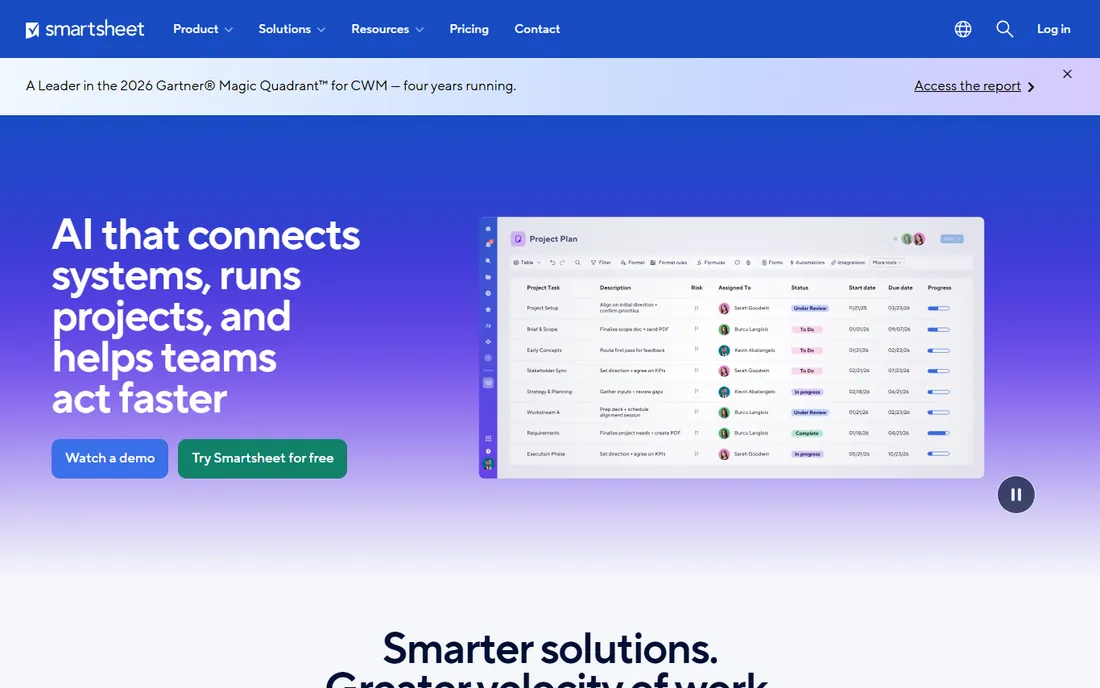
Smartsheet is the structured planner's tool. If your team already plans in spreadsheets, the learning curve is nearly flat, and sheets, reports and portfolios handle programs that sprawl in simpler tools. Pro at $9 covers core work for teams up to 10 members; Business at $19 adds the reporting depth larger teams need.
Watch add-on creep: Resource Management and Dynamic View cost extra on top of the seat price. The 30-day trial requires no credit card, which makes evaluation painless. For PMOs running portfolio-level work, the reporting is the reason to buy.
What we like- Spreadsheet-style interface shortens adoption for Excel users
- Formulas, Gantt, card and calendar views plus strong reporting and dashboards
- Unlimited free viewers keep stakeholder sharing cheap
Watch out for- UI feels spreadsheet-heavy for visual task management
- Time tracking and resource management need the Business tier or paid add-ons
Starting price$7.91/user/month (Standard plan)
Free planYes (up to 10 users, 2GB storage)
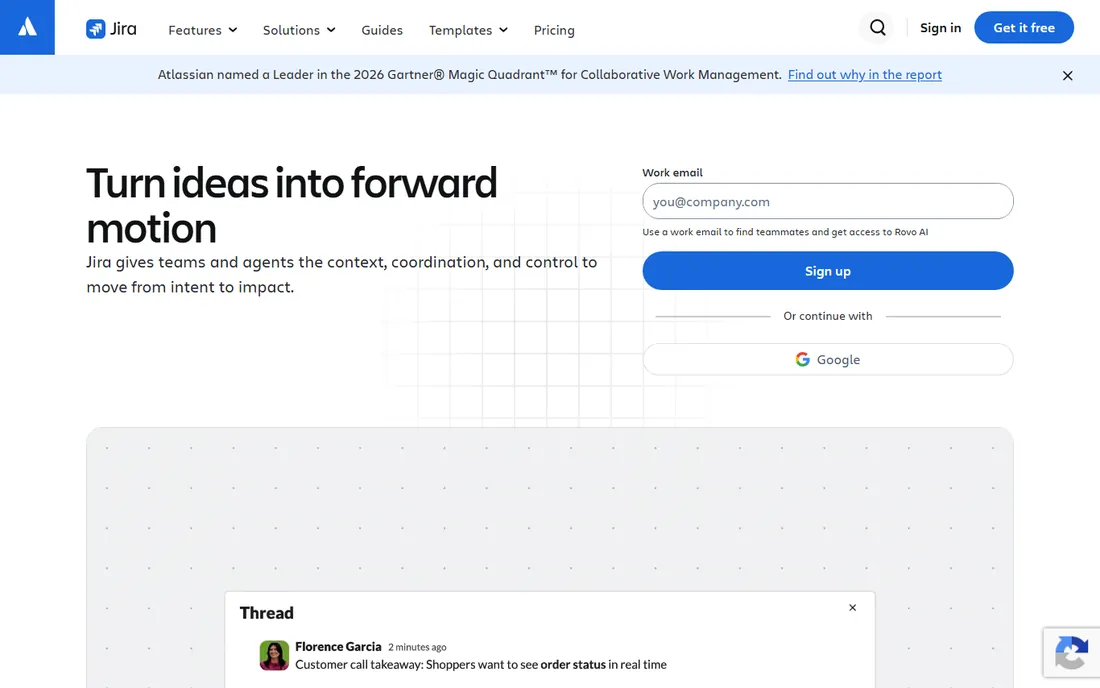
Jira remains the default for engineering-led organizations, and the pricing is friendlier than its reputation: Standard at $7.91 per user per month, with a free tier covering 10 users. Estimation, velocity reporting and release management work out of the box, and the native Confluence and Bitbucket integration is the draw.
The caveat is cross-project planning. Portfolio-level visibility (Plans) sits behind Premium at $14.54, roughly doubling the per-seat cost, and complex setups demand an admin. Non-technical teams doing simple task tracking should look at Asana or monday.com instead of fighting Jira's complexity.
What we like- Best-in-class agile tooling with Scrum and Kanban boards, backlogs, sprints and advanced roadmaps
- Deeply customizable workflows, issue types and automation rules
- Huge ecosystem with Confluence, Bitbucket and 1,000+ marketplace apps
Watch out for- Configuration and admin overhead is real and small teams often need a dedicated Jira admin
- Overkill for non-technical teams doing simple task tracking
#7
Notion
Best for: Docs-driven teams and startups that want tasks alongside documentation
Visit notion.so
Starting price$10/member/month billed annually (Plus plan)
Free planYes (unlimited pages and blocks for one person)
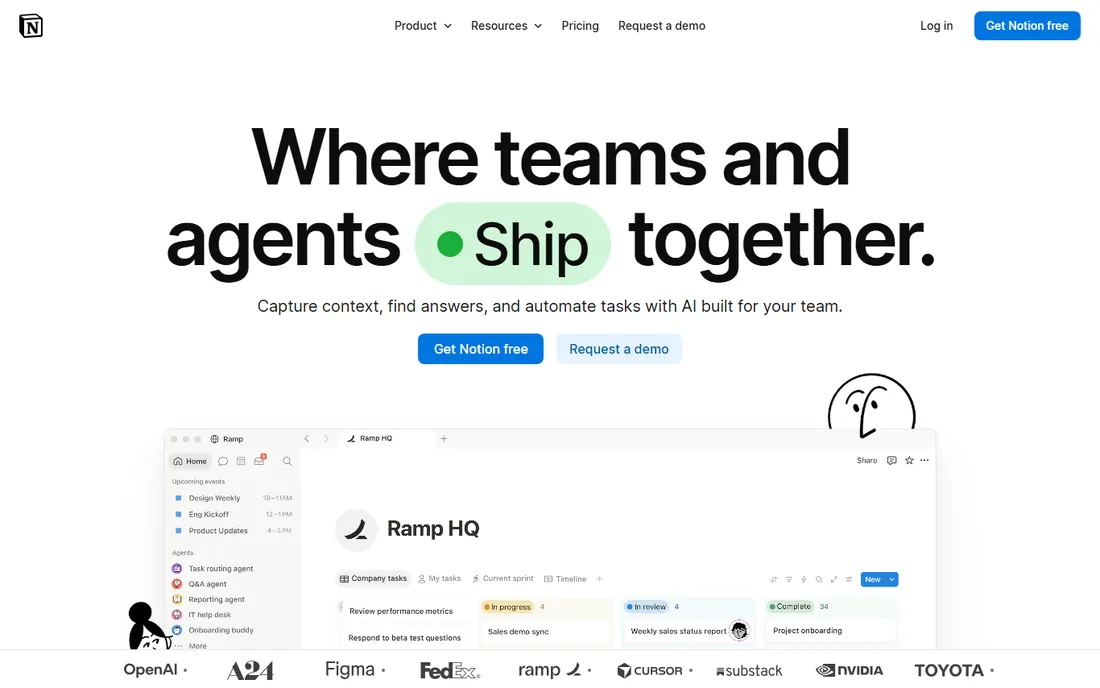
Notion is the workspace teams already have. Databases, templates and synced pages adapt to almost any workflow, and the free tier's unlimited blocks make it the easiest evaluation on this list. Business at $20 per member per month includes the full AI feature set without a separate charge.
The discipline warning is real. Without conventions and ownership, a Notion workspace becomes a mess within months, and teams needing real PM controls (Gantt, workload, native time tracking) outgrow it. It is best as the docs and light-project layer, not the system of record for complex programs.
What we like- Docs, wikis, databases and lightweight tasks in one flexible workspace
- Generous free plan for individuals
- Full Notion AI bundled into Business rather than a separate add-on
Watch out for- Not a full project management tool (no native time tracking, weaker structured PM features)
- Workspaces sprawl without deliberate structure and ownership
#8
Linear
Best for: Startup and product-led software teams that want speed over configurability
Visit linear.app
Starting price$10/user/month billed annually (Basic plan)
Free planYes (unlimited members, 2 teams, 250 issues)
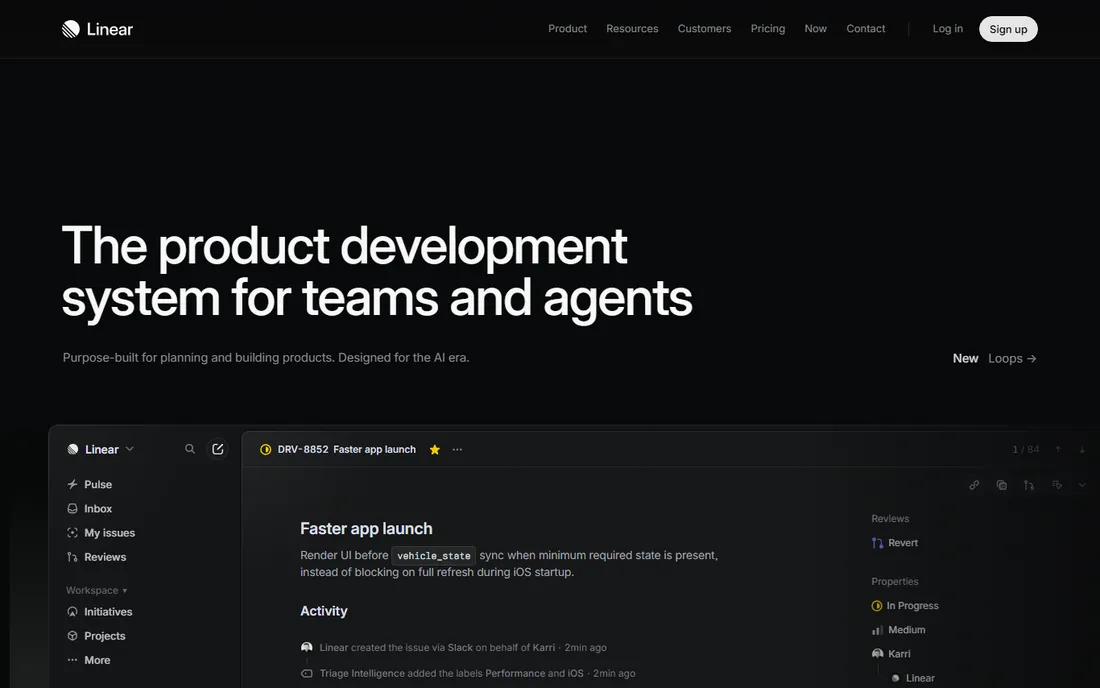
Linear is the developer favorite that earns it on speed. The interface is keyboard-first and noticeably fast, and GitHub and GitLab integrations auto-link pull requests to issues. Cycles run sprints with a fraction of Jira's admin overhead, and the free tier with unlimited members is generous.
The scope warning matters. Marketing or ops teams usually need a second tool, and enterprises with complex workflows will miss Jira's configurability. Business at $16 per user per month adds Zendesk and Intercom integrations. For a product-led startup, Linear is the fastest path to a working sprint system.
What we like- Exceptionally fast, keyboard-first interface developers genuinely enjoy
- Opinionated defaults (cycles, triage, GitHub sync) cut setup time versus Jira
- Transparent per-seat pricing
Watch out for- Built for software teams, so a weaker fit for marketing, ops or other non-technical departments
- Less customizable than Jira for complex enterprise workflows
#9
Zoho Projects
Best for: Budget-conscious small and mid-size teams, especially those already using Zoho apps
Visit zoho.com
Starting price$4/user/month billed annually (Premium plan)
Free planYes (up to 3 users, 2 projects)
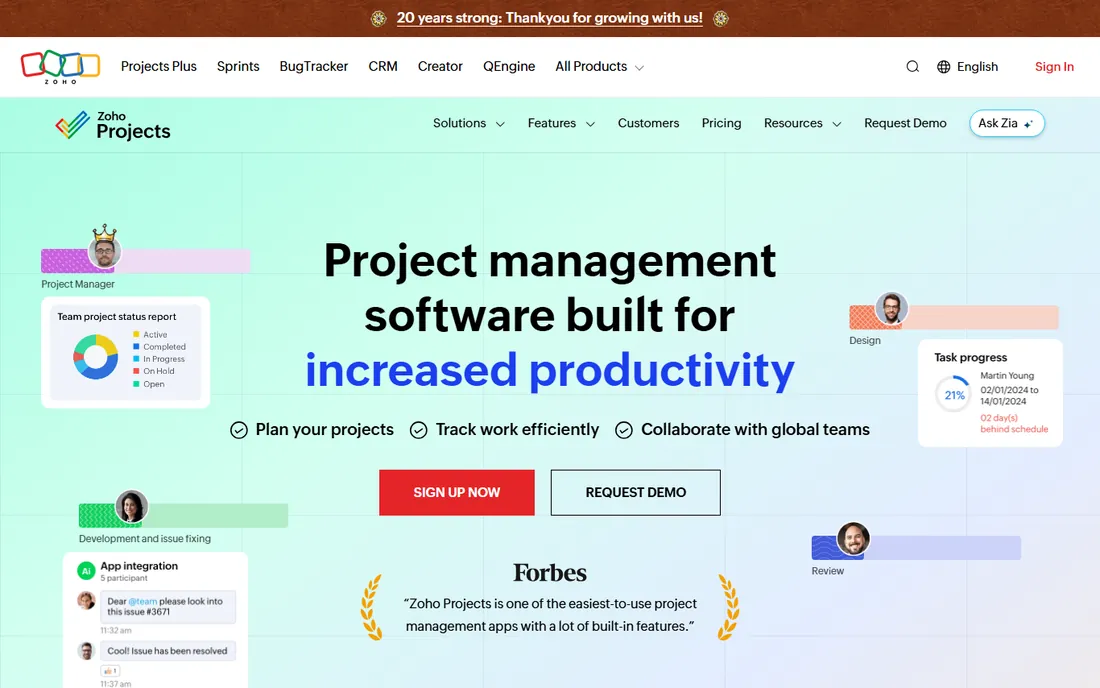
Zoho Projects is the price-to-feature champion on this list. At $4 per user per month, Premium includes time tracking, resource utilization charts and workflow blueprints that cost two to five times more elsewhere. Teams already on Zoho get the compounding benefit of native integrations.
As a standalone among non-Zoho tools it is competent but unremarkable, and the interface shows its age next to the leaders. Enterprise at $9 adds custom functions and more automation. If your stack is already Zoho, this is the obvious pick; if it is not, the $4 price is still hard to beat for basic PM depth.
What we like- $4 per seat with real PM depth: Gantt, time tracking, blueprints, issue tracking
- Deep native integration across Zoho CRM, Books, Desk and People
- Subtasks, dependencies and project templates
Watch out for- UI and polish lag behind monday.com, Asana and ClickUp
- Best value sits inside the Zoho ecosystem, and the third-party marketplace is smaller
Free vs. paid: when to start paying
Every tool here offers a free plan or trial, and the free tiers are better than they used to be. Jira's free tier covers 10 users. ClickUp's free tier covers unlimited tasks and members. Linear's free tier covers unlimited members with 250 issues. A team under 10 can run for months on free plans without hitting a wall.
The upgrade triggers are consistent across vendors: you need Gantt or timeline views, you need guest or viewer access beyond the free cap, you need automations past the monthly allowance, or you need admin controls like SSO and audit logs. Smartsheet is the exception with no permanent free plan, just a 30-day trial.
The practical move is to pick two finalists, run a real project in both for two weeks, and watch which one your team opens without being asked. Adoption beats feature checklists every time.
Agile vs. general work management: picking the right camp
These tools split into two camps. Jira, Linear and to a degree Wrike are built for teams that plan in sprints and think in backlogs. ClickUp, monday.com, Asana, Smartsheet, Notion and Zoho Projects are general work management tools that handle campaigns, launches, operations and projects with equal ease.
The wrong camp costs you months. A marketing team forced into Jira spends its energy configuring issue types instead of shipping campaigns. A software team forced into a general tool ends up hacking sprints out of custom fields. If your team runs on story points and velocity, start with Jira or Linear. If your team runs on deadlines and dependencies, start with Asana, monday.com or ClickUp. Teams doing both should look at ClickUp or Wrike, which straddle the line.
How we chose
We started with the categories buyers search: project management software, SaaS project management software and agile project management tools. For each candidate we opened the vendor's own pricing page, checked plans against public reviews on G2 and Capterra, and compared feature depth, team-size fit and integration ecosystems. Where a price could not be verified on the vendor's own page we noted it rather than guessing.
Frequently asked questions
What is the cheapest project management software for a small team?
Zoho Projects Premium at $4 per user per month is the cheapest paid plan on this list with real PM depth, and ClickUp's $7 Unlimited tier is the best value per dollar. Free tiers from Jira, ClickUp and Linear cover small teams indefinitely if you can live within their limits.
Is Asana or monday.com better for a non-technical team?
Both work well. monday.com's colorful boards and templates get non-technical teams productive fastest, while Asana's cleaner structure suits teams that want timelines and dependencies. monday.com enforces a 3-seat minimum on paid plans; Asana's free plan caps at 2 users.
Do I need Jira if my team is not doing software development?
No. Jira's agile depth is wasted on teams doing simple task tracking, and its admin overhead is real. Asana, monday.com or ClickUp will serve a non-technical team better. Jira makes sense when your team runs sprints, estimates in story points and needs release management.
What is the difference between ClickUp and Notion?
ClickUp is a project management platform with tasks, Gantt, time tracking and automations at its core, plus docs on the side. Notion is a docs and knowledge platform with databases and lightweight tasks added on. Teams that manage real projects usually need ClickUp's PM controls; teams that document knowledge usually need Notion's flexibility.
How much does project management software cost per user?
On this list, from $4 per user per month (Zoho Projects Premium, annual) to $24.99 (Asana Advanced, annual). Most small teams land between $7 and $13 per seat: ClickUp Unlimited ($7), Jira Standard ($7.91), Smartsheet Pro ($9), monday.com Basic ($9), Linear Basic ($10), Asana Starter ($10.99).
Can I migrate from one tool to another later?
Yes, and most vendors offer importers for common rivals. The real migration cost is workflow redesign, not data transfer: statuses, automations and dashboards rarely map one to one. Pick carefully now, because switching costs grow with every custom workflow you build.
Sources we checked (11)
- https://clickup.com/pricing
- https://monday.com/pricing
- https://asana.com/pricing
- https://www.wrike.com/pricing/
- https://www.smartsheet.com/pricing
- https://www.atlassian.com/software/jira/pricing
- https://notion.so/pricing
- https://linear.app/pricing
- https://www.zoho.com/projects/pricing/
- https://www.g2.com/categories/project-management
- https://www.capterra.com/project-management-software/
Is your product missing or out of date?
We review this list regularly. Vendors can request a listing, send updated pricing or ask about featured placement.

Shihab Mia · Founder, Rankite
Shihab has 5+ years in B2B and SaaS SEO. He writes Rankite's software buying guides from pricing pages, documentation and public user reviews. More about Shihab.