How we make this list: we compare pricing pages, product documentation and public user reviews. Ratings come from G2, Capterra or Trustpilot, with the date we checked them.
Key takeaways
- Per location pricing, used by 7shifts and Homebase, usually wins for restaurants with many part time staff, while per user pricing suits small teams.
- Free plans from 7shifts, Homebase, Sling, Connecteam, and ZoomShift cover real scheduling needs, but time tracking and compliance tools often sit on paid tiers.
- POS integration matters more than any other feature: schedules built on real sales data keep labor cost in line with revenue.
- Tip pooling, labor compliance, and overtime alerts are the features that separate restaurant specific tools from general scheduling apps.
- Payroll is usually a separate add on, so add its cost to any quote before you compare monthly prices.
Quick comparison
| Tool | Best for | Starting price | Free plan |
|---|
 7shifts 7shifts | Restaurants that want POS based forecasting | $39.99 per location/month | Yes |
 Homebase Homebase | Single location restaurants on a budget | $30 per location/month | Yes |
 Deputy Deputy | Multi location groups needing compliance controls | $5 per user/month | Free trial |
 When I Work When I Work | Small teams that want simple scheduling | $2.50 per user/month | Free trial |
 Sling Sling | Budget teams that want a generous free plan | $2 per user/month | Yes |
 Connecteam Connecteam | Frontline teams needing scheduling plus operations | $29 per month | Yes |
 ZoomShift ZoomShift | Small teams that want plain, low cost scheduling | $2 per user/month | Yes |
 Planday Planday | Growing teams needing rules and payroll reporting | $2.99 per user/month | Free trial |
Is your product missing or out of date?
We review this list regularly. Vendors can request a listing, send updated pricing or ask about featured placement.
The best restaurant scheduling software
#17shifts
Best for: Restaurants that want POS based forecasting4.5/5 on
G2 (129 reviews, checked Oct 2026)
Visit 7shifts.com
Starting price$39.99 per location/month
Free planYes
7shifts is the only tool on this list built from the ground up for restaurants, and that focus shows in the details. It connects to POS systems such as Toast, Square, and Clover, pulls in sales data, and uses it to forecast demand so managers schedule to expected covers rather than gut feeling. Schedule templates, shift swaps, availability tracking, and team chat are all included, and higher tiers add labor compliance tools, a manager logbook, and AI powered auto scheduling.
The free Comp plan covers one location and up to 30 employees with basic scheduling, a time clock, and team chat, which is generous for a single restaurant. Paid plans start at $39.99 per location per month, and the jump to the tier with full labor compliance and unlimited employees is steep. Payroll is also a separate add on at $39.99 per location plus $6 per employee. If you run one or more restaurants and want scheduling driven by sales data, 7shifts is the benchmark, but price the add ons before you commit.
What we like- Built only for restaurants
- POS integrations pull real sales data into scheduling
- Tip pooling and labor compliance tools included on higher tiers
Watch out for- Payroll is a paid add on
- Time tracking needs a higher tier than basic scheduling
- Price jumps sharply between tiers
#2Homebase
Best for: Single location restaurants on a budget4.6/5 on
G2 (586 reviews, checked Oct 2026)
Visit joinhomebase.com
Starting price$30 per location/month
Free planYes
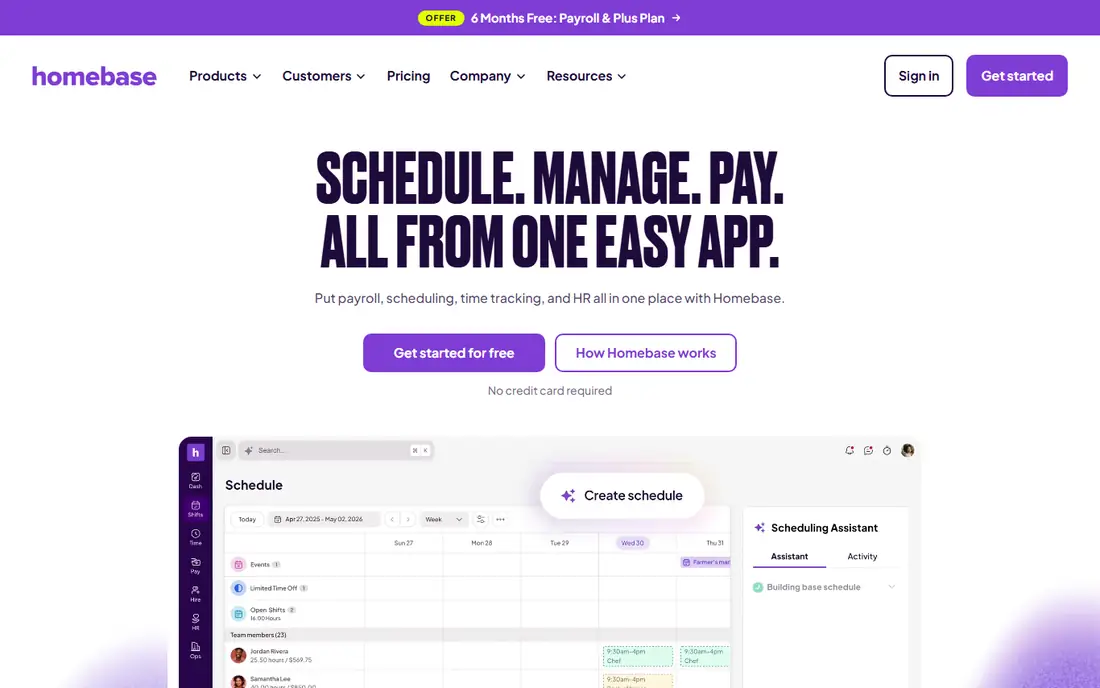
Homebase is the practical choice for a single restaurant that wants scheduling, time tracking, and messaging without a per head bill. The Basic plan is free for one location and up to 10 employees, and paid plans charge per location rather than per user, so adding a server never raises the subscription. Essentials, at $30 per location per month (or $24 billed annually), adds GPS time tracking, late arrival alerts, and stronger scheduling tools, while Plus adds AI assisted scheduling and PTO tracking.
The trade off is depth. Homebase is a general hourly team tool, not a restaurant specialist, so it lacks 7shifts style tip pooling and sales forecasting. Its payroll add on, at $49 per month plus $6 per employee, is convenient but adds up for larger teams. For a cafe, food truck, or single restaurant with a modest crew, Homebase gives you the essentials at the lowest realistic cost, and the flat pricing makes budgeting simple.
What we like- Free plan for one location and up to 10 employees
- Flat per location pricing keeps costs stable as you hire
- Built in payroll add on
Watch out for- Restaurant specific features are thinner than 7shifts
- AI scheduling needs the Plus plan
- Payroll costs extra per employee
#3Deputy
Best for: Multi location groups needing compliance controls4.6/5 on
G2 (666 reviews, checked Oct 2026)
Visit deputy.com
Starting price$5 per user/month
Free planFree trial
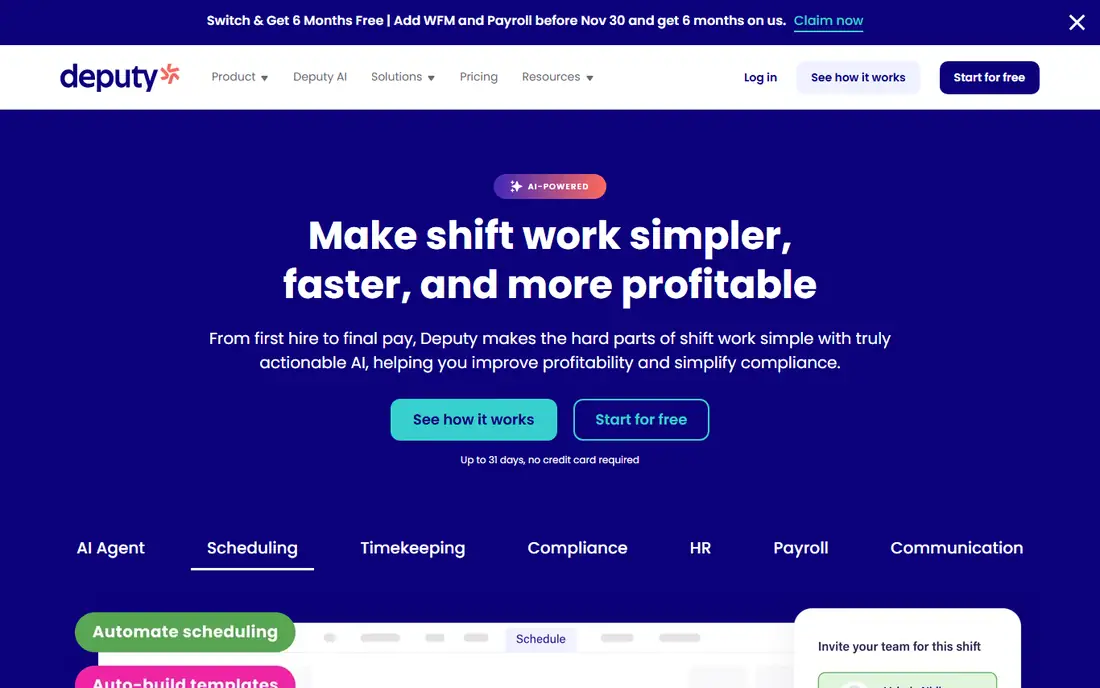
Deputy suits restaurant groups and franchises more than a single cafe. It handles scheduling, time tracking, and compliance across many locations from one account, with rules for breaks, overtime, and local labor laws, plus demand forecasting that builds rosters around expected demand. Managers can share open shifts across nearby locations, which helps a group cover a call out without hiring agency staff.
Pricing starts at $5 per user per month on Lite, with Core at $6.50 and Pro at $9, plus a $30 monthly minimum. There is no free plan, and several useful modules (HR, Messaging+, Analytics+, and payroll) cost extra, so the headline price understates the full bill. Deputy also has a learning curve: setting up compliance rules and forecasting takes more configuration than simpler tools. If you run several sites and compliance mistakes cost real money, that depth is worth it. For one small restaurant, it is more tool than you need.
What we like- Strong compliance tools for breaks, overtime, and Fair Workweek rules
- Demand forecasting and auto scheduling on higher tiers
- Wide payroll and POS integrations
Watch out for- No free plan, only a trial
- Per user pricing adds up for large teams
- HR, messaging, and analytics are paid add ons
#4When I Work
Best for: Small teams that want simple scheduling4.4/5 on
G2 (404 reviews, checked Oct 2026)
Visit wheniwork.com
Starting price$2.50 per user/month
Free planFree trial
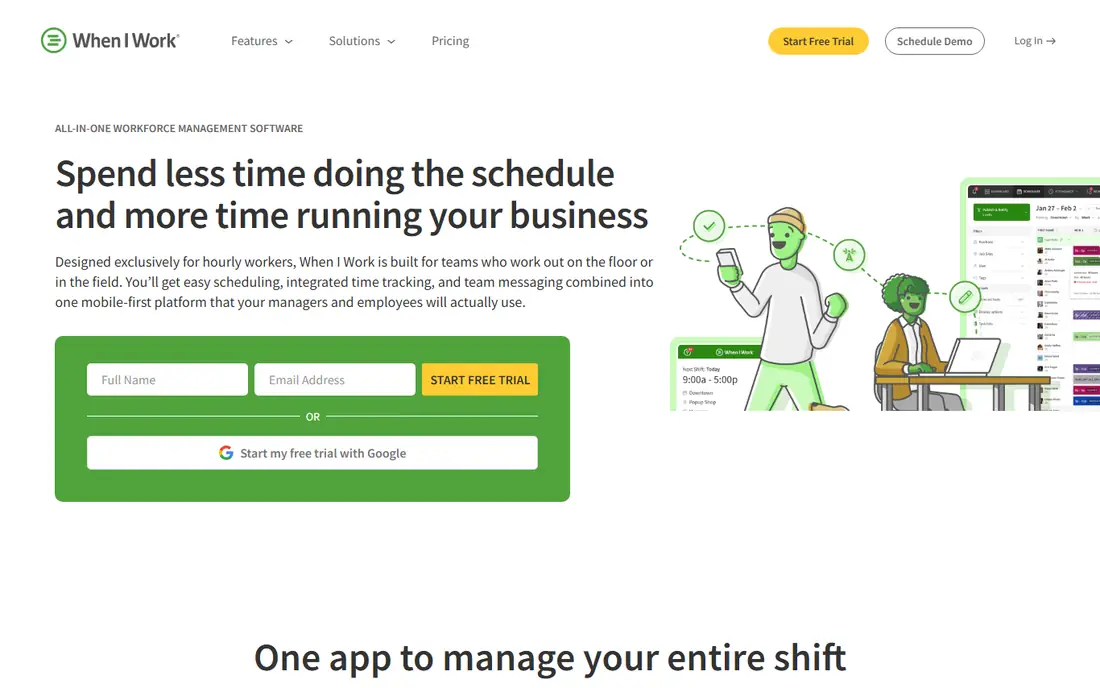
When I Work keeps scheduling deliberately simple. Managers build a schedule in minutes, post open shifts for staff to claim, and approve swaps from a phone, while employees check schedules, clock in with GPS verification, and message the team in the same app. The vendor says most teams get running in minutes rather than weeks, and public reviews consistently praise the interface for being easy to learn.
Plans are straightforward: $2.50 per user per month for a single location or schedule, and $5 per user per month for multiple locations and schedules, with no long term contracts. There is no free plan, only a 14 day trial, and per user pricing means a 40 person team pays noticeably more than on a per location plan. It also lacks biometric clock in, so buddy punching is harder to prevent than on Deputy. For a small restaurant that values speed and simplicity over advanced compliance, When I Work is a strong fit.
What we like- Very easy to set up, often in minutes
- One click auto scheduling and open shifts
- GPS clock ins with geofencing
Watch out for- No free plan, only a 14 day trial
- Per user pricing grows with headcount
- No biometric clock in option
#5Sling
Best for: Budget teams that want a generous free plan4.4/5 on
G2 (88 reviews, checked Oct 2026)
Visit getsling.com
Starting price$2 per user/month
Free planYes
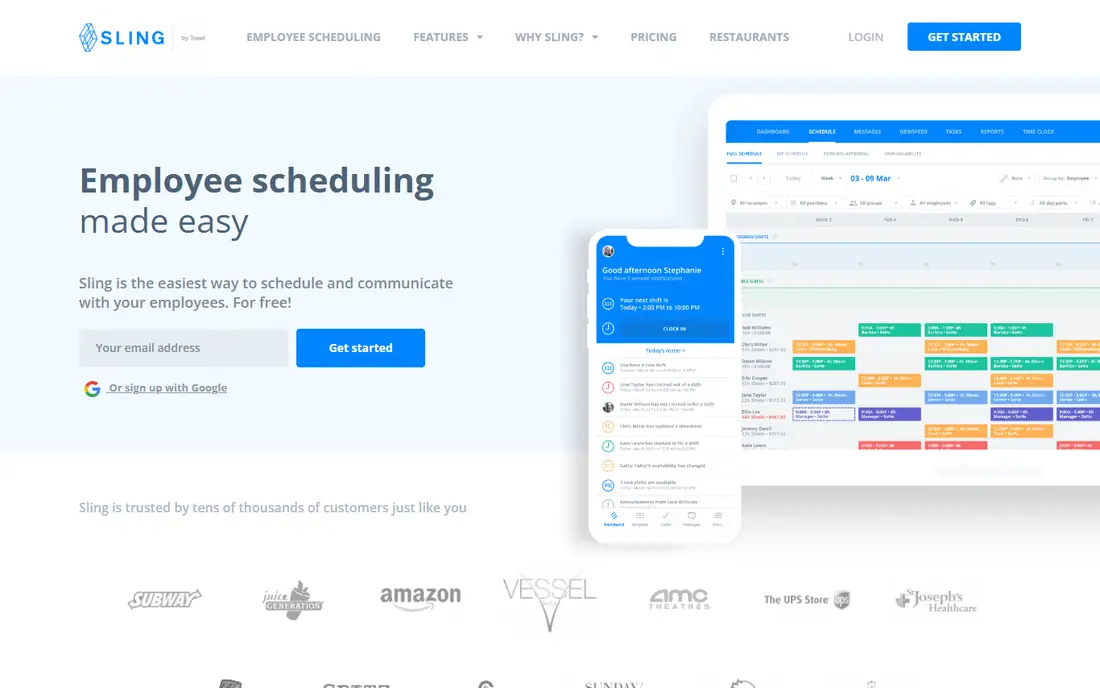
Sling, now part of Toast, is the budget pick that does not feel like a compromise. The free plan covers scheduling, time off requests, shift swaps, news sharing, and messaging, and paid Premium starts at $2 per user per month. As you build a schedule, Sling shows labor cost in real time, warns about overtime, and flags clopening shifts where an employee closes late and opens early, which are exactly the warnings a restaurant manager needs.
The limits are in automation and depth. Sling has no AI scheduling and no sales forecast integration, so you still decide staffing levels yourself, and its integration list is shorter than Deputy's or 7shifts'. For a restaurant already on Toast, the connection is a real advantage: scheduling lives inside Toast Web alongside your POS data. If your main need is a low cost, easy schedule with honest labor cost warnings, Sling is hard to beat.
What we like- Free plan covers scheduling, messaging, and time tracking basics
- Labor cost shown in real time as you schedule
- Toast and Square integrations
Watch out for- No AI scheduling or sales forecasting
- Fewer integrations than larger rivals
- Advanced reporting needs a paid plan
#6Connecteam
Best for: Frontline teams needing scheduling plus operations4.6/5 on
G2 (3,506 reviews, checked Oct 2026)
Visit connecteam.com
Starting price$29 per month
Free planYes
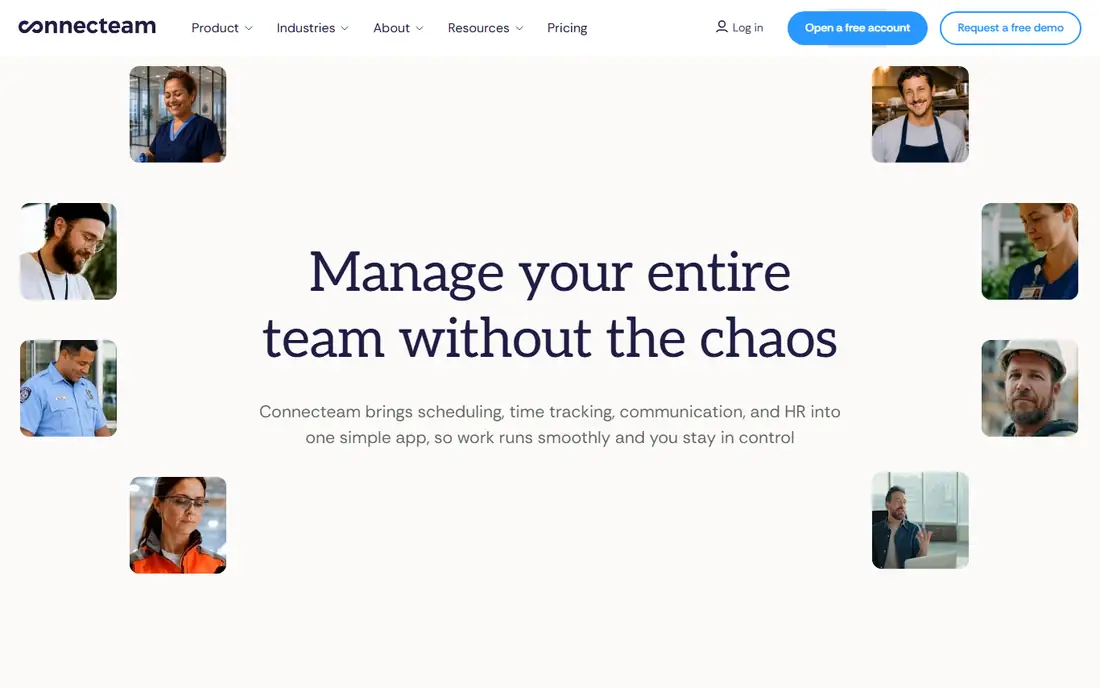
Connecteam is an all in one employee app, and scheduling is one hub among several covering time tracking, communication, training, and forms. That breadth is the appeal for restaurants that also need checklists, onboarding documents, and shift tasks in the same place staff check their schedule. The Small Business plan is free for up to 10 users, and the Basic Operations hub starts at $29 per month for the first 30 users, with additional users billed per head.
The catch is the hub model. Communications, HR, and Operations each carry their own base price, so a team that wants everything pays several base fees. Scheduling features such as auto assignment and unlimited geofences also sit on higher tiers. Connecteam fits restaurants that want one app for the whole frontline operation and have more than scheduling to manage. If scheduling is all you need, a focused tool will cost less.
What we like- Free for up to 10 users with all hubs
- Scheduling sits alongside training, forms, and team chat
- Flat base price for the first 30 users
Watch out for- Each hub is billed separately, which adds up
- Scheduling alone is less restaurant specific than 7shifts
- Advanced scheduling needs higher tiers
#7ZoomShift
Best for: Small teams that want plain, low cost scheduling4.8/5 on
G2 (46 reviews, checked Oct 2026)
Visit zoomshift.com
Starting price$2 per user/month
Free planYes
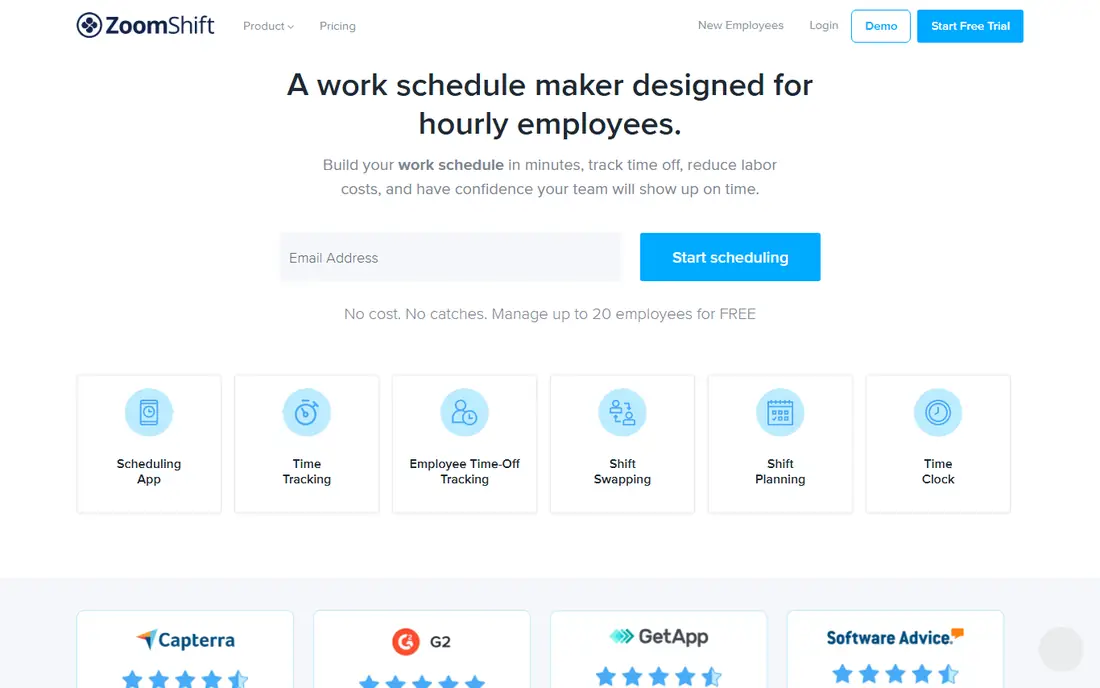
ZoomShift is the plainest tool on this list, and that is its selling point. The free Essentials plan covers up to 20 employees at one location with scheduling, shift notifications, time off requests, and swaps. Starter, at $2 per user per month, adds unlimited users and locations, templates, time tracking, and payroll reports, while Premium at $4 to $5 per user per month adds auto scheduling, geofencing, and overtime warnings.
There is no base fee and no tangle of add ons, which makes the bill easy to predict. The downside is that the features most restaurants eventually want, such as geofenced clock ins and overtime control, sit on the top tier, and integrations are limited compared with Deputy or Homebase. ZoomShift suits a small restaurant or cafe that wants a clean schedule and a time clock without paying for forecasting or compliance suites it will never use.
What we like- Free Essentials plan for up to 20 employees at one location
- Simple pricing with no base fee
- Shift templates and time clock included on paid plans
Watch out for- Geofencing and overtime warnings need the Premium plan
- Fewer integrations than rivals
- Reporting is basic
#8Planday
Best for: Growing teams needing rules and payroll reporting4.5/5 on
G2 (88 reviews, checked Oct 2026)
Visit planday.com
Starting price$2.99 per user/month
Free planFree trial
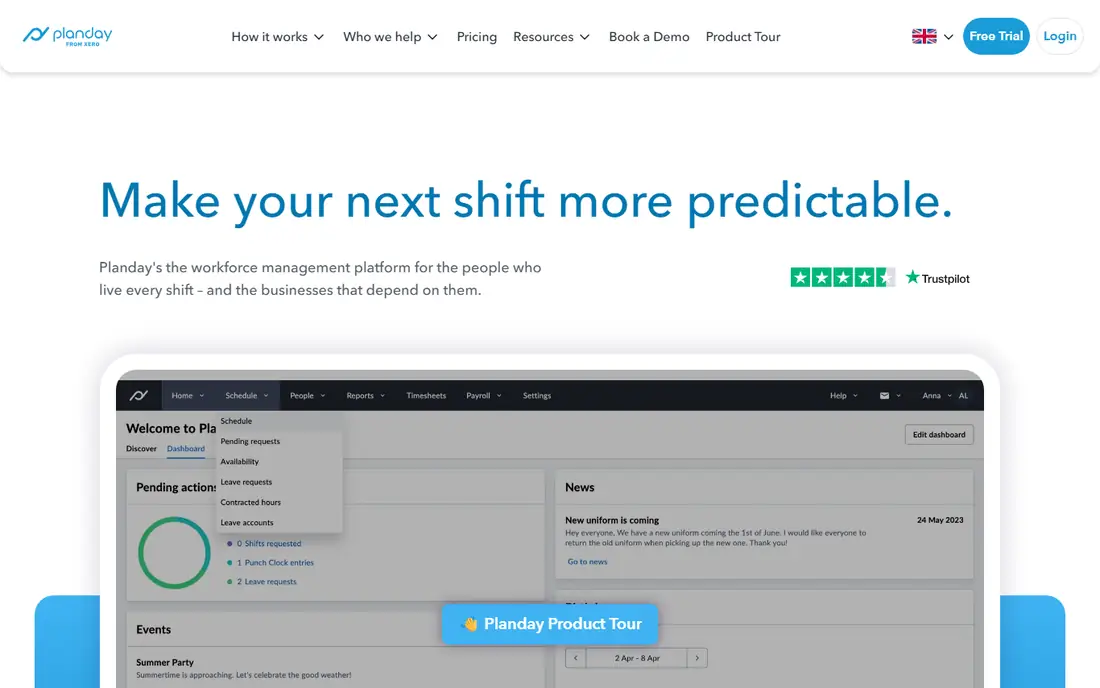
Planday is built for shift based businesses that are outgrowing simple scheduling. You set working time rules, break policies, and leave policies once, and the system warns you when a schedule breaks them, which matters for restaurants juggling students, part timers, and overtime limits. Payroll reporting and integrations are strong, and employee documents such as contracts and policies live in the same system.
Starter starts at $2.99 per user per month with a 5 user minimum, and Plus at $4.49 per user per month adds leave management, revenue integration, and API access, plus a $15 monthly subscription fee. There is no free plan, though a 30 day trial is available. Planday is less well known in the US than the other tools here, and its pricing pages vary by region, so confirm the US price before you buy. For a growing restaurant group that needs rules enforced automatically, it is a capable middle ground between simple schedulers and full workforce suites.
What we like- Working time rules with automatic compliance warnings
- Strong payroll reporting and integrations
- Document storage for contracts and policies
Watch out for- No free plan, only a 30 day trial
- Minimum 5 users on Starter
- Plus adds a $15 monthly subscription fee on top of per user pricing
How we chose
We compared vendor pricing pages and recent independent comparisons, then checked each tool's homepage to confirm it is still operating and matches the product described. We favored tools with a real restaurant or hourly team focus, a usable free tier or trial, and clear pricing. Where third party sources disagreed on a price, we used the figure most recently tied to the vendor's own pricing, and we note that per user tools grow with headcount while per location tools do not.
How to pick the right scheduler for your restaurant
Start with your pricing model, not your feature list
Count your staff first. A 40 person team on a $5 per user plan costs $200 a month, while a per location plan may cost under $80 for the same team. Small teams can ignore this and pick on features, but larger teams should do the arithmetic before falling for a feature list.
Check the POS and payroll connections before you buy
A scheduler that cannot read your POS sales or send timesheets to your payroll provider creates manual work every week. Confirm both integrations exist for your exact systems (Toast, Square, Clover, Gusto, QuickBooks, or ADP) during the trial, not after you have paid.
Trial the free plan with a real week of shifts
Build one genuine week, including a busy Friday, a call out, and a swap request, before you judge any tool. That single week exposes weak conflict warnings, awkward mobile apps, and missing overtime alerts faster than any feature page.
Watch for add on costs
Payroll, tip pooling, HR modules, and advanced reporting are often sold separately. Add every add on you actually need to the base price, then compare totals across tools. The cheapest headline price is rarely the cheapest real bill.
Frequently asked questions
What is the cheapest restaurant scheduling software?
Sling, Homebase, and ZoomShift all offer free plans that cover real scheduling for small teams. For paid plans, per location pricing from Homebase ($30 per location per month) is usually cheapest once a team passes about 12 people, while per user plans win for very small crews.
Do I need restaurant specific scheduling software?
Not always. General tools such as Homebase or When I Work handle most scheduling well. Restaurant specific tools earn their price through tip pooling, sales based forecasting, and labor compliance features that general tools lack.
Is per location or per user pricing better for restaurants?
Per location pricing usually wins for restaurants, because teams are large and include many part timers. Per user pricing can be cheaper for a small cafe with under 10 staff, but the bill grows with every hire.
Can scheduling software connect to my POS system?
Most tools on this list connect to at least one major POS. 7shifts has the deepest POS links for restaurants, Sling connects well with Toast, and Deputy, Homebase, and When I Work cover the common payroll and POS pairings. Confirm your exact POS during the trial.
Does scheduling software handle tip pooling?
7shifts offers tip pooling as a paid add on, and some rivals include basic tip handling. If tip pooling is central to your operation, confirm exactly how it works, and what it costs, before choosing.
How long does it take to set up restaurant scheduling software?
Simple tools such as When I Work and ZoomShift can be running in a day, including staff invites. Tools with compliance rules and forecasting, such as Deputy and 7shifts, take longer to configure properly, often a few weeks for a multi location group.
Sources we checked (11)
- https://www.7shifts.com
- https://www.joinhomebase.com
- https://www.deputy.com
- https://www.wheniwork.com
- https://getsling.com
- https://connecteam.com
- https://www.zoomshift.com
- https://www.planday.com
- https://hospohub.ca/guides/7shifts-vs-homebase-vs-deputy
- https://www.joinhomebase.com/compare/homebase-vs-7shifts
- https://connecteam.com/online-employee-scheduling-apps/
Is your product missing or out of date?
We review this list regularly. Vendors can request a listing, send updated pricing or ask about featured placement.

Shihab Mia · Founder, Rankite
Shihab has 5+ years in B2B and SaaS SEO. He writes Rankite's software buying guides from pricing pages, documentation and public user reviews. More about Shihab.