How we make this list: we compare pricing pages, product documentation and public user reviews. Ratings come from G2, Capterra or Trustpilot, with the date we checked them.
Key takeaways
- Toast is the restaurant-first leader with deep KDS, online ordering and payroll in one ecosystem, priced for operators who want everything integrated.
- Square for Restaurants is the easiest start: a free POS app with simple pricing, ideal for cafes and fast-casual openings.
- Lightspeed suits multi-location operators with strong inventory and reporting; Clover wins on hardware flexibility and its app market.
- Match the system to the service model: QSR speed, full-service table management and bar workflows need different strengths.
Quick comparison
| Tool | Best for | Starting price | Free plan |
|---|
 Toast Toast | All-in-one restaurant platform | See website | No |
 Square Square | Easy start for cafes and fast casual | See website | Yes |
 Lightspeed Lightspeed | Multi-location inventory and reporting | See website | No |
 Clover Clover | Hardware flexibility and app market | See website | No |
 TouchBistro TouchBistro | iPad POS for full-service restaurants | See website | No |
 SpotOn SpotOn | POS plus marketing and loyalty | See website | No |
 Revel Systems Revel Systems | iPad POS with deep inventory | See website | No |
 Qu Qu | Enterprise unified commerce for QSR chains | See website | No |
Is your product missing or out of date?
We review this list regularly. Vendors can request a listing, send updated pricing or ask about featured placement.
The best restaurant POS systems
A restaurant POS is the nervous system of the operation: orders, payments, kitchen display, inventory, staff, reporting. The wrong choice slows every ticket. Eight systems covering independents to enterprise chains.
Starting priceSee website
Free planNo
Toast built its POS for restaurants only, and it shows: kitchen display with prep stations and timers, online ordering, handhelds for tableside, payroll, loyalty and reporting unified. The ecosystem depth is unmatched for independents through regional groups.
The lock-in is real: Toast hardware, Toast payments, Toast add-ons. Operators should read contracts carefully and model the full stack cost. Toast fits restaurants that want one integrated platform and will commit to it.
What we like- Restaurant-specific from the ground up
- KDS, online ordering, payroll and marketing in one ecosystem
- Strong offline mode
Watch out for- Hardware and software lock-in
- Pricing adds up with add-ons
- Contracts draw complaints from some operators
Starting priceSee website
Free planYes
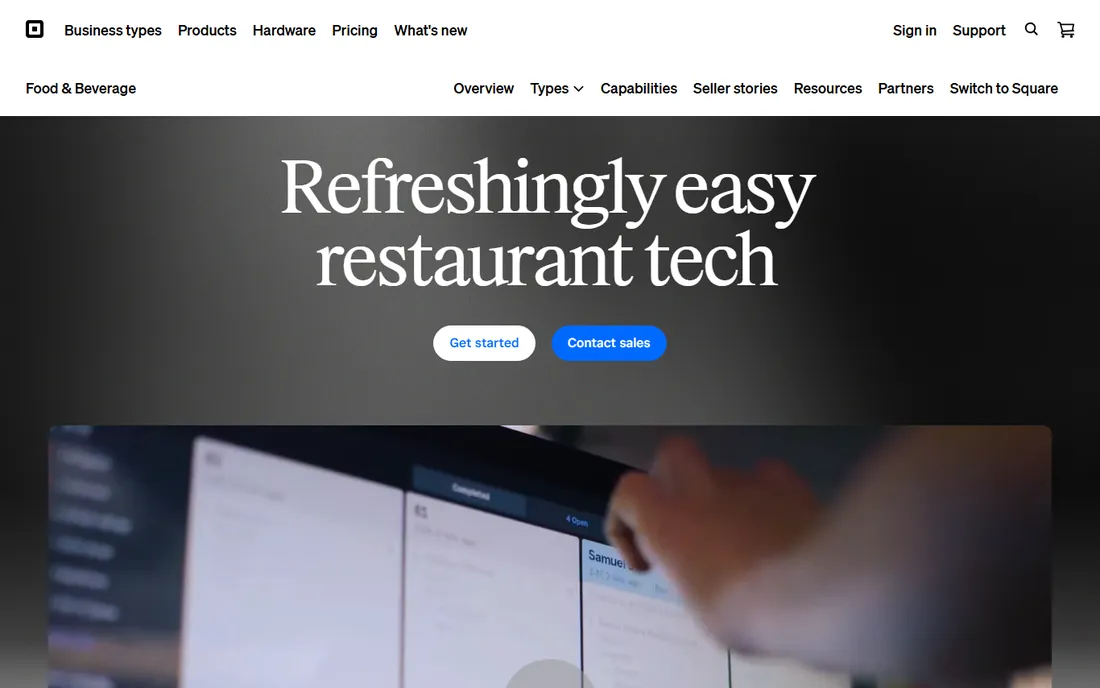
Square for Restaurants gets a cafe taking orders the same day: download the app, plug in a reader, start selling. The free tier covers basic POS needs, and flat-rate processing keeps the math simple.
High-volume and full-service restaurants eventually want deeper table management, KDS workflows and inventory. Square fits new cafes, food trucks and fast-casual spots prioritizing speed and simplicity.
What we like- Free POS app to start
- Transparent flat-rate processing
- Quick setup with minimal hardware
- Good for new openings
Watch out for- Less depth for complex full-service operations
- Costs scale with volume on flat-rate processing
- Limited advanced inventory
Starting priceSee website
Free planNo
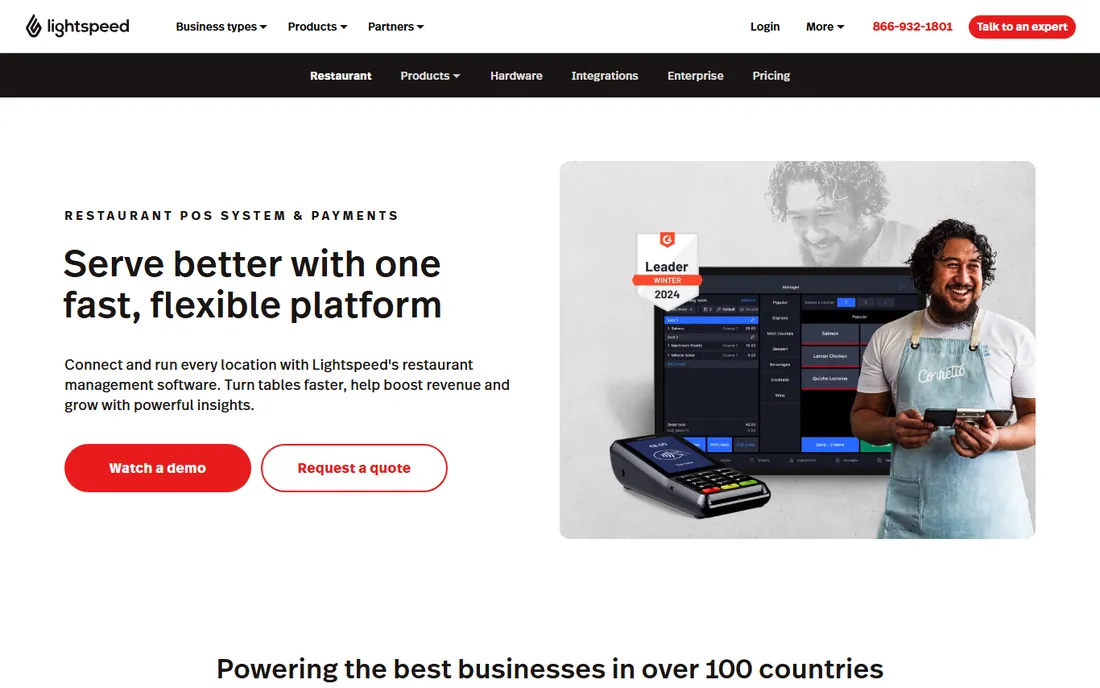
Lightspeed Restaurant serves operators who think in numbers: ingredient-level inventory, multi-location reporting, detailed analytics on menu performance. Floor plans, coursing and menu tools handle full-service complexity.
It costs more than Square and needs proper setup. Lightspeed fits growing restaurant groups and data-driven independents where inventory control decides margins.
What we like- Strong inventory management and multi-location reporting
- Flexible menu and floor plan tools
- Good analytics for operators
Watch out for- Pricing sits above budget options
- Some advanced features need higher tiers
- Onboarding takes effort
Starting priceSee website
Free planNo
Clover's strength is flexibility: choose hardware for counter, table or curbside, then extend with apps from a large marketplace. Fiserv's processing scale brings reliability.
The core restaurant software is less purpose-built than Toast's; the app market fills gaps at a price. Clover fits operators who want hardware choice and customization over a single integrated vision.
What we like- Wide hardware range from handhelds to stations
- Extensive app market for custom functionality
- Backed by Fiserv processing scale
Watch out for- Software depth trails restaurant-first rivals
- App costs add up
- Processing arrangements vary by reseller
Starting priceSee website
Free planNo
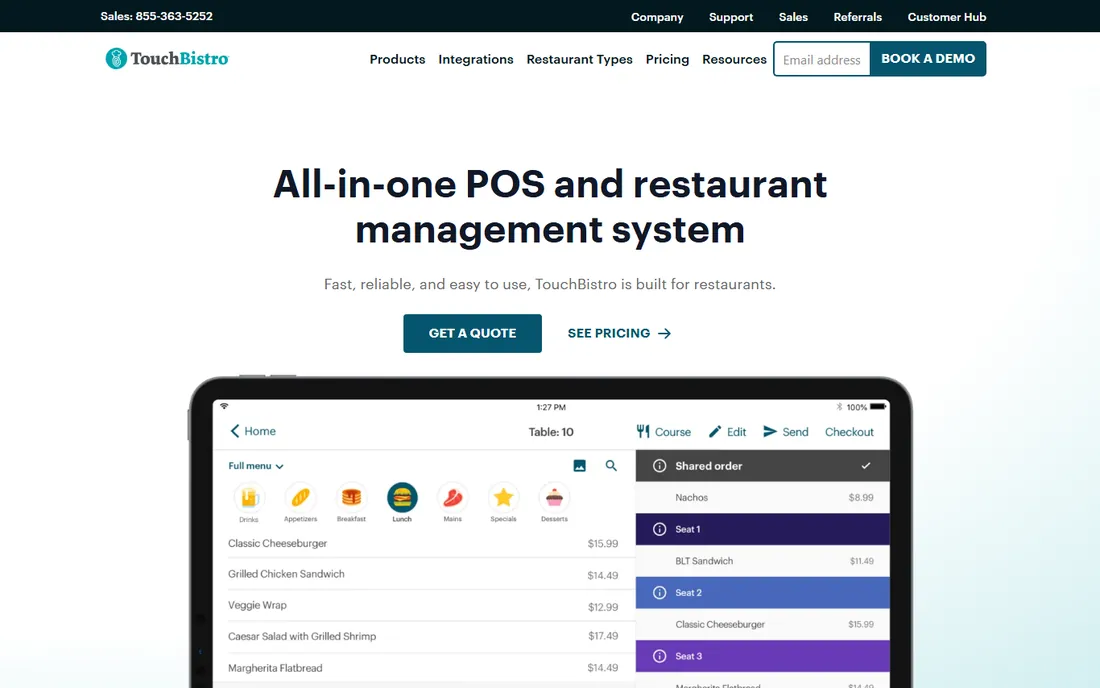
TouchBistro built its reputation on iPad POS for sit-down restaurants: visual table management, coursing, modifiers and split checks that servers learn quickly. Menu, inventory and staff tools cover daily operations.
The Apple-only hardware and per-terminal pricing constrain larger deployments. TouchBistro fits independent full-service restaurants that want an approachable iPad system.
What we like- IPad-native with full-service workflows: tables, coursing, split checks
- Menu and staff management included
- Reservations and loyalty add-ons
Watch out for- IPad-only limits hardware choice
- Pricing per terminal adds up
- Advanced reporting trails Lightspeed
Starting priceSee website
Free planNo
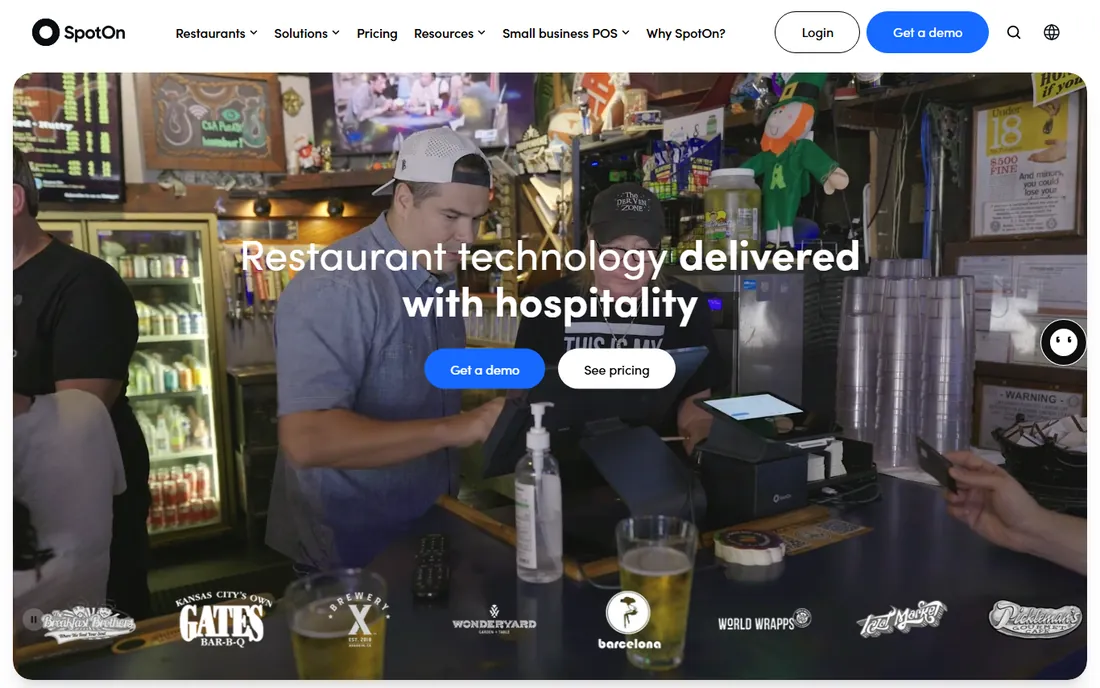
SpotOn pairs POS with guest engagement: loyalty programs, email marketing, review management and online ordering in the same platform. Operators who want marketing without separate tools get value.
Pure-POS buyers pay for breadth they may not use. SpotOn fits independents that want the register and the marketing engine from one vendor with hands-on support.
What we like- Marketing, loyalty and reviews built alongside POS
- Competitive processing rates
- Personal onboarding support
Watch out for- Smaller ecosystem than Toast or Square
- The marketing suite matters less if you only want POS
Starting priceSee website
Free planNo
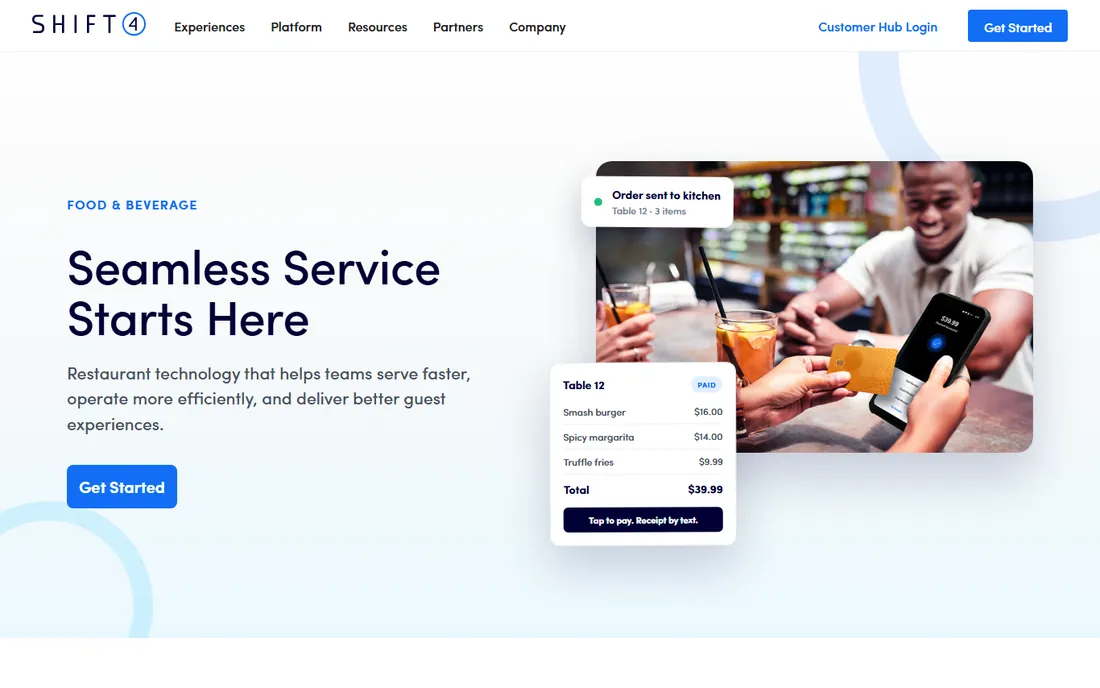
Revel Systems brings enterprise inventory discipline to iPad POS: recipe-level costing, commissary support and multi-unit management with an open API for integrations. Offline reliability keeps service running through outages.
Small operators will find it heavy. Revel fits multi-unit groups and franchises needing inventory rigor with modern hardware.
What we like- Deep inventory and ingredient tracking
- Reliable offline mode
- Enterprise-grade for multi-unit operators
- Open API
Watch out for- Implementation is heavier than SMB tools
- Pricing reflects the enterprise target
- Overkill for single cafes
Starting priceSee website
Free planNo
Qu designs for QSR chains: unified ordering across POS, kiosk, mobile and drive-thru, with the reliability multi-unit brands require. It is infrastructure, not an app download.
Independent restaurants should look elsewhere. Qu fits enterprise QSR brands standardizing technology across dozens or hundreds of locations.
What we like- Purpose-built for multi-unit QSR with unified commerce
- Handles high-volume ordering across channels
- Enterprise reliability
Watch out for- Enterprise-only
- Irrelevant for independents
- Implementation is a project, not a purchase
What to check before you buy
Start with your service model. QSR needs speed and KDS; full-service needs tables, coursing and split checks; bars need tabs and quick modifiers. A POS great at one can be mediocre at another.
Model the total cost: software subscriptions, hardware, payment processing rates and add-on fees over two years. Processing is often the biggest number; compare effective rates at your average ticket and volume. Test offline mode, since internet outages during rush are when POS earns its keep. Verify the integrations you need: accounting, payroll, scheduling, delivery platforms. Finally, check contract terms and exit costs before signing.
What to test during a POS trial
POS vendors offer trials and pilots. Most restaurants waste them clicking through features instead of testing the moments that matter. Run these scenarios before you commit.
The Friday night rush. Simulate your peak volume: rapid-fire orders, modifications, split checks, discounts and voids, all at once. Watch for lag, confusion and the number of taps per task. A system that feels fine at 3 p.m. on Tuesday can fall apart at 7:30 on Friday. If the vendor will not let you stress-test, that is an answer.
The wrong order. Fire a dish to the wrong station, then fix it. Comp a dessert, void an item after it is fired, split a check four ways with different payment methods. Error handling is where POS systems reveal their quality, because real service is full of errors.
The offline moment. Unplug the internet and keep selling. Take orders, process cards (check whether offline card processing is supported and what the risk policy is), print to the kitchen. Then reconnect and verify everything syncs. If you have ever lost connectivity during service, you know this test is non-negotiable.
The new hire test. Hand the terminal to your least technical employee with ten minutes of training and watch them take an order. If they struggle, every future hire will struggle, and your training costs just went up permanently.
The end-of-day close. Run the full close: reconcile cash, review voids and comps, export the day's data. This is the workflow your managers will do daily for years; it should be fast and obvious, not a fifteen-minute ritual.
The menu change. Add a special, 86 an item, change a price mid-service. Menus change constantly; the system should handle it in seconds without a support call.
Score each scenario pass or fail, and compare vendors on the same script. The demo that goes smoothly means nothing; the trial that survives your scenarios means everything.
How we chose
We selected restaurant POS systems with live products and real operator customer bases, from free SMB tools to enterprise QSR platforms, using vendor sites, documentation and public reviews. Pricing in this category is largely quote-based, so every starting price is listed as See website. We did not process test transactions.
Frequently asked questions
How much does a restaurant POS system cost?
Software typically runs $35 to $300-plus monthly per location depending on features, plus hardware ($500 to $2,000-plus) and payment processing (roughly 2.5% plus per-transaction fees). Model all three over two years.
What is a KDS?
A kitchen display system replaces paper tickets with screens showing orders, prep times and station routing. It reduces errors, tracks ticket times and is standard in most modern restaurant POS setups.
Can a POS work without internet?
Good ones can: offline mode queues transactions and syncs when connectivity returns. Verify offline capabilities during evaluation, since outages always happen at the worst time.
Should I buy or lease POS hardware?
Buying costs more upfront but less over time; leasing spreads cost but often totals more. Proprietary hardware locks you to the vendor either way, so factor exit costs into the decision.
How important are integrations?
Very. Your POS should connect to accounting, payroll, employee scheduling, online ordering and delivery platforms. Manual double-entry between systems wastes hours weekly.
What is the difference between Toast and Square for restaurants?
Toast is a restaurant-first integrated platform with deep KDS and management tools; Square is a simpler, easier-to-start system with transparent pricing. Choose Toast for operational depth, Square for simplicity and low startup cost.
What does a restaurant POS system cost per month?
Software typically runs from sixty to three hundred dollars per terminal monthly, plus payment processing fees around two and a half to three percent per transaction. Hardware is usually a separate upfront or financed cost. Get the full quote including onboarding, support tiers and any required accessories before comparing, because headline software prices hide wide variation.
Can a POS system handle online ordering and delivery apps?
Most modern systems do, either natively or through integrations. The key questions are whether online orders flow directly to the kitchen display without re-entry, how menu changes sync across channels, and what the integration costs. Tablet farms for delivery apps are the symptom of a POS that does not integrate; one screen for all orders is the goal.
Should I buy POS hardware from the vendor or third party?
Vendor hardware guarantees compatibility and support, usually at a premium. Third-party hardware saves money but risks finger-pointing when something breaks. For the core terminals, buy from the vendor; for accessories like cash drawers and printers, certified third-party options are usually safe. Whatever you choose, test the exact combination before opening.
Sources we checked (8)
- https://pos.toasttab.com/
- https://squareup.com/us/en/restaurants
- https://www.lightspeedhq.com/pos/restaurant/
- https://www.clover.com/
- https://www.touchbistro.com
- https://www.spoton.com/
- https://revelsystems.com/
- https://www.qubeyond.com/
Is your product missing or out of date?
We review this list regularly. Vendors can request a listing, send updated pricing or ask about featured placement.

Shihab Mia · Founder, Rankite
Shihab has 5+ years in B2B and SaaS SEO. He writes Rankite's software buying guides from pricing pages, documentation and public user reviews. More about Shihab.