How we make this list: we compare pricing pages, product documentation and public user reviews. Rankite is independent; if a vendor ever pays for a featured spot, that listing is clearly labeled Partner.
Key takeaways
- Grocery-first platforms like IT Retail, ECRS CATAPULT and LOC Software handle scales, EBT and perishables in ways generic retail POS cannot.
- Square and eHopper offer free POS software, which suits small markets, but both tie pricing to their payment processing.
- NCR remains the enterprise standard for supermarket chains, though its split into NCR Voyix and NCR Atleos means buyers should confirm the current vendor.
- Almost every grocery POS vendor is quote-based, so expect a sales process and budget for hardware, not just software.
Quick comparison
| Tool | Best for | Starting price | Free plan |
|---|
 IT Retail IT Retail | Independent grocers that want a grocery-first POS | See website | No |
 ECRS CATAPULT ECRS CATAPULT | Supermarkets that want POS, back office and e-commerce in one platform | See website | No |
 LOC Software LOC Software | Grocers that need back-office control with their POS | See website | No |
 ComCash ComCash | Grocery and specialty food stores that want an affordable Windows-based POS | See website | No |
 eHopper eHopper | Small markets and convenience stores that want free POS software | Free | Yes |
 Square Square | Small grocers and farm shops that want simple, free POS software | Free | Yes |
 Clover Clover | Markets that want a polished countertop POS with an app marketplace | See website | No |
 CashierLive CashierLive | Independent grocers that want a simple web-based grocery POS | See website | No |
 NCR NCR | Supermarket chains that need enterprise-grade checkout at scale | See website | No |
Is your product missing or out of date?
We review this list regularly. Vendors can request a listing, send updated pricing or ask about featured placement.
The best POS software for supermarket
#1
IT Retail
Best for: Independent grocers that want a grocery-first POS
Visit itretail.com
Starting priceSee website
Free planNo
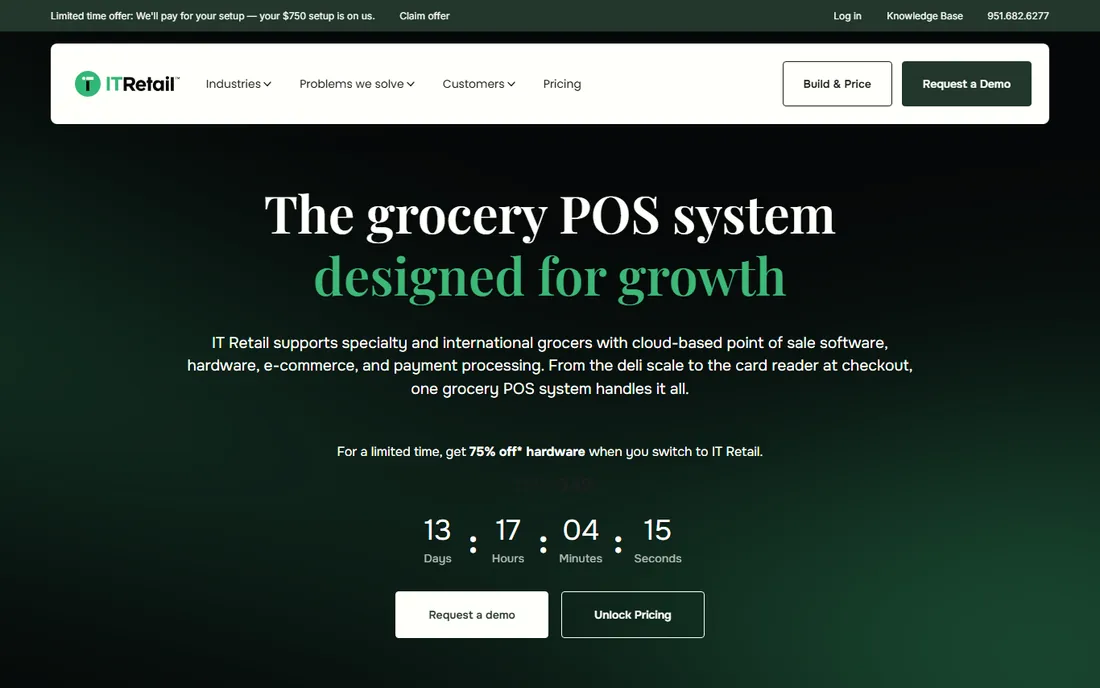
Most POS roundups pretend any retail POS works for a supermarket. It does not. IT Retail exists because grocery checkout has requirements general retail tools never face: weighed items, EBT and WIC acceptance, age-restricted sales, loyalty pricing and perishable inventory. The platform handles these natively instead of through workarounds.
The reporting is the quiet strength. Perishable departments live or die on shrink numbers, and IT Retail tracks them at the department level. The catch is the buying process: pricing is quoted, hardware means commercial scales and scanners, and setup is a project. Independent grocers that want a system designed for their business rather than adapted to it should start here.
What we like- Built for grocery with scale integration, age verification and loyalty
- Works with major payment processors
- Strong reporting for perishables and shrink
Watch out for- Quote-based pricing with no published starting point
- Hardware setup is grocery-specific, including scales and scanners
#2
ECRS CATAPULT
Best for: Supermarkets that want POS, back office and e-commerce in one platform
Visit ecrs.com
Starting priceSee website
Free planNo
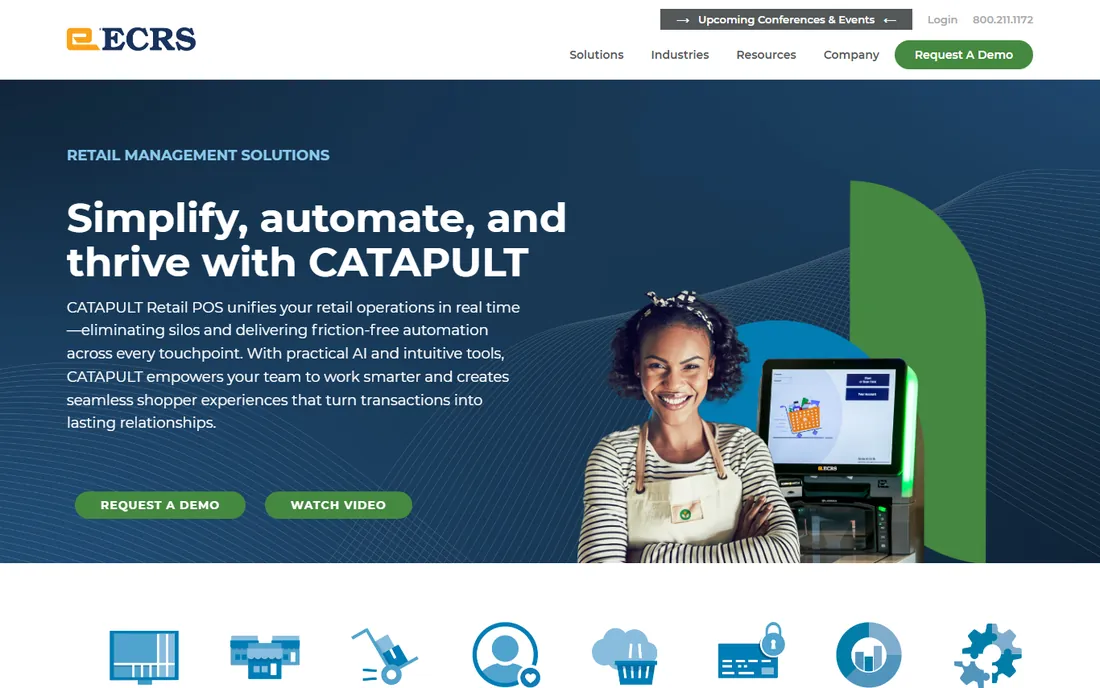
ECRS sells CATAPULT as one system for the whole store: registers, back-office receiving, loyalty, gift cards and e-commerce run on the same database. For regional chains, that single database matters more than any single feature, because price changes, promotions and inventory stay consistent across locations and the web store.
Self-checkout support is included for stores that want it, which puts CATAPULT in the enterprise lane. The trade-off is cost and complexity: quotes are built for established operators, and rollout takes planning across departments. Single-store independents will find simpler options; multi-store grocers should take the demo.
What we like- Single platform for POS, inventory, loyalty and e-commerce
- Strong fit for regional chains
- Supports self-checkout lanes
Watch out for- Pricing is quote-based and aimed at established operators
- Implementation is a project, not a plug-and-play install
Starting priceSee website
Free planNo
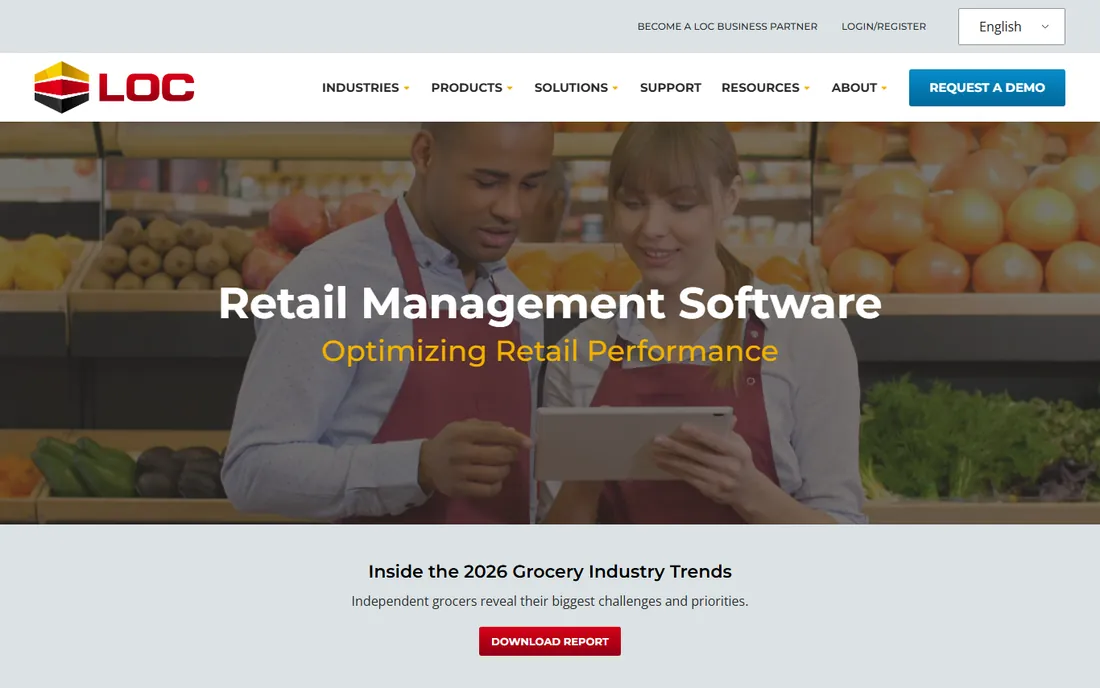
LOC Software focuses on the part of grocery retail customers never see: receiving, inventory control, DSD vendor management and pricebook accuracy. The Store Management Suite connects to POS hardware at the front end while giving the back office real control over margins. Multi-store operators get centralized pricebook and promotion management.
This is not a beginner tool. LOC assumes the buyer knows grocery operations and wants depth rather than hand-holding, and pricing is quoted accordingly. Stores that lose money to receiving errors and pricebook mistakes will recognize the value quickly; stores that just need a register should look at simpler options.
What we like- Strong back-office, inventory and DSD receiving tools
- Integrates with major POS hardware
- Good fit for multi-store operators
Watch out for- Quote-based pricing
- The product favors operators who already understand grocery systems
#4
ComCash
Best for: Grocery and specialty food stores that want an affordable Windows-based POS
Visit comcash.com
Starting priceSee website
Free planNo
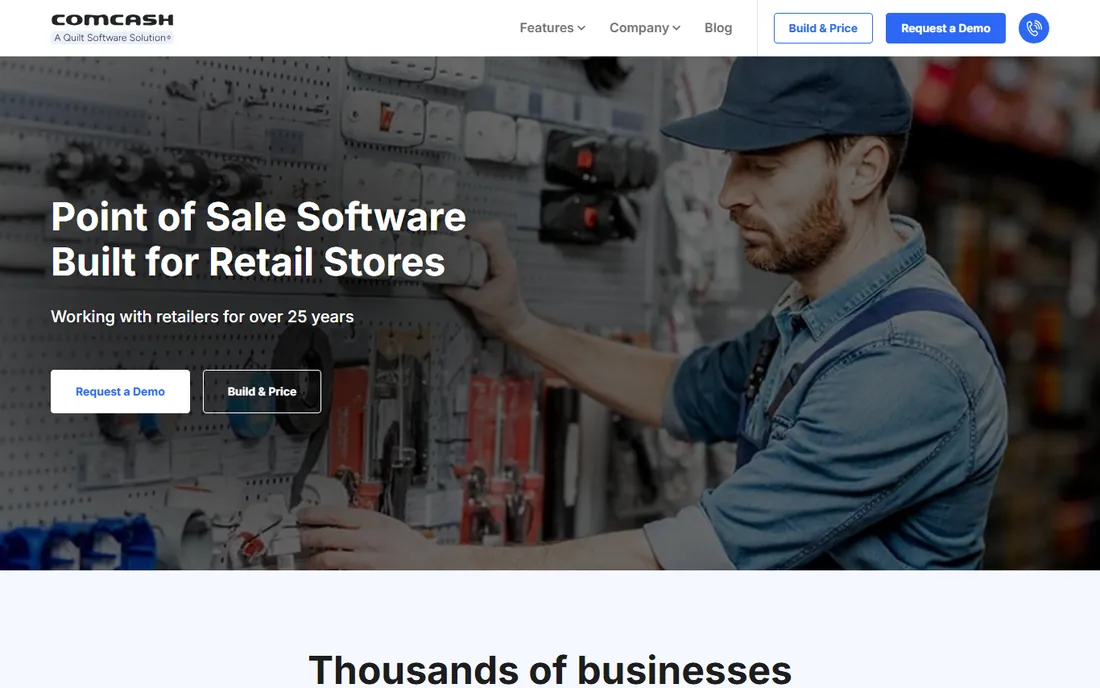
ComCash occupies the middle ground: real grocery features without enterprise pricing. Scale integration, loyalty programs and EBT acceptance come standard, and the software runs on ordinary Windows PCs and terminals, which keeps hardware costs down. For specialty food stores and small grocers, that combination is hard to find elsewhere.
The interface shows its desktop heritage, and buyers used to modern cloud dashboards will notice. Support is adequate but not 24/7 enterprise-grade. It is a practical choice for budget-conscious grocers that need genuine grocery functions and do not want to pay enterprise prices for them.
What we like- Grocery features like scale support, loyalty and EBT at a lower entry cost
- Runs on standard Windows hardware
- Simpler setup than enterprise suites
Watch out for- The desktop-first design feels older than modern cloud POS interfaces
- Support resources are thinner than bigger vendors offer
#5
eHopper
Best for: Small markets and convenience stores that want free POS software
Visit ehopper.com
Starting priceFree
Free planYes
eHopper's pitch is simple: the POS software costs nothing if you process payments through eHopper. For a small market or convenience store, that removes the upfront software cost entirely. EBT acceptance is supported, which matters for neighborhood stores, and the system runs on tablets as well as traditional terminals.
Read the terms carefully. The free software is bundled with payment processing, so your processing rates become the real price. Compare those rates against independent quotes before committing. Advanced grocery functions like scale integration and DSD receiving are thinner here than on grocery-first platforms, so it fits small stores better than full supermarkets.
What we like- POS software is free when you use eHopper payment processing
- Supports EBT acceptance
- Runs on tablets and standard terminals
Watch out for- Free pricing depends on using their payment processing
- Advanced grocery features are thinner than grocery-first platforms
#6
Square
Best for: Small grocers and farm shops that want simple, free POS software
Visit squareup.com
Starting priceFree
Free planYes
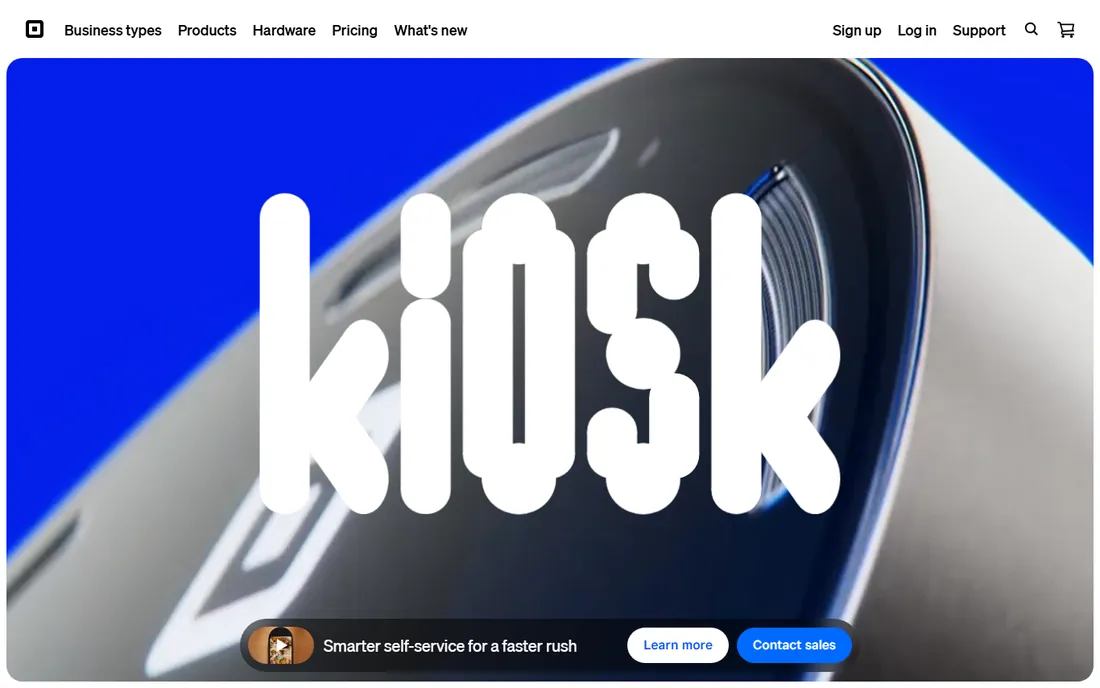
Square is the easiest POS to start with, full stop. The software is free, hardware is affordable, and a small grocer or farm shop can be ringing up sales the same day. Inventory tracking, staff permissions and sales reporting cover the basics well, and payment rates are published, so there are no quote games.
The limits appear as the store grows. There is no outside processor option, so you accept Square's rates. Grocery-specific needs like integrated scales, EBT and WIC workflows are limited compared with grocery-first systems. For a farm stand, butcher shop or small market, Square is often enough; for a full supermarket, it is a stepping stone.
What we like- POS software free to start with published payment rates
- Easy setup on Square hardware
- Inventory and staff management built in
Watch out for- Payments run through Square with no outside processor option
- Grocery-specific features like scale integration are limited
#7
Clover
Best for: Markets that want a polished countertop POS with an app marketplace
Visit clover.com
Starting priceSee website
Free planNo
Clover's strength is the app marketplace: start with the core register, then add inventory, loyalty, gift cards or employee management as apps. The hardware looks good on a counter, which matters for the prepared-food and deli sections where customers watch the transaction. For markets with a strong fresh-food program, Clover handles the front end nicely.
Pricing is the frustration. Plans and rates vary by reseller, and there is no free trial, so evaluating the system takes a sales conversation. Grocery depth is moderate: it is a general retail POS with grocery capabilities added, not a grocery system from the ground up. Get the full quote, including hardware and processing, before comparing.
What we like- Wide app marketplace for adding features
- Modern hardware lineup
- Strong for prepared-food counters, delis and cafes inside the store
Watch out for- Software pricing varies by plan and reseller, so quotes are required
- No free trial is offered
#8
CashierLive
Best for: Independent grocers that want a simple web-based grocery POS
Visit cashierlive.com
Starting priceSee website
Free planNo
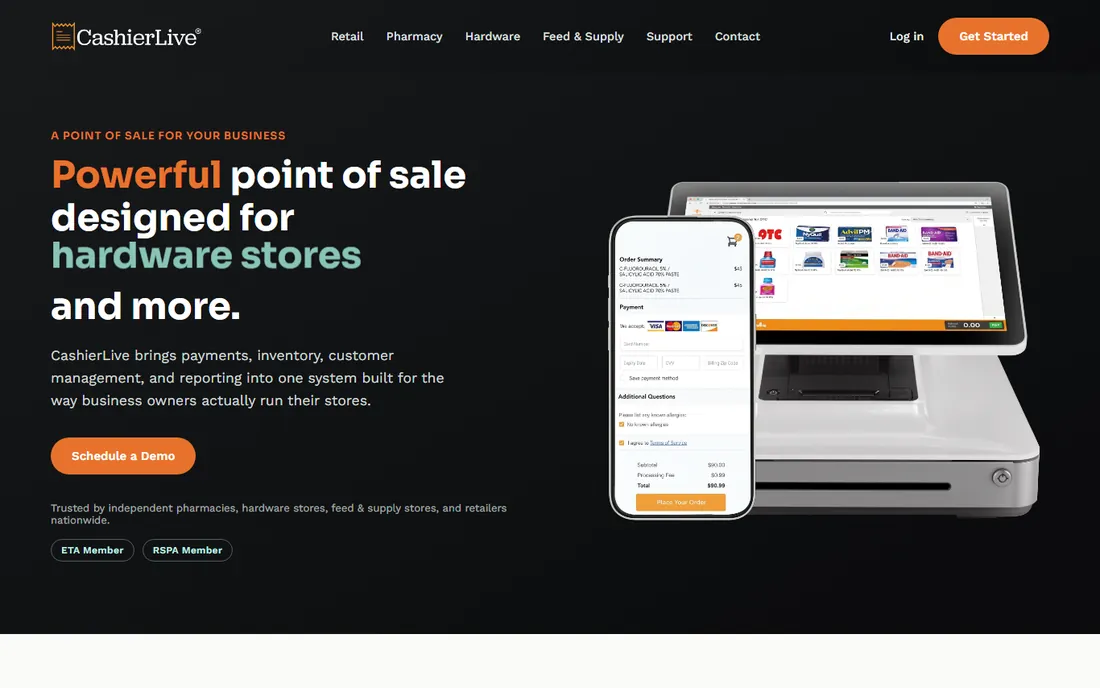
CashierLive takes the opposite approach from the enterprise suites: a web-based POS that an independent grocer can learn quickly. Loyalty, scale support and grocery reporting are built in, and because it runs in a browser, hardware requirements are lighter and updates happen automatically.
Depth is the trade-off. Multi-store chains will miss centralized management and advanced back-office tools, and buyers should verify their scales and scanners work with the system before committing. For a single independent store that wants grocery features without an enterprise project, the simplicity is the selling point.
What we like- Web-based, so it runs in a browser with no installed software
- Grocery features like loyalty and scale support
- Straightforward pricing aimed at independents
Watch out for- Feature depth is below enterprise grocery suites
- Hardware compatibility needs checking before you buy
#9
NCR
Best for: Supermarket chains that need enterprise-grade checkout at scale
Visit ncr.com
Starting priceSee website
Free planNo
NCR registers have run supermarket checkouts for decades, and large chains still standardize on them. Self-checkout lanes, enterprise loyalty integrations and loss-prevention tools are the reasons: at hundreds of lanes, small efficiency gains pay for the platform. The ecosystem of integrators and service providers around NCR is unmatched.
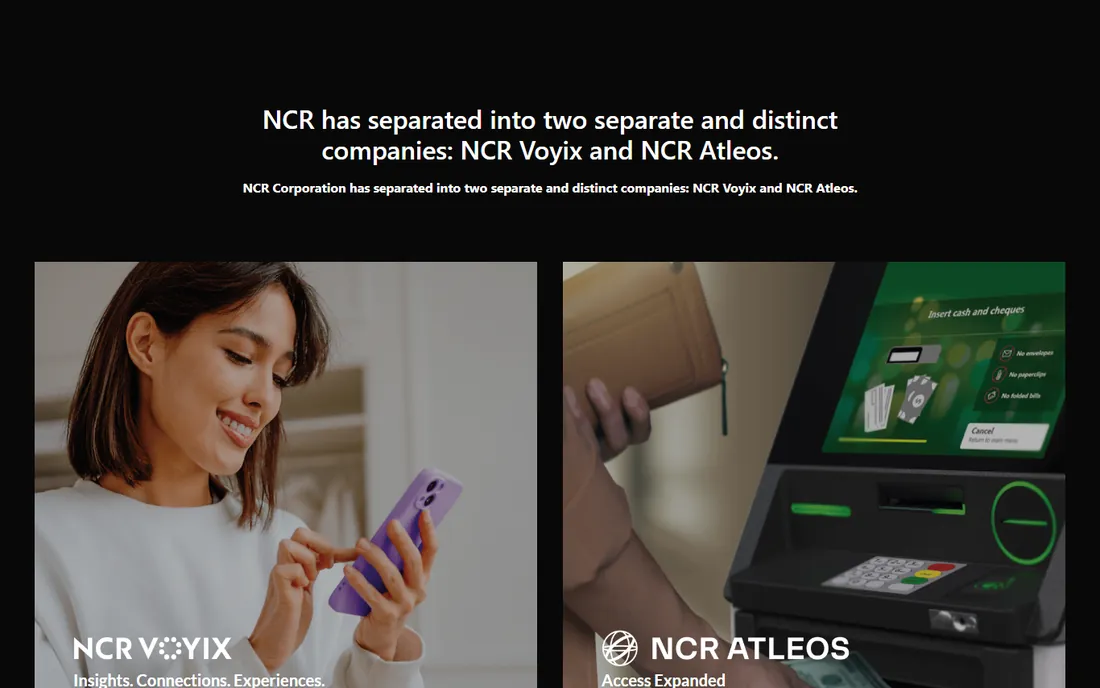
One important note: NCR split into two companies, with NCR Voyix handling retail and grocery POS and NCR Atleos handling ATMs and banking. Buyers should confirm they are talking to the right entity and verify the current website before starting a purchase. For chains, NCR remains the default; for independents, it is more system than any single store needs.
What we like- The grocery checkout standard for large chains
- Self-checkout and enterprise integrations
- Deep loss-prevention tooling
Watch out for- Enterprise pricing and long sales cycles
- Overkill for a single independent store
The real cost of a supermarket POS
Software is only part of the bill. Grocery checkout needs commercial scales, barcode scanners, receipt printers, cash drawers, customer displays and often self-checkout lanes. A single lane of hardware can cost several thousand dollars, and a ten-lane store multiplies that fast. Budget hardware alongside software from the start.
Payment processing is the second hidden cost. Some vendors bundle processing with the software, others let you choose. Compare effective rates, not just software fees, because a free POS with expensive processing often costs more than a paid POS with competitive rates. EBT and WIC certification add another layer: confirm the system is certified for the programs your customers use.
Then there are the ongoing fees: software licenses or subscriptions per lane, support contracts, pricebook hosting and payment gateway fees. Ask every vendor for a three-year total cost including hardware, software, processing estimates and support. The cheapest quote on software alone is rarely the cheapest system.
What to check before you buy
Start with your departments. A produce-heavy store needs scale integration and shrink reporting; a store with a big deli needs prepared-food labeling and tare weights; a store in a SNAP-heavy area needs reliable EBT. List your must-have workflows before any demo, and make the vendor show each one live.
Check the back office, not just the register. Pricebook management, DSD receiving, inventory counts and promotion scheduling are where grocery margins are won or lost. A pretty checkout screen means little if the back office forces manual workarounds.
Ask about offline mode. Internet outages happen, and a supermarket cannot stop selling. Confirm the POS keeps ringing up sales, including weighed items and loyalty, when the connection drops, and that everything syncs cleanly afterward.
Finally, talk to references in grocery, not just retail. Ask how long implementation took, what the first inventory count was like, and how support responds during peak hours. A vendor that serves restaurants well may still be learning grocery.
How we chose
We reviewed each vendor's current homepage, product documentation and public feature lists in October 2026, checking which systems genuinely serve supermarkets rather than general retail. We weighed grocery-specific features like scale integration, EBT support, perishable reporting and self-checkout, plus pricing transparency and fit for independents versus chains. We did not test the software ourselves and cross-checked vendor claims against public reviews and grocery industry sources. Note that NCR's corporate split means buyers should verify the current NCR Voyix site before purchasing.
Frequently asked questions
What makes supermarket POS different from regular retail POS?
Grocery checkout handles weighed items, EBT and WIC payments, age-restricted sales, loyalty pricing and perishable inventory. Regular retail POS systems lack native support for scales and food-assistance programs, so supermarkets need grocery-specific software or expensive workarounds.
How much does supermarket POS software cost?
Most grocery POS vendors are quote-based. Free options exist for small stores: Square and eHopper offer free POS software tied to their payment processing. For grocery-first platforms, expect a quote covering software licenses per lane, hardware, support and processing, with total costs varying widely by store size.
Do I need special hardware for a supermarket POS?
Yes. Beyond standard registers, grocery checkout typically needs integrated scales, barcode scanners, receipt printers, cash drawers and customer-facing displays. Larger stores add self-checkout lanes. Confirm hardware compatibility with your chosen software before buying, since grocery peripherals are more specialized than general retail gear.
Can Square handle a supermarket?
Square works for small grocers, farm shops and specialty markets, but it lacks deep grocery features like integrated scale workflows and full EBT program support. A small store can start on Square and migrate later; a full supermarket with produce, deli and meat departments will outgrow it.
What is the difference between ECRS CATAPULT and IT Retail?
Both are grocery-first platforms. ECRS CATAPULT positions as a single platform covering POS, back office, loyalty and e-commerce, with strength in regional chains. IT Retail focuses on the independent grocer with grocery-native checkout, scale integration and perishable reporting. Chain buyers tend toward ECRS; independents tend toward IT Retail.
Should a small market buy NCR?
Probably not. NCR's platform is built for chains running many lanes, with enterprise pricing and long implementations to match. A single independent store gets more value from IT Retail, CashierLive or even Square, depending on size. Consider NCR when you operate multiple stores and need centralized enterprise management.
Sources we checked (9)
- https://www.itretail.com
- https://ecrs.com
- https://locsoftware.com
- https://comcash.com
- https://ehopper.com
- https://squareup.com
- https://www.clover.com
- https://cashierlive.com
- https://www.ncr.com
Is your product missing or out of date?
We review this list regularly. Vendors can request a listing, send updated pricing or ask about featured placement.

Shihab Mia · Founder, Rankite
Shihab has spent more than a decade helping SaaS and e-commerce brands grow through search. He writes Rankite's software buying guides from pricing pages, documentation and public user reviews. More about Shihab.