How we make this list: we compare pricing pages, product documentation and public user reviews. Rankite is independent; if a vendor ever pays for a featured spot, that listing is clearly labeled Partner.
Key takeaways
- Workday, Oracle HCM and SAP SuccessFactors dominate the largest deployments, but all three sell quote-only contracts with implementations measured in months and costs far beyond the license.
- ADP and UKG are the compliance-first choices: ADP pays one in six US workers and UKG is trusted by most of the Fortune 1000, which matters when payroll errors carry legal risk.
- Dayforce and Paycom compete on payroll accuracy through different designs: continuous payroll calculation in Dayforce, employee-verified payroll in Paycom.
- Rippling and Deel are the only options here with published starting prices, at $8 per user a month and from $29 per employee a month for global payroll, and both suit companies scaling across borders.
- None of the nine offers a free plan or self-serve trial; every enterprise payroll decision starts with a demo and a custom quote.
Quick comparison
| Tool | Best for | Starting price | Free plan |
|---|
 Workday Workday | Very large employers that want HR, payroll and finance on one system | See website | No |
 ADP ADP | Employers that prioritize compliance coverage and payroll expertise | See website | No |
 UKG UKG | Large employers with hourly, shift-based or frontline workforces | See website | No |
 Dayforce Dayforce | Employers that want HR, payroll, time and talent in one application | See website | No |
 Oracle HCM Oracle HCM | Enterprises already running Oracle Cloud ERP and financials | See website | No |
 SAP SuccessFactors SAP SuccessFactors | SAP-centric enterprises with complex, multinational HR needs | See website | No |
 Paycom Paycom | US employers that want payroll accuracy driven by employees themselves | See website | No |
 Rippling Rippling | Growing companies that want HR, IT and finance on one platform | $8 per user/month (platform base) | No |
 Deel Deel | Companies hiring and paying workers across many countries | from $29 per employee/month (Global Payroll) | No |
Is your product missing or out of date?
We review this list regularly. Vendors can request a listing, send updated pricing or ask about featured placement.
The best payroll software for enterprise
Enterprise payroll is not a purchase, it is a multi-year relationship with a vendor that touches every employee, every pay cycle and every tax authority you operate under. The wrong choice does not just cost money; it produces missed filings, angry employees and audit findings.
#1
Workday
Best for: Very large employers that want HR, payroll and finance on one system
Visit workday.com
Starting priceSee website
Free planNo
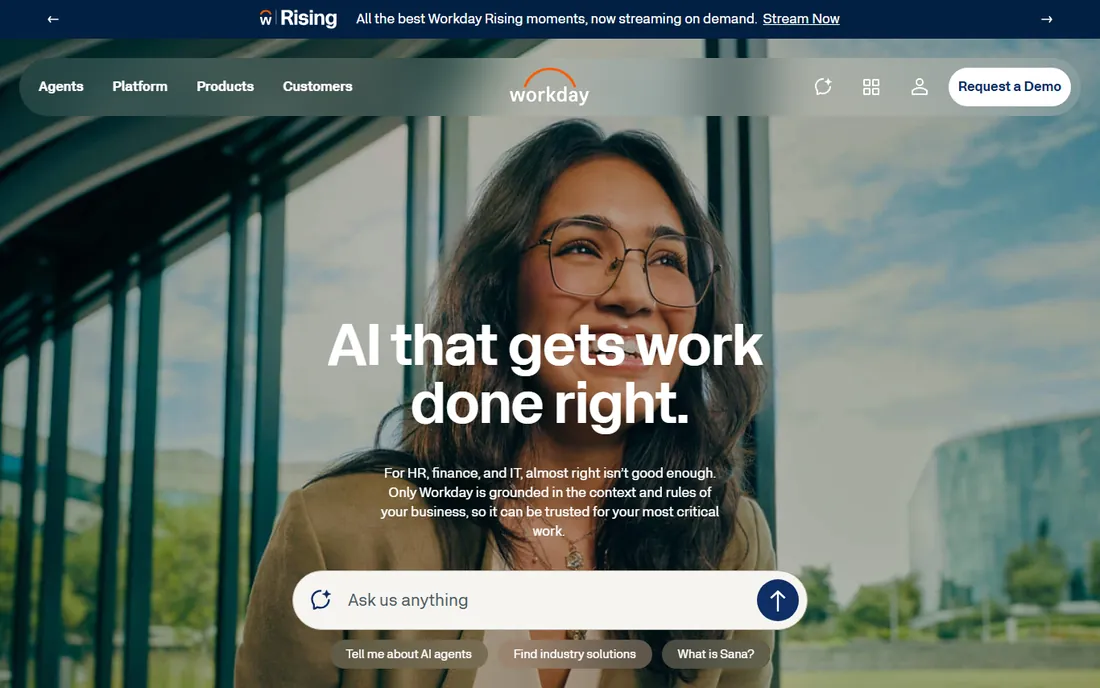
Workday is the default answer for the largest employers, and its pitch is architectural: one system holding HR, payroll, financials and planning data, so reporting and AI agents work from the full picture instead of stitched-together integrations. Its payroll engine covers multiple countries with built-in compliance tracking, and the platform now leans hard into agentic AI for HR and finance workflows.
The economics are the catch. Workday publishes no pricing; contracts are priced per employee per month with minimums, and independent analyses put base HCM in a wide range that climbs with each added module. Implementations for a mid-size enterprise typically run six to twelve months with partner rates in the hundreds per hour, and contracts commonly include three to five percent annual increases.
What we like- Single data model across HCM, payroll, finance and planning
- Strong analytics and workforce planning
- Proven at Fortune 500 scale
Watch out for- Quote-only per-employee pricing with no public numbers
- Implementations are long and expensive
- Annual price escalation clauses are standard
#2
ADP
Best for: Employers that prioritize compliance coverage and payroll expertise
Visit adp.com
Starting priceSee website
Free planNo
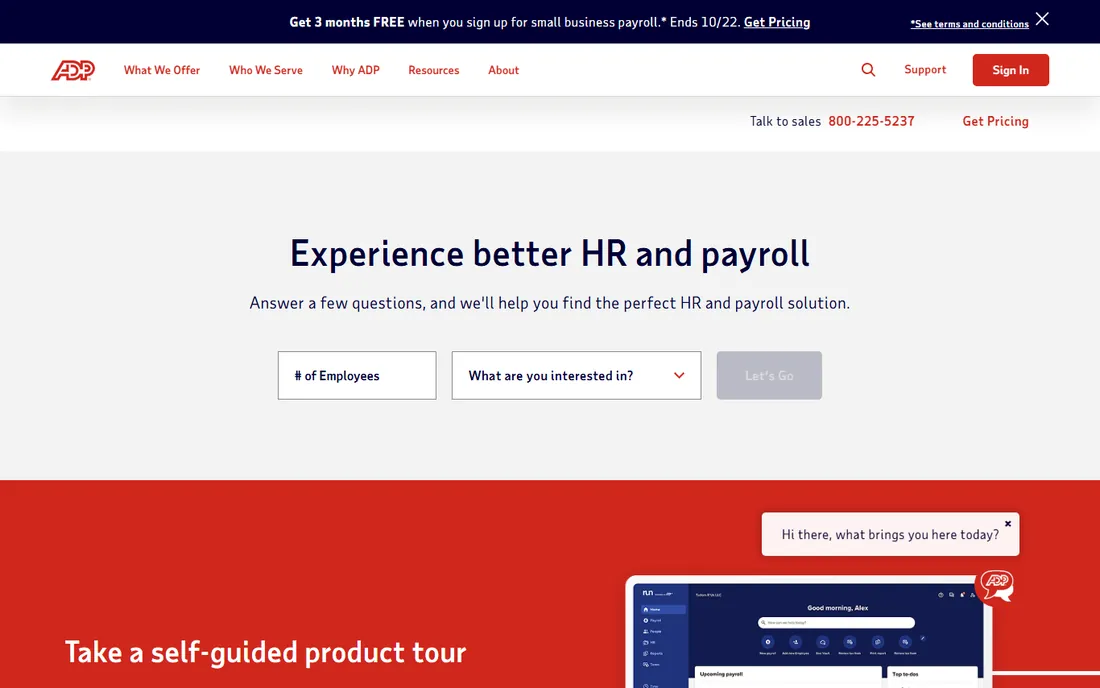
ADP's scale is its argument. The company reports more than 1.1 million clients and 75 years in the business, and its homepage notes it pays one in six US workers. For enterprise buyers, the relevant products are ADP Vantage HCM for US-focused organizations and ADP Workforce Now plus GlobalView for multinationals, with global payroll coverage across more than 140 countries and managed payroll services for teams that want to outsource the work.
Buyers get compliance depth and benchmarking data from ADP DataCloud, plus AI checks that flag payroll errors before submission. The complaints are consistent: pricing is entirely quote-based, support wait times frustrate large accounts and the overlapping product lines make it hard to know which suite you are actually buying.
What we like- Pays one in six US workers, so tax and compliance depth is unmatched
- Global payroll across 140-plus countries
- Service-rich model with managed options
Watch out for- Quote-based pricing with no public numbers
- Support quality is a recurring complaint
- The product lineup is confusing, with overlapping suites
#3
UKG
Best for: Large employers with hourly, shift-based or frontline workforces
Visit ukg.com
Starting priceSee website
Free planNo
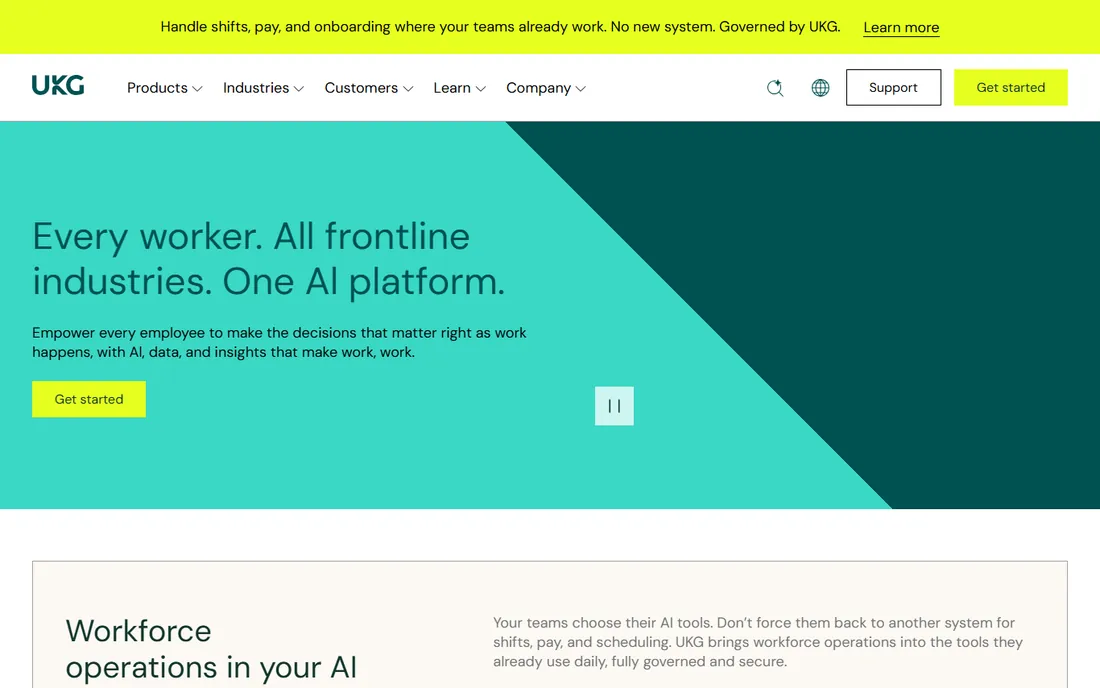
UKG, formed from the Kronos and Ultimate Software merger, owns the frontline workforce conversation. Its homepage cites 80,000-plus organizations across 150 countries and notes that most of the Fortune 1000 run on UKG. UKG Pro covers the full HCM range from recruiting through payroll, with the Bryte AI assistant helping on workforce planning and job descriptions, plus scheduling and time tools that hourly-heavy industries depend on.
The platform is priced per employee per month with modular add-ons, but UKG publishes no numbers and every deal is a quote. Reviewers praise the depth while warning that custom reporting requires near-developer skills and that the learning curve runs deep.
What we like- Workforce management heritage makes it strong for scheduling, time and attendance
- Global payroll with AI-assisted planning
- Trusted by most of the Fortune 1000
Watch out for- No published pricing
- Custom reporting is complex
- Implementations usually need a dedicated admin or partner
#4
Dayforce
Best for: Employers that want HR, payroll, time and talent in one application
Visit dayforce.com
Starting priceSee website
Free planNo
Dayforce's central claim is that it is one application, not an integrated suite: HR, payroll, time tracking, benefits, talent and analytics share one database, so a timecard change flows into payroll math immediately. That continuous calculation is the feature reviewers mention most, because it removes the batch-cycle surprises of traditional payroll. Workforce forecasting, an AI benefits advisor and earned-wage access through Dayforce Wallet round out a package aimed at large, complex operations.
Dayforce does not publish list pricing; third-party buyer guides converge around the low-to-mid twenty dollars per employee per month for typical deployments, with implementation often adding half of the first-year software cost again.
What we like- Single application with continuous payroll calculation instead of batch cycles
- Strong workforce management and scheduling
- Dayforce Wallet gives earned-wage access
Watch out for- No published list pricing
- Implementation fees are a large share of first-year cost
- Smaller organizations find it expensive for what they use
#5
Oracle HCM
Best for: Enterprises already running Oracle Cloud ERP and financials
Visit oracle.com
Starting priceSee website
Free planNo
Oracle Fusion Cloud HCM makes the most sense inside the Oracle ecosystem. When HR, payroll and financials share one cloud data model, the integration work that plagues multi-vendor stacks disappears, and Oracle's native payroll covers a broad set of countries without third-party engines. Effective-dated records and audit trails suit regulated industries and government contractors.
The commitment is substantial. Oracle publishes no HCM pricing; deals are per-employee with user minimums and typically three-year terms, and implementations commonly stretch from months into years with systems integrator support. Running it well takes certified administrators, usually one to three full-time equivalents.
What we like- Native global payroll across a very wide country footprint
- Unified data model with Oracle ERP, EPM and SCM
- Deep compliance and audit tooling
Watch out for- Quote-only pricing with minimums and multi-year terms
- Implementations often run a year or more
- Needs certified administrators to run well
#6
SAP SuccessFactors
Best for: SAP-centric enterprises with complex, multinational HR needs
Visit sap.com
Starting priceSee website
Free planNo

SAP SuccessFactors covers the full employee lifecycle, from recruiting and onboarding through performance, compensation, succession and payroll, in one modular cloud suite. For companies already on SAP, the native integration is the selling point: HR data flows directly into finance and supply chain without middleware, and the global payroll roadmap keeps multi-country processing inside the SAP tent.
Pricing is entirely quote-based, and the modular structure means the number grows with each add-on: payroll, recruiting and advanced analytics are separate licenses. Reviewers consistently flag long, costly implementations and a mobile experience that trails the desktop.
What we like- Deep talent management alongside payroll
- Native data flow into S/4HANA finance and supply chain
- Strong global compliance coverage
Watch out for- No public pricing
- Payroll is a separate add-on license on top of core HR
- Implementation is complex and the mobile experience lags
#7
Paycom
Best for: US employers that want payroll accuracy driven by employees themselves
Visit paycom.com
Starting priceSee website
Free planNo
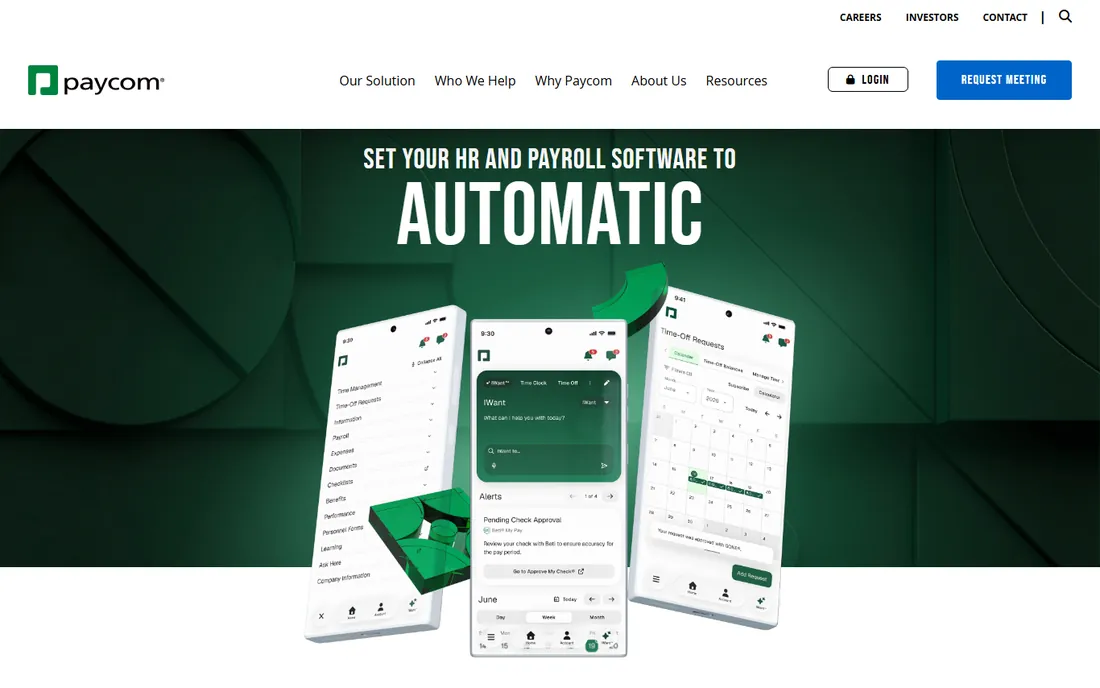
Paycom's pitch is automation through a truly single database: data entered once flows everywhere, and its Beti feature has employees review and approve their own paychecks before payroll runs, which the company says cuts payroll processing time dramatically. Time-off decisions, expense handling and HR workflows are similarly automated, with a command-driven AI layer for pulling answers from HR data.
The company publishes no pricing, and independent estimates put full-suite costs in the mid-twenty to mid-thirty dollar per-employee range for typical deployments, plus implementation at a fraction of the annual subscription. International payroll is thinner than the global specialists here, so Paycom fits US-focused employers best.
What we like- Single-database design with no reentry across tools
- Beti lets employees verify their own payroll before it runs
- Strong automation for time-off and HR workflows
Watch out for- Pricing is undisclosed and quote-only
- US-centric, with thinner international payroll
- The all-in cost lands in the mid-twenties per employee per month once modules stack
#8
Rippling
Best for: Growing companies that want HR, IT and finance on one platform
Visit rippling.com
Starting price$8 per user/month (platform base)
Free planNo
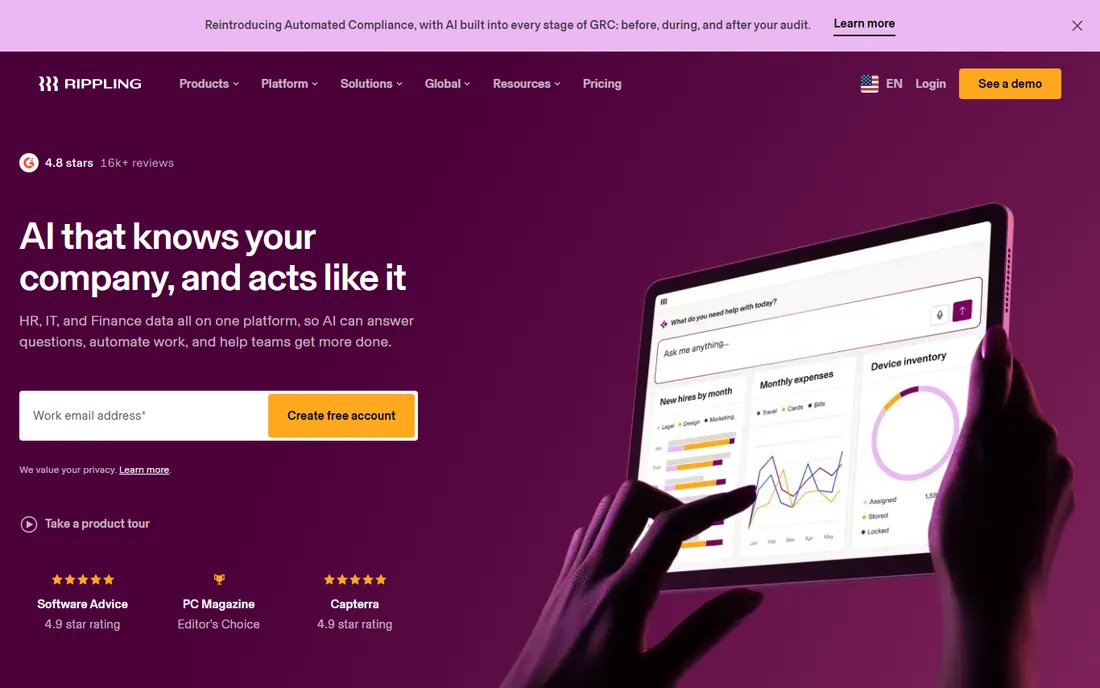
Rippling is the only platform here that publishes a starting number: its official pricing page puts the Unity platform at $8 per user per month, with every HR, IT and finance product sold separately on top of that required base. The value proposition is consolidation: onboarding, payroll, benefits, device provisioning, app access and spend management driven from one employee record, so a new hire's payroll, laptop and logins are provisioned in a single workflow.
For enterprise payroll specifically, Rippling handles US payroll natively and offers global payroll and employer-of-record services for international teams. The modular pricing cuts both ways: you only buy what you need, but modeling the total requires a sales conversation and mid-market deployments commonly land well above the base rate.
What we like- Published starting price, rare among enterprise-grade options
- Unified HR, IT and finance data with strong automation
- Global payroll and EOR for international hiring
Watch out for- The $8 base is only the start
- Every module is priced separately and the full quote is custom
- No free trial, evaluation is through guided demos
#9
Deel
Best for: Companies hiring and paying workers across many countries
Visit deel.com
Starting pricefrom $29 per employee/month (Global Payroll)
Free planNo
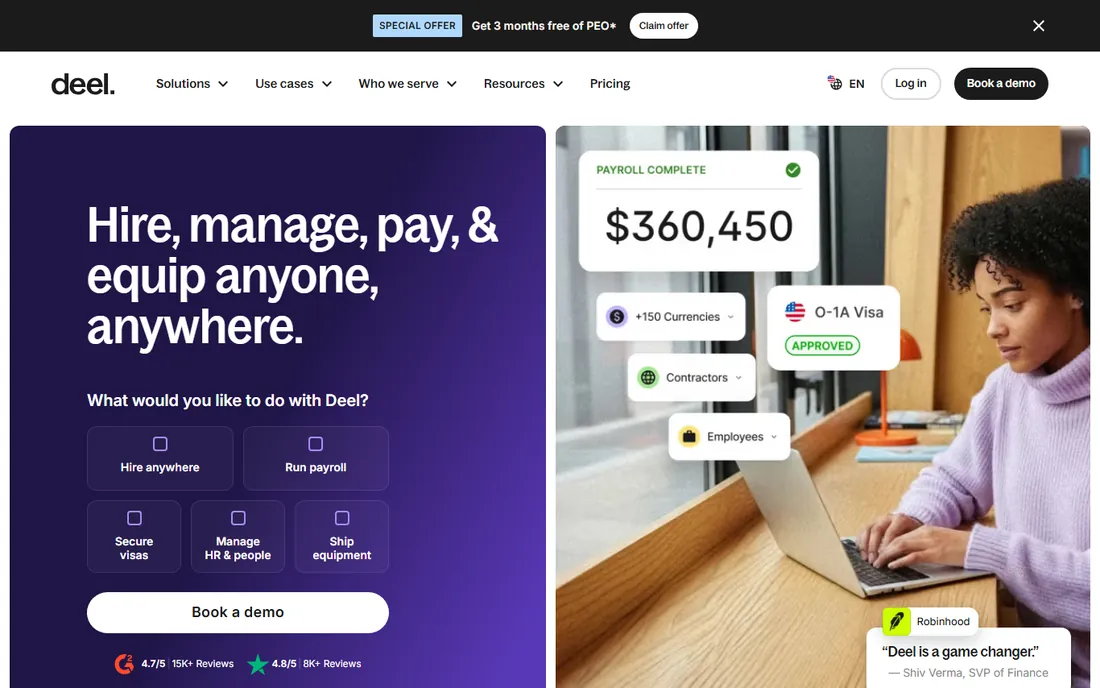
Deel is built for the distributed workforce. Its homepage cites more than 40,000 customers across 150-plus countries with over $20 billion in compliantly processed payroll, and unlike most enterprise vendors it publishes real rates: contractor management from $49 per contractor a month, global payroll from $29 per employee a month on your own entities, and employer-of-record hiring from $599 per employee a month where you have no entity.
That transparency makes it the easiest vendor here to model. The trade-offs are structural: EOR is priced as a premium service, so companies with large permanent headcounts in one country are usually better off with their own entity and Deel's global payroll product. US domestic payroll exists but is quote-based and newer than its international products.
What we like- Publishes per-worker pricing instead of hiding it
- Global payroll, EOR and contractor management in one dashboard
- 24/7 support with strong compliance tooling
Watch out for- US payroll is newer and quote-based
- EOR at $599 per employee per month is expensive as a long-term model
- Best for international workforces, less so for domestic-only payroll
How to evaluate enterprise payroll vendors
Start with coverage, not features. List every country and US state where you employ people or plan to within the contract term, then ask each vendor which of those run on native payroll engines and which are handled by partners. Partner-covered countries work, but support quality, data visibility and accountability differ, and you will feel the difference during an audit. Tax filing, year-end forms and local compliance should be included in writing, not assumed.
Next, pin down the pricing model. Most enterprise payroll is priced per employee per month, but what counts as an employee varies: some vendors bill on all employees, others on processed payees, and contractors are usually separate. Ask for the full first-year cost including implementation, data migration, integrations, training and year-end fees, then ask what the renewal increase cap is. Multi-year contracts with uncapped escalation are the most expensive line in enterprise software, and payroll is no exception.
Finally, evaluate the implementation team, not just the software. Ask who does the work (vendor, partner or your team), how many similar-size deployments the assigned team has completed and what the hypercare period covers after go-live. Request two reference customers in your industry and ask them what broke. Payroll implementations fail on data migration and parallel-run discipline more often than on software features, so weight the delivery plan as heavily as the demo.
Implementation is the real price tag
The license quote is the smallest number you will see. For the large suites, implementation typically costs a large fraction of the first-year subscription: data migration, payroll and compliance setup, integrations with benefits and time systems, workflow customization, training and parallel testing all carry fees. Third-party estimates put Dayforce implementations at roughly half of first-year software costs, and Workday and Oracle deployments for a thousand employees commonly reach six or seven figures in services alone.
Timelines follow the same pattern. Self-serveable platforms like Rippling and Deel can go live in weeks for straightforward scopes. The enterprise suites commonly take six to twelve months, and complex multinational Oracle or SAP deployments can run longer. Plan for parallel payroll runs, where old and new systems process the same cycles side by side, because that is where errors surface safely. And negotiate data exit terms before you sign: your payroll history is a compliance asset, and exporting it should not require the vendor's permission or a surprise fee.
How we chose
We started from vendor homepages, documentation and pricing pages, then checked claims against public reviews on G2, Capterra, TrustRadius and SelectHub, plus recent third-party pricing research. Every tool above is sold today and operates at enterprise scale. Prices shown come from the vendor's own published pages; where vendors publish nothing, we say so instead of repeating estimates as fact. We did not run hands-on trials; the write-ups reflect documented capabilities, pricing and recurring themes in verified user reviews.
Frequently asked questions
How much does enterprise payroll software cost?
Most enterprise payroll is priced per employee per month on custom quotes. Published starting points are rare: Rippling starts at $8 per user a month for its platform base and Deel global payroll starts at $29 per employee a month. The large suites are quote-only, with third-party estimates ranging from the low twenties to well over one hundred dollars per employee per month depending on modules. Budget implementation at a large fraction of the first-year subscription on top.
What is the difference between enterprise and SMB payroll software?
SMB payroll tools optimize for fast setup, simple tax filing and low per-seat prices. Enterprise payroll adds multi-country compliance, complex pay rules, union and shift differentials, deep HR and finance integrations, audit trails and service-level agreements. Enterprise contracts are annual or multi-year with negotiated terms; SMB tools are usually month-to-month and self-serve.
How long does enterprise payroll implementation take?
It depends on scope. Focused platforms like Rippling and Deel can go live in weeks for straightforward deployments. Mid-market suites like Dayforce, UKG and Paycom typically take three to six months. Large Workday, Oracle and SAP deployments commonly run six to twelve months, longer for multinationals. Data migration quality and parallel-run discipline determine the timeline more than software features.
Should we use one global vendor or local payroll providers?
One global vendor simplifies contracts, reporting and accountability, and suits companies standardizing processes across regions. Local providers often deliver better in-country expertise and service for complex markets. Many large enterprises use a hybrid: a global platform for consolidation with local partners in difficult jurisdictions. Ask any global vendor which countries are native versus partner-covered before deciding.
What is PEPM pricing?
PEPM means per employee per month: a flat fee multiplied by your employee count each month. Most enterprise payroll and HCM vendors use it. The details matter: check whether it covers all employees or only processed payees, whether contractors cost extra, whether there is a minimum employee count and whether modules like time tracking or talent are included or add-ons.
Can we switch payroll providers mid-year?
Yes, but it takes planning. Mid-year switches require migrating year-to-date payroll data so tax filings and W-2s stay accurate, which is the main risk. Most enterprises switch at year-end to keep one provider responsible for the full tax year, or run parallel payrolls for several cycles. Start the vendor selection six to nine months before your target go-live date.
Sources we checked (16)
- https://www.adp.com
- https://www.ukg.com
- https://www.paycom.com
- https://www.rippling.com
- https://www.deel.com
- https://www.sap.com
- https://www.workday.com
- https://engagedly.com/blog/bamboohr-vs-rippling/
- https://www.selecthub.com/hr-management-software/ukg-pro-vs-adp-vantage-hcm/
- https://www.selecthub.com/hr-management-software/dayforce-vs-oracle-hcm-cloud/
- https://www.selecthub.com/hr-management-software/adp-workforce-now-vs-adp-vantage-hcm/
- https://www.itqlick.com/compare/nolapro-payroll/rippling
- https://www.spotsaas.com/blog/deel-pricing-2026
- https://boostsuite.com/paycom-pricing/
- https://www.selecthub.com/hr-management-software/successfactors-vs-toast-payroll/
- https://clonepartner.com/blog/breathe-vs-oracle-fusion-hcm-architecture-tco-migration
Is your product missing or out of date?
We review this list regularly. Vendors can request a listing, send updated pricing or ask about featured placement.

Shihab Mia · Founder, Rankite
Shihab has spent more than a decade helping SaaS and e-commerce brands grow through search. He writes Rankite's software buying guides from pricing pages, documentation and public user reviews. More about Shihab.