How we make this list: we compare pricing pages, product documentation and public user reviews. Rankite is independent; if a vendor ever pays for a featured spot, that listing is clearly labeled Partner.
Key takeaways
- RadioBOSS is the value pick for small stations: full automation, scheduling and streaming at a fraction of traditional broadcast software prices.
- SAM Broadcaster Pro suits DJs who want a live-assist feel with automation behind it; SAM Cloud moves the whole station off your PC.
- RadioDJ is completely free and surprisingly capable, the right starting point for hobby stations.
- StationPlaylist and mAirList fit AM/FM stations that need professional playout with music scheduling depth.
- PlayoutONE and Airtime Pro cover the modern internet-radio workflow, browser-based voice tracking included.
Quick comparison
| Tool | Best for | Starting price | Free plan |
|---|
 RadioBOSS RadioBOSS | Small and internet stations wanting affordable full automation | See website (one-time license, tiered editions) | Free trial |
 SAM Broadcaster Pro SAM Broadcaster Pro | DJs who want live-assist playout with automation behind it | See website (one-time license) | Free trial |
 StationPlaylist Studio StationPlaylist Studio | AM/FM and serious internet stations needing professional playout | See website (one-time license) | Free trial |
 RadioDJ RadioDJ | Hobby and community stations with no budget | Free | Yes |
 mAirList mAirList | Professional stations wanting deep, configurable playout | See website (one-time license, tiered editions) | Free trial |
 PlayoutONE PlayoutONE | Stations wanting modern playout with browser voice tracking | See website (one-time license) | Free trial |
 SAM Broadcaster Cloud SAM Broadcaster Cloud | Internet stations that want no local PC running 24/7 | See website (monthly subscription) | Free trial |
 Airtime Pro Airtime Pro | Internet stations wanting hosted automation with station management | See website (monthly subscription) | Free trial |
Is your product missing or out of date?
We review this list regularly. Vendors can request a listing, send updated pricing or ask about featured placement.
The best radio automation software
It is 2 a.m., nobody is in the studio, and your station still needs to sound alive: music flowing, station IDs landing on time, the overnight show running itself. Radio automation software is what makes that possible, scheduling music, playing logs, handling live handoffs and streaming to listeners without a human at the desk. These eight tools cover the real options, from free hobby software to professional playout systems.
#1
RadioBOSS
Best for: Small and internet stations wanting affordable full automation
Visit radioboss.fm
Starting priceSee website (one-time license, tiered editions)
Free planFree trial
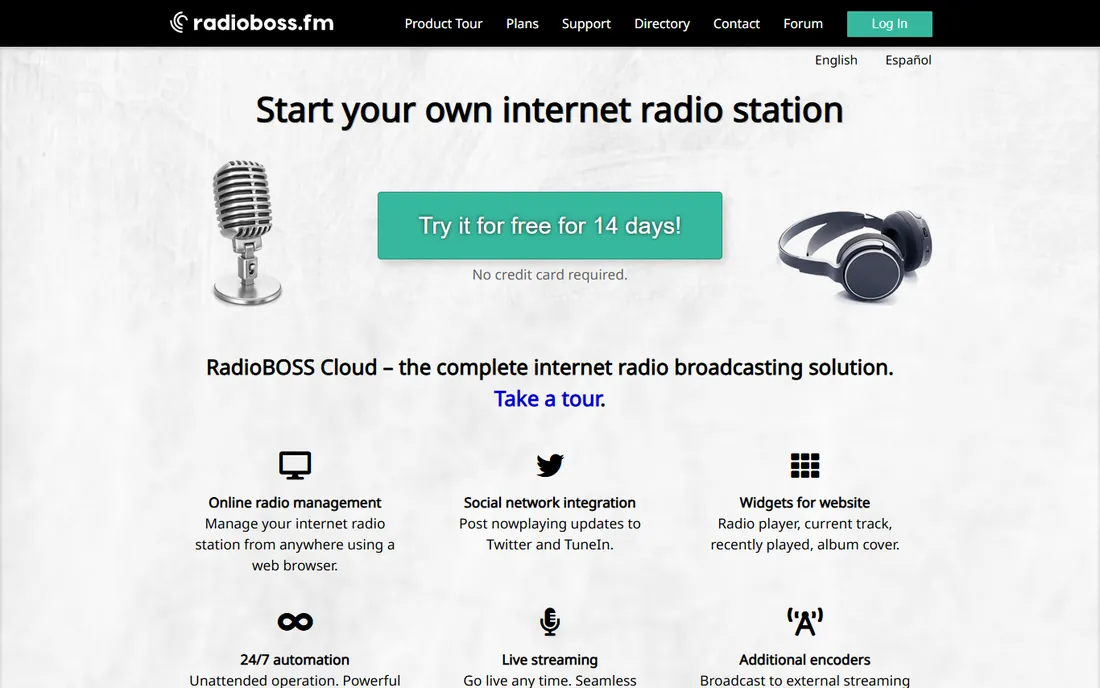
RadioBOSS is the budget station workhorse. For a one-time license far below traditional broadcast software, you get playlist generation with rotations, an event scheduler, automatic volume leveling, crossfading and built-in streaming encoders. It handles music, station IDs, advertisements and timed announcements, and it is known for running unattended for long stretches without drama.
The tradeoffs are platform and polish. Windows only, and the interface looks utilitarian next to newer tools. Three editions (Express, Standard, Advanced) split features, so check which tier has the streaming and automation depth you need. For community stations, internet radio and in-store audio, it is the price-to-performance leader.
What we like- Full automation with scheduler, crossfading and ad support at a low price
- Built-in encoders for Shoutcast and Icecast
- Runs unattended for weeks reliably
Watch out for- Windows only
- The interface prioritizes function over polish
- Advanced features spread across three editions
#2
SAM Broadcaster Pro
Best for: DJs who want live-assist playout with automation behind it
Visit spacial.com
Starting priceSee website (one-time license)
Free planFree trial
SAM Broadcaster Pro feels like DJ software that grew into a station: two decks, crossfader, sound effects, with rotation rules and scheduling running underneath. Live DJs can take over cleanly, then hand back to automation. Voice tracking lets presenters record links between songs for later playback, and the stats relay shows what is playing on your website.
Reviewers note the voice tracking is weaker than specialists like PlayoutONE's WebVT, and the interface has not kept pace visually. But for stations built around live presenters with automation filling the gaps, the DJ-first design is exactly right, and the one-time license keeps costs predictable.
What we like- DJ-style dual-deck interface with automation
- Voice tracking for pre-recorded shows
- Strong streaming and stats integration
Watch out for- Voice tracking gets mixed reviews
- The interface shows its age
- Automation depth trails dedicated schedulers
#3
StationPlaylist Studio
Best for: AM/FM and serious internet stations needing professional playout
Visit stationplaylist.com
Starting priceSee website (one-time license)
Free planFree trial
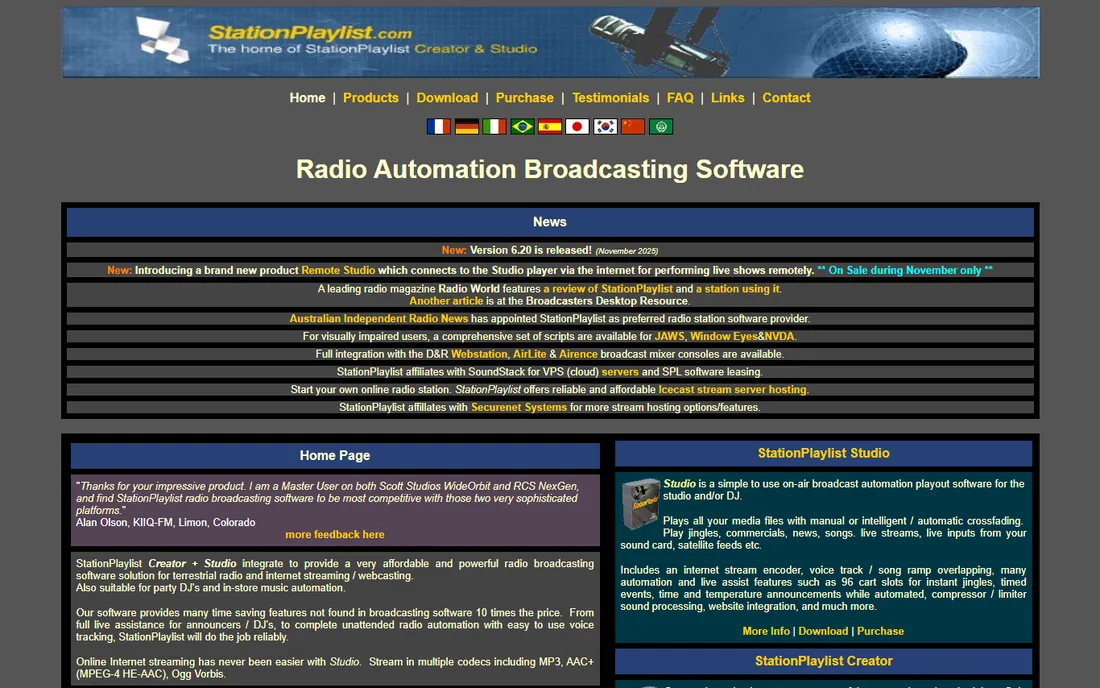
StationPlaylist is a fixture in real radio stations, terrestrial and online. Studio handles live-assist and automation with the timing precision broadcast demands: segue editing, timed events, network cue handling. The separate Creator module does music scheduling with rotations, dayparting and rules that keep the sound consistent. It is built for stations where dead air is a crisis.
That professionalism costs approachability. The learning curve is real, it is Windows software with a traditional broadcast feel, and small hobby stations will find it more than they need. For stations that sound like stations, it is proven kit.
What we like- Professional-grade automation with precise timing
- Music scheduling with rule-based rotations
- Stable in 24/7 broadcast use
Watch out for- Learning curve for the full feature set
- Windows only
- The look and workflow feel traditional
#4
RadioDJ
Best for: Hobby and community stations with no budget
Visit radiodj.ro
Starting priceFree
Free planYes
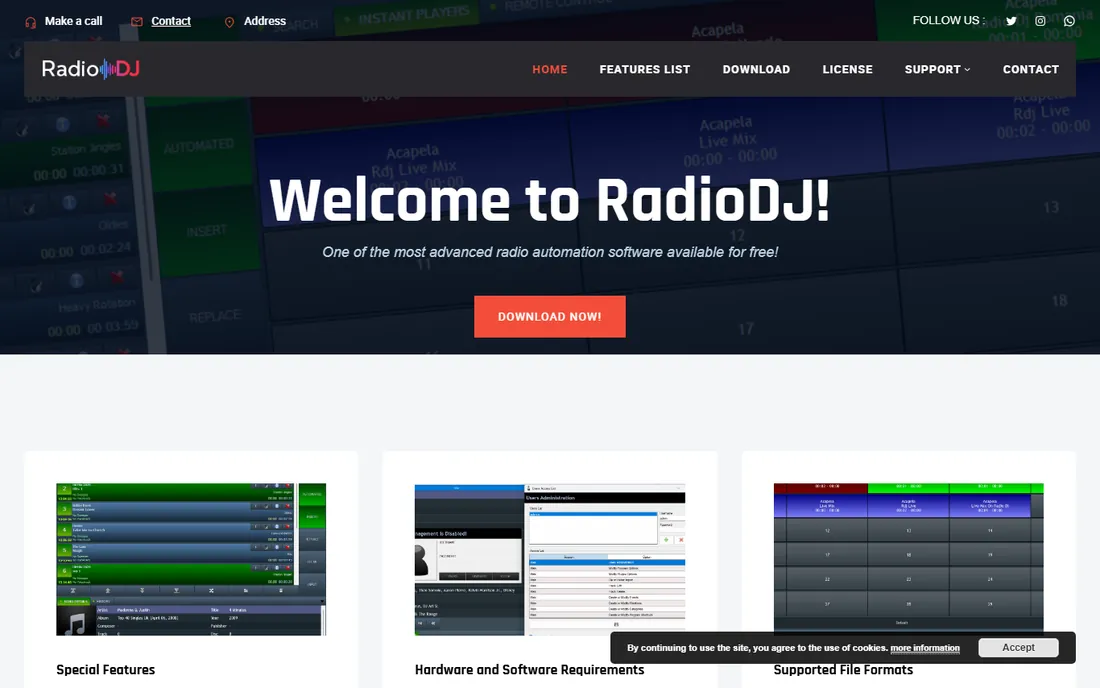
RadioDJ is the remarkable free option: a full radio automation system, rotations, playlists, events, streaming encoders, costing nothing. Community stations and hobby broadcasters run real stations on it. The plugin system extends it, and the community forum is active enough to solve most problems.
Free means no commercial support and a setup process that assumes technical confidence. It is Windows-only and the interface is functional. But the price is unbeatable and the capability is real; every station should evaluate RadioDJ before spending money, because for many, it is enough.
What we like- Completely free with serious automation features
- Rotation and event management
- Active community and plugin ecosystem
Watch out for- Windows only
- Setup needs technical comfort
- Support is community-based, not commercial
#5
mAirList
Best for: Professional stations wanting deep, configurable playout
Visit mairlist.com
Starting priceSee website (one-time license, tiered editions)
Free planFree trial
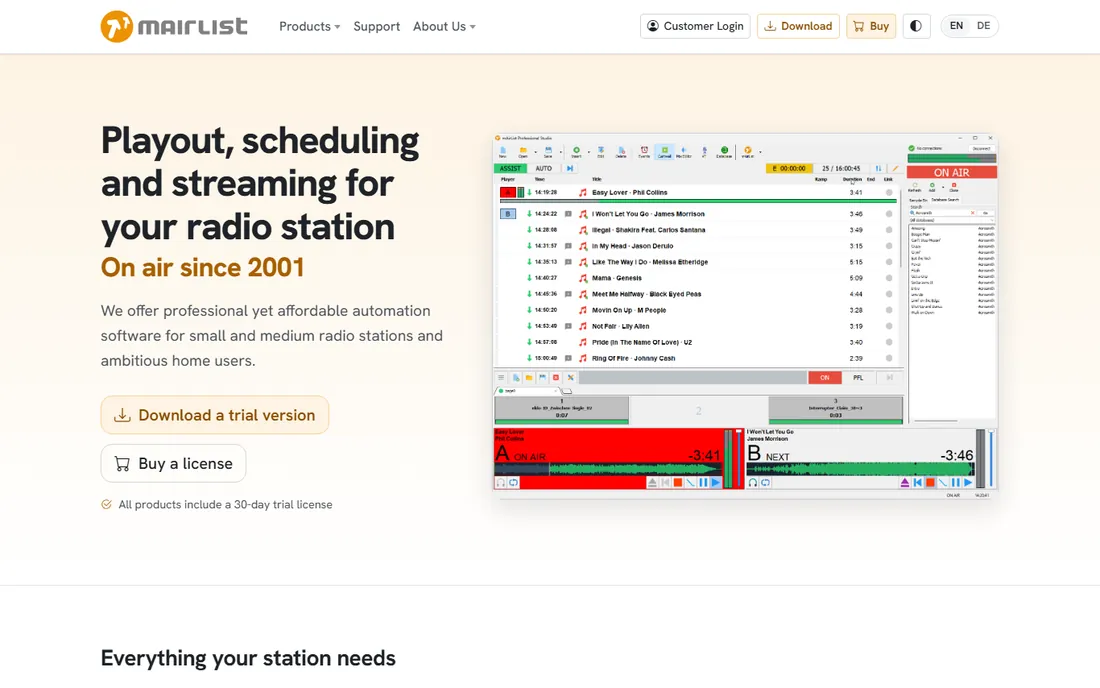
mAirList is the configurator's choice: a professional playout system where nearly everything can be tuned, from database-driven music scheduling to automation logic and hardware integration. European stations in particular run on it, and its reliability in 24/7 operation is well established. The database keeps your audio library, playlists and logs organized at station scale.
Depth is the double edge. New users face real complexity, and the edition tiers need careful reading to match features to needs. Smaller non-European stations may find the ecosystem thinner. For broadcasters who want the system to work exactly their way, mAirList delivers.
What we like- Extremely configurable playout and automation
- Strong database and music scheduling
- Trusted by European broadcasters
Watch out for- Configuration depth means complexity
- Pricing tiers need study
- Smaller presence outside Europe
#6
PlayoutONE
Best for: Stations wanting modern playout with browser voice tracking
Visit playoutone.com
Starting priceSee website (one-time license)
Free planFree trial
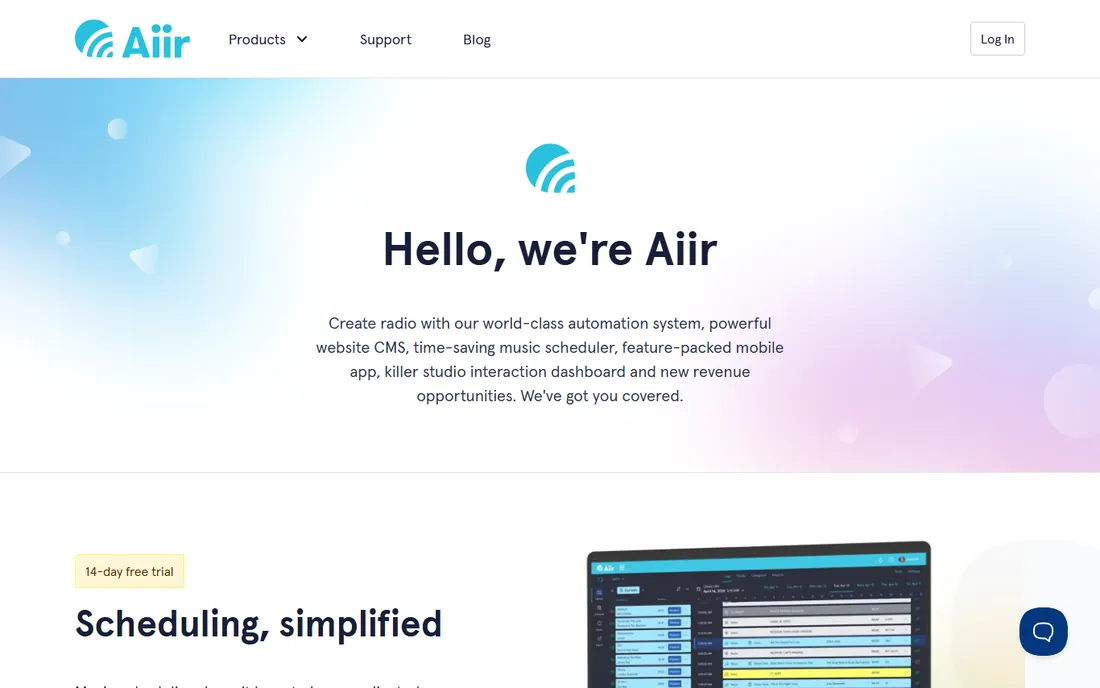
PlayoutONE is the modern challenger: a clean, current interface with four main players, strong automation, and WebVT, a browser-based voice tracking system that reviewers rate above competitors. Presenters can voice-track from anywhere with a browser, which suits distributed station teams. Pricing is positioned as accessible for the feature depth.
It lacks the decades of installed base of StationPlaylist or SAM, so third-party integrations and community resources are thinner. But for stations that want current software design with serious broadcast features, PlayoutONE is the fresh option worth evaluating.
What we like- Modern interface with four players
- WebVT browser-based voice tracking is excellent
- Good value for the feature set
Watch out for- Newer and smaller than the established names
- Windows focus
- The ecosystem is still growing
#7
SAM Broadcaster Cloud
Best for: Internet stations that want no local PC running 24/7
Visit spacial.com
Starting priceSee website (monthly subscription)
Free planFree trial
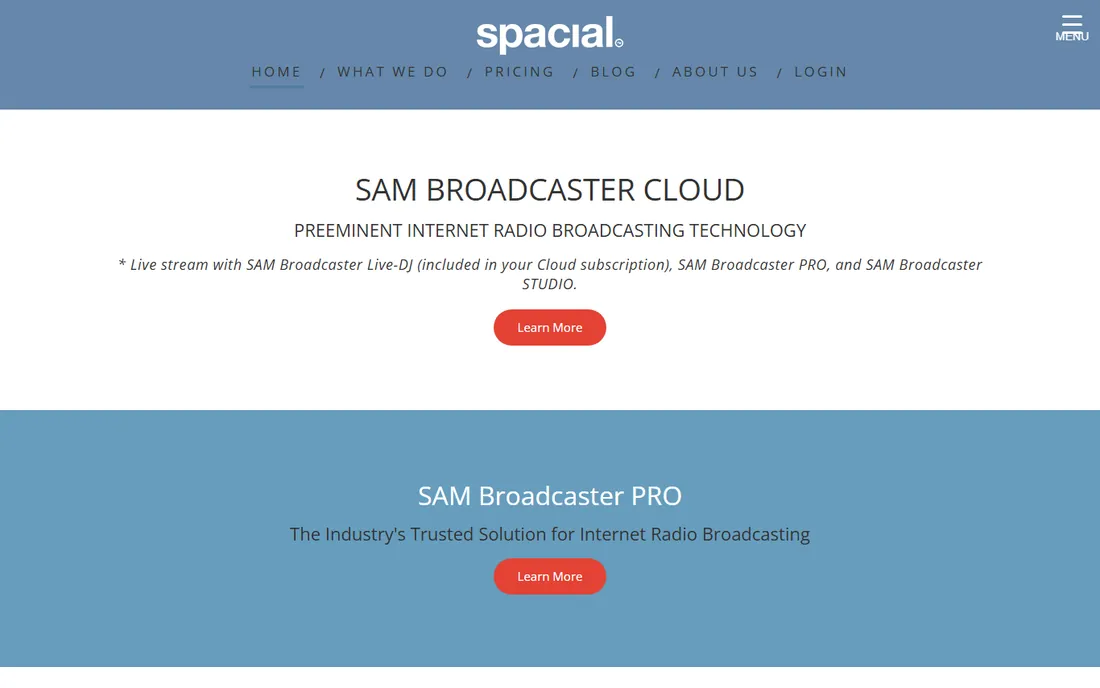
SAM Broadcaster Cloud moves the station off your hardware: upload your library, set rotations and schedules, and the station streams 24/7 from Spacial's servers. No PC left running, no home internet worries. It pairs with SAM Broadcaster Pro, so live DJs can take over the cloud stream for shows and hand back to automation after.
The subscription never ends, unlike the one-time desktop licenses, so long-term cost is higher. And a cloud station is only as reliable as your upload path for live segments. For internet stations that want to skip the always-on PC entirely, it is the straightforward hosted answer.
What we like- Fully hosted, your station runs with your computer off
- Rotation rules and scheduling in the cloud
- Works with SAM Broadcaster Pro for live shows
Watch out for- Monthly cost forever versus one-time licenses
- Internet-dependent by definition
- Advanced customization is limited
#8
Airtime Pro
Best for: Internet stations wanting hosted automation with station management
Visit airtime.pro
Starting priceSee website (monthly subscription)
Free planFree trial
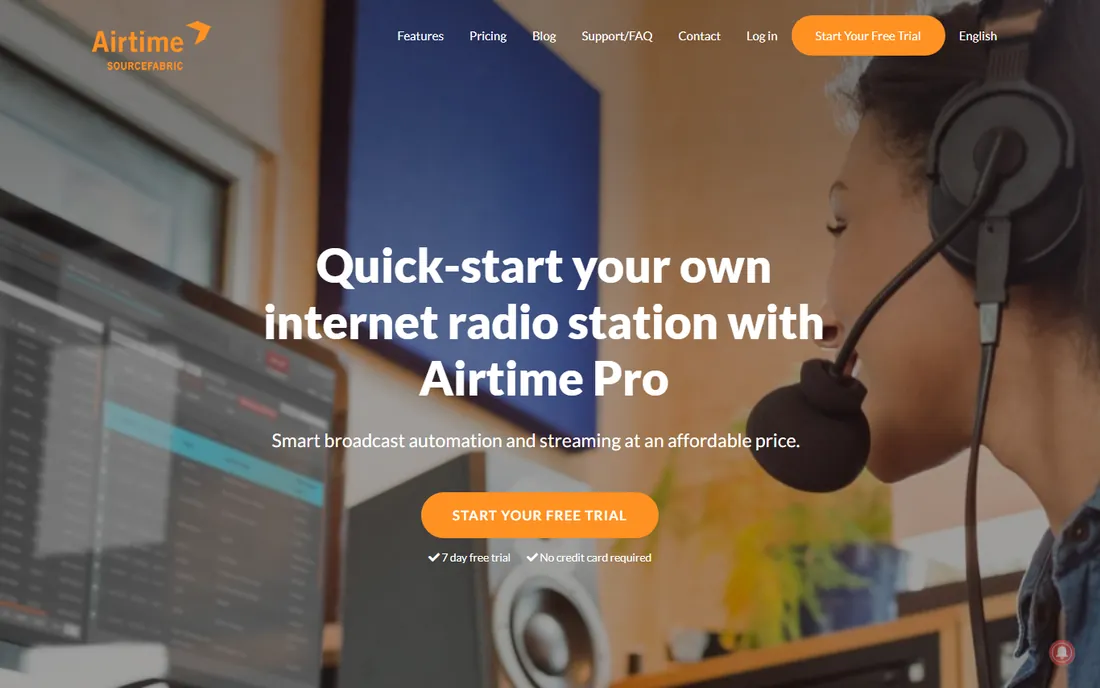
Airtime Pro, from the team behind the open-source Airtime project, is hosted internet radio: smart playlists, scheduling, live show management and a station website with player widgets, all in the browser. New stations can be on air quickly without touching server software. The automation handles the unmanned hours while DJs schedule live slots.
It is internet-radio-first; FM stations needing transmitter integration and precise broadcast timing should look at StationPlaylist or mAirList. Monthly pricing means ongoing cost, and deep customization is limited next to desktop systems. For launching an online station fast, it is the low-friction pick.
What we like- Hosted platform with smart automation and scheduling
- Station website and widgets included
- Quick to launch
Watch out for- Monthly pricing scales with needs
- Less suited to FM playout
- Customization limits versus desktop systems
What to check before you buy
Check your broadcast chain first: internet-only, or FM with transmitter and licensing hardware? Desktop systems (RadioBOSS, SAM, StationPlaylist, RadioDJ, mAirList, PlayoutONE) run on your PC; cloud systems (SAM Cloud, Airtime Pro) run on someone else's. Check OS: most desktop options are Windows-only, which decides your studio hardware.
Check the music scheduling depth you need. Simple rotation suits background-music operations; dayparting, rules and segue editing matter for stations with a real sound. Check streaming: confirm Shoutcast/Icecast support, metadata handling and listener stats. And trial with your actual library: import a few hundred tracks and run a full automated day before committing.
How we chose
We started with the searches station owners use: best radio automation software, radio playout software and internet radio automation. For each candidate we checked the vendor's own site for current editions and pricing approach, read broadcaster reviews and forum discussion, and compared automation depth, scheduling, streaming support and fit by station type. Where pricing could not be confirmed on the vendor's page, we wrote "See website".
Music licensing: the cost nobody puts in the software comparison
The software is the cheap part of running a station. Playing commercial music publicly requires licenses, and in the US that typically means BMI, ASCAP, SESAC and GMR for terrestrial-style use, plus SoundExchange for digital streaming. Costs run from hundreds to thousands per year depending on format and revenue.
Internet-only stations often use hosted providers that bundle some licensing, but "some" is doing heavy lifting there; read exactly what is covered. Talk stations with no music still need to check. Sort licensing before you invest in software and promotion, because an unlicensed station is a liability no automation fixes.
Frequently asked questions
What is the cheapest way to start an internet radio station?
RadioDJ (free) on a Windows PC with a Shoutcast or Icecast host, which costs a few dollars a month. Add music licensing costs on top. Total software cost can be zero; hosting and licensing are the real expenses.
Do I need a dedicated computer for radio automation?
For desktop software, yes, ideally: a PC that stays on, stays updated carefully, and does nothing else during broadcast hours. Cloud options (SAM Broadcaster Cloud, Airtime Pro) remove this need entirely, which is their main selling point.
Can radio automation software handle live DJs?
Yes. SAM Broadcaster Pro, StationPlaylist, mAirList and PlayoutONE all support live-assist modes where a presenter takes over and automation resumes after. Cloud systems handle it by letting the live source take over the stream.
What is voice tracking?
Recording spoken links between songs in advance, so a presenter can "host" hours of programming in minutes. PlayoutONE's WebVT and SAM's voice tracking do this; quality varies, so test it if your format depends on presenter personality.
Does radio automation software include music?
No. It plays audio files you provide and must license. Some services sell royalty-free music beds separately. Never assume the software license covers the music rights.
Sources we checked (7)
- https://radioboss.fm
- https://spacial.com
- https://stationplaylist.com
- https://radiodj.ro
- https://mairlist.com
- https://playoutone.com
- https://airtime.pro
Is your product missing or out of date?
We review this list regularly. Vendors can request a listing, send updated pricing or ask about featured placement.

Shihab Mia · Founder, Rankite
Shihab has spent more than a decade helping SaaS and e-commerce brands grow through search. He writes Rankite's software buying guides from pricing pages, documentation and public user reviews. More about Shihab.