How we make this list: we compare pricing pages, product documentation and public user reviews. Ratings come from G2, Capterra or Trustpilot, with the date we checked them.
Key takeaways
- Project tracking differs from a simple task list: it shows ownership, deadlines, dependencies, and progress across a whole project.
- ClickUp gives the most features per dollar, while Asana gives the smoothest adoption for cross-functional teams.
- Monday.com suits visual, operations-heavy teams, and Jira suits software teams that run sprints and track issues.
- Free plans help small teams start, but user caps, storage limits, and automation caps often force a paid plan sooner than expected.
- The deciding test is a real project with dependencies, a deadline change, and a status report, not a demo with sample data.
Quick comparison
| Tool | Best for | Starting price | Free plan |
|---|
 ClickUp ClickUp | All-in-one value | $7 per user/month (billed annually) | Yes |
 Asana Asana | Polished task coordination | $10.99 per user/month (billed annually) | Yes |
 monday.com monday.com | Visual project boards | $9 per user/month (billed annually) | Yes |
 Wrike Wrike | High-volume structured work | $10 per user/month (billed annually) | Yes |
 Smartsheet Smartsheet | Spreadsheet-style planning | $9 per user/month (billed annually) | Free trial (30 days) |
 Zoho Projects Zoho Projects | Low-cost classic tracking | $4 per user/month (billed annually) | Yes |
 Jira Jira | Software sprints and issues | $7.75 per user/month (billed annually) | Yes |
 Trello Trello | Simple kanban boards | $5 per user/month (billed annually) | Yes |
Is your product missing or out of date?
We review this list regularly. Vendors can request a listing, send updated pricing or ask about featured placement.
The best project tracking software
#1ClickUp
Best for: All-in-one value4.6/5 on
G2 (14,878 reviews, checked Oct 2026)
Visit clickup.com
Starting price$7 per user/month (billed annually)
Free planYes
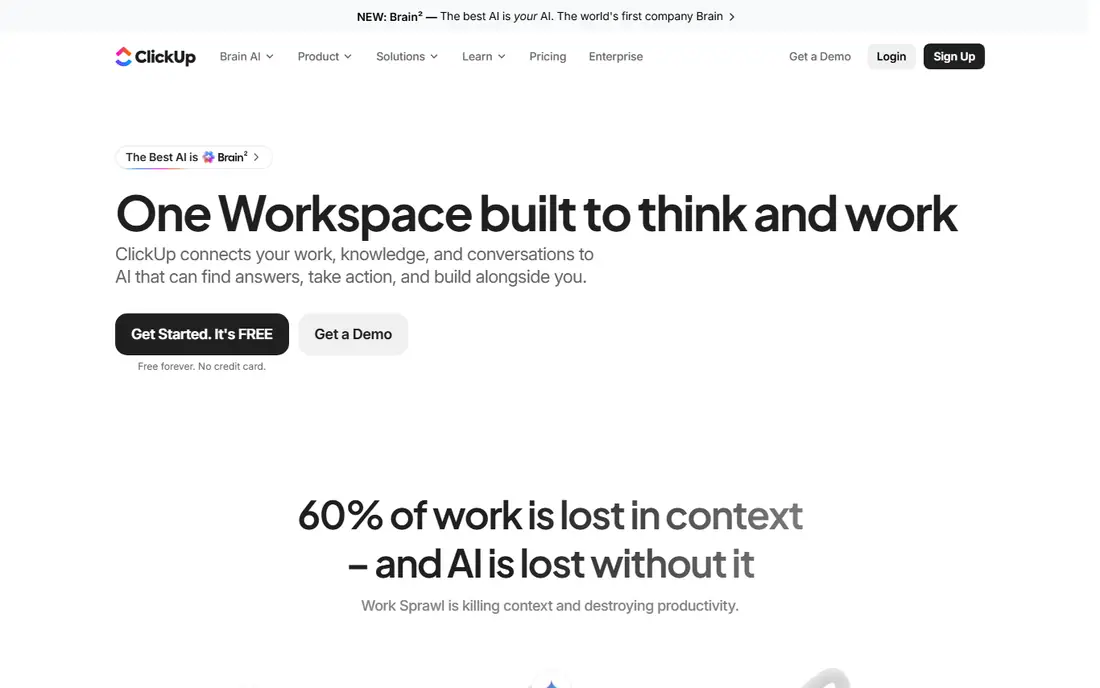
ClickUp packs tasks, docs, goals, Gantt charts, time tracking, and dashboards into one workspace, which is why it wins on features per dollar. The Unlimited plan at $7 per user per month billed annually adds unlimited storage, Gantt charts, custom fields, and 1,000 automation runs per month, covering most small and mid-size project needs without add-ons. The free plan also covers unlimited tasks and members, which few rivals match.
The risk is sprawl. ClickUp ships so many views and options that a team without a named owner can end up with five ways to track the same project and no single source of truth. Appoint one admin, turn off unused features, and start from a template for the team's most common project type. With that discipline, ClickUp is hard to beat on price. Without it, a simpler tool will serve the team better.
What we like- Many views included
- Unlimited tasks and members on free plan
- Native time tracking and docs
Watch out for- Setup can become cluttered without an owner
- AI features cost extra
- Learning curve for new teams
#2Asana
Best for: Polished task coordination4.4/5 on
G2 (13,930 reviews, checked Oct 2026)
Visit asana.com
Starting price$10.99 per user/month (billed annually)
Free planYes
Asana is the tracker most teams learn fastest. Tasks, sections, timelines, and portfolios follow a clear model, so a marketing, operations, or product team can plan work, assign owners, and report status without a long training period. The Starter plan at $10.99 per user per month billed annually adds timelines, dashboards, and more automation, which covers most cross-functional project work.
The free plan limit is the main surprise. It now covers only two users, so it works for a pair or a personal setup, not for a whole team. Larger teams also need the Advanced plan at $24.99 per user per month for portfolios, goals, and deeper reporting, which changes the budget for a 20-person group. Asana suits teams that value adoption speed and a clean interface over the lowest price.
What we like- Clean, easy interface
- Strong timelines and portfolios
- Wide integration library
Watch out for- Free plan now caps at two users
- Advanced features need the higher plan
- Per-user cost rises with team size
#3monday.com
Best for: Visual project boards4.7/5 on
G2 (17,182 reviews, checked Oct 2026)
Visit monday.com
Starting price$9 per user/month (billed annually)
Free planYes
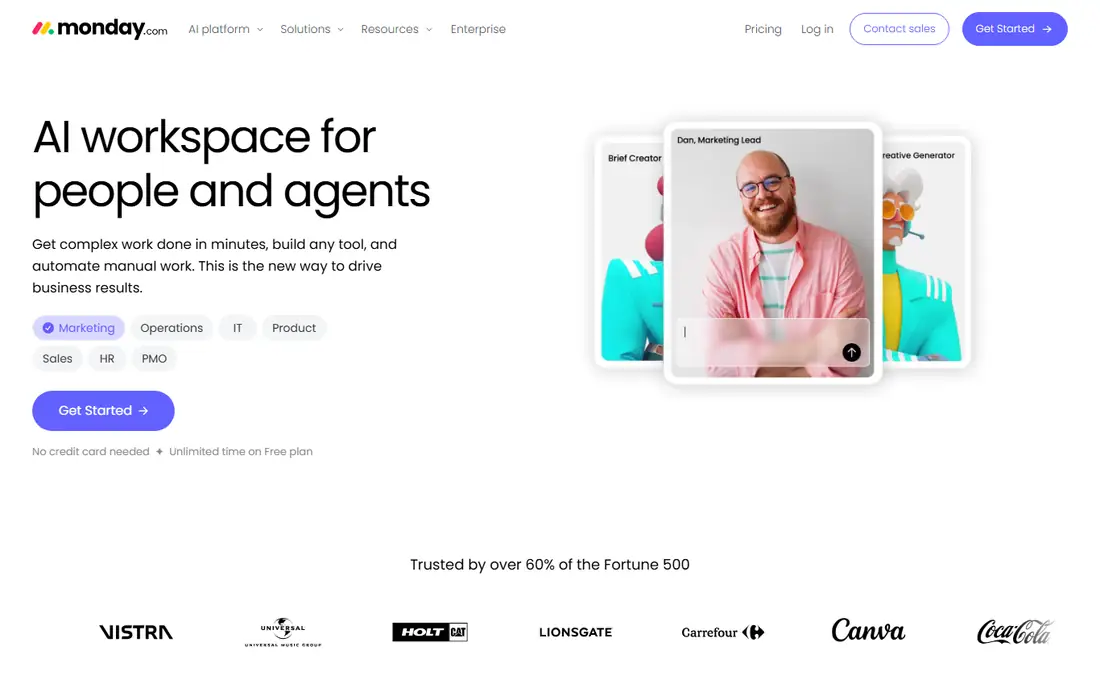
Monday.com turns projects into visual boards where each row is an item and each column tracks status, owner, date, or budget. That layout suits operations, marketing, and client services teams that think in boards rather than task lists. Timelines and Gantt views start on Standard at $12 per user per month, while Basic at $9 covers the core board experience.
The pricing details matter for small teams. Paid plans carry a three-seat minimum, and Standard caps automation actions at 250 per month, which a busy team can hit during a launch. Pro at $19 per user per month adds unlimited automations, time tracking, and dependency columns. Monday.com is the right pick when visual status and flexible boards matter most, and a weaker pick when a team needs deep issue tracking or strict sprint tooling.
What we like- Visual boards and timelines
- Flexible columns and automations
- Strong templates
Watch out for- Three-seat minimum on paid plans
- Automation caps on lower plans
- Costs rise on Pro
#4Wrike
Best for: High-volume structured work4.2/5 on
G2 (4,540 reviews, checked Oct 2026)
Visit wrike.com
Starting price$10 per user/month (billed annually)
Free planYes
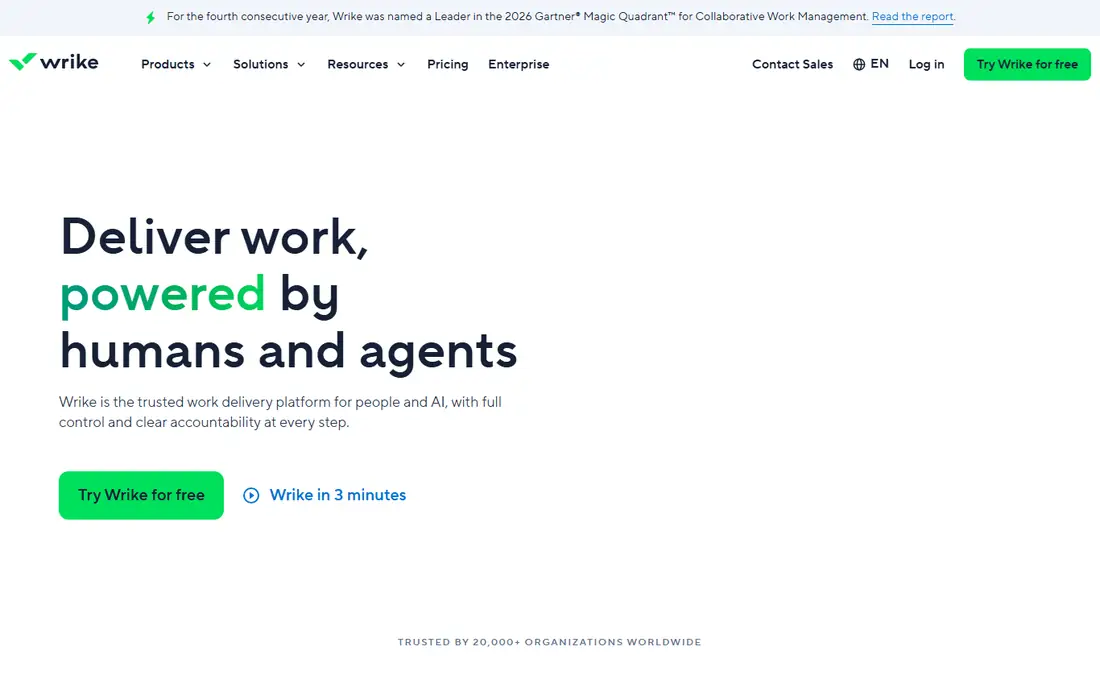
Wrike suits teams that run many projects at once and need structure around them. Resource views show who is overloaded, approval workflows route creative and documents through review, and dashboards roll up progress across a portfolio. The Team plan starts at $10 per user per month billed annually, which covers core tracking for a department that has outgrown a simple board.
The cost and complexity rise with ambition. Business at $25 per user per month adds the deeper reporting, resource management, and automation that larger programs usually need, and enterprise tiers are quoted. Small teams that only need a board and a deadline list will find Wrike heavier than Asana or Trello. Wrike earns its price when volume, approvals, and capacity planning are daily work, not occasional needs.
What we like- Strong resource planning
- Approval workflows
- Dashboards for large portfolios
Watch out for- Interface feels heavier than rivals
- Best features need Business plan
- Setup takes longer
#5Smartsheet
Best for: Spreadsheet-style planning4.4/5 on
G2 (22,767 reviews, checked Oct 2026)
Visit smartsheet.com
Starting price$9 per user/month (billed annually)
Free planFree trial (30 days)
Smartsheet feels familiar to anyone who has run a project in a spreadsheet, because work lives in a grid with rows, columns, formulas, and attachments. That familiarity speeds adoption for finance, operations, and construction-adjacent teams, while Gantt, card, and calendar views give managers the timeline picture a plain sheet cannot. Forms collect requests and intake without extra software, which helps teams that take work from other departments.
The trade-offs are cost structure and limits. There is no permanent free plan, only a 30-day trial, and the Pro plan starts at $9 per user per month billed annually. Automation runs are capped per sheet on lower plans, with overage charges on some tiers, so a team that automates heavily should check its monthly run count. Smartsheet suits spreadsheet-native teams that want planning discipline without learning a new project model.
What we like- Familiar grid layout
- Gantt and card views
- Strong reporting and forms
Watch out for- No permanent free plan
- Automation caps on lower plans
- Per-user pricing with minimums on some tiers
#6Zoho Projects
Best for: Low-cost classic tracking4.4/5 on
G2 (570 reviews, checked Oct 2026)
Visit zoho.com
Starting price$4 per user/month (billed annually)
Free planYes
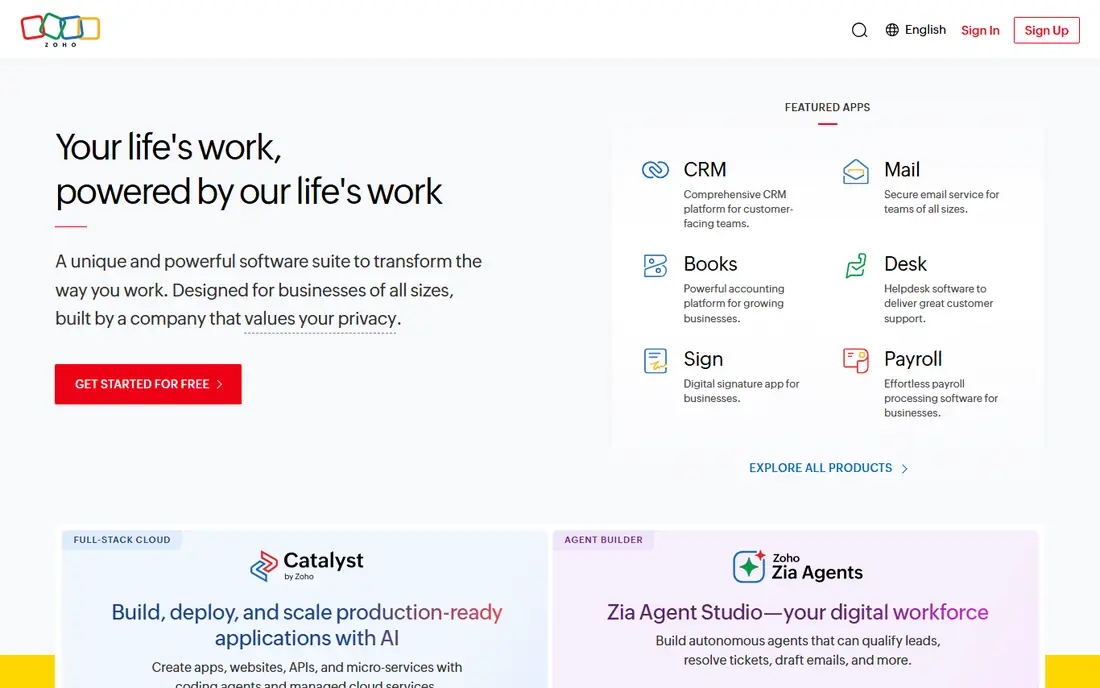
Zoho Projects gives small teams classic project tracking at a price few rivals match. Premium starts at $4 per user per month billed annually, with Gantt charts, task lists, timesheets, milestones, and forums for team discussion. For a team already using Zoho CRM, Books, or Mail, the shared login and data flow add value that a standalone tracker cannot match.
The limits are polish and ecosystem depth. The interface feels less modern than Asana or monday.com, and the integration library is narrower than ClickUp or Asana, though Zapier and the Zoho suite cover common needs. Some plans also carry user minimums, so a very small team should confirm the minimum before budgeting. Zoho Projects is the practical pick when budget is tight and classic Gantt planning is the main need.
What we like- Lowest entry price here
- Gantt charts and timesheets
- Good Zoho app integration
Watch out for- Interface feels dated next to rivals
- Some plans carry user minimums
- Fewer third-party integrations
#7Jira
Best for: Software sprints and issues4.3/5 on
G2 (7,984 reviews, checked Oct 2026)
Visit atlassian.com
Starting price$7.75 per user/month (billed annually)
Free planYes
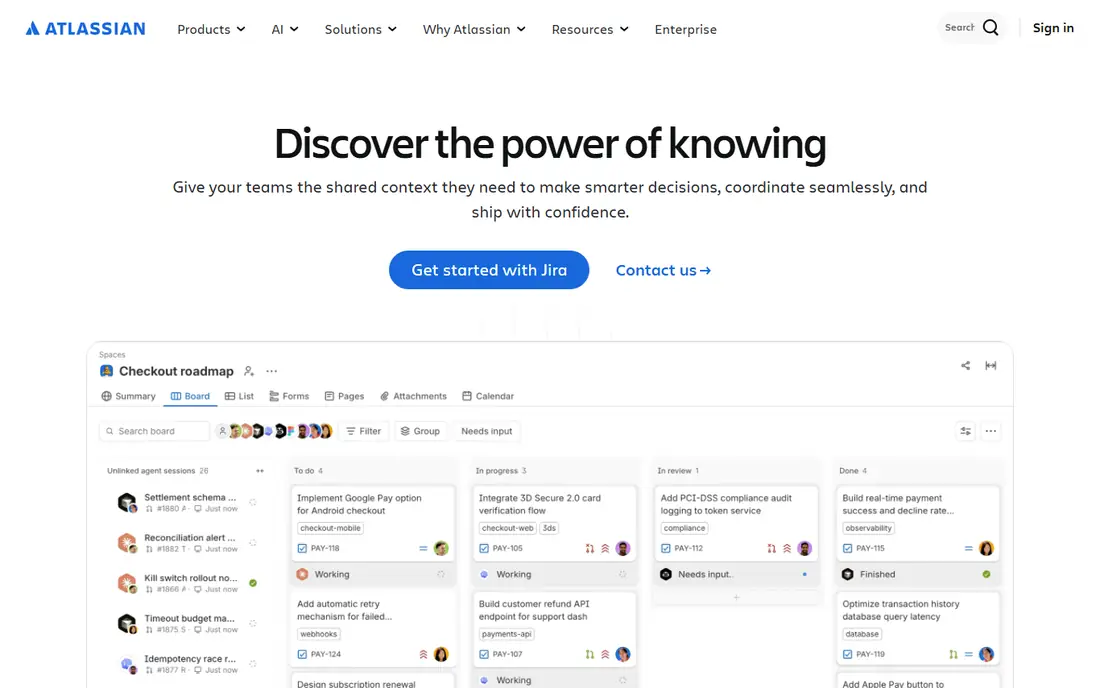
Jira is the tracker software teams reach for when work means sprints, backlogs, bugs, and releases. Boards, sprint planning, issue types, and release reporting follow an agile model that engineering teams already understand, and the free plan covers up to 10 users for small teams. Standard starts at $7.75 per user per month billed annually, which keeps the entry cost low for a growing engineering group.
The same depth makes Jira a poor fit for general business teams. Marketing or operations staff often find the issue model, workflows, and permissions heavier than a board tool, and configuration can consume a sprint if no one owns it. Teams should also check roadmap and advanced planning needs, since some of those features sit on Premium. Jira wins for software delivery, and loses when the project is not software.
What we like- Built for sprints, backlogs, and issues
- Strong reporting for engineering
- Free plan up to 10 users
Watch out for- Overkill for non-software teams
- Configuration takes time
- Advanced roadmaps need higher plans
#8Trello
Best for: Simple kanban boards4.4/5 on
G2 (14,064 reviews, checked Oct 2026)
Visit trello.com
Starting price$5 per user/month (billed annually)
Free planYes
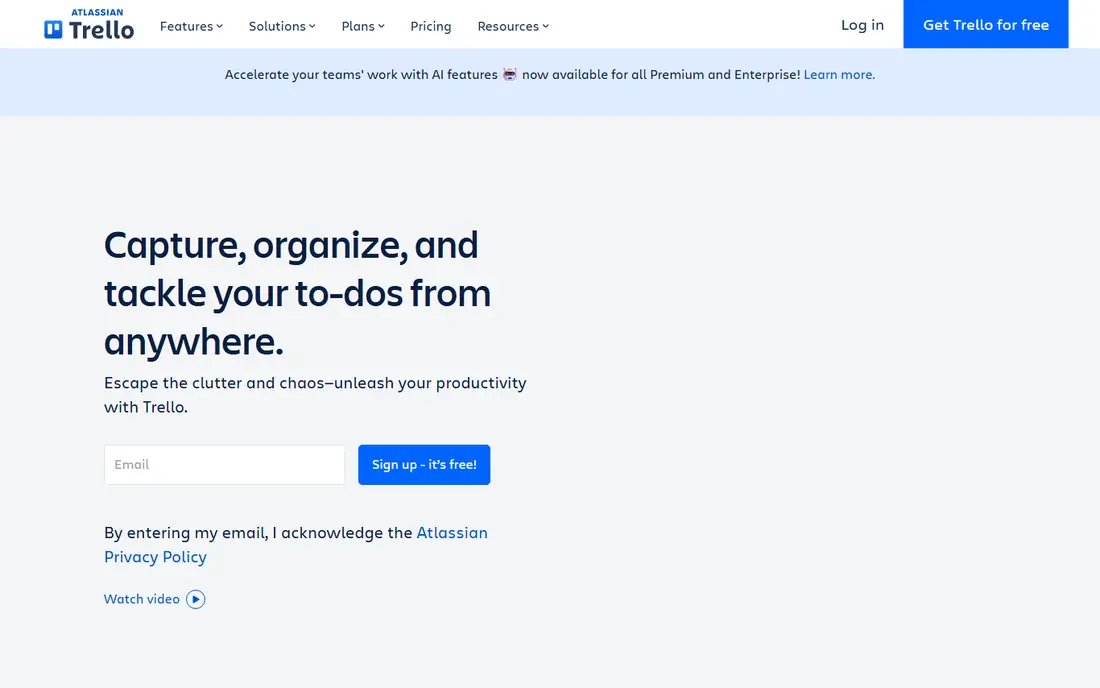
Trello remains the fastest way to track a project that fits on one board. Lists and cards, drag-and-drop movement, checklists, due dates, and comments cover the daily work for small teams, personal projects, and simple client pipelines. Setup takes minutes, new staff need almost no training, and the Standard plan at $5 per user per month billed annually adds unlimited boards, custom fields, and more automation.
The ceiling arrives quickly for larger programs. Trello handles dependencies, capacity planning, and portfolio reporting weakly compared with Asana, monday.com, or Wrike, and teams often add power-ups or a second tool when projects grow. That is not a flaw when the work is simple. Trello is the right pick when the whole plan fits on a board, and the wrong pick when leadership needs roll-up reporting across dozens of projects.
What we like- Simplest board to learn
- Fast setup
- Free plan covers up to 10 collaborators
Watch out for- Weak for dependencies and portfolios
- Reporting is basic
- Power-ups add cost on lower plans
How we chose
We compared vendor pricing pages, product documentation, and public reviews on G2, Capterra, and Reddit, and we weighed views, dependencies, automation limits, integrations, and fit by team type. We favored tools that track ownership, deadlines, and progress across a project, not just personal to-do lists. Prices reflect vendor pages and recent pricing checks from October 2026, so confirm seat minimums and automation caps before buying.
Picking by team type, not by feature count
A tracker fails when it asks a team to change how it works without a clear payoff. Start with the team's actual project shape: how many projects run at once, how often deadlines move, who reports status, and whether work is billed by the hour. A five-person creative team and a 50-person engineering org need different tools, even when both say they want project tracking.
Run a two-week trial on one real project
Move one active project into each shortlisted tool, with real owners, real due dates, and one mid-project change. Ask each owner to update status, reassign one task, and produce a progress view for a manager. The tool that survives that week with the least extra admin is usually the right one, even when another tool has a longer feature list. Pay attention to mobile use too, since field and client-facing staff often update work from a phone.
Frequently asked questions
What is the difference between project tracking software and task management software?
Task software tracks individual to-dos, while project tracking adds the project layer: timelines, dependencies, milestones, budgets, and progress across many tasks and owners. A task app answers what to do next, while a tracker answers whether the project is on time and on budget.
What is the best free project tracking software?
ClickUp has the most generous free plan here, with unlimited tasks and members, though storage and some features are capped. Trello is the simplest free option for small boards, and Jira covers up to 10 users free for software teams. Asana free now covers only two users, so it suits pairs rather than whole teams.
How much should a small team pay per month?
Most small teams pay $4 to $12 per user per month on annual billing for an entry paid plan. A 10-person team on ClickUp Unlimited would pay about $70 per month, while the same team on Asana Starter would pay about $110 per month, before taxes and add-ons.
Do these tools include time tracking?
ClickUp, monday.com on Pro, Smartsheet through add-ons or higher plans, Zoho Projects, and Jira through apps all support time tracking in some form. Asana and Trello need integrations or higher plans for deeper time features, so check the exact plan when billing by the hour matters.
Which tool is best for software teams?
Jira is the strongest fit for software teams that run sprints, manage backlogs, and track bugs and releases. ClickUp and monday.com can work for software teams too, but they need more configuration to match Jira's sprint and issue model.
Can a team switch project tools without losing history?
Yes, with a migration plan. Export tasks, comments, and attachments where the tool allows it, and keep the old workspace read-only for at least one project cycle. Some history, such as automation rules and dashboard setups, rarely migrates cleanly, so budget time to rebuild reports in the new tool.
Sources we checked (8)
- https://clickup.com/pricing/
- https://asana.com/pricing/
- https://monday.com/pricing/
- https://www.wrike.com/pricing/
- https://www.smartsheet.com/pricing/
- https://www.zoho.com/projects/pricing/
- https://www.atlassian.com/software/jira/pricing/
- https://trello.com/pricing/
Is your product missing or out of date?
We review this list regularly. Vendors can request a listing, send updated pricing or ask about featured placement.

Shihab Mia · Founder, Rankite
Shihab has 5+ years in B2B and SaaS SEO. He writes Rankite's software buying guides from pricing pages, documentation and public user reviews. More about Shihab.