How we make this list: we compare pricing pages, product documentation and public user reviews. Rankite is independent; if a vendor ever pays for a featured spot, that listing is clearly labeled Partner.
Key takeaways
- The cheapest way to start: Clockify (free tier), Everhour (free up to 5 seats) and Toggl Track (free for a limited number of users) all let you track real projects before paying anything.
- Agencies that bill clients should price Harvest ($11/person/month) and Everhour ($8.50/seat/month) against each other: Harvest has invoicing built in, Everhour lives inside your PM tool.
- Need proof of work? Hubstaff (from $4.99/user/month) and Time Doctor bring screenshots and activity monitoring, but check the trust tradeoff below first.
- Paid plans almost always bill per seat with annual discounts: compare the monthly-billed price too, because it runs 20 to 40 percent higher.
Quick comparison
| Tool | Best for | Starting price | Free plan |
|---|
 Toggl Track Toggl Track | Freelancers and teams wanting simple time tracking with capacity planning | $9/user/month billed annually (Starter; $12 billed monthly) | Yes, free forever for a limited number of users |
 Clockify Clockify | Teams wanting a genuinely free time tracker with unlimited tracking | $3.99/seat/month billed annually (Basic; $4.99 billed monthly) | Yes (free tier; homepage price listed as 0 USD) |
 Harvest Harvest | Agencies that bill clients and want time tracking plus invoicing in one tool | $11/person/month billed annually (Pro; $14 billed monthly) | Yes, free for 1 seat |
 Everhour Everhour | Teams that live in Asana, ClickUp, Jira, Monday, Trello or Linear | $8.50/seat/month billed annually (Team; 5-seat minimum) | Yes, free for up to 5 seats (limited features) |
 Hubstaff Hubstaff | Remote teams needing screenshots, activity levels and payroll in one platform | From $4.99/user/month (per vendor site) | Free 14-day trial (no permanent free plan) |
 Time Doctor Time Doctor | Companies wanting detailed workforce analytics and distraction alerts | See website (plan prices render via script on the pricing page) | Free 14-day trial (no permanent free plan) |
 actiTIME actiTIME | Tiny teams wanting a free tracker for up to 3 users | $6/user/month billed yearly (1-40 users; $5 for 41-200 users) | Yes, free for 1-3 users (limited functionality) |
 RescueTime RescueTime | Individuals and teams that want automatic tracking without starting timers | $7/month billed annually (Solo Focus; $9 billed monthly) | Free trial (no permanent free plan confirmed) |
 DeskTime DeskTime | Hybrid teams wanting automatic tracking, screenshots and shift scheduling | $6.42/user/month billed annually (Pro) | Free trial (no permanent free plan confirmed) |
Is your product missing or out of date?
We review this list regularly. Vendors can request a listing, send updated pricing or ask about featured placement.
Tracking software that shows where the hours actually went
A project that "took about two weeks" usually took either nine days or nineteen, and the difference decides whether you made money on it. That is the whole job of project management tracking tools: turn the hours your team spends into data you can bill, budget and plan with. The nine tools below cover the real market, from free trackers to monitoring-heavy platforms, with the per-seat math worked out from each vendor's own pricing page.
#1
Toggl Track
Best for: Freelancers and teams wanting simple time tracking with capacity planning
Visit toggl.com
Starting price$9/user/month billed annually (Starter; $12 billed monthly)
Free planYes, free forever for a limited number of users
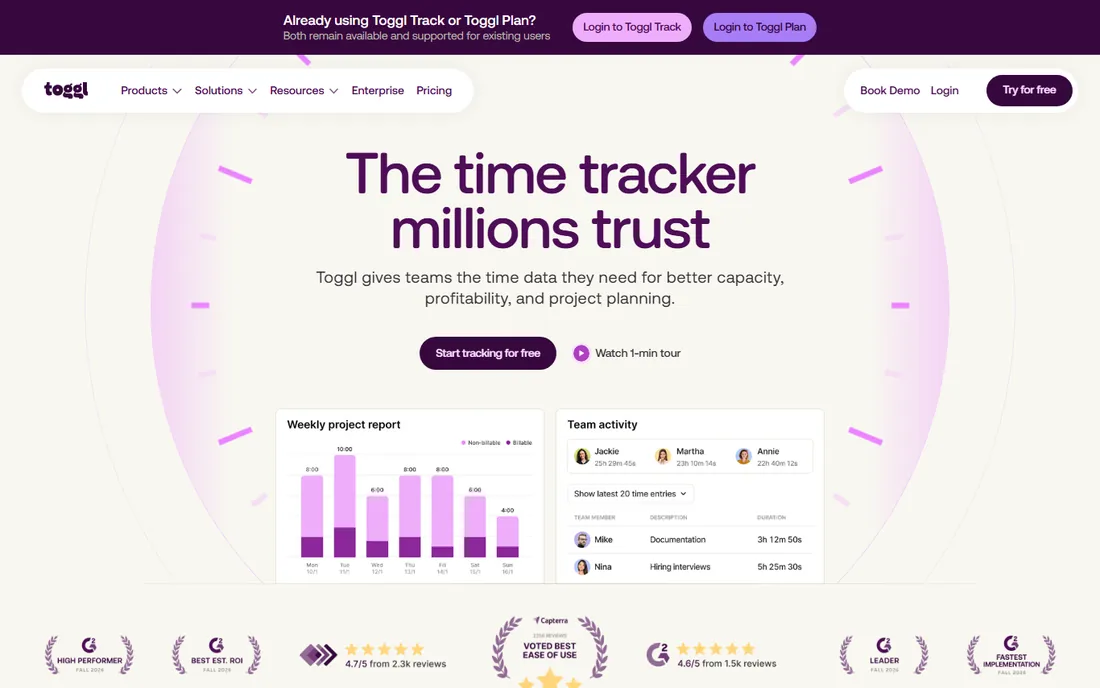
Toggl Track is the easy-default pick for teams that hate trackers. The free tier covers timers, task boards, estimates and personal reports, which is enough for a solo freelancer or a tiny team to run real projects. Starter at $9 per user per month billed annually adds billable rates, team reports and timeline views; Premium at $16 brings labor costs, profitability reports and timesheet approvals. A 10-person team pays $90 per month on Starter billed annually.
The honest catch is the add-on shelf. Time Off Pro ($2) and Capacity Management ($5 to $6) are per-user monthly extras, so the real price for a fully loaded setup is higher than the headline. Toggl also deliberately avoids screenshots and keystroke logging, which helps adoption but means managers who want proof-of-work monitoring should look at Hubstaff or Time Doctor instead.
What we like- Generous free tier with manual and real-time timers plus calendar integrations
- Premium adds profitability reports, fixed-fee projects and timesheet approvals
- Anti-surveillance positioning that teams accept more readily
Watch out for- Free plan caps the user count
- Add-ons (Time Off Pro $2, Capacity Management $5 per user/month) stack on top
- Jira and Asana integrations sit on Premium, not Starter
#2
Clockify
Best for: Teams wanting a genuinely free time tracker with unlimited tracking
Visit clockify.me
Starting price$3.99/seat/month billed annually (Basic; $4.99 billed monthly)
Free planYes (free tier; homepage price listed as 0 USD)
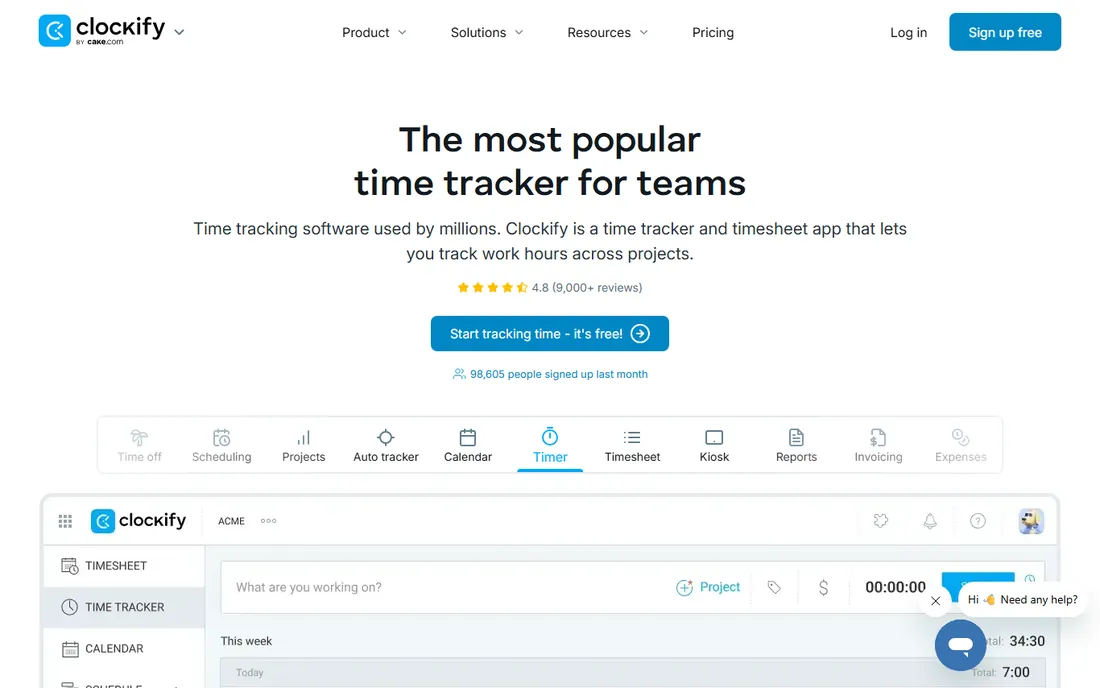
Clockify's pitch is that the free tier is the real product for many teams: unlimited time tracking, projects, reports and apps on web, desktop and mobile at no cost. When you outgrow it, Basic at $3.99 per seat per month billed annually adds admin controls like required fields, bulk edit, kiosk and time estimates; Standard at $5.49 adds timesheet approval, invoicing and time off; Pro at $7.99 adds scheduling, forecasting and activity monitoring. A 10-seat team on Basic pays $39.90 per month billed annually.
Watch the seat math. Every active or invited user on the Team page occupies a paid seat, including the owner, admins and managers, so a 10-person company with two part-time contractors pays for 12. The kiosk-only limited seats ($0.79 per month on Basic) soften that for shift workers. For pure time tracking at zero cost, nothing on this list beats the free tier.
What we like- Free tier covers timers, timesheets, calendar view and unlimited tracking
- Kiosk mode, scheduling, invoicing and expenses available across the range
- Choice of data hosting region (US, EU, UK, Australia)
Watch out for- Timesheet approval, audit log, SSO and custom subdomain need paid tiers
- Every active or invited user counts as a paid seat, including admins
- Monthly billing runs about 25 percent higher
#3
Harvest
Best for: Agencies that bill clients and want time tracking plus invoicing in one tool
Visit getharvest.com
Starting price$11/person/month billed annually (Pro; $14 billed monthly)
Free planYes, free for 1 seat
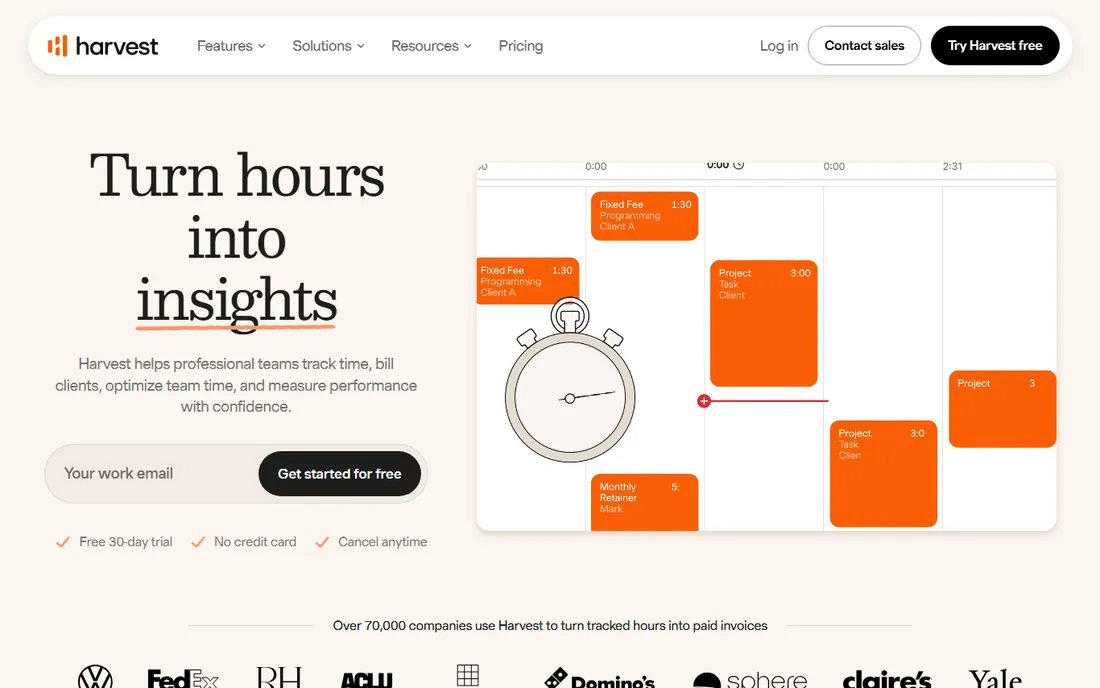
Harvest is built for the billable-hour workflow end to end. Track time by project and task, set billable and cost rates per person, generate polished invoices from the tracked time and let clients pay straight from the invoice. Pro is the only paid tier at $11 per person per month billed annually ($14 monthly), which keeps the decision simple: a 10-person agency pays $110 per month billed annually with invoicing, estimates, profitability reporting and timesheet approvals included.
The tradeoff is flexibility. There is no budget tier between free and Pro, and the free plan covers just one seat, so a two-person shop pays full price immediately. Harvest also has no screenshots or activity monitoring; it is a trust-based tracker for professional teams. If your projects are fixed-fee and you need deep budget controls inside Asana or Jira, Everhour deserves a look first.
What we like- Invoicing, estimates and expense tracking built into the same workspace
- Clean project profitability and budget reporting
- 50-plus integrations including QuickBooks, Xero, Asana and Stripe
Watch out for- One paid tier only, so there is no cheaper middle option
- The free plan is limited to a single seat
- Per-person pricing climbs fast past 20 people
#4
Everhour
Best for: Teams that live in Asana, ClickUp, Jira, Monday, Trello or Linear
Visit everhour.com
Starting price$8.50/seat/month billed annually (Team; 5-seat minimum)
Free planYes, free for up to 5 seats (limited features)
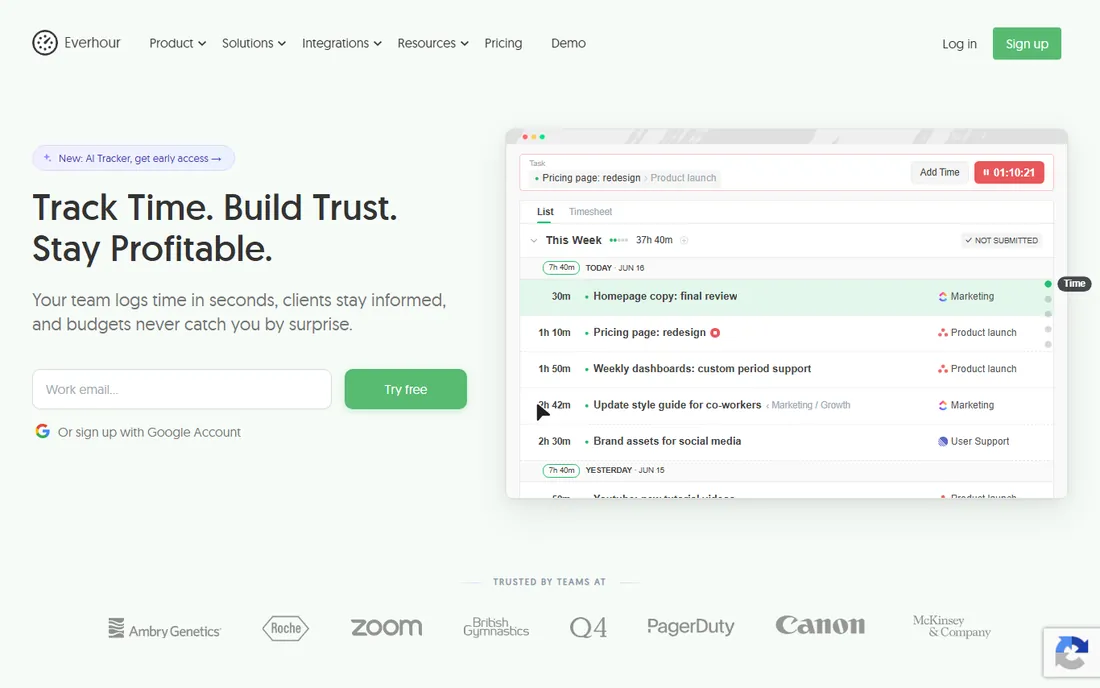
Everhour's whole idea is that time tracking should live where the work lives. Instead of a separate app, its controls embed inside Asana, ClickUp, Jira, Monday, Trello, Linear and GitHub, so timers, estimates and budget bars sit on the tasks your team already opens. One Team plan at $8.50 per seat per month billed annually includes everything: billing, budgeting, invoicing, SSO and API. A 10-seat team pays $85 per month, or $42.50 per month at the 5-seat minimum.
The 5-seat minimum is the catch for tiny teams: even with two trackers you pay for five, which is $42.50 per month billed annually. And the free plan excludes integrations, which is the product's main reason to exist. But for agencies already paying for Asana or ClickUp, Everhour is usually cheaper and deeper than the PM tool's own built-in time tracking, which typically sits on the most expensive tiers.
What we like- Timer and budget controls embed directly inside popular PM tools, so nobody switches tabs
- Budget alerts, billing rates and invoicing included in one flat price with no feature gating
- Your time history survives a PM tool switch
Watch out for- Native integrations require the paid plan
- Paid plans carry a 5-seat minimum even for smaller teams
- Monthly billing is meaningfully more expensive than annual
#5
Hubstaff
Best for: Remote teams needing screenshots, activity levels and payroll in one platform
Visit hubstaff.com
Starting priceFrom $4.99/user/month (per vendor site)
Free planFree 14-day trial (no permanent free plan)
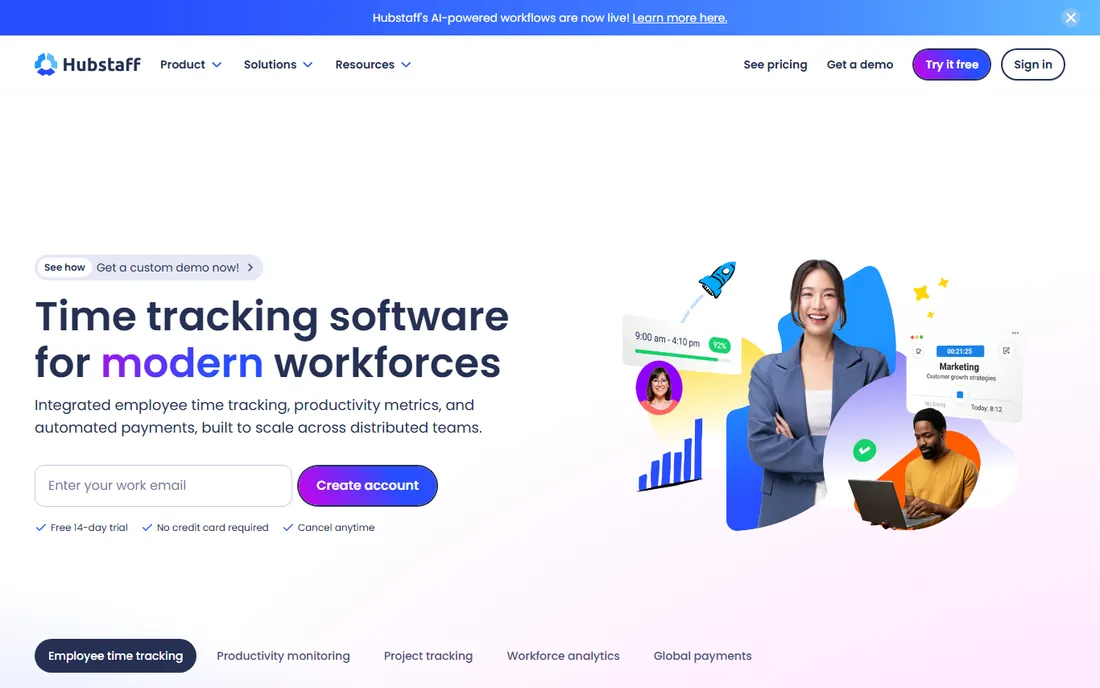
Hubstaff is the pick when "tracked hours" is not enough and you need verifiable proof of work. The desktop and mobile apps capture screenshots, keyboard and mouse activity levels, apps and URLs used, and GPS locations for mobile crews, then roll it into timesheets, project budgets and payroll. Automated payments let you pay global teams in multiple currencies from approved time. The vendor's own site lists pricing from $4.99 per user per month.
That power is also the risk. Screenshot monitoring is a culture decision, not just a software decision: teams that adopt it without a conversation tend to get compliance theater instead of real data. Hubstaff also has no free tier beyond the 14-day trial, and unlike Toggl or Clockify it is unapologetically a monitoring product. Choose it for contractors paid by the hour or field teams, not for salaried knowledge workers who already deliver.
What we like- Screenshots, app and URL tracking, GPS for field crews and AI-powered unusual-activity detection
- Automated payroll through Wise, PayPal, Payoneer and Deel
- 140,000-plus users per the vendor
Watch out for- Monitoring features can damage trust if rolled out without consent
- No permanent free plan, trial only
- Plan lineup and pricing details sit behind a JS-heavy page
#6
Time Doctor
Best for: Companies wanting detailed workforce analytics and distraction alerts
Visit timedoctor.com
Starting priceSee website (plan prices render via script on the pricing page)
Free planFree 14-day trial (no permanent free plan)
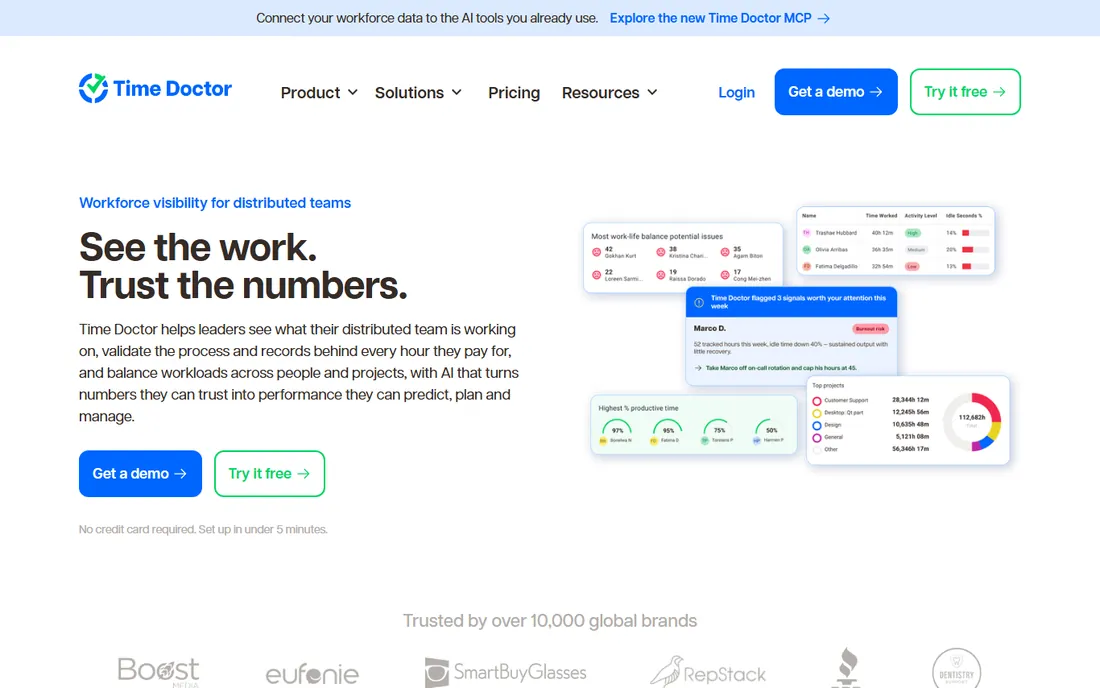
Time Doctor goes deeper into analytics than anyone else on this list. Beyond timers and screenshots, it rates the productivity of apps and websites, tracks work-life balance metrics, detects unusual activity patterns with AI, and sells add-ons like meeting cost insights and software license tracking. Plans run Basic, Standard, Premium and Enterprise, and every signup starts with a 14-day free trial of Premium with no credit card required.
The transparency gap is real: the pricing page I loaded listed the plan names and features but rendered prices through a script, so I could not verify a number to print here. Treat that as a signal to get the quote in writing. Time Doctor suits operations-minded companies managing large remote teams; small agencies that just need billable hours will find it heavy and should start with Toggl or Harvest.
What we like- Granular productivity reporting with web and app usage ratings
- Unusual-activity AI report flags mouse jigglers and irregular keyboard patterns
- Native payroll and HRIS integrations plus 60-plus app integrations
Watch out for- Plan prices did not render as text on the pricing page, so you must check the site directly
- Monitoring-heavy approach needs careful rollout
- Add-ons stack up (Software Cost Insights $3/user/month, HRIS and payroll integrations $200/integration/month)
#7
actiTIME
Best for: Tiny teams wanting a free tracker for up to 3 users
Visit actitime.com
Starting price$6/user/month billed yearly (1-40 users; $5 for 41-200 users)
Free planYes, free for 1-3 users (limited functionality)
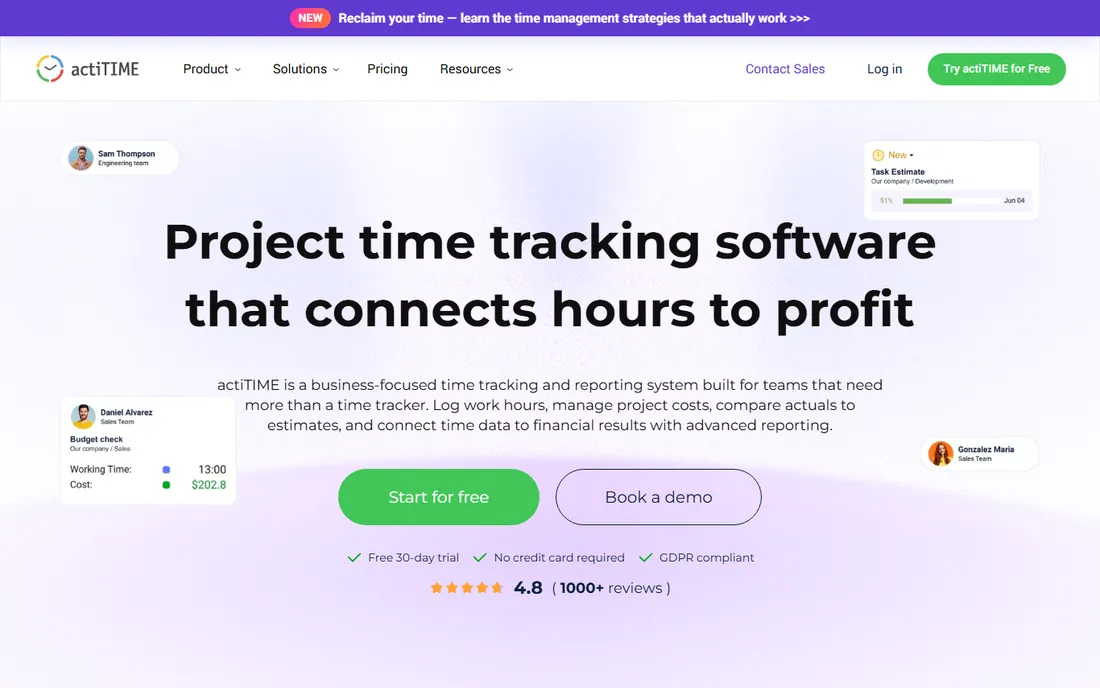
actiTIME is the quiet veteran of this list: straightforward timesheets, project and task tracking, and leave management without much fuss. Pricing is simple and published: 1 to 3 users free with limited functionality, $6 per user per month billed yearly for teams of 1 to 40, $5 for 41 to 200, and fixed pricing above that. A 10-user team pays $60 per month.
The honest read is that actiTIME trades polish for price. The UI has not kept up with newer tools, mobile apps are basic, and integrations are sparse. But the self-hosted option is genuinely rare at this price point, and the free tier is real for micro-teams. If you want modern UX and deep integrations, pay the extra for Toggl or Clockify; if you want the cheapest functional tracker with your data on your own server, this is it.
What we like- Free tier covers teams of up to 3 at no cost
- Simple timesheets with projects, tasks and leave tracking
- Self-hosted (on-premise) option for companies that want their data in-house
Watch out for- Interface feels dated next to Toggl and Clockify
- Integration list is thin
- Free tier has limited functionality and paid tiers are per-user with no monthly-billing discount shown
#8
RescueTime
Best for: Individuals and teams that want automatic tracking without starting timers
Visit rescuetime.com
Starting price$7/month billed annually (Solo Focus; $9 billed monthly)
Free planFree trial (no permanent free plan confirmed)
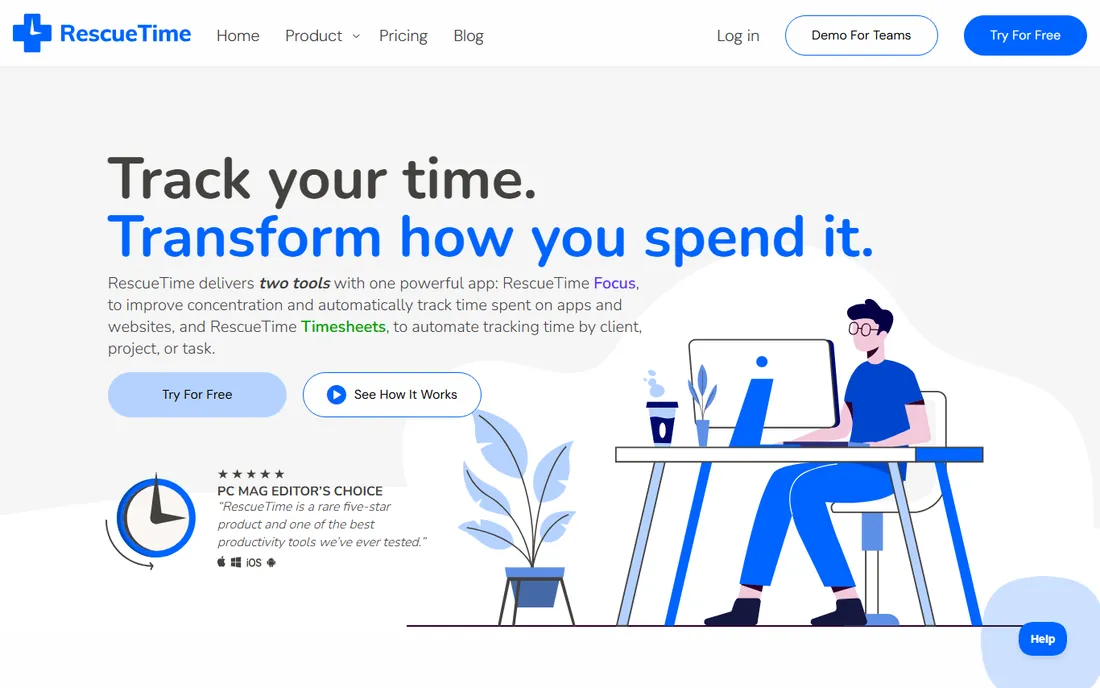
RescueTime takes the opposite approach from most trackers: instead of asking you to start a timer, it watches what you actually do and sorts it into productive and distracting buckets. Solo Focus at $7 per month billed annually ($84 per year) covers the core automatic tracking and focus tools for one person; Solo+ at $12 per month billed annually adds timesheets. Team Focus starts at $10 per user per month billed annually, Team+ at $16.
This is a productivity tool first and a billing tool second. If your goal is client invoices by project, Harvest or Toggl fit better. But for the common failure mode of time tracking, which is people forgetting to track, RescueTime's automatic approach genuinely works: the data exists whether or not anyone remembered the timer. The free trial lets you test that claim before paying.
What we like- Runs automatically in the background, categorizing apps and sites with no manual entry
- Focus sessions block distractions and build deep-work habits
- Team plans add timesheets and shared focus features
Watch out for- No screenshots or proof-of-work monitoring for managers
- Timesheets need the pricier Solo+ or Team+ tiers
- Per-user team pricing ($10 to $16/user/month annual) adds up
#9
DeskTime
Best for: Hybrid teams wanting automatic tracking, screenshots and shift scheduling
Visit desktime.com
Starting price$6.42/user/month billed annually (Pro)
Free planFree trial (no permanent free plan confirmed)
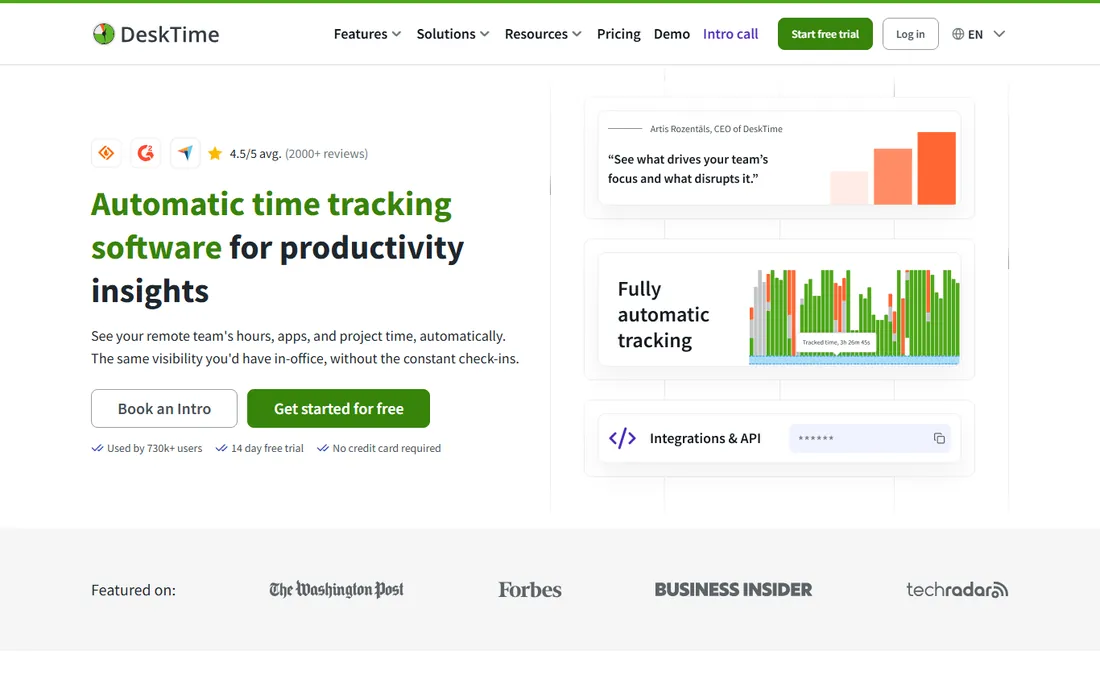
DeskTime is the automatic-tracking answer for teams that also want scheduling. Pro at $6.42 per user per month billed annually covers automatic tracking, screenshots, reports and integrations; Premium at $9.17 adds shift scheduling, invoicing and more admin controls. It calculates a productivity score from categorized apps and sites, tracks absences and office presence, and runs on desktop and mobile.
Position it against Hubstaff directly: similar monitoring depth, similar audience, slightly different packaging. DeskTime leans toward shift-based and hybrid teams with its scheduling features, while Hubstaff leans toward payroll automation. Both require annual billing for the prices shown, and both need an honest rollout conversation with the team. If automatic tracking without screenshots is enough, RescueTime is cheaper and lighter.
What we like- Fully automatic time tracking with no manual start-stop
- Screenshots, app tracking, absence calendar and productivity calculation
- Premium adds shift scheduling and invoicing for growing teams
Watch out for- Monitoring features need the same trust conversation as Hubstaff
- Best prices require annual billing
- Interface and reports feel dated next to newer rivals
Screenshots and monitoring: the trust tradeoff
Three tools on this list (Hubstaff, Time Doctor, DeskTime) take screenshots and measure activity levels, and the rest deliberately do not. That split is the most important buying decision here, bigger than price. Monitoring features give managers verifiable hours, which matters for hourly contractors, BPO teams and field crews. They also change the relationship: teams that discover screenshots after the fact tend to optimize for looking busy rather than being productive.
If you choose a monitoring tool, do three things. Tell the team before day one what is captured and why. Limit screenshots to work hours and work devices. Review the data for coaching, not punishment, at least at first. Toggl, Clockify, Harvest, Everhour, actiTIME and RescueTime take the trust-based route, which is why their adoption rates tend to be higher: people actually run the timer. Match the tool's philosophy to your culture, not just its feature list.
Free plans vs. paid plans: where the line actually sits
Free tiers in this category are real but carefully fenced. Clockify's free tier covers unlimited tracking, Toggl's covers a limited number of users, Everhour's covers 5 seats without integrations, Harvest's covers a single seat, and actiTIME's covers 3 users. The fence is almost always the same: reports, approvals, admin controls, integrations and SSO sit on paid plans.
The practical rule: start free with the tool whose fence is farthest from your needs. A 4-person agency can run on Everhour free until it needs Asana integration, then the Team plan at $8.50 per seat applies with a 5-seat minimum. A freelancer billing clients can stay on Toggl or Clockify free for a long time. And watch billing cadence: monthly billing runs 20 to 40 percent above the annual price on nearly every tool here, so the "starting price" is only real if you commit for a year.
How we chose
We started with the searches buyers actually run: project management tracking tools, time tracking software, project time tracker and team productivity tracking. For each candidate we opened the vendor's homepage to confirm the current URL, then opened the vendor's own pricing page and recorded only prices shown there. Where a price could not be read on the vendor's page we wrote "See website" instead of guessing. We checked plan structures against public reviews on G2 and Capterra and practitioner discussion on Reddit, and favored tools with published prices and a real free tier or trial.
Frequently asked questions
What is the difference between project tracking software and time tracking software?
Project tracking software manages tasks, deadlines and progress; time tracking software records hours spent. The tools on this list sit in the overlap: they track time against projects so you can see estimated versus actual hours, bill clients and plan capacity. Pure project managers like Asana or Monday handle the task side; these tools handle the hours side.
Which project tracking tool is actually free?
Clockify's free tier is the most complete: unlimited time tracking, projects and reports at no cost. Toggl Track is free for a limited number of users, Everhour is free up to 5 seats without integrations, Harvest is free for 1 seat, and actiTIME is free for up to 3 users. Hubstaff, Time Doctor, RescueTime and DeskTime offer free trials but no permanent free tier we could confirm.
Do I need screenshots and activity monitoring?
Only if you pay people by the hour and cannot verify output any other way: contractors, BPO teams, field crews. For salaried teams measured on results, trust-based trackers (Toggl, Clockify, Harvest, Everhour) get better adoption and honest data. If you choose monitoring, tell the team what is captured before it starts.
How much does time tracking software cost for a 10-person team?
Billed annually: Clockify Basic $39.90 per month, Everhour Team $85, Toggl Starter $90, Harvest Pro $110, RescueTime Team Focus $100, DeskTime Pro $64.20, actiTIME $60. Hubstaff starts from $4.99 per user per month per the vendor site, and Time Doctor requires checking the site directly. Monthly billing typically adds 20 to 40 percent.
Can these tools replace my project management software?
No. They track hours against work; they do not replace task management, sprints or Gantt charts. Everhour comes closest to bridging the gap because it embeds inside Asana, ClickUp, Jira and Monday, but you still need the PM tool itself. Budget for both.
Which tool is best for client billing and invoicing?
Harvest, because invoicing, estimates and client payments are built into the same workspace as the timer. Everhour can generate invoices from tracked time and Clockify's Standard plan adds invoicing too. Toggl's invoicing is basic by comparison. If billing is the core job, start your shortlist with Harvest.
Sources we checked (11)
- https://toggl.com/pricing
- https://clockify.me/pricing
- https://www.getharvest.com/pricing
- https://everhour.com/pricing
- https://hubstaff.com/pricing
- https://www.timedoctor.com/pricing
- https://www.actitime.com/pricing
- https://www.rescuetime.com/pricing
- https://desktime.com/pricing
- https://www.g2.com/categories/time-tracking
- https://www.capterra.com/time-tracking-software/
Is your product missing or out of date?
We review this list regularly. Vendors can request a listing, send updated pricing or ask about featured placement.

Shihab Mia · Founder, Rankite
Shihab has spent more than a decade helping SaaS and e-commerce brands grow through search. He writes Rankite's software buying guides from pricing pages, documentation and public user reviews. More about Shihab.