How we make this list: we compare pricing pages, product documentation and public user reviews. Rankite is independent; if a vendor ever pays for a featured spot, that listing is clearly labeled Partner.
Key takeaways
- Event planners split into two camps: purpose-built tools (Planning Pod at $74/month flat, Tripleseat from $375/venue/month, Cvent Event Diagramming from $49/month) and generic PM tools adapted for events (Asana, monday.com, ClickUp, Trello, Smartsheet).
- Freelancers and small studios should start with HoneyBook (Starter $36/month, or $29 billed yearly) for client pipeline, contracts and invoices, plus a free PM tool like Trello or Asana for the task work.
- Four tools on this list have genuinely useful free plans: Trello, Asana (Personal), monday.com (up to 2 seats) and ClickUp (Free Forever), plus Cvent Event Diagramming's free tier for up to 3 events.
- The per-user math decides the real bill: a 10-person team on Asana Starter ($10.99/user/month annual) costs about $110/month, while Planning Pod's flat $74/month covers the whole team regardless of headcount.
Quick comparison
| Tool | Best for | Starting price | Free plan |
|---|
 Planning Pod Planning Pod | Full-service event planning firms, caterers and venues managing multiple events at once | $74/month flat (Event Management Planner, up to 10 events at a time) | No (free demo available) |
 Cvent Event Diagramming Cvent Event Diagramming | Venues and planners who need professional floorplans and seating charts | Free tier ($0, 1 user, 3 events); paid plans from $49/month Standard (12-month commitment) | Yes ($0 tier: 1 user, 3 events) |
 Tripleseat Tripleseat | Restaurants, hotels, breweries and unique venues selling private events | $375/venue/month (unlimited users, no tier paywalls) | No (free demo only) |
 HoneyBook HoneyBook | Independent planners, photographers, florists and other client-facing creatives | Starter $36/month billed monthly ($29/month billed yearly); Essentials $59 ($49); Premium $129 ($109) | No (30-day free trial) |
 Asana Asana | Planning teams coordinating many tasks across vendors, staff and clients | Starter $10.99/user/month billed annually ($13.49 monthly); Advanced $24.99 | Yes (Personal plan) |
 monday.com monday.com | Agencies and planning firms wanting a visual, customizable production board | Basic $9/seat/month billed annually ($12 monthly); Standard $12; Pro $19 | Yes (up to 2 seats) |
 ClickUp ClickUp | Planners who want the most features per dollar | Core $9/user/month billed yearly (regularly $12); Business $17 (regularly $25); Enterprise custom; MAX $100 | Yes (Free Forever, 60MB storage) |
 Smartsheet Smartsheet | Corporate event teams already comfortable in spreadsheets | Pro $9/member/month billed annually ($12 monthly); Business $19 ($24); Enterprise custom | No (30-day free trial) |
 Trello Trello | Small planners and teams that want the simplest possible visual board | Standard $5/user/month billed annually ($6 monthly); Premium $10 ($12.50); Enterprise $17.50 | Yes |
Is your product missing or out of date?
We review this list regularly. Vendors can request a listing, send updated pricing or ask about featured placement.
The best project management software for event planning
Two weeks before a 300-guest wedding, the caterer changes the menu, the florist goes quiet, and the venue moves the reception outdoors. The planner who survives that day is the one with every vendor, task and deadline in one place. That is the whole job of the best project management software for event planning: keeping a hundred moving pieces visible when everything starts moving at once.
Nine tools made this list. Three are built only for events. Six are general project management platforms that event teams adapt. Each entry below shows the real price, whether a free plan exists, and the honest tradeoff.
#1
Planning Pod
Best for: Full-service event planning firms, caterers and venues managing multiple events at once
Visit planningpod.com
Starting price$74/month flat (Event Management Planner, up to 10 events at a time)
Free planNo (free demo available)
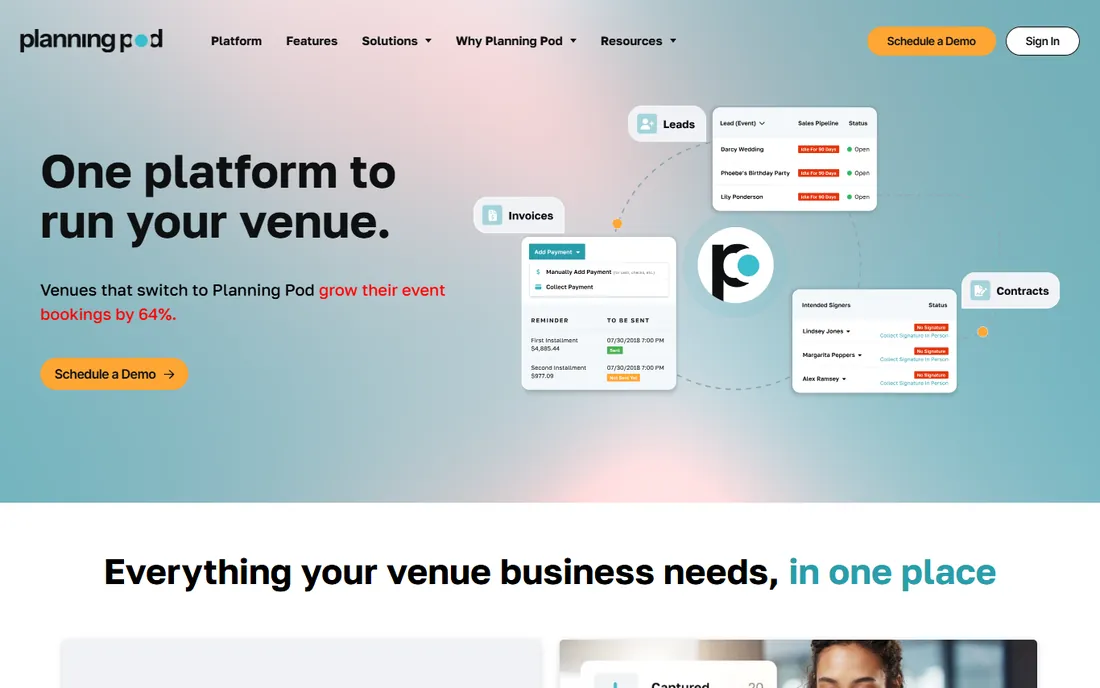
Planning Pod is the specialist pick. Instead of bending a generic task manager into an event workflow, you get tools designed for the actual artifacts of the job: a budget builder that tracks deposits and payments, a floorplan designer, an event timeline, vendor and attendee managers, and day-of checklists. The flat $74 per month price is the other half of the pitch. Since there are no per-user fees, adding staff, assistants and interns for event season costs nothing extra, which is the opposite of how Asana or monday.com bill.
The honest weakness is polish. The interface has not aged gracefully, and the integration list is thin compared with the big PM platforms. If your team lives inside Google Workspace or Slack and wants everything connected, you will feel the gap. But for a planning firm that wants one login where every event lives, the value math is hard to beat at a flat rate.
What we like- Purpose-built for event work with 25-plus built-in tools (budget builder, floorplans, timelines, checklists, seating)
- Flat monthly pricing with no per-user fees, so a 20-person team costs the same as a solo planner
Watch out for- The interface looks dated next to modern PM tools
- Fewer third-party integrations than Asana or monday.com
#2
Cvent Event Diagramming
Best for: Venues and planners who need professional floorplans and seating charts
Visit socialtables.com
Starting priceFree tier ($0, 1 user, 3 events); paid plans from $49/month Standard (12-month commitment)
Free planYes ($0 tier: 1 user, 3 events)
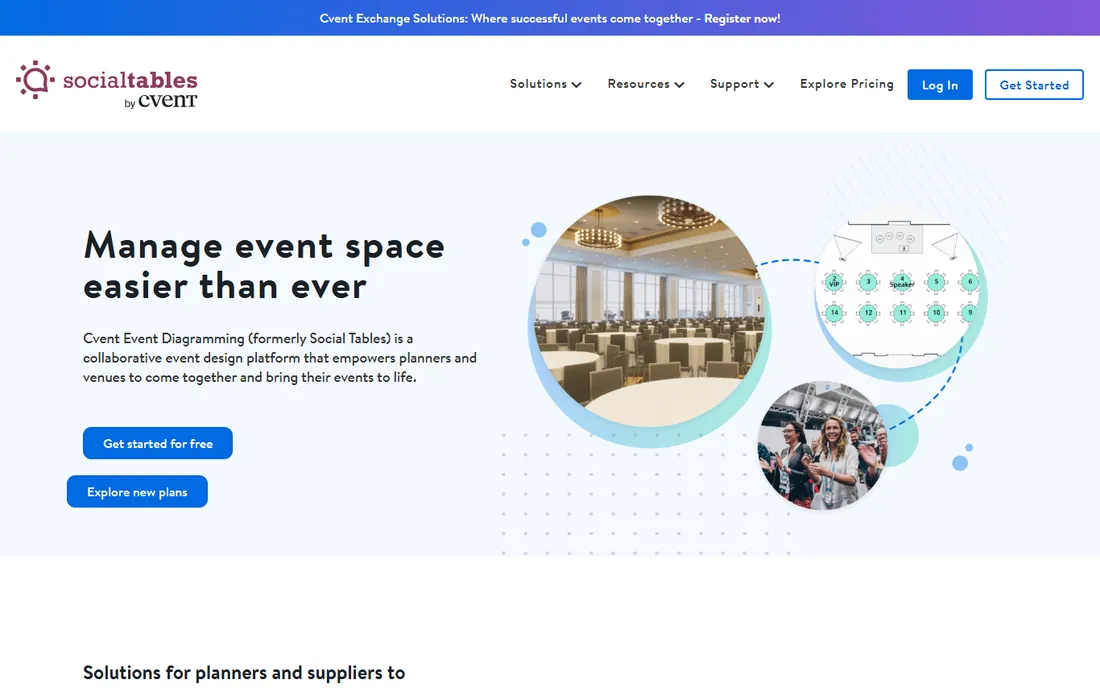
Cvent Event Diagramming (formerly Social Tables) does one thing better than everything else here: it draws the room. You can build accurate floorplans, drag tables and seats into place, visualize the setup in 3D, and share the diagram with the venue and client so everyone sees the same layout. The free tier covers one user and three events, which is enough for a freelancer to test it on real work before spending anything.
The tradeoff is scope. This is a diagramming and collaboration tool, not a full event management platform. Task lists, budgets and vendor pipelines are light or absent, and the paid tiers ask for a full year upfront. Pair it with a task manager like Trello or Asana if you need both halves of the job.
What we like- The strongest diagramming and 3D seating tools in this category, with a searchable venue database
- The free tier is genuinely usable for occasional planners
Watch out for- Paid plans require a 12-month commitment
- Full event registration and management live in other Cvent products, not this one
#3
Tripleseat
Best for: Restaurants, hotels, breweries and unique venues selling private events
Visit tripleseat.com
Starting price$375/venue/month (unlimited users, no tier paywalls)
Free planNo (free demo only)
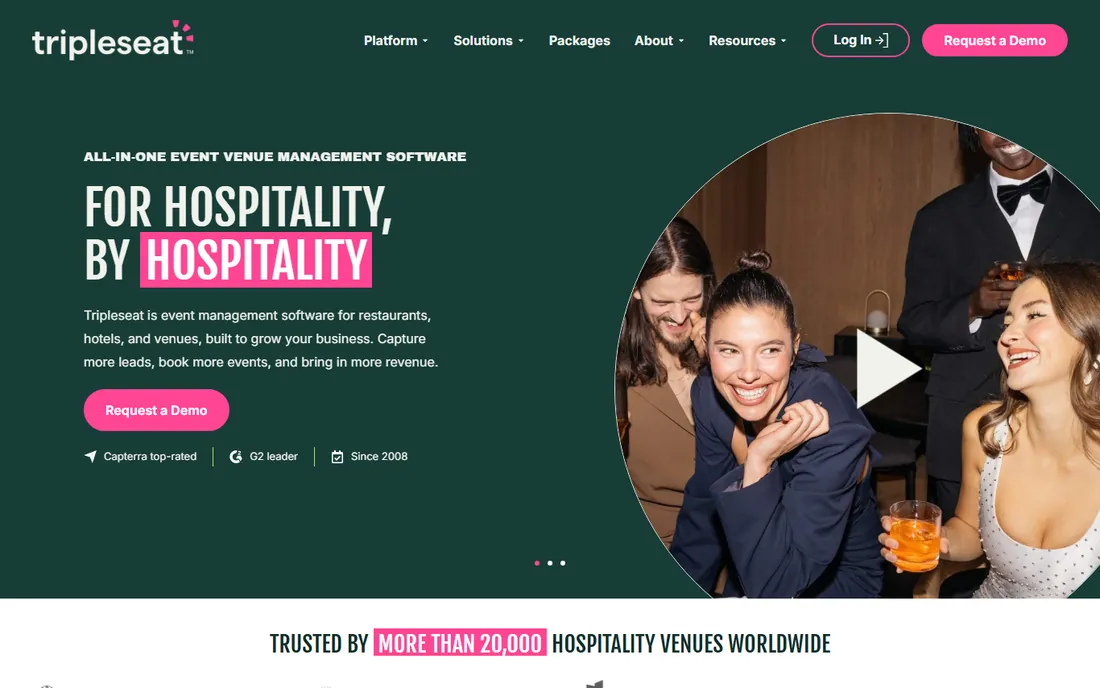
Tripleseat is the sales engine for venues. The workflow runs from web lead to proposal to signed contract to banquet event order without leaving the platform, which is exactly how a hotel or restaurant books private dining, weddings and corporate events. Since every plan includes unlimited users with no feature paywalls, the catering manager, the GM and the events team all get full access under one price.
The price is the catch. At $375 per venue per month it costs more than every other tool here combined in some months, and it is priced for businesses that make money from event space. Independent planners who do not sell a room will find most of the product aimed at someone else. If you run the venue, though, the unlimited-user model keeps the per-person cost low as the team grows.
What we like- Sales-first workflow built around event leads, proposals, contracts and banquet event orders
- Unlimited users on every plan, so the whole venue staff can work in it
Watch out for- The highest starting price on this list by far
- Designed for venues selling space, not for independent planners
#4
HoneyBook
Best for: Independent planners, photographers, florists and other client-facing creatives
Visit honeybook.com
Starting priceStarter $36/month billed monthly ($29/month billed yearly); Essentials $59 ($49); Premium $129 ($109)
Free planNo (30-day free trial)
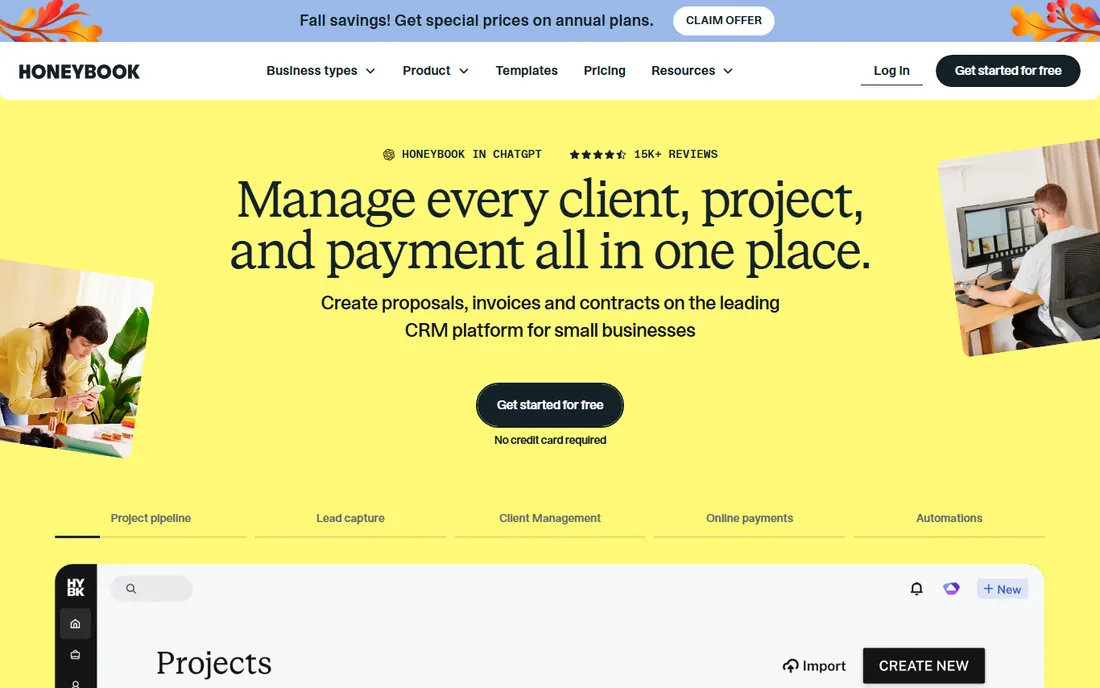
HoneyBook is the business-of-the-business tool for freelancers. An event planner runs the whole client lifecycle here: inquiry comes in, proposal goes out, contract gets signed, invoice gets paid, all tracked in one pipeline. The automation is the real value. Set it once and HoneyBook sends the follow-up when a lead goes quiet or an invoice goes overdue, which is work most solo planners never get around to doing by hand.
Be clear about what it is not. HoneyBook's task tools are basic compared with Asana or ClickUp, so planners who run complex production schedules usually pair it with a dedicated PM app. The Starter tier is affordable, but the automations that make HoneyBook worth it sit on Essentials at $59 per month. For a one-person planning business, it is the closest thing to a front office on this list.
What we like- Client pipeline, proposals, contracts, invoices and payments in one place
- Automation that follows up on leads and overdue invoices without manual chasing
Watch out for- Task management is light, so it does not replace a real PM tool
- Pricing adds up once you need the Essentials tier for automations
#5
Asana
Best for: Planning teams coordinating many tasks across vendors, staff and clients
Visit asana.com
Starting priceStarter $10.99/user/month billed annually ($13.49 monthly); Advanced $24.99
Free planYes (Personal plan)
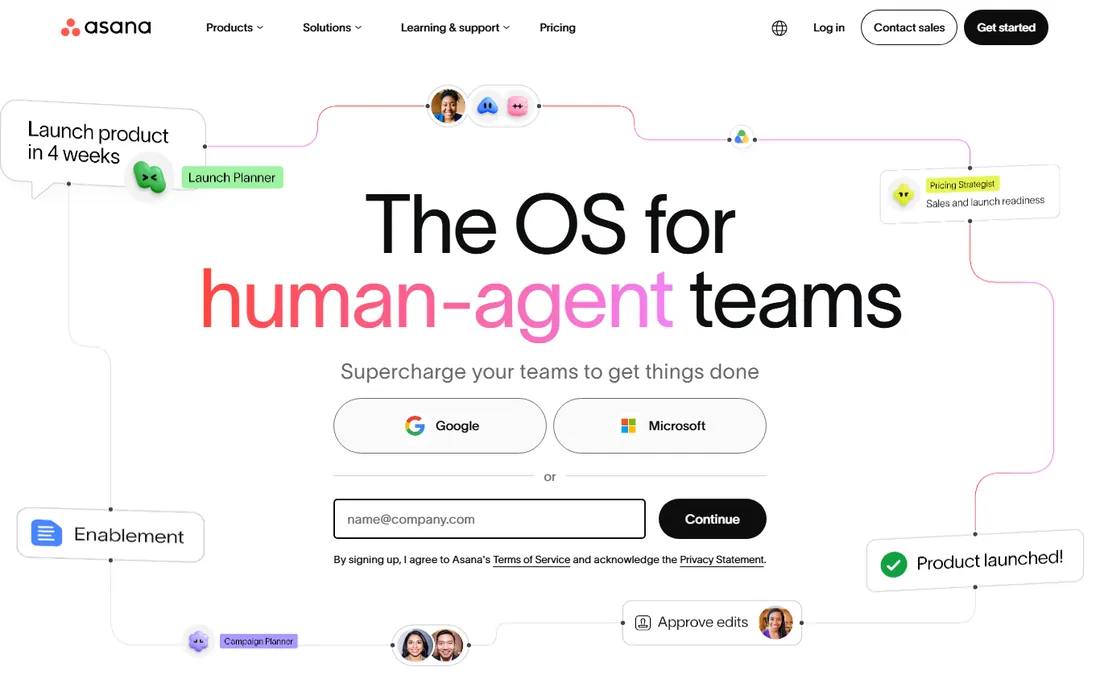
Asana is the safe corporate pick. Event teams use Timeline view as a visual run-of-show, assign tasks to vendors and staff with deadlines, and track every workstream from first client meeting to final invoice in one project. The integration catalog is the deepest on this list, so Asana slots into an existing stack without friction. The free Personal plan handles a solo planner's task list indefinitely.
The weakness is that Asana knows nothing about events. There is no floorplan tool, no seating chart, no budget builder and no banquet event order. You build all of that with templates, custom fields and third-party integrations, which works but takes setup. And the per-user pricing means a 15-person event team on Starter pays about $165 per month, every month, while a flat-fee tool like Planning Pod charges $74 for the same headcount.
What we like- Timeline and calendar views map neatly onto event run-of-show schedules
- Hundreds of integrations with Google Workspace, Slack, Zoom and accounting tools
Watch out for- No event-specific features like floorplans, seating or catering budgets
- Per-user pricing adds up fast for large event-day staff
#6
monday.com
Best for: Agencies and planning firms wanting a visual, customizable production board
Visit monday.com
Starting priceBasic $9/seat/month billed annually ($12 monthly); Standard $12; Pro $19
Free planYes (up to 2 seats)
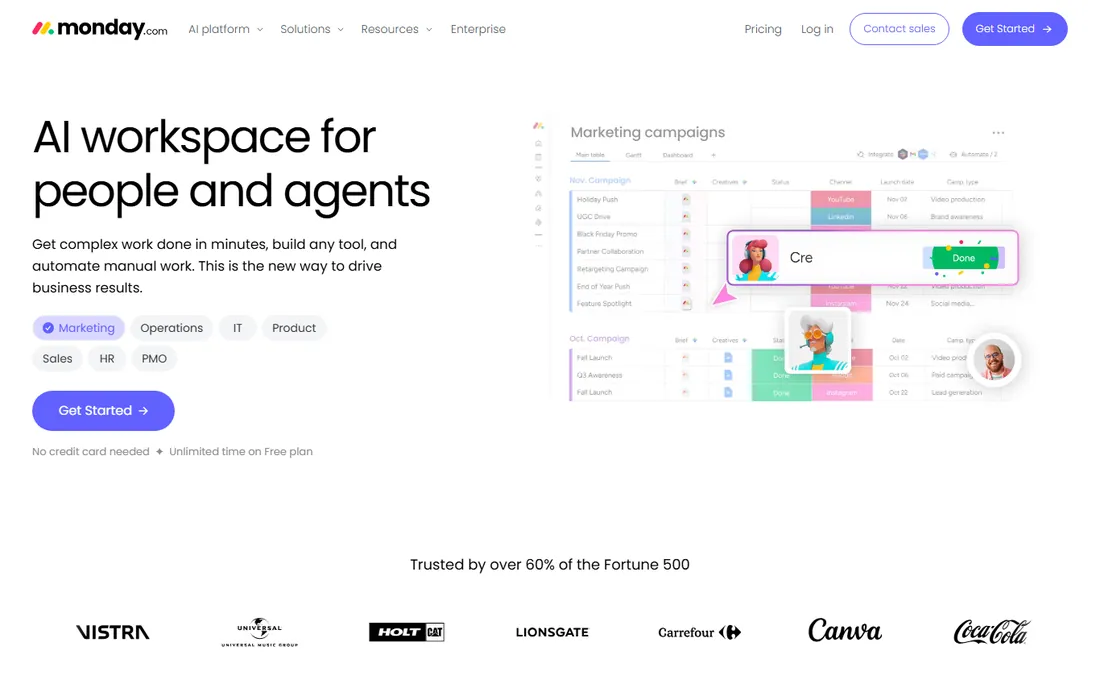
monday.com is the customizable one. Event teams build boards for vendor tracking, timelines for production schedules, and dashboards that show every upcoming event at a glance. The automations handle the repetitive coordination work: when a task status changes to done, the next assignee gets notified; when a deadline approaches, the planner gets a reminder. The free two-seat plan lets a small planning partnership run real events before paying.
Like Asana, it is not event software. The event planning templates are a starting point, not a finished workflow, and you will spend setup time shaping boards to your process. Basic at $9 per seat is affordable, but the automation limits on Basic push most real teams to Standard at $12 per seat. For a team of ten, that is $120 per month before any add-ons.
What we like- Boards, timelines, dashboards and automations are easy to customize without a developer
- The free plan covers two seats, enough for a planning duo
Watch out for- Generic PM at heart, so event planning runs on templates and custom fields
- Seat costs climb for big teams, and the good automations sit on Standard and above
Starting priceCore $9/user/month billed yearly (regularly $12); Business $17 (regularly $25); Enterprise custom; MAX $100
Free planYes (Free Forever, 60MB storage)
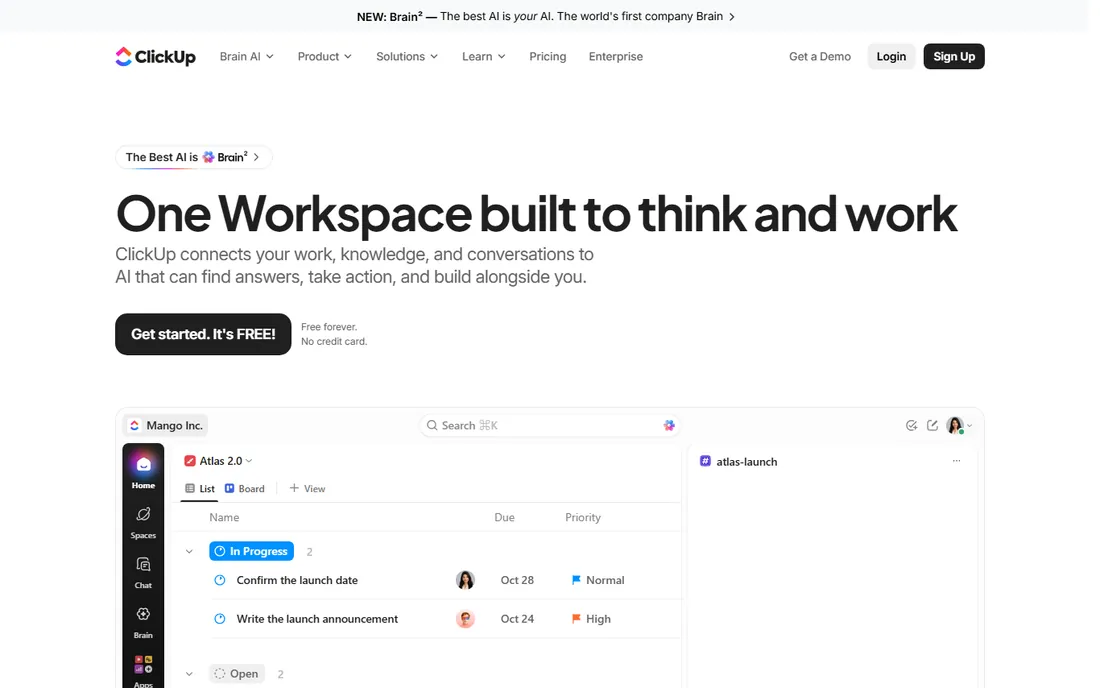
ClickUp is the value play. For $9 per user per month on Core, you get task management, documents, goals, time tracking, whiteboards and calendars in one app, where competing stacks need three subscriptions. Event planners use the calendar and Gantt views for production timelines, docs for vendor briefs, and time tracking for billable hours. The Free Forever plan is generous enough that many small teams never pay.
The cost of that breadth is complexity. ClickUp's settings and customization options are famously deep, and teams report a real learning curve before the app feels calm. There is nothing event-specific out of the box. If you want the cheapest path to a capable planning system and do not mind setup time, ClickUp wins on paper. If you want software that already speaks events, look at Planning Pod instead.
What we like- An enormous feature set for the price: docs, goals, time tracking, whiteboards, calendars and chat in one app
- The free tier is one of the most generous in PM software
Watch out for- The feature sprawl can overwhelm new users
- Event-specific workflows are user-made templates, not built-in
#8
Smartsheet
Best for: Corporate event teams already comfortable in spreadsheets
Visit smartsheet.com
Starting pricePro $9/member/month billed annually ($12 monthly); Business $19 ($24); Enterprise custom
Free planNo (30-day free trial)
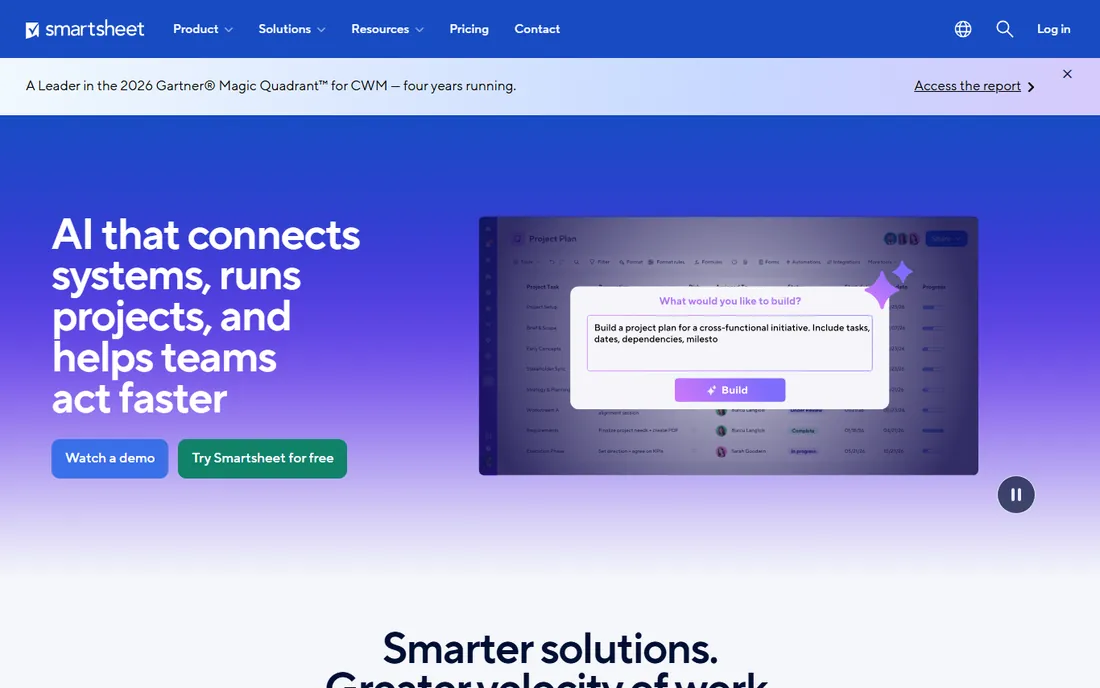
Smartsheet is the corporate event planner's comfort zone. If your team already runs budgets and vendor lists in Excel, Smartsheet's grid feels like home while adding Gantt charts, critical path analysis and automated approval workflows underneath. Corporate event departments use it for exactly that: multi-workstream production schedules with reporting that rolls up to leadership. The 30-day free trial is long enough to run a real event cycle.
The honest read is that Smartsheet is the least inviting tool here. Setup takes longer, the interface is utilitarian, and there is no free tier to ease into. Per-member pricing matches Asana Starter at $9 per month annually, so a ten-person team pays about $90 per month. Choose it when spreadsheet people need project structure, not when you want the team to love the tool.
What we like- Spreadsheet familiarity with real Gantt charts, critical path and baselines for production schedules
- Strong reporting and enterprise-grade access controls
Watch out for- Steeper learning curve than modern PM tools
- No free plan, and the interface feels corporate next to Asana or monday.com
#9
Trello
Best for: Small planners and teams that want the simplest possible visual board
Visit trello.com
Starting priceStandard $5/user/month billed annually ($6 monthly); Premium $10 ($12.50); Enterprise $17.50
Free planYes
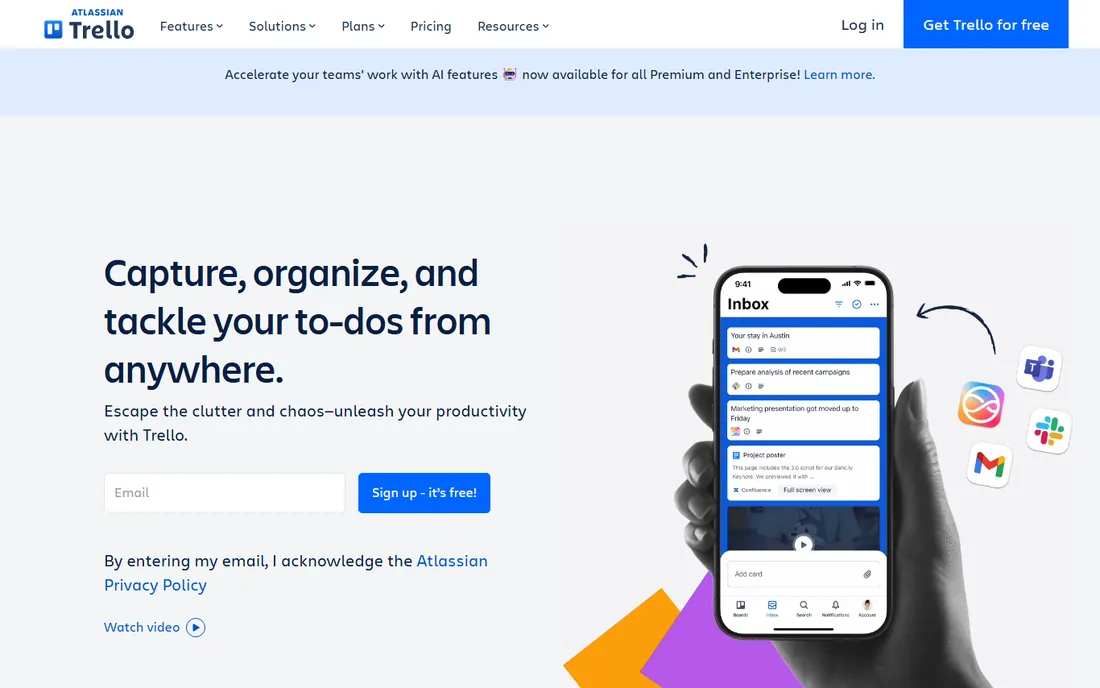
Trello is the starting line. A wedding planner's board might have lists for Inquiry, Booked, In Production, Week Of and Done, with each event as a card carrying its checklist, due dates, vendor contacts and files. It takes an hour to learn and the free plan covers a surprising amount of real planning work. Standard at $5 per user per month is the lowest paid entry price here.
The limits show up as the business grows. Native reporting is basic, the timeline view needs Premium, and serious automation lives behind higher tiers or paid power-ups. Trello will not draw a floorplan or build a catering budget. For a solo planner or a small team that wants tasks visible and nothing more, it is the cheapest way to stop running events out of email.
What we like- The cheapest paid tier on this list
- Kanban boards anyone can learn in an hour, with calendar and timeline views on Premium
Watch out for- Reporting is thin and native automation is limited on lower plans
- Power-ups and integrations cost extra as needs grow
Frequently asked questions
What is the best project management software for event planning?
It depends on the business. Full-service planning firms should look at Planning Pod ($74/month flat) for event-specific tools, or Tripleseat ($375/venue/month) if they sell venue space. Independent planners usually do best with HoneyBook for the client side plus a free PM tool like Trello or Asana for task work. Teams already on a stack should pick Asana or monday.com and adapt them with templates.
How much does event planning software cost?
The range is wide. Free options include Trello, Asana Personal, monday.com (2 seats), ClickUp Free Forever and Cvent Event Diagramming's free tier. Paid generic PM tools run $5 to $13 per user per month. Purpose-built tools charge flat: Planning Pod at $74/month, Cvent Event Diagramming Standard at $49/month with a 12-month commitment, and Tripleseat from $375/venue/month.
Do I need event-specific software, or is Asana enough?
Asana is enough if your main problem is coordinating people and deadlines. It breaks down when you need floorplans, seating charts, catering budgets or banquet event orders, because those have to be bolted on with integrations or spreadsheets. Planners who sell the event experience itself (design, layout, catering) get more from Planning Pod or Cvent Event Diagramming. Planners who sell coordination get more from Asana, monday.com or ClickUp.
What features matter most in event planning software?
Five, in order: a visual production timeline or run-of-show, vendor and contact management, budget tracking with deposits, file and contract storage, and client communication. Floorplans and seating charts matter for social and corporate events. Automations matter most for teams repeating the same event types, because they remove the weekly status-chasing.
Can I run my event business on free software?
For a solo planner or a two-person team, yes for a while. Trello or Asana Personal handle task management, Cvent Event Diagramming's free tier covers three events of floorplans, and a spreadsheet handles budgets. The ceiling hits when you need client contracts, invoices and payments (HoneyBook territory), real automation, or reporting across many simultaneous events.
How we chose
We started with the searches buyers actually run: best project management software for event planning, event planning software, and event management tools. For each candidate we opened the vendor's own website and pricing page, cross-checked plan details against public reviews on G2 and Capterra and practitioner threads on Reddit, and weighed feature fit for event workflows, integration depth, and company-size fit from solo planners to venue teams. Where a price could not be verified on the vendor's own page, we wrote "See website" instead of guessing. No vendor paid for placement.
Flat fee vs. per user: the math that decides your real bill
Generic PM tools charge per seat, and event teams are unusually sensitive to that because headcount spikes around event day. Run the numbers for a 10-person team on annual billing. Asana Starter costs about $110 per month. monday.com Standard costs $120. Smartsheet Pro costs $90. Trello Standard costs $50. ClickUp Core costs $90. Against that, Planning Pod charges $74 flat no matter how many logins you add, and Tripleseat charges $375 per venue with unlimited users.
The takeaway is not that flat is always cheaper. A 3-person team pays less on Trello Standard ($15/month) than on Planning Pod ($74). The crossover point sits around 7 to 9 seats for most of these tools. Count everyone who will actually log in, including part-time coordinators and interns, then multiply before you compare headline prices. Seasonal teams should also check whether a vendor lets you drop seats in the off season.
Purpose-built event software wins on artifacts. Floorplans, seating charts, catering budgets, banquet event orders and attendee lists are native features in Planning Pod, Tripleseat and Cvent Event Diagramming. In Asana or monday.com, each of those is a workaround: an attached spreadsheet, a third-party integration, or a template someone built once and never updated.
Generic PM wins on everything around the event. Vendor task coordination, internal communication, document storage, automations and integrations with accounting, email and chat tools are all stronger in Asana, monday.com, ClickUp and Smartsheet. They also adapt when the business changes, while event tools stay in their lane.
Most growing firms end up with two tools: one for the event itself and one for the work around it. A common pairing is HoneyBook for clients and money plus Asana or Trello for production, or Planning Pod for the event plus Slack and Google Workspace for communication. Budget for the pair from the start instead of expecting one subscription to do both jobs.
Sources we checked (11)
- https://planningpod.com
- https://www.socialtables.com
- https://tripleseat.com
- https://www.honeybook.com
- https://asana.com
- https://monday.com
- https://clickup.com
- https://www.smartsheet.com
- https://trello.com
- https://www.g2.com/categories/event-management
- https://www.capterra.com/event-management-software/
Is your product missing or out of date?
We review this list regularly. Vendors can request a listing, send updated pricing or ask about featured placement.

Shihab Mia · Founder, Rankite
Shihab has spent more than a decade helping SaaS and e-commerce brands grow through search. He writes Rankite's software buying guides from pricing pages, documentation and public user reviews. More about Shihab.