How we make this list: we compare pricing pages, product documentation and public user reviews. Ratings come from G2, Capterra or Trustpilot, with the date we checked them.
Key takeaways
- Karbon is the category leader for accounting firms: work, clients, email, and capacity in one practice management system.
- TaxDome and Canopy add the client facing half: portals, document collection, e signatures, and billing beside the work management.
- Financial Cents and Jetpack Workflow are the lighter, cheaper tools aimed at bookkeeping and small CPA firms that mainly need recurring work to fire on schedule.
- Asana, ClickUp, and monday.com are general tools that work for firms willing to build their own templates and accept no accounting specific features.
- The deciding feature is recurring work. Accounting is deadlines that repeat monthly, quarterly, and annually, so judge every tool on how it handles that.
Quick comparison
| Tool | Best for | Starting price | Free plan |
|---|
 Karbon Karbon | Full practice management | See website | No |
 TaxDome TaxDome | Client portal plus work management | See website | No |
 Canopy Canopy | Modular practice management | See website | No |
 Financial Cents Financial Cents | Small firms and bookkeepers | See website | No |
 Jetpack Workflow Jetpack Workflow | Recurring job scheduling | See website | No |
 Asana Asana | General project work | $10.99 per user per month | Yes |
 ClickUp ClickUp | Customisable all in one | $7 per user per month | Yes |
 monday.com monday.com | Visual work tracking | See website | No |
Is your product missing or out of date?
We review this list regularly. Vendors can request a listing, send updated pricing or ask about featured placement.
The best project management software for accounting firms
#1Karbon
Best for: Full practice management4.8/5 on
G2 (931 reviews, checked Oct 2026)
Visit karbonhq.com
Starting priceSee website
Free planNo

Karbon is the tool other vendors in this category compare themselves to. Its core idea is the shared work inbox: every job shows its tasks, the client emails about it, internal discussion, and time, in one place, so nothing depends on one person's inbox. Recurring work generates itself on schedule, and partners get a live view of who is overloaded before busy season proves it.
The trade off is price and commitment against depth. Karbon is a firm wide system, not a team add on, and pricing is per user at the premium end. Karbon fits firms from about ten people up that feel the pain of work scattered across inboxes and spreadsheets.
What we like- Work, email, and clients unified in one timeline per job
- Strong recurring work and workflow automation
- Capacity and utilisation views for partners
- Integrations with tax and billing tools
Watch out for- Premium pricing, reported from about $59 per user per month on annual plans
- Depth takes onboarding effort
- No client portal of its own
#2TaxDome
Best for: Client portal plus work management4.7/5 on
G2 (732 reviews, checked Oct 2026)
Visit taxdome.com
Starting priceSee website
Free planNo

TaxDome wraps the whole client relationship: clients upload documents to a branded portal, sign engagement letters, pay invoices, and message the firm, while inside, pipelines track each return or bookkeeping job stage by stage. Automations chase clients for missing documents so staff do not.
The trade off is breadth against focus. It does many jobs well rather than work management best in class, and per seat pricing by term needs a careful quote. TaxDome fits tax and bookkeeping firms whose biggest drag is collecting client information, not just tracking internal tasks.
What we like- Client portal, document collection, and e signatures built in
- Automated pipelines move jobs as clients respond
- Billing and payments in the same system
- Popular with tax practices
Watch out for- Pricing per seat has risen and varies by term
- Interface density takes learning
- Reporting is mid tier next to Karbon
#3Canopy
Best for: Modular practice management4.6/5 on
G2 (862 reviews, checked Oct 2026)
Visit getcanopy.com
Starting priceSee website
Free planNo
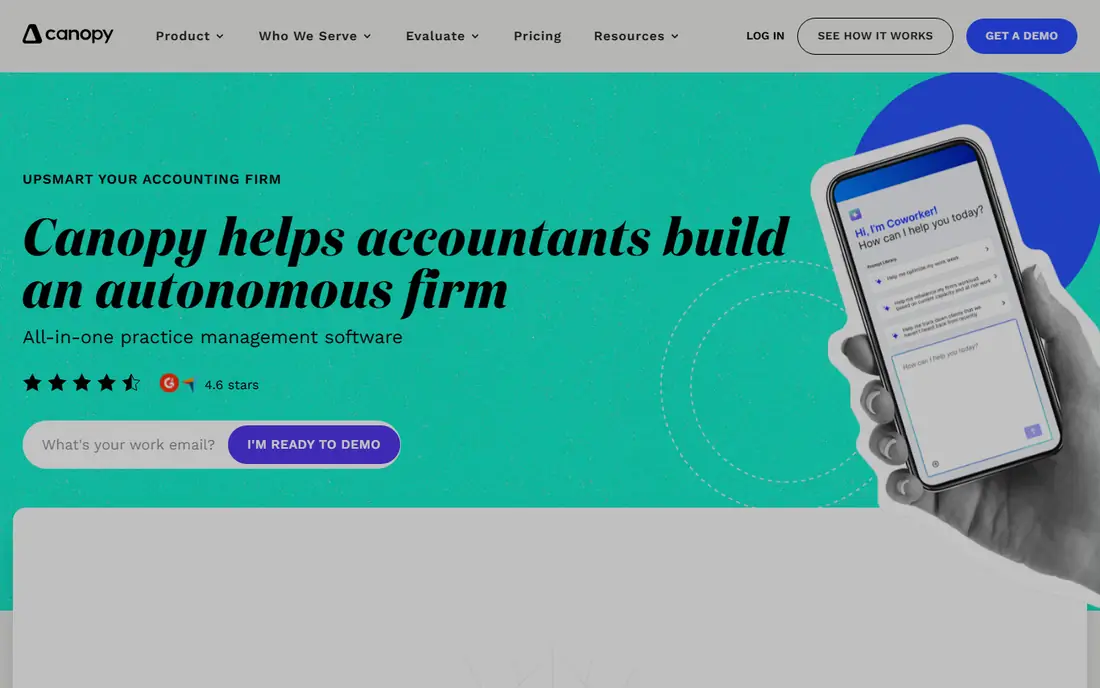
Canopy sells practice management in modules, which suits firms that want to start with workflow and documents and add billing or payments later. Its workflow tracks engagements and due dates, and the suite includes tools most rivals lack, such as IRS transcript delivery for resolution practices.
The trade off is modularity against a single decisive price: you will assemble your real cost module by module. Canopy fits mid size firms, especially tax focused ones, that want to grow into a platform rather than replace tools twice.
What we like- Buy modules as you need them: workflow, documents, time and billing, payments
- Client portal included
- Transcript and notices tools for tax resolution work
- US support reputation
Watch out for- Module pricing means the total needs assembling
- Workflow depth sits below Karbon
- Smaller integration set than the general tools
Starting priceSee website
Free planNo
Financial Cents takes the Karbon idea and shrinks it for small firms: workflow templates for bookkeeping, payroll, and tax, recurring schedules, a client database, and capacity views, without enterprise ceremony. It is the tool bookkeepers recommend to each other when spreadsheets stop working.
The trade off is scope against price and simplicity. Growing firms may graduate to Karbon or TaxDome within a few years. Financial Cents fits firms of two to twenty people whose need is recurring work tracked reliably, not a client facing platform.
What we like- Built only for accounting and bookkeeping workflows
- Recurring jobs and due date tracking at the core
- Client database and email integration
- Simpler and cheaper than the big platforms
Watch out for- No full client portal on the TaxDome level
- Reporting and automation are lighter
- Pricing is per user and reported figures vary
Starting priceSee website
Free planNo
Jetpack Workflow is one of the oldest accounting specific tools, and it stays focused: define a job once, set its recurrence, and the system schedules it forever, showing the firm's capacity against upcoming deadlines. For owners whose anxiety is the forgotten quarterly filing, that focus is the product.
The trade off is focus against growth room. There is little here beyond job scheduling and tracking. Jetpack Workflow fits small CPA firms that want deadline certainty above all and run billing and documents in other tools.
What we like- Designed around recurring accounting jobs and deadlines
- Capacity planning view is a headline feature
- Simple to roll out
- Long history in the accounting niche
Watch out for- Narrower feature set than full practice platforms
- No client portal or billing depth
- Smaller development pace than funded rivals
#6Asana
Best for: General project work4.4/5 on
G2 (13,930 reviews, checked Oct 2026)
Visit asana.com
Starting price$10.99 per user per month
Free planYes
Asana is the general tool firms adopt when a partner already loves it, priced from $10.99 per user per month with a usable free plan. With disciplined templates it can run monthly closes and return workflows, and its automation rules handle assignment and status changes well.
The trade off is polish against fit. Client document chasing, engagement letters, and billing all live elsewhere, and deadline reporting needs manual design. Asana fits firms whose work mixes accounting with projects such as advisory engagements, or firms standardising on one tool across departments.
What we like- Clean, fast task and project management
- Strong templates and automation rules
- Free plan for small teams
- Everyone already knows how it works
Watch out for- Nothing accounting specific: no client portal, no engagement tracking
- Recurring work works but due date intelligence is generic
- Per user cost at scale
#7ClickUp
Best for: Customisable all in one4.6/5 on
G2 (14,878 reviews, checked Oct 2026)
Visit clickup.com
Starting price$7 per user per month
Free planYes
ClickUp sells breadth at a low price: from $7 per user per month, with a generous free plan, it covers tasks, documents, time tracking, and dashboards. An accounting firm can build return pipelines, client lists, and capacity boards inside it for less than any specialist tool.
The trade off is flexibility against focus and restraint. Every workflow must be designed by you, and the interface offers ten ways to do each thing. ClickUp fits budget driven firms with one organised admin who will build and police the templates.
What we like- Tasks, docs, goals, and dashboards in one app
- Strong free plan
- Custom statuses fit any workflow
- From $7 per user per month
Watch out for- The everything app can overwhelm a small firm
- Setup quality varies wildly
- Performance complaints on large workspaces
#8monday.com
Best for: Visual work tracking4.7/5 on
G2 (17,182 reviews, checked Oct 2026)
Visit monday.com
Starting priceSee website
Free planNo
monday.com turns work into bright boards that partners can read in seconds, which is why firms pick it for visibility. Monthly bookkeeping boards, tax season trackers, and onboarding pipelines are all common builds. Pricing is per seat by tier and the tiers matter, so confirm the current plan that includes the automations you need.
The trade off is visibility against depth and cost control. Like Asana and ClickUp it knows nothing about accounting, and seat costs at higher tiers approach specialist tools. monday.com fits firms that value a shared visual picture of work and will invest setup time to model their engagements.
What we like- Colourful boards make firm wide status obvious at a glance
- Automations and dashboards are easy to build
- Clients and jobs track well with disciplined setup
- Large template library
Watch out for- Per seat pricing with tier gates on automations
- Nothing accounting specific
- Costs rise quickly beyond the entry tier
How we chose
We compared the tools accounting firms actually deploy, weighting recurring work handling, client document collection, and deadline visibility, because those decide busy season. Accounting specific platforms lead the list; general tools are included with their fit limits stated plainly. Pricing in this niche is per user with term and module variations that sources report inconsistently, so we published only the stable general tool figures and marked the rest See website.
How to choose project management software for an accounting firm
Write your five highest volume recurring jobs and test each tool on exactly those: monthly bookkeeping with a document chase, quarterly payroll filings, and the annual return pipeline. The winner is the tool where a job creates itself on schedule, nags the client without staff effort, and shows a partner the whole firm's deadline position on one screen. Decide whether the client facing half matters to you: portals and e signatures in TaxDome and Canopy remove a category of email pain that pure work tools such as Karbon leave to other apps. Count seats honestly, including seasonal staff, since per user pricing meets its test in March. Finally, migrate during your quietest month and run one full cycle in parallel with the old spreadsheet. A firm that switches mid busy season will blame the software for a decision that was really about timing.
Frequently asked questions
What is practice management software?
It is project management shaped for professional firms: engagements instead of projects, with client records, recurring schedules, deadline tracking, time, and often billing and document collection attached. Karbon, TaxDome, and Canopy are practice management; Asana and ClickUp are general project tools.
How much does accounting firm software cost?
Specialist tools are per user and mostly quoted or term dependent, broadly in the $20 to $90 per user per month band depending on platform and tier. General tools publish prices: ClickUp from $7 and Asana from $10.99 per user per month. Always price your full team including seasonal staff.
Do we need a client portal?
If collecting documents and signatures eats staff time, yes. Portals in TaxDome and Canopy automate requests, reminders, and secure upload. Firms whose clients are few and high touch can manage with secure email and a shared drive for longer.
Can general tools like Asana run a tax practice?
They can track the work if you build strict templates, and many small firms do. What they cannot do is chase client documents, collect e signatures compliantly, or bill engagements without other tools, so the saving on licences is partly spent on extra apps.
When should a firm switch systems?
In the quiet season, never in the run up to a major deadline. Migrate templates and client data, run one monthly cycle in both systems, then cut over. Busy season is for using software, not learning it.
How does this software help with capacity planning?
Karbon, Financial Cents, and Jetpack Workflow show upcoming work against each person's available hours, so partners can see an overloaded month before it arrives and rebalance or hire. That view is the main reason firms graduate from spreadsheets.
Sources we checked (0)
Is your product missing or out of date?
We review this list regularly. Vendors can request a listing, send updated pricing or ask about featured placement.

Shihab Mia · Founder, Rankite
Shihab has 5+ years in B2B and SaaS SEO. He writes Rankite's software buying guides from pricing pages, documentation and public user reviews. More about Shihab.