How we make this list: we compare pricing pages, product documentation and public user reviews. Rankite is independent; if a vendor ever pays for a featured spot, that listing is clearly labeled Partner.
Key takeaways
- Unanet and Deltek Vantagepoint lead for government contractors and AEC firms that need compliance depth, but both are priced by quote and take real implementation effort.
- Scoro and BigTime give mid-size services firms project profitability without an enterprise rollout, starting around $17 to $20 per user per month.
- Avaza is the lightest full option here, suitable for small teams that want quoting, time tracking and invoicing in one place.
- If your firm already runs on NetSuite or Salesforce, OpenAir and Certinia sit on top of those platforms rather than replacing them.
Quick comparison
| Tool | Best for | Starting price | Free plan |
|---|
 Unanet Unanet | Government contractors and AEC firms | See website | No |
 Deltek Vantagepoint Deltek Vantagepoint | Project-based enterprises in AEC and consulting | See website | No |
 Sage Intacct Sage Intacct | Multi-entity services companies | See website | No |
 Scoro Scoro | Mid-size agencies and consultancies | $17 per user/month (billed annually) | Free trial (14 days) |
 BigTime BigTime | Professional services firms billing through QuickBooks | $20 per user/month | Free trial |
 Certinia Certinia | Services businesses already running Salesforce | See website | No |
 NetSuite OpenAir NetSuite OpenAir | Services firms already on NetSuite ERP | See website | No |
 Acumatica Acumatica | Growing firms that want a full cloud ERP with project accounting | See website | No |
 Avaza Avaza | Small teams that want project finance without enterprise weight | See website | Free trial |
Is your product missing or out of date?
We review this list regularly. Vendors can request a listing, send updated pricing or ask about featured placement.
The best project accounting software
Starting priceSee website
Free planNo
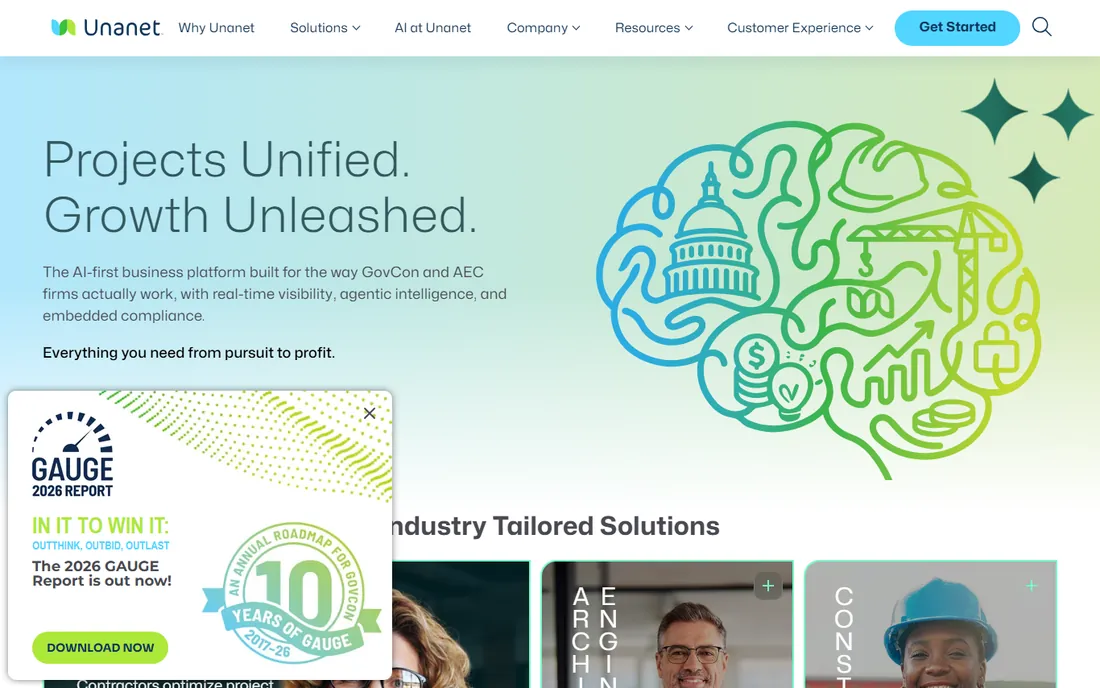
Unanet is one of the few platforms that treats government contract compliance as a core feature rather than an add-on. For firms billing cost-plus or time-and-materials contracts, the DCAA-ready timekeeping and indirect rate handling matter more than any dashboard. That focus is why it dominates its niche among contractors and architecture, engineering and construction firms.
The trade-off is that this is not self-serve software. Pricing is custom, implementations are measured in weeks or months, and you will want a consultant who knows the product. Firms that win federal work tend to find the effort pays for itself in audit readiness. Firms without compliance pressure can usually get what they need from a lighter tool on this list.
What we like- Purpose-built for GovCon compliance
- Strong project cost tracking
- Integrates with common payroll and ERP tools
Watch out for- Quote-only pricing
- Implementation takes time and outside help
#2
Deltek Vantagepoint
Best for: Project-based enterprises in AEC and consulting
Visit deltek.com
Starting priceSee website
Free planNo
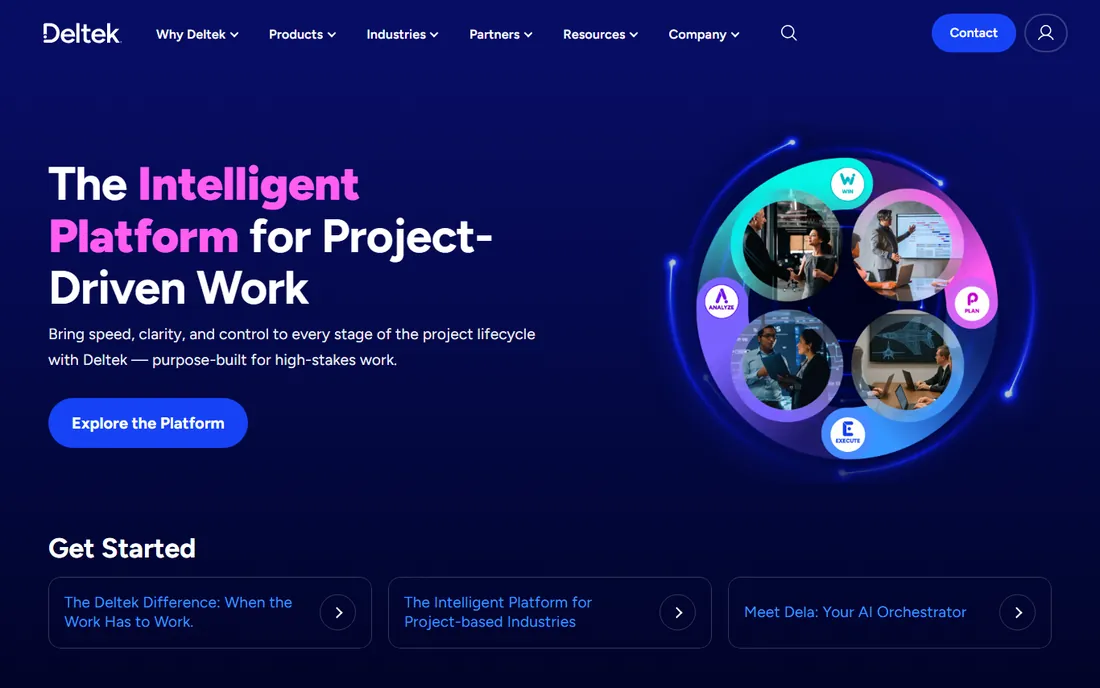
Deltek has served project-based businesses for decades, and Vantagepoint is the consolidated successor to the old Vision and Ajera lines. It handles the full arc: proposals and pipeline, project setup, budgeting, time and expense, billing and project reporting. Large AEC and consulting firms that live on utilization and backlog reporting will find few gaps.
That depth comes with enterprise weight. Expect a formal sales process, a real implementation project and change management for your staff. Smaller firms often find the per-user economics and the administrative overhead hard to justify. This is a buy it once and run the business on it decision, not a tool you try for a month.
What we like- Deep project lifecycle coverage from pursuit to closeout
- Mature resource planning
- Large partner ecosystem
Watch out for- Expensive and complex
- Overkill for teams under about 50 people
#3
Sage Intacct
Best for: Multi-entity services companies
Visit sage.com
Starting priceSee website
Free planNo
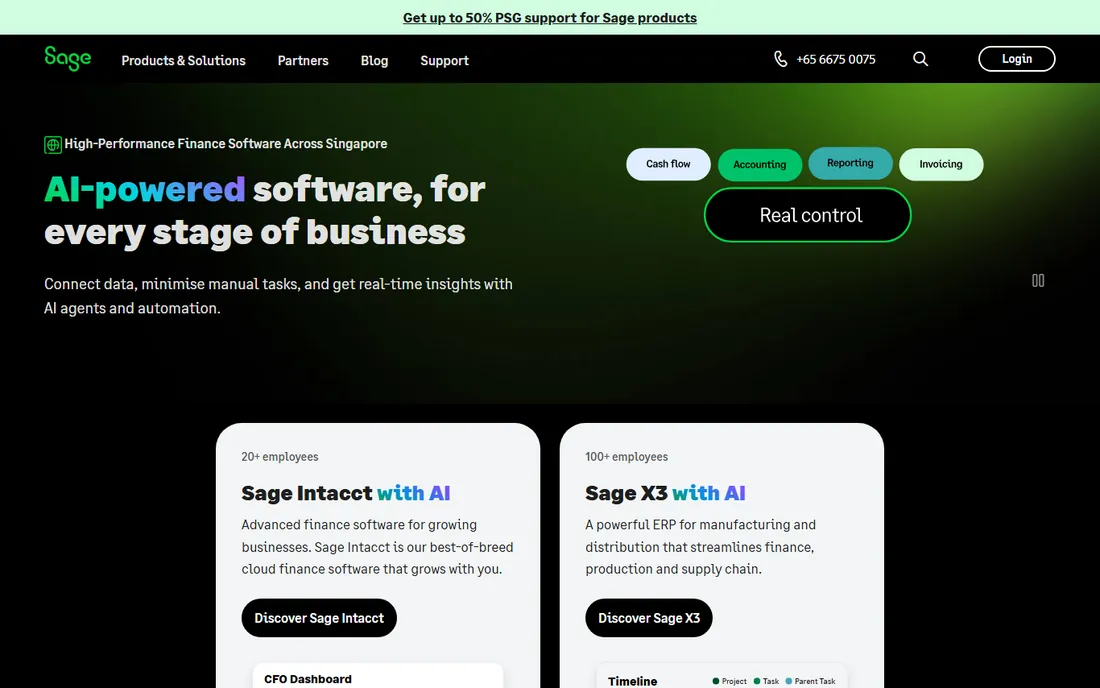
Sage Intacct approaches project accounting from the finance side, which is exactly right for companies that run multiple entities, departments or locations and need clean consolidations. The dimensional chart of accounts lets you slice revenue and cost by project, client, region or anything else without a jungle of sub-accounts. Project billing supports milestones, time and materials and recurring schedules.
Where it falls short is operational project management. If your project managers live in Gantt charts and resource plans, you will pair Intacct with something else or accept its lighter native tools. The pricing is modular and quoted, so budget conversations start with your entity count and module list. It is a finance-first choice, and finance-first companies love it.
What we like- True fund and entity accounting with dimensional GL
- Strong project billing rules
- AICPA-preferred heritage
Watch out for- Project management features are lighter than PSA-native tools
- Quote-based pricing
Starting price$17 per user/month (billed annually)
Free planFree trial (14 days)
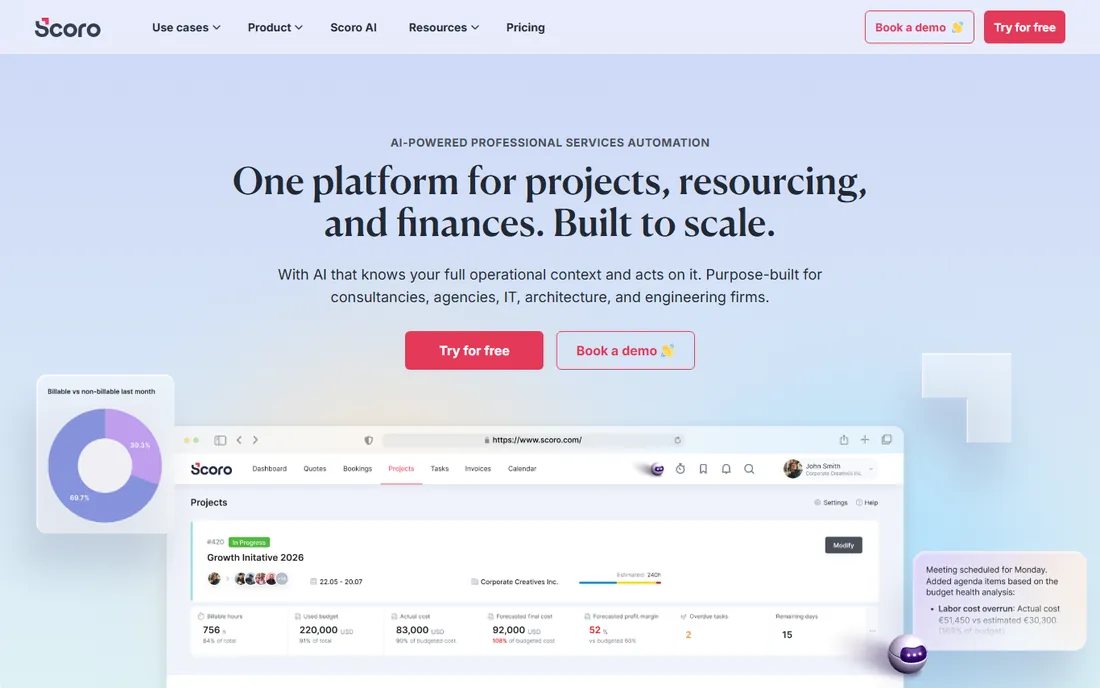
Scoro sells one idea: the quote, the project, the time, the invoice and the financial report should all live in the same data model. For agencies and consultancies between roughly 10 and 200 people, that idea works. You build an estimate, convert it to a project, staff it, track time against budget and invoice from the same records, and the margin reports update as work happens.
The entry combination starts at $17 per user per month on annual billing, with fuller combinations running higher, and every plan requires at least five seats. There is no free tier, only a 14-day trial. Scoro recently moved to a modular structure where you combine core apps, which keeps pricing flexible but means the first pricing conversation takes some mapping. Teams that commit to the full workflow get genuine quote-to-cash visibility that cheaper point tools cannot match.
What we like- Quote-to-cash in one system
- Real-time budget versus actuals
- Strong utilization reporting
Watch out for- Five-seat minimum
- New modular pricing takes effort to map to your needs
#5
BigTime
Best for: Professional services firms billing through QuickBooks
Visit bigtime.net
Starting price$20 per user/month
Free planFree trial
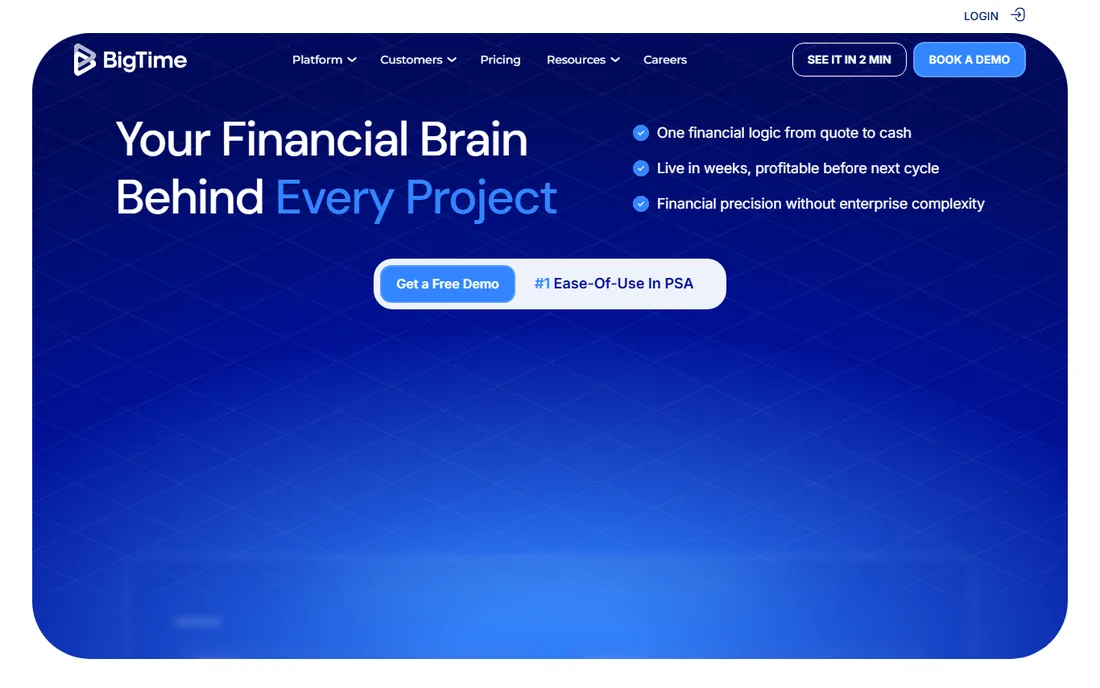
BigTime was built for one very common situation: a services firm that trusts QuickBooks for the ledger but needs real project operations on top of it. Time tracking, expenses, project budgets, invoicing and utilization sync both ways with QuickBooks Online and Desktop, so the books and the project data stop disagreeing. The Essentials plan starts at $20 per user per month, with Advanced at $35 and Premier at $45 adding features like DCAA compliance, custom invoicing and resource planning.
Most firms get live within about two months, which is fast for this category. The honest catch is reporting. The standard library covers the basics, but getting board-ready views usually means building custom reports and adjusting them as the business changes. If your firm bills hours and lives in QuickBooks, BigTime is the most direct upgrade path on this list.
What we like- Deep two-way QuickBooks sync
- DCAA compliance on upper plans
- Fast time to value
Watch out for- Reporting needs manual tuning
- Mobile app trails the desktop
Starting priceSee website
Free planNo
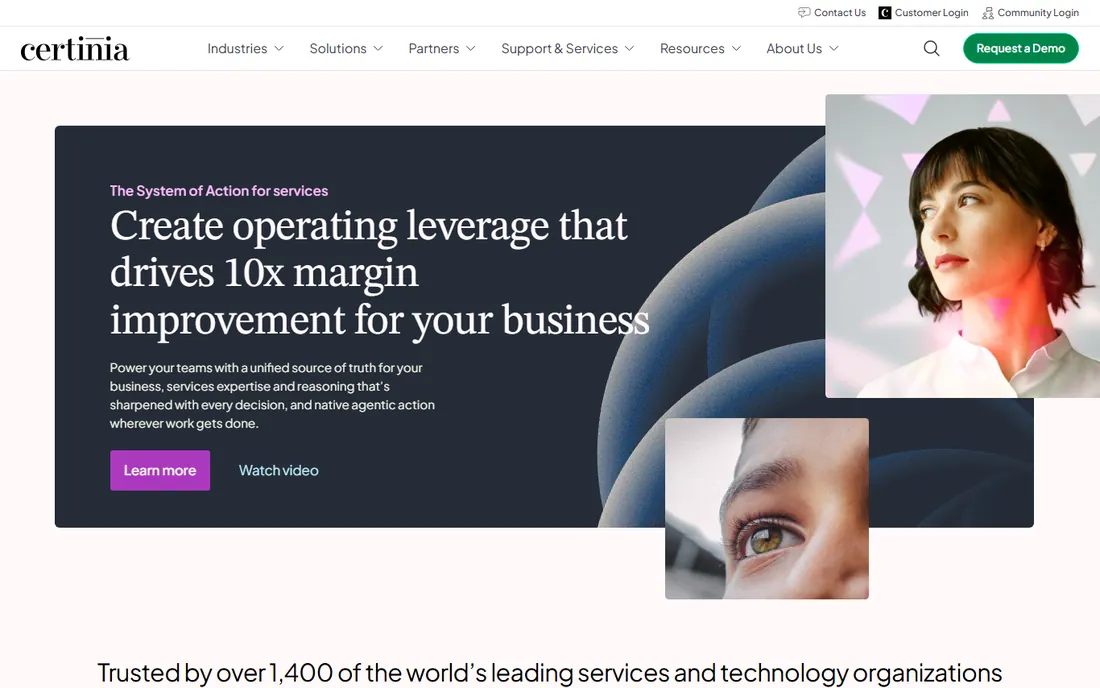
Certinia, formerly FinancialForce, is the answer to a specific question: what if the PSA and the accounting both lived inside Salesforce? For services firms already committed to the Salesforce ecosystem, it removes the integration tax entirely. Opportunity, staffing, delivery and billing share one data model, and the financial management modules handle multi-currency, revenue recognition and project accounting with real controls.
There is no point evaluating it without Salesforce in the picture. The platform license, the implementation and the quote-based pricing put it firmly in mid-market and enterprise territory. But for firms already paying the Salesforce bill, Certinia turns that investment into a genuine services ERP instead of a CRM with sidecars.
What we like- Native to the Salesforce platform
- Strong services estimation and revenue recognition
- Enterprise-grade controls
Watch out for- Only makes sense with a Salesforce investment
- Pricing is quote-based and enterprise-level
Starting priceSee website
Free planNo
OpenAir is Oracle NetSuite's professional services automation suite, and its strength is the obvious one: it shares a roof with NetSuite's general ledger. Project setup, resource management, time and expense, project billing and revenue recognition flow straight into the financials with no middleware. Multi-subsidiary services firms get consolidated project reporting that standalone tools struggle to produce.
The interface shows its age next to newer PSA products, and several workflows feel heavier than they need to be. It also makes little sense as a standalone purchase; the value case assumes you run NetSuite as the ERP. Inside that context, though, it is the shortest path to project accounting that your auditors already understand.
What we like- Tight fit with NetSuite financials
- Mature project accounting and revenue rules
- Global multi-subsidiary support
Watch out for- Dated interface in places
- Best value only inside a NetSuite shop
#8
Acumatica
Best for: Growing firms that want a full cloud ERP with project accounting
Visit acumatica.com
Starting priceSee website
Free planNo
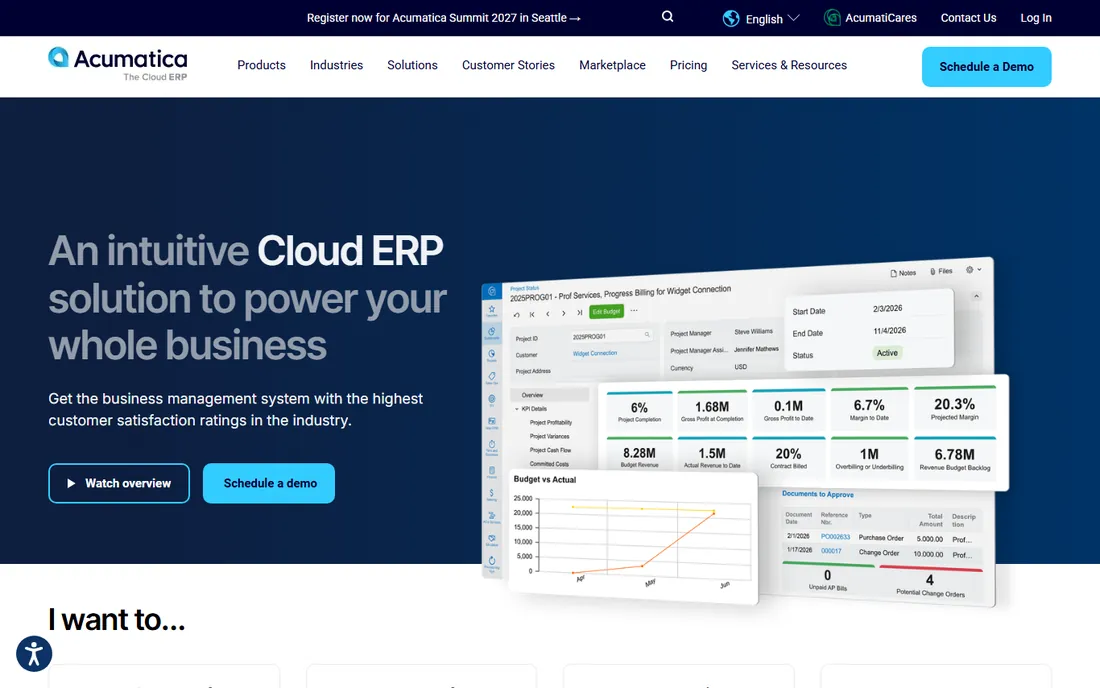
Acumatica takes a different commercial approach: you license by transaction volume and resources used rather than by named user, which can be much cheaper for firms with many occasional users. The project accounting module covers budgets, cost tracking, change orders, billing and profitability inside a complete cloud ERP with financials, distribution and CRM editions. The construction edition is a genuine fit for contractors managing jobs, not just a relabeled module.
The partner channel is a double-edged sword. A good Acumatica partner makes the implementation smooth; a weak one makes it painful, so reference checks matter. Pricing is quoted through partners. For firms outgrowing QuickBooks plus spreadsheets, Acumatica offers an ERP-grade landing zone without the per-seat meter running on every login.
What we like- Consumption-based licensing instead of per-user
- Project accounting inside a full ERP
- Strong construction edition
Watch out for- Sold through partners, so experience varies
- Implementation is a real project
#9
Avaza
Best for: Small teams that want project finance without enterprise weight
Visit avaza.com
Starting priceSee website
Free planFree trial
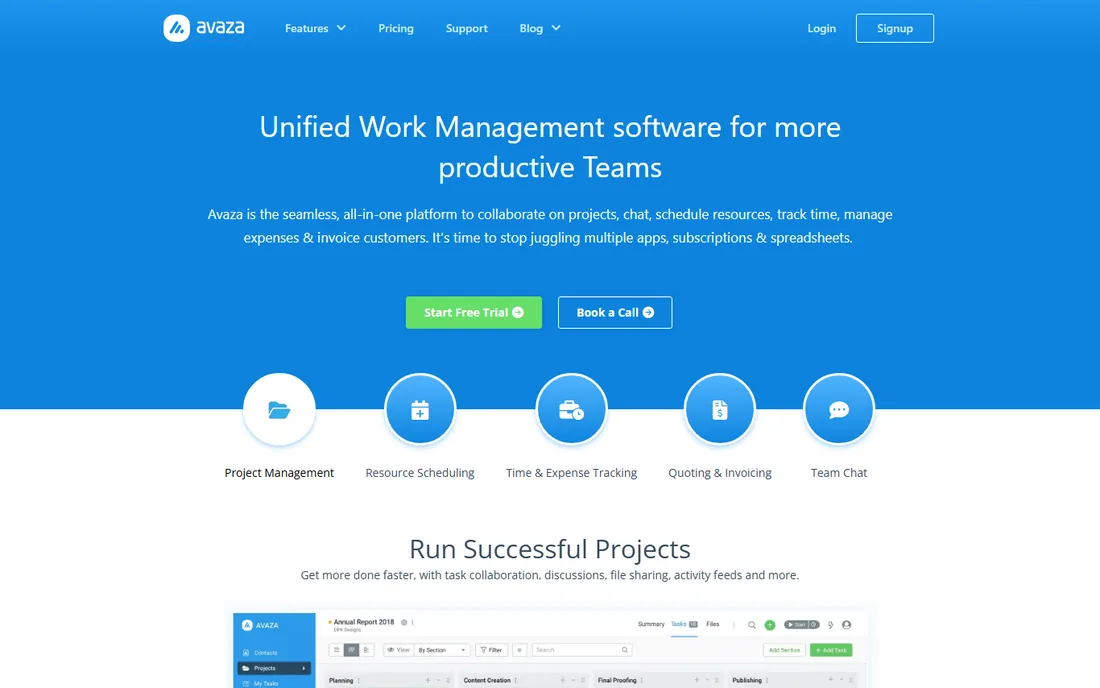
Avaza is the friendly end of this list. It combines project management, time tracking, expense tracking, quoting and invoicing in a single interface that a ten-person team can learn in an afternoon. For small agencies, studios and consultancies, it covers the real project accounting workflow, which is knowing whether each job made money, without the compliance machinery of Unanet or the ERP scope of Acumatica.
The limits are honest ones. There is no DCAA support, no multi-entity consolidation and no advanced revenue recognition. Reporting answers the everyday questions but not the board-level ones. Pricing is published per user with a free trial available. If your firm is small and your accounting needs are project profitability rather than regulatory compliance, Avaza is the right weight.
What we like- Quotes, projects, time, expenses and invoices in one simple app
- Low learning curve
- Affordable for small teams
Watch out for- Lacks compliance and advanced revenue features
- Reporting is basic
How we chose
We started from the project accounting category as buyers define it: software that connects project operations to financial outcomes, not generic project management with an invoice button. We checked each vendor's current pricing page and documentation, read public reviews on G2, Capterra and Software Advice, and weighed fit for different company sizes, from ten-person agencies to multi-entity enterprises. Tools were excluded when pricing or key features could not be verified, or when the product had drifted away from project accounting into adjacent categories.
What to look for before you buy
Start with your billing model, because it decides everything else. Time-and-materials firms need strong time capture and rate cards. Fixed-fee firms need budget-versus-actual tracking and change-order control. Government contractors need DCAA-compliant timekeeping and indirect cost handling, which narrows the field to a handful of vendors. Write down how you bill before you look at a single demo.
Then check the accounting handoff. The most expensive failure in this category is a project system that does not reconcile with the general ledger. Ask whether the integration is two-way, what syncs and how often, and who owns the mapping when something breaks. A demo that shows invoices flowing into QuickBooks, Sage or NetSuite is worth more than ten feature checklists.
Contract terms deserve the same scrutiny as features. Ask about minimum seats, annual versus monthly billing, implementation fees and data export. Several tools on this list require five or more seats and annual contracts, which changes the real first-year cost. Finally, run a pilot on two or three live projects with real time entries and a real invoice before you sign anything.
Common mistakes firms make when switching
The biggest is buying for the finance team and forgetting the people who enter time. If consultants and engineers find the timesheet painful, adoption dies and the profitability data you bought the system for never materializes. Put the time-entry experience in the pilot, not just the reporting demo.
The second is migrating dirty data. Old projects with half-coded time and inconsistent client names will poison every report the new system produces. Clean the client list, close dead projects and standardize service items before migration day. The third is underestimating the chart of accounts conversation. Project accounting tools ask you to structure revenue and cost by project from day one, and getting that structure right is a finance project, not an IT task.
Frequently asked questions
What is project accounting software?
It is software that tracks the financial performance of individual projects, connecting budgets, labor costs, expenses and billing to each job. Unlike general accounting software, it answers the question of whether a specific project made money. Most tools combine time tracking, project budgeting, billing and profitability reporting.
How is it different from regular accounting software?
Regular accounting software tracks the company's overall books: the general ledger, payables, receivables and payroll. Project accounting software adds a project dimension to all of that, so costs and revenue roll up per job, per client or per phase. Many firms run both, with the project tool feeding the accounting system.
Do small firms need project accounting software?
If you bill by the project or by the hour and run more than a handful of concurrent jobs, yes. Spreadsheets break down around ten to fifteen active projects, when budget tracking and invoice accuracy start slipping. Small teams can start with lighter tools like Avaza or BigTime rather than enterprise platforms.
What does project accounting software cost?
Published starting prices on this list run from about $17 to $20 per user per month for mid-market tools, while enterprise platforms like Unanet, Deltek and Sage Intacct are priced by quote. Real first-year cost includes implementation, training and any required minimum seats, so ask for the total before comparing per-user figures.
Can it replace QuickBooks or NetSuite?
Usually it sits alongside them rather than replacing them. Tools like BigTime are designed to sync with QuickBooks, while OpenAir and Certinia extend NetSuite and Salesforce. Full ERP suites like Acumatica do combine both, but most firms keep a general ledger system and add project accounting on top.
How long does implementation take?
Lighter tools can go live in a few weeks. Mid-market platforms typically take one to three months including data migration and training. Enterprise systems like Deltek Vantagepoint or Unanet often take three to six months with partner help. The timeline depends more on your data cleanliness and process decisions than on the software itself.
Sources we checked (10)
- https://www.bigtime.net/pricing
- https://www.scoro.com/pricing/
- https://www.avaza.com/pricing/
- https://www.unanet.com/erp
- https://www.deltek.com/en/products/project-management/vantagepoint
- https://www.sage.com/en-us/sage-business-cloud/intacct/
- https://www.certinia.com/products/
- https://www.netsuite.com/portal/products/netsuite-openair.shtml
- https://www.acumatica.com/cloud-erp-software/project-accounting-software/
- https://www.bqe.com
Is your product missing or out of date?
We review this list regularly. Vendors can request a listing, send updated pricing or ask about featured placement.

Shihab Mia · Founder, Rankite
Shihab has spent more than a decade helping SaaS and e-commerce brands grow through search. He writes Rankite's software buying guides from pricing pages, documentation and public user reviews. More about Shihab.