How we make this list: we compare pricing pages, product documentation and public user reviews. Ratings come from G2, Capterra or Trustpilot, with the date we checked them.
Key takeaways
- Asana suits teams that want clear task ownership, while monday.com suits teams that think in visual boards.
- ClickUp packs the most features per dollar, but its depth takes longer to learn than simpler rivals.
- Zoho Projects is the cheapest paid option at $4 per user a month, and Trello is the simplest way to run kanban boards.
- Free plans are real but limited, so check user caps and feature gates before rolling a tool out to a whole company.
Quick comparison
| Tool | Best for | Starting price | Free plan |
|---|
 Asana Asana | Cross-team task coordination with clear ownership | $10.99 per user/month (billed annually) | Yes |
 monday.com monday.com | Visual boards and custom workflows | $9 per user/month (billed annually) | Yes |
 ClickUp ClickUp | Most features per dollar | $7 per user/month (billed annually) | Yes |
 Trello Trello | Simple kanban boards for small teams | $5 per user/month (billed annually) | Yes |
 Jira Jira | Agile software teams running sprints and releases | See website | Yes |
 Smartsheet Smartsheet | Spreadsheet-style planning for operations teams | $9 per user/month (billed annually) | Free trial |
 Wrike Wrike | Marketing and creative operations at scale | $10 per user/month (billed annually) | Yes |
 Zoho Projects Zoho Projects | Budget-friendly project tracking, especially for Zoho users | $4 per user/month (billed annually) | Yes |
 Basecamp Basecamp | Flat-rate collaboration for teams that hate per-seat pricing | See website | Free trial |
Is your product missing or out of date?
We review this list regularly. Vendors can request a listing, send updated pricing or ask about featured placement.
The best project management software, compared
#1Asana
Best for: Cross-team task coordination with clear ownership4.4/5 on
G2 (13,930 reviews, checked Oct 2026)
Visit asana.com
Starting price$10.99 per user/month (billed annually)
Free planYes
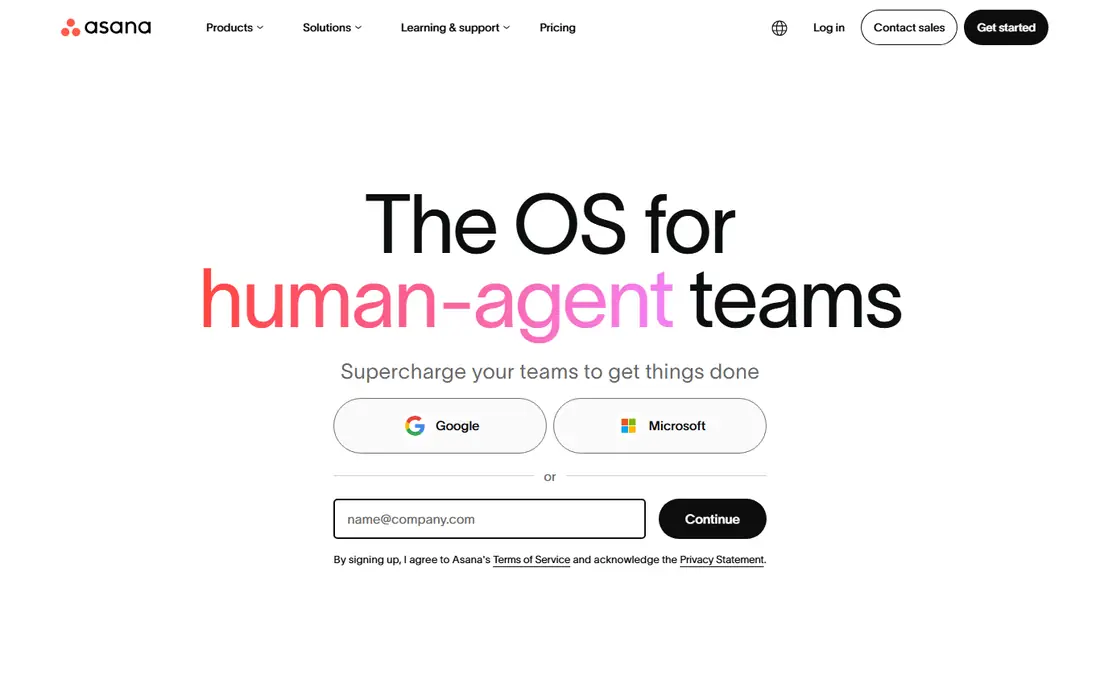
Asana is the safest default when a team says it wants project management without a steep learning curve. Tasks, projects, timelines, and calendars come together in an interface most people understand in an afternoon, and every task has an owner and a due date, which ends the usual question of who is doing what.
The honest catch is price at scale. The free plan covers small teams, but Starter at $10.99 per user a month is where timelines and dashboards arrive, and portfolios sit higher still. For cross-functional teams that need everyone aligned, Asana remains a strong pick, but budget it per head, not per project.
What we like- Clean task, timeline, and calendar views
- Portfolios and goals on higher tiers
- Strong automation rules
Watch out for- Per-user pricing adds up for large teams
- Portfolios and advanced reporting need higher tiers
#2monday.com
Best for: Visual boards and custom workflows4.7/5 on
G2 (17,182 reviews, checked Oct 2026)
Visit monday.com
Starting price$9 per user/month (billed annually)
Free planYes
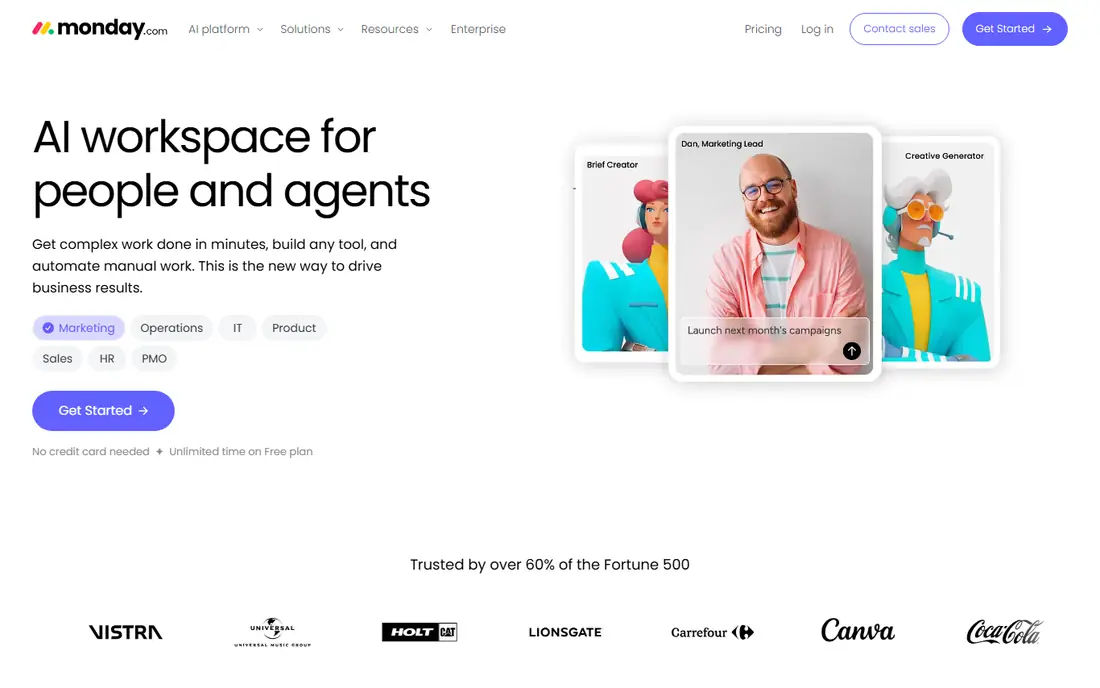
monday.com turns work into colorful boards where status is visible at a glance, which is why creative and operations teams adopt it quickly. Columns, automations, and dashboards bend to almost any workflow, from marketing campaigns to hiring pipelines, and the template library gives new teams a running start.
Pricing needs care. The Basic plan starts at $9 per user a month but requires at least three seats, and the free plan covers only two users. Teams that lean on automations and advanced views will move to Standard or Pro, so price the plan you will actually use, not the entry tier.
What we like- Highly visual boards
- Flexible automations
- Wide template library for many departments
Watch out for- Basic plan requires a three-seat minimum
- Costs climb as automations and views are added
#3ClickUp
Best for: Most features per dollar4.6/5 on
G2 (14,878 reviews, checked Oct 2026)
Visit clickup.com
Starting price$7 per user/month (billed annually)
Free planYes
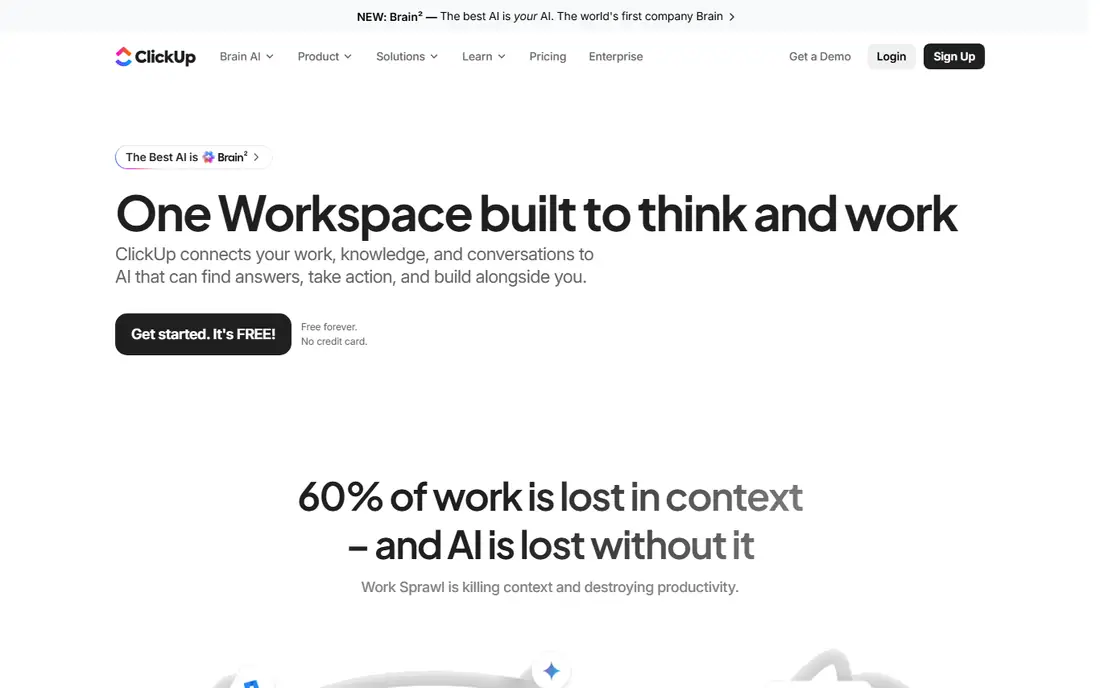
ClickUp tries to replace several tools at once. Docs, whiteboards, goals, time tracking, and chat sit beside tasks, so a team can cancel separate subscriptions and work in one place. At $7 per user a month, the Unlimited plan undercuts every rival in this list except Zoho Projects.
Depth is also the weakness. New users face a wall of views, fields, and settings, and without someone owning the setup, workspaces turn messy. Teams willing to invest a week in configuration get the best value in project management; teams that want simplicity should pick Trello or Asana instead.
What we like- Docs, whiteboards, goals, and chat in one app
- Generous free plan
- Lowest paid entry price here
Watch out for- Feature density overwhelms new users
- Setup takes discipline to avoid clutter
#4Trello
Best for: Simple kanban boards for small teams4.4/5 on
G2 (14,064 reviews, checked Oct 2026)
Visit trello.com
Starting price$5 per user/month (billed annually)
Free planYes
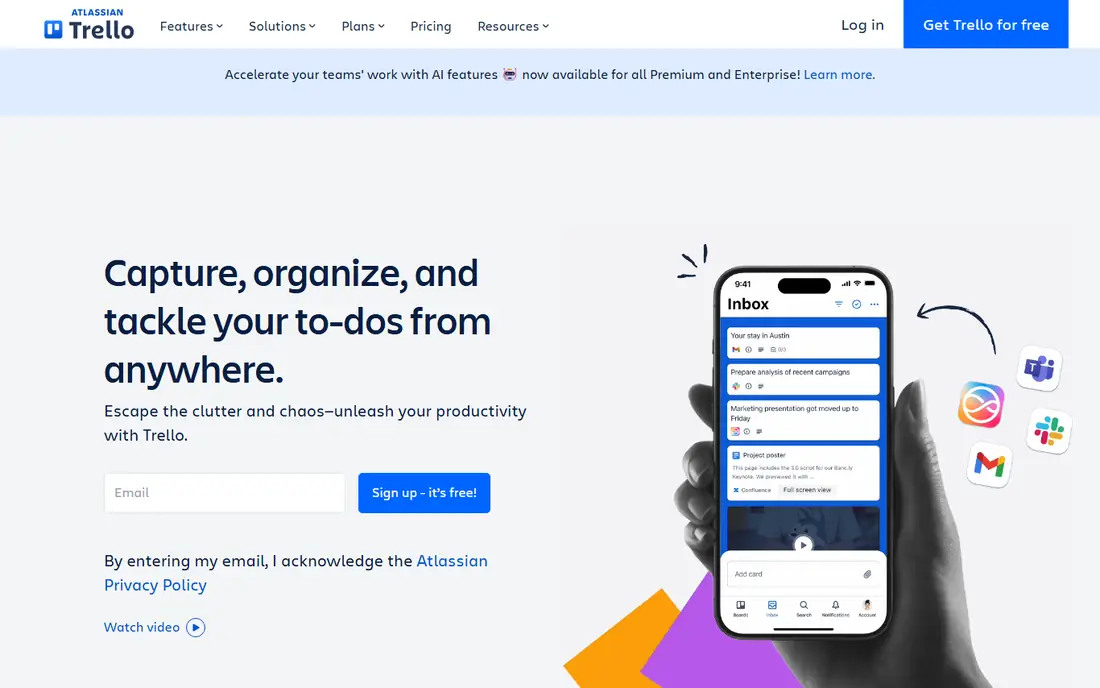
Trello is a board of cards, and that simplicity is the whole product. A small team can create a board, add cards, drag them across lists, and be running in ten minutes, with no training session and no setup project. The free plan covers unlimited cards and members on a board, which suits freelancers and tiny teams.
Complexity is where Trello stops. Large programs with dependencies, portfolios, and resource planning need a fuller tool, and reporting stays basic even on paid plans. Use Trello when the work fits on a board, and move to Asana or monday.com when it outgrows one.
What we like- Easiest board to learn
- Fast to set up
- Generous free plan for small boards
Watch out for- Weak for complex projects and reporting
- Advanced features need paid plans and Power-Ups
#5Jira
Best for: Agile software teams running sprints and releases4.3/5 on
G2 (7,984 reviews, checked Oct 2026)
Visit atlassian.com
Starting priceSee website
Free planYes
Jira is the standard for software teams for good reason. Sprints, backlogs, epics, and release planning are native, not bolted on, and integrations with code repositories and CI tools connect development work to tickets automatically. The free plan covers up to ten users, which suits a small dev team.
Non-technical teams often bounce off it. Terminology, workflows, and permissions assume software development, and a casual marketing team will find Asana or monday.com friendlier. For engineering-led work, though, Jira's depth is the point, not a drawback.
What we like- Built for Scrum and Kanban
- Deep issue tracking and release planning
- Strong developer integrations
Watch out for- Feels heavy for non-technical teams
- Configuration takes real admin effort
#6Smartsheet
Best for: Spreadsheet-style planning for operations teams4.4/5 on
G2 (22,767 reviews, checked Oct 2026)
Visit smartsheet.com
Starting price$9 per user/month (billed annually)
Free planFree trial
Smartsheet looks like a spreadsheet and acts like a project tool, which is exactly why operations, construction, and event teams like it. Grids handle thousands of rows, Gantt charts and card views sit on the same data, and automated workflows route approvals without extra software.
The trade-offs are a dated feel and no free plan beyond a trial. Teams that live in Excel will feel at home immediately, while teams that want a modern, colorful board may prefer monday.com. For spreadsheet people managing big plans, Smartsheet is the natural upgrade from Excel.
What we like- Familiar grid interface
- Strong Gantt and reporting
- Good for large plans with many rows
Watch out for- No permanent free plan
- Interface feels dated next to visual rivals
#7Wrike
Best for: Marketing and creative operations at scale4.2/5 on
G2 (4,540 reviews, checked Oct 2026)
Visit wrike.com
Starting price$10 per user/month (billed annually)
Free planYes
Wrike shines where work arrives as requests and leaves as approved creative. Intake forms, approval workflows, and proofing tools fit marketing and agency teams, and reporting covers workload and project status in detail. The free plan gives small teams a way to try it without paying.
Cost and complexity grow together. The Team plan at $10 per user a month covers core work, but proofing, resource management, and advanced automation sit higher. Wrike suits teams with real volume and process; smaller teams will find it heavier than they need.
What we like- Strong request forms and approvals
- Proofing tools for creative work
- Detailed reporting
Watch out for- Entry paid plan is basic
- Full feature set needs higher tiers and setup time
#8Zoho Projects
Best for: Budget-friendly project tracking, especially for Zoho users4.4/5 on
G2 (570 reviews, checked Oct 2026)
Visit zoho.com
Starting price$4 per user/month (billed annually)
Free planYes
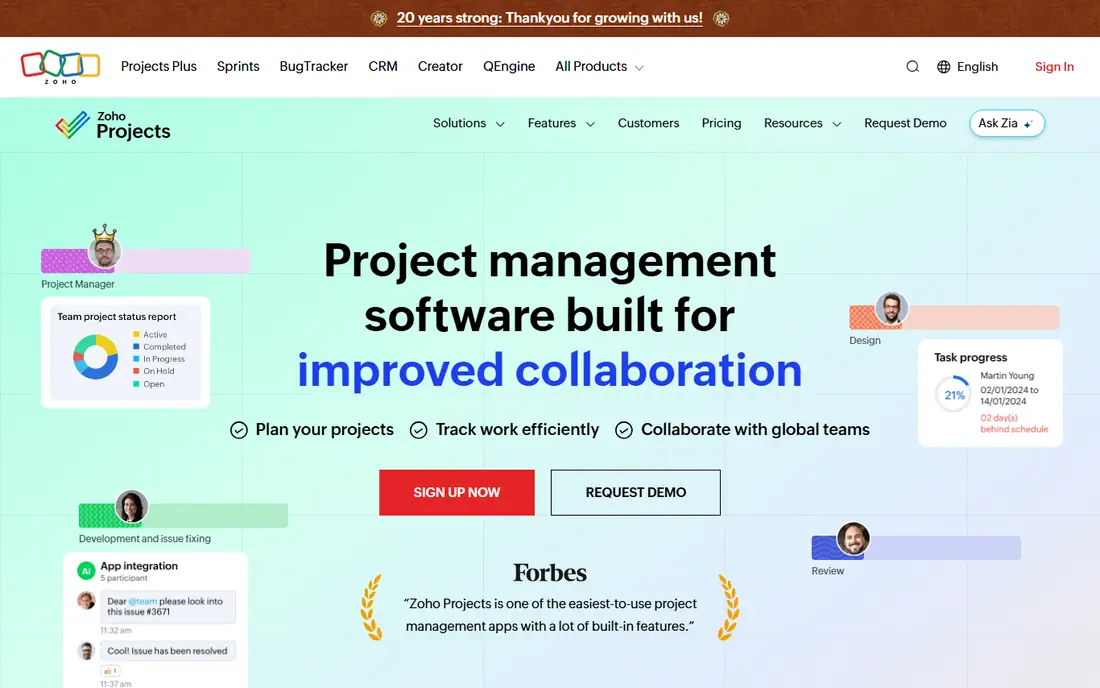
Zoho Projects is the value pick, full stop. At $4 per user a month, the Premium plan costs less than half of Asana's Starter, yet includes Gantt charts, milestones, task dependencies, and time tracking. Businesses already using Zoho CRM, Books, or Mail get a connected suite without extra integration work.
Polish is where the savings show. The interface is functional rather than beautiful, and the third-party integration list is shorter than the leaders'. For budget-conscious teams that care about features more than looks, Zoho Projects is hard to argue against.
What we like- Lowest paid price in this list
- Gantt, milestones, and time tracking included
- Deep Zoho app integration
Watch out for- Interface is less polished than Asana or monday.com
- Fewer third-party integrations
#9Basecamp
Best for: Flat-rate collaboration for teams that hate per-seat pricing4.1/5 on
G2 (5,488 reviews, checked Oct 2026)
Visit basecamp.com
Starting priceSee website
Free planFree trial
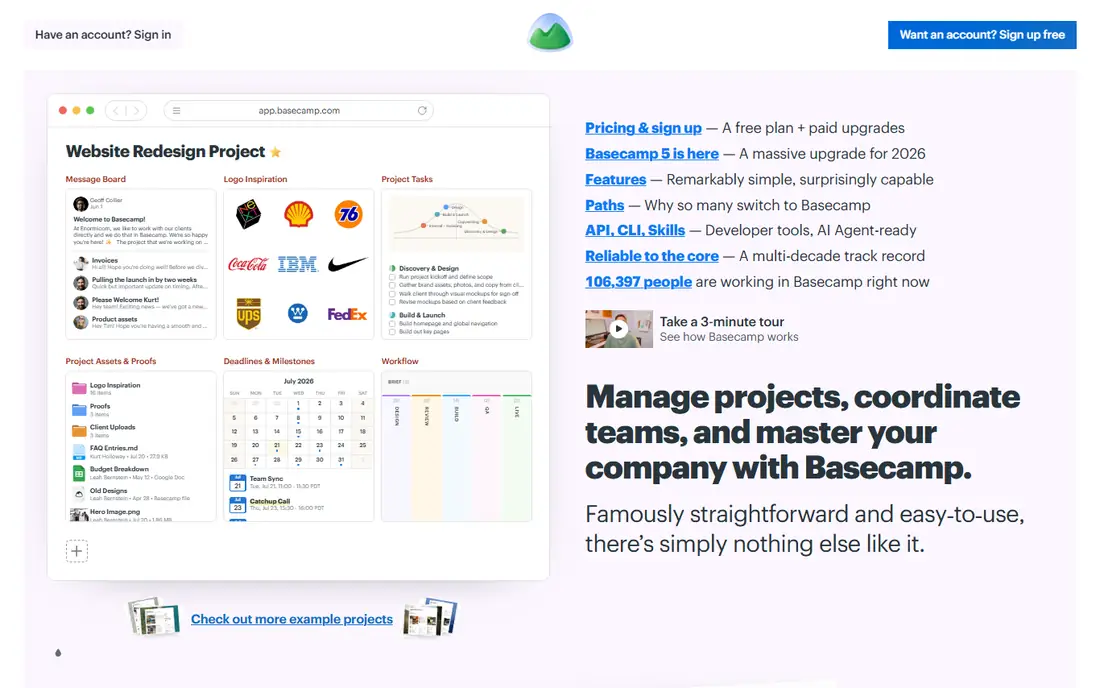
Basecamp takes a different pricing stance from every other tool here. Instead of charging per user, it charges a flat monthly rate for unlimited users, which makes it cheaper than per-seat tools once a team passes a certain size. The feature set is deliberately narrow: message boards, to-dos, schedules, docs, and chat, with no sprawling customization.
That narrowness is also the limit. Teams that want Gantt charts, automations, or custom workflows will miss them, and a two-person team may pay more than a per-seat plan would cost. For larger teams that want one simple, predictable bill, Basecamp's model is refreshing.
What we like- Flat monthly rate for unlimited users
- Opinionated, simple feature set
- Message boards, to-dos, and schedules in one place
Watch out for- No per-user pricing option for tiny teams
- Fewer views and automations than rivals
How we chose
We compared the tools most often shortlisted by buyers in 2026, using vendor pricing pages, documentation, and public reviews on G2 and Capterra to check plan limits and real costs. Comparison focused on what changes a buying decision: entry price, free plan limits, seat minimums, and the team type each tool fits. Niche and enterprise-only platforms were left out in favor of tools a small or mid-sized team can buy today.
How to read this comparison before you buy
Headline prices mislead, because plans differ in what they include and who counts as a billable user.
Compare the plan you will actually use
Free plans hide timelines, portfolios, and automations behind paid tiers, and seat minimums change the math. Price each tool at the tier that includes the features your team needs, for the number of people who will actually log in, including occasional collaborators.
Test with a real project, not a demo
Run one live project in your top two choices for two weeks, with real deadlines and real teammates. Adoption problems, missing views, and permission quirks show up in real use and never appear in a sales demo.
Watch the second-year cost
Per-user pricing grows with headcount, while flat-rate tools stay stable. If your team plans to double, model the cost at that size now, and check whether guests, clients, and contractors count as paid seats.
Frequently asked questions
Which project management software is best overall?
It depends on the team. Asana is the safest all-round choice, monday.com wins for visual teams, ClickUp offers the most features per dollar, and Zoho Projects is the cheapest paid option. Shortlist two and trial both with a real project.
Is there a free project management tool that stays free?
Yes. Asana, monday.com, ClickUp, Trello, Jira, Wrike, and Zoho Projects all offer permanent free plans, though each limits features or users. Trello and ClickUp have the most generous free tiers for small teams.
How much does project management software cost per user?
Entry paid plans in this comparison run from $4 to $10.99 per user a month on annual billing. Higher tiers with portfolios, resource management, and advanced automation typically cost $14 to $24 per user a month.
What is the difference between Asana and monday.com?
Asana organizes work around tasks with owners and due dates, which suits coordination across teams. monday.com organizes work around visual boards with customizable columns, which suits teams that plan by status and stage. Both handle timelines and automations.
Should a small team pay for project management software?
Start free and pay when a limit bites, such as a user cap, missing timelines, or no automation. Most teams under ten people run fine on a free plan for months, and paying early for features nobody uses wastes money.
Sources we checked (9)
- https://asana.com/pricing
- https://monday.com/pricing/
- https://clickup.com/pricing
- https://trello.com/pricing
- https://www.atlassian.com/software/jira/pricing
- https://www.smartsheet.com/pricing
- https://www.wrike.com/pricing/
- https://www.zoho.com/projects/pricing.html
- https://basecamp.com/pricing
Is your product missing or out of date?
We review this list regularly. Vendors can request a listing, send updated pricing or ask about featured placement.

Shihab Mia · Founder, Rankite
Shihab has 5+ years in B2B and SaaS SEO. He writes Rankite's software buying guides from pricing pages, documentation and public user reviews. More about Shihab.