How we make this list: we compare pricing pages, product documentation and public user reviews. Rankite is independent; if a vendor ever pays for a featured spot, that listing is clearly labeled Partner.
Key takeaways
- Slack reports over 1 billion messages sent daily on its platform, which explains why chat-first tools dominate collaboration shortlists.
- Slack ($7.25 per user per month billed annually) and Microsoft Teams (free version available) are the chat defaults; the choice usually follows your existing software stack.
- Basecamp (free for 1 project; Unlimited at $300 per month flat) and ProofHub ($45 per month flat, unlimited users) are the flat-pricing escapes from per-seat billing.
- Trello ($5 per user per month billed annually) and Confluence ($5.42 per user per month) are the cheapest structured options with real free tiers.
- Miro and Smartsheet serve visual and spreadsheet-style collaborators; Zoho Projects is the value pick for budget teams.
Quick comparison
| Tool | Best for | Starting price | Free plan |
|---|
 Slack Slack | Teams that coordinate work through chat and channels | $7.25/user/month, billed annually (Pro) | Yes (Free plan, 90-day message history) |
 Microsoft Teams Microsoft Teams | Organizations already invested in Microsoft 365 | See website | Yes (Teams Free for individuals) |
 Basecamp Basecamp | Teams that want one calm workspace with flat, predictable pricing | Free (1 project); Unlimited $300/month | Yes (Free plan: 1 project, up to 5 users) |
 Trello Trello | Small teams that think in kanban boards | $5/user/month, billed annually (Standard) | Yes (Free, up to 10 collaborators per workspace) |
 Smartsheet Smartsheet | Teams that plan projects in spreadsheets but need more | $9/user/month, billed annually | Free trial (30 days) |
 Miro Miro | Distributed teams that collaborate visually on a shared canvas | See website | Yes (free plan with 3 editable boards) |
 Confluence Confluence | Teams that need a shared wiki for docs and decisions | $5.42/user/month (Standard) | Yes (free forever for up to 10 users) |
 ProofHub ProofHub | Teams wanting chat, tasks, proofing and time tracking for one flat fee | $45/month, billed annually (Essential) | Free trial |
 Zoho Projects Zoho Projects | Cost-conscious teams wanting real project management plus collaboration | See website | Yes (free version with core project features) |
Is your product missing or out of date?
We review this list regularly. Vendors can request a listing, send updated pricing or ask about featured placement.
The best project collaboration software
Slack says more than a billion messages move through its platform every day. That number tells you everything about modern teamwork: collaboration happens in conversation, and the tools that win are the ones people actually open. But chat alone does not run a project. The nine tools below cover the full collaboration spectrum, from chat-first workspaces to whiteboards, wikis and all-in-one suites, with real prices and honest trade-offs for each.
#1
Slack
Best for: Teams that coordinate work through chat and channels
Visit slack.com
Starting price$7.25/user/month, billed annually (Pro)
Free planYes (Free plan, 90-day message history)
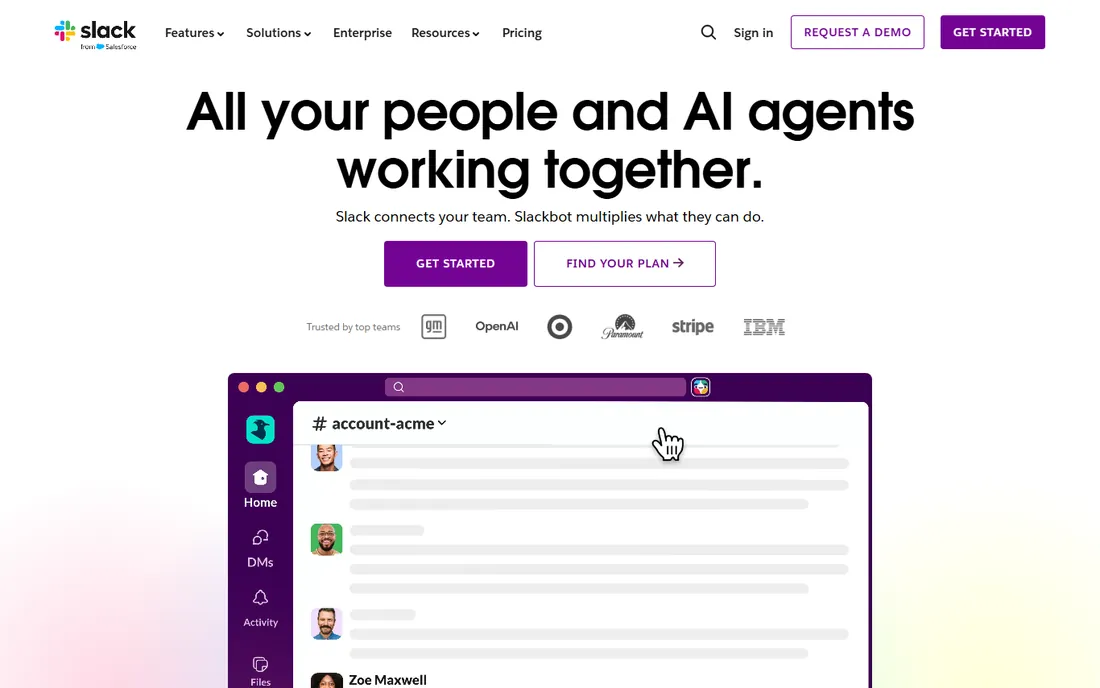
Slack is where work talk happens for millions of teams. Channels replace email threads, integrations pull in alerts from every tool you use, and Slack Connect lets clients join the conversation without another login. Recent additions like lists, canvases and AI summaries push Slack beyond pure chat into light project management.
The honest catch is history and price. The free plan's 90-day message limit means institutional knowledge disappears unless you pay, and Pro at $7.25 per user per month billed annually is real money at headcount. Teams that treat Slack as their project system also learn that decisions made in chat need to be written down somewhere permanent. Pair it with a task tool or accept the chaos.
What we like- The channel model keeps project conversations organized and searchable
- Over 2,600 app integrations
- Slack Connect for working with clients and vendors
- Lists and canvases add light project tracking
Watch out for- The free plan limits history to 90 days and 10 apps
- Pro at $7.25 per user per month adds up for large teams
- Important decisions still get buried in fast-moving channels
#2
Microsoft Teams
Best for: Organizations already invested in Microsoft 365
Visit microsoft.com
Starting priceSee website
Free planYes (Teams Free for individuals)
Teams wins by default in the Microsoft world. If your company runs on Outlook, Word, Excel and SharePoint, Teams puts chat, meetings and files in one place with integrations that Slack cannot match inside that ecosystem. Microsoft offers a free version for individuals covering chat, calls and file sharing, and business plans flow through Microsoft 365 licensing.
The trade-off is agility. Teams feels like enterprise software: powerful but heavy, with an interface that changes often and external collaboration that takes more setup than Slack Connect. Companies choosing fresh, without a Microsoft commitment, usually prefer Slack's speed. Companies already paying for Microsoft 365 should use what they own.
What we like- Bundled with Microsoft 365, so many companies already pay for it
- Deep integration with Office apps, SharePoint and OneDrive
- Meetings, chat and file collaboration in one app
- Free version for individuals
Watch out for- The interface feels heavier than Slack's
- The best experience requires the full Microsoft 365 stack
- Guest and external collaboration is clunkier than Slack Connect
#3
Basecamp
Best for: Teams that want one calm workspace with flat, predictable pricing
Visit basecamp.com
Starting priceFree (1 project); Unlimited $300/month
Free planYes (Free plan: 1 project, up to 5 users)
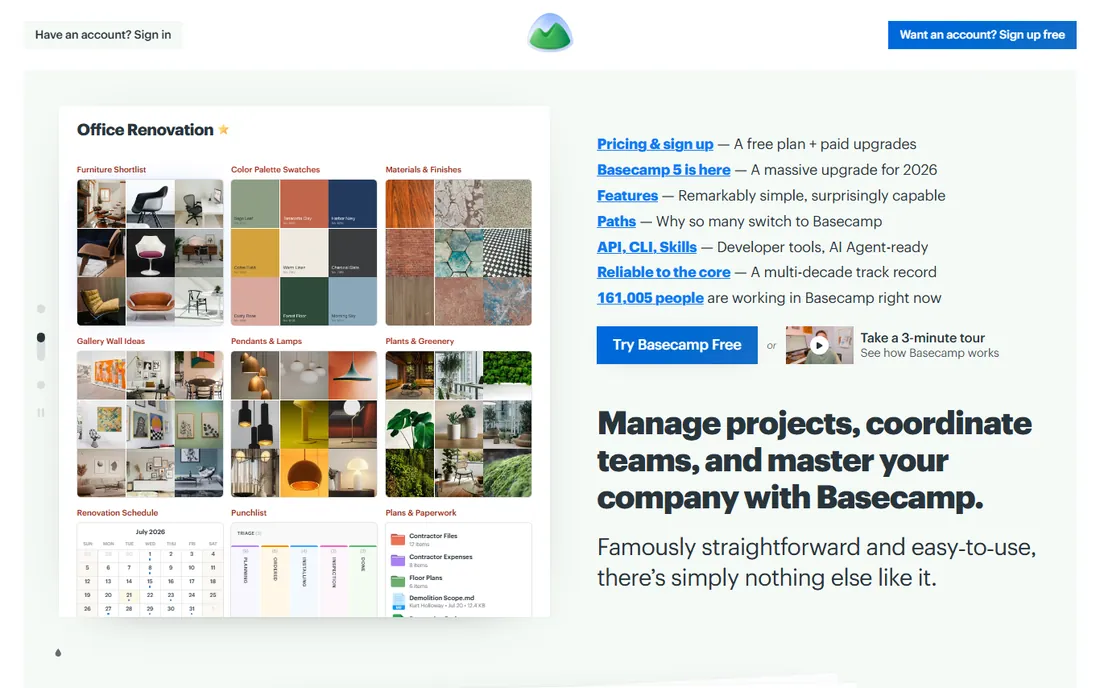
Basecamp takes the opposite approach to feature arms races: fewer features, calmer design, flat pricing. The new Basecamp 5 offers message boards, to-do lists, card tables, chat, schedules and docs in one workspace, with unlimited users and no per-seat fees on Studio, Pro and the $300-per-month Unlimited Edition. For a 50-person company, that flat price destroys every per-seat competitor on cost.
The philosophy is the product and the limit. There are no Gantt charts, no workload views, no complex automations. Teams that need structured project tracking will outgrow it. Teams drowning in Slack threads and scattered docs often find Basecamp's simplicity is exactly the collaboration upgrade they needed.
What we like- Flat pricing with no per-user fees on paid tiers
- Message boards, to-dos, chat, schedules and docs in one place
- Deliberately calm design that resists notification overload
- 30-day free trials with no credit card required
Watch out for- No Gantt charts or advanced reporting
- The free plan allows only one project
- Deliberately simple, so power users may find it limiting
Starting price$5/user/month, billed annually (Standard)
Free planYes (Free, up to 10 collaborators per workspace)
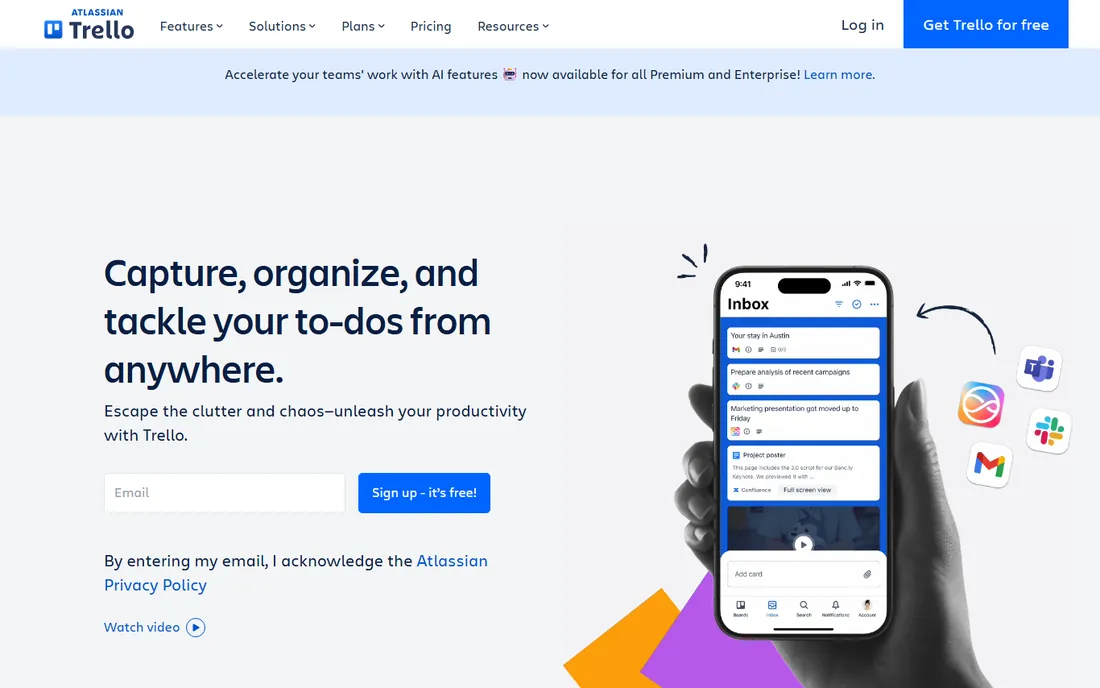
Trello remains the easiest way to run a visual project board. Sign up, make lists, drag cards, and the team is collaborating in minutes. The free plan supports up to 10 collaborators per workspace, which covers many small teams entirely. Standard at $5 per user per month billed annually adds unlimited boards, card mirroring and more automation, keeping it among the cheapest paid options here.
Know what it is not. Trello has no native chat, no docs, no goals and no workload management; it is a board tool with integrations bolted on. Teams that need discussion and documentation alongside tasks end up pairing Trello with Slack and a wiki. As the visual layer of a collaboration stack, it is excellent and cheap.
What we like- The simplest kanban experience in the category
- Free plan covers up to 10 collaborators
- Standard at $5 per user per month adds unlimited boards and automation
- Huge template gallery and 200-plus integrations
Watch out for- Thin beyond boards: no real docs, chat or goals
- Reporting needs Premium
- Atlassian's attention is split across many products
Starting price$9/user/month, billed annually
Free planFree trial (30 days)
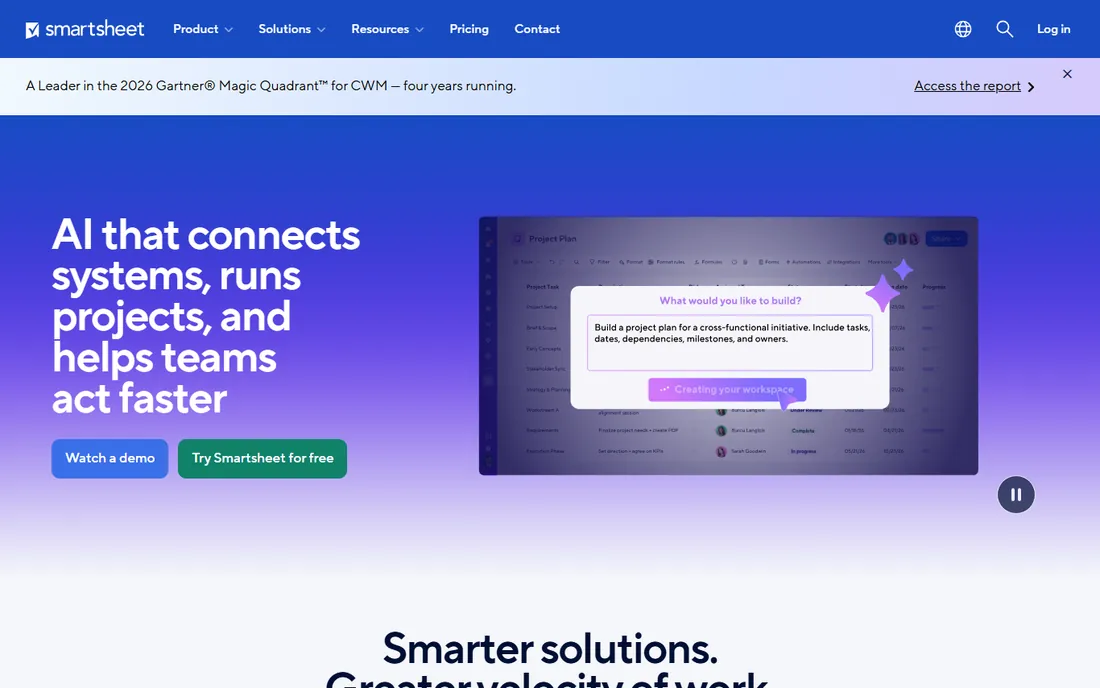
Smartsheet meets spreadsheet-native teams where they are. If your project plans live in Excel, Smartsheet feels like home while adding Gantt charts, automated workflows, dashboards and forms. Paid plans allow unlimited free collaborators, so only the people building sheets need licenses, which keeps costs sane.
The honest math: $9 per user per month billed annually is the entry price, and there is no free tier beyond the 30-day trial. Teams expecting a modern, chatty collaboration experience may find Smartsheet dry; it is a work management platform first and a collaboration tool second. For operations teams that think in rows and columns, that is exactly right.
What we like- Familiar grid interface that spreadsheet users adopt instantly
- Gantt, card and calendar views on the same data
- Dashboards and reports for portfolio visibility
- Unlimited free collaborators on paid plans
Watch out for- No permanent free plan, only a 30-day trial
- The interface shows its spreadsheet roots
- Per-member pricing with minimums on some tiers
#6
Miro
Best for: Distributed teams that collaborate visually on a shared canvas
Visit miro.com
Starting priceSee website
Free planYes (free plan with 3 editable boards)

Miro is the digital whiteboard that remote teams actually use. Brainstorms, retrospectives, user journey maps, sprint planning and org charts all happen on an infinite canvas where everyone contributes in real time. The template library covers nearly every collaborative ritual, and integrations with Jira, Asana and Slack connect the whiteboard to the work tracker.
The limit is scope. Miro does not assign tasks, track deadlines or manage workloads; it is where teams think together, not where they execute. Budget for it alongside a task tool rather than instead of one. The free plan with 3 editable boards is enough to prove the value before talking to sales about paid tiers.
What we like- Infinite canvas for brainstorming, planning and diagramming
- Thousands of templates for retros, workshops and roadmaps
- Real-time multiplayer collaboration
- Generous free plan for getting started
Watch out for- Pricing is not published on the pages we could verify
- It is a whiteboard, not a task tracker, so projects need a companion tool
- Large boards can get messy without facilitation
#7
Confluence
Best for: Teams that need a shared wiki for docs and decisions
Visit atlassian.com
Starting price$5.42/user/month (Standard)
Free planYes (free forever for up to 10 users)
Confluence is where team knowledge should live. Meeting notes, project docs, decisions, how-tos and plans all get a permanent, searchable home instead of rotting in chat history. The free plan covers up to 10 users forever, which makes it the default wiki for small teams, and Standard at $5.42 per user per month adds storage and scale for growing companies.
The discipline requirement is real. A Confluence nobody maintains becomes a graveyard of outdated pages, and its collaboration is asynchronous by design: no chat, no real-time presence. Pair it with Slack or Teams for conversation and Trello or Jira for tasks. As the memory layer of a collaboration stack, it earns its place.
What we like- Free for up to 10 users with no time limit
- Purpose-built for documentation with templates, whiteboards and databases
- Deep integration with Jira and Trello
- Standard at $5.42 per user per month is fairly priced
Watch out for- It is a wiki, not a chat or task tool
- Can sprawl without information architecture
- Search and organization need active gardening
#8
ProofHub
Best for: Teams wanting chat, tasks, proofing and time tracking for one flat fee
Visit proofhub.com
Starting price$45/month, billed annually (Essential)
Free planFree trial
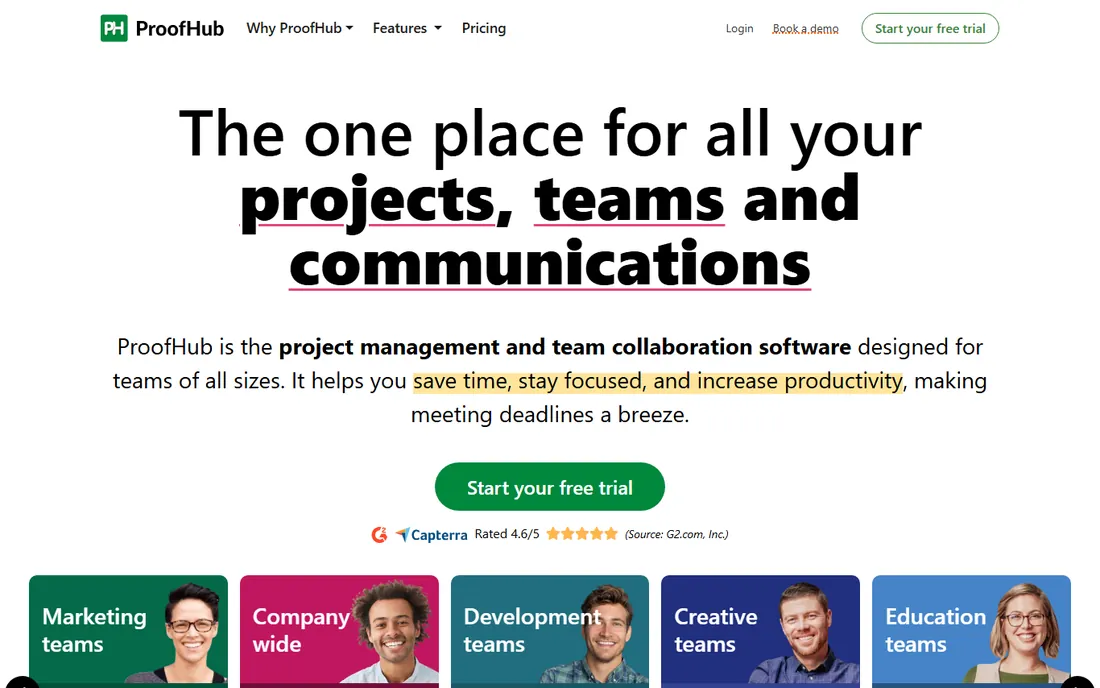
ProofHub's pitch is arithmetic. At $45 per month billed annually for unlimited users, a 30-person team pays a fraction of what Slack plus Asana would cost. The feature list is genuinely broad: task boards, Gantt charts, group chat, discussions, file proofing with annotations, time tracking, notes and custom reports. For budget-conscious teams, one subscription replacing three has obvious appeal.
The honest check is depth. ProofHub's chat is not Slack, its boards are not Trello, and its proofing is not a dedicated review tool. Teams that need best-in-class anything will feel the gaps. Teams that need good-enough everything at a flat price will find it hard to beat. The free trial is the right way to test whether the breadth covers your actual workflows.
What we like- Flat pricing with unlimited users: $45 per month billed annually for Essential
- Tasks, Gantt, chat, discussions, proofing, time tracking and notes in one app
- No per-seat math as the team grows
- Simple onboarding
Watch out for- No permanent free plan
- The interface is functional rather than beautiful
- Advanced features trail best-of-breed specialists in each category
#9
Zoho Projects
Best for: Cost-conscious teams wanting real project management plus collaboration
Visit zoho.com
Starting priceSee website
Free planYes (free version with core project features)
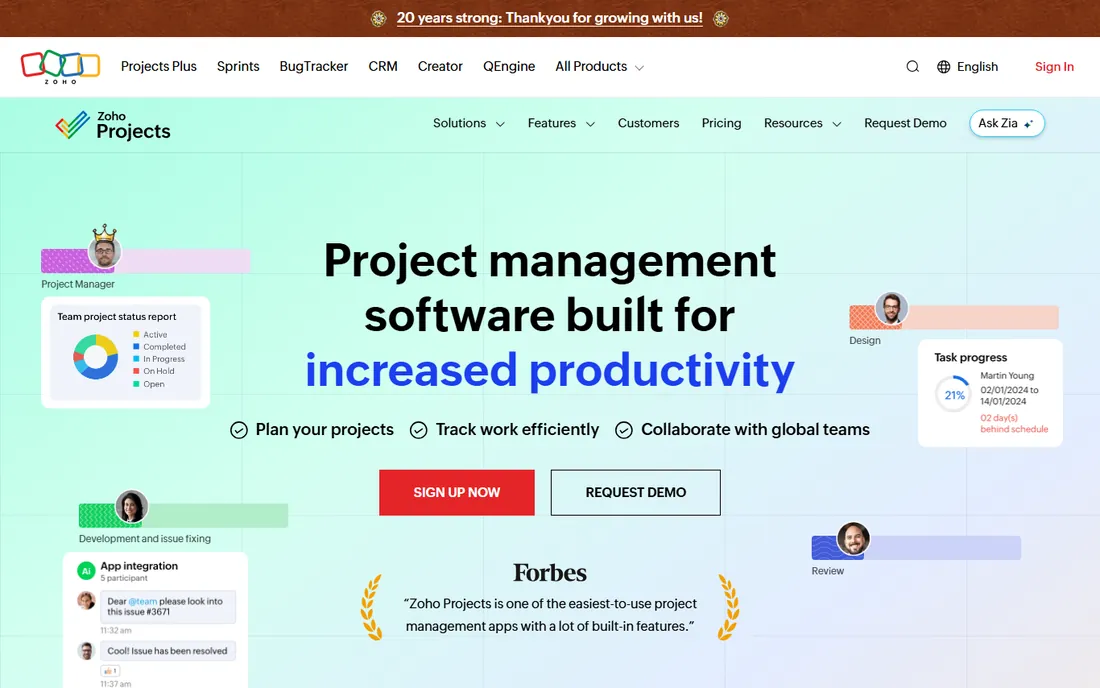
Zoho Projects is the quiet value pick. The free version covers real project work including Gantt charts, task lists and collaboration, which is more than most free tiers offer. Timesheets feed into Zoho Invoice for billing, and the customization depth suits teams with specific processes. Companies already using Zoho CRM or Zoho Books get a natural extension of their stack.
The caveats are polish and transparency. The interface will not delight anyone, and plan prices were not visible on the pages we checked, so confirm costs directly. For teams that want capable project management with collaboration built in, without the per-seat prices of the big names, Zoho Projects deserves a trial.
What we like- Genuinely useful free version including Gantt charts and task management
- Timesheets with invoicing integration
- Deep customization with custom fields and workflows
- Part of the broader Zoho suite for one-vendor simplicity
Watch out for- Pricing is not published on the pages we checked
- The interface feels utilitarian
- Collaboration features are solid but less polished than Slack or Teams
How we chose
We started with the searches buyers actually run: project collaboration software, best team collaboration tools and Slack alternatives. For each candidate we opened the vendor's homepage and pricing page, checked plan details against public reviews on G2 and Capterra and practitioner discussion on Reddit, and compared chat depth, task tracking, documentation, whiteboarding and pricing models. Where a price could not be verified on the vendor's own page we wrote "See website" rather than guessing.
What to look for before you buy
Start with how your team actually communicates. Chat-first teams should shortlist Slack or Teams; document-first teams need Confluence or Basecamp; visual teams need Miro or Trello. The tool has to match the habit, because collaboration software that fights your team's instincts gets abandoned within a quarter.
Then count the real cost, not the headline price. Per-seat tools like Slack ($7.25) and Confluence ($5.42) multiply with headcount, while Basecamp's flat $300 and ProofHub's flat $45 stay fixed as you grow. Model your team size at 12 months, include the clients and contractors who need access, and check what the free tier excludes: Slack's 90-day history limit and Trello's 10-collaborator cap are the classic gotchas.
Finally, decide whether you want one suite or best-of-breed. All-in-one tools (Basecamp, ProofHub, Teams) reduce subscriptions and context switching but compromise on depth. Specialist stacks (Slack plus Trello plus Confluence) give you the best tool for each job at the cost of three bills and three places to search. Small teams usually do better with the suite; larger teams can afford the specialists.
The chat-is-not-a-project-system trap
The most common collaboration mistake is running projects entirely in chat. Decisions get made in a thread, nobody writes them down, and three weeks later nobody remembers what was agreed. Slack and Teams are superb for conversation and terrible as systems of record. Every team needs a place where decisions land permanently: a task tool, a doc, a wiki.
The fix is a simple rule: chat for discussion, docs for decisions. When a thread concludes something, someone writes it into the task, the doc or the wiki the same day. Tools can help: Slack's canvases and lists, Teams' loop components, Basecamp's message boards. But the rule matters more than the tool. Buy the chat app for chat, and buy somewhere permanent for everything else.
Frequently asked questions
What is the difference between Slack and Microsoft Teams?
Both offer chat, meetings and file sharing. Slack is faster, more extensible and better for external collaboration via Slack Connect; Teams is deeply integrated with Microsoft 365 and often already paid for. The practical rule: Microsoft shops should use Teams, everyone else should trial Slack.
Is there a free project collaboration tool that is actually useful?
Yes. Slack's free plan, Microsoft Teams Free, Trello's free plan (up to 10 collaborators), Confluence free (up to 10 users), Miro's free plan and Zoho Projects' free version all handle real work. The limits that push teams to paid plans are message history, storage, admin controls and guest access.
How much does team collaboration software cost?
For a 20-person team: Slack Pro around $145 per month, Trello Standard around $100, Confluence Standard around $108, Smartsheet around $180, all billed annually. Basecamp Unlimited ($300 flat) and ProofHub Essential ($45 flat) do not scale with headcount, which makes them cheaper as teams grow.
Do we need both a chat app and a project management tool?
Most teams do. Chat apps handle conversation; project tools handle tasks, deadlines and accountability. Running projects in chat leads to lost decisions and no visibility. The common stacks are Slack plus Asana or Trello, Teams plus Planner, or an all-in-one like Basecamp or ProofHub.
What is the best collaboration tool for remote teams?
Remote teams need async-friendly tools: Confluence or Basecamp for documentation, Miro for visual collaboration, and Slack or Teams for daily communication. The key is overlapping time zones matter less when decisions live in docs rather than in meetings or chat threads.
Can clients collaborate in these tools without paying for seats?
Sometimes. Slack Connect and Teams guest access include external users with limits, Trello and Confluence free tiers cover small external groups, and Basecamp and ProofHub include unlimited users on paid plans. Check each vendor's external-user policy before inviting clients.
Sources we checked (11)
- https://slack.com/pricing
- https://www.microsoft.com/en-us/microsoft-teams/teams-free
- https://basecamp.com/pricing
- https://trello.com/pricing
- https://www.smartsheet.com/pricing
- https://miro.com/pricing
- https://www.atlassian.com/software/confluence/pricing
- https://www.proofhub.com/pricing
- https://www.zoho.com/projects/
- https://www.g2.com/categories/project-collaboration
- https://www.capterra.com/collaboration-software/
Is your product missing or out of date?
We review this list regularly. Vendors can request a listing, send updated pricing or ask about featured placement.

Shihab Mia · Founder, Rankite
Shihab has spent more than a decade helping SaaS and e-commerce brands grow through search. He writes Rankite's software buying guides from pricing pages, documentation and public user reviews. More about Shihab.