How we make this list: we compare pricing pages, product documentation and public user reviews. Ratings come from G2, Capterra or Trustpilot, with the date we checked them.
Key takeaways
- The biggest 2026 theme is AI moving out of the chat box and into actions: apps now plan a day, summarize a meeting, or file a task without a click.
- Notion leads on AI agents, bundling full Notion AI, including Agents and AI Meeting Notes, into its Business plan at $20 per member per month.
- Todoist added voice-to-task capture with Ramble, while raising Pro from $4 to $5 per month on annual billing in December 2025.
- Motion remains the AI calendar leader, auto-scheduling tasks around meetings and protecting deep-work time.
- An update is not a reason to switch tools: switching costs real time in migration and relearning, so test a new feature in the app you already use first.
Quick comparison
| Tool | Best for | Starting price | Free plan |
|---|
 Notion Notion | AI agents for knowledge work | Free | Yes |
 Todoist Todoist | Voice-to-task capture | Free | Yes |
 Motion Motion | AI calendar scheduling | See website | Free trial |
 Obsidian Obsidian | Technical users and scripting | Free | Yes |
 Linear Linear | Engineering team workflows | See website | Yes |
 Slack Slack | Team chat with built-in AI | See website | Yes |
 Microsoft 365 Microsoft 365 | Office plus AI in one bundle | $7 per user/month | No |
 Google Workspace Google Workspace | Gmail, Docs, and Gemini AI | $7 per user/month | No |
Is your product missing or out of date?
We review this list regularly. Vendors can request a listing, send updated pricing or ask about featured placement.
The best productivity apps updates
#1Notion
Best for: AI agents for knowledge work4.6/5 on
G2 (13,834 reviews, checked Oct 2026)
Visit notion.com
Starting priceFree
Free planYes
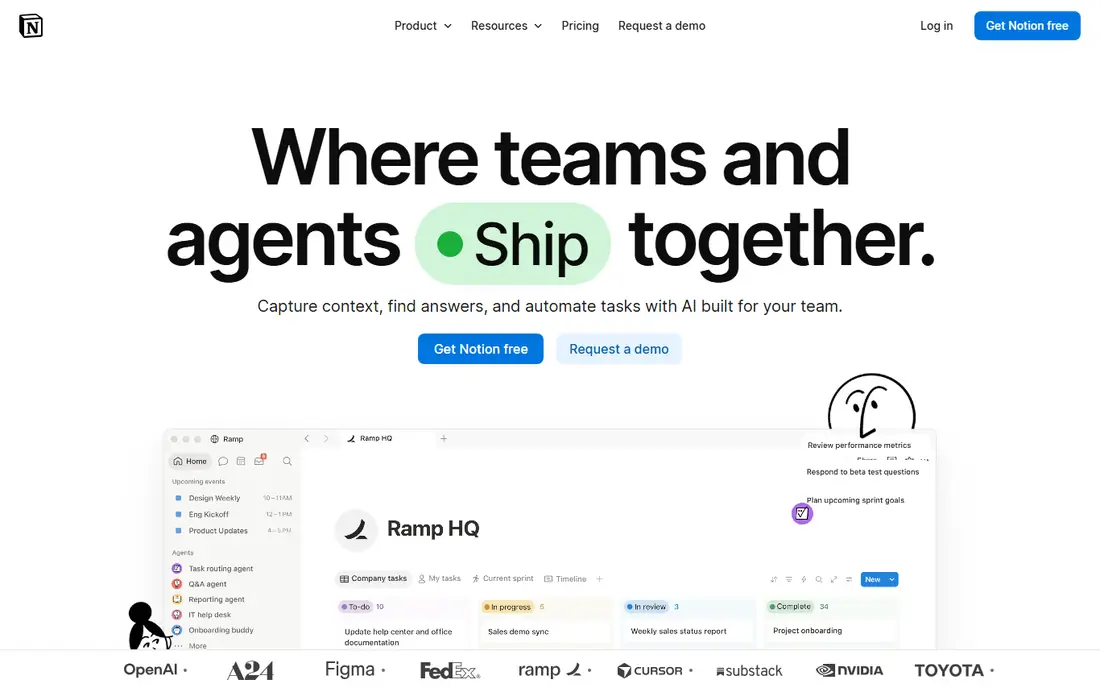
Notion's 2026 updates center on AI agents that act, not just answer. Custom Agents and Workers automate repetitive tasks across a workspace, from triaging pages to updating databases, while AI Meeting Notes summarize calls without manual note-taking. Business at $20 per member per month now bundles full Notion AI, including Agents and AI Meeting Notes, while Free and Plus get only a limited trial. October 2026 updates also added field-level permissions, sidebar defaults for new members, and a rebuilt iPad app.
The limits are access and setup. Full AI needs the Business plan, agents need setup and testing before they can be trusted with real work, and complex pages can load slowly on older hardware. Notion fits best for knowledge teams that want AI agents inside their docs and databases, starting with one repetitive task.
What we like- Custom Agents and Workers automate repetitive tasks
- Full Notion AI in Business at $20 per member per month
- Field-level permissions for teams
Watch out for- Free and Plus get only a limited AI trial
- Agents need setup and testing
- Complex pages can load slowly on older hardware
#2Todoist
Best for: Voice-to-task capture4.5/5 on
G2 (832 reviews, checked Oct 2026)
Visit todoist.com
Starting priceFree
Free planYes
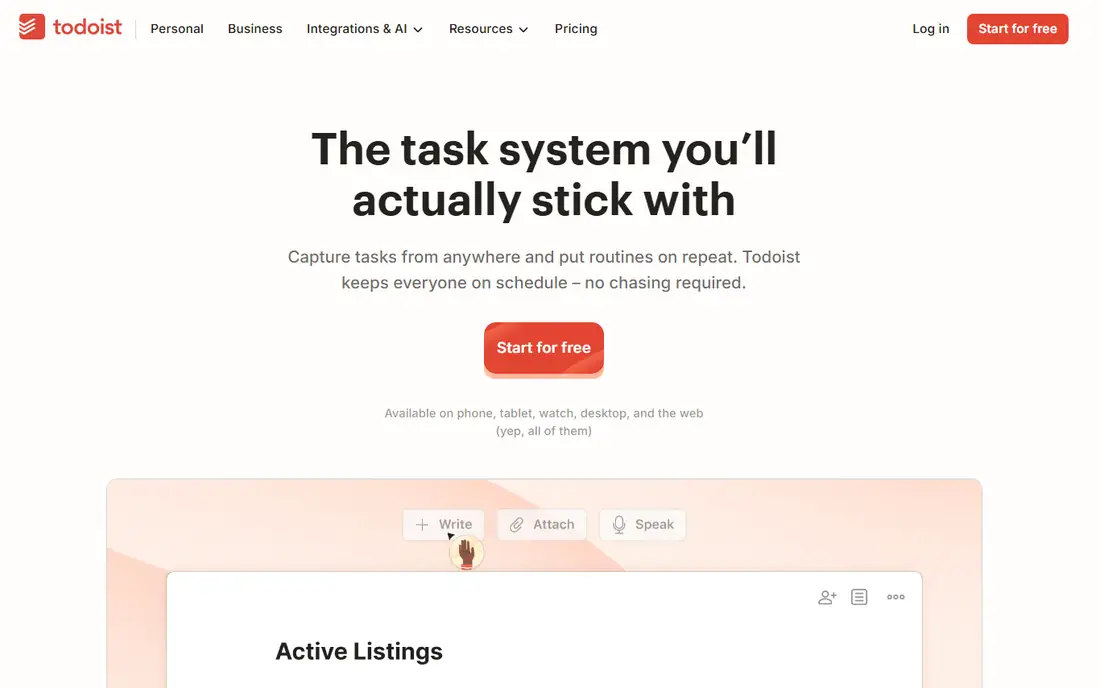
Todoist's 2026 update is Ramble, a voice-to-task feature that turns spoken rambling into structured tasks, which suits founders and busy professionals who think out loud. Its AI Assist also suggests due dates based on your history, reducing the manual scheduling that slows task capture. Todoist remains the gold standard for frictionless capture: type a task with a date and project in plain language and it parses instantly.
The trade is price. Todoist raised Pro from $4 to $5 per month on annual billing in December 2025, with Business moving from $6 to $8 per user, so buyers who last compared plans in 2024 will find higher prices. Todoist fits best for individuals and small teams who want fast capture with voice and AI assistance.
What we like- Ramble voice-to-task capture
- AI Assist suggests due dates from history
- Still the fastest task capture here
Watch out for- Pro rose from $4 to $5 per month on annual billing in December 2025
- Business rose from $6 to $8 per user
- Free plan limits projects to 5
Starting priceSee website
Free planFree trial
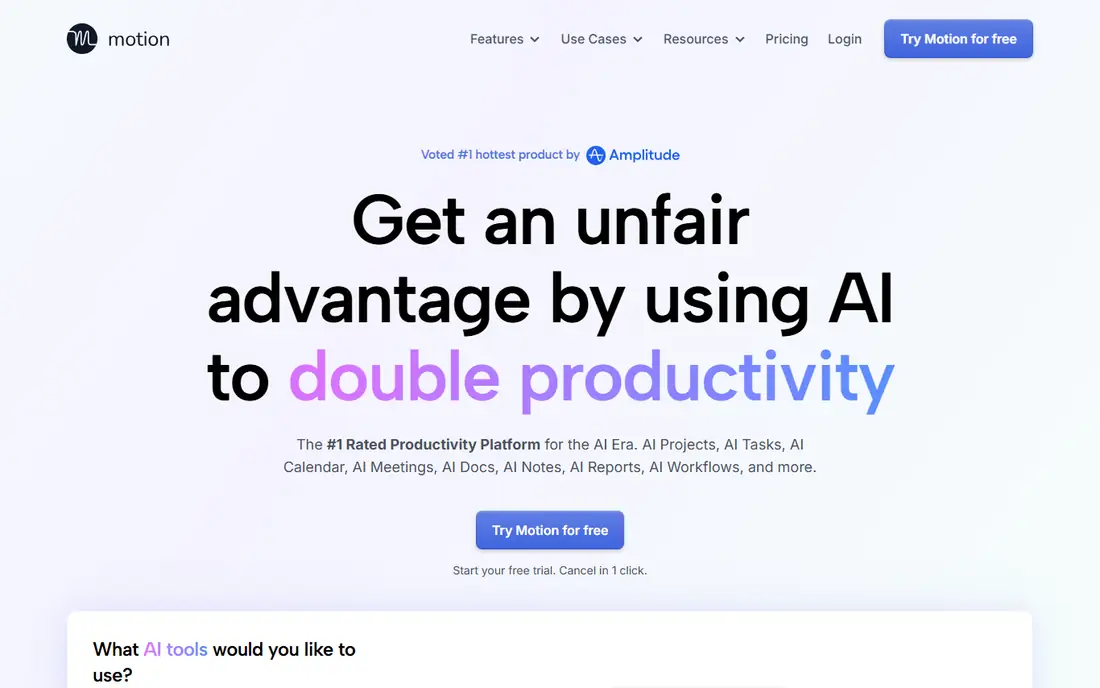
Motion remains the AI calendar leader in 2026. It is the first calendar that uses AI to plan your day: add tasks, set deadlines, and Motion auto-schedules them around meetings, protecting deep-work time, surfacing what is at risk, and reshuffling when priorities change. For a founder with a dense, deadline-driven calendar, that automation is the closest thing to an AI executive assistant in 2026.
The limits are price clarity and trust. Motion has no free plan, only a trial, and pricing guides differ by billing, so confirm current pricing before buying. Its AI scheduling also needs accurate task estimates to work well. Motion fits best for calendar-first planners with dense schedules.
What we like- AI auto-schedules tasks around meetings
- Protects deep-work time
- Reshuffles when priorities change
Watch out for- No free plan, only a trial
- Pricing guides differ by billing
- AI scheduling needs accurate task estimates
#4Obsidian
Best for: Technical users and scripting4.5/5 on
G2 (13 reviews, checked Oct 2026)
Visit obsidian.md
Starting priceFree
Free planYes
Obsidian's 2026 update is an official command-line interface, which suits technical users who want to script, automate, and integrate their notes with other tools. Its local Markdown files remain its core advantage: notes live on your device, in plain text, with no vendor lock-in, and its plugin ecosystem covers almost any workflow. For a technical user who wants control, Obsidian's CLI closes the automation gap with Notion's agents.
The trade is collaboration and setup. Obsidian has no built-in team collaboration, plugin setup takes technical skill, and AI features need third-party plugins rather than a built-in assistant. Obsidian fits best for solo technical users who want local, scriptable notes.
What we like- Official CLI for scripting and automation
- Local Markdown files you own
- Free for personal use
Watch out for- No built-in collaboration
- Plugin setup takes technical skill
- AI features need third-party plugins
#5Linear
Best for: Engineering team workflows4.6/5 on
G2 (124 reviews, checked Oct 2026)
Visit linear.app
Starting priceSee website
Free planYes
Linear's 2026 update is sub-issue automation, which helps engineering teams break large issues into tracked subtasks automatically. Its blazing fast, keyboard-first design remains its signature: issue tracking that feels instant, with opinionated workflows that keep engineering teams aligned without configuration sprawl. For a product or engineering team, Linear's speed is hard to match.
The limits are scope. Linear is built for engineering teams and suits general task management less well, its pricing is quote-based in some guides, and non-engineers face a learning curve. Linear fits best for engineering teams that want fast, opinionated issue tracking with automation.
What we like- Sub-issue automation for engineering workflows
- Blazing fast, keyboard-first design
- Opinionated issue tracking
Watch out for- Built for engineering teams, less suited to general task management
- Pricing is quote-based in some guides
- Learning curve for non-engineers
#6Slack
Best for: Team chat with built-in AI4.5/5 on
G2 (39,944 reviews, checked Oct 2026)
Visit slack.com
Starting priceSee website
Free planYes
Slack's 2026 update retired its separate AI add-on and moved AI features into Business+, priced at $15 per user per month on annual billing. That change simplifies buying: teams get AI summaries, search, and recaps inside the chat tool they already use, without a separate add-on bill. For a team that lives in Slack, built-in AI reduces the need to copy conversations into another tool.
The trade is tier and scope. AI needs the Business+ tier, which costs more than basic plans, and Slack remains chat-first rather than a task system. Slack fits best for teams that want AI inside their existing chat workflow.
What we like- AI features now built into Business+ at $15 per user per month
- No separate AI add-on needed
- Team chat plus AI summaries
Watch out for- Business+ pricing is higher than basic plans
- AI features need the higher tier
- Chat-first, not a task system
#7Microsoft 365
Best for: Office plus AI in one bundle4.6/5 on
G2 (5,872 reviews, checked Oct 2026)
Visit microsoft.com
Starting price$7 per user/month
Free planNo
Microsoft 365's 2026 update is a price rise with AI woven in. Business Basic rose from $6 to $7 and Business Standard from $12.50 to $14 per user per month on July 1, 2026, reflecting AI features and bundle value. For a team already using Outlook, Word, Excel, and Teams, the bundle remains convenient, with Copilot integration on higher tiers for AI assistance across documents and meetings.
The limits are price and bundle waste. The rises hit every subscriber, full Copilot needs higher tiers, and the bundle includes apps some teams never use. Microsoft 365 fits best for teams already committed to the Microsoft ecosystem who want Office plus AI in one bill.
What we like- Office apps plus cloud storage in one bundle
- Business Basic at $7 and Standard at $14 per user per month after July 2026 rises
- Copilot integration on higher tiers
Watch out for- July 2026 price rises from $6 to $7 and $12.50 to $14
- Full Copilot needs higher tiers
- Bundle includes apps some teams never use
Starting price$7 per user/month
Free planNo
Google Workspace's 2026 update includes Gemini AI in its base business plans, starting at $7 per user per month. That change gives every business subscriber AI assistance in Gmail, Docs, and Drive without a separate add-on, covering drafting, summarizing, and searching across the workspace. For a team already using Gmail and Docs, Gemini arrives without a new bill or a new tool.
The trade is tier depth and lock-in. Gemini's depth varies by plan, there is no free business tier, and the bundle locks teams into Google's ecosystem. Google Workspace fits best for teams already using Gmail and Docs who want AI included in their existing plan.
What we like- Gemini AI now included in base business plans from $7 per user per month
- Gmail, Docs, Drive, and Meet in one bundle
- Familiar collaboration
Watch out for- No free business tier
- Gemini depth varies by plan
- Google ecosystem lock-in for teams that mix vendors
How we chose
We compared these apps on the significance of their 2026 updates, AI capability, pricing changes, and workflow fit, since buyers who last compared plans in 2024 will find several changes. Pricing figures come from vendor pages and current comparison guides checked in October 2026, and any figure we could not confirm is marked as See website. We did not claim hands-on testing. Instead we weighed public documentation, pricing pages, and user reviews, plus the practical difference between an AI feature and an AI agent that acts.
What to check before you pick
Start with the feature, not the switch. An update is not a reason to try a new application: switching costs real time in migration, rebuilding structures, and relearning habits, and that price often is not worth paying for a single good feature from a competitor. Instead, test the new feature in the app you already use for a week: try Notion's Custom Agents on one repetitive task, or Todoist's Ramble for a week of voice capture, then judge by results.
AI agents versus AI chat
The key 2026 theme is AI moving from chat into actions: agents that file tasks, update databases, summarize meetings, and plan days without a click per step. That shift matters more than dashboard redesigns, but it also needs oversight: test an agent on low-risk tasks first, check its outputs daily at first, and only then give it broader access. An agent that acts wrongly at scale costs more than one that answers wrongly once.
Price rises tied to AI
Productivity app updates in 2026 follow two trends: AI assistants moving into the core of every app, and price increases tied to those AI features. Todoist, Notion, Slack, Microsoft 365, and Google Workspace all changed pricing or bundling in 2026, so re-check current plans before renewing, and cancel AI tiers you do not use.
Frequently asked questions
What is the biggest productivity app update in 2026?
AI agents that act, led by Notion's Custom Agents and Workers, which automate repetitive tasks across a workspace. Todoist's Ramble voice-to-task and Motion's AI calendar scheduling are the other headline updates.
Did Todoist raise its price in 2026?
Todoist raised Pro from $4 to $5 per month on annual billing in December 2025, with Business moving from $6 to $8 per user. Buyers who last compared plans in 2024 should re-check current pricing.
Is Notion AI included in all plans?
No. Notion bundles full Notion AI, including Agents and AI Meeting Notes, into the Business plan at $20 per member per month, while Free and Plus get only a limited trial.
Should I switch productivity apps for a new feature?
Usually no. Switching costs real time in migration and relearning, so test the new feature in the app you already use for a week first. Switch only when the new tool fits your workflow better across several features, not one.
Which app is best for AI calendar scheduling?
Motion, which auto-schedules tasks around meetings, protects deep-work time, and reshuffles when priorities change. It is the closest thing to an AI executive assistant in 2026, though it has no free plan.
Did Microsoft 365 and Google Workspace change pricing in 2026?
Microsoft 365 raised Business Basic from $6 to $7 and Business Standard from $12.50 to $14 per user per month on July 1, 2026. Google Workspace now includes Gemini AI in base business plans from $7 per user per month.
Sources we checked (8)
- https://www.notion.com
- https://todoist.com
- https://www.usemotion.com
- https://obsidian.md
- https://linear.app
- https://slack.com
- https://www.microsoft.com/en-us/microsoft-365
- https://workspace.google.com
Is your product missing or out of date?
We review this list regularly. Vendors can request a listing, send updated pricing or ask about featured placement.

Shihab Mia · Founder, Rankite
Shihab has 5+ years in B2B and SaaS SEO. He writes Rankite's software buying guides from pricing pages, documentation and public user reviews. More about Shihab.