How we make this list: we compare pricing pages, product documentation and public user reviews. Rankite is independent; if a vendor ever pays for a featured spot, that listing is clearly labeled Partner.
Key takeaways
- Ableton Live is the standard for electronic and live performance; FL Studio owns the beat-making workflow that dominates hip-hop and pop.
- Logic Pro is the Mac value king: a full professional DAW for a one-time $199.99 with no subscription.
- Pro Tools remains the studio standard for recording and mixing bands, though its subscription model annoys everyone.
- REAPER is the budget champion: a $60 license for a DAW that competes with tools costing five times more.
- GarageBand is free on every Mac and a legitimate starting point, not a toy.
Quick comparison
| Tool | Best for | Starting price | Free plan |
|---|
 Ableton Live Ableton Live | Electronic music producers and live performers | $99 (Intro edition) | Free trial (90 days) |
 FL Studio FL Studio | Beat makers and hip-hop/pop producers | $99 (Fruity Edition) | Free trial |
 Logic Pro Logic Pro | Mac owners wanting a complete pro DAW for one price | $199.99 (one-time, Mac App Store) | Free trial (90 days) |
 Pro Tools Pro Tools | Professional studios recording bands and mixing | See website (subscription tiers) | Free trial |
 Cubase Cubase | Composers and MIDI-heavy producers | See website (tiered editions) | Free trial |
 Studio One Studio One | Songwriters and producers wanting speed | See website (Prime free; paid tiers) | Yes (Prime edition free) |
 REAPER REAPER | Producers who want pro power for $60 | $60 (discounted license) | Free trial (60 days, fully functional) |
 Bitwig Studio Bitwig Studio | Sound designers and experimental electronic producers | See website (tiered editions) | Free trial |
 GarageBand GarageBand | Beginners on Mac, iPhone and iPad | Free (included with Apple devices) | Yes |
Is your product missing or out of date?
We review this list regularly. Vendors can request a listing, send updated pricing or ask about featured placement.
The best producing software
You have a melody in your head, or a beat you heard and want to rebuild, and you need software that turns ideas into finished tracks. A DAW, digital audio workstation, is the studio: recording, MIDI, virtual instruments, effects, mixing and mastering in one window. The choice shapes your workflow for years, because switching DAWs means relearning everything. These nine cover the real options, from free starters to studio standards.
#1
Ableton Live
Best for: Electronic music producers and live performers
Visit ableton.com
Starting price$99 (Intro edition)
Free planFree trial (90 days)
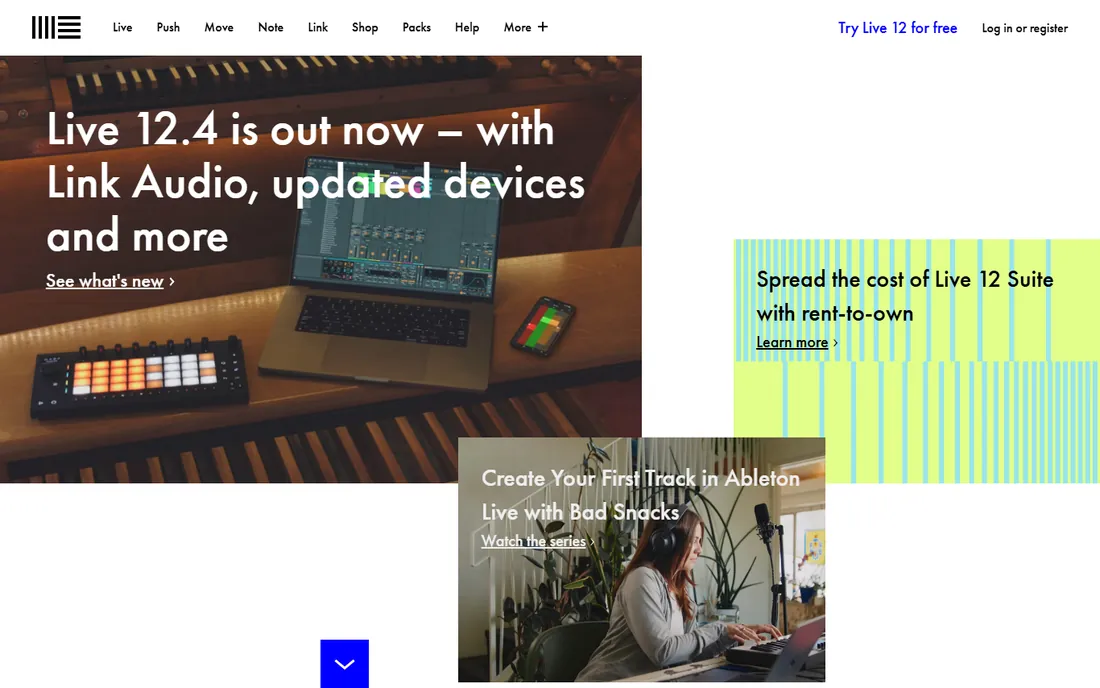
Ableton Live thinks differently from every other DAW: the Session View lets you launch clips and scenes like an instrument, which is why electronic producers and live performers swear by it. Ideas go from loop to arrangement fast, warping keeps samples in time effortlessly, and Max for Live opens a universe of custom instruments and effects. Intro at $99 is a real starting point, not a demo.
The tradeoff is the learning curve for anyone coming from tape-style recording; the Session View mindset takes unlearning. Suite, the full version, is a serious purchase. And for traditional band recording and final mixing, Pro Tools or Logic still feel more at home. For electronic music, Live is the default for a reason.
What we like- Session view is unmatched for sketching and live performance
- Warping and sampling tools are best in class
- Huge sound library and Max for Live ecosystem
Watch out for- The arrangement workflow confuses linear-recording converts
- Suite edition is expensive
- Mixing and mastering tools trail Pro Tools
Starting price$99 (Fruity Edition)
Free planFree trial
FL Studio, the former FruityLoops, is where an enormous share of modern hits started. The step sequencer and piano roll remain the fastest way to program drums and melodies, full stop. The killer commercial detail is lifetime free updates: buy once, get every future version free. Fruity Edition at $99 gets you in the door.
The interface packs a lot into bright windows and can overwhelm newcomers. Recording live instruments and final mixing are not its strengths; many producers make beats in FL and mix elsewhere. But for beat-driven music, the workflow speed is unmatched, and the update policy is the best deal in software.
What we like- The step sequencer and piano roll are the fastest beat workflow anywhere
- Lifetime free updates on paid editions
- Huge preset and loop ecosystem
Watch out for- The interface looks busy and dated
- Audio recording and mixing trail dedicated tools
- Mac version arrived late and still feels secondary
#3
Logic Pro
Best for: Mac owners wanting a complete pro DAW for one price
Visit apple.com
Starting price$199.99 (one-time, Mac App Store)
Free planFree trial (90 days)
Logic Pro is the value argument that ends debates: one $199.99 purchase gets a DAW with professional recording, MIDI, a massive sound library, great stock plugins and Dolby Atmos mixing tools. No subscription, no tiers that matter. GarageBand projects open directly in Logic, so the upgrade path from free is smooth.
Mac-only is the hard limit; Windows producers need not apply. Beginners face real depth, though templates help. And Apple occasionally lets pro apps languish between updates. But dollar for feature, nothing commercial touches Logic on the Mac.
What we like- Full professional feature set with no subscription
- Excellent stock instruments, effects and loops
- Works directly with GarageBand projects
Watch out for- Mac only
- The sheer depth overwhelms beginners
- Apple's pro-audio priorities shift unpredictably
#4
Pro Tools
Best for: Professional studios recording bands and mixing
Visit avid.com
Starting priceSee website (subscription tiers)
Free planFree trial
Pro Tools is what "the studio" runs. For recording live instruments, comping takes, editing audio and mixing, its precision and workflow remain the benchmark, and Pro Tools sessions are the interchange format of the professional world. Walk into any major studio with your session and it opens.
Avid's subscription model is the perennial complaint: no perpetual license for new buyers, and the tiers confuse. MIDI composition feels bolted on next to Ableton or Cubase. The iLok licensing and hardware demands add friction. But for recording-focused work at a professional level, it is still the standard.
What we like- The industry standard for recording and mixing
- Editing precision and hardware integration are unmatched
- Sessions open in any major studio
Watch out for- Subscription-only pricing annoys
- The MIDI and composition tools trail Ableton and Logic
- System requirements and iLok licensing irritate
Starting priceSee website (tiered editions)
Free planFree trial
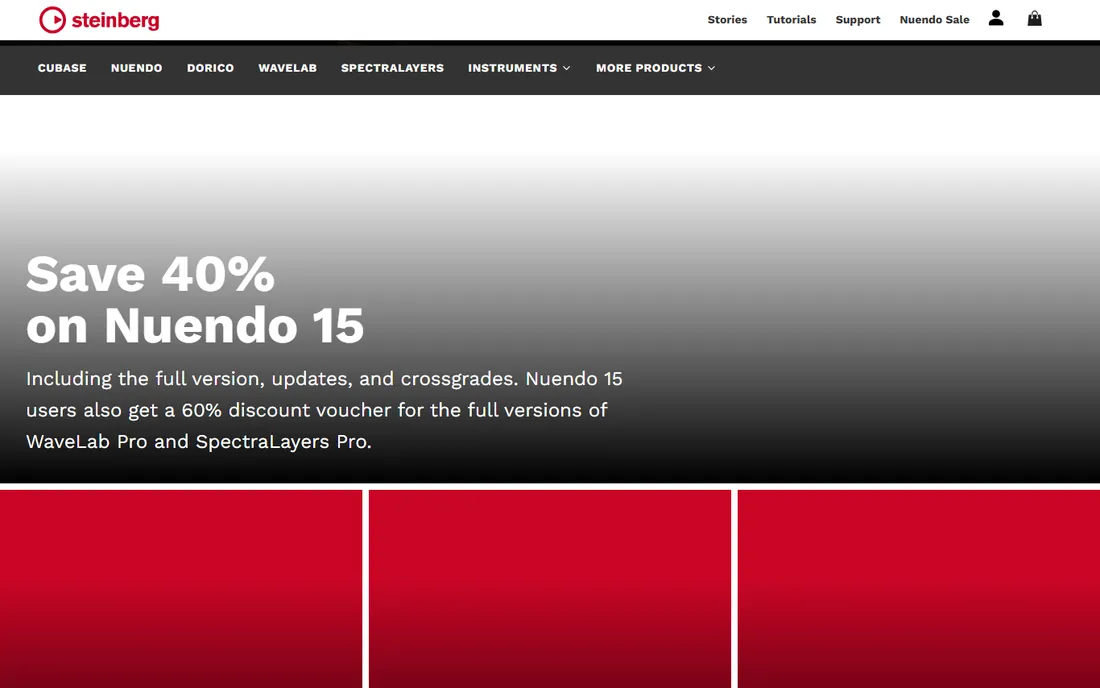
Cubase is the composer's DAW: MIDI editing depth that nobody matches, proper scoring tools, chord pads and expression maps for orchestral libraries. Film, TV and game composers are its core constituency. The audio side is fully professional, with excellent stock effects and a stable engine.
Steinberg's edition ladder, Elements, Artist, Pro, forces a careful buying decision, and the interface shows its long history. It lacks the cultural heat of Ableton or FL Studio, which matters for collaboration and tutorials. For composition-first work, though, Cubase remains the technical leader.
What we like- The deepest MIDI editing of any major DAW
- Scoring and notation tools
- Rock-solid audio engine with great stock plugins
Watch out for- Tiered editions complicate the buying decision
- The interface carries decades of legacy
- Less cultural momentum than Ableton or FL
Starting priceSee website (Prime free; paid tiers)
Free planYes (Prime edition free)

Studio One's pitch is workflow speed: everything is drag and drop, from effects to instruments to arrangement, and the single-window design keeps you out of menus. Songwriters who want to capture ideas fast love it. The free Prime edition covers the basics honestly, and the Project page handles mastering in the same app.
The community is smaller, so tutorials and third-party templates are thinner than Ableton or FL's universes. Paid tiers compete awkwardly against Logic's $199.99 one-time price on the Mac. But for Windows songwriters especially, Studio One is the modern, fast alternative to the old giants.
What we like- The fastest drag-and-drop workflow in the category
- Free Prime edition is genuinely usable
- Excellent mastering page included
Watch out for- Smaller user community than the big four
- The ecosystem of tutorials is thinner
- Top-tier pricing competes with Logic's one-time deal
Starting price$60 (discounted license)
Free planFree trial (60 days, fully functional)
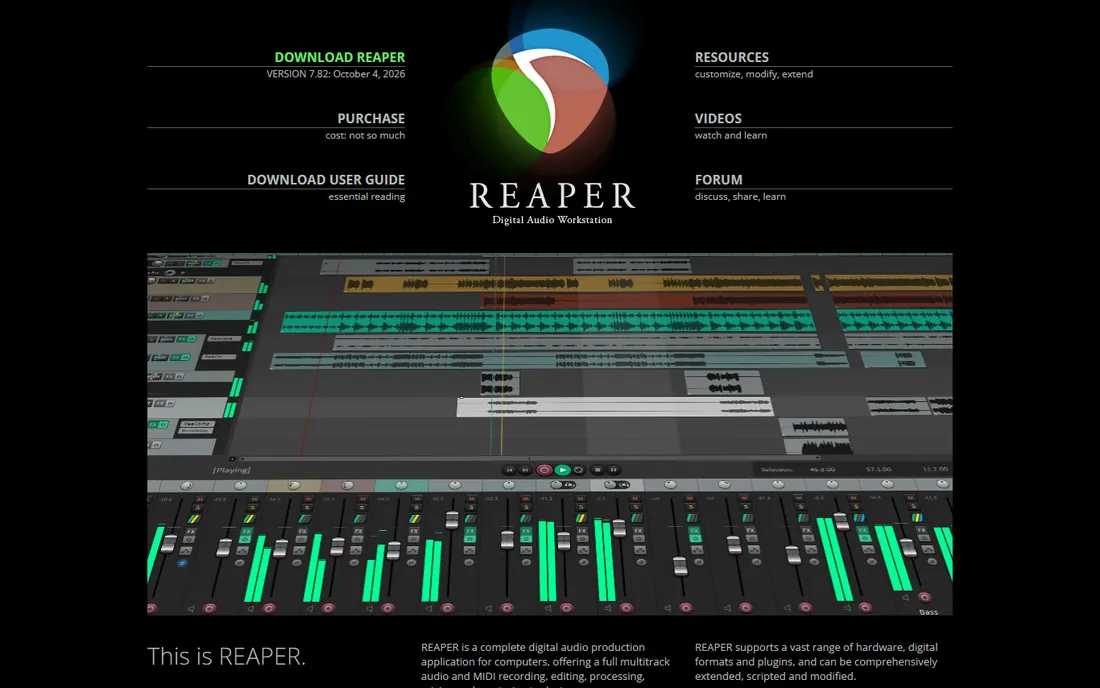
REAPER is the open secret of audio: a $60 DAW, $225 for commercial high-revenue use, that records, edits, mixes and masters at a professional level. It is tiny, launches instantly, runs on modest hardware, and can be customized into anything. The 60-day trial is the full product with no limits, and it keeps working after, on the honor system.
What you do not get is polish: stock instruments are minimal, the default theme looks stark, and beginners get less guidance than in Logic or FL. You will spend time configuring it to your taste. For producers who value function over gloss and hate subscriptions, REAPER is the rational choice.
What we like- Absurdly capable for the price
- Tiny, fast and endlessly customizable
- Fair licensing with no dongle or subscription
Watch out for- Stock plugins and instruments are plain
- The interface needs theming to look modern
- Less hand-holding for beginners
#8
Bitwig Studio
Best for: Sound designers and experimental electronic producers
Visit bitwig.com
Starting priceSee website (tiered editions)
Free planFree trial
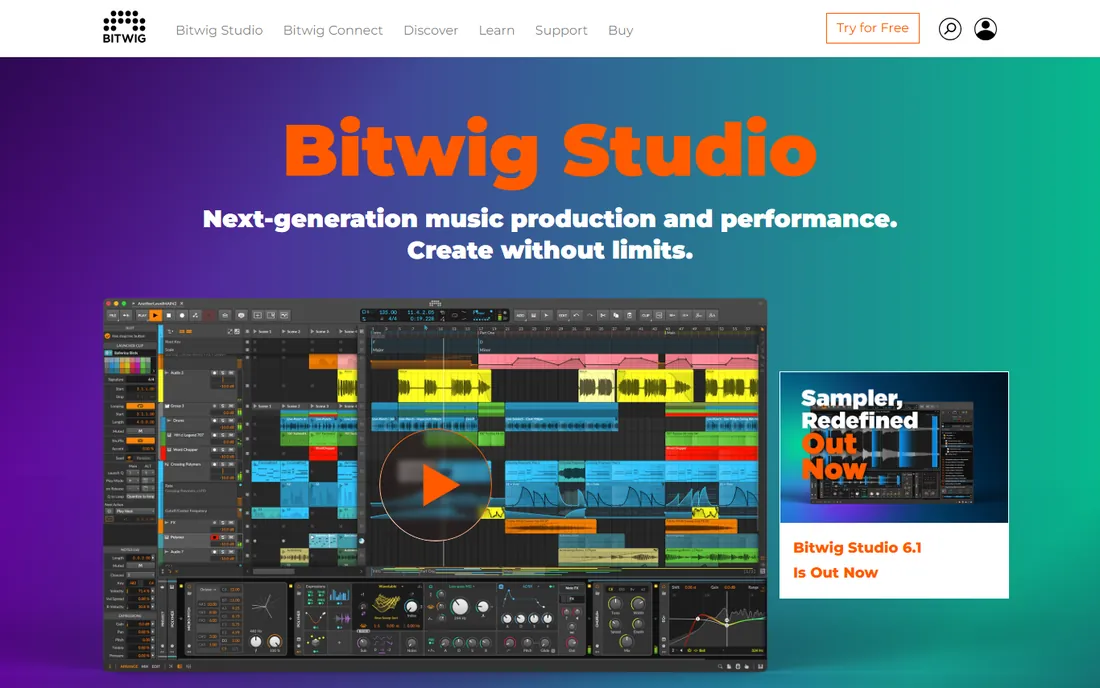
Bitwig Studio is what happens when Ableton engineers start over: a DAW built for modulation and experimentation, where nearly every parameter can modulate any other. Sound designers and electronic producers who live in synthesis find it liberating. MPE support and the Grid modular environment are genuinely ahead of the field.
The ecosystem is a fraction of Ableton's, and the paid update plan, pay yearly for updates, muddies the ownership story. Traditional band recording is not its strength. For producers whose music starts with "what if this modulated that," Bitwig is the playground.
What we like- Modular device design encourages experimentation
- Excellent MIDI and MPE support
- Made by ex-Ableton engineers with a familiar feel
Watch out for- Smaller ecosystem than Ableton
- The update plan model confuses buyers
- Less suited to traditional recording
Starting priceFree (included with Apple devices)
Free planYes
GarageBand is the best free DAW in existence, and it is not close. It records audio and MIDI, includes decent virtual instruments and loops, and runs on the phone in your pocket. Countless producers started here, and the direct upgrade path to Logic Pro means early work is never wasted.
Limits arrive with ambition: track counts, plugin slots and editing depth all cap out. Nobody masters a commercial release in GarageBand. But as a zero-cost start that teaches real DAW concepts, it beats every "free" tier of paid software, because it is not a tier at all.
What we like- Free on every Mac and iOS device
- Surprisingly capable recording and MIDI
- Projects open directly in Logic Pro
Watch out for- Apple only
- Track and plugin limits frustrate growing producers
- Not a finishing tool for professional releases
Picking by genre, honestly
The genre shortcuts exist for a reason. Electronic, hip-hop and pop: Ableton Live or FL Studio, with Bitwig for the experimental. Recording bands and mixing: Pro Tools or Logic, REAPER if the budget is tight. Film scoring and composition: Cubase first, Logic second. Songwriting: Studio One or Logic. These are tendencies, not laws; great records get made in every DAW.
What matters more than the genre match is the workflow match. Try the trials with a real project, not the demo song. Notice which interface disappears and which one fights you. You will spend hundreds of hours in this software; pick the one your brain likes.
What to check before you buy
Check your OS first: Logic and GarageBand are Mac-only, FL Studio and most others cover Windows and Mac, Pro Tools has specific system requirements. Check the trial: Ableton, Logic and REAPER offer long full trials, use them with real work. Check the pricing model: subscriptions (Pro Tools), one-time (Logic, REAPER, FL Studio) and update plans (Bitwig) behave very differently over five years.
Check your hardware: audio interfaces, MIDI controllers and microphones matter more than the DAW for recording quality. Check plugin formats: VST, AU and AAX compatibility decides whether your plugin collection follows you. And check the learning resources: the size of the tutorial community directly affects how fast you improve.
How we chose
We started with the searches producers use: best DAW, best music production software and best beat making software. For each candidate we checked the vendor's own site for current editions and pricing, read producer reviews and community discussion, and compared workflow, instruments, pricing model and genre fit. Where pricing could not be confirmed on the vendor's page, we wrote "See website".
Frequently asked questions
What is the best DAW for beginners?
GarageBand if you own Apple devices, it is free and teaches real concepts. Otherwise REAPER ($60, generous trial) or FL Studio's trial for beat making. Start free or cheap; upgrade when you hit real limits, not before.
Do I need to pay monthly for music production software?
No. Logic Pro, FL Studio and REAPER are one-time purchases. Pro Tools is subscription-only for new buyers. Ableton and Cubase sell perpetual licenses with paid upgrades. Subscriptions are the exception here, not the rule.
Can I make professional music with free software?
Yes, up to a point. GarageBand and REAPER's trial have produced real releases, and Studio One Prime is free. The limits are usually instruments, track counts and mixing depth. Many producers start free and buy their DAW after the first serious project.
Which DAW is best for recording vocals and instruments?
Pro Tools for professional studios, Logic Pro for Mac project studios, REAPER for budget setups. Ableton and FL Studio can record but their workflows favor programmed music. The microphone and room matter more than the DAW choice.
Will my plugins work in every DAW?
Mostly. VST plugins work in most Windows DAWs; Mac DAWs also support Apple's AU format; Pro Tools uses AAX exclusively. Check your must-have plugins' formats before switching DAWs, especially with Pro Tools.
Sources we checked (8)
- https://ableton.com
- https://image-line.com
- https://apple.com
- https://avid.com
- https://steinberg.net
- https://presonus.com
- https://reaper.fm
- https://bitwig.com
Is your product missing or out of date?
We review this list regularly. Vendors can request a listing, send updated pricing or ask about featured placement.

Shihab Mia · Founder, Rankite
Shihab has spent more than a decade helping SaaS and e-commerce brands grow through search. He writes Rankite's software buying guides from pricing pages, documentation and public user reviews. More about Shihab.