How we make this list: we compare pricing pages, product documentation and public user reviews. Ratings come from G2, Capterra or Trustpilot, with the date we checked them.
Key takeaways
- Quick service POS systems win on speed: fast checkout, kitchen display routing, and self-serve ordering matter more than table management features built for full-service dining.
- Square is the easiest starting point for a single counter, while Toast and Lightspeed suit multi-location operators that need deeper reporting and handheld ordering.
- Published software prices start at $69 a month at TouchBistro, but hardware, payment processing, and add-ons often cost more than the software itself, so compare the full monthly bill.
- Revel now operates as part of Shift4, so existing Revel merchants get support through Shift4 while new buyers should compare the current Shift4 restaurant platform directly.
Quick comparison
| Tool | Best for | Starting price | Free plan |
|---|
 Square Square | Single counters getting started fast | See website | Yes |
 Toast Toast | Restaurant-first POS with handheld ordering | See website | No |
 Lightspeed Lightspeed | Multi-location quick service chains | See website | No |
 SpotOn SpotOn | Counter service with built-in marketing | See website | No |
 Clover Clover | Hardware bundles for counters and kiosks | See website | No |
 Revel Revel | Quick service POS now backed by Shift4 | See website | No |
 TouchBistro TouchBistro | iPad-based POS with offline ordering | From $69/month | No |
 Epos Now Epos Now | All-in-one terminal with fixed-rate payments | From $84/month | No |
Is your product missing or out of date?
We review this list regularly. Vendors can request a listing, send updated pricing or ask about featured placement.
The best POS systems for quick service restaurants
#1Square
Best for: Single counters getting started fast4.6/5 on
G2 (1,208 reviews, checked Oct 2026)
Visit squareup.com
Starting priceSee website
Free planYes

Square is the default starting point for a small quick service counter because the base POS app costs nothing beyond payment processing. You can take orders on a countertop terminal or a tablet, add online ordering and delivery integrations, and track sales in real time without signing a long contract. For a food truck, a single cafe counter, or a new takeout spot, that low barrier matters more than any single advanced feature.
The limits show up as you grow. Features such as advanced inventory, team permissions, and loyalty tools sit in paid tiers, and processing fees are charged on every card sale, so a high-volume counter should compare total processing cost against a flat-rate plan. Square also leans on online support rather than a dedicated account manager. Still, for a first POS or a second location that needs to open quickly, Square is hard to beat on speed and simplicity.
What we like- Free POS app with no monthly software fee on the base plan
- Fast setup with Square hardware
- Strong online ordering and payment tools built in
Watch out for- Processing fees apply on every sale
- Advanced restaurant features require paid add-ons
- Support is mainly online rather than dedicated
#2Toast
Best for: Restaurant-first POS with handheld ordering4.2/5 on
G2 (371 reviews, checked Oct 2026)
Visit toasttab.com
Starting priceSee website
Free planNo
Toast builds its entire platform for restaurants, and that focus shows in quick service: handheld ordering devices let staff take orders in line, kitchen display systems route tickets by station, and online ordering feeds the same queue as counter orders. Payroll, scheduling, gift cards, and loyalty are available in the same system, which reduces the number of vendors a busy operator must manage.
The trade-off is cost and commitment. Toast sells hardware and software together, and most pricing requires a quote, so budgeting takes a sales conversation rather than a quick look at a pricing page. For a single small counter, that bundle may be more than needed. For a growing quick service brand that wants one restaurant system across locations, Toast is one of the strongest options here.
What we like- Built only for restaurants
- Handheld devices and kitchen display systems
- Online ordering, payroll, and reporting in one platform
Watch out for- Hardware and software are bundled, so upfront cost is higher
- Pricing requires a sales quote for most plans
Starting priceSee website
Free planNo
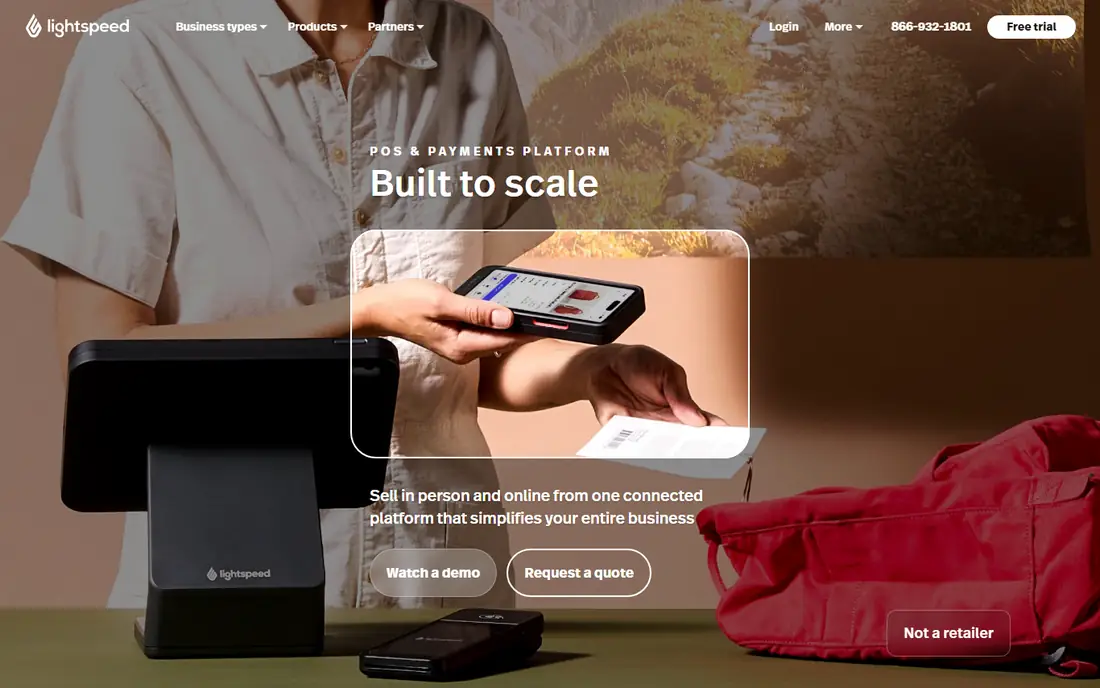
Lightspeed suits quick service operators running more than one location. Its strengths are centralized menu management, inventory tracking across sites, and reporting that compares locations side by side, which matters when a chain needs consistent pricing and stock levels. It also connects with accounting tools and delivery platforms, so a growing brand can keep its back office in step with its counters.
The cost is complexity and price opacity. Lightspeed quotes pricing after a demo, and the feature set takes longer to learn than Square or Clover. A single counter will not use most of what Lightspeed offers. A chain with three or more sites, or one planning to expand, will get more value from its multi-location controls than from a simpler system.
What we like- Strong multi-location inventory and reporting
- Flexible menu management
- Integrations with accounting and delivery platforms
Watch out for- Pricing requires a quote
- Learning curve is steeper than simpler counter systems
#4SpotOn
Best for: Counter service with built-in marketing4.4/5 on
G2 (245 reviews, checked Oct 2026)
Visit spoton.com
Starting priceSee website
Free planNo
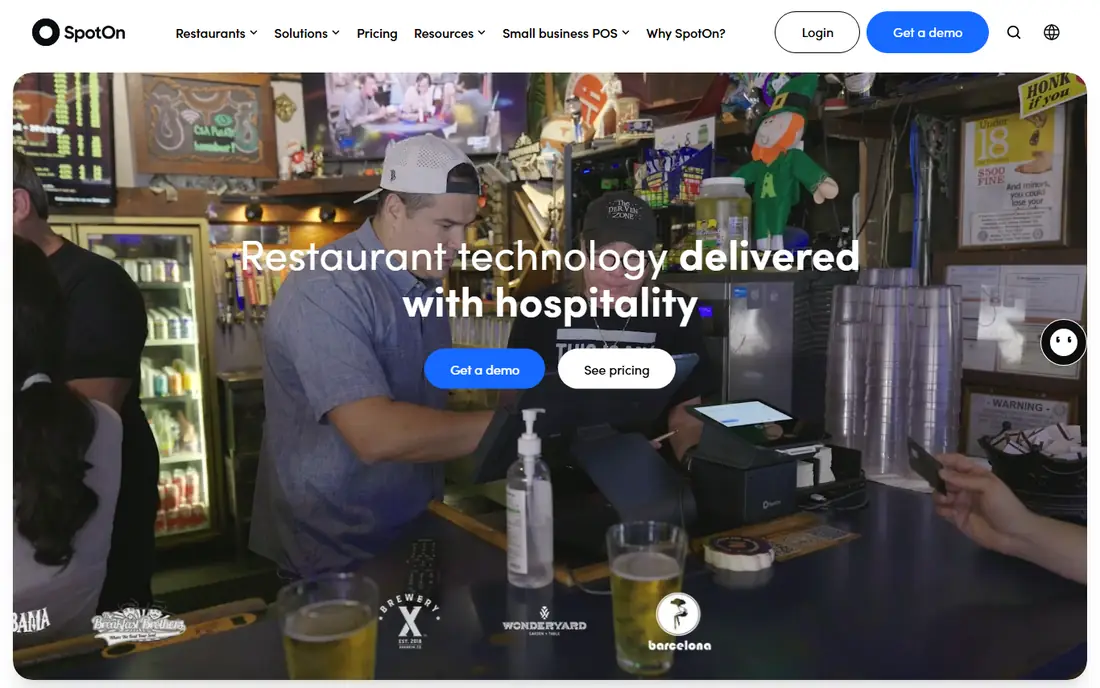
SpotOn combines a restaurant POS with marketing tools such as review management, loyalty, and email campaigns, which appeals to quick service operators who want repeat visits without buying a separate marketing platform. Its POS covers counter ordering, online ordering, kitchen displays, and reporting, with handheld devices for line-busting during rushes.
The main drawback is the same as with Toast and Lightspeed: pricing is quote-based, and the broad feature set means onboarding takes longer than plugging in a Square terminal. SpotOn fits a quick service restaurant that already thinks about marketing and repeat business, not just taking the next order. If you only need fast checkout, a simpler system will be quicker to run.
What we like- Restaurant POS with marketing and review tools included
- Online ordering and reservation features
- Handheld and countertop hardware options
Watch out for- Pricing requires a quote
- Feature set is broad, so setup takes longer than a basic counter system
#5Clover
Best for: Hardware bundles for counters and kiosks3.8/5 on
G2 (108 reviews, checked Oct 2026)
Visit clover.com
Starting priceSee website
Free planNo
Clover is best known for its hardware: countertop stations, handheld devices, and self-serve kiosks that suit quick service lines and order-ahead pickup. Its app marketplace lets operators add features such as inventory, employee management, and loyalty without switching systems, and because Clover is sold through banks and processors, many owners first meet it through their existing payment provider.
Two cautions apply. First, pricing and fees vary by reseller, so two Clover quotes can differ for the same hardware, and comparing them takes care. Second, during our homepage check, clover.com returned only its page title with no readable body content, so while the domain clearly belongs to Clover POS, confirm current plans and prices with a reseller before buying. For an operator who wants kiosk ordering and a familiar hardware line, Clover remains a solid shortlist candidate.
What we like- Wide hardware range from countertop terminals to self-serve kiosks
- App marketplace for add-on features
- Works through banks and payment processors
Watch out for- Homepage returned only a title during our check, so confirm current plans directly
- Pricing and fees vary by reseller
Starting priceSee website
Free planNo
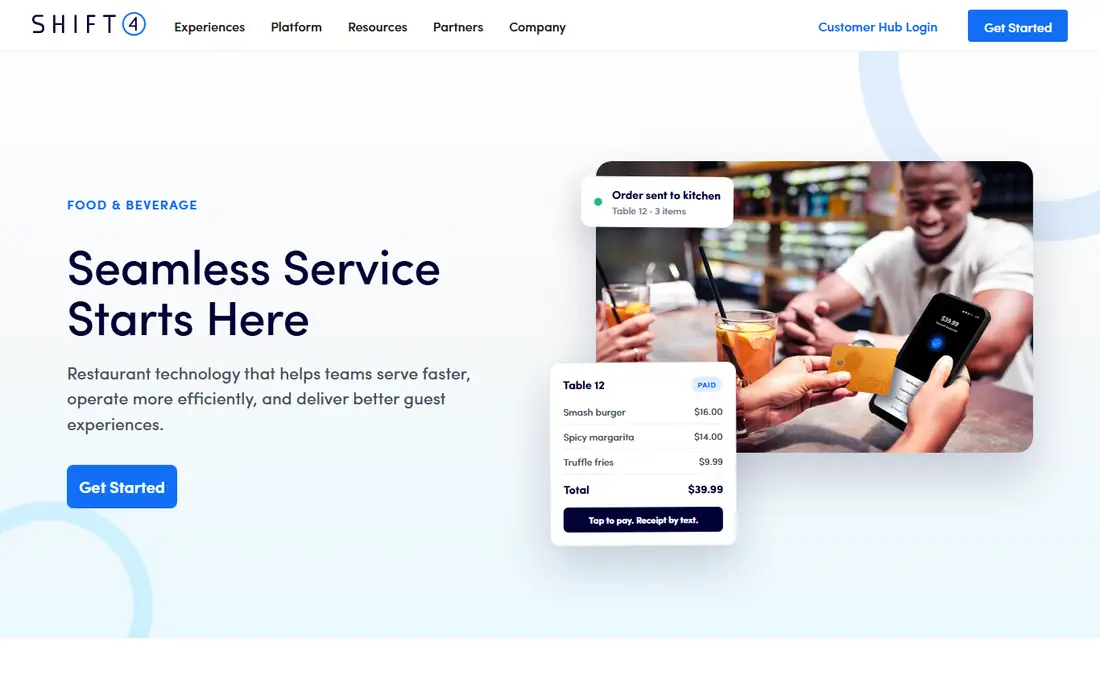
Revel is now part of Shift4, and its homepage reflects that change: it presents Shift4 restaurant solutions, including the SkyTab platform, alongside a note that Revel merchants continue to receive first-class support. The combined offering covers point of sale, mobile and contactless payments, QR code order and pay, integrated online ordering, gift cards, and reporting, with EMV and point-to-point encryption for payment security.
For quick service, the QR order-and-pay feature and offline processing support are the most useful parts: guests can order from their phones during a rush, and the counter keeps running if connectivity drops. New buyers should note that they are effectively buying into the Shift4 restaurant platform now, so compare the current SkyTab offering directly rather than relying on older Revel reviews. Existing Revel merchants, by contrast, keep their support path through Shift4.
What we like- Quick service features including QR order and pay
- Now supported by Shift4 with payment processing and free contactless terminals
- Offline processing support
Watch out for- Brand transition to Shift4 may confuse new buyers
- Pricing requires a sales conversation
#7TouchBistro
Best for: iPad-based POS with offline ordering4.1/5 on
G2 (109 reviews, checked Oct 2026)
Visit touchbistro.com
Starting priceFrom $69/month
Free planNo
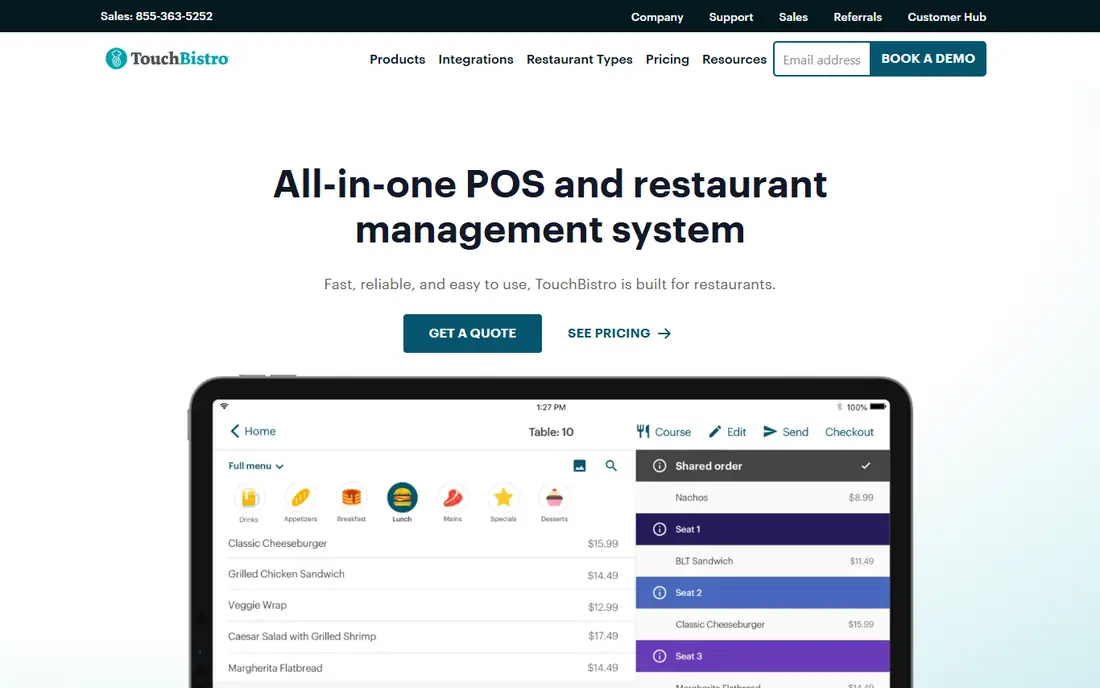
TouchBistro is an all-in-one POS and restaurant management system built only for food service, and its homepage states its pricing plainly: POS software starts at $69 a month, and an Essentials bundle with software, hardware, and payments starts at $99 a month with no upfront hardware cost. The system runs on iPads as handheld terminals and countertop stations, with add-on hardware such as cash drawers, printers, and payment terminals.
Two features stand out for quick service. First, if internet connectivity drops, TouchBistro devices keep communicating with each other so staff can continue taking orders and payments, with reports catching up once the connection returns. Second, the platform covers menu management, staff management, inventory, kitchen displays, and guest engagement in one place. The limits are the Apple-only hardware path and the fact that TouchBistro states it is not a good fit for food trucks, catering companies, or retail businesses.
What we like- POS software starts at $69 a month with a $99 Essentials bundle including hardware
- Devices keep taking orders during internet outages
- Built only for restaurants
Watch out for- Built around Apple iPads, so hardware choice is limited
- Not suited to food trucks, catering, or retail
#8Epos Now
Best for: All-in-one terminal with fixed-rate payments4.6/5 on
G2 (29 reviews, checked Oct 2026)
Visit eposnow.com
Starting priceFrom $84/month
Free planNo
Epos Now sells a complete point-of-sale system: terminal, printer, and card machine, with software covering inventory, restaurant management, staff reporting, and multi-channel ordering for delivery and collection. Its homepage lists the complete system from $399 plus $84 a month, with one fixed rate for card transactions and support for all major cards including American Express, which makes budgeting simpler than a tiered processing schedule.
The system also connects to hundreds of apps, from payment systems to accounting software, and the company promises setup and staff training in minutes with round-the-clock support. The main caution is that Epos Now runs frequent promotions with countdown timers, so the price you see today may not be the price next week; confirm the current offer in writing before ordering. For a quick service operator who wants one vendor for hardware, software, and payments, Epos Now is a strong value pick.
What we like- Complete system from $399 plus $84 a month
- One fixed rate for card transactions including American Express
- Hundreds of app integrations
- 24/7 support
Watch out for- Upfront hardware cost on top of the monthly fee
- Promotional prices change often, so confirm the current offer
How we chose
We compared POS systems with real quick service features: fast counter checkout, kitchen display routing, online ordering, and support for rush-hour volume. We opened each vendor homepage to confirm it loads and belongs to that product, and we re-checked the four systems that had not been fully verified in earlier work. Where a price could not be confirmed on the vendor's own page, we list "See website" rather than repeating a third-party figure. Clover's homepage returned only a title during our check, and we flag that above.
Buying guide: how to pick a quick service POS
Start with your rush. Count how many orders your counter handles in its busiest hour, and choose a system whose checkout, kitchen routing, and payment flow can keep up without queues forming at the register. Handheld ordering and QR order-and-pay help most during those peaks, since they move ordering away from a single till.
Next, add up the full cost: software subscription, hardware purchase or lease, payment processing rates, and any add-ons for online ordering, loyalty, or inventory. A system with cheap software and high processing fees can cost more than a pricier subscription with a fixed processing rate, especially at high volume. Ask each vendor for a total monthly estimate at your actual sales volume before signing.
Then check the details that cause regret later: contract length, early termination fees, whether you own or lease the hardware, offline behavior during an outage, and how easily you can export your menu and sales data. Finally, run a live trial during a real service period, not just a demo, and watch how new staff learn the system. The fastest POS on paper is not the fastest if your team cannot use it under pressure.
Frequently asked questions
What is the best POS for a quick service restaurant?
There is no single winner. Square suits a single counter getting started, Toast and Lightspeed suit growing chains, and TouchBistro and Epos Now offer clear published pricing for operators who want to budget without a sales call.
How much does a quick service POS cost?
Software ranges from free at Square's base plan to $69 a month at TouchBistro and quote-based pricing at Toast, Lightspeed, and SpotOn, plus hardware costs and payment processing fees that often exceed the software bill.
Do I need a kitchen display system?
Most quick service counters benefit from one, since it routes orders to the right station, shows ticket times, and reduces paper errors during rushes. All the systems on this list offer kitchen display options, though some charge extra for them.
Can a quick service POS work without internet?
It depends on the system. TouchBistro devices keep taking orders and payments during an outage and sync later, and Revel supports offline processing. Confirm offline behavior with any vendor before relying on it.
Should I buy or lease POS hardware?
Buying costs more upfront but avoids monthly lease fees and gives you hardware you own. Leasing lowers the starting cost and often includes support and replacements. Compare the total cost over your expected contract length, not just the first month.
Sources we checked (0)
Is your product missing or out of date?
We review this list regularly. Vendors can request a listing, send updated pricing or ask about featured placement.

Shihab Mia · Founder, Rankite
Shihab has 5+ years in B2B and SaaS SEO. He writes Rankite's software buying guides from pricing pages, documentation and public user reviews. More about Shihab.