How we make this list: we compare pricing pages, product documentation and public user reviews. Rankite is independent; if a vendor ever pays for a featured spot, that listing is clearly labeled Partner.
Key takeaways
- The cheapest way to start is Square Free ($0/month software) or SpotOn (plans from $0/month): you pay in processing fees, not subscriptions.
- Toast ($69/month entry-level per its own site) is the restaurant-first pick; Square, Shopify and Lightspeed serve retail better.
- Epos Now is the only vendor here publishing a hardware bundle price: from $399 one-time plus $84/month.
- Processing fees usually dwarf software fees: model the processing rate on your actual monthly volume before comparing plan prices.
Quick comparison
| Tool | Best for | Starting price | Free plan |
|---|
 Square Square | Small businesses that want a capable POS with no monthly software fee | Free ($0/month Square Free plan); paid Plus, Premium and custom Pro tiers | Yes (Square Free, pay only processing fees) |
 Shopify POS Shopify POS | Retailers selling both online and in person on one inventory | See website (POS Lite included with Shopify plans; POS Pro is a paid add-on) | Free trial (no credit card required) |
 Lightspeed Lightspeed | Retailers with complex, multi-location inventory operations | See website (custom quote) | Free trial |
 Toast Toast | Restaurants that want a system built only for restaurants | $69/month (entry-level plans per Toast; $0/month options available) | No (demo and quote-based) |
 Clover Clover | Businesses that want flexible hardware and a deep app market | See website (sold through resellers; plans and terms vary) | No |
 SpotOn SpotOn | Restaurants that want online ordering, marketing and labor tools bundled with the POS | From $0/month (POS software plans per SpotOn; Core Bundle quoted) | No (demo and quote-based) |
 Epos Now Epos Now | Retail and hospitality businesses that want to buy the complete hardware and software bundle upfront | From $399 one-time + $84/month (complete system per Epos Now) | No |
 Zettle by PayPal Zettle by PayPal | Mobile, market and pop-up sellers already in the PayPal ecosystem | See website (region-specific pricing) | No |
Is your product missing or out of date?
We review this list regularly. Vendors can request a listing, send updated pricing or ask about featured placement.
The best POS and inventory management software
What does the register actually cost? That is the question behind every POS search, and the answer is never just the software price. You pay for the software, the payment processing on every sale, the hardware, and the add-ons that turn a basic register into inventory management, online ordering and loyalty. These eight systems cover the real market: the free-to-start options, the retail specialists, the restaurant-first platforms and the bundled hardware plays.
#1
Square
Best for: Small businesses that want a capable POS with no monthly software fee
Visit squareup.com
Starting priceFree ($0/month Square Free plan); paid Plus, Premium and custom Pro tiers
Free planYes (Square Free, pay only processing fees)
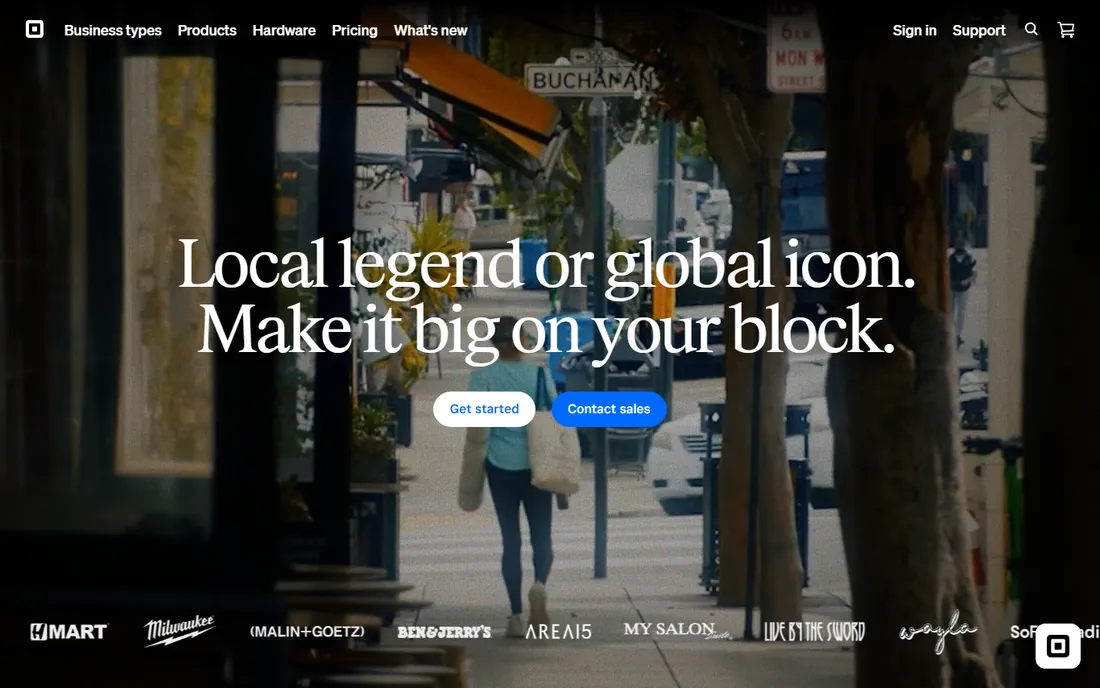
Square is the default starting point for a reason: the POS software costs nothing. The Free plan covers the POS app, item library with inventory tracking, invoicing, bookings, and checking and savings accounts, and you only pay when you take a payment. Paid tiers (Plus, Premium) add advanced POS features, lower processing fees, loyalty, and marketing; Pro is custom-quoted for businesses processing over $250,000 a year. Hardware ranges from a $59 reader to full registers, with installment plans available.
The math to watch is processing, not software. At low volume the free software wins easily; as volume grows, the paid tiers' lower processing fees can pay for themselves, and high-volume sellers should get the Pro quote. Restaurant-specific depth (kitchen display at $20 to $30 per device per month, kiosk at $30 to $50) is where the bill grows, so restaurants comparing against Toast should price the full stack, not just the base plan.
What we like- Genuinely free POS software with inventory, invoicing, bookings and banking included
- No contracts, cancel or switch plans anytime
- Deep ecosystem (payroll, loyalty, marketing, loans) under one account
Watch out for- Processing fees are the real cost and add up at volume
- Advanced restaurant features like KDS and kiosk apps cost extra per device per month
#2
Shopify POS
Best for: Retailers selling both online and in person on one inventory
Visit shopify.com
Starting priceSee website (POS Lite included with Shopify plans; POS Pro is a paid add-on)
Free planFree trial (no credit card required)
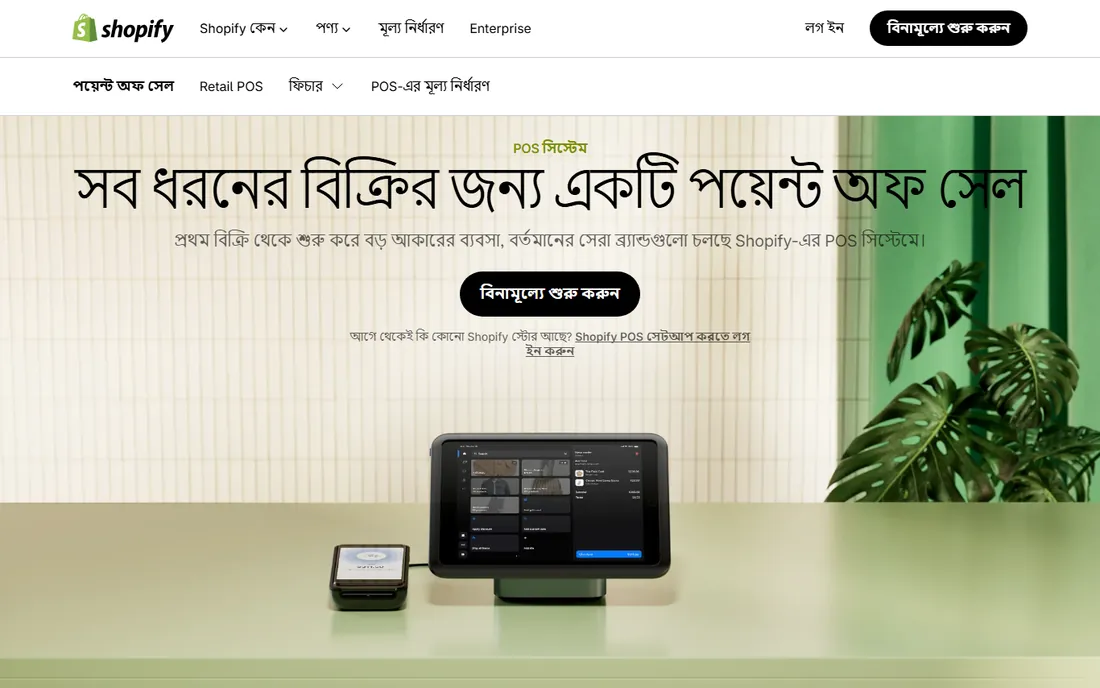
Shopify POS exists for one customer: the retailer whose online store and physical store must share the same inventory. POS Lite comes with Shopify plans and covers the essentials; POS Pro adds the retail-grade features (smart inventory management, staff roles, advanced reporting) at a per-location fee. The pitch is unified commerce: sell in store, online, on social and at pop-ups with one back office, one customer record and one set of analytics, with hardware from handheld readers to full counter setups.
The catch is the stack. You need a Shopify subscription underneath, and POS Pro bills per location, so a five-store chain pays five times the add-on. Shopify runs switch incentives (free hardware and discounted subscriptions for annual POS Pro), so never pay list without asking about current offers. If your business is online-first with a store attached, this is the natural pick. If you have no online store, compare the total against Square Free first.
What we like- One product catalog and inventory pool for online and in-store selling
- Huge app ecosystem for loyalty, staff and reporting
- Integrated hardware that works out of the box
Watch out for- POS Pro pricing is per location, which multiplies fast for chains
- You are buying into the Shopify subscription stack, not a standalone POS
Starting priceSee website (custom quote)
Free planFree trial
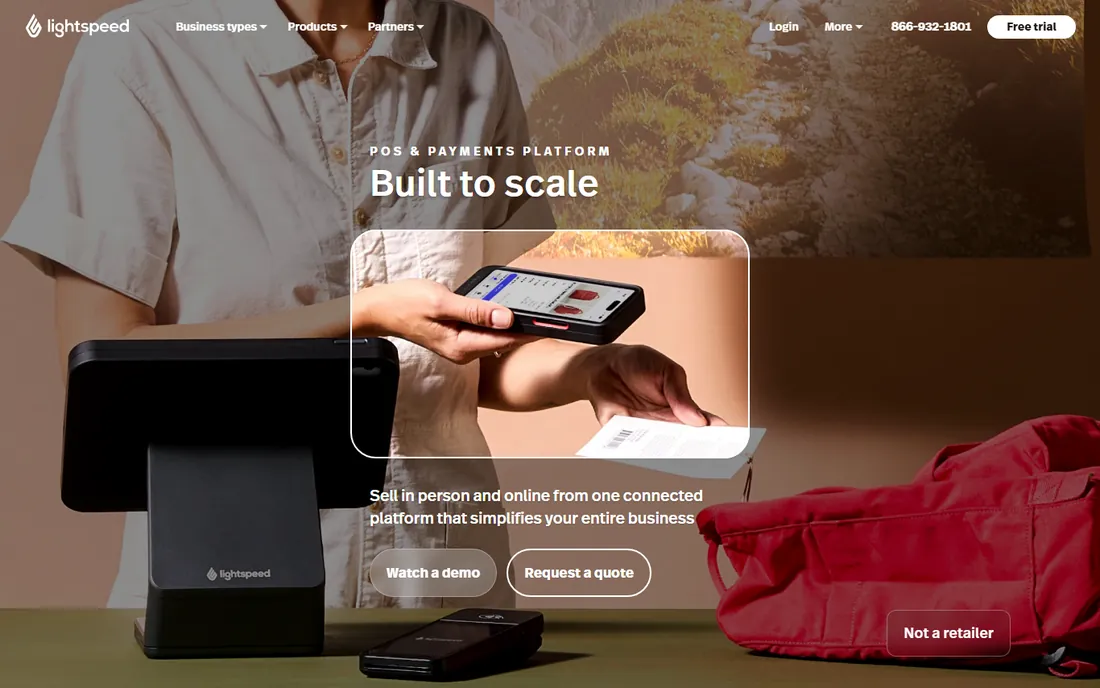
Lightspeed is the inventory-first POS. Where Square and Shopify start from payments and add inventory, Lightspeed starts from the stockroom: purchase orders, vendor management, multi-location transfers, matrix inventory for sizes and colors, and automated reordering, with the POS and ecommerce riding on top. It serves retail, restaurant and golf verticals, with industry-specific builds (a bike shop POS that understands service orders, a garden center POS with advanced tracking) rather than one generic register.
That depth is the reason to choose it and the reason to pause. Businesses with 10,000 SKUs across locations get real value; a single boutique does not need it and will pay in complexity. Pricing is quote-only, so get the per-location monthly fee, the payments rate and the onboarding cost in writing. Lightspeed also offers funding inside the POS for eligible businesses, which is unusual and worth knowing about if cash flow is tight.
What we like- Inventory depth built for apparel, footwear, bike, garden and other SKU-heavy verticals
- Strong multi-location and purchase order workflows
- Ecommerce built in rather than bolted on
Watch out for- No published pricing
- The power comes with a learning curve and an implementation effort small shops may not need
Starting price$69/month (entry-level plans per Toast; $0/month options available)
Free planNo (demo and quote-based)
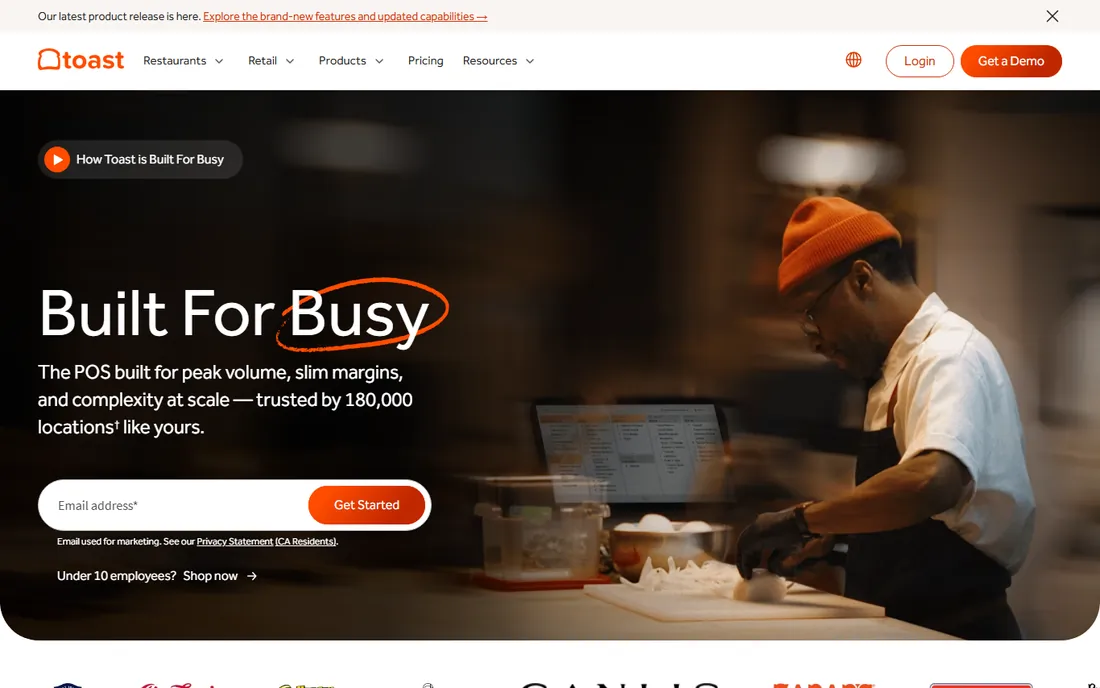
Toast is the restaurant industry's POS the way Square is retail's default. Everything is built for the floor: table management, coursing, kitchen display systems, handhelds for tableside ordering, online ordering with delivery integrations, payroll, scheduling and gift cards with zero load fees. The company states 180,000 locations on the platform, and its own comparison page puts entry-level software at $69 per month with $0-per-month options on the pay-as-you-go plan (software and processing fees still apply; an $85 monthly inactivity fee may apply).
The honest catch is the total bill. Toast's own site prices the software; the hardware (Toast Flex terminals, Go handhelds), the xtraCHEF inventory add-on and the processing fees are separate lines. Restaurants should get the complete quote: software tier, hardware package, xtraCHEF, and the processing rate. Toast IQ (AI analytics) is now included at no extra cost, which is a genuine differentiator for operators who want menu and labor insights without a data analyst.
What we like- Restaurant-first design (tables, courses, KDS, handhelds) with 180,000 locations on the platform per the vendor
- XtraCHEF add-on covers inventory, recipe costing and invoice processing
- Strong offline mode for when the internet drops
Watch out for- Hardware and add-ons stack up quickly
- Restaurant focus means it is not the pick for pure retail
#5
Clover
Best for: Businesses that want flexible hardware and a deep app market
Visit clover.com
Starting priceSee website (sold through resellers; plans and terms vary)
Free planNo

Clover (from Fiserv) is the hardware-flexibility pick. The device range covers countertop (Station Duo), portable (Flex) and pocket (Mini) form factors, with kitchen display and self-order kiosk options, and the app market lets a business add exactly the features its vertical needs: online ordering, loyalty, employee management, gift cards. It is genuinely strong in both restaurants and retail, which few systems manage.
The buying experience is the catch. Clover sells through banks and independent resellers, and the reseller sets the pricing, contract length and sometimes the support experience. Two businesses can buy the "same" Clover system on very different terms, and early termination fees are the complaint that recurs in reviews. Get the full fee schedule, the contract length and the termination terms in writing from your specific reseller before signing, and confirm who provides support: the reseller or Clover directly.
What we like- Hardware lineup from the pocket-size Flex to full Station Duo setups, plus KDS and kiosk
- Large third-party app market for niche needs
- Strong in both restaurants and retail
Watch out for- Sold through a reseller network, so pricing, contracts and support quality vary by seller
- Software plans are rarely published, which makes comparison shopping painful
#6
SpotOn
Best for: Restaurants that want online ordering, marketing and labor tools bundled with the POS
Visit spoton.com
Starting priceFrom $0/month (POS software plans per SpotOn; Core Bundle quoted)
Free planNo (demo and quote-based)
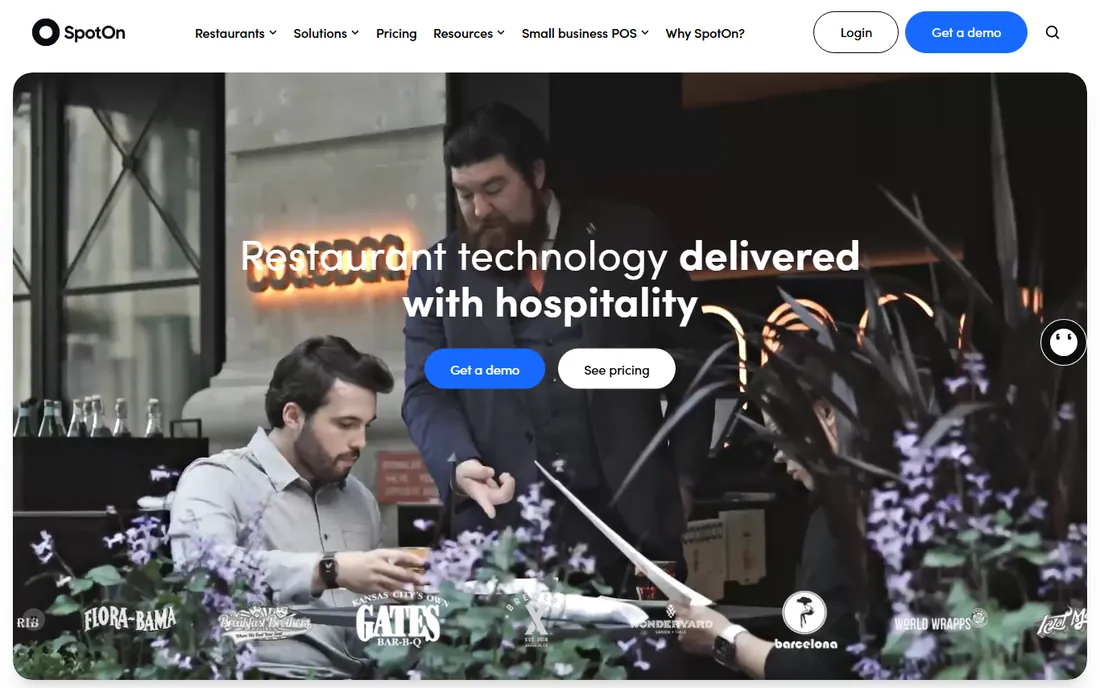
SpotOn built its name as the restaurant POS that bundles what Toast sells as add-ons. The Core Bundle wraps the POS with commission-free online ordering, automated marketing, reservations, labor management (SpotOn Teamwork: scheduling, tip distribution, payroll integration) and AI-powered P&L analysis (Profit Assist). The vendor states software plans start at $0 per month with competitive processing rates, and publishes G2 badges rating it the top restaurant POS across recent quarters.
For an independent restaurant, the bundle math is the selling point: one monthly package instead of five separate subscriptions for ordering, marketing, scheduling and reporting. The counterpoint is the same as any bundle: price the Core Bundle against Toast's software plus only the add-ons you would actually buy, because an unused bundle feature is still a cost. Ask for the processing rate in writing; that is where the real money moves.
What we like- Commission-free online ordering (SpotOn Order) included in the bundle
- Labor management (scheduling, tips, payroll integration) and AI profit analysis in one platform
- Top-rated restaurant POS on G2 per the vendor's published badges
Watch out for- Bundle pricing is quote-only, so the "$0" software still needs a processing and hardware quote
- Restaurant-only focus
#7
Epos Now
Best for: Retail and hospitality businesses that want to buy the complete hardware and software bundle upfront
Visit eposnow.com
Starting priceFrom $399 one-time + $84/month (complete system per Epos Now)
Free planNo
Epos Now takes the opposite approach from the free-software vendors: buy the system. The homepage advertises the complete POS system (terminal, printer, card machine, software) from $399 one-time plus $84 per month, with frequent promotions discounting the hardware further. It covers retail (clothing, grocery, gift shops) and hospitality (pubs, restaurants, cafes) with inventory management, real-time reporting, staff management and hundreds of integrations for payments, accounting and delivery apps.
This model suits businesses that prefer owning the hardware and knowing the monthly number. The tradeoff is the upfront check and the fact that the headline promo price moves constantly ("lowest price ever" banners with countdown timers are a permanent fixture). Get the current offer in writing with the hardware list, and ask what the monthly fee covers versus which integrations cost extra. For a new shop that wants one purchase and one support number, the bundle is genuinely simple to evaluate.
What we like- The only vendor here publishing a complete bundle price: hardware, software and onboarding from $399 plus $84/month
- Hundreds of app integrations
- 24/7 support with one-on-one onboarding
Watch out for- The upfront hardware cost is real money before you process a single sale
- Promo pricing changes often, so confirm the current offer
#8
Zettle by PayPal
Best for: Mobile, market and pop-up sellers already in the PayPal ecosystem
Visit zettle.com
Starting priceSee website (region-specific pricing)
Free planNo
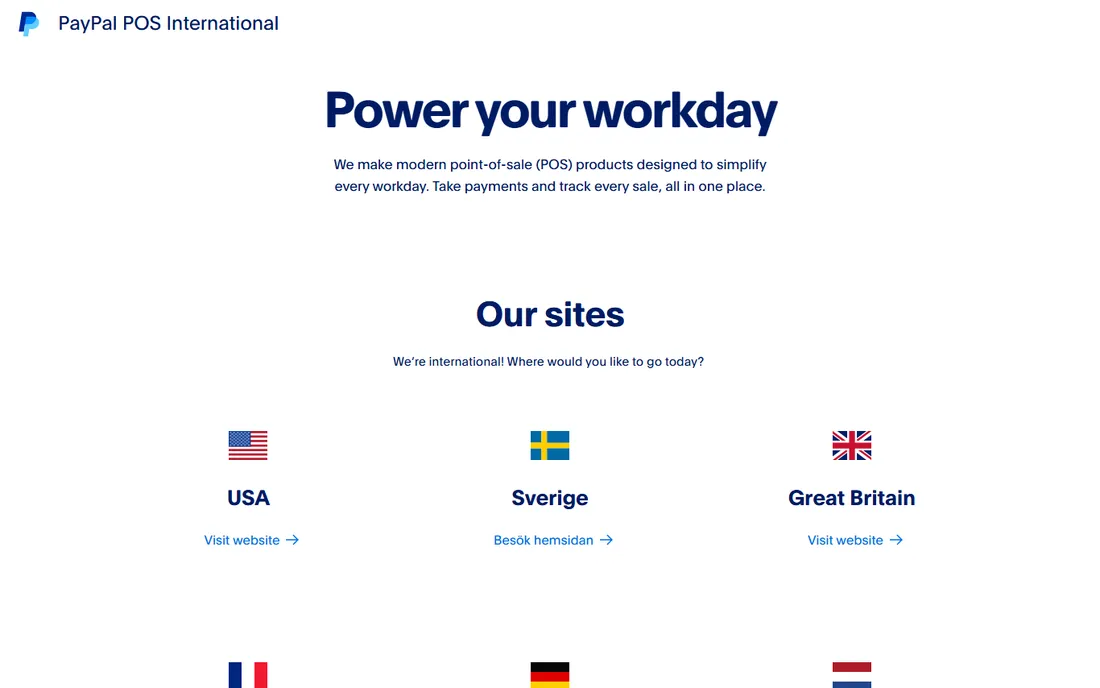
Zettle (formerly iZettle, owned by PayPal) is the mobile seller's POS. The pitch is simplicity: a card reader, the POS app, and your phone become a complete checkout with product library, basic inventory tracking and sales reports, and money flows into the PayPal ecosystem you may already use for online sales. For markets, pop-ups, food trucks and services sold on the go, that is often all the POS a business needs.
It is not an inventory management system in the Lightspeed sense: multi-location stock, purchase orders and deep reporting are beyond its brief. Pricing is region-specific (the homepage opens a country selector), so check your country's Zettle site for the reader price and the per-transaction fee before comparing. If you already process through PayPal and sell mostly on the move, Zettle keeps everything in one place. If you run a stocked store, start with the systems above.
What we like- Backed by PayPal, so payouts and seller protection sit inside a system many businesses already use
- Simple card reader and POS app with inventory basics
- Strong for mobile and temporary selling
Watch out for- Inventory depth is thin next to Lightspeed or Square
- The website routes through a country selector, and pricing varies by region
What to look for in POS and inventory software
Start with your vertical, because POS systems are not interchangeable. Restaurants need tables, courses, modifiers, kitchen display and tip handling; Toast, SpotOn and Clover are built for that. SKU-heavy retail needs matrix inventory, purchase orders and vendor management; Lightspeed and Epos Now lead there. A boutique that also sells online needs unified inventory across channels; Shopify POS and Square are the natural picks. Buying a retail POS for a restaurant (or the reverse) is the most expensive mistake in this category.
Then check the inventory depth honestly. "Inventory management" on a feature list can mean anything from a simple stock count to purchase orders, transfers, recipe costing and automated reordering. If you run multiple locations, ask specifically about stock transfers and centralized purchasing. If you run a kitchen, ask about ingredient-level tracking (Toast's xtraCHEF, Square's MarketMan integration). Demo the receiving workflow, not just the checkout screen: that is where inventory systems earn their keep.
Then confirm the offline story and the integrations. A POS that dies when the internet drops is a liability; Toast, SpotOn and Clover all advertise offline modes, so test what actually keeps working. Check the accounting integration (QuickBooks, Xero) and whether it is a live sync or a CSV export, and confirm the ecommerce and delivery integrations you need are native rather than third-party add-ons with their own fees.
The true cost: software, processing, hardware and add-ons
The software price is usually the smallest line on the bill. Processing fees take a percentage of every sale, and at $50,000 a month in card volume, a 0.2 point difference in the processing rate is $100 a month, every month. Get the processing rate in writing for your card mix (in-person vs. keyed vs. online), because the headline "competitive rates" on every site hides real differences.
Hardware is the second line. Square and Zettle readers start cheap; full terminals, kitchen displays, kiosks and handheld fleets run into the thousands. Epos Now is the only vendor here publishing a bundle price ($399 plus $84/month), which makes it the easiest to budget. Toast and SpotOn hardware is proprietary and restaurant-grade, which is good for durability and bad for switching later.
Add-ons are the third line and the sneakiest. Loyalty, marketing, gift cards, online ordering, payroll, scheduling and advanced inventory are each a separate fee on most platforms: Square's KDS and kiosk apps bill per device per month, Toast's xtraCHEF is an add-on, Shopify's POS Pro bills per location. Build the quote as software plus processing at your volume plus hardware plus the add-ons you will actually use, then compare totals. That is the only comparison that matters.
Frequently asked questions
How much does POS software cost per month?
It ranges from $0 to a few hundred dollars. Square Free and SpotOn's entry plans start at $0/month software (you pay processing fees). Toast lists entry-level software at $69/month. Epos Now publishes $84/month plus a $399 hardware bundle. Shopify POS Pro, Lightspeed and Clover are quote-based. But software is the small line: processing fees on your volume usually cost more than the subscription.
Which POS is best for a small retail store?
Square Free is the cheapest credible start: $0/month software with inventory, and you only pay processing. If you also sell online, Shopify POS keeps one inventory pool across both channels. For SKU-heavy or multi-location retail, Lightspeed's inventory depth justifies its quote-only pricing. Epos Now suits shops that prefer buying a hardware bundle outright.
Which POS is best for a restaurant?
Toast and SpotOn are the restaurant-first picks: tables, coursing, KDS, handhelds, tip handling and offline modes built in, not added on. Toast lists 180,000 locations and entry-level software at $69/month; SpotOn bundles commission-free online ordering and labor management with plans from $0/month. Square and Clover work for restaurants too, but compare the full stack (KDS, kiosk, inventory add-ons) before deciding.
Do I need to buy the vendor's hardware?
Not always, but it is usually the better experience. Square and Zettle work with phones and tablets plus their readers; Toast, SpotOn, Clover and Epos Now sell proprietary terminals built for the counter. Proprietary hardware is more durable and better supported, and harder to leave: factor that lock-in into the decision.
Can I switch POS systems later?
Yes, but it costs time and sometimes money. Export your product catalog, customer list and sales history before you cancel anything. Clover reseller contracts may carry early termination fees, so check that clause before signing. The easiest switches are between systems with open data export (Square, Shopify, Lightspeed); proprietary ecosystems take more work to leave.
How we chose
We started with the categories buyers search: POS software, point of sale system, retail POS and restaurant POS. For each candidate we opened the vendor's own homepage and pricing pages, checked plan prices and processing terms against public reviews on G2 and Capterra and practitioner discussion on Reddit, and compared inventory depth, hardware, offline capability and company-size fit. Where a price could not be verified on the vendor's own page we wrote "See website" rather than guessing.
Sources we checked (11)
- https://squareup.com
- https://squareup.com/us/en/pricing
- https://www.shopify.com/pos
- https://lightspeedhq.com
- https://pos.toasttab.com
- https://www.clover.com
- https://www.spoton.com
- https://eposnow.com
- https://www.zettle.com
- https://www.g2.com/categories/pos
- https://www.capterra.com/point-of-sale-software/
Is your product missing or out of date?
We review this list regularly. Vendors can request a listing, send updated pricing or ask about featured placement.

Shihab Mia · Founder, Rankite
Shihab has spent more than a decade helping SaaS and e-commerce brands grow through search. He writes Rankite's software buying guides from pricing pages, documentation and public user reviews. More about Shihab.