How we make this list: we compare pricing pages, product documentation and public user reviews. Rankite is independent; if a vendor ever pays for a featured spot, that listing is clearly labeled Partner.
Key takeaways
- Odoo is the only option here with true native accounting built in; everyone else syncs to QuickBooks or Xero.
- Square and Shopify POS are the easiest starting points, with free or low-cost POS and accounting handled through integrations.
- Lightspeed suits multi-location retailers that need real inventory depth plus an accounting module.
- Toast is restaurant-only, so retailers should ignore it no matter how good the reviews look.
Quick comparison
| Tool | Best for | Starting price | Free plan |
|---|
 Square Square | Small retailers and restaurants starting out | Free | Yes |
 Lightspeed Lightspeed | Multi-location retail with serious inventory | See website | Free trial |
 Odoo Odoo | Businesses wanting POS and accounting in one ERP | $61 per user/month | Free trial |
 Clover Clover | Countertop POS with flexible hardware | See website | No |
 Toast Toast | Restaurants needing an all-in-one platform | See website | No |
 Shopify POS Shopify POS | Stores selling online and in person | See website | Free trial |
 Epos Now Epos Now | Cloud POS with wide app integrations | See website | Free trial |
 Hike Hike | Simple cloud POS for small retailers | See website | Free trial |
 KORONA POS KORONA POS | High-volume retail with complex inventory | See website | Free trial |
 Erply Erply | Retail chains needing enterprise inventory | See website | Free trial |
Is your product missing or out of date?
We review this list regularly. Vendors can request a listing, send updated pricing or ask about featured placement.
The best pos and accounting software
Starting priceFree
Free planYes
The shop owner closing up at midnight faces the same question every day: did today actually make money? Square answers it fastest for small businesses because the POS itself costs nothing. Take payments with the free reader or a Square Stand, and sales, inventory and customer data flow into one dashboard. Accounting happens through a QuickBooks Online integration that imports transactions automatically, which removes the manual bookkeeping most owners dread.
That simplicity is why Square dominates the small end of retail and food service. Flat-rate processing means no surprises, and the ecosystem covers payroll, marketing and loyalty when the business grows. The limits show up with scale. The 2.6% plus 10 cents rate is expensive for high-volume stores that could negotiate lower interchange-plus pricing elsewhere. The accounting is a sync, not a ledger, so businesses that outgrow cash-basis simplicity eventually need a fuller accounting setup. For getting started and the first few years, though, Square is the path of least resistance.
What we like- POS software is free with flat-rate processing
- QuickBooks Online sync via integration
- Huge ecosystem of add-ons
Watch out for- Processing at 2.6% plus 10 cents hurts high-volume sellers
- Accounting is synced, not built in
- Support can be hard to reach
Starting priceSee website
Free planFree trial
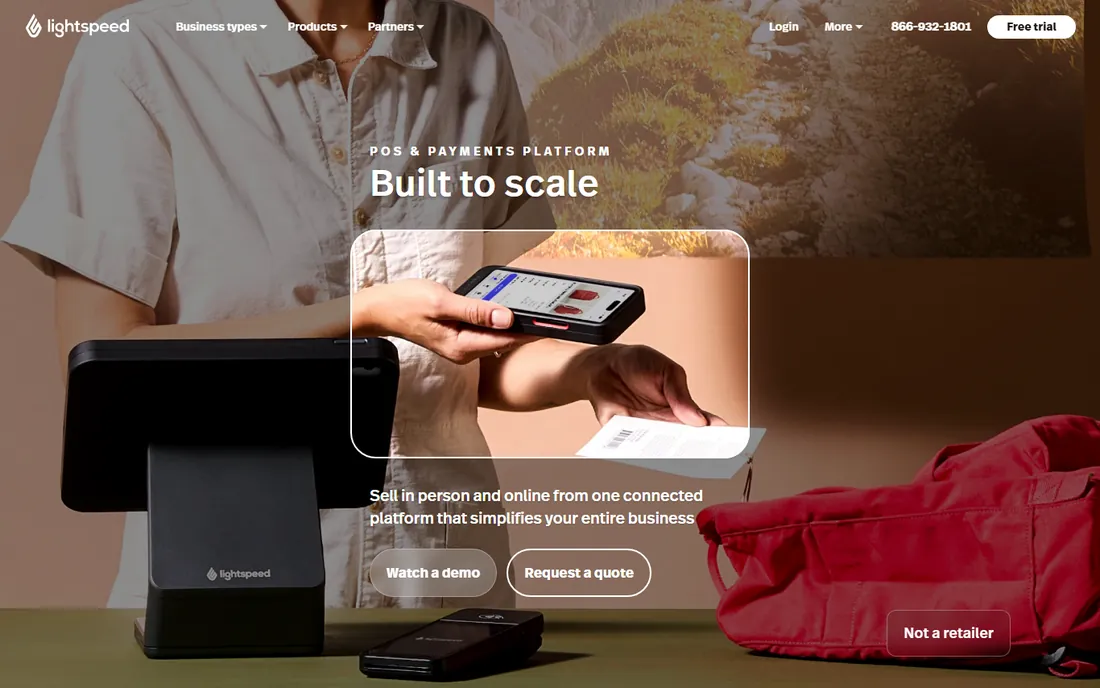
Lightspeed is what retailers graduate to when Square's inventory tools run out of room. It handles multi-location stock properly: transfers, purchase orders, reorder points and per-location reporting that reflect how retail chains actually operate. The accounting story has two layers. Lightspeed Accounting syncs sales data into QuickBooks Online, and the platform's reporting covers the operational finance a growing retailer needs.
Pricing is quote-driven and scales with locations and registers, which makes it a considered purchase rather than a signup. Hardware pricing requires talking to sales, a friction point the simpler competitors avoid. The e-commerce product is separate, adding cost for omnichannel sellers. For a retailer with several locations and real inventory complexity, Lightspeed's depth justifies the price. For a single small shop, it is more system than necessary.
What we like- Deep inventory across locations
- Lightspeed Accounting module syncs with QuickBooks
- Strong for growing retail chains
Watch out for- Pricing climbs with locations and registers
- Hardware quotes require a sales call
- E-commerce is a separate product
#3
Odoo
Best for: Businesses wanting POS and accounting in one ERP
Visit odoo.com
Starting price$61 per user/month
Free planFree trial
Odoo is the odd one out in the best way. Every other product on this list handles accounting through an integration with QuickBooks or Xero. Odoo simply includes accounting as a native module of its ERP, alongside POS, inventory, CRM and e-commerce. Sales post to the ledger automatically because they are the same system. There is no sync to break, no mapping to maintain, no month-end reconciliation between two databases.
That unity comes with ERP trade-offs. Implementing Odoo properly takes effort, and businesses should expect a project, not an afternoon. Per-user pricing means a large staff multiplies the cost, though the full app suite is included. For a single-register shop, Odoo is overkill. But for a growing business that wants POS, inventory, accounting and CRM in one database without integration middleware, nothing else on this list offers the same architecture.
What we like- Only option here with truly native accounting
- POS, inventory, CRM and e-commerce in one system
- No sync errors between modules
Watch out for- Implementation needs real effort
- Per-user pricing adds up with staff
- Overkill for a single register
Starting priceSee website
Free planNo
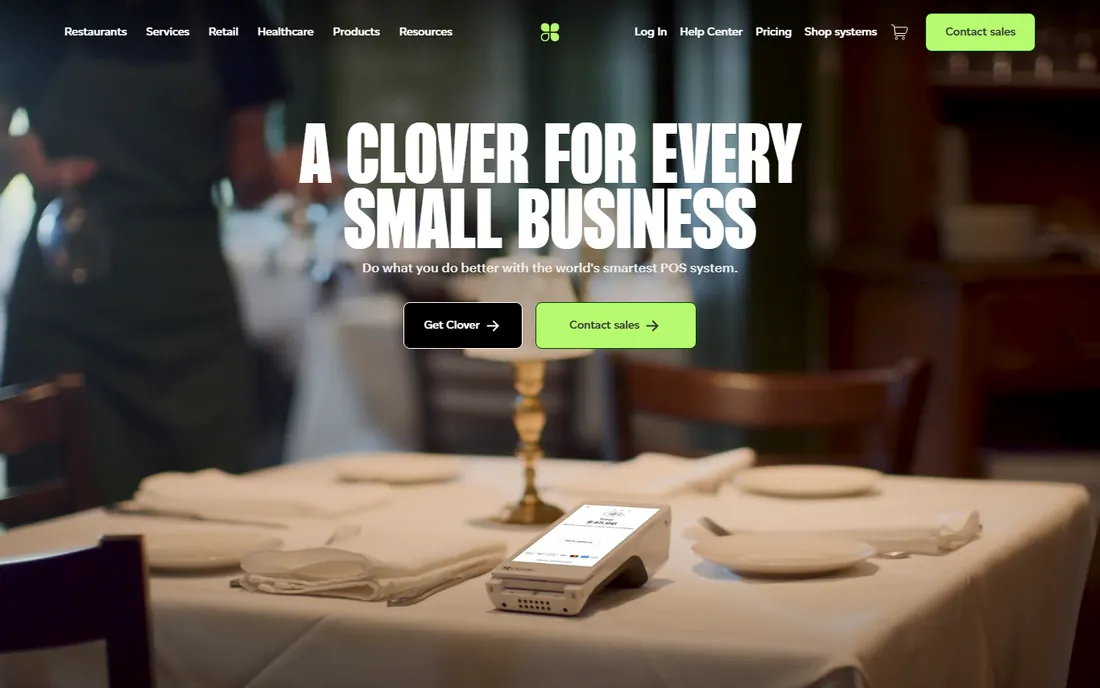
Clover, from Fiserv, is the countertop system many shoppers recognize without knowing the name. The hardware lineup covers everything from the handheld Flex to the full Station, and the software plans scale from basic to full-featured. Accounting flows through QuickBooks and Xero integrations, and the app marketplace adds loyalty, gift cards and employee management.
The catch is the total cost picture. Hardware runs from hundreds to nearly two thousand dollars per terminal, software plans charge monthly per terminal, and processing rates are custom-quoted through Fiserv. High-volume merchants can negotiate decent rates, but small shops should compare the all-in cost against Square's free POS carefully. Clover suits established retailers and restaurants that want reliable hardware and are comfortable with a traditional POS cost structure.
What we like- Wide hardware range from Mini to Station
- QuickBooks and Xero integrations
- Huge app marketplace
Watch out for- Processing runs through Fiserv with custom rates
- Monthly software fees per terminal
- Hardware is a real upfront cost
Starting priceSee website
Free planNo
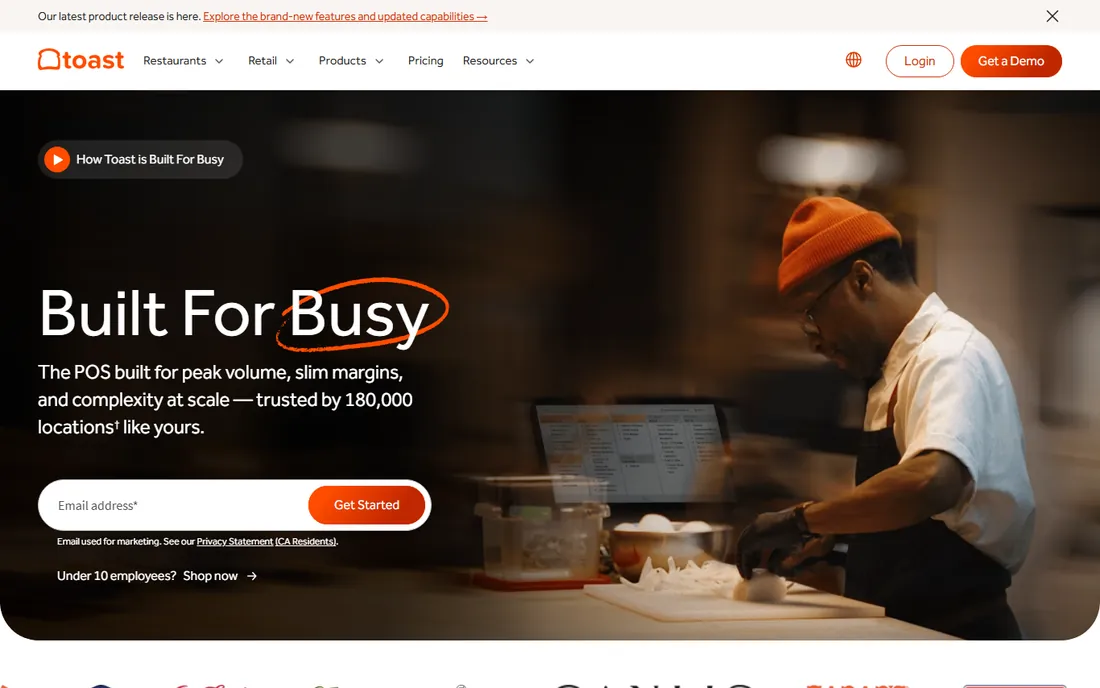
Toast does not pretend to serve retail. Every part of the platform, from kitchen display integration to tip management to online ordering, is built for restaurants. That focus shows in the details: daypart reporting, menu management and delivery integrations that generic POS systems bolt on awkwardly. Accounting connects through QuickBooks integrations and restaurant-specific tools for food cost and payroll.
Pricing starts with a free tier for basic POS and scales per terminal into the hundreds monthly, plus custom processing rates that reward negotiation. Hardware runs from a few hundred to over a thousand dollars per terminal. The restaurant-only focus is both the strength and the limit: perfect for a restaurant group, irrelevant for everyone else. Restaurants comparing Toast against Square should weigh Toast's depth against Square's simplicity.
What we like- Built exclusively for restaurants
- Online ordering and payroll in the ecosystem
- QuickBooks and restaurant-tool integrations
Watch out for- Restaurant-only, useless for retail
- Processing rates are custom
- Hardware investment is significant
Starting priceSee website
Free planFree trial

For the millions of businesses already selling on Shopify, Shopify POS is the obvious in-person extension. Inventory, customers and orders live in one system whether the sale happens online or at the counter. That unified inventory is the killer feature: sell the last unit in-store and the website updates instantly. Accounting flows through QuickBooks and Xero integrations like most competitors.
The pricing structure deserves a close look. The basic POS is included with Shopify plans, but the Pro features that serious retailers want cost extra per location. Hardware is separate. Merchants not already on Shopify gain less, since the value concentrates in the ecosystem. But for an omnichannel retailer living in Shopify, adding POS is far smoother than bolting on a separate system.
What we like- Inventory shared between online store and retail locations
- QuickBooks and Xero integrations
- Familiar to Shopify merchants
Watch out for- Advanced POS features need the Pro add-on
- Best value only for existing Shopify users
- Hardware sold separately
Starting priceSee website
Free planFree trial
Epos Now sells a cloud POS aimed at independent retailers and hospitality businesses, with an app store that extends into accounting, loyalty and staff management. The QuickBooks and Xero integrations handle the books, and the cloud architecture means owners can check sales from anywhere. Offline mode keeps registers running when the internet drops.
Pricing is quote-based, which makes comparison shopping annoying, and some of the most useful integrations carry their own fees. Support quality gets mixed reviews, so buyers should test responsiveness during the trial. The product itself is capable and flexible, covering both retail and restaurant workflows. Independent businesses that want a customizable cloud POS with real integration options should include Epos Now in the evaluation.
What we like- Cloud-based with offline mode
- Large app store for accounting and more
- Serves retail and hospitality
Watch out for- Pricing by quote
- Some integrations cost extra
- Support reviews are mixed
Starting priceSee website
Free planFree trial
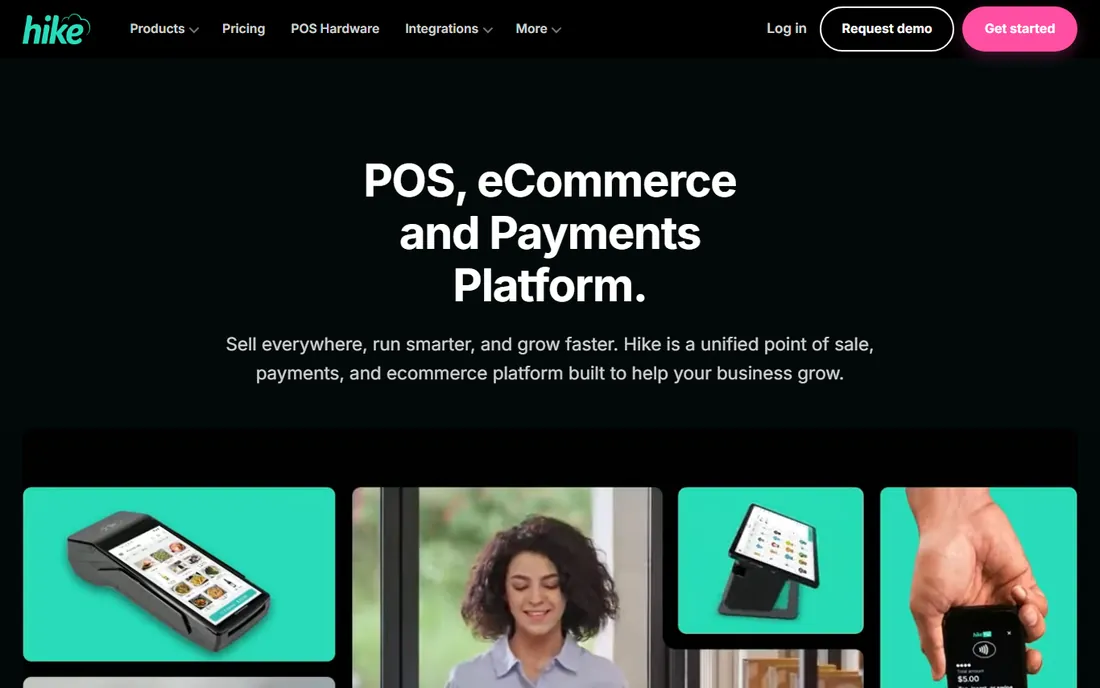
Hike, formerly Vend's lighter sibling in spirit, keeps cloud POS simple for small retailers. The interface is clean, the learning curve is short, and integrations cover the essentials: Shopify and WooCommerce for e-commerce, QuickBooks for accounting. For an independent shop that finds Lightspeed heavy and Square limiting, Hike occupies a sensible middle.
The simplicity is the selling point and the ceiling. Multi-location inventory depth, advanced reporting and enterprise workflows are thinner than the bigger platforms. The company is smaller, which matters for long-term bets. But many retailers never need that depth. For a straightforward shop that wants cloud POS with honest accounting integration and no drama, Hike is easy to recommend.
What we like- Clean, simple interface small teams learn fast
- Shopify, QuickBooks and WooCommerce integrations
- Affordable for independents
Watch out for- Less depth than Lightspeed or Clover
- Smaller company
- Limited enterprise features
Starting priceSee website
Free planFree trial
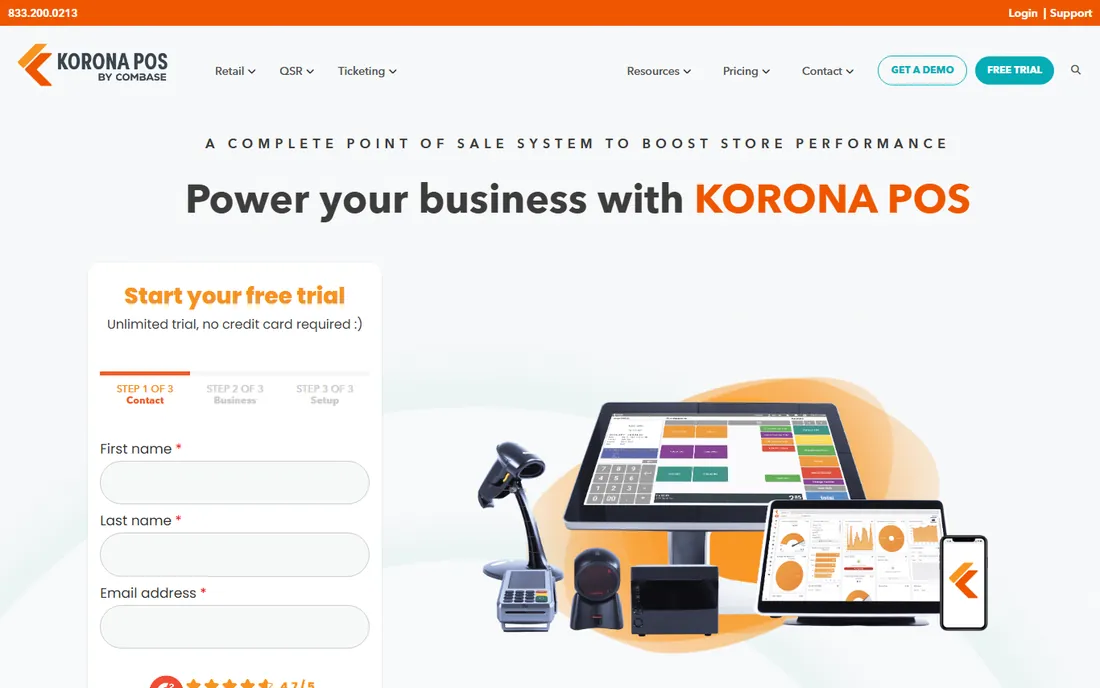
KORONA POS comes from a European retail technology background and shows it in the architecture. The system handles high transaction volumes and complex inventory scenarios that choke simpler cloud POS products. Multi-location retailers with serious SKU counts get the depth they need, and the API-friendly design lets technical teams extend it.
The trade-off is polish. KORONA offers less hand-holding than Square or Shopify, and buyers should expect a more technical evaluation and setup. Pricing is quote-based. US brand presence is smaller, though the product is proven in demanding retail environments. For high-volume retailers, franchises and technically confident teams, KORONA deserves a look that its marketing budget might not suggest.
What we like- Handles high transaction volumes well
- Strong inventory and multi-location features
- Flexible, API-friendly architecture
Watch out for- Less hand-holding than consumer-friendly rivals
- Pricing by quote
- Smaller brand presence in the US
#10
Erply
Best for: Retail chains needing enterprise inventory
Visit erply.com
Starting priceSee website
Free planFree trial
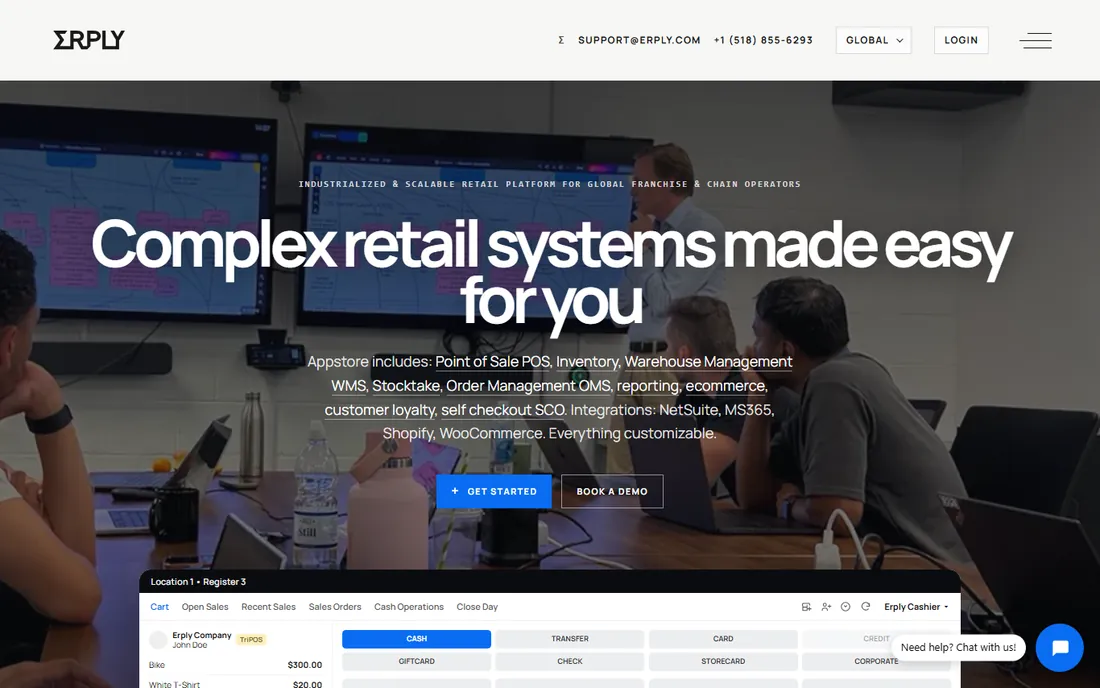
Erply has served retail chains for years with a focus on the unglamorous work: inventory accuracy across dozens of locations, centralized purchasing, and POS that stays consistent everywhere. The back-office depth exceeds most cloud POS competitors, which is why franchises and multi-store retailers consider it. Accounting integrations connect to the standard platforms.
The product shows its age in the interface, and implementation is a genuine project rather than a signup. Pricing is quote-based and enterprise-flavored. Small retailers should look elsewhere; Erply is not trying to win them. But for a chain outgrowing lighter tools, or a franchise needing centralized control with local POS, Erply's depth in inventory and multi-location management is hard to match at its price tier.
What we like- Enterprise-grade inventory across many locations
- POS plus back-office in one
- Long track record with chains
Watch out for- Interface feels dated
- Implementation is a project
- Pricing by quote
Built-in accounting vs synced accounting
This distinction matters more than any feature list. Only Odoo on this list keeps the books natively: every sale is a ledger entry in the same database, with no sync involved. Everything else exports or syncs sales data into QuickBooks or Xero, which works well but introduces a seam. Syncs can lag, miscategorize or break during updates, and someone has to monitor them.
For most small businesses, synced accounting is perfectly fine. The integrations are mature, and accountants prefer working in QuickBooks or Xero anyway. The seam only becomes painful with high transaction volumes, complex inventory accounting or multi-entity structures. Businesses approaching that complexity should weigh Odoo's native books against the familiarity of the QuickBooks ecosystem. There is no universally right answer, only the right answer for a given size and complexity.
How we chose
We focused on POS systems with a credible accounting story, either native books or proven QuickBooks and Xero integrations. Each product was verified as currently offered. Pricing came from vendor pages and recent independent comparisons where published, marked honestly where it was not. We weighed POS depth, inventory capability, hardware options, processing costs, integration quality and fit for different business sizes, drawing on vendor documentation and buyer guides. No vendor paid for placement and we claimed no hands-on testing. The list mixes simple starters, retail specialists, a restaurant platform and an ERP because buyers choose across all of them.
What to check before you buy
Add up the total cost, not the software price. POS economics include software fees, hardware, processing rates and integration costs. A free POS with 2.6% processing can cost more than a $100/month POS with negotiated rates once volume grows. Model a year of costs at your actual sales volume before deciding.
Test the accounting sync during the trial. Connect QuickBooks or Xero, run real transactions, and check how they land in the books. Look at sales categorization, tax handling, refunds and payouts. A sync that needs weekly babysitting will cost more in accountant hours than it saves in software fees.
Check the hardware lock-in. Some systems work with generic tablets and printers; others require proprietary terminals. Proprietary hardware usually works better but raises switching costs. Know which you are buying, and price replacement hardware before you need it urgently.
Finally, confirm offline behavior. Internet outages happen, and a POS that cannot sell offline costs real money during the outage. Every product on this list claims some offline capability, but the details vary: some queue payments, some limit functionality. Ask exactly what works without a connection.
Frequently asked questions
Do I need separate accounting software with a POS system?
For most businesses, yes, through integration. POS systems record sales; accounting software tracks the full financial picture including bills, payroll and taxes. Odoo is the exception here with native accounting. The standard setup is a POS synced to QuickBooks or Xero, which works well when the integration is solid.
Which POS integrates best with QuickBooks?
Lightspeed, Square, Clover, Shopify POS and Epos Now all offer QuickBooks integrations, and all are mature. Lightspeed's dedicated accounting module is the most structured of the group. The best choice depends more on the POS fit for your business type than on small differences between the integrations.
How much does POS software cost per month?
It ranges from free for Square's basic POS to several hundred dollars monthly for multi-terminal setups from Toast, Clover or Lightspeed. Hardware and processing fees usually exceed the software cost. Always model software, hardware and processing together for a true comparison.
Can a POS system replace my accountant?
No. POS and accounting software organize financial data, but tax planning, compliance and judgment calls still need a human accountant. Good integrations actually make accountants more effective by giving them clean, timely data. Think of the software as doing the bookkeeping so the accountant can do the advising.
What is the difference between Square and Toast for restaurants?
Square is simpler and cheaper to start, with a broader ecosystem beyond restaurants. Toast is built exclusively for restaurants, with deeper features for menus, kitchen workflow and delivery. Small or simple operations often prefer Square; established restaurants usually get more from Toast.
Sources we checked (12)
- https://squareup.com
- https://www.lightspeedhq.com
- https://www.odoo.com
- https://www.clover.com
- https://pos.toasttab.com
- https://www.shopify.com
- https://www.eposnow.com
- https://hikeup.com
- https://koronapos.com
- https://erply.com
- https://ecosire.com/blog/odoo-pos-vs-square-toast-clover-lightspeed-2026
- https://www.businessnewsdaily.com/16577-quickbooks-pos-integration.html
Is your product missing or out of date?
We review this list regularly. Vendors can request a listing, send updated pricing or ask about featured placement.

Shihab Mia · Founder, Rankite
Shihab has spent more than a decade helping SaaS and e-commerce brands grow through search. He writes Rankite's software buying guides from pricing pages, documentation and public user reviews. More about Shihab.