How we make this list: we compare pricing pages, product documentation and public user reviews. Rankite is independent; if a vendor ever pays for a featured spot, that listing is clearly labeled Partner.
Key takeaways
- Adobe Lightroom at $11.99 per month remains the workflow standard for portrait photographers managing large shoots.
- Evoto AI at $80 per year for 800 credits is the fastest AI retouching for high-volume wedding and studio work.
- Affinity Photo is now free and a capable one-time alternative to Photoshop's pixel-level editing.
- Luminar Neo at $129 one-time and DxO PhotoLab at $159.99 one-time suit photographers who refuse subscriptions.
- PortraitPro is the dedicated retouching specialist; Capture One serves tethered studio shooters.
Quick comparison
| Tool | Best for | Starting price | Free plan |
|---|
 Adobe Lightroom Adobe Lightroom | portrait photographers managing full shoots | $11.99 per month | Free trial |
 Adobe Photoshop Adobe Photoshop | ultimate control over every pixel | $22.99 per month | Free trial |
 Evoto AI Evoto AI | wedding and studio photographers drowning in volume | $80 per year | Free trial |
 PortraitPro PortraitPro | photographers wanting deep retouching control | See website | Free trial |
 Capture One Capture One | studio photographers shooting tethered | See website | Free trial |
 Luminar Neo Luminar Neo | photographers who hate subscriptions | $129 one-time | Free trial (7 days) |
 DxO PhotoLab DxO PhotoLab | maximum image quality from RAW files | $159.99 one-time | Free trial |
 Affinity Photo Affinity Photo | free professional-grade portrait editing | Free | Yes |
Is your product missing or out of date?
We review this list regularly. Vendors can request a listing, send updated pricing or ask about featured placement.
The best portrait software
#1
Adobe Lightroom
Best for: portrait photographers managing full shoots
Visit adobe.com
Starting price$11.99 per month
Free planFree trial
Lightroom is where most portrait workflows live. Import a thousand wedding photos, cull, color-correct in batches, and export, all in one catalog. The AI masking has grown genuinely useful for portraits: select people, skin, eyes, and teeth with one click, then adjust exposure and color on each independently. For volume work, nothing matches its speed.
The 2026 versions added scene enhance and AI quick actions for retouching, narrowing the gap with dedicated retouching apps. But heavy reshaping, compositing, and detailed skin work still round-trip to Photoshop or a plugin like PortraitPro.
At $11.99 per month, Lightroom is the cost of doing business for working portrait photographers. The catalog, batch tools, and ecosystem integration justify the subscription for anyone processing shoots rather than single images.
What we like- Industry-standard catalog and batch editing
- AI masking for people, skin, and backgrounds
- Syncs across desktop, web, and mobile
Watch out for- Subscription only
- Portrait-specific retouching still needs plugins or Photoshop
#2
Adobe Photoshop
Best for: ultimate control over every pixel
Visit adobe.com
Starting price$22.99 per month
Free planFree trial
Photoshop remains the gold standard for portrait retouching when nothing can be left to automation. Frequency separation, dodge and burn, manual skin work, compositing, and background replacement all happen here at a level no AI tool matches for control. The Firefly-powered generative fill removes distractions and extends backgrounds convincingly.
For portrait specialists, Photoshop is the finishing tool: Lightroom or Capture One handles the shoot, Photoshop handles the hero images. High-end beauty, editorial, and commercial work still demands it.
The honest assessment is that fewer portraits need Photoshop than photographers think. AI tools handle 90 percent of routine retouching faster. But for the 10 percent where quality is the entire job, Photoshop has no substitute.
What we like- Unmatched retouching depth with frequency separation and dodge and burn
- Generative AI fill
- The standard clients expect
Watch out for- Expensive at $22.99 per month standalone
- Overkill for batch portrait workflows
#3
Evoto AI
Best for: wedding and studio photographers drowning in volume
Visit evoto.ai
Starting price$80 per year
Free planFree trial
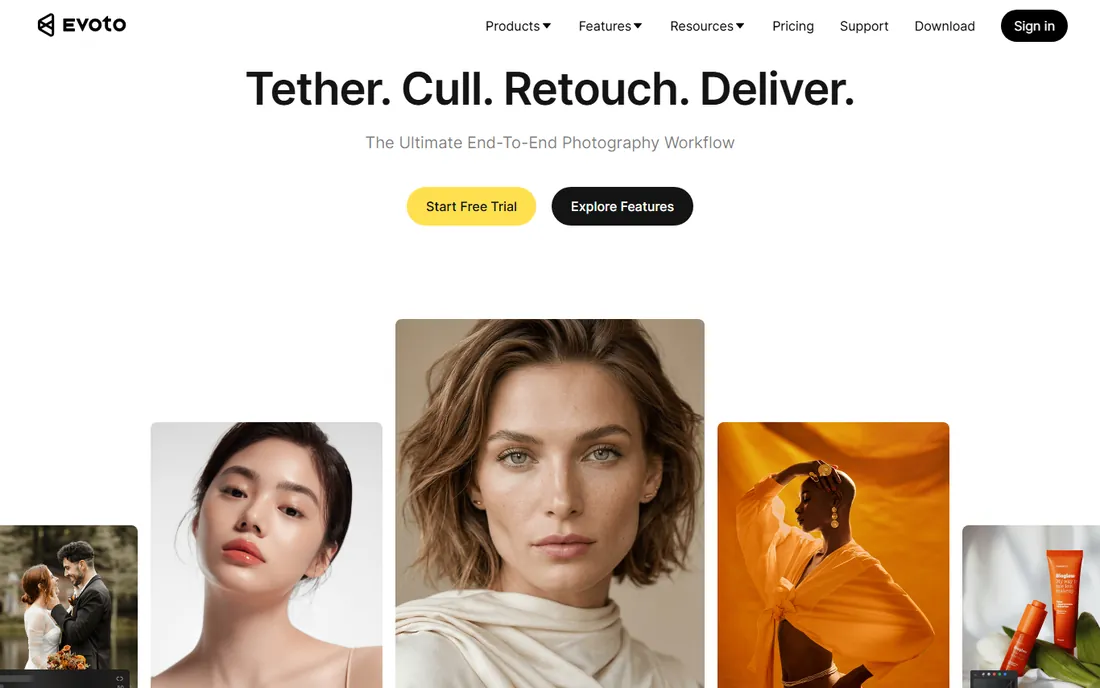
Evoto AI is the volume retoucher's answer to the editing backlog. Upload a wedding gallery, apply AI retouching, skin, blemish removal, teeth whitening, face shaping, with one click, then batch-sync across similar images. Version 8.0 added video portrait retouching in DaVinci Resolve, story-based culling, and mobile tethering, making it a fuller workflow tool.
The credit pricing, $80 per year for 800 credits or $134 for 1600, with each exported image costing one credit, works out to pennies per photo. For a wedding photographer delivering 800 images, the math is obvious: hours of editing become minutes.
The tradeoff is control. Evoto's automation is excellent but opinionated; photographers who hand-tune every image will fight it. For high-volume professionals, that tradeoff is the entire point.
What we like- One-click AI retouching with natural results
- Batch sync across similar images
- Credit pricing scales with volume
Watch out for- Credit system confuses some buyers
- Less manual control than Photoshop
Starting priceSee website
Free planFree trial
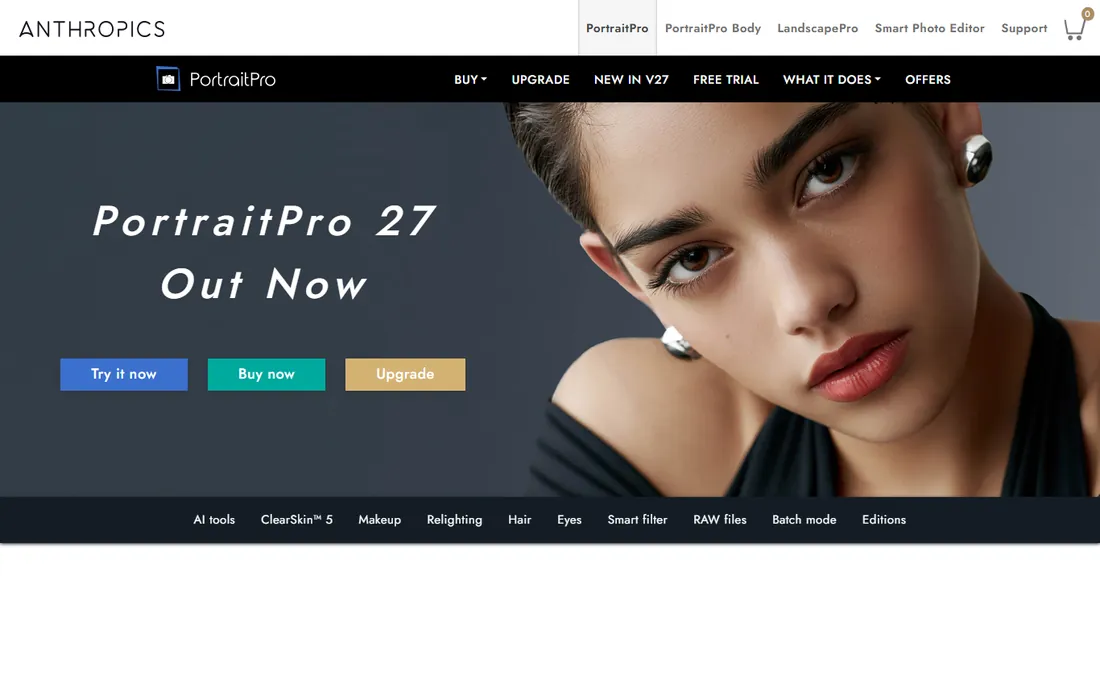
PortraitPro from Anthropics has been the dedicated retouching specialist since 2006. It detects faces, features, skin, and hair automatically, then offers the deepest manual retouching toolkit outside Photoshop: skin smoothing with texture control, face sculpting, makeup, lighting relight, and background replacement, all with fully adjustable sliders.
Working professionals like it because the automation is a starting point, not a verdict. Dial the defaults back, tune each adjustment, and the results hold up at large print sizes. It works standalone or as a plugin inside Photoshop and Lightroom, fitting existing workflows.
The learning curve is real: the tool array is large and the defaults err toward obvious. But for photographers who want AI assistance with human final say, PortraitPro remains the most capable dedicated retoucher.
What we like- Huge array of retouching tools that all work well
- Fully adjustable sliders
- Standalone or plugin for Photoshop and Lightroom
Watch out for- Slider defaults can be heavy-handed
- Finest skin texture needs manual care
Starting priceSee website
Free planFree trial
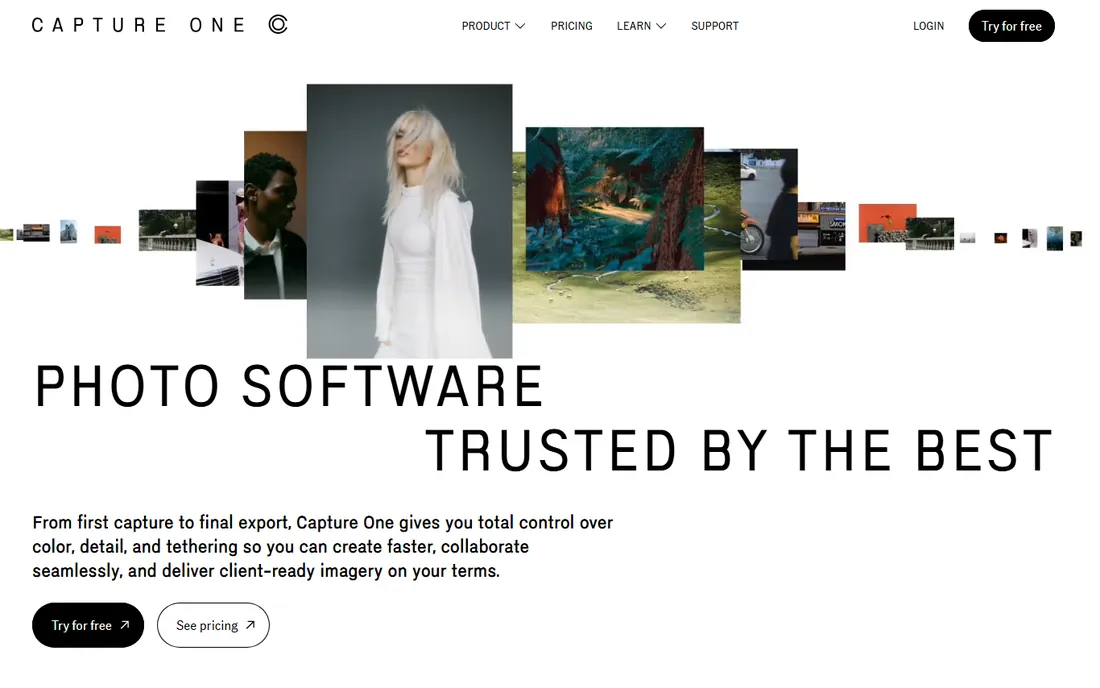
Capture One is the studio photographer's choice, and tethering is why. Shoot directly into the software with live view, instant review, and client-ready previews on a big screen. The color processing, especially skin tones, is widely considered superior to Lightroom's, which matters enormously for portrait work.
The layer-based adjustment system gives Photoshop-like local control inside the RAW workflow, and the batch processing handles large shoots efficiently. Fashion, commercial, and high-end portrait studios standardize on it for good reason.
Pricing runs through subscriptions and perpetual licenses that vary by region, so check the current page. The ecosystem is smaller than Adobe's, with fewer plugins and presets. For tethered studio work, though, nothing else comes close.
What we like- Best-in-class tethered capture
- Superior color rendering and skin tones
- Powerful layer-based adjustments
Watch out for- Quote-adjacent pricing
- Smaller ecosystem than Adobe
Starting price$129 one-time
Free planFree trial (7 days)
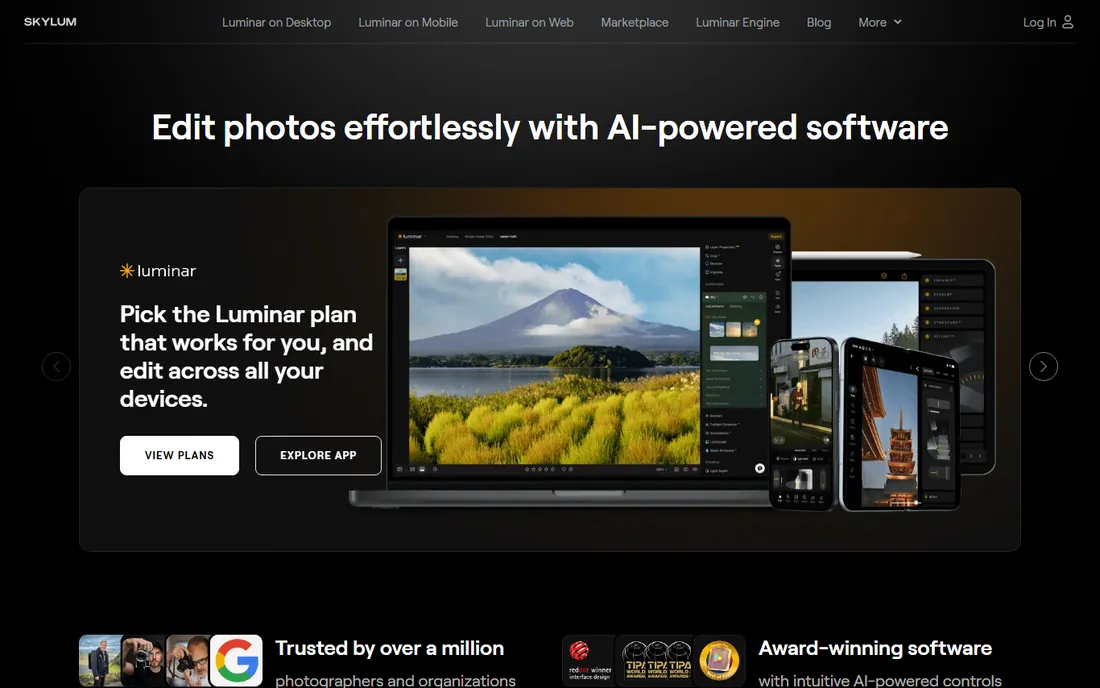
Luminar Neo is the anti-subscription editor: a $129 one-time purchase for the perpetual license, with AI tools that automate sky replacement, portrait retouching, noise reduction, and object removal. SkinAI handles portrait retouching without manual masking, and the AI assistant accepts text commands for editing steps.
For portrait photographers, the appeal is straightforward: capable AI editing without a monthly bill. It works standalone or as a plugin inside Photoshop and Lightroom, so it can supplement an Adobe workflow rather than replace it.
The caveats are the catalog, which trails Lightroom for large libraries, and the generative AI tools, which require a yearly upgrade pass after the first year. For photographers who edit regularly and resent subscriptions, the one-time price pays for itself in under a year versus Lightroom.
What we like- One-time purchase, no subscription
- Strong AI portrait tools like SkinAI
- Works standalone or as a plugin
Watch out for- Catalog less mature than Lightroom's
- Generative AI tools need yearly renewal
#7
DxO PhotoLab
Best for: maximum image quality from RAW files
Visit dxo.com
Starting price$159.99 one-time
Free planFree trial
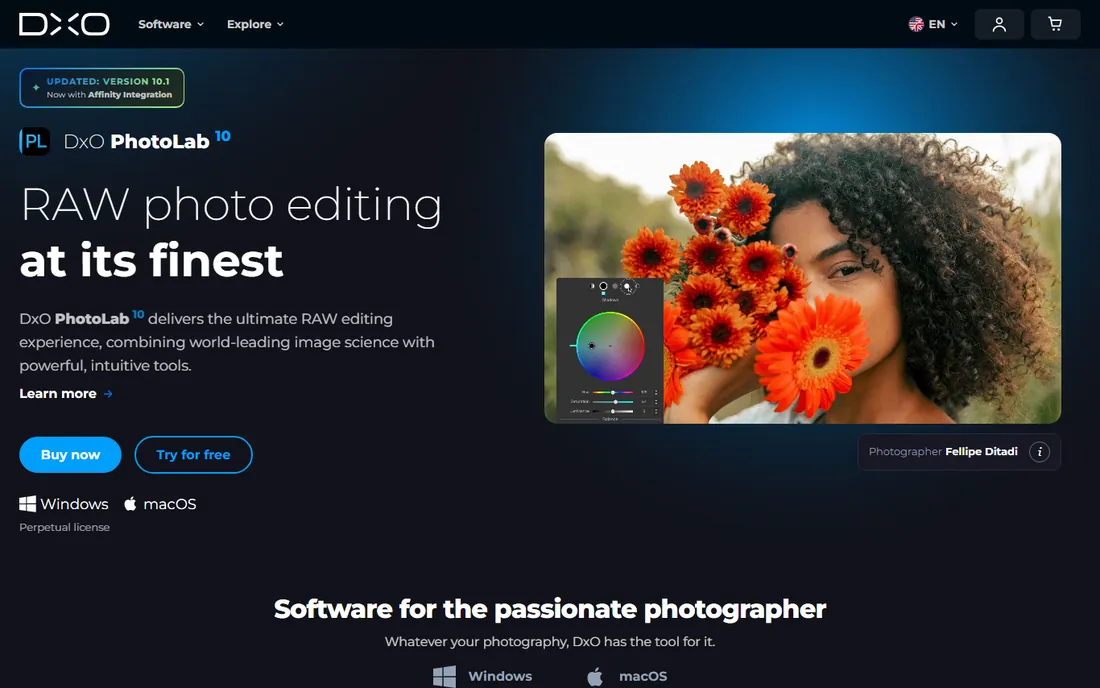
DxO PhotoLab is the image quality maximalist's editor. Its lens corrections, built from lab measurements of specific camera and lens combinations, and its DeepPRIME denoising produce cleaner, sharper files than any competitor, which shows in large portrait prints. The $159.99 one-time price for the standard edition undercuts years of subscriptions.
For portrait work, PhotoLab excels at the foundation: exposure, color, and detail. The RAW rendering gives skin a natural quality that needs less retouching afterward. It pairs well with a dedicated retoucher like PortraitPro for the finishing work.
There is no photo catalog, so most users pair it with another organizer, and the retouching tools are basic. Buy PhotoLab for the best possible starting file; handle creative retouching elsewhere.
What we like- Best-in-class lens corrections and denoising
- Excellent detail rendering
- One-time purchase
Watch out for- No catalog management
- Portrait retouching tools are basic
Starting priceFree
Free planYes
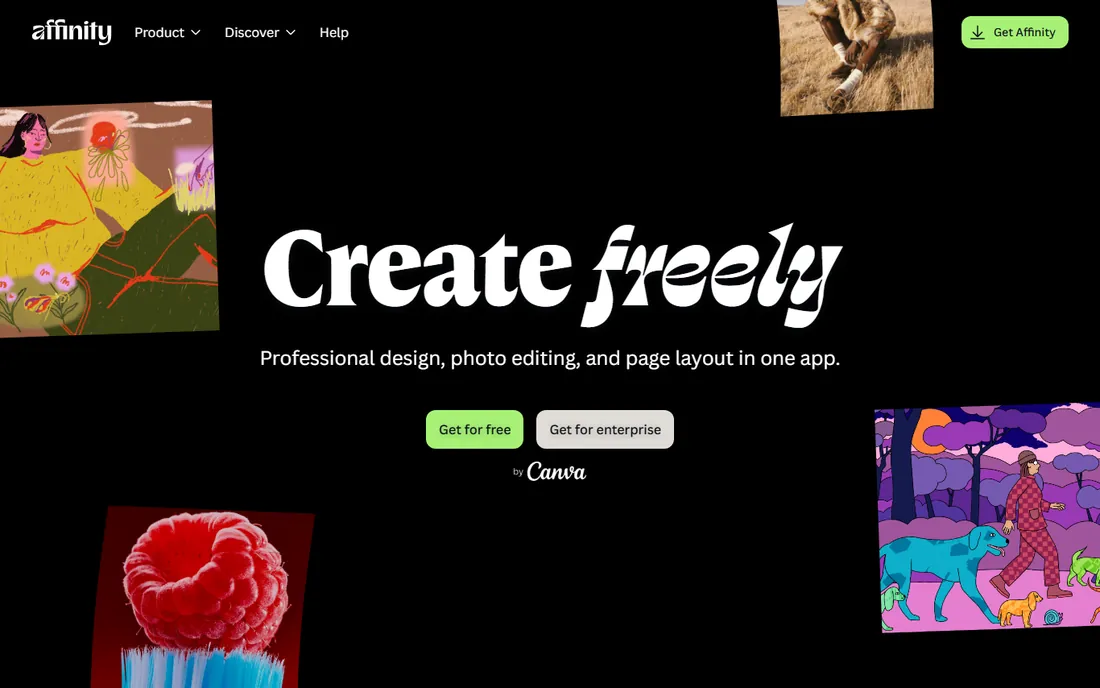
Affinity Photo's move to free, following Canva's acquisition, changed the value equation overnight. It offers professional layer-based editing, frequency separation, liquify, and full RAW development at no cost, covering the Photoshop techniques portrait retouchers actually use.
For photographers learning manual retouching or studios equipping multiple workstations, free removes the budget conversation entirely. The software is fast, stable, and handles large files well.
The ecosystem is the gap: fewer tutorials, fewer plugins, and no AI retouching automation compared to Adobe or Evoto. But as a free Photoshop-class editor for portrait work, nothing else competes.
What we like- Now completely free
- Professional layer-based editing
- Fast and lightweight
Watch out for- Smaller tutorial and plugin ecosystem
- No AI retouching automation
How we chose
We compared portrait editing and retouching software on retouching quality, workflow speed, batch handling, AI assistance, pricing fairness, and fit for working photographers. We checked each vendor's pricing page and current 2026 roundups, read photographer reviews on SLR Lounge, Professional Photo, and Reddit, and weighed both dedicated retouchers and general editors used for portrait work. We did not run hands-on editing sessions; assessments reflect the professional photography press consensus.
AI retouching is a workflow decision, not a quality decision
The debate about whether AI retouching looks as good as manual work misses the point. For 90 percent of delivered portraits, wedding galleries, senior photos, headshot batches, current AI retouching is indistinguishable from hand work at normal viewing sizes. The quality question was settled; the workflow question is what remains.
That makes the choice about volume and control. Shooting 2,000 images a month? Evoto's batch AI pays for itself in the first week. Retouching ten hero images for a campaign? Photoshop or PortraitPro's manual control earns its time. Most working photographers end up with both: AI for the gallery, manual tools for the selects. Buy for your actual volume, not for the retouching you imagine doing.
How to choose portrait software for your volume
Count your monthly images first. Under 100 portraits a month, Lightroom plus Affinity Photo covers everything for $11.99 or less. Between 100 and 1,000, add Evoto credits or PortraitPro to clear the backlog. Over 1,000, Evoto's batch workflow becomes essential and Capture One's tethering speeds studio days.
Then consider your editing philosophy. If you believe every image deserves hand attention, invest in Photoshop skills and PortraitPro. If you believe clients cannot tell the difference, and they cannot, invest in AI automation and spend the saved hours shooting. Either way, trial with a real gallery before committing: process 50 actual client images in each candidate and time yourself. The stopwatch does not care about marketing claims.
Frequently asked questions
What is portrait software?
Portrait software edits and retouches portrait photographs. It ranges from general editors like Lightroom and Photoshop, through AI retouching specialists like Evoto AI and PortraitPro, to RAW processors like Capture One and DxO PhotoLab. The category covers everything from batch wedding workflows to single-image beauty retouching.
What is the best AI portrait retouching software?
Evoto AI leads for high-volume AI retouching with natural results and batch syncing. PortraitPro offers the deepest manual control alongside its AI. Aperty, from the Luminar makers, provides a simpler automated alternative. For most working photographers, Evoto's speed makes it the default AI choice.
How much does portrait editing software cost?
Lightroom costs $11.99 per month and Photoshop $22.99 per month. Luminar Neo is $129 one-time and DxO PhotoLab $159.99 one-time. Evoto AI uses credits at $80 per year for 800 exports. Affinity Photo is now free. Capture One and PortraitPro use regional pricing, check their sites.
Should I use Lightroom or Capture One for portraits?
Use Lightroom for catalog management, batch wedding workflows, and ecosystem breadth. Use Capture One for tethered studio shooting and superior skin tone rendering. Many studios use both: Capture One on set, Lightroom for everything else. Trial both with your camera's RAW files before deciding.
Is Affinity Photo really free?
Yes. Following Canva's acquisition, Affinity Photo became completely free. It offers professional layer-based editing comparable to Photoshop for portrait retouching techniques like frequency separation. The tradeoff is a smaller ecosystem of tutorials and plugins.
Do I still need Photoshop for portrait work?
For routine portraits, no: AI tools and Lightroom cover the work faster. For high-end beauty, editorial, and commercial portraits where every detail is scrutinized, yes: Photoshop's manual control remains unmatched. Most photographers need it for a fraction of their images, not all of them.
Sources we checked (6)
- https://www.slrlounge.com/best-ai-photo-retouching-options/
- https://camerajabber.com/photography-news/evoto-8-0-adds-video-portrait-retouching-in-davinci-resolve-story-based-culling-and-mobile-tethering/
- https://www.itechguides.com/best/photography-software/
- https://amateurphotographer.com/software/best-photo-editing-software/
- https://professionalphoto.online/software/full-review-evoto-ai/
- https://www.makeuseof.com/skylum-releases-aperty-portrait-editor/
Is your product missing or out of date?
We review this list regularly. Vendors can request a listing, send updated pricing or ask about featured placement.

Shihab Mia · Founder, Rankite
Shihab has spent more than a decade helping SaaS and e-commerce brands grow through search. He writes Rankite's software buying guides from pricing pages, documentation and public user reviews. More about Shihab.