How we make this list: we compare pricing pages, product documentation and public user reviews. Ratings come from G2, Capterra or Trustpilot, with the date we checked them.
Key takeaways
- PNG is the right format when you need transparency, crisp edges, or lossless quality, and every tool here exports it cleanly.
- GIMP, Inkscape, and Krita give you full desktop power for free, with no account and no subscription.
- Photopea and Pixlr run entirely in the browser, so they suit quick edits on any machine.
- Canva and Figma are the strongest picks when PNG creation is part of a team design workflow rather than a one off export.
- remove.bg is the fastest route to a transparent PNG from a photo, but its website closes on 1 December 2026, with its API moving to Leonardo.Ai, so plan a replacement now if you rely on it.
- Free often means compromises like watermarks, ads, or resolution caps, so check export terms before committing to a free tier.
Quick comparison
| Tool | Best for | Starting price | Free plan |
|---|
 Canva Canva | Templates and team design | $15 per user per month | Yes |
 GIMP GIMP | Free desktop image editing | Free | Yes |
 Photopea Photopea | Browser based editing | See website | Yes |
 Pixlr Pixlr | Quick browser edits and AI tools | $1.99 per month | Yes |
 Figma Figma | Interface and product design | See website | Yes |
 Inkscape Inkscape | Vector logos and icons | Free | Yes |
 Krita Krita | Digital painting and illustration | Free | Yes |
 remove.bg remove.bg | Transparent PNGs from photos | See website | Yes |
Is your product missing or out of date?
We review this list regularly. Vendors can request a listing, send updated pricing or ask about featured placement.
The best PNG maker apps
#1Canva
Best for: Templates and team design4.7/5 on
G2 (7,678 reviews, checked Oct 2026)
Visit canva.com
Starting price$15 per user per month
Free planYes
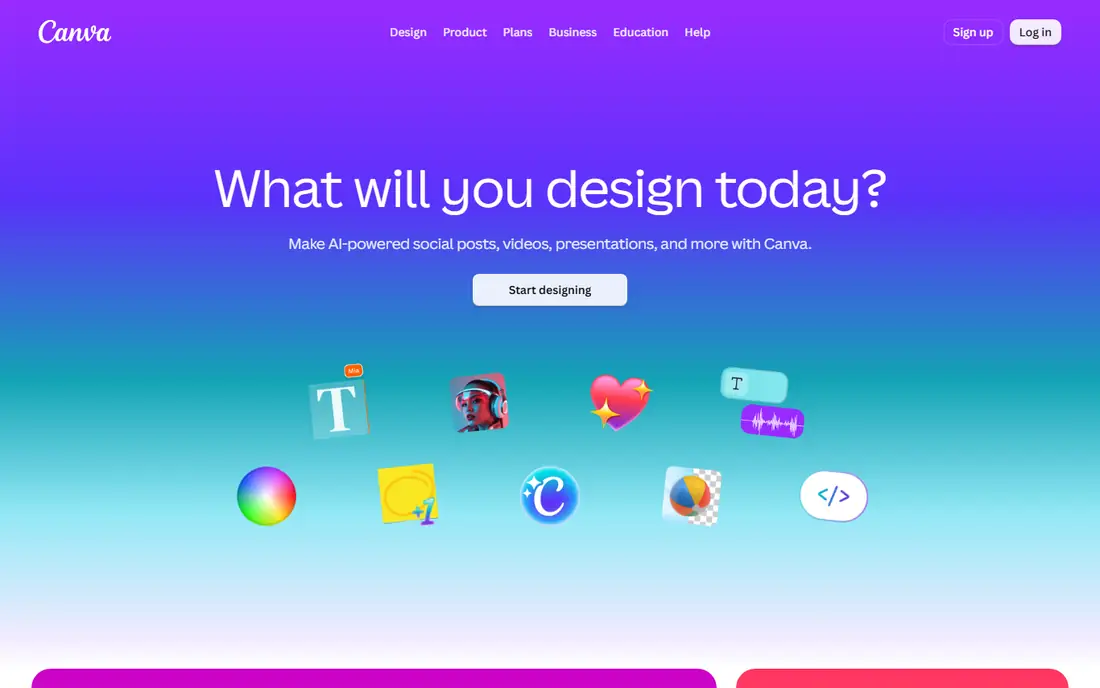
Canva is the template and team design pick, with a one click Background Remover inside the editor whose cutout lands directly in your design, ready to layer over gradients, mockup templates, thumbnails, or ad layouts, with no export and reimport dance. It starts at $15 per user per month billed annually in most listings, with $12.99 and $18 per month reported in other sources, so check the current pricing page before committing. Its free tier covers basic design, but background removal needs Pro.
The trade off is ease against paywall. Canva makes PNG creation easy for non designers, but its background removal is locked behind Pro, so occasional users pay for a whole suite for one feature. Canva fits teams and creators who already use Canva for design and want PNGs inside that workflow.
What we like- 250,000 plus templates
- One click Background Remover inside the editor
- Cutouts drop straight into designs
- Transparent PNG export
- Strong for social and marketing graphics
Watch out for- Background Remover locked behind Pro
- Price reports conflict at $12.99, $15, and $18 per month
- No batch mode or API
- AI removal struggles with complex edges
#2GIMP
Best for: Free desktop image editing4.3/5 on
G2 (1,484 reviews, checked Oct 2026)
Visit gimp.org
Starting priceFree
Free planYes
GIMP is the free desktop image editing pick, giving you full editing power with layers, masks, and selection tools at no cost, no account, and no subscription. It exports transparent PNGs at full resolution, and its plugin community adds features ranging from batch processing to advanced filters. It suits users who want Photoshop style control without paying.
The trade off is power against ease. GIMP does everything a paid editor does, but its interface is dense and background removal is manual, not one click AI. GIMP fits users who want free, full desktop editing and will learn the tool.
What we like- Full desktop power for free
- No account and no subscription
- Layers, masks, and selection tools
- Transparent PNG export at full resolution
- Large plugin community
Watch out for- Interface is dense for beginners
- Background removal is manual, not one click AI
- Learning curve is steep
- No cloud sync
#3Photopea
Best for: Browser based editing4.6/5 on
G2 (21 reviews, checked Oct 2026)
Visit photopea.com
Starting priceSee website
Free planYes
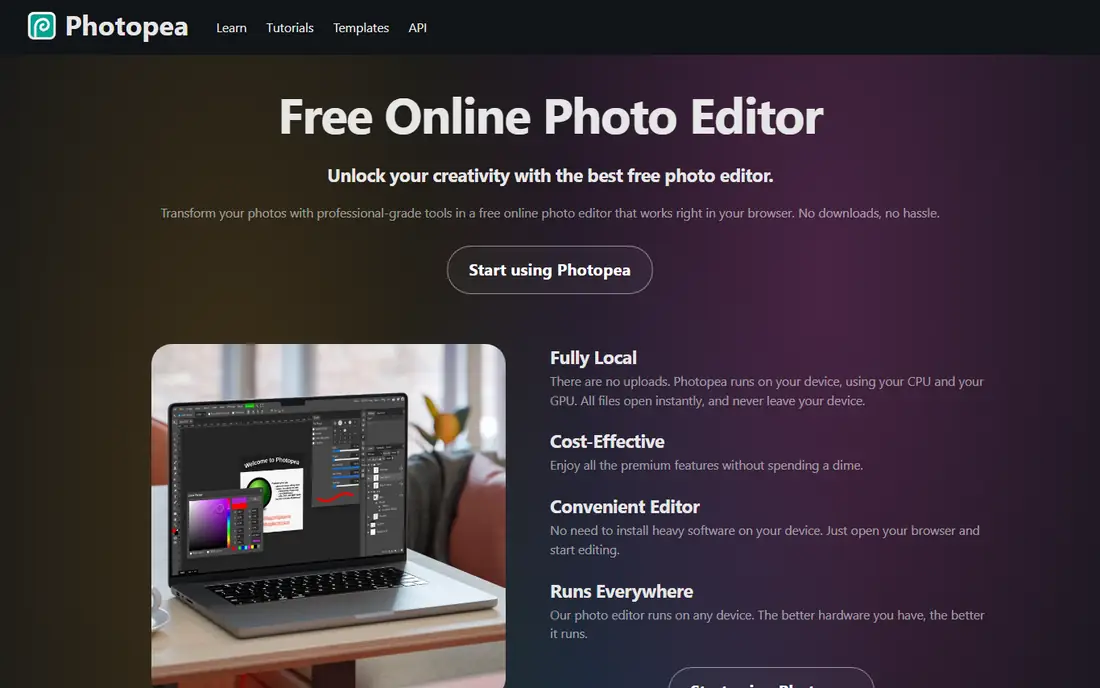
Photopea is the browser based Photoshop style editor, running entirely in the browser with layers, masks, and support for PSD, AI, and XCF files, so it suits quick edits on any machine without installing software. It exports transparent PNGs cleanly, and its free tier covers most editing needs, with a paid plan removing ads and adding features, so check the current pricing page before committing.
The trade off is convenience against ads. Photopea works anywhere with a browser, but its free tier shows ads and its performance depends on your machine. Photopea fits users who need full editing on a borrowed or shared machine.
What we like- Runs entirely in the browser
- Photoshop style layers and masks
- Opens PSD, AI, and XCF files
- No install needed
- Transparent PNG export
Watch out for- Ads on the free tier
- Advanced features need a paid plan
- Performance depends on browser and machine
- No native mobile app
#4Pixlr
Best for: Quick browser edits and AI tools4.4/5 on
G2 (751 reviews, checked Oct 2026)
Visit pixlr.com
Starting price$1.99 per month
Free planYes
Pixlr is the quick browser edit pick, offering AI tools including background removal with a free tier that exports cleanly and permits commercial use, plus Plus from $1.99 per month billed yearly. It suits users who want fast edits and AI removal without installing software or learning a dense interface.
The trade off is speed against depth. Pixlr edits fast in the browser, but its advanced features are thinner than GIMP and its free tier has limits. Pixlr fits users who want quick browser edits with AI tools at a low price.
What we like- Quick browser edits
- AI tools including background removal
- Free tier with clean export and commercial use permitted
- Plus from $1.99 per month billed yearly
- No install needed
Watch out for- Signup required for some features
- Free tier has limits
- Plus price reports conflict at $1.99 and $2.49 per month
- Fewer advanced features than GIMP
#5Figma
Best for: Interface and product design4.7/5 on
G2 (1,593 reviews, checked Oct 2026)
Visit figma.com
Starting priceSee website
Free planYes
Figma is the interface and product design pick, strongest when PNG creation is part of a team design workflow rather than a one off export, with vector editing, export at multiple scales, and real time collaboration. It offers a free tier for starting out, with paid pricing varying by seat and plan, so check the current pricing page before committing. It suits product teams exporting icons, UI assets, and mockups as PNGs.
The trade off is workflow strength against photo editing. Figma exports design assets beautifully, but it is not a photo editor and background removal needs plugins. Figma fits product teams that already design in Figma and export PNG assets from it.
What we like- Strongest pick when PNG creation is part of a team design workflow
- Vector editing and export at multiple scales
- Collaboration in real time
- Free tier for starting out
Watch out for- Interface design focus, not photo editing
- Background removal needs plugins
- Paid pricing varies by seat and plan
- Overkill for one off PNG exports
#6Inkscape
Best for: Vector logos and icons4.4/5 on
G2 (417 reviews, checked Oct 2026)
Visit inkscape.org
Starting priceFree
Free planYes
Inkscape is the vector pick for logos and icons, offering free vector editing that produces crisp graphics at any size, with transparent PNG export for web and print use. It is free, with no account and no subscription, and it suits designers who create logos, icons, and illustrations as scalable vectors and export them as PNGs.
The trade off is vector precision against photo work. Inkscape draws logos beautifully, but it is not a photo editor and background removal is manual. Inkscape fits designers who create vector logos and icons for PNG export.
What we like- Free vector editing
- Crisp logos and icons at any size
- No account and no subscription
- Transparent PNG export
- Strong for scalable graphics
Watch out for- Vector focus, not photo editing
- Interface takes learning
- Background removal is manual
- Fewer photo tools than GIMP
#7Krita
Best for: Digital painting and illustration4.4/5 on
G2 (65 reviews, checked Oct 2026)
Visit krita.org
Starting priceFree
Free planYes
Krita is the digital painting pick, offering free illustration tools with strong brushes for artwork, comics, and concept art, plus transparent PNG export for finished pieces. It is free, with no account and no subscription, and it suits artists who paint digitally and export their work as PNGs.
The trade off is painting power against general editing. Krita paints beautifully, but it is not a general photo editor and its layout tools are thinner than Canva. Krita fits digital artists who want free painting tools with PNG export.
What we like- Free digital painting
- Strong brushes and illustration tools
- No account and no subscription
- Transparent PNG export
- Good for artwork and comics
Watch out for- Painting focus, not photo editing
- Interface is dense for beginners
- Background removal is manual
- Fewer layout tools than Canva
#8remove.bg
Best for: Transparent PNGs from photos4.4/5 on
G2 (31 reviews, checked Oct 2026)
Visit remove.bg
Starting priceSee website
Free planYes
remove.bg is the fastest route to a transparent PNG from a photo, cutting out manual masking work with AI that handles hair and complex edges well. It offers a free tier with preview only results up to 0.25MP for non commercial use, and paid plans from $9 per month for 40 images, with pay as you go at $3 for 3 images. However, its website closes on 1 December 2026, with its API moving to Leonardo.Ai, so if you rely on remove.bg for regular work, plan the move now rather than in the last week of November.
The trade off is speed against lifespan. remove.bg is the fastest transparent PNG tool here, but it is closing, so it suits short term use and migration planning, not long term workflows. remove.bg fits users who need fast transparent PNGs now and will move to an alternative before December.
What we like- Fastest route to a transparent PNG from a photo
- AI cutout with no manual masking
- Batch via desktop app
- Developer API
- Strong on hair and complex edges
Watch out for- Website closes 1 December 2026, API moves to Leonardo.Ai
- Free result is preview only up to 0.25MP and non commercial
- Paid from $9 per month for 40 images
- Plan a replacement now
How we chose
We compared published feature lists and pricing from 2026, favoring tools with distinct strengths: the best templates, the best free desktop editing, the best browser editing, the quickest browser AI edits, the best team design workflow, the best vector logos, the best digital painting, and the fastest transparent PNGs. We recorded prices as reported and flagged conflicts for Canva and Pixlr, writing See website where Photopea, Figma, and remove.bg pricing varies or is credit based. We favored tools with a current release and an active user base, and we flagged the remove.bg closure prominently, since a closing tool changes any recommendation built on it.
How to choose a PNG maker app
Start with your job: templates and team design point to Canva or Figma, free desktop power points to GIMP, vector logos point to Inkscape, painting points to Krita, quick browser edits point to Photopea or Pixlr, and fast transparent PNGs point to remove.bg with a migration plan. Next, check export terms: free tiers often limit resolution, watermark output, or restrict commercial use, so confirm full resolution, clean export, and commercial rights before using output for clients. Then check volume: batch processing and APIs matter for catalog work, while one off exports do not need them. Finally, avoid building a long term workflow on remove.bg, since its website closes on 1 December 2026.
Frequently asked questions
What is the best PNG maker app?
Canva is the best pick for templates and team design, GIMP is the best free desktop editor, Photopea is the best browser editor, and remove.bg is the fastest transparent PNG tool, though it closes in December 2026.
Is there a free PNG maker app?
Yes. GIMP, Inkscape, and Krita are fully free with no account, while Photopea, Pixlr, Canva, and Figma offer free tiers, though free tiers may limit resolution, show ads, or restrict commercial use.
What is PNG best for?
PNG is best when you need transparency, crisp edges, or lossless quality, such as logos, icons, cutouts, and graphics with text, while JPEG suits photos without transparency.
Is remove.bg closing?
Yes. According to a 2026 comparison, the remove.bg website closes on 1 December 2026, with its API moving to Leonardo.Ai, so plan a replacement now if you rely on it.
Can I make transparent PNGs for free?
Yes. GIMP, Photopea, and Pixlr all export transparent PNGs for free, though Pixlr requires signup for some features and GIMP needs manual masking rather than one click AI removal.
Which PNG tool is best for logos?
Inkscape is the best pick for vector logos and icons, since vectors stay crisp at any size, while Figma suits team designed UI assets and Canva suits quick marketing graphics.
Sources we checked (0)
Is your product missing or out of date?
We review this list regularly. Vendors can request a listing, send updated pricing or ask about featured placement.

Shihab Mia · Founder, Rankite
Shihab has 5+ years in B2B and SaaS SEO. He writes Rankite's software buying guides from pricing pages, documentation and public user reviews. More about Shihab.