How we make this list: we compare pricing pages, product documentation and public user reviews. Ratings come from G2, Capterra or Trustpilot, with the date we checked them.
Key takeaways
- Teachable and Thinkific are the default starting points: simple course builders, published prices, and no need to run your own website.
- The number that decides cost is the transaction fee. Teachable takes 7.5 percent on its Starter plan and Podia takes 5 percent on Mover, while Thinkific takes no platform cut when you use its payment service.
- Kajabi is the expensive all in one: courses, email, and website in one bill, cited at $179 per month for Basic.
- LearnWorlds suits people who care about the learning itself, with interactive video and assessments, from $29 per month plus a per enrollment fee on Starter.
- Udemy costs nothing to publish and brings its own audience, but it keeps a large revenue share and owns the customer relationship.
Quick comparison
| Tool | Best for | Starting price | Free plan |
|---|
 Teachable Teachable | First time course creators | $39 per month | No |
 Thinkific Thinkific | Structured courses with assessments | $54 per month | Yes |
 Podia Podia | Simple storefronts for digital products | $49 per month | No |
 Kajabi Kajabi | All in one course businesses | $179 per month | No |
 LearnWorlds LearnWorlds | Interactive, assessment heavy courses | $29 per month | No |
 Mighty Networks Mighty Networks | Courses inside a paid community | $41 per month | No |
 Circle Circle | Community led courses and memberships | $89 per month | No |
 Udemy Udemy | Reaching a built in marketplace audience | Free | Yes |
Is your product missing or out of date?
We review this list regularly. Vendors can request a listing, send updated pricing or ask about featured placement.
#1Teachable
Best for: First time course creators3.8/5 on
G2 (52 reviews, checked Oct 2026)
Visit teachable.com
Starting price$39 per month
Free planNo
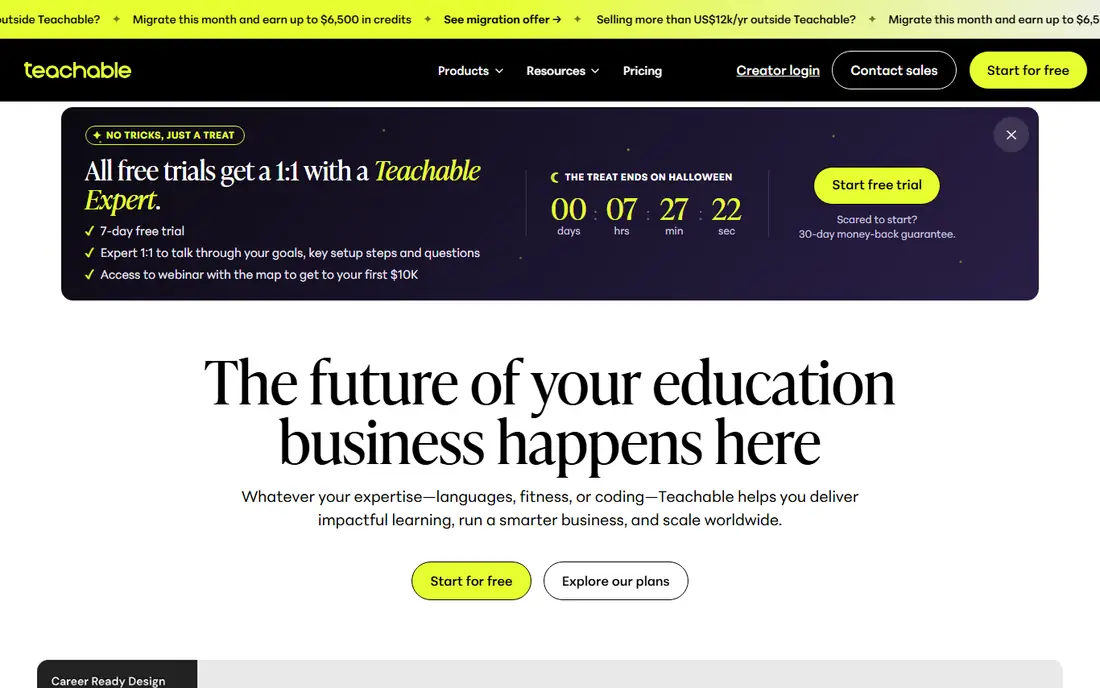
Teachable is where many course businesses start. You upload videos, set a price, and sell through its checkout, and the platform handles payments, access, and student accounts. Its Starter plan is listed at $39 per month, which sounds cheap until the 7.5 percent transaction fee lands on every sale. On a $100 course that fee is $7.50, every time, plus card processing.
That maths is the whole Teachable decision. Below a few hundred dollars of monthly sales, Starter is fine and simple. Above it, the Builder plan at a higher monthly price with no platform fee wins quickly. Teachable knows this and prices accordingly. For a first course with no audience yet, it remains the lowest friction place to begin.
What we like- Course builder a beginner can finish in a weekend
- Built in checkout, tax handling on its payment service, and student management
- 0 percent platform fee from the Builder plan up
- Large help library and creator community
Watch out for- Starter plan takes 7.5 percent of every sale
- No free plan, only a trial
- Email tools are basic, so most sellers add another service
- Page design options are limited compared with website builders
#2Thinkific
Best for: Structured courses with assessments4.5/5 on
G2 (416 reviews, checked Oct 2026)
Visit thinkific.com
Starting price$54 per month
Free planYes
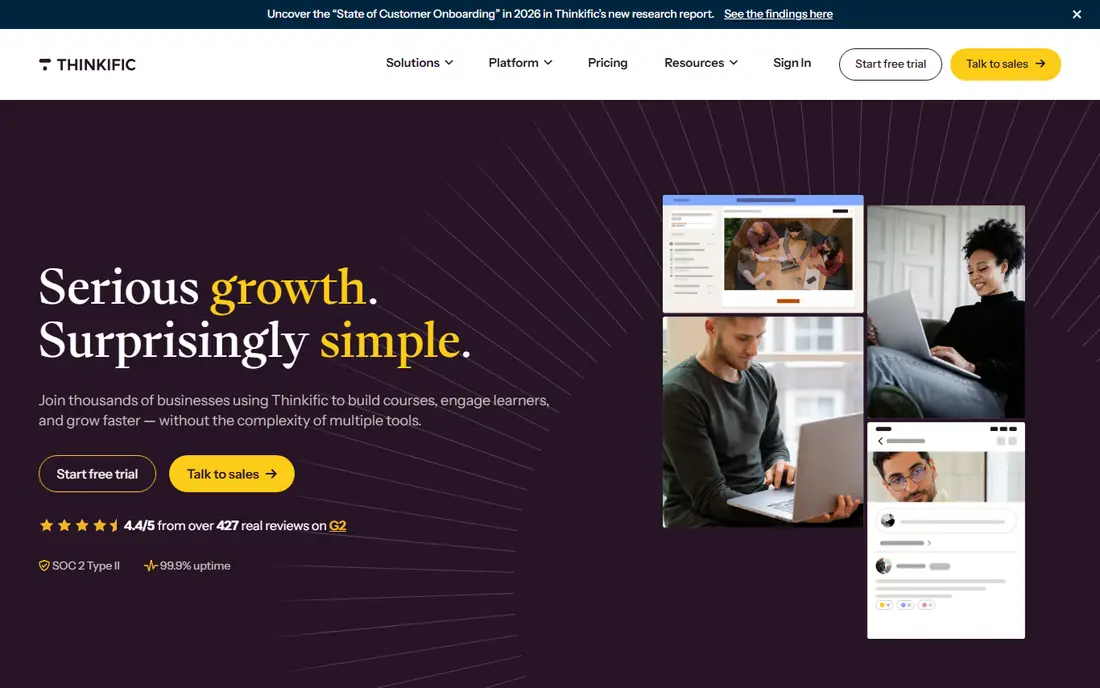
Thinkific is the learning focused rival to Teachable. Its course builder goes deeper on structure: drip schedules, prerequisites, quizzes, assignments, and certificates, which suits professional training and cohort courses as much as hobby topics. Its Basic plan is listed at $54 per month, and its headline advantage is money: with Thinkific Payments, the platform takes no cut of your sales beyond card processing.
Comparison sources list a free plan for testing, though plan names and limits have changed over time, so confirm the current offer before you build on it. Thinkific suits a creator who cares how the course teaches, and who is happy to run email and marketing in separate tools.
What we like- No platform transaction fee when you use Thinkific Payments
- Strong quizzes, assignments, and certificates
- Free plan lets you test a course before paying
- Unlimited courses on paid plans
Watch out for- Using your own Stripe or PayPal can add a per plan gateway fee
- Marketing tools are thinner than all in one rivals
- Design flexibility takes work
- Some features sit on higher tiers than the price suggests
#3Podia
Best for: Simple storefronts for digital products4.4/5 on
G2 (23 reviews, checked Oct 2026)
Visit podia.com
Starting price$49 per month
Free planNo

Podia sells calm. One dashboard holds your courses, digital downloads, coaching offers, and email list, and the pages it builds look clean without design work. Its Mover plan is listed at $49 per month with a 5 percent transaction fee; the Shaker plan costs more per month and takes no platform cut, the same crossover pattern as Teachable.
Podia's course tools are deliberately simple. If your course needs branching assessments or SCORM files, look elsewhere. If your business is a creator selling a course, a template pack, and a membership from one link, Podia covers the whole stack for less than the all in one giants charge.
What we like- Courses, downloads, coaching, and webinars in one simple storefront
- Email marketing included rather than bolted on
- Friendly pricing page with no surprise tiers
- Shaker plan removes the transaction fee
Watch out for- Mover plan takes 5 percent of sales
- Course features are simpler than Thinkific or LearnWorlds
- Community and product limits apply on lower plans
- Design control is limited
#4Kajabi
Best for: All in one course businesses4.1/5 on
G2 (93 reviews, checked Oct 2026)
Visit kajabi.com
Starting price$179 per month
Free planNo
Kajabi is the premium all in one. A course business on Kajabi runs its site, checkout, email campaigns, automations, and community in one login, and pays one bill. Comparison sources cite its Basic plan at $179 per month on monthly billing, less on annual, with no platform transaction fee when payments run through Kajabi Payments.
That price only makes sense against the tools it replaces. Add an email platform, a funnel builder, and a course host together and Kajabi's number looks less steep. For a creator selling one course, it is too much platform. For an established educator with a list and several products, it is the tidy option, and its user base of coaches and experts reflects that.
What we like- Courses, website, email, funnels, and payments in one system
- No platform fee when you use Kajabi Payments
- Strong automation and pipeline tools
- Polished student experience on web and mobile apps
Watch out for- Most expensive entry price here, cited at $179 per month for Basic
- Product and contact caps on lower plans
- Using your own gateway brings back a percentage fee
- More platform than a single course needs
#5LearnWorlds
Best for: Interactive, assessment heavy courses4.7/5 on
G2 (397 reviews, checked Oct 2026)
Visit learnworlds.com
Starting price$29 per month
Free planNo
LearnWorlds is built for people who think like teachers. Its video player adds questions, buttons, and notes inside the lesson, its assessment tools go well past multiple choice, and it supports SCORM packages, which corporate training buyers require. Its Starter plan at $29 per month is the cheapest entry on this list.
The catch sits in the fee line: Starter adds a flat $5 charge per paid enrollment. On a $200 course that is minor; on a $20 course it takes a quarter of the price. Consistent sellers should price the Pro Trainer tier, which removes the fee, before choosing. For interactive learning and training businesses, LearnWorlds offers depth the creator platforms do not match.
What we like- Interactive video with questions and notes inside the player
- Strong assessment engine and SCORM support
- Lowest entry price here at $29 per month
- White label options and a branded app add on
Watch out for- Starter charges $5 per paid enrollment, which punishes cheap courses
- Advanced video editing features sit on the top plan
- Marketing tools are basic, email is limited
- Interface terms can confuse new users
Starting price$41 per month
Free planNo
Mighty Networks starts from the community and adds the course. Members join for the people, the events, and the conversation, and courses sit inside that space as part of membership. For creators whose real product is a group, coaches, professional networks, hobby communities, that order of priorities is correct, and its mobile apps are a genuine strength.
As a pure course platform it is thinner: assessments, certificates, and structured learning paths are not its centre. Price listings cite entry at $41 per month. Choose Mighty Networks when completion through community matters more than curriculum mechanics, because students finish courses other people are taking with them.
What we like- Community and courses designed together from the start
- Strong mobile apps, since members live on phones
- Events, challenges, and member profiles built in
- Entry pricing cited at $41 per month
Watch out for- Course tools are lighter than dedicated LMS platforms
- Discovery and feed behaviour take tuning
- Transaction structure varies by plan and payment setup
- Not built for formal assessment or compliance training
#7Circle
Best for: Community led courses and memberships4.5/5 on
G2 (544 reviews, checked Oct 2026)
Visit circle.so
Starting price$89 per month
Free planNo
Circle is the modern community platform that many course businesses now build on. It pairs discussion spaces, events, and live sessions with a course area, so a cohort program or membership can run in one branded home. Its Professional plan is cited at $89 per month with a 2 percent platform fee, dropping on higher tiers.
Circle suits programs where the learning is social: cohorts, masterminds, and memberships with lessons attached. Its course engine will not satisfy a training department, and it does not try to. Against Mighty Networks, Circle generally feels more like polished software and less like a social network, which is a matter of taste worth trialling with your own members in mind.
What we like- Polished community software with courses built in
- Clean, modern interface members recognise from social apps
- Workflows and automations on higher plans
- Good fit for cohort programs and paid memberships
Watch out for- Professional plan cited at $89 per month with a 2 percent transaction fee
- Course features are simpler than LMS specialists
- Costs climb with tiers and member counts
- Younger platform than the course incumbents
#8Udemy
Best for: Reaching a built in marketplace audience4.5/5 on
G2 (757 reviews, checked Oct 2026)
Visit udemy.com
Starting priceFree
Free planYes
Udemy is the marketplace option. Publishing costs nothing, and your course appears in a store with tens of millions of students, which no platform on this list can offer a beginner. In exchange, Udemy controls pricing, runs deep discount sales, keeps the customer relationship, and shares revenue on terms that leave instructors a minority of many sale prices.
The sensible use is strategic: validate a topic, gather reviews and students, and learn what people ask, then build your flagship offer on a platform you own. Treating Udemy as your whole business means building on rented land with a landlord who sets your prices. As a discovery channel beside your own school, it earns its place.
What we like- Free to publish with no monthly bill
- Tens of millions of students already shop there
- Udemy handles marketing, payments, and hosting
- Useful for testing a topic before building your own school
Watch out for- Revenue share is steep, and Udemy's promotions set your price
- You get no student email list
- Heavy discounting trains buyers to wait for sales
- Your course competes beside thousands of near duplicates
How we chose
We compared the platforms course sellers actually shortlist, using 2026 pricing comparisons from SMB Compare, Learning Revolution, and CartMango, checked in October 2026, and the platforms' own plan pages. The deciding figures were entry price, the platform's cut per sale, and whether a free plan or trial exists, because those decide a small course business's margin. We kept one marketplace, Udemy, because its audience is a real alternative to owning a platform, and we kept community led options, Mighty Networks and Circle, because many courses now sell as memberships. We left out WordPress plugins and enterprise LMS products, which serve different buyers.
Do the fee maths on your own numbers before anything else. A platform cut is forever rent on your work. Take your expected course price and monthly sales, and price each platform twice: the plan cost plus its percentage or per enrollment fee, plus card processing, which nobody removes. The crossover points are low. A 7.5 percent fee eats a $30 monthly plan saving at only a few hundred dollars of sales.
Then decide what you are really selling. A structured curriculum with assessment points to Thinkific or LearnWorlds. A product shelf and an email list point to Podia. A community points to Mighty Networks or Circle. An audience you do not have points to Udemy first. Finally, check the exit: can you export your student list, your content, and your sales records. Platforms change owners and prices, and the creators who fare best are the ones who can leave.
Frequently asked questions
Which course platform takes the smallest cut?
Thinkific takes no platform cut when you use its own payment service, and Kajabi takes none through Kajabi Payments, though card processing still applies everywhere. On entry plans, Teachable takes 7.5 percent, Podia 5 percent, Circle 2 percent, and LearnWorlds a flat $5 per enrollment. At steady sales, a higher plan with no cut is usually cheaper than a cheap plan with one.
Is a free course platform worth it?
For testing, yes. A free plan or Udemy's free publishing lets you learn whether strangers finish and value your course before you pay monthly fees. For a business, free tiers limit products, branding, and student data, and marketplaces keep the customer list. Most sellers who gain traction move to a paid platform they control within the first year.
Do I need a platform with email built in?
Only if you will actually send email from it. Kajabi and Podia include real email tools, which removes a subscription and a set of integrations. Thinkific and LearnWorlds expect you to bring an email service, which costs more and connects more loosely, but gives you a specialist tool. Count the total stack cost, not the platform price alone.
Can I move my course to another platform later?
Yes, with work. Videos, files, and student lists export from most platforms here, though course structure, quizzes, and page design must be rebuilt by hand. Sales history and student progress rarely transfer cleanly. Choose as if you will stay for two years, and keep your own copies of every video and your full student email list from day one.
Sources we checked (0)
Is your product missing or out of date?
We review this list regularly. Vendors can request a listing, send updated pricing or ask about featured placement.

Shihab Mia · Founder, Rankite
Shihab has 5+ years in B2B and SaaS SEO. He writes Rankite's software buying guides from pricing pages, documentation and public user reviews. More about Shihab.