How we make this list: we compare pricing pages, product documentation and public user reviews. Ratings come from G2, Capterra or Trustpilot, with the date we checked them.
Key takeaways
- Transaction fees matter as much as the monthly price, since a low plan with a high fee can cost more after a few sales.
- Teachable and Thinkific suit course first sellers, while Kajabi and Podia suit sellers who also need email, community, and memberships.
- Udemy and Skillshare style marketplaces bring an audience, but they control pricing, discounts, and student data far more than a hosted platform.
- Check mobile apps, certificates, quizzes, drip content, and tax handling before you choose, since moving a school later takes real work.
- Start with one flagship course and a simple checkout, then add community or coaching only after students ask for it.
Quick comparison
| Tool | Best for | Starting price | Free plan |
|---|
 Teachable Teachable | First course with strong checkout | $39 per month | Free trial |
 Thinkific Thinkific | Structured courses and training teams | See website | Yes |
 Podia Podia | Simple all in one creator store | $49 per month | Free trial |
 Kajabi Kajabi | Courses plus email and funnels | $179 per month | Free trial |
 LearnWorlds LearnWorlds | Interactive and assessment heavy courses | $29 per month | Free trial |
 Mighty Networks Mighty Networks | Courses inside a paid community | See website | Free trial |
 Systeme.io Systeme.io | Budget all in one selling | $17 per month | Yes |
 Udemy Udemy | Reaching a large marketplace audience | Free to publish | Yes |
Is your product missing or out of date?
We review this list regularly. Vendors can request a listing, send updated pricing or ask about featured placement.
#1Teachable
Best for: First course with strong checkout3.8/5 on
G2 (52 reviews, checked Oct 2026)
Visit teachable.com
Starting price$39 per month
Free planFree trial
Teachable gives a new course seller a clear path from outline to paid enrolment. The course builder handles video, text, quizzes, and downloads, while Teachable Payments handles checkout, local payment methods, and tax calculation in many countries. That combination removes two tasks that often stall a first launch, namely payment setup and tax paperwork.
Student experience is a second strength. Learners get a dashboard, progress tracking, certificates on higher plans, and mobile apps, which helps completion for courses that run over several weeks. AI tools can draft course outlines, subtitles, and translations, which helps a teacher reach students in more than one language without rebuilding each lesson by hand.
The main cost question is the Starter fee. That plan carries a transaction fee on each sale, while higher plans remove it when using Teachable Payments, so a seller should model fees at expected sales volume rather than looking at the monthly price alone. Design flexibility is also narrower than a self hosted site, but for most first courses the speed and checkout depth outweigh that limit.
What we like- Built in payments and tax handling
- Student apps for iOS and Android
- AI creation and translation tools
Watch out for- Transaction fee on the Starter plan
- No permanent free plan
- Design control is more limited than a custom site
#2Thinkific
Best for: Structured courses and training teams4.5/5 on
G2 (416 reviews, checked Oct 2026)
Visit thinkific.com
Starting priceSee website
Free planYes
Thinkific suits teachers and training teams that care about structure. Lessons can follow a set path with prerequisites, quizzes, assignments, and certificates, which works well for professional training, onboarding, and cohort style programs. The drag and drop builder keeps that structure manageable, and AI tools can help draft content and page design during setup.
Commerce tools are built for selling, not just for taking a payment. Checkout supports one time payments, subscriptions, payment plans, bundles, coupons, and upsells, with tax and invoicing tools for business buyers. Community spaces sit inside the learner hub, so discussion stays close to lessons rather than moving to a separate group that students forget to open.
The trade offs are price clarity and marketing depth. Pricing can appear in different currencies depending on region, so a US buyer should confirm the dollar price on the pricing page before budgeting. A branded mobile app is an extra cost, and email marketing is less complete than a full all in one suite. For a course first business or a training team, those limits are manageable.
What we like- Strong course builder and assessments
- Community inside the learner hub
- No fee with Thinkific Payments on paid plans
Watch out for- Pricing pages vary by region and currency
- Branded mobile app costs extra
- Marketing tools are thinner than Kajabi
#3Podia
Best for: Simple all in one creator store4.4/5 on
G2 (23 reviews, checked Oct 2026)
Visit podia.com
Starting price$49 per month
Free planFree trial
Podia appeals to a creator who wants one dashboard instead of four subscriptions. Courses, digital downloads, coaching, memberships, community, and email sit in the same account, with a site builder that needs no code. That simplicity helps a solo teacher who writes, records, markets, and supports students alone, since there is less time spent syncing tools.
Student flow is straightforward. A buyer can purchase a course, join a community space, book coaching, and receive emails without creating separate accounts for each product. Drip content, quizzes, and downloads cover most standard courses, and email tools handle welcome paths and launches without an outside platform. Support and setup help are often cited by creators as a reason to stay, since small teams need answers fast.
Limits appear at scale and in assessment depth. The entry plan carries a transaction fee, so higher volume sellers should compare the next plan or model the fee against sales. Advanced training teams that need SCORM, complex grading, or deep reporting may find LearnWorlds or Thinkific stronger. For a creator selling courses alongside downloads and memberships, Podia keeps daily work simple.
What we like- Courses, email, community, and coaching in one dashboard
- Simple setup for solo creators
- No code site builder
Watch out for- Transaction fee on the entry plan
- Less advanced assessment tooling
- Fewer enterprise training features
#4Kajabi
Best for: Courses plus email and funnels4.1/5 on
G2 (93 reviews, checked Oct 2026)
Visit kajabi.com
Starting price$179 per month
Free planFree trial
Kajabi is not just a course host, it is a business system for experts who sell knowledge in several forms. Courses, coaching, communities, memberships, newsletters, podcasts, and funnels live in one account, with payments and email connected to each product. That connection means a funnel, a launch email, and a checkout can share the same audience data without exports.
For a creator with an established audience, the value is time saved across launches. Landing pages, automations, and upsells can be built once and reused, while analytics show product, email, and revenue results in one view. Kajabi Payments removes the platform transaction fee, although standard payment processing fees still apply, which helps higher volume sellers who would otherwise lose a share on every sale.
Price is the clear barrier. The entry plan costs far more than Teachable, Podia, or LearnWorlds, and a seller with one small course may not use enough of the suite to justify it. Setup also takes longer, since the system offers many products and settings. A creator who will use email, funnels, and community together will get more value than a teacher who only needs a course player.
What we like- Courses, email, funnels, and payments in one system
- Strong landing page and automation tools
- No platform fee with Kajabi Payments
Watch out for- Highest entry price in this list
- Learning curve for the full suite
- Overkill for a single small course
#5LearnWorlds
Best for: Interactive and assessment heavy courses4.7/5 on
G2 (397 reviews, checked Oct 2026)
Visit learnworlds.com
Starting price$29 per month
Free planFree trial
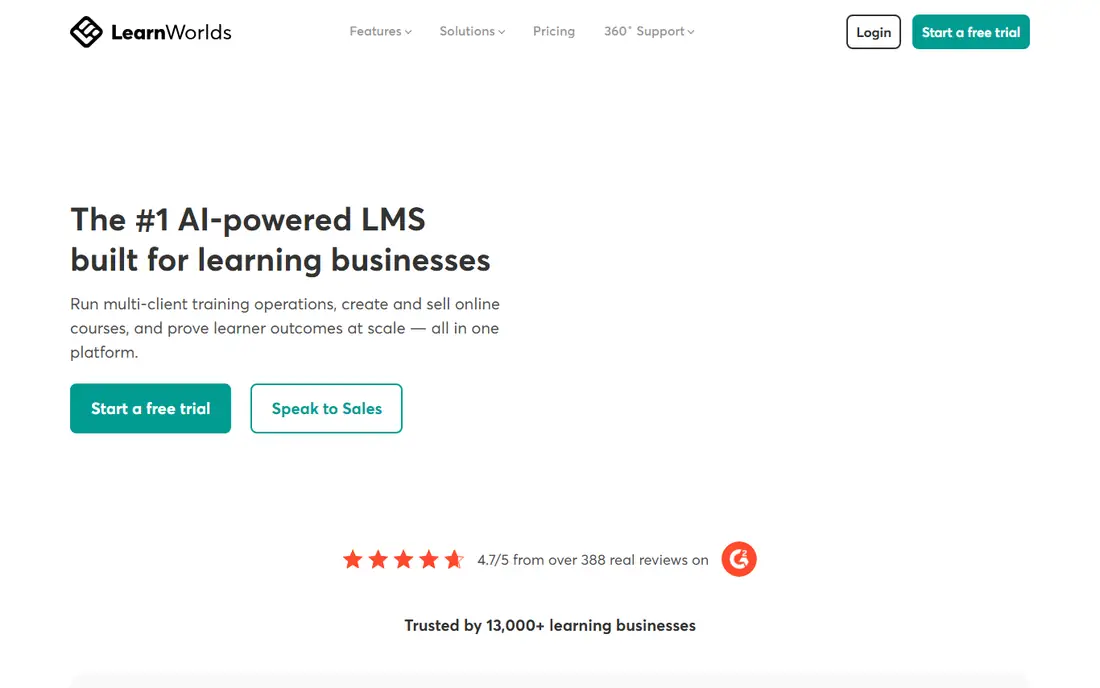
LearnWorlds stands out when a course must do more than play video. Interactive video can add quizzes, transcripts, and tables of contents inside the lesson, while assessments, surveys, and certificates support training that must prove learning. SCORM support matters for corporate clients that need to track completion in their own systems, which many simple creator platforms do not offer.
Site design is another strength. Templates cover many industries, and a school can use its own domain and branding. Commerce tools handle bundles, memberships, and promotions, with integrations for common marketing and payment tools.
The Starter plan carries a per sale fee, so a seller should check that cost against expected volume and compare the next plan. Some advanced reporting, white label, and mobile features also sit on higher tiers, which means the headline price does not always show the full cost of a polished school. For interactive or credential focused courses, the learning tools justify a closer look.
What we like- Interactive video and strong assessments
- White label site and mobile options
- SCORM support for training teams
Watch out for- Per sale fee on the Starter plan
- Advanced features spread across higher plans
- Setup needs care for large schools
Starting priceSee website
Free planFree trial
Mighty Networks flips the usual order, by putting community first and courses inside it. Members join a space, meet each other, attend events, and take courses without leaving the app. That structure suits memberships, cohorts, and coaching programs where peer support and live events keep people renewing, not just course content alone.
Native mobile apps are a real advantage here. Members see the community on their home screen, get push notifications, and return more often than they would to a web only course site. Hosts can run challenges, weekly events, and themed months, with AI help for planning community activity. Courses, events, and memberships can be sold together, which helps a host test a paid challenge before building a full course.
Course depth is the limit. A training team that needs complex assessments, prerequisites, and SCORM will find Thinkific or LearnWorlds stronger. Transaction fees on lower plans also need modelling, and fully branded apps sit on higher tiers. For a creator whose main product is belonging and ongoing access, Mighty Networks fits better than a course only host.
What we like- Native mobile apps for members
- Community, courses, and events together
- Strong member engagement tools
Watch out for- Transaction fees on lower plans
- Course tools are less deep than Thinkific
- Branded apps cost extra on higher tiers
#7Systeme.io
Best for: Budget all in one selling4.8/5 on
G2 (751 reviews, checked Oct 2026)
Visit systeme.io
Starting price$17 per month
Free planYes
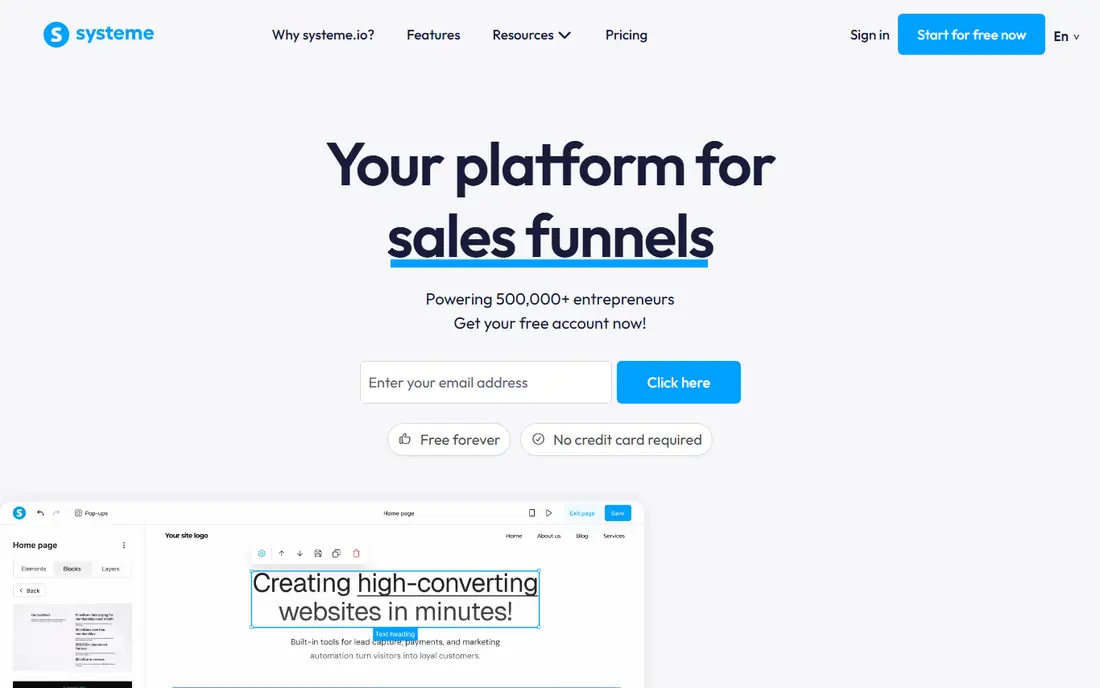
Systeme.io suits a beginner who needs to validate an idea before spending much. The free plan allows a small course, a funnel, and email sends with limits, so a seller can test a landing page and a first sale without a monthly bill. Paid plans add more contacts, funnels, and course capacity at prices well below Kajabi or Teachable.
Funnels are the core idea. A seller can build a landing page, an email sequence, a checkout, and a course in one flow, which reduces the number of tools a new business must learn. Email marketing, blogging, and affiliate tools sit in the same account, so a small launch can run without outside software. That breadth helps a solo creator on a tight budget.
The trade off is polish and depth. The course player, design options, and assessment tools are simpler than Thinkific or LearnWorlds, and larger training teams will outgrow the system sooner. A seller who later needs deep reporting, SCORM, or a branded app should plan a migration path. For a first course or a low cost test, Systeme.io keeps the risk low.
What we like- Free plan to start
- Funnels, email, and courses in one account
- No platform transaction fee on paid plans
Watch out for- Design and course player are simpler
- Fewer advanced learning features
- Support and templates vary by plan
#8Udemy
Best for: Reaching a large marketplace audience4.5/5 on
G2 (757 reviews, checked Oct 2026)
Visit udemy.com
Starting priceFree to publish
Free planYes
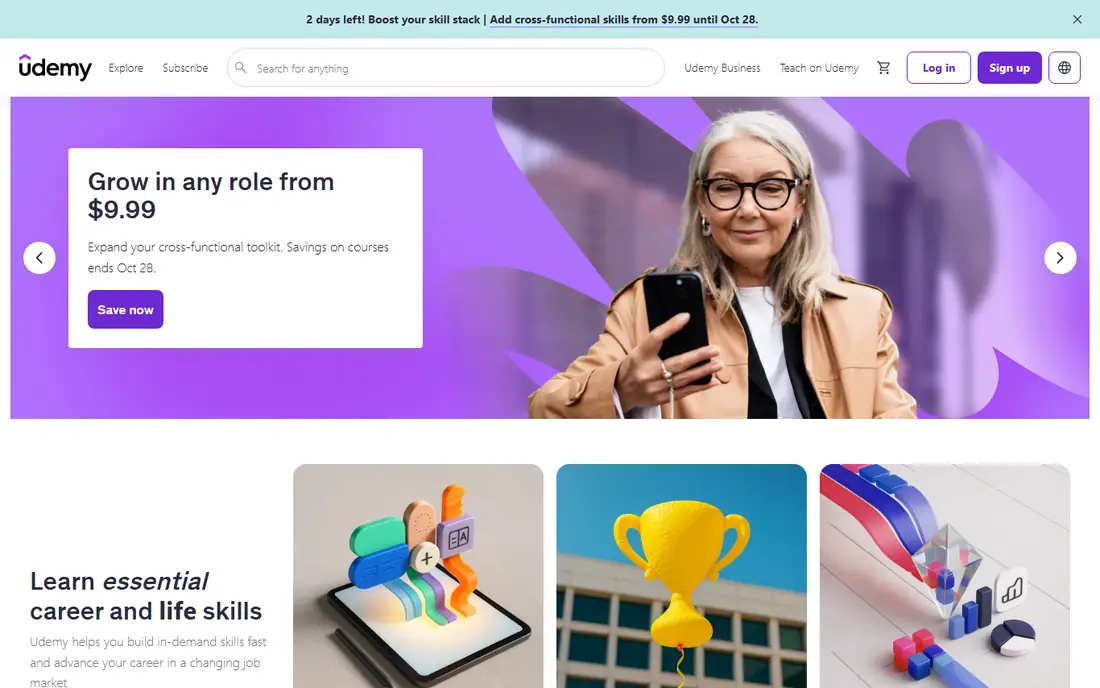
Udemy works in a different way from every hosted platform in this list, because it is a marketplace first. A teacher publishes a course, Udemy lists it alongside thousands of others, and students discover it through search, recommendations, and promotions. That discovery can bring sales to a new teacher who has no audience yet, which is hard to match with a standalone site.
Listing is free, but the revenue model needs careful reading. Udemy keeps a large share of sales from its own marketing, and a smaller share when a teacher drives the sale. Pricing is also shaped by marketplace norms, so a teacher cannot always hold a premium price as on Teachable or Podia.
Student data and branding are also more limited. A teacher does not own the same direct relationship as on a hosted school, and moving students to an outside list must follow Udemy rules. For a teacher who wants reach first and is willing to trade control for discovery, Udemy is a useful channel. For a teacher building a brand and a direct audience, a hosted platform usually fits better, with Udemy as a second channel rather than the only home.
What we like- Large built in student audience
- No monthly platform fee to list
- Marketing and discovery handled by the marketplace
Watch out for- Large revenue share on marketplace sales
- Limited control over pricing and discounts
- Less access to student data
How we chose
We compared vendor pricing pages, feature documentation, and public reviews on G2, Capterra, and Reddit, with a focus on selling rather than just hosting video. We checked transaction fees, checkout options, tax handling, student apps, quizzes, certificates, drip content, community tools, and data export. We also weighed setup time, design control, and fit for solo creators, coaches, and training teams. We treated total selling cost as a central test.
How to choose the right selling model
Start by deciding whether you want an audience or ownership. A hosted platform gives you your own site, checkout, pricing, and student list, but you must bring traffic through email, search, social, or partnerships. A marketplace gives you discovery, but it controls pricing, discounts, and much of the student relationship. Many teachers use both, with a flagship course on their own platform and a shorter course on a marketplace for reach.
Next, model total cost at three sales levels. Add the monthly plan, the transaction fee per sale, payment processing fees, and any extra cost for a mobile app or higher tier features. A plan with no transaction fee can beat a cheaper plan once sales pass a modest threshold, while a free plan with a fee can still win for a slow first launch. Run the numbers for 10, 50, and 200 sales before you choose.
Finally, test the student path yourself. Enrol as a student, watch on a phone, complete a quiz, and check how progress, certificates, and support feel from the learner side. A course that is easy to buy but hard to finish will hurt refunds and reviews. Check video hosting limits, file upload sizes, and export options for student lists and content, so a future move stays possible.
Frequently asked questions
Do I need an audience before I choose a hosted platform?
No, but you need a plan to find students, since a hosted platform does not bring traffic on its own. Email, search content, social video, partnerships, and paid ads are common paths, and a free workshop or lead magnet often works better than launching straight to a paid course. A marketplace can help with early discovery, but it should not replace building your own list.
Which platform has the lowest total cost for a first course?
Systeme.io has the lowest entry cost, with a free plan and low paid plans, while Teachable and LearnWorlds sit in the middle for course first sellers. Total cost depends on transaction fees and sales volume, so a low monthly price with a fee can cost more than a higher plan with no fee after enough sales. Model fees at your expected sales before deciding on price alone.
Can I sell coaching and memberships on the same platform?
Yes, on Podia, Kajabi, Mighty Networks, and Teachable, coaching, memberships, and courses can share one site and checkout. Thinkific and LearnWorlds focus more on courses and training, with community and membership options that vary by plan. Check whether booking, recurring billing, and member access work in the plan you intend to buy.
How do transaction fees work?
A transaction fee is a share or a fixed amount the platform takes on each sale, on top of payment processing fees charged by Stripe, PayPal, or a similar provider. Some platforms remove the platform fee on higher plans or when using their own payments system, while others keep a fee on every plan. Read the pricing page for the exact plan, since fee rules change by tier and payment method.
Should I use Udemy or my own platform?
Use Udemy if discovery matters more than pricing control and direct student ownership, especially for a first course with no audience. Use your own platform if you want to set prices, keep more of each sale, build an email list, and control branding and student experience. Many teachers publish a shorter course on Udemy for reach and sell a fuller program on their own site.
Can I move my course to another platform later?
You can usually export student lists and rebuild lessons, but video files, quizzes, certificates, and automation logic often need manual work. Check export options, video hosting, and content ownership before you build a large school. Keep original video, slides, and quiz files outside the platform so a move does not depend on one export tool.
Sources we checked (8)
- https://teachable.com/pricing
- https://www.thinkific.com/pricing
- https://www.podia.com/pricing
- https://kajabi.com/pricing
- https://www.learnworlds.com/pricing
- https://www.mightynetworks.com/pricing
- https://systeme.io/pricing
- https://www.udemy.com/pricing
Is your product missing or out of date?
We review this list regularly. Vendors can request a listing, send updated pricing or ask about featured placement.

Shihab Mia · Founder, Rankite
Shihab has 5+ years in B2B and SaaS SEO. He writes Rankite's software buying guides from pricing pages, documentation and public user reviews. More about Shihab.