How we make this list: we compare pricing pages, product documentation and public user reviews. Rankite is independent; if a vendor ever pays for a featured spot, that listing is clearly labeled Partner.

Key takeaways
- Squarespace is the most complete pick for a photographer who also needs bookings, a store, and a blog in one place, but it is not cheap and has no free plan.
- Format, Pixpa, and Pixieset are built for photographers first, with client galleries and proofing tools the general builders treat as afterthoughts.
- Adobe Portfolio is effectively free if you already pay for Creative Cloud, though the templates are more limited than a dedicated portfolio builder.
- SmugMug and Zenfolio earn their keep on print sales and delivery workflows rather than on pure site design.
A portfolio site has exactly one job: make a stranger trust your eye within about a minute. Everything else, templates, pricing pages, client proofing, is just the cost of keeping that one job running. The eight platforms below all clear that bar, but they charge you for very different extras, so the right pick depends on whether you sell prints, deliver client galleries, or just need to look impressive when an art director Googles you.
Quick comparison
| Tool | Best for | Starting price | Free plan |
|---|
 Squarespace Squarespace | photographers who want site, store, and bookings in one | $19 per month (billed annually) | Free trial (14 days) |
 Format Format | photographers who want a site built only for photos | $8 per month (billed annually) | Free trial (14 days) |
 Pixpa Pixpa | photographers on a tight budget | See website | Free trial (15 days) |
 SmugMug SmugMug | photographers selling prints and stock | $20 per month (billed annually) | Free trial (14 days) |
 Adobe Portfolio Adobe Portfolio | photographers already paying for Creative Cloud | See website | No |
 Pixieset Pixieset | client gallery delivery and proofing | $10 per month | Yes |
 Zenfolio Zenfolio | photographers who want delivery plus print fulfillment | $7 per month (billed annually) | Free trial |
 Wix Wix | photographers who want a free start | $17 per month (billed annually) | Yes |
Is your product missing or out of date?
We review this list regularly. Vendors can request a listing, send updated pricing or ask about featured placement.
Starting price$19 per month (billed annually)
Free planFree trial (14 days)
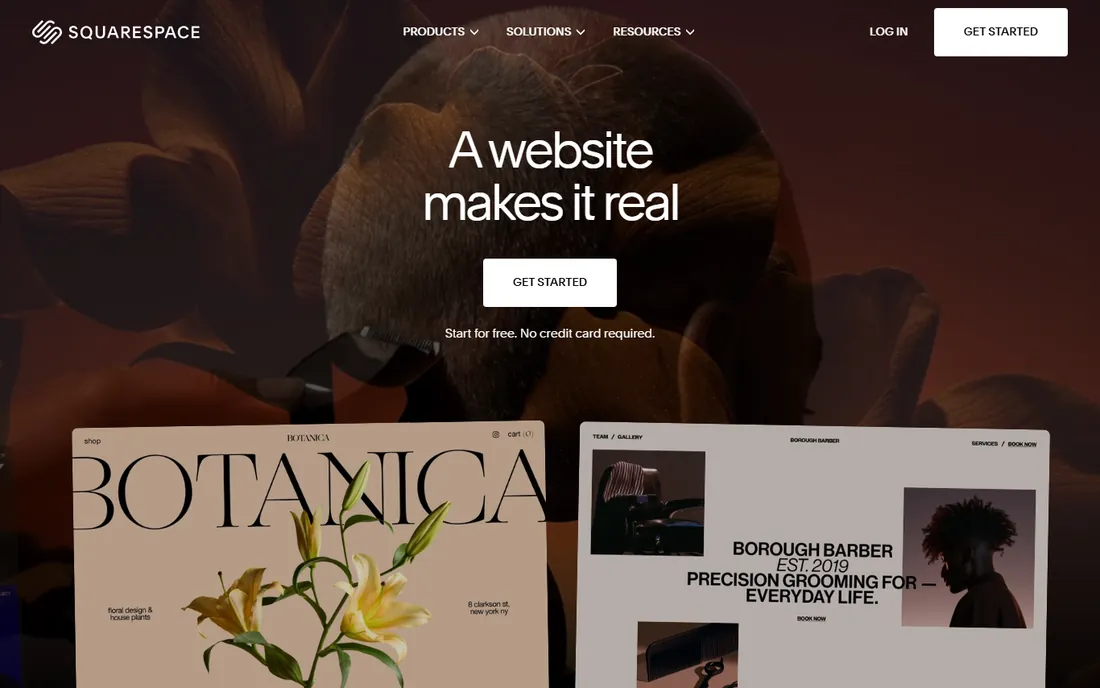
Squarespace is the default recommendation for a reason: it hands you a site that looks good on day one and keeps growing with your business. The template library includes photography layouts that handle full-bleed galleries and client work pages well, and you can add print sales, scheduling, and invoicing without bolting on third-party tools. Squarespace's own FAQ confirms subscriptions start at $19 per month after a free 14-day trial, and hosting, SSL, and security are all included in the price.
The catch is that Squarespace is priced like the general website builder it is, not like a photography tool. You pay for features a lot of shooters never touch, and while you can sell prints, you do not get the photographer-specific gallery delivery workflows that Format, Pixieset, or Zenfolio offer. If you plan to stay on the Basic plan mostly to show work and take inquiries, consider whether a cheaper photography-first tool does everything you actually need.
What we like- Polished photographer templates
- Built-in commerce, scheduling, and email marketing
- Free domain for the first year on annual plans
Watch out for- No free plan at any level
- Template lock-in makes big redesigns fiddly
#2
Format
Best for: photographers who want a site built only for photos
Visit format.com
Starting price$8 per month (billed annually)
Free planFree trial (14 days)
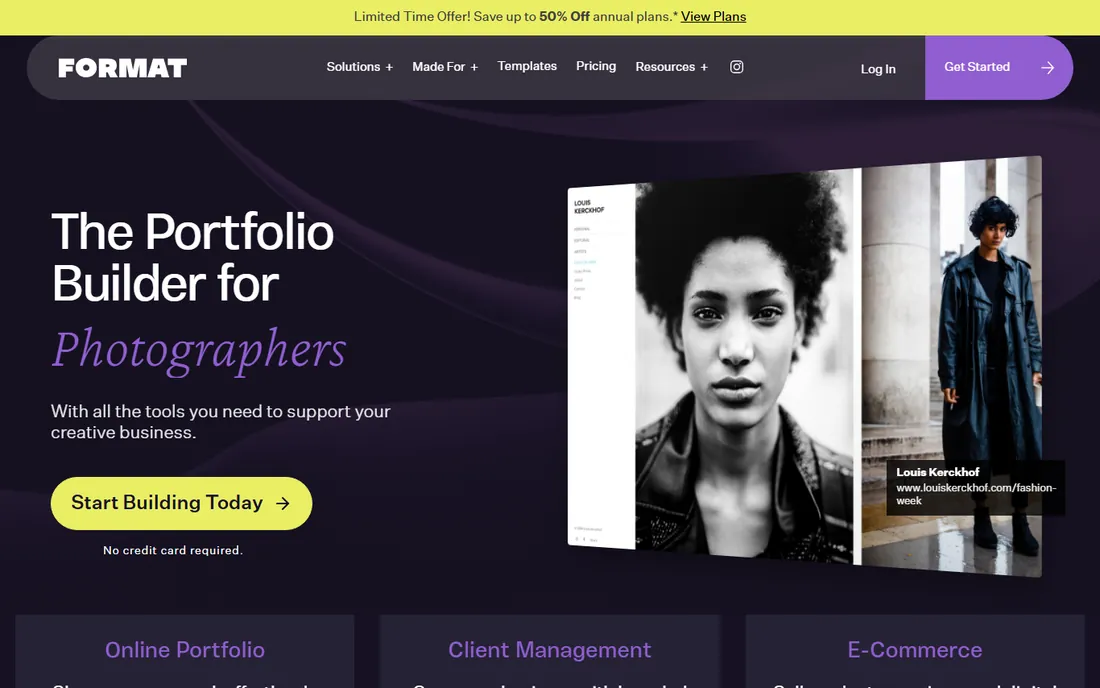
Format has been building portfolio websites for photographers since before that was a crowded category, and it shows in the details. The templates are designed around image work rather than adapted from business layouts, and the built-in client gallery tools let you share private proofing galleries without a separate service. Pricing from the vendor's own pricing page starts at $8 per month billed annually on the Basic plan, with Pro at $11 and Pro Plus at $13, and a 14-day free trial before you pay anything.
Format is the pick when the website itself is the product and you do not need a blog empire or a full online store. The honest tradeoff is reach: fewer templates to choose from, fewer third-party integrations, and less marketing firepower than Squarespace or Wix. For most working photographers, that is a fair trade. Your clients look at the images, not your plugin stack.
What we like- Templates designed specifically for photographers
- Client galleries and proofing included
- Competitive pricing for what it offers
Watch out for- Smaller ecosystem than general builders
- Fewer integrations for marketing and commerce
Starting priceSee website
Free planFree trial (15 days)
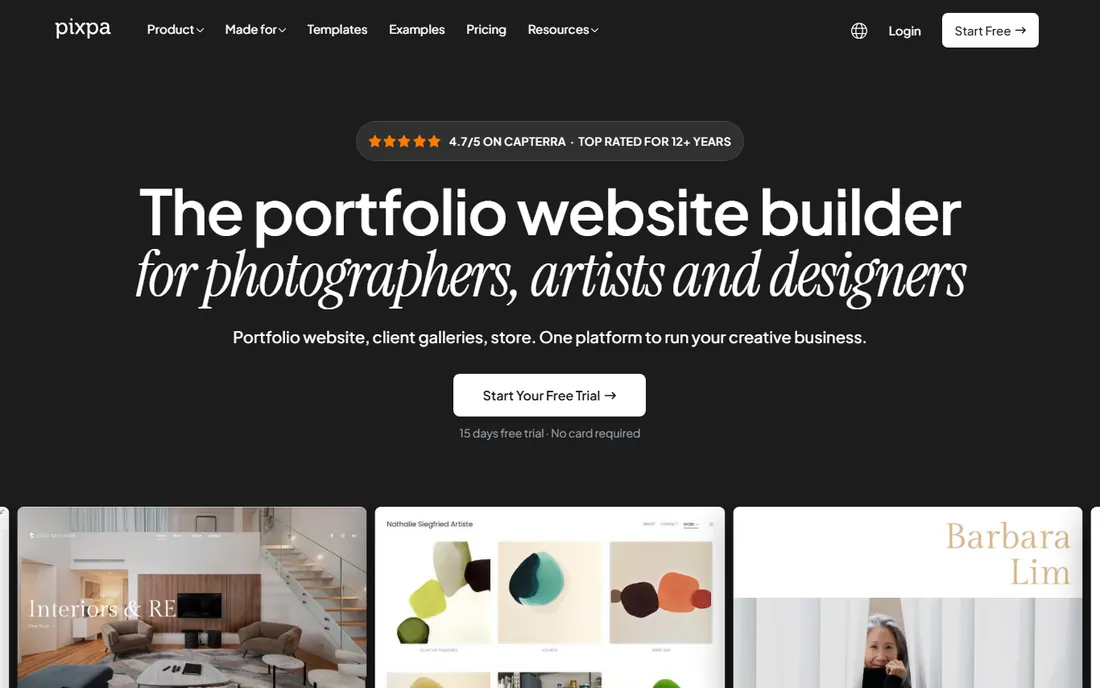
Pixpa's pitch is simple: everything a photographer needs, at a fraction of the cost of the big names. The vendor's own blog states that Pixpa plans start at $5.40 per month, which undercuts nearly every competitor on this list, and you still get portfolio galleries, client proofing galleries, and an online store. A 15-day free trial lets you build the site before committing to anything.
The low price comes with a smaller ecosystem. Pixpa does not have the brand recognition of Squarespace, which can matter if a client asks what your site runs on (they rarely do), and the template catalog is narrower. But for a starting photographer or a second shooter building a first professional presence, Pixpa covers the essentials at a price that is hard to argue with. Just confirm the current plan pricing on the vendor's pricing page before you commit, since promotional figures change.
What we like- Very low entry pricing
- Client galleries and storefronts included
- AI-assisted site setup
Watch out for- Smaller brand presence than the big builders
- Template depth is narrower
Starting price$20 per month (billed annually)
Free planFree trial (14 days)
SmugMug is less a website builder and more a business platform for photographers who make money from prints. The paid plans include unlimited photo storage and built-in print fulfillment through professional labs, so an outdoor, studio, or event photographer can sell directly from their galleries without setting up a separate store. Current plan details from a 2026 review put the entry Direct plan at $20 per month billed annually, with a 14-day free trial that needs no credit card.
If you do not sell prints, SmugMug is probably overkill for the price. The design tools are serviceable but less flexible than Squarespace's, and at $20 per month it costs more than several competitors that do prettier portfolio sites. Buy it for the fulfillment workflow, not the templates.
What we like- Strong print fulfillment and lab integrations
- Unlimited photo storage on paid plans
- Built for selling, not just showing
Watch out for- One of the pricier options here
- Site design flexibility trails Squarespace
Starting priceSee website
Free planNo
If you already pay for Creative Cloud, Adobe Portfolio is the easiest money you will never spend. It comes bundled with paid Creative Cloud subscriptions, including the Photography plan at $19.99 per month, and it can pull collections straight from Lightroom so your site updates when your catalog does. For a photographer whose editing workflow already lives in Adobe, that sync removes a whole chore.
The limitation is scope. Adobe Portfolio is a simple portfolio site builder, not a business platform: fewer templates, less customization, and no built-in print fulfillment or advanced commerce. It is perfect as a clean, professional presence that stays current with your Lightroom work, and inadequate if you want to run bookings, a store, and a blog from the same site.
What we like- Included with paid Creative Cloud plans
- Syncs with Lightroom collections
- Clean, simple layouts
Watch out for- Limited templates and customization
- No standalone purchase option
Starting price$10 per month
Free planYes
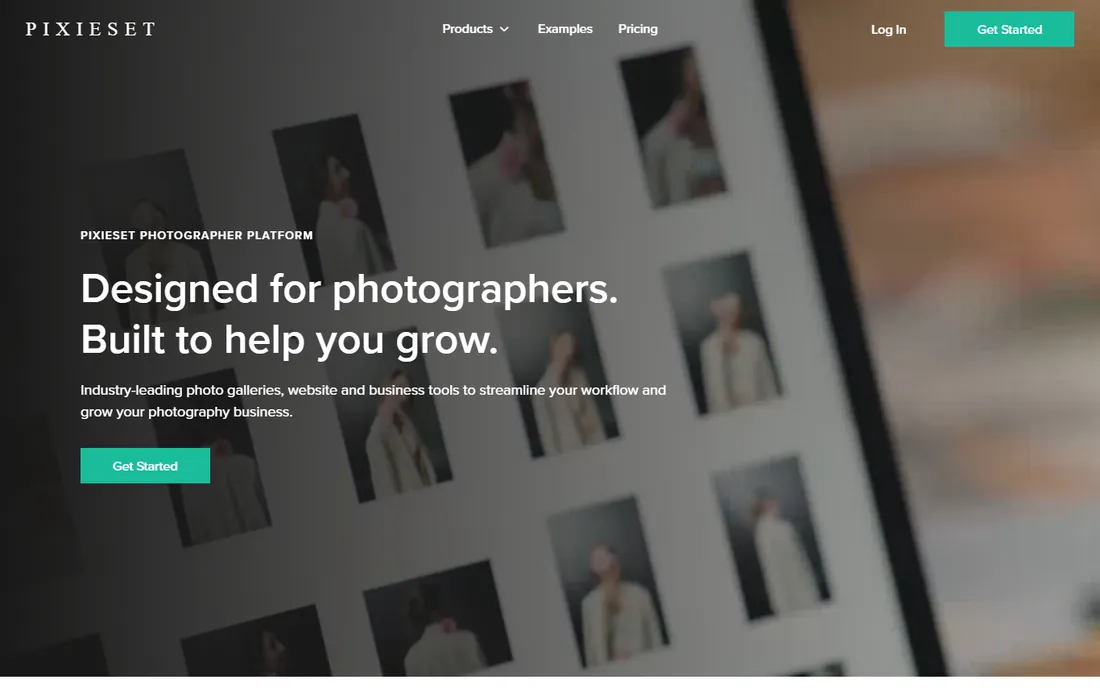
Pixieset started as a client gallery tool and grew into a full platform, which means its delivery workflows are the most refined on this list. The free plan includes 3 GB of storage with unlimited galleries, so a photographer can start delivering client work without paying anything, though the vendor takes a 15 percent commission on free-plan store sales. Paid plans start at $10 per month on Basic and remove that pressure.
Pixieset's website builder is competent but secondary to the gallery and store tools, so photographers who lead with marketing content or blogging may find Squarespace a better home. For wedding, portrait, and event shooters whose real need is delivering hundreds of images to clients and selling prints from those galleries, Pixieset's combination of a free entry point and purpose-built delivery is hard to beat.
What we like- Generous free plan with 3 GB storage
- Client galleries, store, and website in one
- Built for working photographers
Watch out for- Free plan takes a 15 percent commission on store sales
- Storage limits push heavy shooters to paid tiers
#7
Zenfolio
Best for: photographers who want delivery plus print fulfillment
Visit zenfolio.com
Starting price$7 per month (billed annually)
Free planFree trial

Zenfolio has been serving professional photographers for years, and its strength is the same as ever: client galleries tied directly to print fulfillment. The Basic plan starts at $7 per month billed annually according to current plan listings, making it one of the cheapest ways to get a portfolio site plus a working print store. A free trial lets you test the gallery workflow before paying.
The honest knock on Zenfolio is that it looks and feels its age. The interface and templates are less polished than Format or Pixpa, and younger photographers may find the design options underwhelming. If your priority is a beautiful marketing site, look elsewhere. If your priority is delivering client galleries and selling prints with minimal fuss at a low price, Zenfolio still does the job.
What we like- Low starting price
- Client galleries with print sales built in
- Long track record with working photographers
Watch out for- Interface feels dated next to newer rivals
- Template design lags behind
#8
Wix
Best for: photographers who want a free start
Visit wix.com
Starting price$17 per month (billed annually)
Free planYes
Wix is the only general builder here with a real free plan, which makes it the natural starting point for a photographer with no budget. The free tier lets you publish a working portfolio site on a Wix subdomain, and the template library includes photography layouts that look respectable. Paid plans start at $17 per month billed annually on the Light plan, which adds a custom domain and removes the ads.
Wix's photography tools are generic compared with Format, Pixieset, or Zenfolio: no real client proofing workflow, no print fulfillment worth mentioning. It is a good billboard for your work and a fine place to start, but most photographers who start earning will migrate to a photography-first platform or up to Squarespace. Treat Wix as a free on-ramp, not a final destination.
What we like- Genuinely free plan to start
- Huge template library
- Easy drag-and-drop editing
Watch out for- Free plan shows Wix branding and a Wix subdomain
- Photography-specific tools are basic
Start from how you actually make money, not from how pretty the templates are. If your income comes from client shoots, prioritize the gallery delivery workflow: private proofing galleries, download controls, and print sales from those galleries will save you more hours than any template ever will. Pixieset, Zenfolio, and SmugMug are built around exactly that workflow, and Format includes solid client galleries too.
If you do not deliver client galleries, the calculus flips. A fine-art or editorial photographer mostly needs a beautiful public site with a contact page, and Squarespace, Format, or even Adobe Portfolio will do that well. Pay attention to what the plan includes beyond the site: a custom domain, removal of platform branding, and enough storage for full-resolution images are the three things that separate a professional presence from a hobby page.
Watch the pricing structure, not just the headline number. Monthly billing is almost always more expensive than annual, free plans usually take a commission on sales or show platform branding, and some vendors charge extra for the store or booking features that attracted you in the first place. Build the site on the free trial, connect a custom domain only when you are sure, and check whether the plan you need today still fits when your image library triples.
What clients actually look at before they book
Clients do not evaluate your platform. They evaluate your images, your prices, and whether you look easy to work with, in roughly that order. The site design matters only insofar as it stays out of the way: fast loading, readable on a phone, and a contact button that is impossible to miss. Every platform on this list can do that, which is why the delivery and commerce features should drive your choice more than the template gallery.
Put your strongest work first, not your favorite work. Art directors and couples alike decide within the first few images whether to keep scrolling, so lead with the shots that won you the jobs you want more of. Keep the navigation ruthless: galleries, about, pricing or investment page, contact. Anything else is a distraction, and a platform that tempts you into adding pages is working against you.
Finally, test your own site the way a client will. Open it on your phone over a slow connection, try to find your prices, and try to contact yourself. If any of that takes more than a minute, fix it before you worry about which platform has the better template. The best platform for your photography portfolio is the one your clients can actually use.
How we chose
We compared portfolio platforms aimed at working photographers rather than general website builders alone, weighing template quality for image-heavy sites, client gallery and proofing workflows, print sales and fulfillment, pricing transparency, and free or trial options. Pricing details were taken from each vendor's own pricing page or official site content where accessible, including Format's published pricing page and Squarespace's own FAQ, with third-party plan roundups used only where the vendor page did not render prices. We also consulted public reviews and photographer community discussions to check how each platform holds up in real delivery workflows, since marketing copy tends to overstate how polished the client-facing tools are. No hands-on testing was performed; the rankings reflect documented features, pricing, and reported photographer experience.
Frequently asked questions
Do I need a paid plan to look professional as a photographer?
Not strictly, but the free options all have visible compromises. Wix's free plan shows platform branding and uses a Wix subdomain, while Pixieset's free plan takes a 15 percent commission on store sales. A custom domain on a paid plan is the single cheapest credibility upgrade you can buy, and most photographers recoup the cost with one booking.
Which platform is best for delivering client galleries?
Pixieset, Zenfolio, and SmugMug are the strongest here, since galleries and proofing are their core business rather than an add-on. Format also includes solid client gallery tools. If gallery delivery is your daily workflow, pick one of these over Squarespace or Wix, whose gallery features are more basic.
Can I sell prints directly from my portfolio site?
Yes, on several platforms. SmugMug and Zenfolio have the deepest print fulfillment integrations, Pixieset includes a store tied to your galleries, and Squarespace and Format support commerce as well. Compare commission rates and lab options before committing, since print margins vary more between platforms than the monthly fees do.
Is Adobe Portfolio enough for a working photographer?
It is enough if you already pay for Creative Cloud and mainly need a clean, current portfolio that syncs with Lightroom. It falls short if you need bookings, a real store, or client proofing galleries, in which case pair it with a delivery tool or choose a fuller platform instead.
How much should a photography portfolio site cost per year?
Between roughly $65 and $240 per year on annual billing for the entry plans on this list, from Pixpa's budget pricing up to SmugMug's $20 per month. Add the cost of a custom domain, usually $10 to $20 per year, and factor in any sales commissions on free or entry plans before comparing headline prices.
Should I switch platforms if I already have a site somewhere else?
Only if the current platform is costing you money or time. Migration means rebuilding galleries, redirecting your domain, and retraining clients on new gallery links, which is real work. Switch when you need print fulfillment, proper proofing, or a store your current tool cannot provide, not because a new template caught your eye.
Sources we checked (10)
- https://squarespace.com/
- https://www.format.com/pricing/
- https://pixpa.com/blog/best-website-builder-for-photography-portfolio
- https://smugmug.com/
- https://portfolio.adobe.com/
- https://pixieset.com/
- https://www.zenfolio.com/
- https://www.wix.com/
- https://www.reverbico.com/blog/best-platforms-for-photography-portfolio/
- https://www.picflow.com/blog/best-photography-portfolio-website-builders
Is your product missing or out of date?
We review this list regularly. Vendors can request a listing, send updated pricing or ask about featured placement.

Shihab Mia · Founder, Rankite
Shihab has spent more than a decade helping SaaS and e-commerce brands grow through search. He writes Rankite's software buying guides from pricing pages, documentation and public user reviews. More about Shihab.