How we make this list: we compare pricing pages, product documentation and public user reviews. Ratings come from G2, Capterra or Trustpilot, with the date we checked them.
Key takeaways
- Portals and execution platforms solve different problems: Backstage, Port, Cortex, and OpsLevel organize services, while Humanitec and Qovery actually provision and deploy them.
- Backstage is free and open source, but running it well needs dedicated platform staff, so smaller teams often do better with a managed portal.
- Humanitec is the strongest choice for enterprises that need one orchestration layer across clouds, tools, and now AI agents.
- Qovery suits teams that want deployments in their own cloud account without building a platform team first.
- Atlassian Compass is transitioning into Atlassian DX, so new buyers should confirm migration plans before committing.
Quick comparison
| Tool | Best for | Starting price | Free plan |
|---|
 Backstage Backstage | Custom open source portals | Free | Yes |
 Port Port | Managed portal with self service | See website | Free trial |
 Humanitec Humanitec | Enterprise orchestration | See website | No |
 Cortex Cortex | Scorecards and standards | See website | No |
 OpsLevel OpsLevel | Service ownership and maturity | See website | No |
 Qovery Qovery | Deployments in your own cloud | See website | Free trial |
 Roadie Roadie | Engineering context for agents | See website | No |
 Atlassian Compass Atlassian Compass | Atlassian centered teams | See website | No |
Is your product missing or out of date?
We review this list regularly. Vendors can request a listing, send updated pricing or ask about featured placement.
Starting priceFree
Free planYes
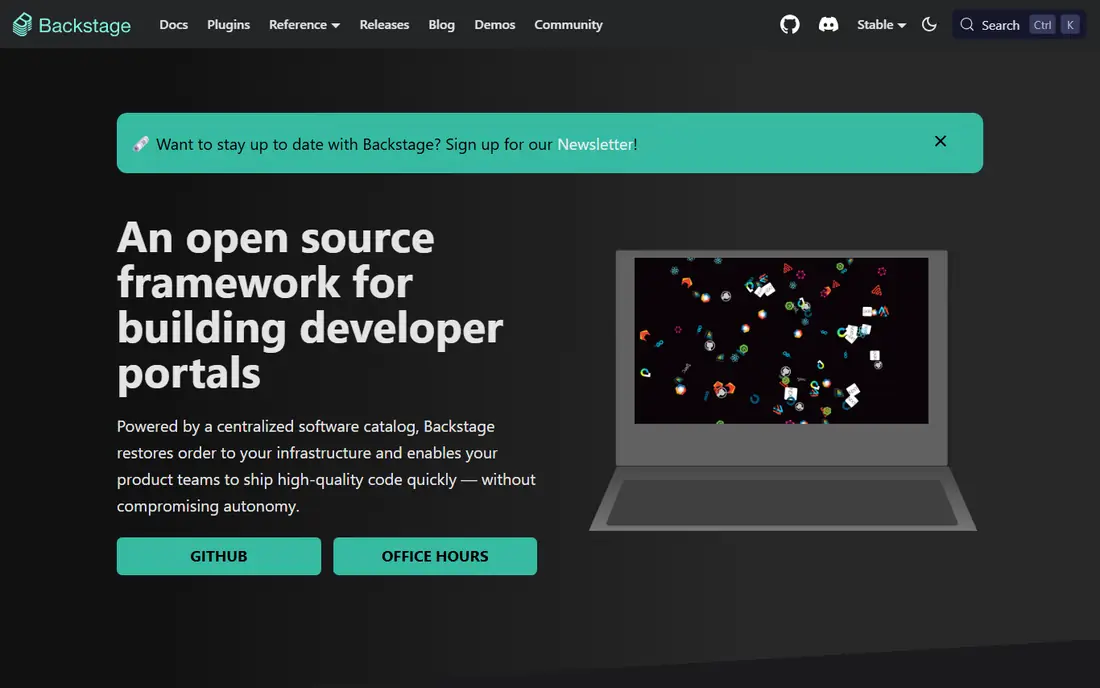
Backstage, created at Spotify and now a CNCF project, is the framework most developer portals are measured against. Its software catalog gives every service an owner, dependencies, and documentation in one place, and software templates let engineers spin up a new service with organizational standards already baked in. TechDocs treats documentation like code, stored in Markdown beside the service it describes.
The plugin model is the real strength. Lighthouse, Tech Radar, Kubernetes views, and hundreds of community plugins extend the portal without forking it, and teams can build internal plugins for company specific needs. For large organizations with a platform team, no commercial portal matches that flexibility.
The cost is staffing, not licensing. The software is free, but building, hosting, upgrading, and extending Backstage takes real engineering time, with community estimates often putting the true annual cost near $150,000 for a 20 developer organization, mostly in platform engineer time. Teams that cannot staff it should look at Port or Roadie style managed options instead.
What we like- Open source under CNCF
- Huge plugin ecosystem
- Software templates and TechDocs built in
Watch out for- Needs dedicated staff to run well
- Upgrades and plugin maintenance fall on your team
- No vendor support by default
Starting priceSee website
Free planFree trial
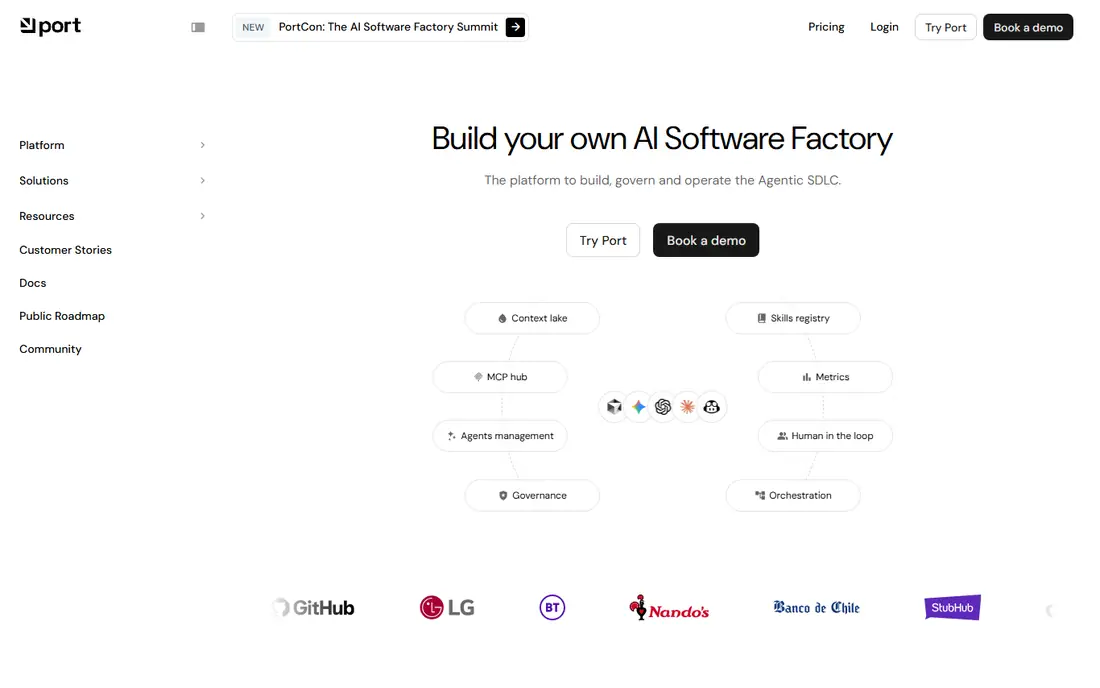
Port is a managed developer portal that has grown into what it now calls an agentic software development lifecycle platform. The core remains familiar: a software catalog with a flexible data model, scorecards that measure service health, and self service actions that let developers provision resources through low code blueprints instead of tickets.
Implementation speed is the main selling point. Teams can stand up a catalog, define scorecards, and wire self service actions in days or weeks rather than the months a custom Backstage build can take. Workflow automation connects the portal to existing tools, so a developer action can trigger a pipeline, open a ticket, or update a record without leaving the portal.
Pricing is quote based, and the current marketing leans heavily into AI agents, which can make it harder to evaluate Port purely as a portal. Buyers should trial the catalog, scorecards, and self service actions specifically, and confirm which agentic features are included in their plan. For teams that want portal value without platform staff, Port is the most direct Backstage alternative.
What we like- Flexible data model and low code blueprints
- Self service actions and scorecards
- Fast implementation
Watch out for- Pricing is quote based
- Newer agentic positioning may confuse portal buyers
- Deep customization needs learning time
Starting priceSee website
Free planNo
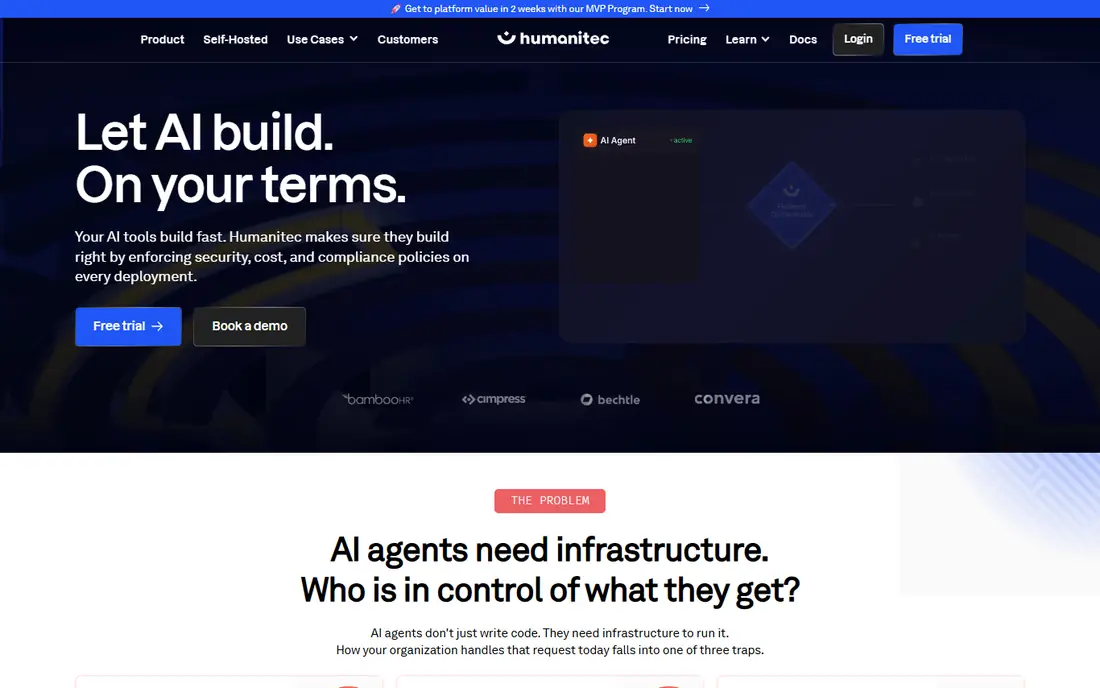
Humanitec solves the execution half of platform engineering. While portals organize services, Humanitec provisions and deploys them: developers or agents describe what a workload needs, and the Platform Orchestrator provisions infrastructure, environments, and deployments according to rules the platform team defines. It connects to existing Terraform or OpenTofu modules rather than replacing them.
The current positioning centers on AI agents, and it is a genuine fit. Agents that can write code still need infrastructure, and Humanitec enforces security, cost, and compliance policy on every deployment request, human or agent, with progressive rollouts, drift detection, and rollback. That governance layer is what keeps agent driven development from turning into unreviewed cloud sprawl.
Humanitec is an enterprise product with enterprise pricing and a sales led evaluation, including a sandbox for hands on testing. It is not a portal replacement: teams usually pair it with Backstage or Port for the catalog and developer interface. Enterprises with strict governance needs and multi cloud estates get the most from it.
What we like- One orchestration layer across clouds and tools
- Score based workload specs
- Governance for human and AI requests alike
Watch out for- Enterprise pricing and sales cycle
- Needs platform team ownership
- Portal features are thinner than Port or Backstage
Starting priceSee website
Free planNo
Cortex is built around engineering standards. Its scorecards measure every service against production readiness, security, and reliability rules, and its initiatives feature drives company wide migrations, like upgrading a framework version across hundreds of services, from one dashboard. The DRIVE framework adds a governance layer for AI driven development, measuring whether AI adoption is actually paying off.
The catalog maps services, teams, and dependencies automatically from connected tools, and self service scaffolding lets developers create services through golden paths that already meet standards. That combination of measurement and action is why Cortex leads for organizations whose main problem is maturity rather than discovery.
Pricing is quote based and the product is aimed at larger engineering organizations. Teams that mainly need a catalog and search may find Port or Backstage simpler, while teams that need to prove and raise service quality across a large estate will get more from Cortex scorecards.
What we like- Strongest scorecard and standards story
- Production readiness tracking
- Self service through golden paths
Watch out for- Quote based pricing
- Portal catalog is secondary to scorecards
- Newer AI factory framing may distract
Starting priceSee website
Free planNo
OpsLevel positions itself as the single pane of glass for engineering teams and their agents. The catalog builds itself from GitHub, cloud providers, and observability tools, auto detecting service owners instead of demanding manual entry for every service. Checks then measure each service against team and organization standards, with historical reporting that shows maturity improving or slipping over time.
Self service workflows let teams package repeated work, from scaffolding a service to running maintenance upgrades, and the platform now adds agent guardrails that decide which agents can act end to end and which need human review. Granular role based access controls what people and agents can do per team and service.
Rollout is fast for a tool in this class, with the vendor citing days to full deployment for typical customers. The ecosystem is smaller than Backstage, and buyers choosing between OpsLevel and Cortex should compare scorecard depth against catalog automation, since the two overlap heavily. OpsLevel wins for teams that want ownership clarity quickly.
What we like- Fast catalog setup from existing tools
- Checks and maturity reporting
- Self service workflows and agent guardrails
Watch out for- Quote based pricing
- Smaller ecosystem than Backstage
- Some features overlap with Cortex
Starting priceSee website
Free planFree trial
Qovery is an infrastructure platform that deploys applications into your own cloud account, which is a meaningful distinction. Your data and compute stay inside your AWS, GCP, or Azure account or your own Kubernetes cluster, while Qovery provides the deployment pipeline, environments, and guardrails. That bring your own cloud model suits regulated teams that cannot hand data to a vendor hosted platform.
Day to day, Qovery covers blueprints for service templates, preview environments for every pull request that tear down automatically, and built in guardrails such as approvals, quotas, and environment restrictions. AI agents get scoped access through policy tokens and an MCP server, so agent deployments follow the same rules as human ones.
Qovery is not a developer portal in the Backstage sense: its catalog and scorecard features are thinner, and teams that need deep service discovery should pair it with a portal. The 14 day free trial needs no credit card, which makes evaluation easy. Teams outgrowing Heroku or Render, or avoiding their first platform hire, are the natural audience.
What we like- Runs in your own AWS, GCP, or Azure account
- 14 day free trial
- Preview environments per pull request
Watch out for- Not a full developer portal
- Pricing beyond trial is quote based
- Smaller community than Backstage
Starting priceSee website
Free planNo
Roadie began as a managed Backstage service and has since pivoted to engineering context for AI agents. The current product builds a dynamic graph of an organization's software ecosystem from production systems and sources of truth, then packages slices of that graph as bundles that agents can query through MCP servers and APIs. The pitch is that agents need accurate context, not guesses, to reason across services, incidents, and dependencies.
Use cases center on incident investigation, dependency updates, and topology questions: an agent pulls logs and metrics, follows a stack trace to a runbook, or ranks services by update severity and opens pull requests. Centralized authentication replaces scattered API keys with one auditable layer between agents and systems.
The pivot matters for buyers. Teams that wanted managed Backstage should confirm what Roadie still offers on that front before assuming it. Teams building agent workflows, on the other hand, get a context layer that portals alone do not provide. Pricing is quote based, and the category is new enough that reference customers deserve careful checking.
What we like- Live context graph from production systems
- Structured bundles for agents
- Centralized auth for agent connections
Watch out for- Product has pivoted from managed Backstage
- Pricing is quote based
- Newer category with fewer references
Starting priceSee website
Free planNo
Atlassian Compass is the internal developer platform for teams already living in Jira and Bitbucket. Its component catalog tracks software and the teams building it, connects repositories, libraries, and APIs, and measures software health through scorecards. For Atlassian customers, the native integration removes the sync work that other portals need.
The important caveat sits at the top of the Compass homepage: as Atlassian focuses on a next generation solution for tracking developer productivity and experience, Compass scorecards and catalog functionality will transition into DX. That means new buyers should talk to an account manager about migration options and timelines before committing, since the product they buy today may be folded into a different product.
For teams outside the Atlassian ecosystem, Compass offers less than Port or OpsLevel. For teams standardized on Jira and Bitbucket, the integration depth and familiar administration may still justify it, provided the DX transition plan is clear in writing.
What we like- Native Jira and Bitbucket integration
- Component catalog and scorecards
- Strong for existing Atlassian customers
Watch out for- Scorecards and catalog are transitioning into Atlassian DX
- Less flexible than Port for non Atlassian shops
- Premium features gated
How we chose
We split the market the way buyers should: portals that organize services, and execution platforms that provision and deploy them. We opened each vendor homepage to confirm it loads and belongs to the product described, and we weighed catalog quality, scorecards, self service, orchestration depth, and ecosystem fit. We excluded pure CI/CD tools and cost tools without portal or orchestration features, and we flagged products that have pivoted or are transitioning, since those changes affect buying decisions directly.
Start with the problem, not the product category. If developers cannot find services, owners, or docs, you need a portal: Backstage, Port, Cortex, or OpsLevel. If developers wait days for environments or deployments, you need execution: Humanitec or Qovery. Many organizations need both, and buying a portal when the bottleneck is provisioning is the most common mistake in this market.
Next, count the platform team you actually have. Backstage is free but needs staff to build and maintain it, while managed portals trade license cost for faster time to value. Ask vendors for a realistic implementation timeline with your service count, and ask what happens to your data and configuration if you leave. For agent features, ask how agent access is scoped and audited, since agent permissions are now a security decision, not just a convenience.
Finally, trial with your own estate. Connect a read only cluster or a set of repos and check whether the catalog reflects reality, whether scorecards measure things your teams care about, and whether a developer can self serve an environment without filing a ticket. A demo with vendor sample data hides catalog gaps, stale ownership, and scorecard noise that only real data reveals.
Frequently asked questions
What is the difference between a developer portal and an internal developer platform?
A portal organizes services, documentation, ownership, and standards into a searchable catalog. A fuller internal developer platform also provisions infrastructure, runs deployments, and enforces policy. Backstage, Port, Cortex, and OpsLevel are mainly portals, while Humanitec and Qovery add execution.
Is Backstage really free?
The software is free and open source under the CNCF, but running it costs engineering time for hosting, upgrades, and plugins. Teams commonly estimate the true cost in platform engineer time rather than license fees.
Do I need both a portal and an orchestrator?
Many larger organizations do. The portal gives developers a front door for discovery and self service, while the orchestrator enforces how infrastructure gets provisioned behind that door. Smaller teams often start with one and add the other later.
What is a golden path?
A golden path is a paved, supported way to build and ship a service, such as a template that creates a repo, CI pipeline, and deployment with organizational standards already applied. It makes the right way the easiest way for developers.
Should I worry about Compass moving to DX?
Ask Atlassian directly. The Compass homepage states that scorecards and catalog functionality will transition into DX, so confirm migration timelines, pricing, and feature parity before signing a new Compass agreement.
Sources we checked (10)
- https://backstage.io
- https://getport.io
- https://humanitec.com
- https://www.cortex.io
- https://www.opslevel.com
- https://www.qovery.com
- https://roadie.io
- https://www.atlassian.com/software/compass
- https://atmosly.com/blog/best-internal-developer-platforms
- https://www.qovery.com/blog/backstage-alternatives-developer-portals-buyers-guide
Is your product missing or out of date?
We review this list regularly. Vendors can request a listing, send updated pricing or ask about featured placement.

Shihab Mia · Founder, Rankite
Shihab has 5+ years in B2B and SaaS SEO. He writes Rankite's software buying guides from pricing pages, documentation and public user reviews. More about Shihab.