How we make this list: we compare pricing pages, product documentation and public user reviews. Ratings come from G2, Capterra or Trustpilot, with the date we checked them.
Key takeaways
- Aseprite is the indie game industry sprite standard at $19.99 one-time, with pixel-perfect animation and JSON sheet export.
- Pro Motion NG suits technical pixel artists at $39 one-time, with pixel-precise images, tiles and level maps for games.
- Pyxel Edit is the tileset specialist at $9 one-time, built for environments and level design with live tile editing.
- GraphicsGale, Pixilart, Piskel and Pixelorama are all free, giving beginners and budget artists strong starting points.
- All paid tools here are one-time purchases, not subscriptions, so the total cost is clear upfront.
Quick comparison
| Tool | Best for | Starting price | Free plan |
|---|
 Aseprite Aseprite | Professional game developers | $19.99 one-time | No |
 Pro Motion NG Pro Motion NG | Technical pixel artists | $39 one-time | No |
 Pyxel Edit Pyxel Edit | Environment and tileset designers | $9 one-time | No |
 GraphicsGale GraphicsGale | Budget-conscious beginners | Free | Yes |
 Pixilart Pixilart | Social and casual artists | Free | Yes |
 Piskel Piskel | Free online sprite animation | Free | Yes |
 Pixelorama Pixelorama | Free open-source editor | Free | Yes |
 Pixaki Pixaki | iPad pixel art | See website | No |
Is your product missing or out of date?
We review this list regularly. Vendors can request a listing, send updated pricing or ask about featured placement.
The best pixel art software
Starting price$19.99 one-time
Free planNo
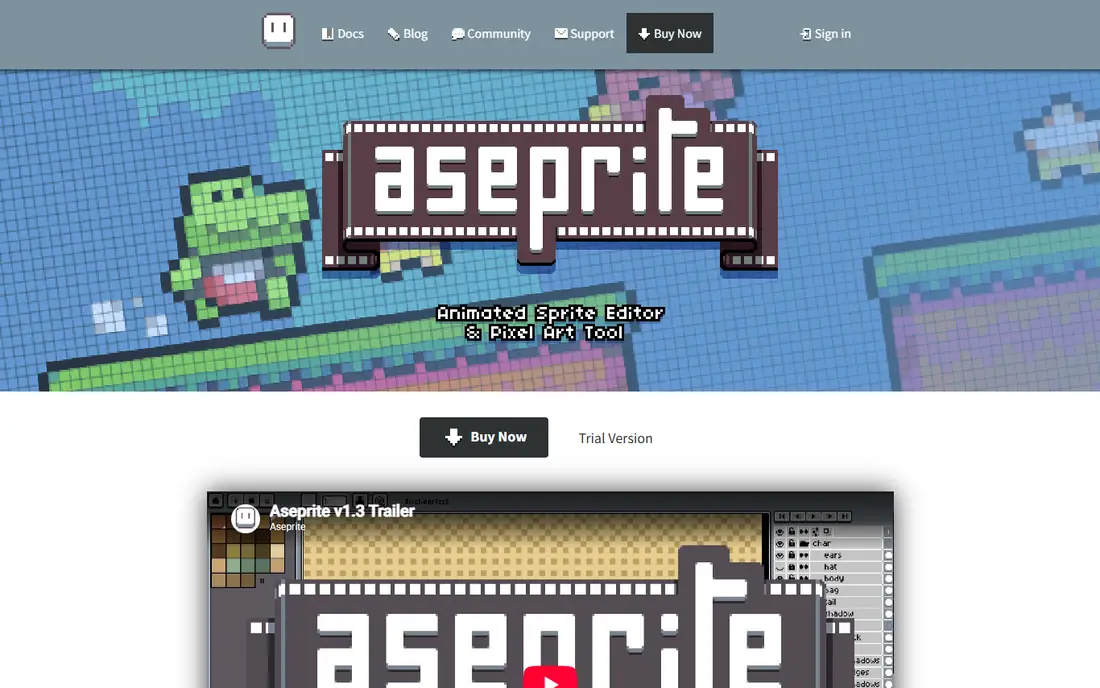
Aseprite is a desktop application for creating pixel art, game sprites and 2D animations on Windows, macOS and Ubuntu Linux, aimed at artists, game developers and creators working with pixel-based graphics. Its core workspace combines layers and cels with a frame-based animation timeline, making it suitable for both individual sprites and animated sequences. Tilemap and tileset tools extend the workflow into tiled game graphics, while indexed color mode and palette tools support controlled pixel-art color work.
Published pricing shows one paid plan at $19.99 as a one-time purchase, including a Windows installer and portable ZIP, a macOS bundle, Ubuntu packages and a Steam key, with no free plan and no subscription. Onion skinning supports frame-based animation, while sprite-sheet export, PNG, GIF and image-sequence export cover common asset delivery, plus JSON texture-atlas export and command-line automation for organized pipelines. Aseprite is the strongest fit for professional pixel-art and game-sprite workflows, and it is less suited to buyers seeking a free tool or AI-assisted features.
What we like- Industry sprite standard
- Pixel-perfect animation
- Onion skinning
- JSON texture-atlas export
- CLI automation
Watch out for- No free plan
- No AI features
- Focused desktop pixel art only, not a general graphics app
Starting price$39 one-time
Free planNo
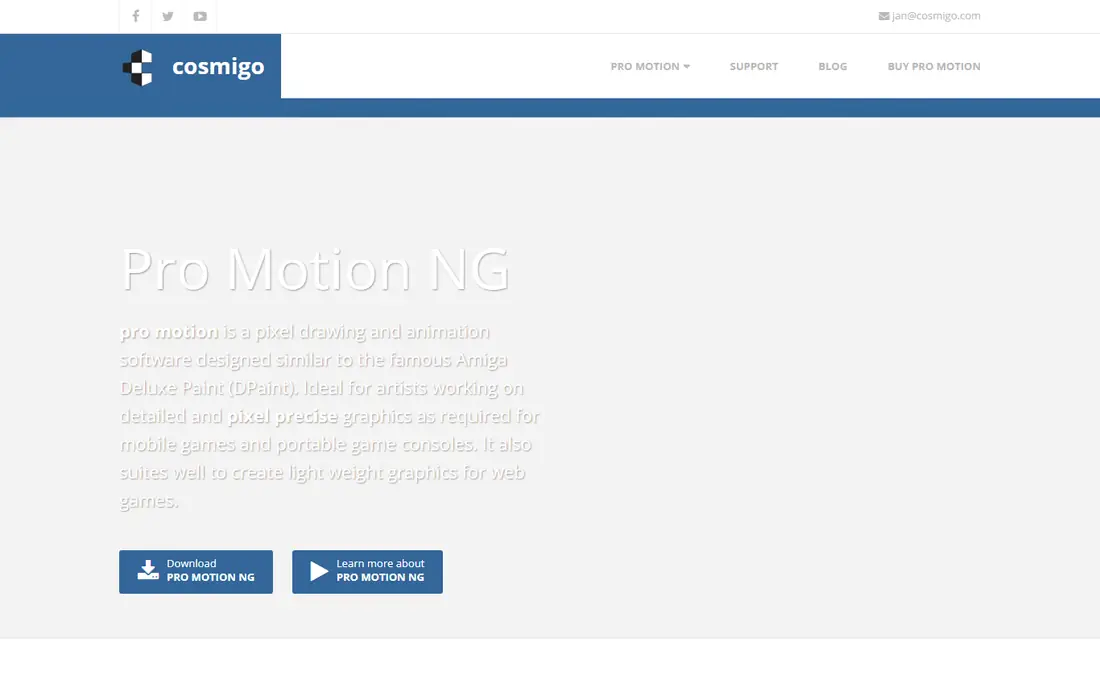
Pro Motion NG is drawing software for quickly creating pixel-precise images, animations, sprites, tiles and level maps as used in games, ideal for artists working on detailed graphics for mobile systems like smartphones or handheld consoles such as Nintendo DS or Sony PS Vita. Animation and image layers stack with effects, blend modes, flattening and locking, giving technical artists fine control over complex sprites. It also suits lightweight graphics for the web and web-based applications and games.
The limits are platform and price: Windows only in recent comparisons, at $39 one-time, the highest price here. Technical pixel artists who need precise tile and level map tools on Windows will find Pro Motion NG the deepest option, while Mac and Linux users should choose Aseprite or Pixelorama.
What we like- Pixel-precise images, tiles and level maps
- Animation and image layers with effects
- Ideal for handheld game graphics
Watch out for- Windows only
- Steeper learning curve
- Highest price here
Starting price$9 one-time
Free planNo
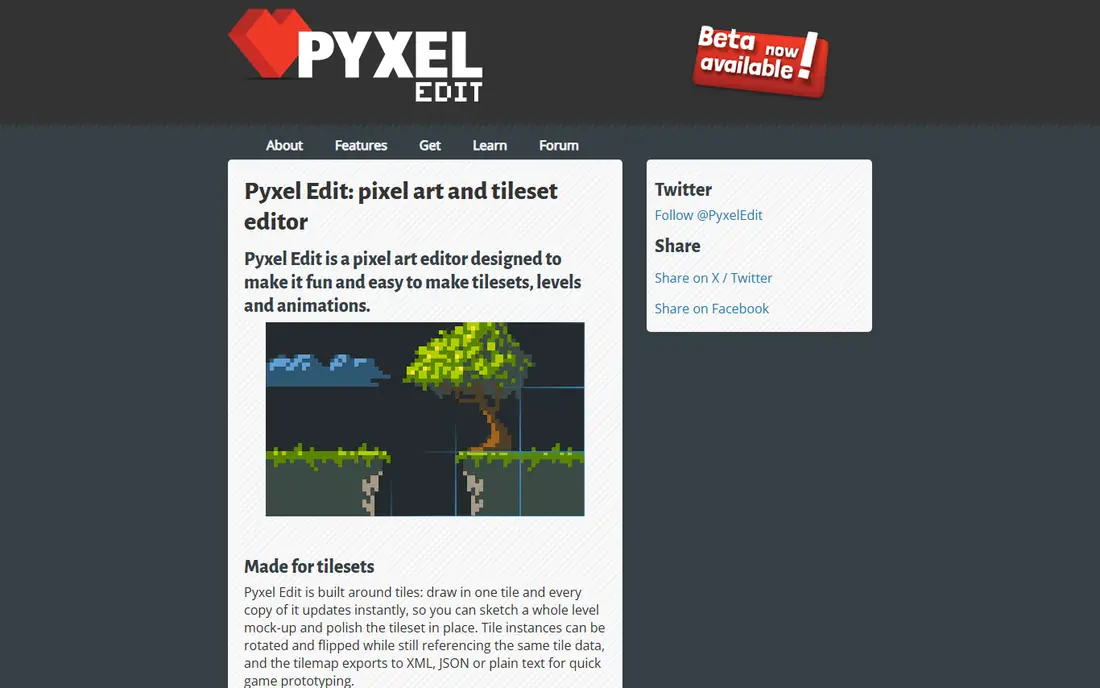
Pyxel Edit is a pixel art drawing application especially designed for working with tiles: place tiles to form a level, edit them directly to see how they all work together, then export your tileset and level data and load it into your game. Tiles can be flipped and rotated while remaining editable and synced, a feature inspired by Pro Motion but taken further. It also supports animations and exporting as sprite sheets or animated GIFs.
Pyxel Edit was originally free, and a free version is still available in some guides, though continued development moved the main version to a $9 one-time payment, with beta buyers getting later versions without further cost. Environment and tileset designers will find Pyxel Edit workflow unmatched for level building, while character animators should pair it with Aseprite.
What we like- Live tile editing with flipped and rotated tiles synced
- Level data export
- Animations and sprite sheets
Watch out for- Tileset focus limits general illustration
- Smaller community than Aseprite
Starting priceFree
Free planYes
GraphicsGale is a long-established free pixel editor, listed as free in recent comparisons and suited to budget-conscious beginners who want a simple, focused tool without paying. It covers pixel drawing, animation frames and onion skinning in a straightforward interface, making it a solid first editor for learning pixel art fundamentals. Its longevity means many tutorials and community resources exist for it.
The interface is older than modern editors, and features trail Aseprite on tilemaps, scripting and export automation. Beginners who want a free desktop editor with a gentle learning curve should start with GraphicsGale or Piskel, then move to Aseprite when projects demand deeper tools.
What we like- Free
- Long-established pixel editor
- Animation and onion skin support
- Simple interface
Watch out for- Older interface
- Fewer modern features than Aseprite
- Windows-focused in guides
Starting priceFree
Free planYes
Pixilart is a free online pixel art platform with a social community, suited to casual artists who want to draw, share and discover pixel art without installing software. It runs in the browser, making it accessible on any device, and its community features let artists follow others, join challenges and get feedback. That social layer is Pixilart differentiator: no other tool here combines drawing with a built-in audience.
Professional game pipelines need desktop export automation and tilemap tools that Pixilart web-first feature set lacks, so game developers should treat Pixilart as a sketching and sharing tool, not a production pipeline. Casual artists, students and social creators will find Pixilart the most fun free starting point.
What we like- Free
- Social community
- Works online
- Casual and beginner friendly
Watch out for- Less suited to professional game pipelines
- Web-first feature set
Starting priceFree
Free planYes
Piskel is a free online sprite editor for creating animated sprites, with a simple interface that covers drawing, frames, onion skinning and GIF export. Recent comparisons note it has no tilemap editor, which keeps the tool focused and easy to learn, and it works both online and offline in some guides. That simplicity suits beginners who want to animate a character quickly without learning tile systems.
The smaller feature set means serious game projects will outgrow Piskel, moving to Aseprite or Pyxel Edit for tilemaps and pipelines. For a first animated sprite, a game jam prototype or a classroom project, Piskel free and fast workflow is hard to beat.
What we like- Free
- Online and offline use
- Simple sprite animation
- No tilemap complexity
Watch out for- No tilemap editor
- Smaller feature set than Aseprite
- Web-first workflow
Starting priceFree
Free planYes
Pixelorama is a free open-source pixel art editor, rated as the best free option in a 2026 comparison alongside Aseprite and Pyxel Edit as top picks overall. It covers layers, animation, palettes and sprite-sheet export, with tilemap tools that are still maturing compared with Pyxel Edit. Open-source development means the tool improves steadily and costs nothing, with no paywall on any feature.
The community is smaller than Aseprite, so tutorials and asset packs are fewer, and tilemap work still favors Pyxel Edit for complex levels. Budget artists who want a free desktop editor with modern features and no cost will find Pixelorama the best free desktop choice, especially on Linux where other options are thinner.
What we like- Free and open source
- Tilemap tools maturing
- Layers, animation and palette support
Watch out for- Tilemap tools still maturing versus Pyxel Edit
- Smaller community than Aseprite
Starting priceSee website
Free planNo
Pixaki is an iPad-only pixel art editor, giving tablet artists a native touch and Apple Pencil workflow for drawing sprites on the go. Recent comparisons flag it as iPad only with no Windows or Linux desktop version, so it suits artists who already work on iPad and want a portable pixel studio. Layers, animation and palette tools cover standard sprite work, with export options for sharing and game use.
Desktop game pipelines still need Aseprite or Pyxel Edit for tilemaps and automation, so Pixaki works best as a sketching and sprite tool beside a desktop editor. iPad artists who want to draw anywhere, from couch to commute, will find Pixaki the only dedicated iPad option here.
What we like- IPad-native pixel art
- Apple Pencil support
- Portable tablet workflow
Watch out for- IPad only, no Windows or Linux desktop
- Smaller feature set than desktop editors
How we chose
We compared 2026 pixel art editor guides that scored tools from vendor documentation on pixel-perfect pencil and eraser, animation timeline and onion skin, tilemap and tileset editing, indexed color and palettes, sprite-sheet export, and layer and frame management. Pricing was verified from vendor pages in those guides, with all paid tools here as one-time purchases rather than subscriptions. We weighed professional fit, tilemap depth, free-tier usefulness and platform support, and we left out general graphics apps like Photoshop, since this list covers dedicated pixel art editors.
Choosing by project type
Game developers shipping sprites should choose Aseprite for its industry standard pipeline and JSON export. Technical artists on Windows needing tiles and level maps should choose Pro Motion NG. Environment designers building levels should choose Pyxel Edit for live tile editing. Budget and beginner artists should start free with GraphicsGale, Piskel, Pixilart or Pixelorama, choosing by platform: desktop, web or social. iPad artists should choose Pixaki for portable work.
Palettes, animation and export tips
Indexed color mode and palette tools matter more than brush counts in pixel art: a limited palette with controlled colors produces cleaner sprites than thousands of colors used carelessly. Onion skinning is essential for smooth animation, letting you see previous and next frames while drawing the current one. Export as sprite sheets for games, GIFs for sharing, and PNG sequences for video, and keep frame durations consistent, since uneven timing breaks otherwise good animation.
Frequently asked questions
What is the best pixel art software overall?
Aseprite, at $19.99 one-time, as the indie game industry sprite standard with pixel-perfect animation and JSON sheet export. Pyxel Edit and Pixelorama round out the top three in a 2026 comparison, for tilesets and free editing respectively.
Is there a good free pixel art software?
Yes. Pixelorama is the best free desktop editor, GraphicsGale and Piskel are strong free options, and Pixilart is the best free social and web option. All four cover drawing, animation and export at zero cost.
What is the best pixel art software for tilesets?
Pyxel Edit, at $9 one-time, with live tile editing where flipped and rotated tiles stay synced, plus level data export. Pro Motion NG is the deeper Windows alternative for technical tile and level map work.
Can I make pixel art on iPad?
Yes, with Pixaki, the iPad-only pixel editor with Apple Pencil support. Desktop pipelines still need Aseprite or Pyxel Edit for tilemaps and automation, so use Pixaki for portable sketching and sprite work.
Do I need to pay for pixel art software?
No, for learning and casual work: free editors cover drawing and animation fully. Professional game developers benefit from Aseprite $19.99 pipeline tools, and tileset designers from Pyxel Edit $9, but both are one-time purchases, not subscriptions.
What is onion skinning and why does it matter?
Onion skinning shows previous and next animation frames faintly behind the current frame, so you can draw smooth motion without guessing positions. It is essential for character animation and is supported by Aseprite, Piskel, Pixelorama and most editors here.
Sources we checked (8)
- https://nerdisa.com/best-pixel-art-software/
- https://www.softwarecompare.co/pixel-art-editors.html
- https://www.itechguides.com/products/aseprite/
- https://sourceforge.net/software/product/GraphicsGale/alternatives
- https://www.aseprite.org
- https://pyxeledit.com
- https://www.piskelapp.com
- https://www.pixilart.com
Is your product missing or out of date?
We review this list regularly. Vendors can request a listing, send updated pricing or ask about featured placement.

Shihab Mia · Founder, Rankite
Shihab has 5+ years in B2B and SaaS SEO. He writes Rankite's software buying guides from pricing pages, documentation and public user reviews. More about Shihab.