How we make this list: we compare pricing pages, product documentation and public user reviews. Ratings come from G2, Capterra or Trustpilot, with the date we checked them.
Key takeaways
- Adobe Lightroom remains the professional default for high volume work: 11.99 dollars a month for the Lightroom plan, or 19.99 with Photoshop in the Photography plan.
- Capture One is the studio choice for tethered shooting and colour work, at about 18 dollars a month on an annual plan or 349 dollars perpetual.
- DxO PhotoLab wins on raw quality and noise reduction, sold once only, from 159.99 dollars Essential to 249.99 dollars Elite, with no subscription at all.
- Affinity is now free with a Canva account for pixel editing, and darktable is free and open source, so a professional setup no longer requires a subscription.
Quick comparison
Is your product missing or out of date?
We review this list regularly. Vendors can request a listing, send updated pricing or ask about featured placement.
The best photo editor software for professionals

#1Adobe Lightroom
Best for: High volume pro workflow4.6/5 on
G2 (3,299 reviews, checked Oct 2026)
Visit adobe.com
Starting price$11.99 per month
Free planNo
What we like- Lightroom is the workflow most clients, assistants, and second shooters already know: catalogue management that scales to huge libraries, non destructive raw editing, strong AI masking and denoise, and cloud sync across desktop, tablet, and phone. The Lightroom plan costs 11.99 dollars a month billed annually with 1TB of storage, and the Photography plan at 19.99 adds Photoshop and suits pros who retouch as well as develop. The preset and plugin ecosystem is the largest in the field.
Watch out for- There is no perpetual option: stop paying and the develop tools stop, though your files remain yours. Performance with very large catalogues still draws complaints. Generative features consume monthly credits on each plan, so heavy AI users should read the credit allowances before committing.

#2Capture One Pro
Best for: Studio and tethered work4.5/5 on
G2 (78 reviews, checked Oct 2026)
Visit captureone.com
Starting price$18 per month
Free planNo
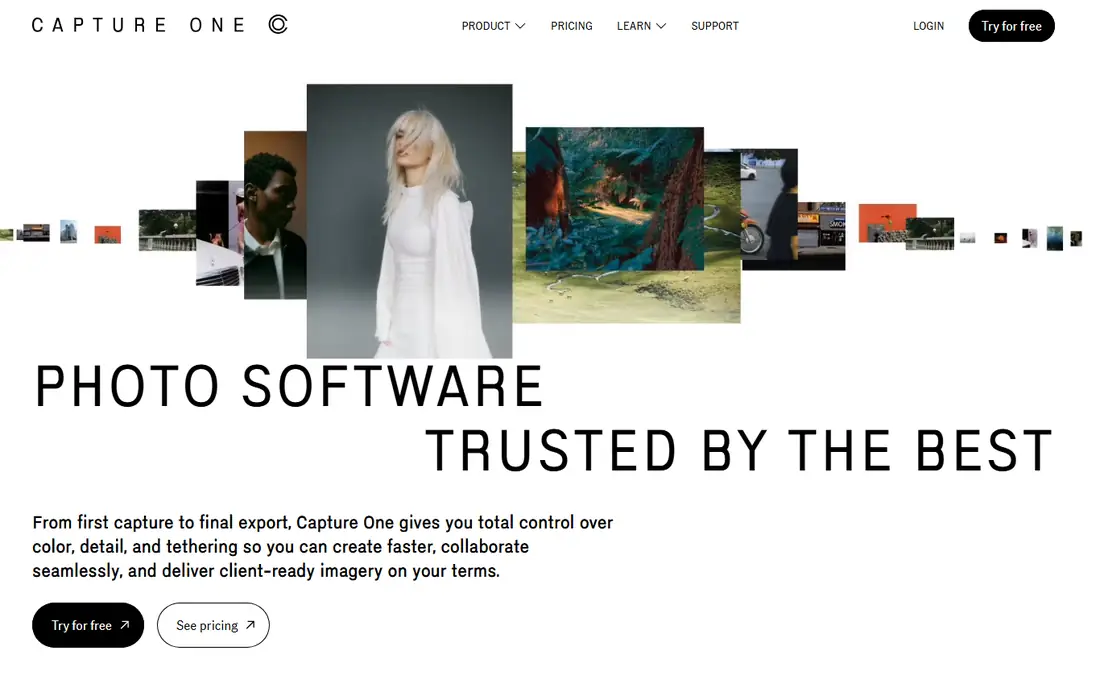
What we like- Capture One is the studio standard for tethered shooting: fast, reliable capture straight into a session, live view, and client collaboration tools that fashion and product photographers rely on. Its colour rendering and skin tone handling are widely rated the best in the category, and its layers and colour editor give precise local control. Pricing offers a choice: subscription from about 18 dollars a month on the annual plan, or a perpetual licence at 349 dollars in October 2026 price checks.
Watch out for- It is the premium priced option, and team level Studio plans climb steeply per seat. Perpetual licences do not receive major feature updates, so the buy once maths depends on upgrading rarely. The sessions and catalogues model takes longer to learn than Lightroom's single library approach.

#3DxO PhotoLab
Best for: Raw quality and noise reduction4.4/5 on
Capterra (14 reviews, checked Oct 2026)
Visit dxo.com
Starting price$159.99 one time
Free planNo
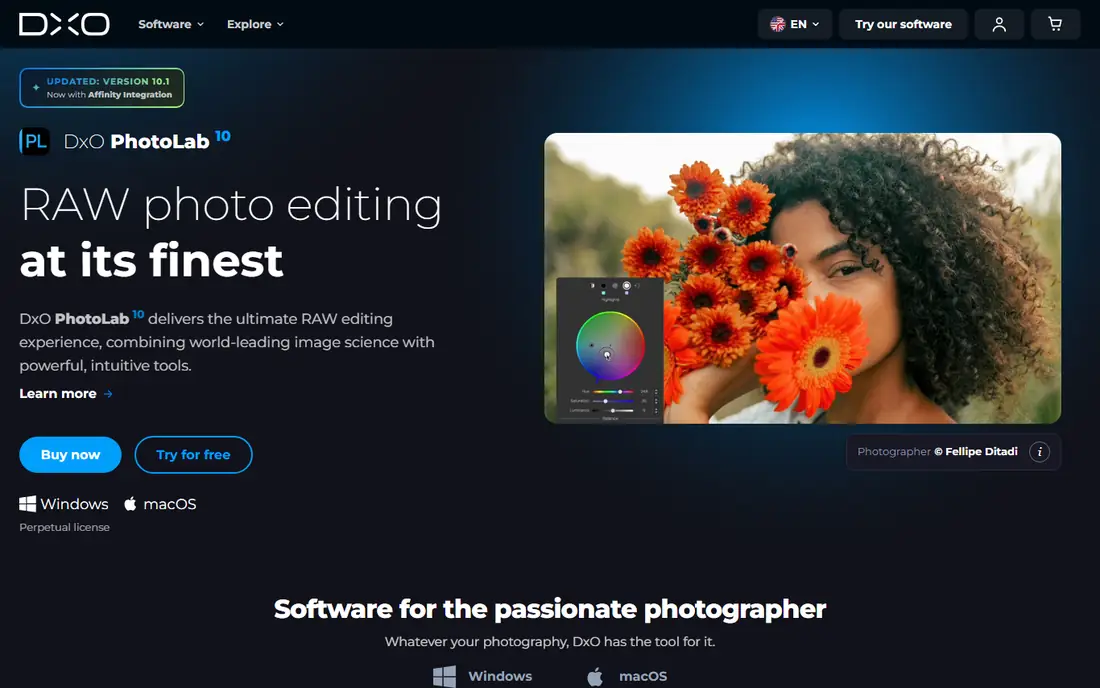
What we like- PhotoLab is built on DxO's lab measured camera and lens profiles, and its DeepPRIME noise reduction remains the benchmark for high ISO files: wedding and wildlife shooters revive images here that other editors smear. It is sold once only, 159.99 dollars for Essential and 249.99 for Elite, with no subscription and no account rent on your own library. Many pros run it as a pre processing step, exporting cleaned files into Lightroom or Capture One.
Watch out for- Its library management and tethering are far weaker than the top two, so it rarely serves as a studio's only tool. Elite is required for the full noise reduction and several advanced features, so most professionals should budget for it rather than Essential. Cloud, mobile, and collaboration features are minimal.

#4
ON1 Photo RAW
Best for: All in one editor without subscription
Visit on1.com
Starting price$99.99 one time
Free planNo
What we like- ON1 Photo RAW combines raw development, library browsing without import catalogues, layers, effects, portrait tools, and AI noise reduction and resizing in one app for 99.99 dollars one time, which makes it the strongest single purchase answer to the Adobe subscription. A MAX edition at 169.99 adds plugins and extra AI tools, and an optional subscription exists for buyers who prefer updates included. For solo pros, the five year cost maths is hard to beat.
Watch out for- Raw rendering quality is good but a step behind Capture One and DxO at the pixel level. New versions arrive yearly and upgrades are paid, so the one time price recurs if you chase features. Its smaller user base means fewer third party presets and tutorials than the Adobe world offers.
Starting priceFree
Free planYes
What we like- Affinity's photo editor, now under Canva ownership, is free with a free Canva account, which makes professional layer based retouching, compositing, panorama stitching, and HDR merging available at zero cost, a category change professionals should not ignore. It reads and writes PSD files, runs on Mac, Windows, and iPad, and keeps the fast, subscription free design the Affinity range was known for. As the pixel editing half of a pro setup beside a raw workflow tool, it is now the default recommendation.
Watch out for- The AI features inside Affinity require a paid Canva plan, so the free tier is the classic toolset rather than the newest generative tools. It has no library management: it edits single images, so it complements rather than replaces a raw workflow editor. Long time users should note the product direction now follows Canva's account model, which some professionals prefer to watch for a release cycle before depending on.

#6Luminar Neo
Best for: Fast AI assisted edits4.4/5 on
G2 (115 reviews, checked Oct 2026)
Visit skylum.com
Starting price$129 one time
Free planNo
What we like- Luminar Neo is built around AI assistance: sky replacement, portrait skin and face tools, relighting, and object removal that turn an hour of masking into minutes, which suits event and real estate photographers under deadline. Perpetual desktop licences sell from about 129 dollars in current listings, with cross device and higher tiers above it, and it also works as a plugin inside Lightroom and Photoshop. The interface is the friendliest here for photographers who dislike technical panels.
Watch out for- Skylum's licence tiers, extension packs, and promotional pricing are genuinely confusing, so confirm exactly what a given price includes before paying. Library management is basic beside Lightroom or ACDSee. Purists find the AI look easy to overdo, and results still need a professional eye on skin and skies.

#7
ACDSee Photo Studio Ultimate
Best for: Large library management
Visit acdsee.com
Starting price$8.90 per month
Free planNo
What we like- ACDSee's strength is asset management at scale: fast browsing, face recognition, and catalogue tools for very large image libraries, paired with a layered editor and raw development in the Ultimate edition. It sells as a perpetual licence at about 149.95 dollars or on a 365 plan from 8.90 dollars a month, which gives buyers a real choice. Studios drowning in archive volume often adopt it for the library alone.
Watch out for- It is Windows led: Mac parity has historically lagged the flagship edition, so confirm the current Mac offer before planning around it. Its raw rendering and colour tools sit a tier below Capture One and DxO for critical work. The product line is broad and overlapping, and picking the right edition takes care.
Starting priceFree
Free planYes
What we like- Darktable is a full open source raw workflow: non destructive development, a serious colour science toolkit, tethered shooting, and library management for Windows, Mac, and Linux at no cost, maintained by an active community. For professionals on Linux there is no real alternative, and its filmic colour tools reward photographers who like to understand the maths behind a look. No account, no licence server, and your library stays entirely under your control.
Watch out for- The interface is technical and module heavy, with a learning curve that costs billable hours at the start. New camera support depends on community profiles and can lag commercial rivals. There is no vendor support line: forums and documentation are the help desk, which some studios cannot accept for production work.
How we chose
We selected the editors that 2026 professional photography guides from ON1, Amateur Photographer, and ShutterNoise compare most consistently, spanning subscription and perpetual licences, and checked October 2026 pricing against published price lists from ON1 and Adobe plan guides. We required true professional capability: full raw support, non destructive editing, colour management, and batch workflow for the workflow editors, and full layer based editing for the pixel editor. We flagged the category's big 2026 change, Affinity becoming free under Canva, and noted Capture One's perpetual price variation across sources rather than printing a single figure as settled.
How to choose the right photo editor software for professionals
Decide your workflow first, then your licence. High volume shooters who deliver weekly should start with Lightroom or Capture One: Lightroom for the ecosystem, mobile sync, and price, Capture One if you shoot tethered or your clients judge you on colour. If noise and lens correction decide your quality, add PhotoLab Elite as a front end rather than switching your whole library; at 249.99 dollars once, it pays for itself against subscription creep. Solo professionals tired of rent should price ON1 at 99.99 dollars and Affinity free as a complete two app setup, and test both on a real job before migrating a catalogue.
Then run the five year maths honestly. Five years of the Photography plan costs about 1,200 dollars; five years of perpetual tools, even with paid upgrades every few years, usually lands well under half that, but subscribers receive every new camera profile and AI feature as it ships. Test with your worst files, not your best: a noisy reception shot, a mixed lighting product photo, and a 500 image batch with a deadline. The editor that handles those three inside your existing habits is the professional choice, whatever the marketing says.
Frequently asked questions
Do professionals still need Photoshop as well?
Many do for heavy compositing and retouching, but the gap has narrowed: Affinity covers layer based editing free, and ON1 and Luminar build effects and portrait tools into the raw editor. If you take the Adobe Photography plan, Photoshop is included at 19.99 dollars a month alongside Lightroom.
Is a perpetual licence really cheaper than a subscription?
Over five years, usually yes by a wide margin: PhotoLab Elite at 249.99 dollars or ON1 at 99.99 dollars once, plus occasional paid upgrades, against roughly 1,200 dollars for five years of the Photography plan. The subscription buys continuous updates, cloud storage, and day one camera support, which some workflows genuinely need.
Which editor handles noise best?
DxO PhotoLab's DeepPRIME processing is the consistent benchmark in 2026 comparisons, which is why many professionals use it as a pre processing step for high ISO work even when their main editor is Lightroom or Capture One. Lightroom's AI denoise and ON1's noise tools are close behind for most files.
Why is Affinity free now?
Affinity was acquired by Canva, and the current Affinity app is free with a Canva account, with Canva's AI tools inside it gated behind paid Canva plans. The classic professional editing toolset is in the free tier, which has reset expectations for what a pixel editor should cost.
Which editor is best for tethered studio shooting?
Capture One, by a clear margin: its session workflow, live view, and client review tools were built for studio production, and it remains the default on commercial sets. darktable and Lightroom Classic offer tethering for supported cameras, but neither matches Capture One's reliability focus.
Sources we checked (0)
Is your product missing or out of date?
We review this list regularly. Vendors can request a listing, send updated pricing or ask about featured placement.

Shihab Mia · Founder, Rankite
Shihab has 5+ years in B2B and SaaS SEO. He writes Rankite's software buying guides from pricing pages, documentation and public user reviews. More about Shihab.
 Affinity
 darktable