How we make this list: we compare pricing pages, product documentation and public user reviews. Ratings come from G2, Capterra or Trustpilot, with the date we checked them.

Key takeaways
- MyHeritage Deep Nostalgia remains the family photo specialist, animating faces in old portraits with blinks and smiles, free for a few animations before a subscription.
- Runway at 12 dollars a month and Kling AI lead general image to video work, where any photo gains camera movement and motion, priced in credits rather than clips.
- Pika at 8 dollars a month is the fast social option, and Motionleap animates parts of a photo, skies, water, smoke, without turning it into a full video scene.
- Animate only photos you own or have permission to use: animating someone's face creates a moving likeness of a real person, and generated motion is invented detail, not recovered history.
Quick comparison
| Tool | Best for | Starting price | Free plan |
|---|
 MyHeritage Deep Nostalgia MyHeritage Deep Nostalgia | Animating faces in old family photos | See website | Yes |
 Runway Runway | Controlled image to video in an editor | $12 per month | Yes |
 Kling AI Kling AI | Realistic motion at a low cost per clip | See website | Yes |
 Luma Dream Machine Luma Dream Machine | Smooth camera moves and keyframes | See website | Yes |
 Pika Pika | Fast, playful social clips | $8 per month | Yes |
 Motionleap Motionleap | Animating parts of a still photo | See website | Yes |
 D-ID D-ID | Talking photos with a voice | $5.90 per month | No |
Is your product missing or out of date?
We review this list regularly. Vendors can request a listing, send updated pricing or ask about featured placement.
The best photo animation apps
Starting priceSee website
Free planYes
What we like- Deep Nostalgia does one thing with real emotional force: it takes a face in a still photo, enhances it, and animates it with a library of recorded human gestures, blinking, smiling, turning, so a grandparent's portrait briefly seems alive. A small number of animations are free each day, and full access rides on MyHeritage subscriptions, which also bring photo repair and colourisation tools in the same family history product. For genealogy and family gifts, nothing else is built so directly for the job.
Watch out for- The gesture library is fixed, so results share a family resemblance and there is no directing the motion. Group photos animate one face at a time. MyHeritage is a subscription genealogy platform, so the honest cost is a plan bought for the wider product, and animating ancestors raises the consent question in its gentlest form: the dead cannot agree, which most families settle by keeping results inside the family.
#2Runway
Best for: Controlled image to video in an editor4.1/5 on
G2 (105 reviews, checked Oct 2026)
Visit runwayml.com
Starting price$12 per month
Free planYes
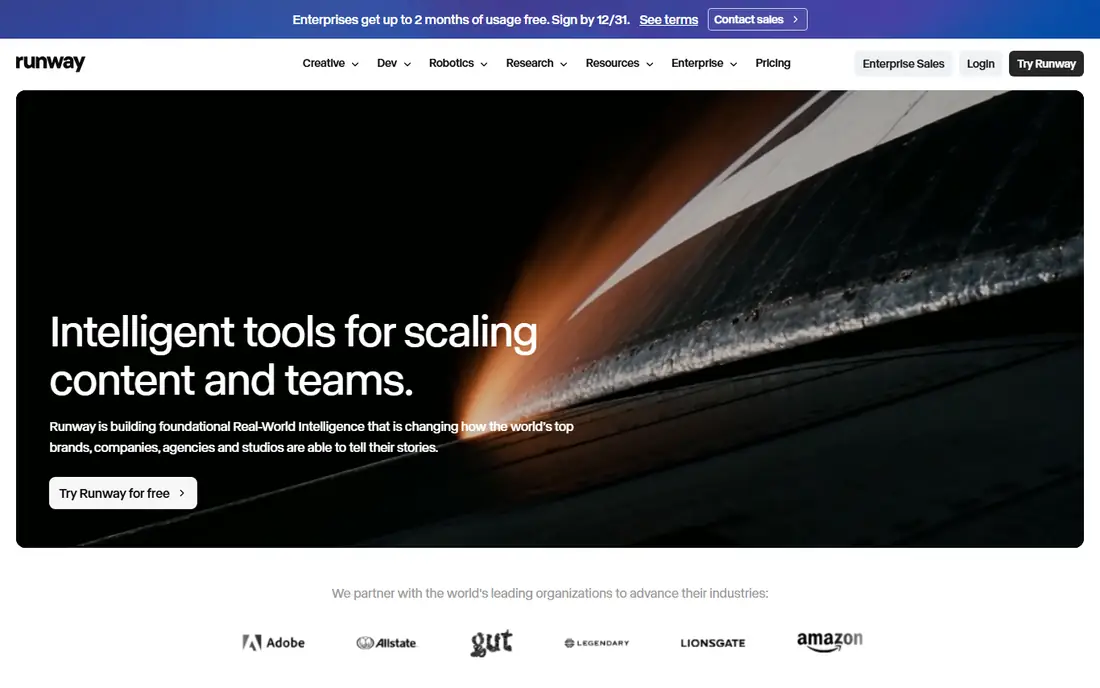
What we like- Runway is the professional image to video workspace: its current Gen-4 family turns a photo into a clip with directed camera moves and motion prompts, then keeps the result inside a real editor for trimming, extending, and combining shots. Plans start at 12 dollars per user per month billed annually with free credits to test, and multiple models are available in one subscription. Creators who animate photos as part of larger video work get the deepest control here.
Watch out for- Credits are the real price: a Standard plan's monthly allowance covers roughly ten flagship model clips by independent costing, so a playful afternoon of experiments burns the month. Quality varies by subject, and faces and hands still distort in a share of generations. The editor's depth is wasted on someone who wants one clip of a family photo.
#3
Kling AI
Best for: Realistic motion at a low cost per clip
Visit kling.ai
Starting priceSee website
Free planYes
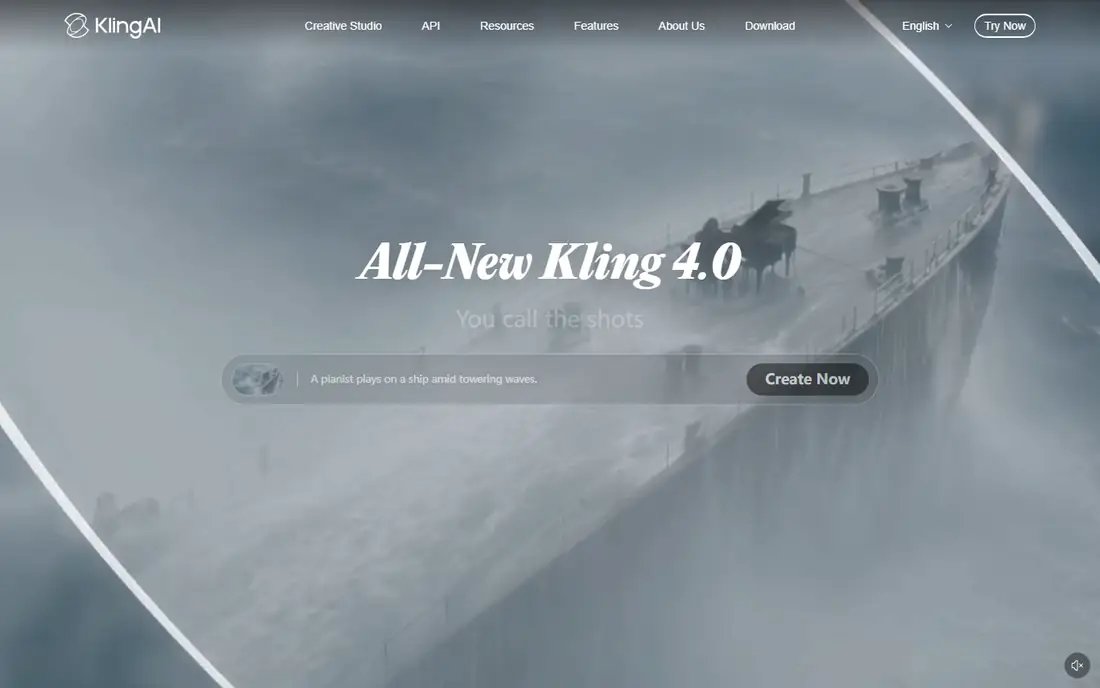
What we like- Kling built its reputation on realism: physics that mostly behaves, natural camera moves, and start and end frame control that lets a photo animate toward a chosen finish. Standard plans run around 10 dollars a month, with independent costing putting a five second clip near 40 cents, the cheapest serious rate here. A free tier with credits lets you test your own photos before paying, and commercial use is allowed on paid tiers.
Watch out for- Kling's pricing and credit tables change often enough that see website is the only honest entry price, and promotional first month rates understate the steady cost. Queue times on lower tiers stretch at peak demand. As a China based service, some organisations weigh data handling policies before uploading client material, which is a procurement decision for each user.
Starting priceSee website
Free planYes
What we like- Luma's Dream Machine, running its Ray models, is prized for camera work: smooth, gimbal like moves and visual continuity, with keyframe support, up to 16 keyframes in current comparisons, that gives more direction over how a scene unfolds than any rival here. Photographers animating a still into a slow cinematic push in get the most tasteful results from Luma. A free tier exists for testing the motion style.
Watch out for- Luma's per clip cost is the steepest in independent costing, around 1.20 dollars per five second 1080p clip on the Plus tier, so experimentation is taxed. Free video generation access has been limited or absent at times, which makes pre purchase testing unreliable. It is a generation tool without Runway's editing depth around it.
Starting price$8 per month
Free planYes
What we like- Pika optimises for speed and fun: turn a photo into a short stylised clip with effects and transitions in moments, iterate quickly when the first result misses, and post. Paid plans start at 8 dollars per user per month billed annually, a free plan exists, and comparisons note no watermark on its outputs, which is rare at this price. For social content where volume and energy beat polish, Pika is the natural tool.
Watch out for- The house style leans playful and surreal, which fights against realistic or brand sensitive work. Credit pricing still applies, with higher tiers needed for sustained volume, and fine control over motion trails Runway and Luma. Clips are short, so storytelling beyond a beat or two needs an editor around it.
Starting priceSee website
Free planYes
What we like- Motionleap, by Lightricks and originally known as Pixaloop, is the element animator: draw motion paths on a photo and the sky drifts, water flows, and smoke curls while the photograph itself stays intact, with sky replacement and overlays on top. It runs on a phone, costs little, with a free tier and a modest premium, and produces the living photo effect social feeds reward. For travel and product stills, it adds motion without inventing a scene.
Watch out for- Element animation cannot make a person walk or a scene unfold
- It moves textures, not events, which disappoints buyers expecting full video. The best effects sit behind the subscription. Heavy use reveals looping seams, and output resolution and length suit social posts rather than larger screens.
#7D-ID
Best for: Talking photos with a voice4.6/5 on
G2 (135 reviews, checked Oct 2026)
Visit d-id.com
Starting price$5.90 per month
Free planNo
What we like- D-ID turns a portrait into a talking presenter: upload a face, add text or audio, and it generates lip synced speech, which training, explainer, and marketing teams use for quick presenter videos without a camera. Plans start at 5.90 dollars per user per month with a trial, the cheapest entry here. Its API serves companies building talking photo features into their own products.
Watch out for- A talking photo of a real person is the most sensitive output in this guide: use only faces you have explicit rights and consent to animate and voice, never a colleague's, customer's, or public figure's likeness, because misuse is exactly what likeness and deepfake rules target. Results can fall into the uncanny range on some faces. Narration quality depends on the voice you supply or select, not on D-ID itself.
How we chose
We covered the three real jobs separately: face animation for family photos, element animation for stills, and image to video generation, plus talking photos as a distinct fourth. Prices are October 2026 published entry points where vendors state them, with credit based tools marked see website where their tables shift too often to quote safely, and independent per clip costing used to compare real value. We excluded face swap entertainment apps, whose purpose is putting one person's face into another's media, and tools whose marketing rests on animating people who cannot consent.
How to choose the right photo animation app
Name your job first. A family portrait that should blink and smile goes to MyHeritage, and nowhere else on this list treats it as gently. A still photo that should feel alive on a feed goes to Motionleap for texture motion or to Kling and Runway when the scene itself should move and the camera should travel. A photo that must speak goes to D-ID, with consent paperwork in order before the upload. Professionals animating client work should price the job in cost per accepted clip, using the credit maths in this guide, and run their three hardest real photos through the free tiers before subscribing.
Then handle the rights and the record keeping. Keep a note of where each source photo came from and the basis on which you may use it, label generated clips as generated when you publish them, particularly of real people, and never present animated motion as recovered footage of how someone actually looked or moved. Store the original beside the animation so the invention never quietly replaces the evidence. Model outputs improve monthly in this category, so short subscriptions beat annual ones until a tool has earned your renewal twice. Prices are October 2026 figures.
Frequently asked questions
Is it legal to animate someone else's photo?
For your own photos and your family's, generally yes, keeping results private or shared with agreement. Animating a living person's likeness without consent can breach privacy and likeness rights, and using it commercially or to imply they said or did something adds defamation and deepfake law exposure, which several jurisdictions now legislate directly. Public figures are not an exception for commercial use. When the person is not yours to animate, the answer is to not do it.
Does animation restore how a person really looked or moved?
No. These tools generate plausible motion from patterns in their training, applied to your photo. The blink, smile, and head turn in a Deep Nostalgia clip are a modern actor's gestures mapped onto your ancestor's face, not a recovered recording. Enjoy it as an imaginative portrait and keep it labelled as one, especially when children will grow up remembering the clip.
How much does one animated clip really cost?
On paid plans, independent October 2026 costing puts a five second clip near 40 cents on Kling, about 1.20 dollars on Luma, and around 1.50 dollars on Runway's flagship model, before counting the generations you discard, which typically doubles or triples the effective cost. MyHeritage and Motionleap price by subscription and time rather than credits. Free tiers exist to test motion style, not to produce a series.
Why do faces and hands distort in AI animation?
Because the model invents the frames between and beyond your photo, and faces and hands are the structures viewers judge most strictly, so small errors read as wrongness. Sharp, well lit, front facing photos with simple backgrounds animate most reliably, group photos and profile angles the least. Choosing the right source photo improves results more than any prompt technique.
What resolution can I expect?
Most tools here generate at 720p to 1080p on standard tiers, with some advertising up to 4K output on higher plans or via upscaling, which adds generated detail rather than recovering it. For social feeds that is plenty; for large screen or client delivery, check the exact export specification of the plan you are buying, since headline resolution often belongs to the top tier only.
Sources we checked (0)
Is your product missing or out of date?
We review this list regularly. Vendors can request a listing, send updated pricing or ask about featured placement.

Shihab Mia · Founder, Rankite
Shihab has 5+ years in B2B and SaaS SEO. He writes Rankite's software buying guides from pricing pages, documentation and public user reviews. More about Shihab.