How we make this list: we compare pricing pages, product documentation and public user reviews. Ratings come from G2, Capterra or Trustpilot, with the date we checked them.
Key takeaways
- This article reads "editing app" as video editing software for PC, since that is the most common meaning of the query.
- DaVinci Resolve is the best free PC editor, with professional color, audio, and effects in one app at no cost.
- Premiere Pro is the professional default for client work and team pipelines, at 22.99 dollars a month.
- Filmora and CapCut suit beginners and social creators, with templates and AI help that speed up simple edits.
- Clipchamp is the easiest free editor on a Windows PC, built into the Microsoft ecosystem.
- PowerDirector, Lightworks, and Shotcut cover fast rendering, film-style precision, and free open-source editing.
Quick comparison
Is your product missing or out of date?
We review this list regularly. Vendors can request a listing, send updated pricing or ask about featured placement.
The best pc editing app
Starting priceFree
Free planYes
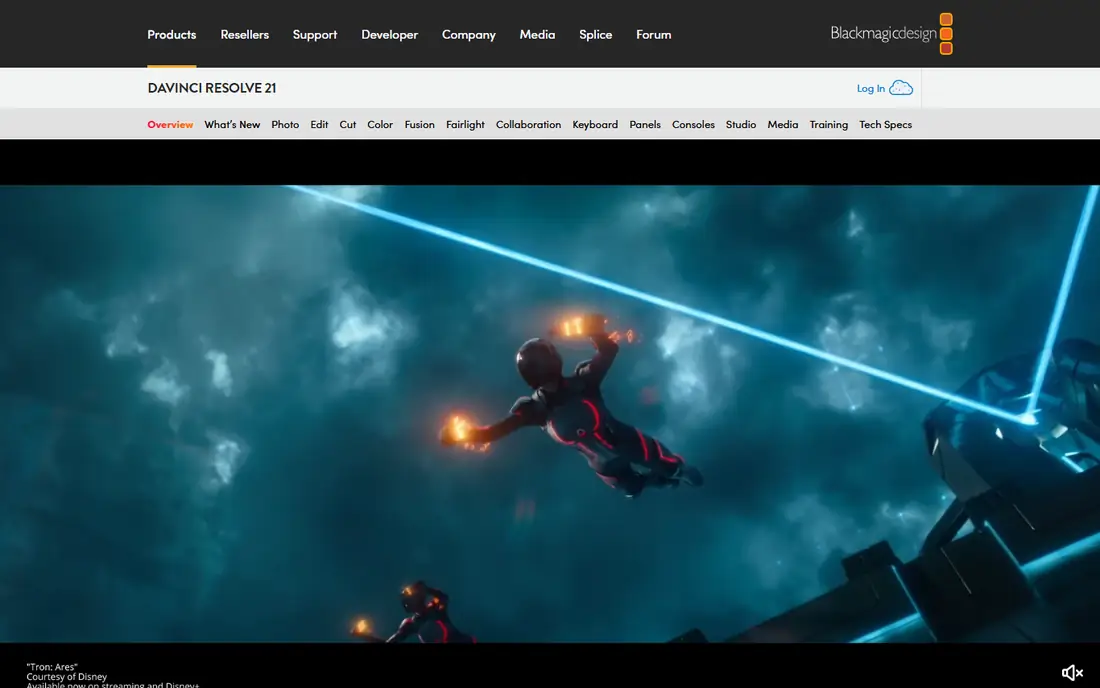
DaVinci Resolve is the best PC editing app for most people, because the free version is a genuine professional editor, not a trial. It covers editing, color grading, Fusion visual effects, and Fairlight audio in one application, exports 4K without a watermark, and runs on Windows, Mac, and Linux. The Studio version costs 295 dollars one time and adds AI noise reduction, multi-GPU support, and HDR tools, but most creators never need it.
The catch is hardware and learning time. Resolve wants a strong graphics card and plenty of memory, and its node-based color and Fusion pages take longer to learn than a template-driven editor. But the five-year cost comparison is stark: Resolve free costs 0 dollars, while a Premiere Pro subscription totals near 1,379 dollars over five years. If you edit regularly and want professional quality without a subscription, start here.
What we like- Full editing, color, audio, and effects free
- No watermark
- 4K export
- Studio is a one-time 295 dollars
Watch out for- Demanding on hardware
- Learning curve steeper than Filmora
- Some AI features need Studio

#2Adobe Premiere Pro
Best for: Professional client work4.5/5 on
G2 (1,675 reviews, checked Oct 2026)
Visit adobe.com
Starting price$22.99/month
Free planNo
Premiere Pro is the safe professional default, especially for editors who share projects with agencies, studios, or other freelancers. Its timeline handles multi-cam work, captions, audio mixing, and a wide range of camera formats, and round-tripping to After Effects for motion graphics or Audition for audio cleanup is a normal part of many workflows. That compatibility often decides the purchase: clients and collaborators already use it, so project files move without conversion work.
The single-app plan costs 22.99 dollars a month on annual billing, with a 7-day trial for new users. Over five years that totals near 1,379 dollars, far more than a one-time purchase, and stopping payment ends access to the app itself. Premiere Pro fits editors who earn from video regularly. Occasional editors will usually do better with Resolve free or a one-time tool.
What we like- Industry-standard timeline
- Deep After Effects and Audition links
- Wide camera format support
- Team workflows
Watch out for- Subscription never ends
- 7-day trial only
- Demanding on hardware
Starting priceFree
Free planYes
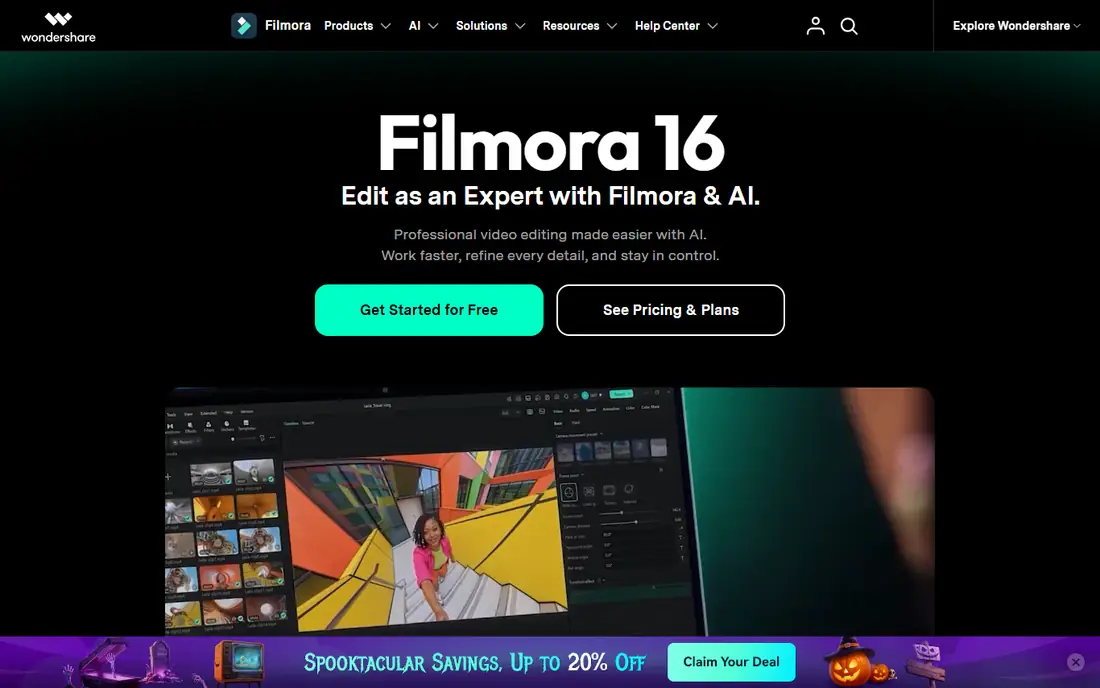
Filmora is the best beginner editor on PC. Drag-and-drop editing, a large template and effects library, and AI tools such as auto captions and background removal let a new creator produce a polished video in an afternoon. It runs on Windows and Mac, and its interface is far gentler than Resolve or Premiere.
Pricing varies by guide: some cite 49.99 dollars a year, others 61.99 dollars a year or 9.99 dollars a month, with a perpetual license near 89.99 dollars in some guides. The free version exports with a watermark, so budget for a paid plan if you publish regularly. Filmora suits YouTubers, small businesses, and family video creators who want speed and templates more than professional color tools.
What we like- Beginner-friendly drag-and-drop editing
- Large template and effects library
- AI tools
- Windows and Mac
Watch out for- Free exports carry a watermark
- Pricing varies by guide
- Subscription needed for full asset library
Starting priceFree
Free planYes
CapCut is the default for short-form social video on PC as well as mobile. Auto captions, trending templates, auto-cut tools, and one-click effects make it the fastest way to turn raw clips into a TikTok, Reel, or Short. The free tier is generous, covering full editing and auto captions without a watermark in most cases, and a PC desktop version exists alongside web and mobile.
Pro pricing varies by guide, cited near 7.99 to 19.99 dollars a month depending on region and plan, so confirm the current price in the app before paying. CapCut is weaker for long-form work: its timeline and color tools do not match Resolve or Premiere for a 20-minute YouTube video or a wedding film. For social clips, though, nothing else on this list is as fast.
What we like- Fast short-form editing
- Auto captions and templates
- Generous free tier
- PC, web, and mobile versions
Watch out for- Pro pricing varies by guide
- Social-first design
- Long-form editing weaker than Resolve
Starting priceFree
Free planYes
Clipchamp is the easiest free editor on a Windows PC. It runs in the browser, exports 1080p without a watermark on the free plan, and integrates with Microsoft 365, so Windows users can start editing without installing anything. Templates, stock media, and auto captions cover the common jobs: trimming a recording, adding titles, and posting a simple video.
Premium features sit behind Microsoft 365 plans, and browser-based editing can feel slower than a desktop app on large projects. Clipchamp also lacks the pro color and audio depth of Resolve. But for quick edits, school projects, and workplace videos on a Windows PC, it is the lowest-friction option, and it costs nothing to try.
What we like- Free watermark-free 1080p editing
- Built into Windows and Microsoft 365
- Browser-based
- Easy templates
Watch out for- Premium features need Microsoft 365
- Browser performance varies
- Fewer pro tools than Resolve
Starting priceSee website
Free planNo
PowerDirector is known for fast rendering and a deep effects library, which matters when you export often. AI motion tracking, screen recording, and one-click effects suit content creators who produce frequent YouTube videos, promos, and tutorials. It runs on Windows and Mac, and its template library rivals Filmora.
Pricing varies by guide, cited near 70 to 99.99 dollars a year for the 365 subscription, so confirm the current plan on the vendor site. Over five years that totals near 350 to 500 dollars, more than a one-time purchase but far less than a Premiere subscription. PowerDirector suits creators who value render speed and effects over professional color grading.
What we like- Very fast rendering
- Large effects library
- AI motion tracking
- Screen recording included
Watch out for- Subscription pricing varies by guide
- Interface busier than Filmora
- Annual cost adds up

#7Lightworks
Best for: Film-style precision editing3.6/5 on
G2 (31 reviews, checked Oct 2026)
Visit lwks.com
Starting priceSee website
Free planYes
Lightworks has a long track record in film editing, and its trimming tools still feel precise in a way that template-driven editors do not match. The free plan covers basic editing, and paid plans add higher-resolution exports and more formats. It runs on Windows, Mac, and Linux, which suits editors who switch machines.
The interface feels old-fashioned next to Filmora or CapCut, and the template and effects library is smaller. Lightworks suits an editor who cares about cutting rhythm and precision more than about drag-and-drop effects. Beginners who want templates should choose Filmora, while editors who want a film-style timeline at low cost should try Lightworks free first.
What we like- Film-style precision trimming
- Free plan available
- Long track record in film editing
- Windows, Mac, and Linux
Watch out for- Interface feels old-fashioned
- Pro features need a paid plan
- Smaller template library than Filmora

#8Shotcut
Best for: Free open-source editing4.2/5 on
G2 (42 reviews, checked Oct 2026)
Visit shotcut.org
Starting priceFree
Free planYes
Shotcut is the free open-source editor for PC users who want no cost, no watermark, and no limits. It handles a wide range of formats, supports filters, transitions, and keyframes, and runs on Windows, Mac, and Linux. There is no subscription, no trial clock, and no export cap, which makes it the honest free alternative to paid editors.
The trade-off is polish. The interface is plainer than Filmora or CapCut, templates are few, and AI tools are limited. Shotcut suits a budget-conscious editor who is willing to learn the tool and does not need templates or AI help. If you want the most capable free editor and can handle a learning curve, Resolve free still leads, but Shotcut is the best fully open-source option.
What we like- Completely free and open source
- No watermark
- No export limits
- Windows, Mac, and Linux
Watch out for- Plainer interface
- Fewer templates and AI tools
- Learning curve for advanced features
How we chose
We read "PC editing app" as video editing software for PC, and we stated that interpretation plainly, since the query could also mean photo or audio editing. We picked tools that run on Windows, covering free, one-time, and subscription models, from beginner templates to professional timelines. We excluded Mac-only editors such as Final Cut Pro and iMovie, since they do not run on a PC, and we marked pricing as published or guide-reported where guides disagree. We also ran a five-year cost check, since a 22.99 dollar monthly subscription looks cheap until it totals more than 1,300 dollars.
What to check before you buy
Match the editor to the video, not to the feature list. Short social clips belong in CapCut, quick Windows edits in Clipchamp, beginner YouTube videos in Filmora, and serious long-form work in Resolve or Premiere. Check your hardware before choosing a pro editor, since Resolve and Premiere both demand a strong graphics card and memory, and a weak PC will frustrate you more than any missing feature. Finally, compare five-year cost, not monthly cost: a free editor or a one-time purchase often saves more than 1,000 dollars over a subscription, unless you need the Adobe ecosystem for client work.
Frequently asked questions
What is the best free PC video editor?
DaVinci Resolve is the best free PC editor, with professional editing, color, and audio at no cost and no watermark. Shotcut is the best fully open-source alternative, and Clipchamp is the easiest free option on Windows.
Is Premiere Pro worth 22.99 dollars a month?
Yes, if you earn from video and work with Adobe-based clients or teams. No, if you edit occasionally, since Resolve free covers most of the same jobs at no cost over five years.
Can a beginner use DaVinci Resolve?
Yes, but expect a learning curve. The Cut page covers simple edits quickly, while the color and Fusion pages take longer to learn. Beginners who want templates first should start with Filmora or CapCut.
Does CapCut work on PC?
Yes. CapCut has a desktop version for Windows and Mac alongside web and mobile versions, and it covers short-form editing well on all three.
Which editor renders fastest?
PowerDirector is known for fast rendering among consumer editors, while Resolve and Premiere render speed depends heavily on your graphics card and project settings.
Sources we checked (0)
Is your product missing or out of date?
We review this list regularly. Vendors can request a listing, send updated pricing or ask about featured placement.

Shihab Mia · Founder, Rankite
Shihab has 5+ years in B2B and SaaS SEO. He writes Rankite's software buying guides from pricing pages, documentation and public user reviews. More about Shihab.
 DaVinci Resolve
 Filmora
 CapCut
 Clipchamp
 PowerDirector