How we make this list: we compare pricing pages, product documentation and public user reviews. Rankite is independent; if a vendor ever pays for a featured spot, that listing is clearly labeled Partner.
Key takeaways
- RingCentral and Nextiva are the full-featured cloud phone platforms for businesses that want everything managed.
- Zoom Phone is the natural add-on for companies already on Zoom.
- Dialpad brings AI transcription and analytics to the cloud phone.
- 3CX, Asterisk and FreePBX are the self-managed options: more control, lower per-user costs, real IT work.
- Yeastar serves businesses that want an appliance-based IP PBX without cloud subscriptions.
Quick comparison
| Tool | Best for | Starting price | Free plan |
|---|
 3CX 3CX | self-managed IP PBX | See website | Free trial |
 RingCentral RingCentral | full cloud communications | See website | Free trial |
 Nextiva Nextiva | cloud phone with great support | See website | Free trial |
 Zoom Phone Zoom Phone | Zoom-centric companies | See website | Free trial |
 Dialpad Dialpad | AI-powered cloud phone | See website | Free trial |
 8x8 8x8 | global cloud communications | See website | Free trial |
 Asterisk Asterisk | open-source telephony toolkit | Free | Yes |
 FreePBX FreePBX | free web-managed PBX | Free | Yes |
 Yeastar Yeastar | appliance-based IP PBX | See website | No |
Is your product missing or out of date?
We review this list regularly. Vendors can request a listing, send updated pricing or ask about featured placement.
The best PBX software
Starting priceSee website
Free planFree trial
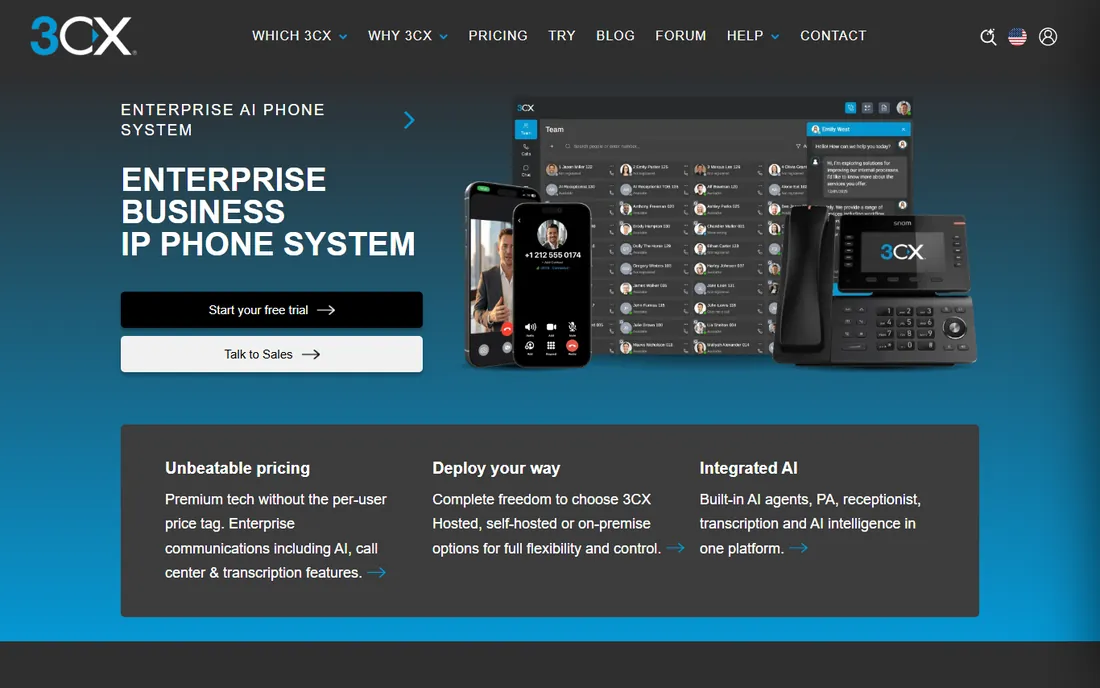
3CX is the leading self-managed IP PBX: install it on your hardware or cloud instance and get voice, video conferencing, live chat and mobile apps without per-user cloud fees. It suits businesses with IT capacity that want phone system control.
You own the reliability: updates, backups and SIP trunking are yours to manage. For companies tired of per-seat subscriptions, the economics favor 3CX once you pass a handful of users.
3CX's economics favor a total-cost analysis: add server or cloud hosting, SIP trunks and your administration time, then compare against per-user cloud pricing at your headcount. The crossover point usually sits in the dozens of users.
What we like- Full PBX with video and live chat included
- Runs on your server or cloud
- No per-extension licensing games
Watch out for- Self-managed means you handle uptime
- Pricing model has changed over the years
Starting priceSee website
Free planFree trial
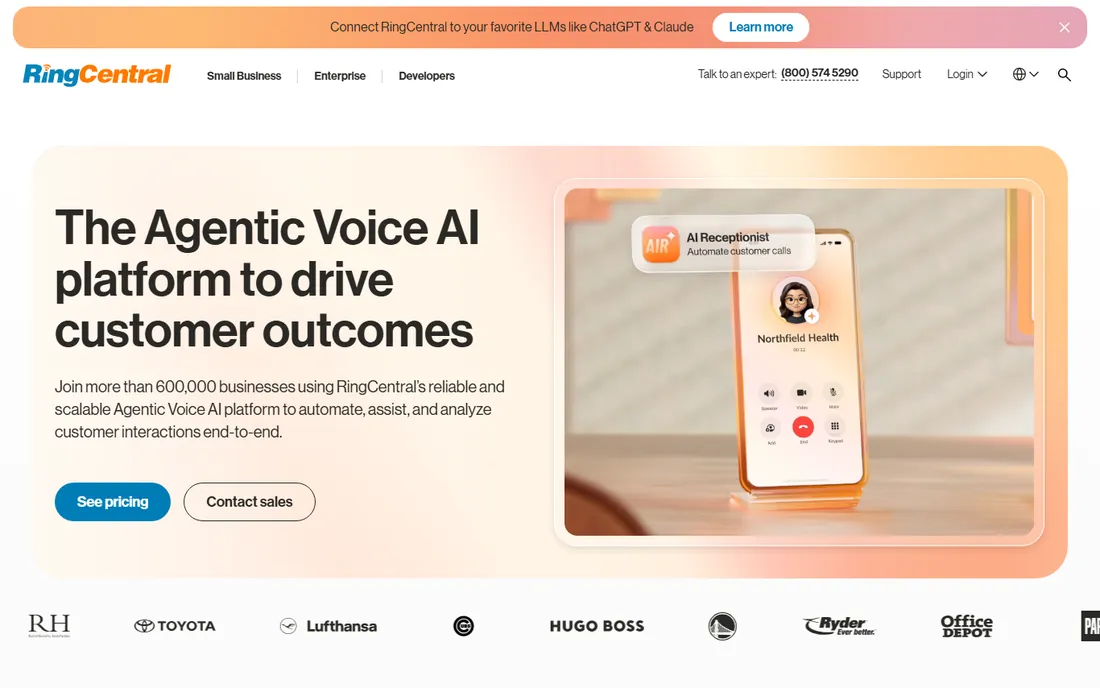
RingCentral is the established cloud communications platform: business phone, video meetings, team messaging and contact center in one subscription. Hundreds of integrations connect it to CRMs and business apps.
Per-user pricing is the tradeoff against self-managed systems. Businesses that want a complete, managed communications stack without telephony expertise choose RingCentral.
RingCentral trials should stress-test the features you will actually use: call queues, integrations and mobile apps under real call volume. The platform's breadth only matters if your team adopts more than basic calling.
What we like- Mature cloud phone with meetings and messaging
- Huge integration library
- Reliable global infrastructure
Watch out for- Pricing adds up per user
- Interface carries legacy complexity
Starting priceSee website
Free planFree trial
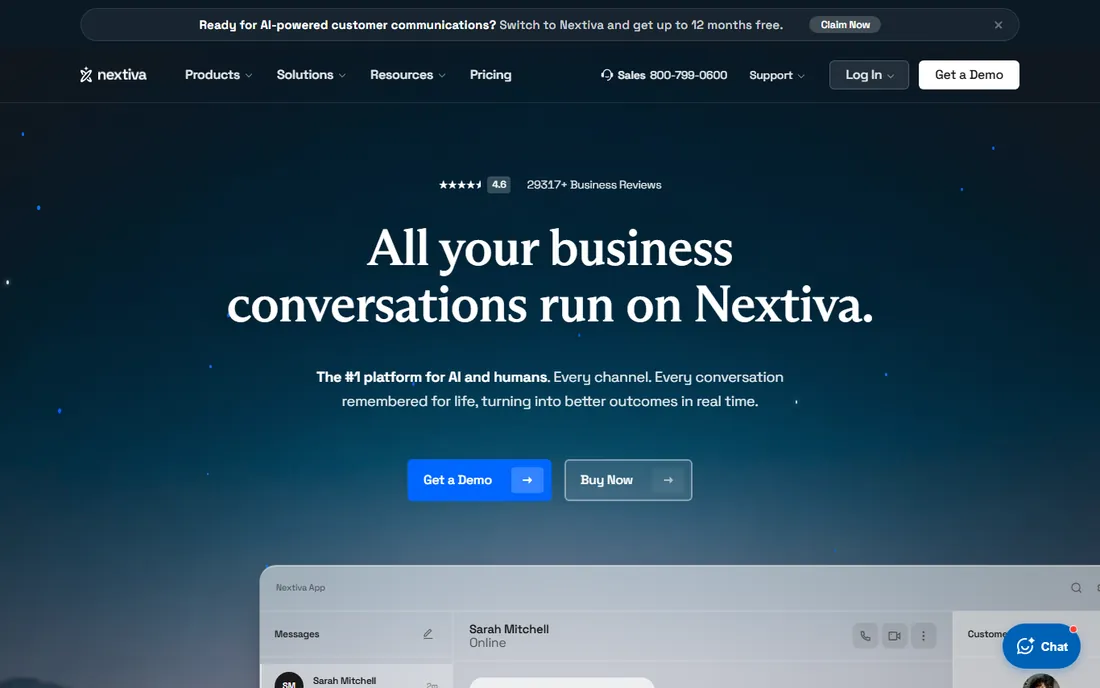
Nextiva competes on service: businesses that want a cloud phone system with humans who answer when something breaks. Call quality is consistently rated well, and the plans are straightforward.
Feature depth trails the biggest platforms. For small and mid businesses where support quality matters more than exotic features, Nextiva is the safe pick.
Nextiva's support reputation is worth testing directly: call support during the trial with a real configuration question. The quality of that interaction predicts the ownership experience better than any feature list.
What we like- Highly rated customer support
- Reliable call quality
- Straightforward plans
Watch out for- Fewer advanced features than RingCentral
- Per-user pricing
Starting priceSee website
Free planFree trial
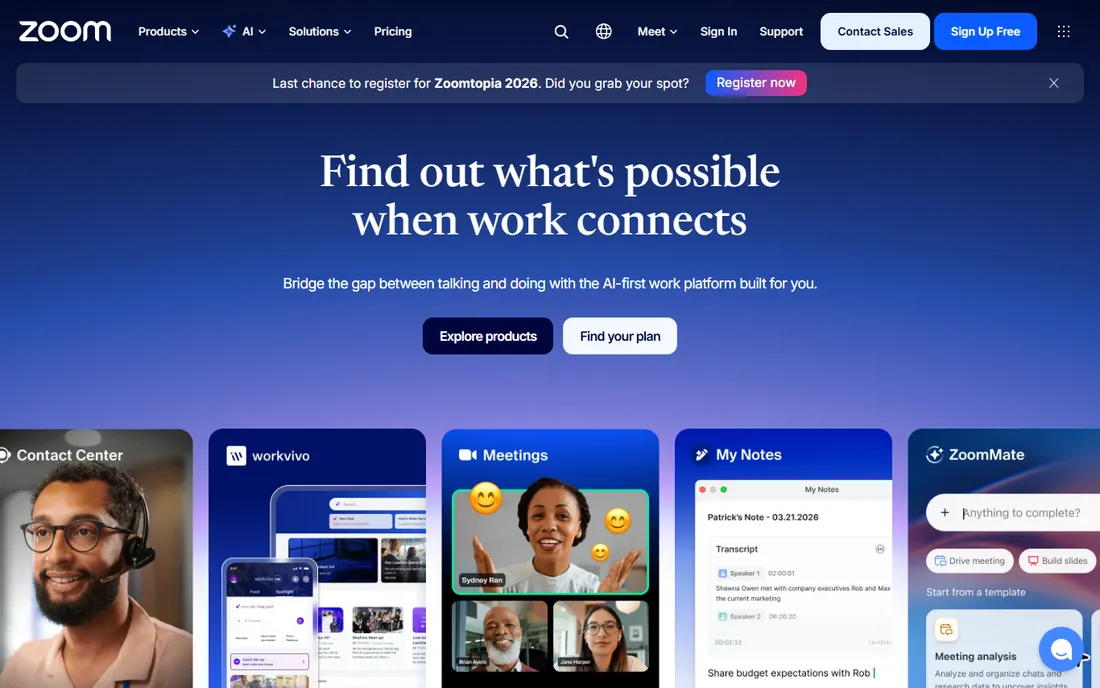
Zoom Phone adds cloud telephony to the Zoom app your team already uses: one client for calls, meetings and messaging. For companies standardized on Zoom, the consolidation is compelling and the per-user add-on is simple.
Standalone buyers get more from dedicated phone platforms. But if Zoom is already your meeting standard, adding Phone is the path of least resistance.
Zoom Phone's simplest trial is adding it to your existing Zoom account and porting a few numbers. If your team already lives in Zoom, the adoption friction is near zero, which is the whole argument.
What we like- One app for meetings and phone
- Simple add-on if you have Zoom
- Solid call quality
Watch out for- Less full-featured than dedicated UCaaS
- Best value inside the Zoom ecosystem
Starting priceSee website
Free planFree trial
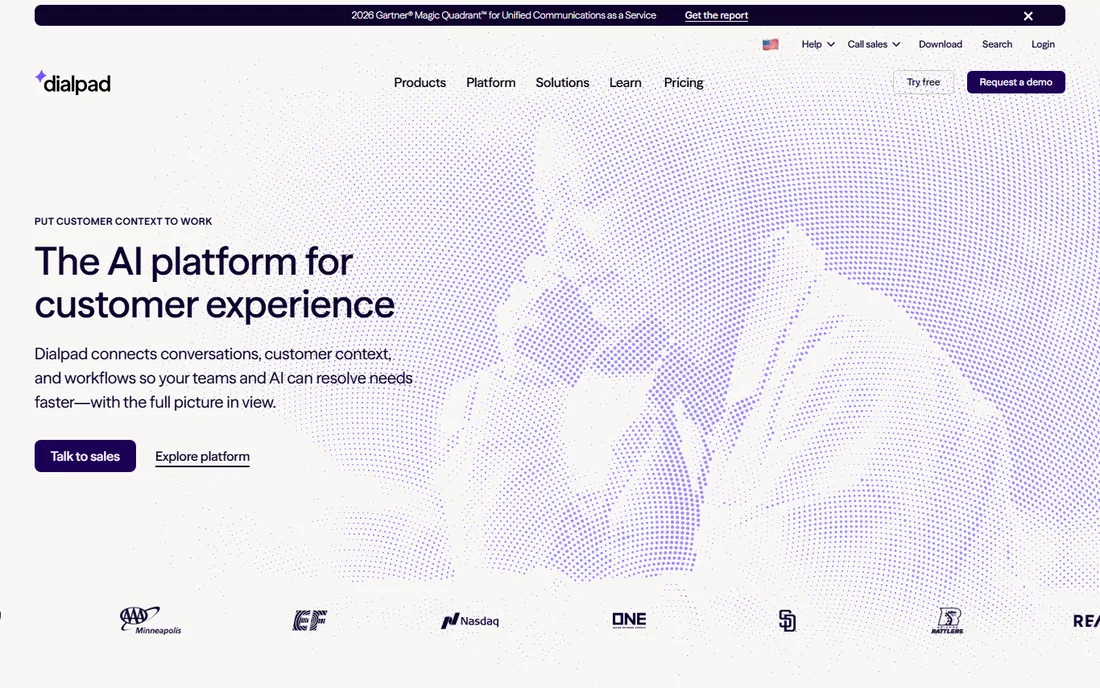
Dialpad differentiates with AI: calls transcribed in real time, summaries generated, coaching insights for sales teams. The interface feels modern next to legacy phone systems, and analytics serve managers well.
The AI tier costs extra, and the base is another per-user subscription. Sales-driven teams that live on calls get the most from the AI features.
Dialpad's AI features need real call data to evaluate: run the transcription and summaries on your actual sales or support calls during the trial. The value depends entirely on your call patterns and recording policies.
What we like- Real-time transcription and AI summaries
- Good analytics
- Modern interface
Watch out for- AI features cost more
- Per-user pricing like the rest
Starting priceSee website
Free planFree trial
8x8 is the global pick: phone numbers and calling in dozens of countries with a single platform, plus an integrated contact center for support operations. Multinationals consolidate telephony on it.
The interface feels older than Dialpad or Zoom. For businesses with real international calling needs, the global infrastructure outweighs the polish gap.
8x8's international capabilities deserve a country-by-country check: confirm number availability, porting and call quality for each market you operate in. Global promises need local verification.
What we like- Strong international calling and numbers
- Integrated contact center
- Proven global infrastructure
Watch out for- Interface less modern than rivals
- Support quality varies by region
Starting priceFree
Free planYes
Asterisk is the open-source engine behind much of the world's telephony: a toolkit for building any voice application, from PBX to IVR to call center. FreePBX and many commercial products are built on it.
It is a toolkit, not a product: expect configuration files and telephony knowledge. Developers and telecom engineers build exactly what they need on it for nothing.
Asterisk's total cost is expertise, not licenses: honestly assess whether your team has the telephony skills before choosing the toolkit route. The software is free; the engineer is not.
What we like- Free and open source
- Powers countless commercial systems
- Ultimate flexibility
Watch out for- Configuration is expert-level
- You build the PBX yourself
Starting priceFree
Free planYes
FreePBX puts a web interface on Asterisk: a complete PBX with extensions, IVR, queues and voicemail, free. The community is large and commercial modules add features like high availability.
You still run the server and the SIP trunks. For businesses with basic Linux skills, it is a capable phone system for the cost of hosting.
FreePBX's community is the support plan: spend time in the forums during your evaluation to gauge responsiveness. Businesses that need guaranteed SLAs should look at commercial alternatives or paid support.
What we like- Free with a web GUI over Asterisk
- Huge community
- Commercial modules for extras
Watch out for- You manage the server
- Interface is functional
Starting priceSee website
Free planNo
Yeastar sells the modern key-system replacement: IP PBX appliances for the office, plus software editions for virtualized deployments. Small and mid businesses that want a phone system as a box, not a subscription, are the buyers.
The appliance model is old-school by design. For offices that want phones to just work without cloud dependencies, Yeastar delivers.
Yeastar's appliance model suits offices that want telephony as infrastructure: evaluate it like hardware, with attention to warranty, support contracts and upgrade paths. The simplicity is the feature.
What we like- Hardware appliances plus software options
- Good for offices that want a box
- No per-user cloud fees
Watch out for- Hardware-centric model
- Less flexible than software-only systems
Cloud or self-managed?
Choose cloud when you have no telephony expertise and want phones that work: RingCentral, Nextiva, Zoom Phone, Dialpad or 8x8. You pay per user per month and never think about servers or SIP trunks.
Choose self-managed when you have IT capacity and want control: 3CX, FreePBX, Asterisk or Yeastar. Upfront effort is higher, ongoing costs are lower, and the system is yours. Past twenty or so users, the math usually favors self-managed.
What to check before you buy
Call quality and reliability come first: trial with your real internet connection and real call volumes, not the vendor's demo. Check number porting: confirm your existing numbers transfer cleanly and how long it takes.
For cloud, confirm the per-user price at your headcount including the features you need, since tiers gate call recording, analytics and integrations. For self-managed, confirm SIP trunk compatibility and hardware requirements. And check emergency calling compliance for your region before you commit.
Finally, test number porting before you commit: port one number during the trial and confirm the timeline and call quality. Porting delays are the most common source of phone system migration pain, and a smooth test port predicts a smooth cutover.
One more check: verify emergency calling compliance for your locations. E911 regulations carry real penalties, and the phone system must handle location reporting correctly.
Also confirm the headset and desk phone compatibility: audio quality complaints usually trace to endpoints, not the PBX software.
How we chose
We selected business phone systems covering cloud UCaaS and self-managed IP PBX, all live products in 2026. Five vendor URLs were corroborated through sibling research files during a browser service outage; 3CX, Asterisk, FreePBX and Yeastar use long-standing canonical domains and are flagged for re-verification. No vendor pricing pages were individually verified, so paid tools list see website.
Frequently asked questions
What is the best PBX system for small business?
Nextiva or RingCentral for managed simplicity; 3CX or FreePBX if you have IT skills and want lower costs. Under ten users, cloud is usually simpler.
Cloud PBX vs on-premise: which is better?
Cloud wins on simplicity and features; self-managed wins on cost and control at scale. Most small businesses should choose cloud.
What is the cheapest business phone system?
FreePBX and Asterisk are free but need your server and skills. Among managed options, compare per-user pricing at your headcount; 3CX's self-managed model undercuts per-seat pricing past a handful of users.
Can I keep my existing phone numbers?
Yes, number porting is standard across all these platforms. Confirm timelines with the vendor before you commit to a cutover date.
Do I need desk phones with a cloud PBX?
No. Softphones, mobile apps and web clients cover most users. Desk phones remain available for receptionists and common areas.
What is SIP trunking?
SIP trunks connect your PBX to the phone network over the internet, replacing physical phone lines. Self-managed systems need you to buy trunks; cloud platforms include connectivity in the subscription.
Sources we checked (9)
- https://www.3cx.com
- https://www.ringcentral.com
- https://www.nextiva.com
- https://www.zoom.com
- https://www.dialpad.com
- https://www.8x8.com
- https://www.asterisk.org
- https://www.freepbx.org
- https://www.yeastar.com
Is your product missing or out of date?
We review this list regularly. Vendors can request a listing, send updated pricing or ask about featured placement.

Shihab Mia · Founder, Rankite
Shihab has spent more than a decade helping SaaS and e-commerce brands grow through search. He writes Rankite's software buying guides from pricing pages, documentation and public user reviews. More about Shihab.