How we make this list: we compare pricing pages, product documentation and public user reviews. Ratings come from G2, Capterra or Trustpilot, with the date we checked them.
Key takeaways
- Gusto is the default pick for small teams: Simple runs $49 plus $6 per person, and the Plus tier at $80 plus $12 adds time tracking and multi state payroll.
- OnPay charges one flat $49 plus $6 per person with no feature tiers, but time tracking is a paid add on rather than a built in.
- Square Payroll at $35 plus $6 per person is the natural choice if your team already clocks in through Square POS.
- Check where time tracking lives before you buy. On several platforms it sits on a higher tier or an add on, and the headline price excludes it.
- Payroll pricing is base fee plus per person, so a 30 person team should compare totals, not starting prices.
Quick comparison
| Tool | Best for | Starting price | Free plan |
|---|
 Gusto Gusto | Small teams overall | $49 per month plus $6 per person | No |
 OnPay OnPay | One simple price | $49 per month plus $6 per person | No |
 Square Payroll Square Payroll | Square POS businesses | $35 per month plus $6 per person | No |
 QuickBooks Payroll QuickBooks Payroll | QuickBooks accounting users | $50 per month plus $7 per person | No |
 Rippling Rippling | Payroll inside a wider platform | See website | No |
 Paychex Flex Paychex Flex | Dedicated payroll support | See website | No |
 RUN Powered by ADP RUN Powered by ADP | Scaling with a big provider | See website | No |
 Homebase Homebase | Hourly shift teams | Free | Yes |
Is your product missing or out of date?
We review this list regularly. Vendors can request a listing, send updated pricing or ask about featured placement.
The best payroll software with time tracking
#1Gusto
Best for: Small teams overall4.6/5 on
G2 (13,355 reviews, checked Oct 2026)
Visit gusto.com
Starting price$49 per month plus $6 per person
Free planNo
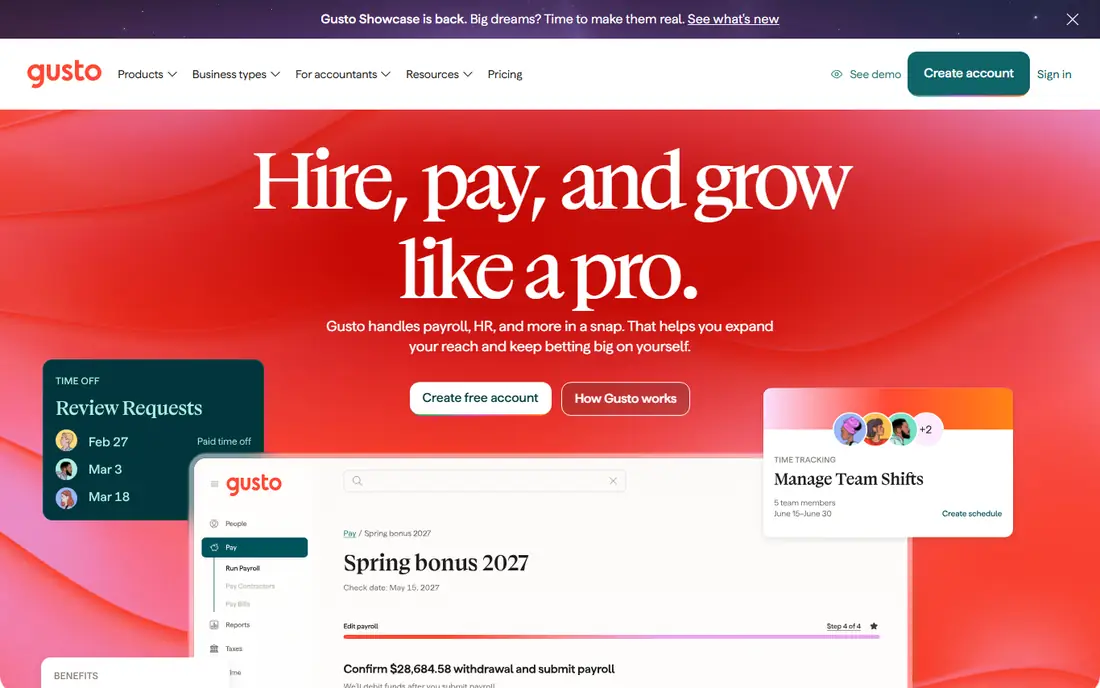
Gusto is the payroll most small businesses pick first, and its time tools cover the common cases: a mobile app with geolocation, a time kiosk, PTO requests, and hours that flow straight into the pay run. Simple at $49 plus $6 per person runs payroll and filings; Plus at $80 plus $12 per person adds time tracking, multi state payroll, and more HR tools; Premium at $180 plus $22 adds dedicated support.
The trade off is the tier ladder. The feature this guide is about, time tracking, sits one tier above the headline price, so budget on Plus. Gusto fits teams of five to one hundred that want payroll, time, and benefits under one login without an enterprise contract.
What we like- Clean interface owners actually enjoy
- Time tracking and multi state payroll on Plus
- Benefits administration built in
- Contractor payments included
Watch out for- Time tracking needs the Plus tier at $80 plus $12 per person
- Premium jumps to $180 plus $22
- Support quality varies at peak times
#2OnPay
Best for: One simple price4.8/5 on
G2 (407 reviews, checked Oct 2026)
Visit onpay.com
Starting price$49 per month plus $6 per person
Free planNo
OnPay sells the opposite of a tier ladder: $49 a month plus $6 per person covers full service payroll, tax filings, and multi state runs, with no upsell wall for core payroll. Time tracking is the exception; it is offered as an add on reported at $15 base plus $4 per worker a month, and a similar add on structure covers HR tools.
The trade off is simplicity against bundling. Adding time tracking narrows OnPay's price edge, though the total stays competitive. OnPay fits multi state small businesses and nonprofits that want one predictable bill and dislike renegotiating tiers as they grow.
What we like- One plan, no feature tiers to decode
- Full tax filing included
- Multi state payroll at the same price
- Strong reviews for support
Watch out for- Time tracking is an add on at $15 plus $4 per worker
- HR extras also stack as add ons
- Fewer integrations than Gusto
#3Square Payroll
Best for: Square POS businesses4.2/5 on
G2 (31 reviews, checked Oct 2026)
Visit squareup.com
Starting price$35 per month plus $6 per person
Free planNo
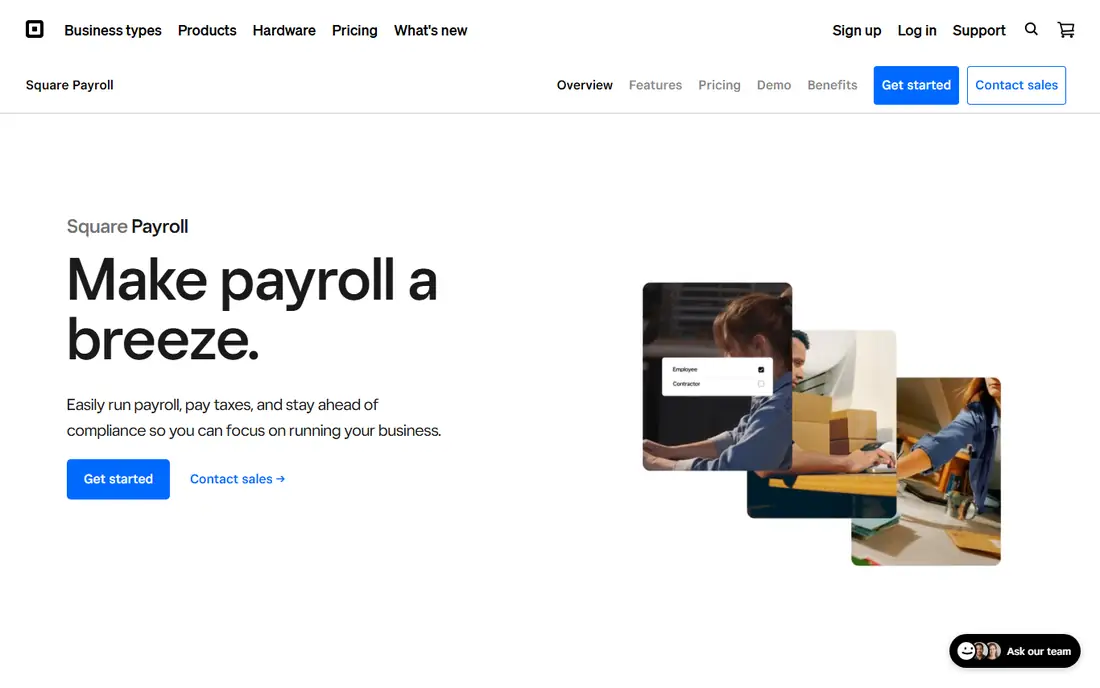
Square Payroll is built for the businesses already running Square at the counter. Shifts clocked in the Square team app or POS become timecards, tips pool and split inside the system, and pay runs inherit the lot. Pricing is $35 a month plus $6 per person for employees, and a contractor only option charges $6 per person with no base fee.
The trade off is ecosystem against depth. Outside Square hardware the integration edge fades, and growing teams may want richer HR. Square Payroll fits cafes, retail, salons, and restaurants where the till, the clock, and the paycheck are naturally the same system.
What we like- Timecards flow from Square POS and the team app
- Contractor only plan at $6 per person with no base fee
- Tips and commissions handled well
- Full tax filing included
Watch out for- Best value stays inside the Square ecosystem
- HR tools are basic
- Reporting is thinner than Gusto or ADP
Starting price$50 per month plus $7 per person
Free planNo
QuickBooks Payroll, now wrapped into the QuickBooks Workforce naming, is the obvious choice when your books already live in QuickBooks Online: no sync, no export, and time data from QuickBooks Time feeding the run. List pricing is reported around $50 a month plus $7 per person for the payroll add on, with bundles that include accounting priced higher.
The trade off is integration against lock in. The convenience is real, and so is the dependence; moving payroll later means unwinding your accounting choice too. QuickBooks Payroll fits businesses committed to QuickBooks that want hours, pay, and books in one ledger view.
What we like- Hours and payroll post straight into QuickBooks accounting
- Time tracking on Premium tier and up
- Same and next day direct deposit options
- One vendor for books and pay
Watch out for- Sold increasingly as a bundle with accounting, raising the entry figure
- Time tracking needs the Premium tier
- Support reviews are mixed
#5Rippling
Best for: Payroll inside a wider platform4.8/5 on
G2 (13,464 reviews, checked Oct 2026)
Visit rippling.com
Starting priceSee website
Free planNo
Rippling treats payroll as one module in a platform that also runs HR, device management, and apps. Its time and attendance tools feed payroll directly, and its automation can, for example, trigger approvals or flag overtime patterns without a person checking. Pricing is modular and quoted; the company indicates plans start at $8 per employee per month plus platform fees, with the real figure set by the modules chosen.
The trade off is platform power against simplicity. A ten person shop buying only payroll will overpay for the chassis. Rippling fits companies from fifty people up, or fast growing startups that want one system to carry HR, IT, and pay together.
What we like- Payroll, HR, IT, and spend in one system
- Time and attendance module syncs with scheduling and payroll
- Automation rules cut admin work
- Global payroll available
Watch out for- Quote based modular pricing
- You pay for platform breadth you may not use
- Implementation is a project
#6Paychex Flex
Best for: Dedicated payroll support4.1/5 on
G2 (1,748 reviews, checked Oct 2026)
Visit paychex.com
Starting priceSee website
Free planNo
Paychex Flex is the traditional payroll company's modern platform, and its pitch is people: a dedicated specialist who knows your account, backed by time and attendance tools that range from app clock ins to physical time clocks for warehouses and clinics. Small business pricing is quoted; third party estimates put entry packages near $39 plus $5 per employee, with time tracking as an add on.
The trade off is service against transparency. You cannot budget exactly until a rep quotes you. Paychex Flex fits businesses in regulated or shift heavy industries that want a human accountable for payroll questions.
What we like- Named payroll specialist support
- Time and attendance options from basic clocks to its own hardware
- Strong compliance services
- Scales from small to mid size
Watch out for- Pricing is quote based, with estimates around $39 plus $5 for small teams
- Time tracking is a paid add on
- Sales led buying process
#7RUN Powered by ADP
Best for: Scaling with a big provider4.7/5 on
G2 (6,586 reviews, checked Oct 2026)
Visit adp.com
Starting priceSee website
Free planNo
RUN is ADP's small business product, sold in tiers that grow toward the mid market Workforce Now platform. Time and attendance comes from ADP's own time tools as an add on, and the draw is the ceiling: a company can start on RUN at ten people and stay inside ADP at five hundred.
The trade off is ceiling against simplicity and price clarity. Everything is quoted and tiered, and time tracking adds to the bill. RUN fits owners who expect to grow, value ADP's compliance depth, and accept a sales process in exchange for a platform they will not outgrow.
What we like- The largest payroll provider's small business platform
- Time and attendance add ons from a mature catalogue
- Deep compliance and reporting
- Clear growth path to Workforce Now
Watch out for- Quote based pricing
- Add on structure means the first quote is rarely the final bill
- Interface feels corporate next to Gusto
Starting priceFree
Free planYes
Homebase starts from the other end: it is a time clock and scheduling app for hourly teams that added payroll. The free tier covers clock ins, timesheets, and scheduling for a single location, which makes it the natural trial for a cafe or shop. Paid tiers add controls, and the top bundle folds payroll in, with per location pricing throughout.
The trade off is focus against scope. Homebase is superb for shift based hourly work and ordinary for a salaried office. Homebase fits restaurants, retail, and service businesses where the schedule and the time clock are the daily problem and payroll is the monthly one.
What we like- Free plan covers time clock and scheduling for one location
- Built for hourly and shift work
- Payroll available in its bundled tiers
- Hiring and team messaging included
Watch out for- Payroll sits in the higher bundles, not the free plan
- Per location pricing multiplies for chains
- Less suited to salaried office teams
How we chose
We compared payroll platforms on one test: how well hours move from clock in to paycheck without retyping. We checked where time tracking sits in each pricing structure, because a tool that gates it behind a top tier is a different purchase from one that includes it. Prices are list or widely reported figures from October 2026, and we wrote See website for the quote based providers rather than presenting estimates as facts.
How to choose payroll software with time tracking
Price the full team, not the headline. Add the base fee, the per person fee at your real headcount, and the time tracking tier or add on, then compare those totals across two or three finalists. Confirm the wage and hour basics in a trial: overtime rules by state, tip handling if you need it, PTO accrual, and how corrections are made when someone forgets to clock out, because that edit flow is what managers touch every week. Check state coverage carefully if staff work in several states, since multi state filing is an upsell at some providers and standard at OnPay. Finally, ask who carries the penalty if a filing is late. Full service providers file and pay taxes for you; make sure the plan you buy is the full service one, and keep your own copy of every quarterly filing regardless.
Frequently asked questions
Is time tracking included or an add on?
It depends on the platform and tier. Gusto includes it from the Plus tier, OnPay and Paychex sell it as an add on, and Square includes timecards through its team tools. Always price the tier that actually contains time tracking, not the cheapest tier.
How much does payroll with time tracking cost a 20 person team?
Using October 2026 list figures, roughly $170 to $320 a month: Gusto Plus totals $320 at 20 people, OnPay with the time add on about $264, and Square Payroll about $155 before any extras. Quote based providers land in the same band after negotiation.
Can employees clock in from their phones?
Yes. Every tool here offers a mobile app with clock in and out, and most add GPS or geofence options. Tell staff plainly what location data is collected and when, because time tracking privacy is a workplace trust issue as well as a setting.
Does payroll software file taxes automatically?
Full service plans calculate, deposit, and file federal, state, and local payroll taxes and produce W-2 and 1099 forms. Cheaper do it yourself tiers exist at some providers; the price gap is small next to an IRS late deposit penalty, which starts at 2 percent.
What happens when an employee works in two states?
The software must withhold for the correct state based on where work was performed, and some providers charge extra per state while OnPay includes multi state at one price. If your team crosses state lines regularly, make this your first screening question.
Can contractors be paid through the same system?
Yes. Gusto, Square, and others pay 1099 contractors in the same run, and Square offers a contractor only plan at $6 per person with no base fee. Contractor time tracking is usually simpler: hours submitted and approved rather than clocked.
Sources we checked (0)
Is your product missing or out of date?
We review this list regularly. Vendors can request a listing, send updated pricing or ask about featured placement.

Shihab Mia · Founder, Rankite
Shihab has 5+ years in B2B and SaaS SEO. He writes Rankite's software buying guides from pricing pages, documentation and public user reviews. More about Shihab.