How we make this list: we compare pricing pages, product documentation and public user reviews. Rankite is independent; if a vendor ever pays for a featured spot, that listing is clearly labeled Partner.
Key takeaways
- Gusto is the best all-rounder for small businesses that want payroll plus benefits and HR in one place.
- Patriot Software and OnPay are the cheapest full-featured options, ideal when payroll is the whole job.
- Rippling and BambooHR suit companies that want payroll inside a broader HR and IT platform.
- ADP Run and Paychex Flex fit businesses with complex multi-state payroll or compliance-heavy industries.
- Deel is the pick if your team spans the US and other countries and you need payroll everywhere.
Quick comparison
| Tool | Best for | Starting price | Free plan |
|---|
 Gusto Gusto | Small businesses wanting payroll plus HR | $49/month + $6 per person | No |
 OnPay OnPay | Simple, affordable full-service payroll | $40/month + $6 per person | No |
 Patriot Software Patriot Software | Budget-conscious teams | $17/month + $4 per worker | Free trial (30 days) |
 Square Payroll Square Payroll | Businesses already using Square | $35/month + $6 per person | No |
 QuickBooks Payroll QuickBooks Payroll | QuickBooks Online users | $45/month + $6 per employee | No |
 Rippling Rippling | Payroll inside a full HR and IT platform | From $8 per user/month | No |
 ADP Run ADP Run | Growing businesses with complex needs | See website | No |
 Paychex Flex Paychex Flex | Compliance-heavy industries | See website | No |
 Deel Deel | US and international teams | $19 per employee/month | No |
 BambooHR BambooHR | HR-first companies adding payroll | See website | No |
Is your product missing or out of date?
We review this list regularly. Vendors can request a listing, send updated pricing or ask about featured placement.
The best automated payroll software
Starting price$49/month + $6 per person
Free planNo
Gusto is the default recommendation for a typical American small business, and it earns that spot. The Simple plan covers full-service federal and state tax filing, contractor payments, direct deposit, and new-hire onboarding where employees enter their own tax and bank details in minutes. Add-ons for health benefits, workers comp, and time tracking turn it into a light HR suite without a second vendor.
The weakness is the low end of the market. A two-person company pays $61 a month for what is essentially a tiny payroll run, which stings when Patriot does the same math for less. Gusto also assumes a US-based team; if you hire abroad, you will need a second solution. For domestic teams of roughly 5 to 100 people, though, the combination of polish and completeness is hard to beat.
What we like- Combines payroll, benefits, onboarding, and time tracking
- Excellent employee self-service onboarding
- Transparent published pricing
Watch out for- Gets pricey for very small teams
- International payroll is limited compared with Deel or Rippling
Starting price$40/month + $6 per person
Free planNo
OnPay keeps things deliberately simple: one plan, one price, everything included. For $40 a month plus $6 per person, you get unlimited payroll runs, automatic tax calculations, filings and payments, direct deposit, and new-hire onboarding. There are no tiers to decode and no features held back for an upsell, which owners who just want payroll done appreciate.
What you give up is breadth. OnPay does not try to be an HR platform; benefits administration and performance tools are thinner than Gusto's. If payroll accuracy and honest pricing matter more than an HR suite, OnPay is one of the best values in the category. Companies that outgrow it usually do so because they need HR software, not because payroll stops working.
What we like- One plan with everything included, no tier confusion
- Full-service tax filings in all 50 states
- Strong customer support reputation
Watch out for- Fewer HR extras than Gusto
- Integrations are solid but not as broad
Starting price$17/month + $4 per worker
Free planFree trial (30 days)
Patriot wins on price, full stop. Basic Payroll at $17 a month plus $4 per worker handles calculations, unlimited runs, and direct deposit, while Full Service at $37 plus $5 adds federal, state, and local filings with year-end forms included. You only pay the per-worker fee for people actually paid that month, and months with no payroll cost just the base fee.
The trade-offs are real but clearly labeled. The Basic plan calculates taxes without filing them, so most employers will want Full Service. Integrations are thin compared with Gusto or QuickBooks Payroll, and the HR and accounting add-ons cost extra. For a small team that wants correct payroll at the lowest sustainable price, with humans available on the phone, Patriot is the value leader.
What we like- Lowest starting price of any full-featured option
- Transparent pricing with no hidden fees
- Free US-based support and free setup help
Watch out for- Basic plan leaves tax filing to you
- Few third-party integrations
Starting price$35/month + $6 per person
Free planNo
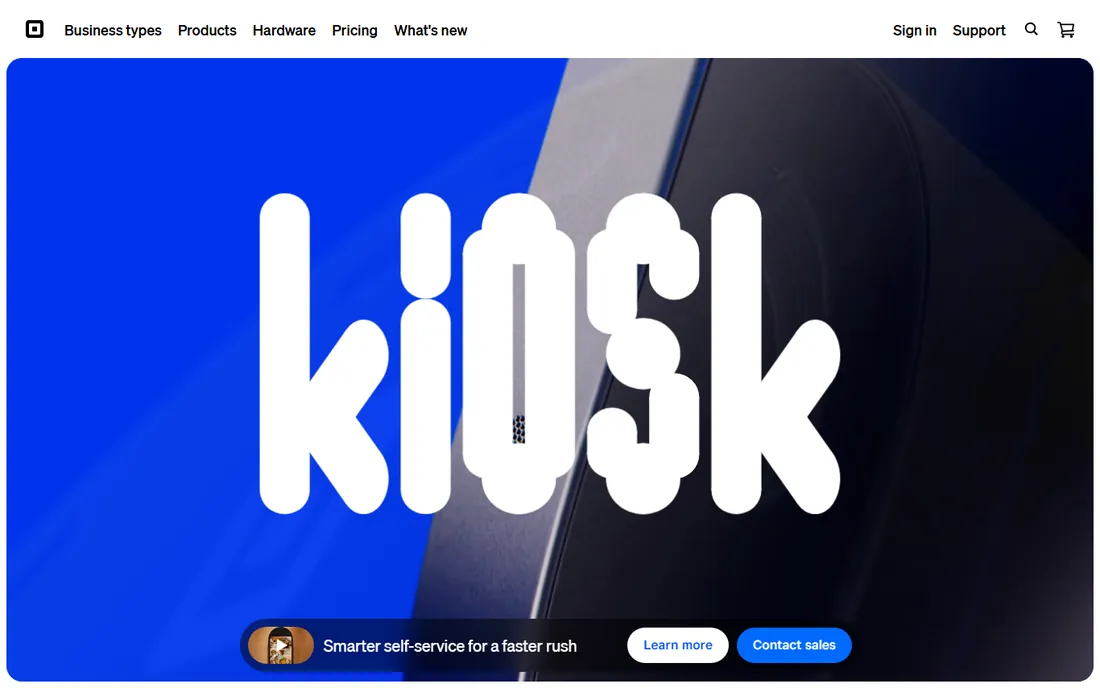
If your team clocks in through Square and your sales flow through Square, Square Payroll removes a whole category of data entry. Hours, overtime, and tips flow from the point of sale into payroll automatically, which matters enormously for restaurants, cafes, and salons where tip reporting is a constant headache. Tax filings are full-service, and the price is straightforward.
Outside the Square world, there is little reason to choose it over Gusto or OnPay. The HR toolkit is basic and the integrations center on Square's own products. But for the millions of small businesses already running on Square, the time saved on importing hours alone justifies the switch.
What we like- Pulls hours and tips straight from Square POS and appointments
- Handles tip reporting well
- Simple flat pricing
Watch out for- Makes little sense outside the Square ecosystem
- Fewer HR features than dedicated HR platforms
Starting price$45/month + $6 per employee
Free planNo
QuickBooks Payroll exists for one reason: your payroll should reconcile with your accounting without manual journal entries. If you already run QuickBooks Online, adding payroll means wages, taxes, and liabilities post to the right accounts automatically, and payday reports match the general ledger. The Core plan covers full-service tax filing, direct deposit, and employee portal basics.
The catch is the ecosystem lock-in. Payroll works best, and in some configurations only, alongside a paid QuickBooks Online plan, so factor both subscriptions into the total. Businesses not on QuickBooks should compare Gusto first. But if QuickBooks is your financial source of truth, keeping payroll in the family eliminates reconciliation work every single pay period.
What we like- Payroll journal entries sync automatically with your books
- Tax penalty protection on higher tiers
- Same vendor as your accounting
Watch out for- Requires a QuickBooks Online subscription for the best experience
- Pricing climbs with add-ons
Starting priceFrom $8 per user/month
Free planNo
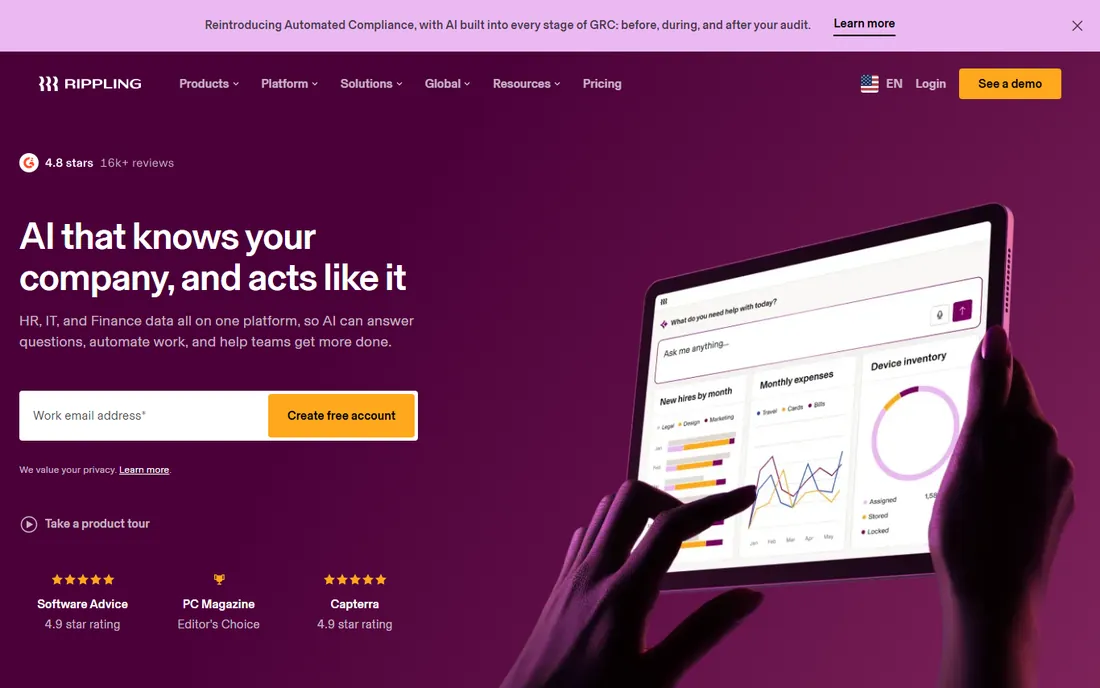
Rippling starts from a different premise: one employee record should drive everything, from payroll to laptop provisioning to software accounts. Hire someone and Rippling runs payroll enrollment, orders their device, creates their accounts, and enrolls them in benefits in one flow. Terminate someone and it reverses all of it. For companies where IT and HR constantly step on each other, that unity is worth real money.
For pure payroll, though, Rippling is expensive overkill. The $8 per user starting price covers the platform before you add payroll and other modules, and final pricing comes through sales. Small teams that just need paychecks calculated should buy Gusto or OnPay. Rippling earns its keep at companies that want HR and IT run as one operation.
What we like- Unifies payroll with HR, IT, devices, and app access in one system
- Strong automation across onboarding and offboarding
- Handles global payroll
Watch out for- Quote-based pricing makes budgeting harder
- Overkill and overpriced if you only need payroll
#7
ADP Run
Best for: Growing businesses with complex needs
Visit adp.com
Starting priceSee website
Free planNo
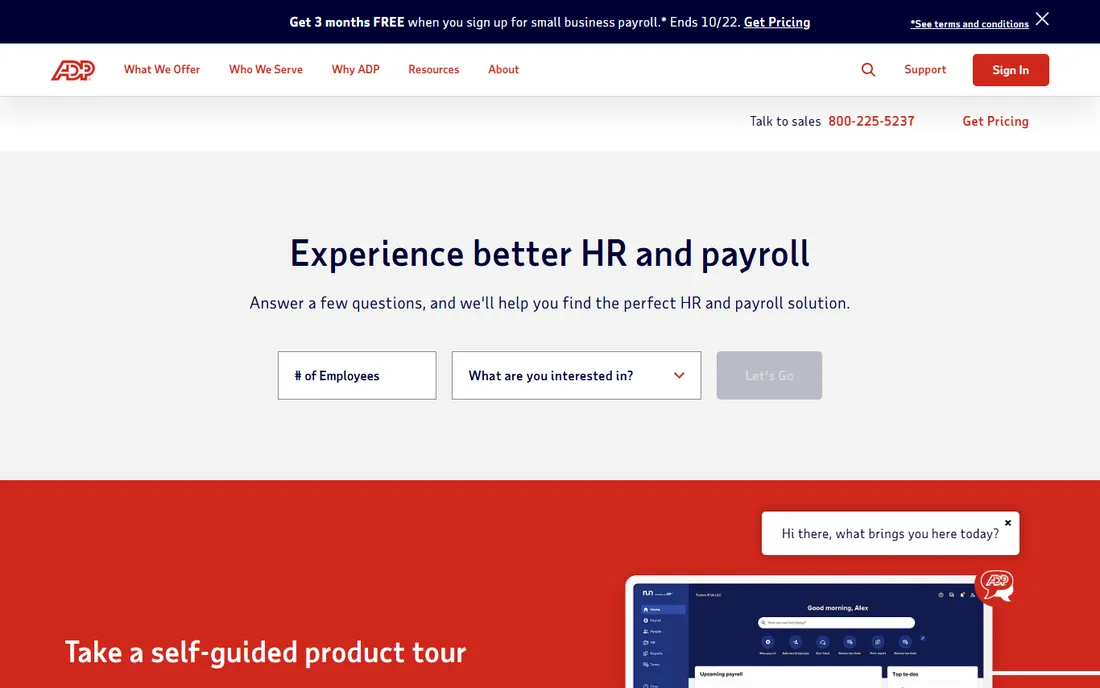
ADP is the giant of the payroll industry, and Run is its small-business platform. What you buy is compliance depth: multi-state tax handling, wage garnishments, industry-specific rules, and HR guidance from people who have seen every edge case. Businesses in healthcare, construction, hospitality, and other regulated industries often land here because ADP has already solved their weird payroll problem.
The buying experience is old-school: quotes through sales, annual-style contracts, and pricing that usually lands above Gusto or OnPay for equivalent headcount. The software works but rarely delights. Choose ADP Run when compliance complexity or growth plans demand a vendor that scales to thousands of employees, not when you want the slickest app.
What we like- Deep compliance expertise across all 50 states
- Scales from small business to enterprise on the same vendor
- Strong HR advisory resources
Watch out for- Pricing is quote-based and often higher than modern rivals
- Interface and onboarding feel dated
Starting priceSee website
Free planNo
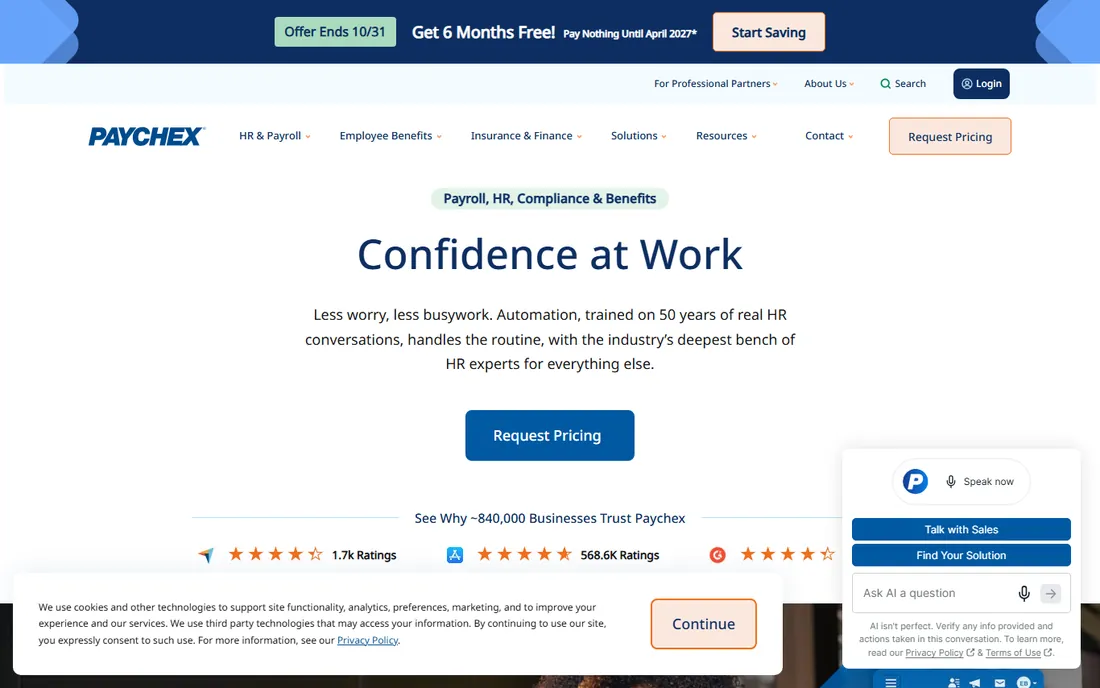
Paychex Flex competes directly with ADP Run for the same buyer: a business whose payroll is complicated enough that compliance help matters. The platform modularizes well, letting you start with payroll and add HR services, retirement plans, or a full PEO arrangement as you grow. Dedicated support teams for specific industries are a genuine advantage when your questions are about, say, prevailing wage rules rather than password resets.
Like ADP, Paychex sells through quotes and the total can surprise buyers who expected SaaS-style transparency. Some customers report persistent upsell calls. If your payroll is straightforward, the modern self-serve tools cost less and annoy less. If it is not straightforward, Paychex's compliance muscle is the reason to pay more.
What we like- Strong in regulated industries with dedicated support teams
- Flexible modules from payroll to PEO
- Established compliance track record
Watch out for- Quote-based pricing with upsell pressure reported by some buyers
- Simpler needs are served cheaper elsewhere
Starting price$19 per employee/month
Free planNo
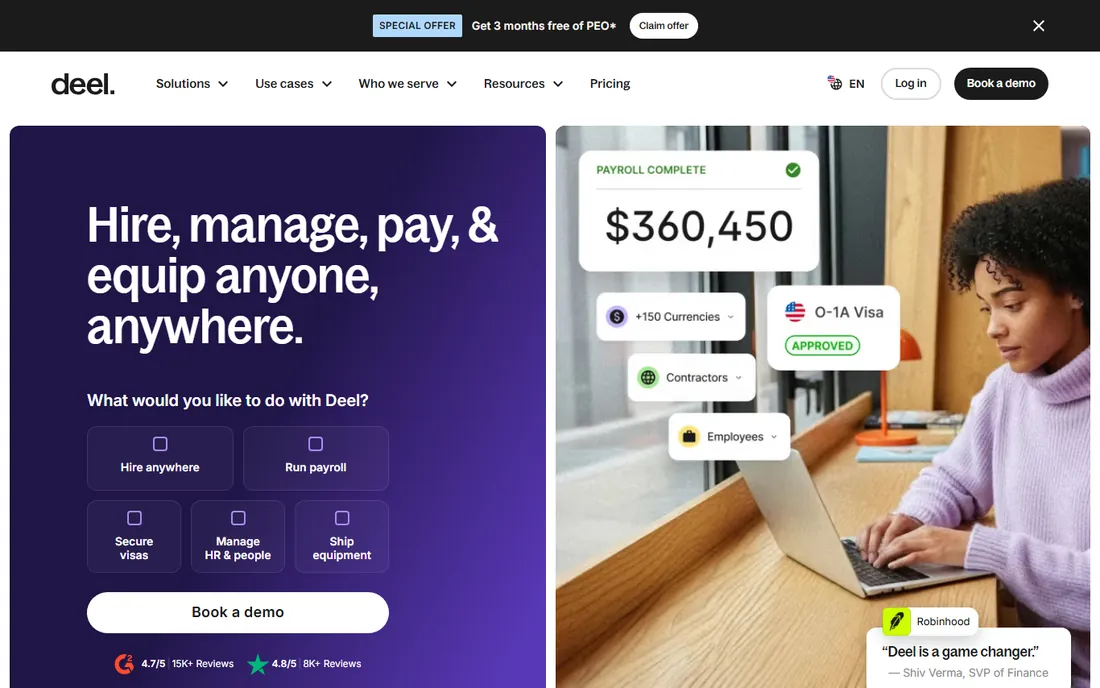
Deel built its name on international hiring and now covers the full spectrum: contractors at $49 a month, US payroll from $19 per employee a month, global payroll from $29, and employer-of-record services where you lack a local entity. For a startup with engineers in three countries and sales in two more, one Deel dashboard beats juggling a domestic payroll provider plus foreign contractors paid over wire transfers.
The pricing model demands attention as headcount grows, since every worker type carries its own per-person fee. Domestic-only teams will find Gusto or Rippling cheaper and more focused. But the moment your team crosses borders, Deel's combination of published prices and genuine multi-country coverage is difficult to match.
What we like- Runs payroll for US and international employees from one dashboard
- Transparent published pricing
- Contractor management built in
Watch out for- Per-employee pricing adds up fast as you grow
- Support quality varies by region according to some reviews
Starting priceSee website
Free planNo
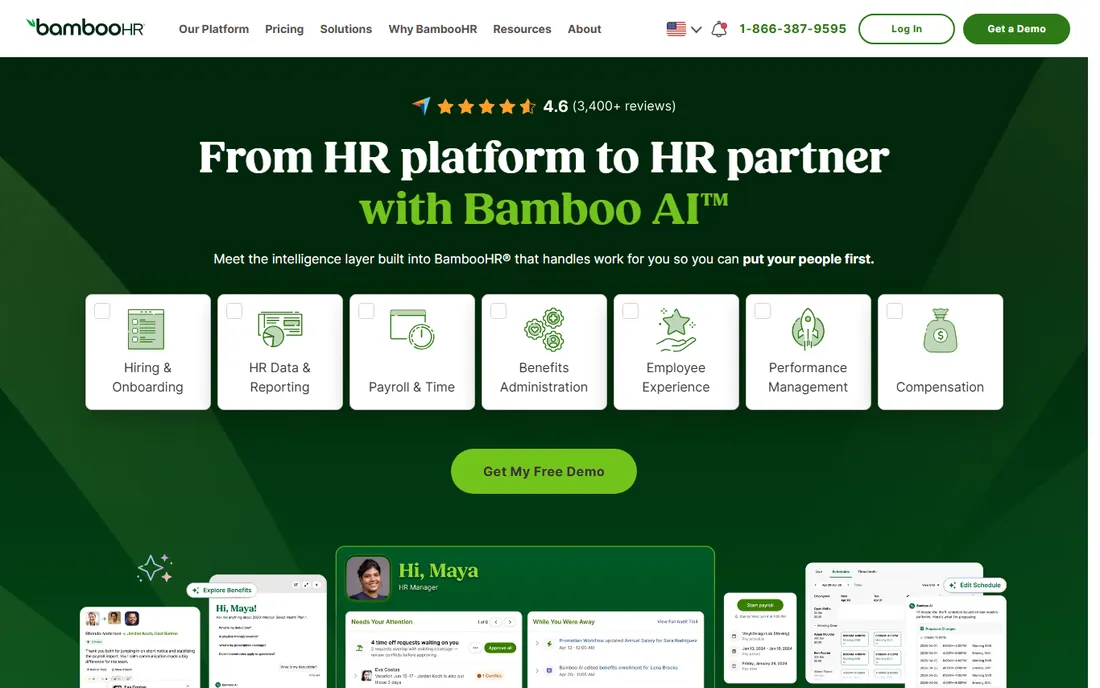
BambooHR is HR software first and payroll second, which is exactly the right order for many companies. Its strengths are the employee record, onboarding workflows, time-off tracking, and performance management that HR teams actually enjoy using. The payroll add-on then runs off that same clean data, so a new hire's information flows into their first paycheck without re-entry.
If payroll is all you need, buying an HR platform to get it is backwards. And BambooHR prices by quote, so you cannot budget precisely without a sales call. But companies choosing their HR system of record often add payroll here rather than integrating a separate provider, and the data consistency pays off every pay period.
What we like- Excellent HR core with onboarding, time off, and performance
- Payroll add-on keeps employee data in one place
- Well-liked by HR teams
Watch out for- Payroll is an add-on, not the main event
- Quote-based pricing
Payroll features that actually matter
Marketing pages list dozens of features. When you demo these tools, focus on the handful that decide whether payroll runs smoothly or becomes a monthly fire drill.
Tax filing scope
Full-service means the vendor calculates, files, and pays federal, state, and sometimes local taxes for you. Basic or self-service plans calculate but leave filing to you. For most employers, full-service is worth the upgrade; one missed deposit costs more than the price difference.
Contractor payments
If you pay 1099 contractors, check how the tool handles them. Some include unlimited contractor payments, some charge per contractor, and year-end 1099 filing may be included or extra. Deel and Gusto handle this well; confirm the details for your headcount mix.
Multi-state support
Hiring across state lines multiplies tax registrations and filing obligations. ADP, Paychex, and Rippling handle this routinely. Budget tools may charge per additional state, so a remote team spread across ten states can change the math.
Integrations
Payroll touches time tracking, accounting, and HR. Native integrations with your time clock and your accounting software eliminate the CSV shuffle. QuickBooks Payroll wins automatically for QuickBooks shops; Square Payroll for Square shops.
How we chose
We compared payroll tools aimed at US small and mid-size businesses, checking each vendor's current pricing page for plan names and rates. We read user reviews on G2, Capterra, and Reddit, paying special attention to complaints about hidden fees, tax filing errors, and support responsiveness, since those are what hurt in payroll. We favored tools with published pricing, full-service tax filing options, and a track record of accurate filings, and we included enterprise-grade options for businesses with complex or international needs.
The real cost of payroll software
Sticker prices understate the total for two reasons: per-person fees and add-ons. A $49 base plus $6 per person is $109 a month for ten people and $649 for a hundred, before benefits administration or time tracking add-ons. Always model your actual headcount, including part-timers and contractors if they are billed.
Watch for the extras: multi-state filing fees, year-end form charges, 1099 filing fees, and implementation or setup fees. Patriot includes year-end filings free while some competitors charge per form, which can flip the value ranking for larger teams. Ask every vendor for the all-in monthly cost at your headcount before comparing.
Annual billing usually saves 10 to 20 percent, but payroll vendors make switching painful mid-year because of tax history, so do not commit annually until you have run at least two clean payrolls on the monthly plan.
Frequently asked questions
What does automated payroll software do?
It calculates wages, withholdings, and employer taxes, pays employees by direct deposit, files payroll taxes with federal and state agencies, and generates pay stubs and year-end forms. Full-service plans handle the filings for you; self-service plans calculate the numbers while you file.
How much does payroll software cost?
Most small-business plans start with a base fee of $17 to $49 a month plus $4 to $6 per employee or contractor paid. Enterprise and international options price higher or by quote. Always model the per-person fees at your actual headcount.
Can payroll software handle contractors?
Yes. Most tools on this list pay contractors alongside employees and generate 1099s at year end. Deel specializes in contractor and international payments, while Gusto and QuickBooks Payroll include contractor payments in their standard plans.
What happens if the payroll company makes a tax mistake?
Reputable full-service providers, including Gusto, ADP, Paychex, and QuickBooks Payroll, offer tax accuracy guarantees or penalty protection: if their error causes a penalty, they pay it. Confirm the guarantee's terms before you buy, since coverage varies.
Is it hard to switch payroll providers?
Mid-year switches require migrating year-to-date payroll history so tax filings stay accurate, which takes some care. Most vendors offer free migration help. The cleanest time to switch is at the start of a calendar year or quarter.
Do I still need an accountant if I use payroll software?
Payroll software handles payroll taxes, but you still need accounting for everything else: bookkeeping, business tax returns, and financial planning. Tools like QuickBooks Payroll reduce the overlap, but they do not replace your accountant.
Sources we checked (13)
- https://gusto.com
- https://www.onpay.com
- https://www.patriotsoftware.com
- https://www.patriotsoftware.com/pricing/
- https://squareup.com
- https://quickbooks.intuit.com
- https://www.rippling.com
- https://www.adp.com
- https://www.paychex.com
- https://www.deel.com
- https://www.bamboohr.com
- https://www.deel.com/blog/best-payroll-software-small-business/
- https://www.techrepublic.com/article/patriot-payroll-software-review/
Is your product missing or out of date?
We review this list regularly. Vendors can request a listing, send updated pricing or ask about featured placement.

Shihab Mia · Founder, Rankite
Shihab has spent more than a decade helping SaaS and e-commerce brands grow through search. He writes Rankite's software buying guides from pricing pages, documentation and public user reviews. More about Shihab.