How we make this list: we compare pricing pages, product documentation and public user reviews. Ratings come from G2, Capterra or Trustpilot, with the date we checked them.
Key takeaways
- Square Payroll ($35 per month plus $6 per person) and Homebase payroll ($49 per month plus $6 per employee) pull hours straight from the point of sale, which removes manual timesheet entry for many stores.
- Gusto Simple starts at $49 per month plus $6 per person, but multi-state payroll and time tracking need the $80 Plus plan.
- QuickBooks sells payroll bundled with accounting, starting at $88 per month plus $7 per employee for Workforce Payroll with Simple Start.
- ADP, Paychex and Paycor do not publish prices, but they offer the deepest support for chains with dozens of locations and complex compliance needs.
- Per-person pricing means seasonal hiring raises your bill only in the months you pay those workers on most plans, so check how each vendor counts active employees.
Quick comparison
| Tool | Best for | Starting price | Free plan |
|---|
 Square Payroll Square Payroll | Stores already using Square POS | $35/month base + $6 per person paid | No |
 Homebase Homebase | Hourly teams that need scheduling and time clocks | $49/month base + $6 per employee paid (payroll add-on) | Yes (Basic scheduling for 1 location up to 10 employees) |
 Gusto Gusto | Small retailers that want easy setup | $49/month base + $6 per person (Simple) | No |
 QuickBooks Payroll QuickBooks Payroll | Shops that keep their books in QuickBooks | $88/month + $7 per employee (Workforce Payroll with Simple Start) | No |
 ADP RUN ADP RUN | Growing retailers that want a large, established provider | See website | No |
 Paychex Flex Paychex Flex | Multi-location retailers that want HR support | See website | No |
 Rippling Rippling | Retailers that want payroll, HR and IT in one system | From $8 per employee/month plus a monthly base fee | No |
 Paycor Paycor | Mid-size chains that need workforce management | See website | No |
Is your product missing or out of date?
We review this list regularly. Vendors can request a listing, send updated pricing or ask about featured placement.
The best payroll software for retail
#1Square Payroll
Best for: Stores already using Square POS4.2/5 on
G2 (31 reviews, checked Oct 2026)
Visit squareup.com
Starting price$35/month base + $6 per person paid
Free planNo
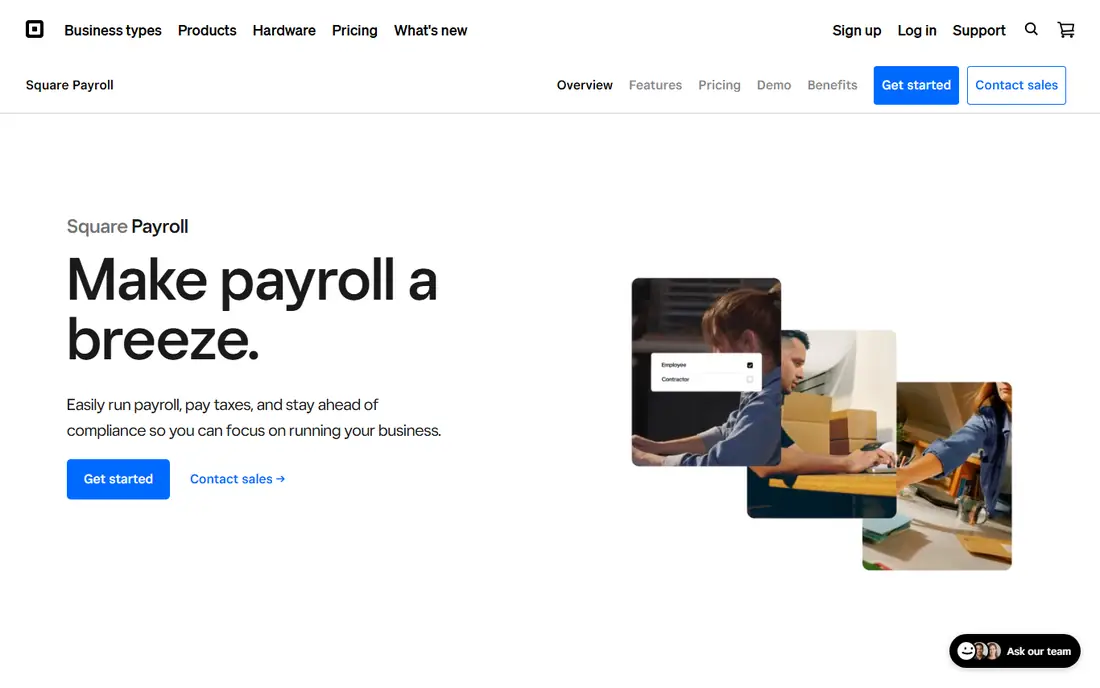
If your registers already run on Square, Square Payroll is the shortest path from clock-in to paycheck. Staff clock in on the POS or the Square Team app, and those timecards flow into payroll with overtime calculated. Full-service payroll costs $35 per month plus $6 for each person paid that month, and a contractor-only plan charges $6 per person with no base fee.
The full-service plan includes direct tip import, basic scheduling up to 10 days ahead, overtime calculations and labor-cost reporting. That last report is useful for store managers trying to keep labor as a share of sales in check. Because you only pay for people who were paid that month, a seasonal spike in December does not mean paying for idle accounts in February.
The limitation is that Square Payroll is designed around Square. If you use Lightspeed, Shopify POS or Clover, you lose the automatic timecard link that makes it worth choosing. HR features are also lighter than Gusto's or Rippling's.
What we like- Timecards import directly from Square POS and the Square Team app
- Tip tracking on full-service plan
- Contractor-only plan at $6 per person
Watch out for- Best only if Square is your POS
- Scheduling only reaches 10 days out
#2Homebase
Best for: Hourly teams that need scheduling and time clocks4.6/5 on
G2 (586 reviews, checked Oct 2026)
Visit joinhomebase.com
Starting price$49/month base + $6 per employee paid (payroll add-on)
Free planYes (Basic scheduling for 1 location up to 10 employees)
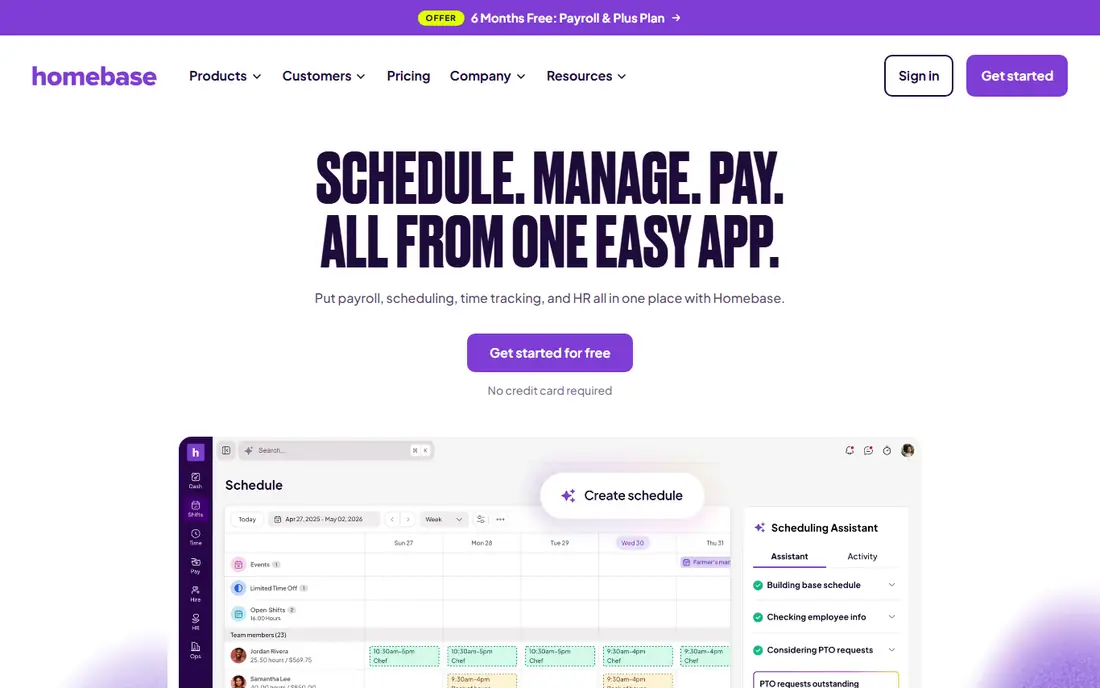
Homebase began as a scheduling and time clock app for hourly teams and added payroll later. That order shows in a good way: shift scheduling, clock-in from a tablet or phone, break tracking and team messaging are all strong, and payroll picks up the approved hours. The Basic plan is free for one location with up to 10 employees.
Paid scheduling plans are priced per location. Essentials starts at $30 per location per month and Plus at $70 (Homebase has been running a promotion that includes Plus free for six months with payroll). Payroll itself costs $49 per month plus $6 per employee paid, on any plan. A Tip Manager add-on at $25 per location per month pulls tips from the POS and calculates pools.
POS coverage is a real advantage for retail, with integrations listed for Square, Clover, Shopify, Lightspeed, Toast and Heartland. The tradeoff is cost at scale: a chain with ten stores pays per location for scheduling on top of per-employee payroll fees, so compare the total with an all-in-one provider.
What we like- Free scheduling and time clock for one small location
- Integrates with Square, Clover, Shopify, Lightspeed and Heartland POS
- Tip manager add-on
Watch out for- Payroll is an add-on rather than the core product
- Paid plans charge per location, which adds up for chains
#3Gusto
Best for: Small retailers that want easy setup4.6/5 on
G2 (13,355 reviews, checked Oct 2026)
Visit gusto.com
Starting price$49/month base + $6 per person (Simple)
Free planNo
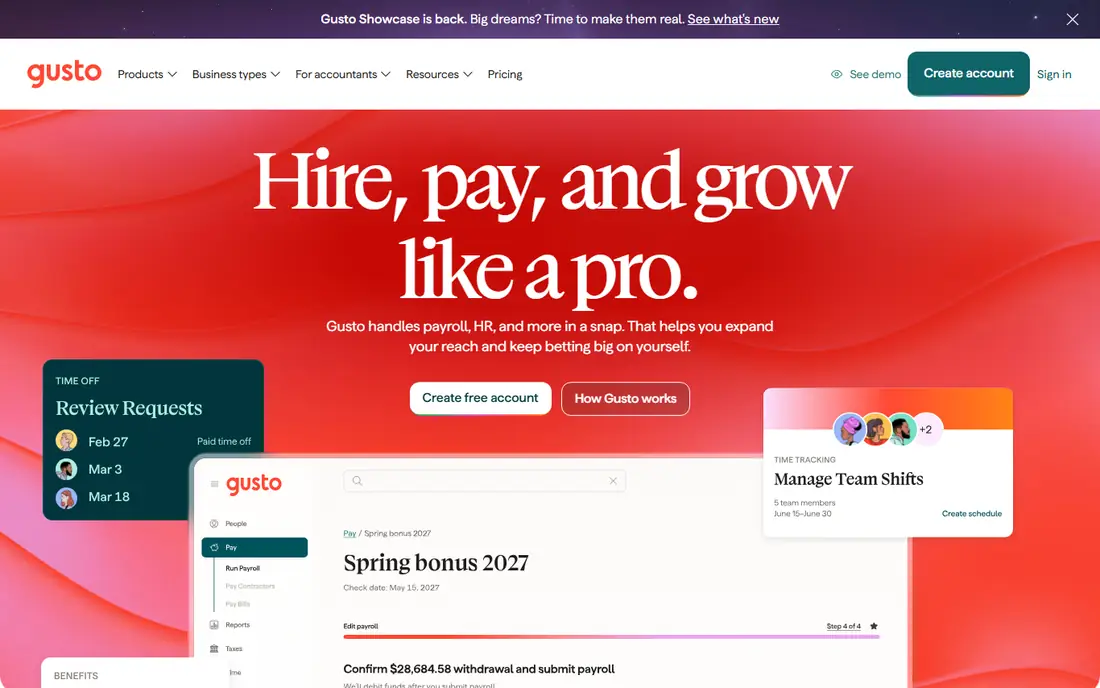
Gusto is the payroll tool most small business owners have heard of, and for a single shop or a small group of stores it is easy to recommend. Pricing is public and contract-free: Simple is $49 per month plus $6 per person, Plus is $80 plus $12 per person, and Premium is $180 plus $22 per person. Setup is free, and unlimited payroll runs are included on every plan.
For retail specifically, Plus is often the right tier. It adds time tracking and scheduling, multi-state payroll, workforce cost reports and next-day pay. On Simple you can add Time & Attendance Plus for $6 per person per month. Gusto's employee app lets staff see pay stubs and W-2s without asking the manager, which saves time in stores with high turnover.
The catch for retailers is that Simple runs payroll in one state only. If you have stores across a state line or a remote buyer in another state, you need Plus. Gusto also lacks the deep POS connections that Square and Homebase offer, so hours may need to come from a separate time system.
What we like- Transparent pricing with no contracts
- Unlimited payroll runs
- Benefits, 401(k) and HR tools in one place
Watch out for- Simple plan covers payroll in one state only
- Time tracking and scheduling require Plus or a $6 per person add-on
Starting price$88/month + $7 per employee (Workforce Payroll with Simple Start)
Free planNo
QuickBooks now sells payroll under the Workforce name, bundled with QuickBooks Online accounting. The entry bundle, Workforce Payroll with Simple Start, lists at $88 per month plus $7 per employee, and Workforce Payroll with Essentials is $135 plus $7. The top bundle, Workforce Premium with Plus, is $228 plus $13 per employee and adds time tracking, scheduling and HR tools. Intuit was running a 50 percent discount for the first three months at the time of writing.
The case for QuickBooks is accounting. Wages, taxes and benefits land in the general ledger automatically, so your bookkeeper or accountant does not have to reconcile two systems. For a single-location shop that already lives in QuickBooks, that is a real time saver every pay period.
The weak spot for retail is time capture. The scheduling and time clock tools sit in the top bundle, which costs considerably more than adding Homebase or Square to a cheaper payroll plan. Retailers on lower bundles will need a separate time tracking tool.
What we like- Payroll posts straight to the books with no separate sync
- Same-day direct deposit on higher bundles
- Health benefits, 401(k) and workers' comp options
Watch out for- Bundled pricing costs more than standalone payroll
- Time and scheduling tools only in the top bundle
#5ADP RUN
Best for: Growing retailers that want a large, established provider4.7/5 on
G2 (6,546 reviews, checked Oct 2026)
Visit adp.com
Starting priceSee website
Free planNo
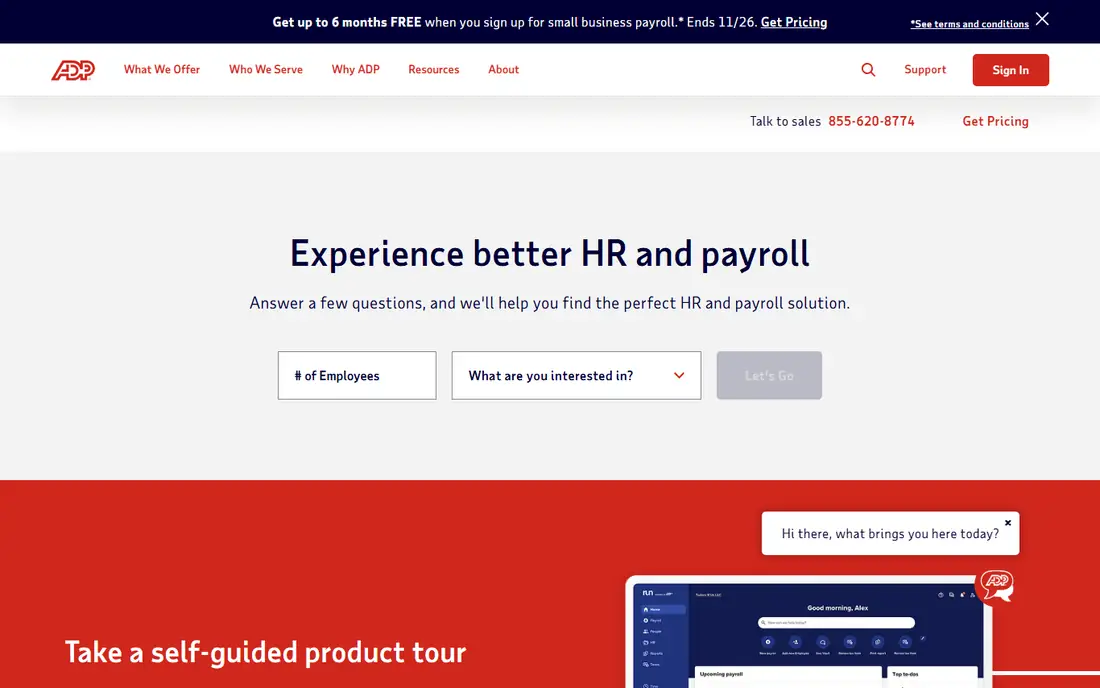
ADP RUN is ADP's payroll platform for businesses with 1 to 49 employees, sold in packages that add HR features, onboarding and compliance tools as you move up. Pricing comes through a quote, and sales reps often include promotional months.
The main reason retailers choose ADP is longevity and depth. ADP handles payroll for a very large share of US employers, and it offers time and attendance, benefits administration, workers' compensation and HR outsourcing. When a store chain grows past 50 employees, it can move to ADP's mid-market products without changing vendors.
Common complaints in public reviews involve pricing creep from add-ons and inconsistent support depending on the rep. Ask for an itemized quote that lists every fee, including year-end W-2 processing and any charges for off-cycle payrolls.
What we like- Long track record and broad compliance coverage
- Time and attendance, HR and benefits from the same vendor
- Scales from small business to enterprise products
Watch out for- No public pricing
- Add-ons and package upgrades raise the total quickly
#6Paychex Flex
Best for: Multi-location retailers that want HR support4.1/5 on
G2 (1,748 reviews, checked Oct 2026)
Visit paychex.com
Starting priceSee website
Free planNo
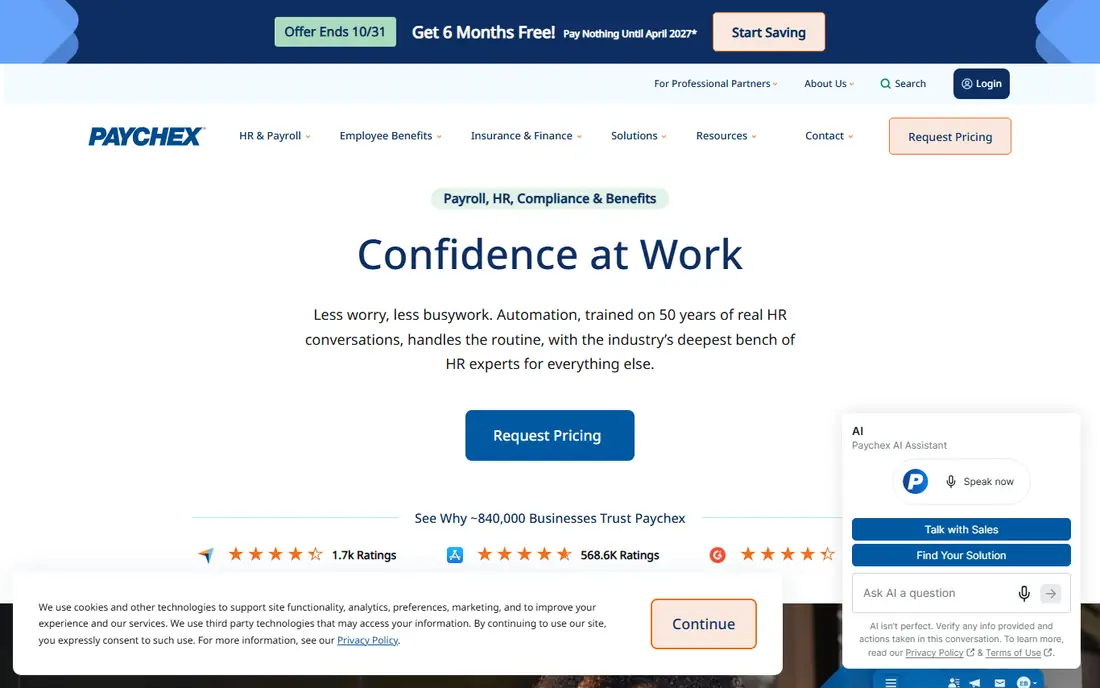
Paychex Flex is the other large national provider, and Paychex says roughly 840,000 businesses use it. Plans for small businesses and for midsize to enterprise companies are quoted based on headcount, states and add-ons. Third-party estimates circulate widely, but Paychex does not publish rates, so expect a sales call (it was advertising six months free for new clients in October 2026).
For retailers, the appeal is service. Paychex gives clients access to HR, payroll and account specialists, has a well-rated mobile app, and can take over HR tasks entirely through its HR outsourcing or PEO programs. That matters for a store owner without an HR person who needs help with state-specific rules on breaks, overtime or scheduling notice.
The tradeoff is cost and transparency. Reviews mention setup fees and add-on charges that were not obvious at signing. Ask for a full quote in writing and confirm the contract terms for cancelling.
What we like- Access to HR, payroll and account specialists
- HR outsourcing and PEO available
- Time and attendance tools from the same vendor
Watch out for- Pricing only by quote
- Setup and add-on fees vary by rep
#7Rippling
Best for: Retailers that want payroll, HR and IT in one system4.8/5 on
G2 (13,464 reviews, checked Oct 2026)
Visit rippling.com
Starting priceFrom $8 per employee/month plus a monthly base fee
Free planNo
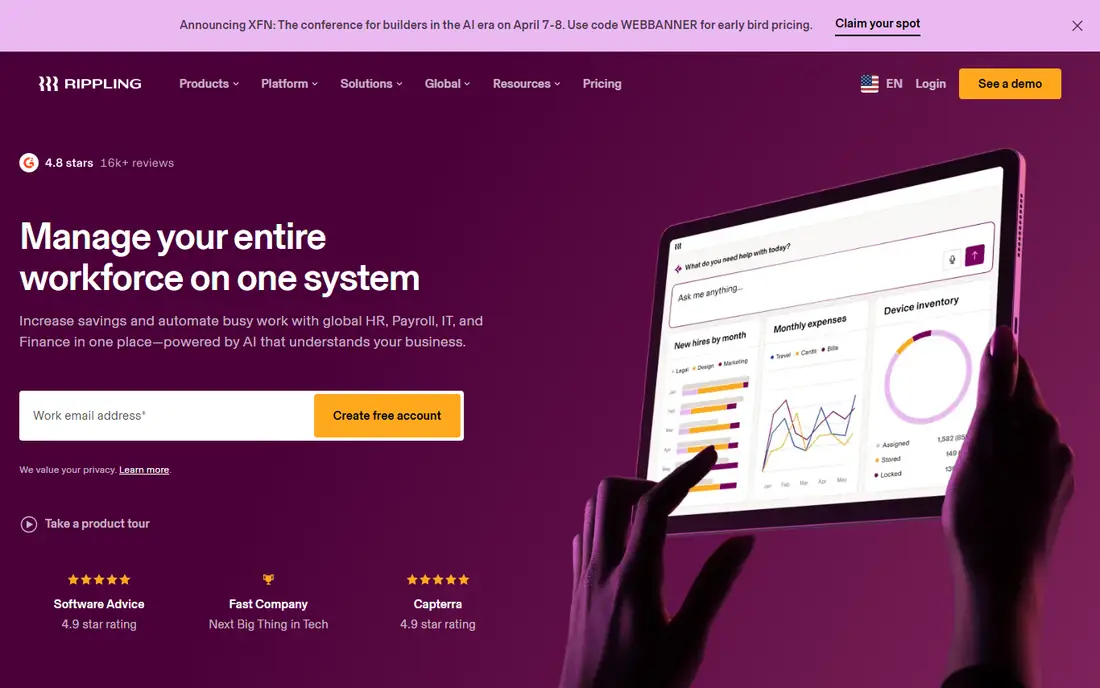
Rippling is built for companies that want one source of truth for every employee. A new hire added once can be set up for payroll, benefits, scheduling, device access and app logins automatically, and offboarding reverses all of it. For retailers with high turnover, that automation saves hours every month and reduces the risk of a former employee keeping access to systems.
Pricing starts at $8 per employee per month plus a monthly base fee, but the real total depends on which modules you choose, such as time and attendance, scheduling or benefits administration. Get a quote with every module you need listed separately.
For a single store with a dozen part-timers, Rippling is probably more platform than you need. It shines for retail groups with headquarters staff, several store locations and a growing number of systems to manage.
What we like- One employee record drives payroll, HR, devices and app access
- Strong automation for onboarding and offboarding
- Scales to multi-state and global teams
Watch out for- Modular pricing makes the total hard to estimate
- More system than a single store needs
#8Paycor
Best for: Mid-size chains that need workforce management4.0/5 on
G2 (2,018 reviews, checked Oct 2026)
Visit paycor.com
Starting priceSee website
Free planNo
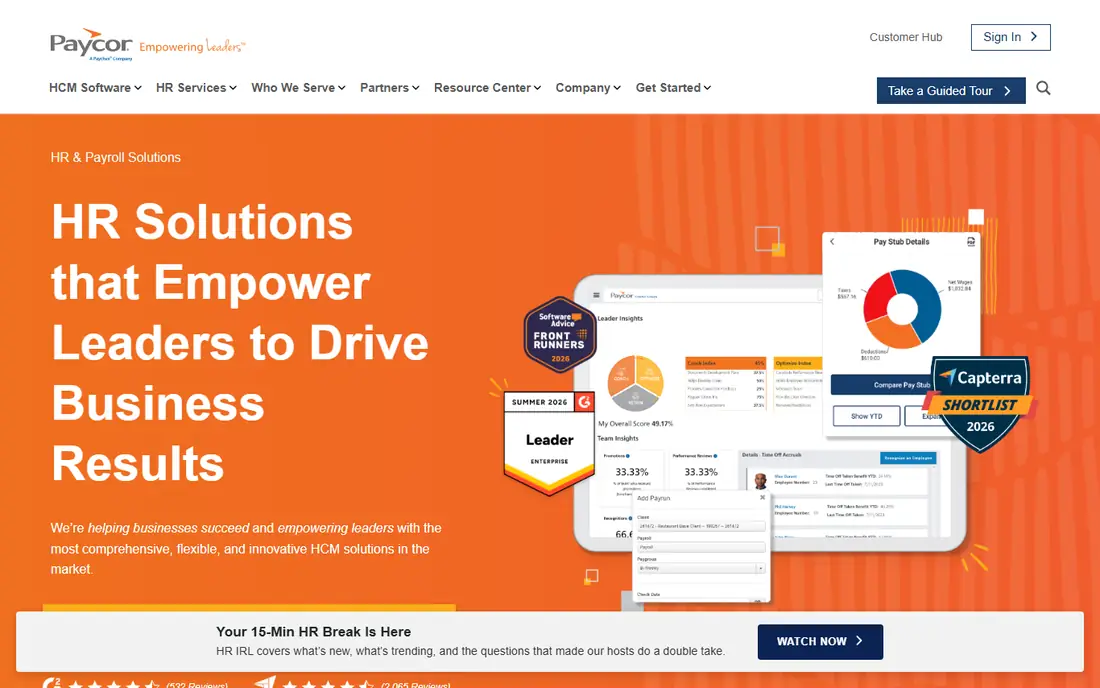
Paycor sells HR and payroll in bundles that cover talent acquisition, talent management, workforce management and benefits administration. It segments buyers into 1 to 49, 50 to 1,000 and 1,000+ employees, and it has a retail industry page focused on onboarding new hires quickly and controlling labor costs through timekeeping.
Paycor fits retailers that have outgrown simple small-business payroll and need stronger time and attendance, scheduling and reporting across many stores. Its workforce management tools are aimed at hourly staff, and its recruiting module helps with seasonal hiring waves.
Pricing is by quote, and Paycor was advertising 50 percent off the first six months for new small-business customers. Plan for a longer implementation than with Gusto or Square, and confirm what data migration from your current provider includes.
What we like- Dedicated retail industry focus with onboarding and timekeeping tools
- Separate packages for 1-49, 50-1,000 and 1,000+ employees
- Strong workforce management and scheduling options
Watch out for- No public pricing
- Implementation takes longer than with small-business tools
What retail payroll software needs to handle
Time capture from the sales floor
The biggest time saver is getting hours from the time clock into payroll without retyping. Square Payroll and Homebase connect directly to point-of-sale systems, while Gusto Plus, QuickBooks Workforce Premium, Rippling and Paycor offer their own time tracking. Check how breaks, early clock-ins and missed punches are handled before you buy.
Overtime and state labor rules
Retail scheduling changes daily, which makes overtime easy to miss. Look for automatic overtime calculations and alerts. If you operate in cities with predictive scheduling laws, ask how the scheduling tool records schedule changes and premiums.
Fluctuating headcount
Most vendors here charge per person paid in a month, which suits seasonal hiring. Confirm whether terminated employees still count, and how quickly you can onboard 20 seasonal workers in October, including tax forms and direct deposit.
Multiple locations and states
If you have several stores, check that reports can split labor costs by location. If any store or employee is in another state, make sure your plan supports multi-state payroll. Gusto's Simple plan, for example, does not.
Employee self-service
Hourly staff change addresses, banks and tax withholding more often than salaried staff. An employee app that handles those changes and shows pay stubs cuts down on questions to store managers.
How we chose
We started with payroll providers that retailers most often consider, based on G2 and Capterra category rankings, Reddit discussions among store owners, and point-of-sale integration directories. For each vendor we read the official pricing page and product documentation in October 2026, recording base fees, per-person fees, plan limits and which features sit on which tier.
We focused on criteria that matter for retail: time clock and POS integrations, scheduling, overtime handling, multi-location reporting, multi-state support, employee self-service and how pricing behaves when headcount changes by season. We did not run payroll on these platforms ourselves. Where a vendor does not publish prices, we list it as See website rather than repeat third-party estimates.
Frequently asked questions
What is the cheapest payroll software for a small retail store?
For stores using Square POS, Square Payroll is among the cheapest at $35 per month plus $6 per person paid. Gusto Simple and Homebase payroll both start at $49 per month plus $6 per person. Your total depends on how many people you pay each month.
Can payroll software pull hours from my POS system?
Yes, some can. Square Payroll imports timecards from Square POS, and Homebase connects to Square, Clover, Shopify, Lightspeed, Toast and Heartland. Other providers rely on their own time clock apps or third-party integrations.
Do I need a different plan for stores in more than one state?
Often, yes. Gusto Simple only supports payroll in one state, so multi-state retailers need Gusto Plus or above. Ask every vendor whether multi-state payroll and state tax registration are included or charged extra.
How does payroll software handle seasonal workers?
Most tools charge only for people paid in a given month, so seasonal staff cost nothing once they stop working. Look for fast onboarding with digital tax forms and direct deposit setup, and confirm how rehiring a returning seasonal worker works.
Is ADP or Paychex better for retail?
Both are large national providers with quote-based pricing, time and attendance tools and HR outsourcing options. The better choice usually comes down to the specific quote, the support model offered in your area and the add-ons you need. Get itemized quotes from both and compare the full annual cost.
Sources we checked (9)
- https://squareup.com/us/en/payroll/pricing
- https://joinhomebase.com/pricing
- https://joinhomebase.com/integrations/
- https://gusto.com/product/pricing
- https://quickbooks.intuit.com/payroll/pricing/
- https://www.adp.com/what-we-offer/payroll/payroll-for-1-49-employees.aspx
- https://www.paychex.com/payroll
- https://www.rippling.com/pricing
- https://www.paycor.com/pricing/
Is your product missing or out of date?
We review this list regularly. Vendors can request a listing, send updated pricing or ask about featured placement.

Shihab Mia · Founder, Rankite
Shihab has 5+ years in B2B and SaaS SEO. He writes Rankite's software buying guides from pricing pages, documentation and public user reviews. More about Shihab.