How we make this list: we compare pricing pages, product documentation and public user reviews. Rankite is independent; if a vendor ever pays for a featured spot, that listing is clearly labeled Partner.
Key takeaways
- Gusto (from $49/month plus $6 per person) remains the easiest payroll for US small businesses, with taxes filed automatically.
- Rippling unifies payroll with IT and HR, which justifies its premium for companies that want one system.
- OnPay ($40/month plus $6 per person) is the value pick for straightforward US payroll without feature bloat.
- ADP and Paychex serve larger employers that need dedicated support and compliance depth, at custom pricing.
Quick comparison
| Tool | Best for | Starting price | Free plan |
|---|
 Gusto Gusto | US small businesses that want payroll handled | $49/month + $6/person (Simple plan) | Free trial |
 Rippling Rippling | companies that want HR, IT and payroll unified | See website (starts around $8/user/month) | No |
 Deel Deel | payroll spanning US and international workers | $19/employee/month (US payroll) | Free trial |
 ADP ADP | mid-size and large employers wanting full service | See website (custom quote) | No |
 Paychex Paychex | growing businesses that want a payroll partner | See website (custom quote) | No |
 QuickBooks Payroll QuickBooks Payroll | businesses already on QuickBooks accounting | See website | Free trial |
 OnPay OnPay | straightforward payroll at a fair price | $40/month + $6/person | Free trial |
 Patriot Patriot | micro-businesses on tight budgets | See website | Free trial |
Is your product missing or out of date?
We review this list regularly. Vendors can request a listing, send updated pricing or ask about featured placement.
The best payroll automation software
#1
Gusto
Best for: US small businesses that want payroll handled
Visit gusto.com
Starting price$49/month + $6/person (Simple plan)
Free planFree trial
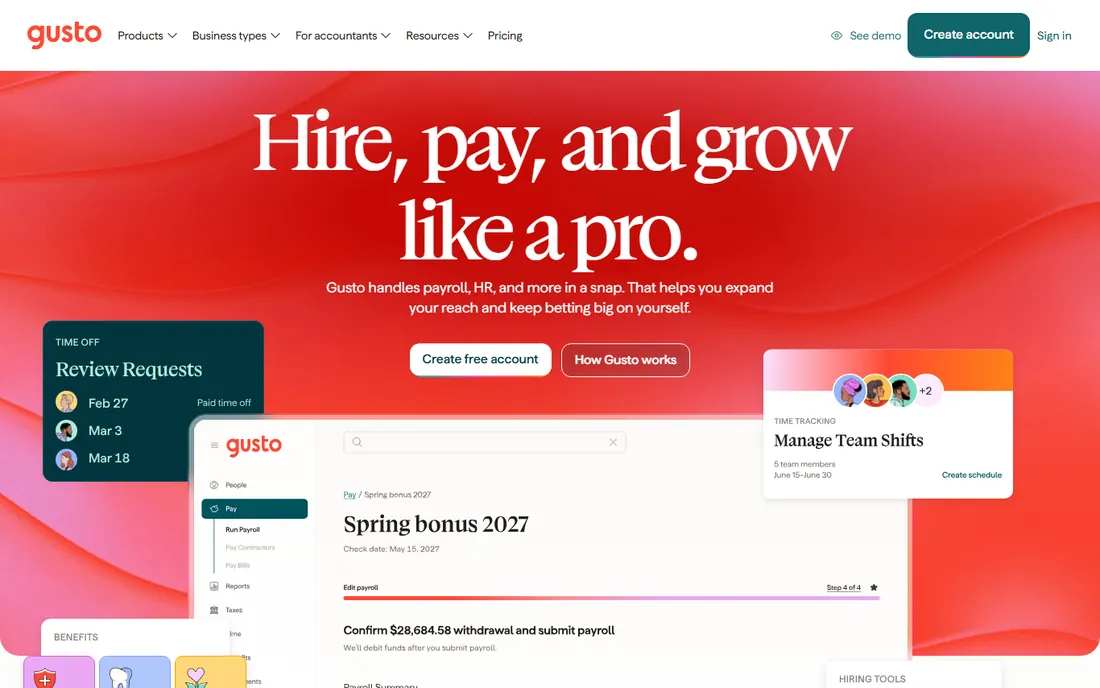
Gusto made payroll painless for small business: run payroll in minutes, taxes filed automatically, new hires onboarded with paperwork handled. The Simple plan at $49 plus $6 per person covers the essentials, with Plus and Premium adding HR features and multi-state support.
Per-person pricing means a fifty-person company pays real money, and international capabilities trail global specialists. But for US teams under a hundred people, the combination of simplicity and completeness is hard to beat. It is the product accountants recommend to clients who dread payroll.
What we like- Automatic tax filing in all states
- Friendly interface
- Good benefits administration
Watch out for- International features limited
- Per-person fees add up with headcount
Starting priceSee website (starts around $8/user/month)
Free planNo
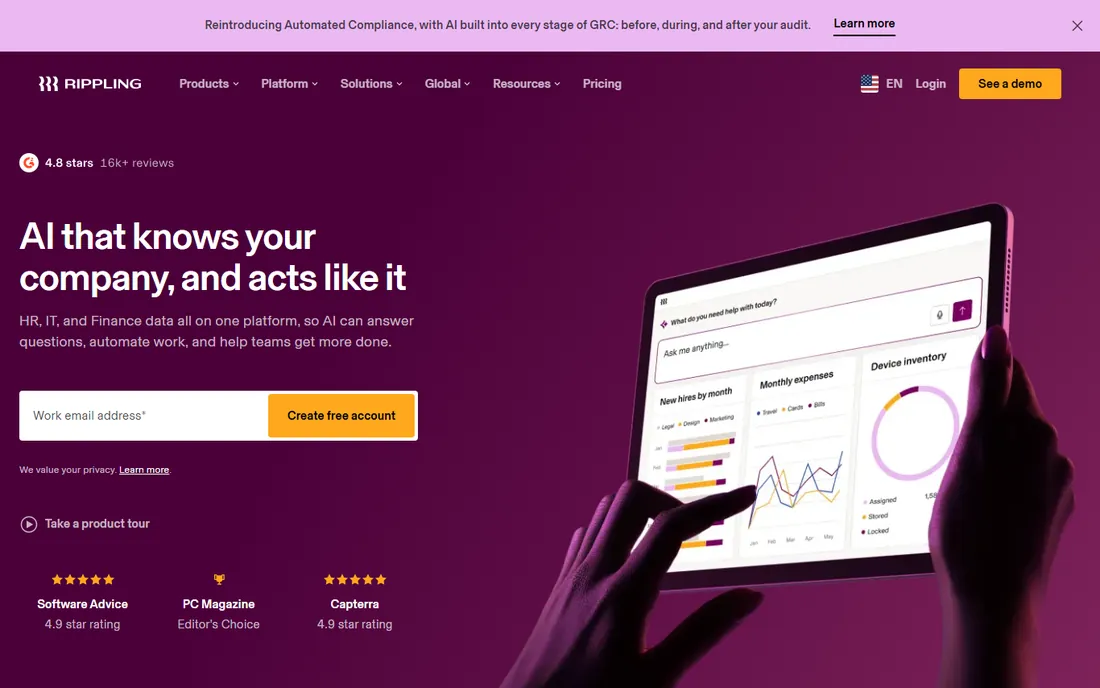
Rippling's insight is that payroll, HR and IT are one workflow: hire someone and payroll, laptop, app accounts and benefits all provision together. The automation depth exceeds every pure payroll tool, and global payroll extends the model internationally.
You pay for the platform vision whether you need all of it or not, and pricing requires a sales conversation. Companies that just need paychecks processed should look at OnPay or Gusto. Those building an integrated people-ops stack get their money's worth.
What we like- Single system for payroll, devices, apps and HR
- Powerful automation
- Global capabilities
Watch out for- Pricing not transparent
- Can be overkill for payroll-only needs
#3
Deel
Best for: payroll spanning US and international workers
Visit deel.com
Starting price$19/employee/month (US payroll)
Free planFree trial
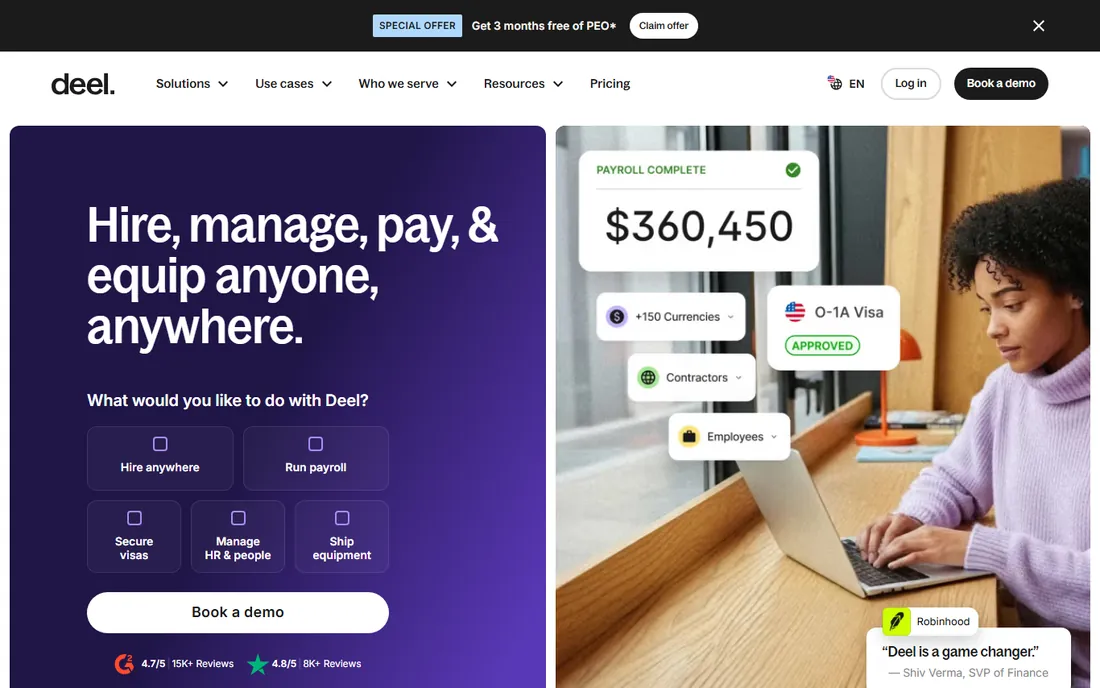
Deel's $19 per employee US payroll undercuts most competitors on published price, and the same platform handles international contractors ($49) and global payroll ($29). Companies with mixed domestic and international workforces get one system and one bill.
Gusto and OnPay have deeper US payroll history and more refined state-tax handling. But Deel's transparency and global breadth make it compelling for remote-first companies. The free trial lets you test the US payroll experience directly.
What we like- Transparent published pricing
- US payroll plus global options
- Contractor management built in
Watch out for- Newer to pure US payroll than Gusto
- Support varies
#4
ADP
Best for: mid-size and large employers wanting full service
Visit adp.com
Starting priceSee website (custom quote)
Free planNo
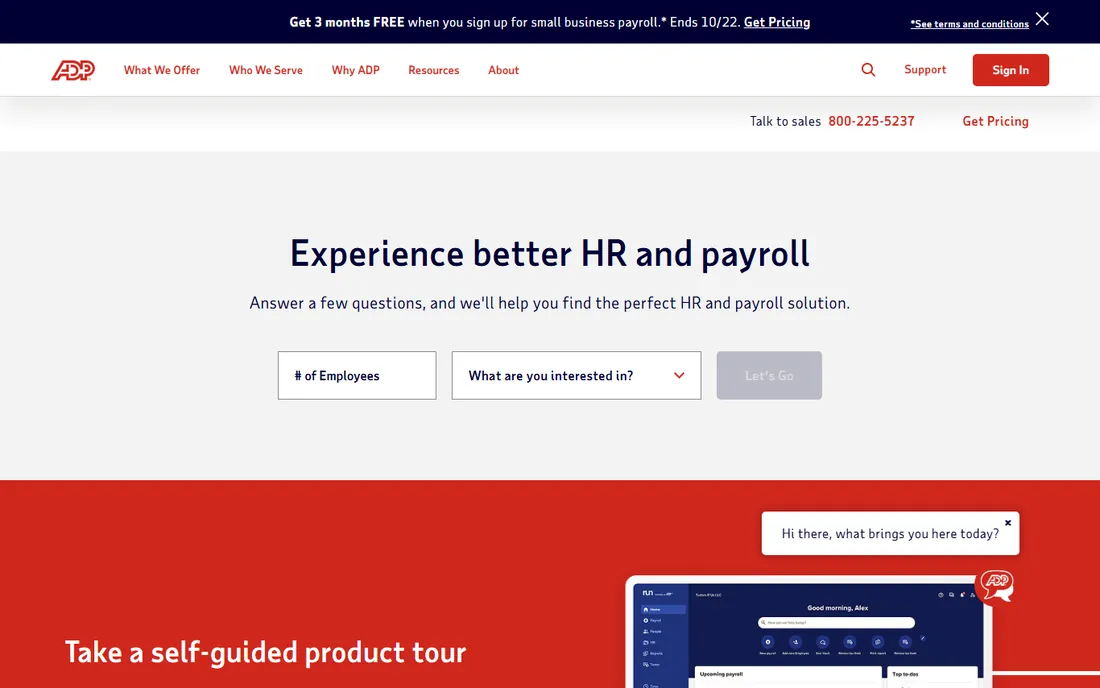
ADP is the incumbent for a reason: decades of payroll tax expertise, dedicated account teams, and the ability to handle complex multi-state and union scenarios that break simpler tools. Large employers value the compliance safety net.
The buying experience feels enterprise: quotes, contracts, implementation timelines. The interface shows its age next to Gusto. Companies that prioritize "never worry about payroll compliance again" over modern UX choose ADP and stay for years.
What we like- Deepest compliance expertise
- Dedicated support teams
- Scales to enterprise
Watch out for- Quote-based pricing
- Interface dated
- Implementation can be slow
Starting priceSee website (custom quote)
Free planNo
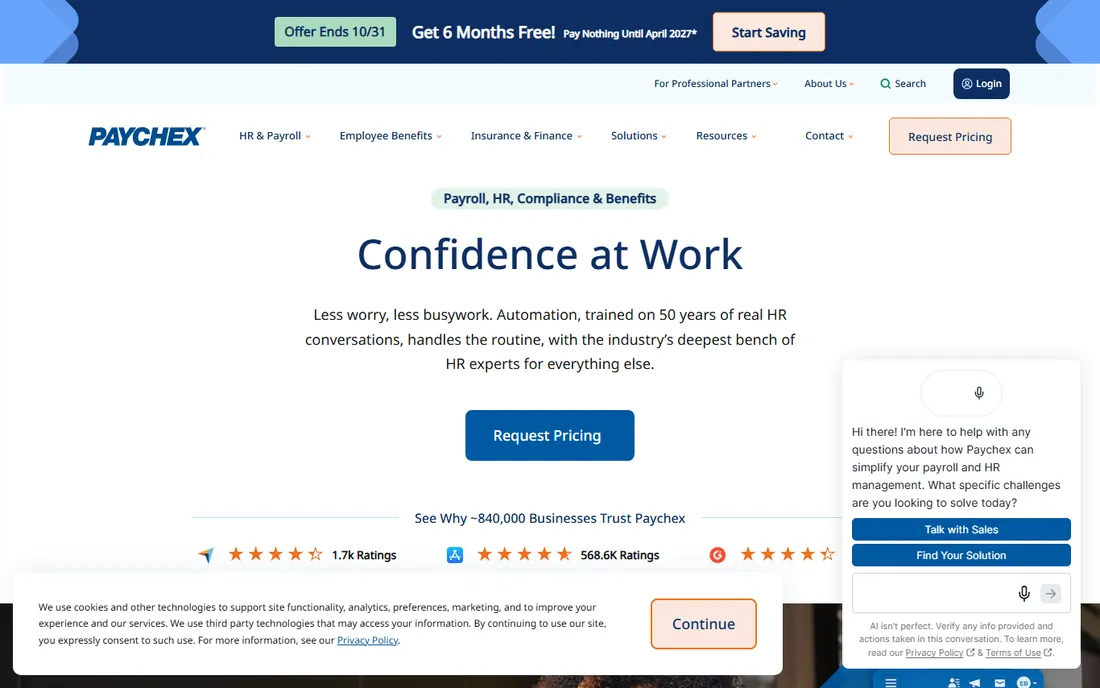
Paychex positions as a partner rather than software: dedicated payroll specialists, HR advisory services and benefits administration alongside the platform. The 20 to 500 employee band is its sweet spot, where companies outgrow DIY tools but are not ready for ADP enterprise.
Expect a sales process and regular upsell conversations. Self-serve purists will prefer Gusto's transparency. Businesses that want a human to call when payroll gets weird appreciate the relationship.
What we like- Strong human support
- HR services bundled
- Good for 20-500 employees
Watch out for- Pricing not published
- Upsells common
Starting priceSee website
Free planFree trial
If your books live in QuickBooks, its payroll is the obvious extension: payroll entries flow to the ledger automatically, tax filings sync, and your accountant already knows the interface. The integration eliminates reconciliation work that standalone payroll creates.
Outside the QuickBooks world, there is little reason to choose it over Gusto or OnPay. Pricing is tiered and not the cheapest. It is a feature of an ecosystem, and it shines brightest there.
What we like- Tight QuickBooks integration
- Automatic tax filing
- Familiar to accountants
Watch out for- Best value only inside QuickBooks ecosystem
- Standalone it trails specialists
Starting price$40/month + $6/person
Free planFree trial
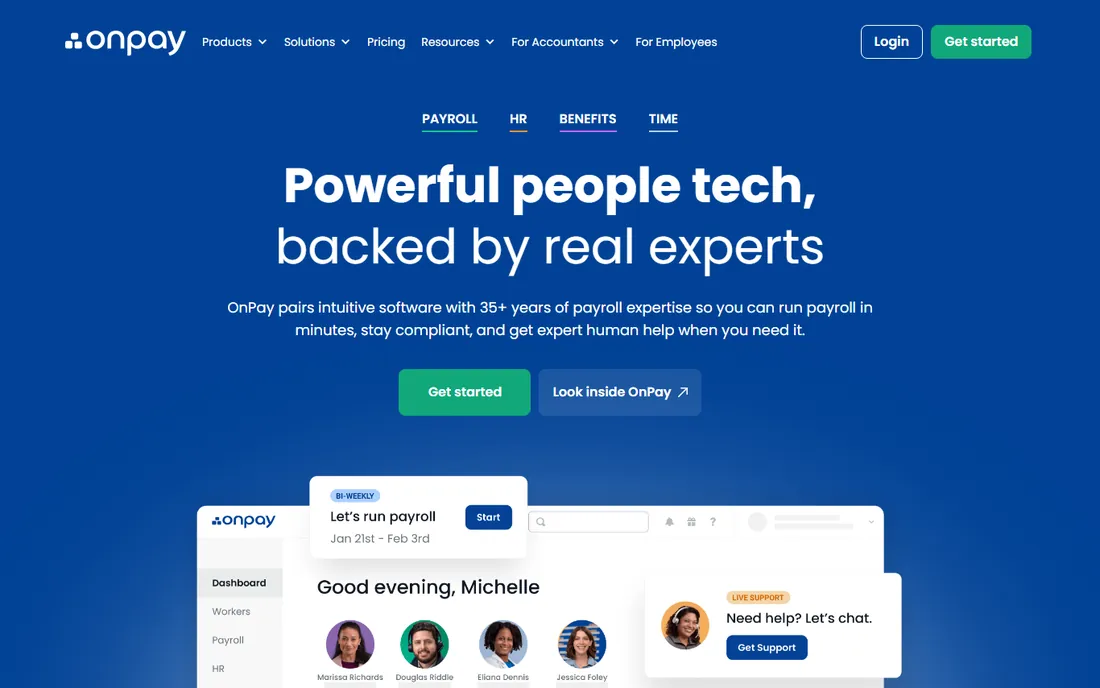
OnPay does full-service US payroll, tax filings included, for $40 plus $6 per person: slightly under Gusto's base with the same per-head math. The interface is clean, setup is quick, and support gets good reviews.
You get fewer HR bells and whistles: no deep benefits marketplace, lighter onboarding tools. Companies that want payroll done well without a broader HR suite save money here. It is the rational value choice in US small business payroll.
What we like- Lower base price than Gusto
- Full-service tax filing
- Clean simple interface
Watch out for- Fewer HR extras
- Smaller ecosystem
Starting priceSee website
Free planFree trial
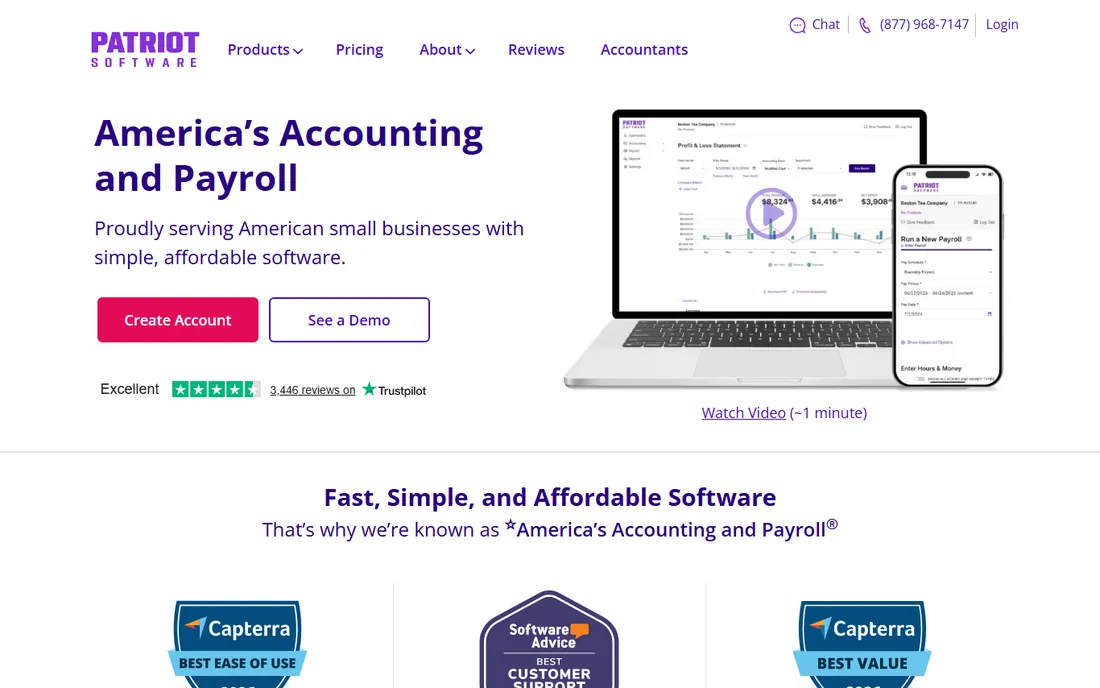
Patriot serves the smallest employers with no-frills payroll at budget prices. If you have five employees and just need paychecks and tax filings handled, the simplicity is a feature.
Growing companies outgrow it: multi-state complexity, benefits and HR features are thin. It is a starter tool, honestly positioned. Start here cheap, migrate to Gusto or OnPay when you need more.
What we like- Very affordable tiers
- Simple for tiny teams
- US-based support
Watch out for- Basic feature set
- Not built for scale
How we chose
We compared current vendor pricing pages, feature sets and positioning, cross-checked against small business owner reviews and payroll practitioner feedback. Every product listed is active with a live homepage as of October 2026. We focused on automation depth (tax filing, onboarding, integrations) rather than raw feature counts. Prices are the lowest published tier from each vendor's own pricing page; quote-based providers are marked accordingly.
What to check before you sign
Start with tax handling, because it is the whole point. Confirm the vendor files federal, state and local payroll taxes automatically in every state where you have employees, and ask who is liable if a filing is late or wrong. "Full-service" should mean the vendor takes responsibility, not just provides forms.
Then check the employee experience. Pay stubs, W-2 access, time-off requests and benefits enrollment all run through the employee portal. A clunky portal generates HR tickets that cost more than the software saves. Ask for a demo of the employee view, not just the admin side.
Finally, verify integrations with your accounting, time tracking and HR tools. Payroll data should flow to the general ledger without manual entry, and hours should import from your time system. The best payroll software disappears into your stack; the worst creates monthly reconciliation chores.
Pay special attention to benefits administration if you offer health insurance or retirement plans. Some platforms handle benefits enrollment, deductions and carrier connections natively, while others leave you syncing data manually. Ask exactly which benefits tasks are automated and which require your involvement. For companies with more than twenty employees, benefits administration often consumes more HR time than payroll itself, so this integration matters more than buyers expect.
The true cost of payroll software
The subscription is the smallest line item. Per-employee fees scale linearly with headcount: at $6 to $12 per person per month, a hundred-person company pays $7,000 to $14,000 a year before the base fee. Model three years of headcount growth, not today's roster.
Then add the extras: benefits administration fees, time tracking add-ons, HR advisory packages and implementation charges. Ask for an all-in quote including everything you will actually use. And consider the switching cost: migrating payroll mid-year creates tax filing complexity, so most companies switch on January 1. Choose carefully now, because you will live with the decision for at least a year.
Frequently asked questions
How much does payroll software cost?
From $40 to $180 a month base plus $6 to $22 per employee per month for small business tools. A 20-person company typically pays $150 to $400 a month all-in. Enterprise and global payroll cost more.
Does payroll software file taxes for me?
Full-service providers (Gusto, OnPay, Rippling, ADP, Paychex) file federal, state and local payroll taxes automatically and take responsibility for accuracy. Basic or DIY tiers may leave filing to you, so confirm the service level.
When should I switch from manual payroll?
When you have employees in multiple states, when tax filings consume more than a few hours a quarter, or when you hire your fifth employee. The penalty risk of manual errors usually exceeds the software cost well before then.
Can payroll software handle contractors too?
Most handle contractor payments and 1099 filing. Deel and Gusto go further with international contractors. If contractors outnumber employees, consider a contractor-first platform.
What happens if I need to switch providers?
Switch mid-year is possible but creates extra tax filings, so most companies switch on January 1. Export all records first, run parallel payroll for one cycle if possible, and confirm the new vendor handles your states.
Do I need HR software too, or just payroll?
Payroll-only suffices under about 20 employees. Beyond that, onboarding, benefits, time tracking and compliance argue for broader HR features. Rippling and Gusto Plus bundle these; OnPay and Patriot stay payroll-focused.
How do I handle payroll for remote workers in different states?
Register for payroll taxes in each state where employees work, which the software should handle automatically. Rules for remote work vary: some states tax based on the employer's location, others on the employee's. Full-service providers manage the registrations and filings, but confirm coverage for every state on your roster before hiring.
What is the penalty for late payroll tax filings?
Federal penalties start at 2 percent of unpaid tax for 1-5 days late and climb to 15 percent beyond 10 days, plus interest. States add their own penalties. This is why automatic filing matters: the software's guarantee is worth more than the subscription cost the first time it prevents a penalty.
Can I run payroll myself without software?
You can, but the risk rarely justifies the savings. Manual payroll means calculating withholdings, filing federal and state taxes, and issuing W-2s yourself. One missed deadline costs more in penalties than a year of software. Even the cheapest tools pay for themselves in avoided errors.
Sources we checked (10)
- https://gusto.com
- https://www.rippling.com
- https://www.deel.com
- https://www.adp.com
- https://www.paychex.com
- https://quickbooks.intuit.com/payroll/
- https://onpay.com
- https://www.patriotsoftware.com
- https://www.spotsaas.com/blog/deel-pricing-2026
- https://techcartel.net/deel-vs-gusto/
Is your product missing or out of date?
We review this list regularly. Vendors can request a listing, send updated pricing or ask about featured placement.

Shihab Mia · Founder, Rankite
Shihab has spent more than a decade helping SaaS and e-commerce brands grow through search. He writes Rankite's software buying guides from pricing pages, documentation and public user reviews. More about Shihab.