How we make this list: we compare pricing pages, product documentation and public user reviews. Rankite is independent; if a vendor ever pays for a featured spot, that listing is clearly labeled Partner.
Key takeaways
- Under 200 endpoints and a tight budget: Action1 is free, fully featured, forever, and ManageEngine ships a free edition for small fleets.
- Microsoft shops should start with Patch My PC (Enterprise Plus at $3.50 per device per year), which plugs third-party patching straight into ConfigMgr, WSUS and Intune.
- For pure cloud patching priced per endpoint, Automox starts at $1 per endpoint per month billed annually, and NinjaOne publishes a $1.50 to $3.75 range.
- Patch-only tools (Action1, Patch My PC, SecOps Solution) cost less and deploy faster; platform tools (Atera, NinjaOne, Ivanti, Syxsense) bundle patching with RMM, backup or security.
Quick comparison
| Tool | Best for | Starting price | Free plan |
|---|
 Action1 Action1 | Small IT teams and MSPs that want full-featured patching free for up to 200 endpoints | Free for the first 200 endpoints, fully featured; custom quote beyond 200 | Yes (free forever for up to 200 endpoints, no credit card) |
 Automox Automox | Cloud-first IT teams patching Windows, macOS and Linux from one console | $1/endpoint/month (Patch OS plan, billed annually; higher tiers custom-quoted) | Free trial (15 days, per reviewers) |
 ManageEngine Patch Manager Plus ManageEngine Patch Manager Plus | Budget-conscious teams that want on-prem or cloud patching with a free tier | Less than $1/endpoint/month (Professional); $1/endpoint/month (Enterprise) | Free edition for up to 20 workstations and 5 servers; 30-day free trial on paid editions |
 Patch My PC Patch My PC | Microsoft shops running ConfigMgr, WSUS or Intune | $3.50/device/year (Enterprise Plus; starts at $3,500/year for up to 1,000 devices) | Free trial |
 Atera Atera | Internal IT teams and MSPs that want patching bundled into a full IT platform | $129/tech/month (MSP Pro, billed annually); $149/tech/month (IT Professional, billed annually) | Free trial (30 days, no credit card) |
 NinjaOne NinjaOne | IT teams and MSPs that want patching inside a unified endpoint management platform | $1.50 to $3.75/device/month (published range; exact price by quote) | Free trial (14 days) |
 Ivanti Neurons for Patch Management Ivanti Neurons for Patch Management | Enterprises that want risk-based patch prioritization, not just patch deployment | See website (custom quote: platform fee plus per-device licenses) | No (demo on request) |
 Syxsense Syxsense | Teams that want patching inside a unified endpoint security platform | See website (custom quote) | Free trial (14 days, per reviewers) |
 SecOps Solution SecOps Solution | Teams that want agentless patching with SaaS, on-prem or air-gapped deployment | See website (custom quote) | Free trial (no credit card needed) |
Is your product missing or out of date?
We review this list regularly. Vendors can request a listing, send updated pricing or ask about featured placement.
The best patch management software
Unpatched software causes a large share of breaches, and the patching work itself eats the week: one industry survey found that 70% of IT teams spend more than six hours a week on security patching (Canonical and IDC, 2025, via a vendor comparison). The nine tools below all patch operating systems and third-party applications automatically, but they differ in price model, OS coverage and how much of your week they give back.
#1
Action1
Best for: Small IT teams and MSPs that want full-featured patching free for up to 200 endpoints
Visit action1.com
Starting priceFree for the first 200 endpoints, fully featured; custom quote beyond 200
Free planYes (free forever for up to 200 endpoints, no credit card)
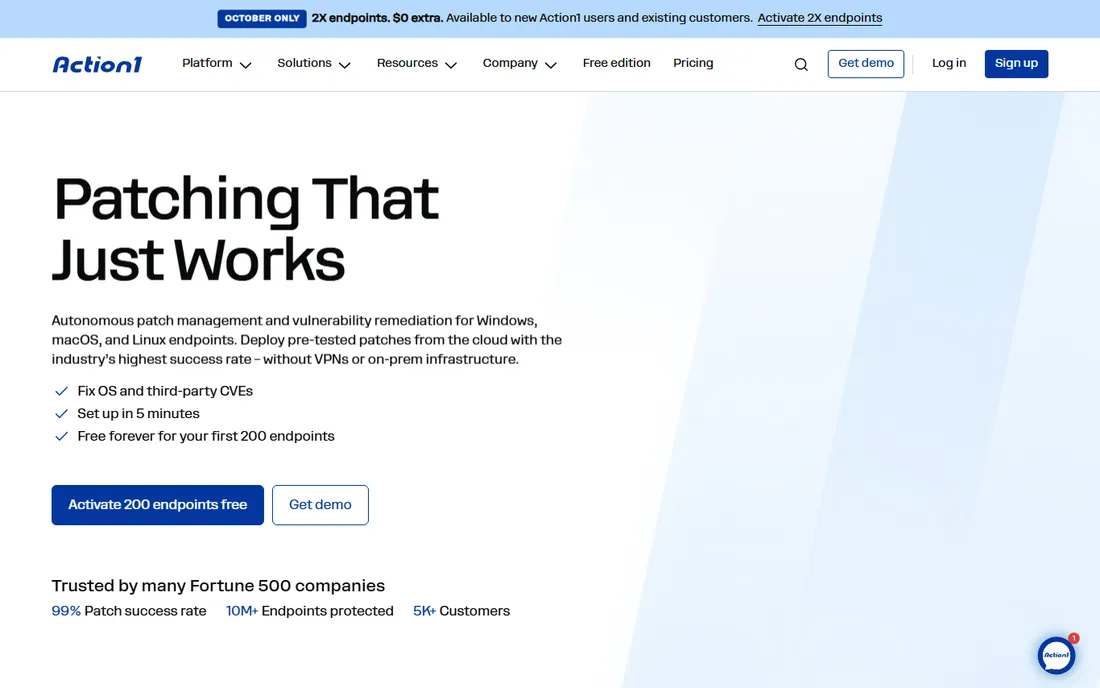
Action1 is the value pick because the free tier is not a trial: 200 endpoints, all features, no expiration, no card required. The platform patches operating systems and third-party applications across Windows, macOS and Linux from a cloud console, with peer-to-peer patch distribution to cut bandwidth on big rollouts. Staged update rings roll patches out in waves, and vulnerability discovery is built in so patching starts from real exposure rather than a guess.
The trade-off is specialization. Action1 does patching and vulnerability remediation and not much else: there is no ticketing, no mobile device management, and no asset management beyond patching. Paid pricing above 200 endpoints is custom-quoted per device with volume discounts, which is fine for evaluation but makes budgeting harder for a 500-endpoint shop. If patching is the only job you need done, that narrow focus is a strength.
What we like- The free tier is the full product with no expiration and no feature limits
- Cloud-native with setup advertised in five minutes
- Patches Windows, macOS, Linux and third-party apps
- SOC 2 Type II and ISO 27001 certified
Watch out for- Paid pricing above 200 endpoints is quote-only, so larger fleets buy blind
- No mobile device management
- Patch-only, so teams needing ticketing or RMM still need another tool
#2
Automox
Best for: Cloud-first IT teams patching Windows, macOS and Linux from one console
Visit automox.com
Starting price$1/endpoint/month (Patch OS plan, billed annually; higher tiers custom-quoted)
Free planFree trial (15 days, per reviewers)
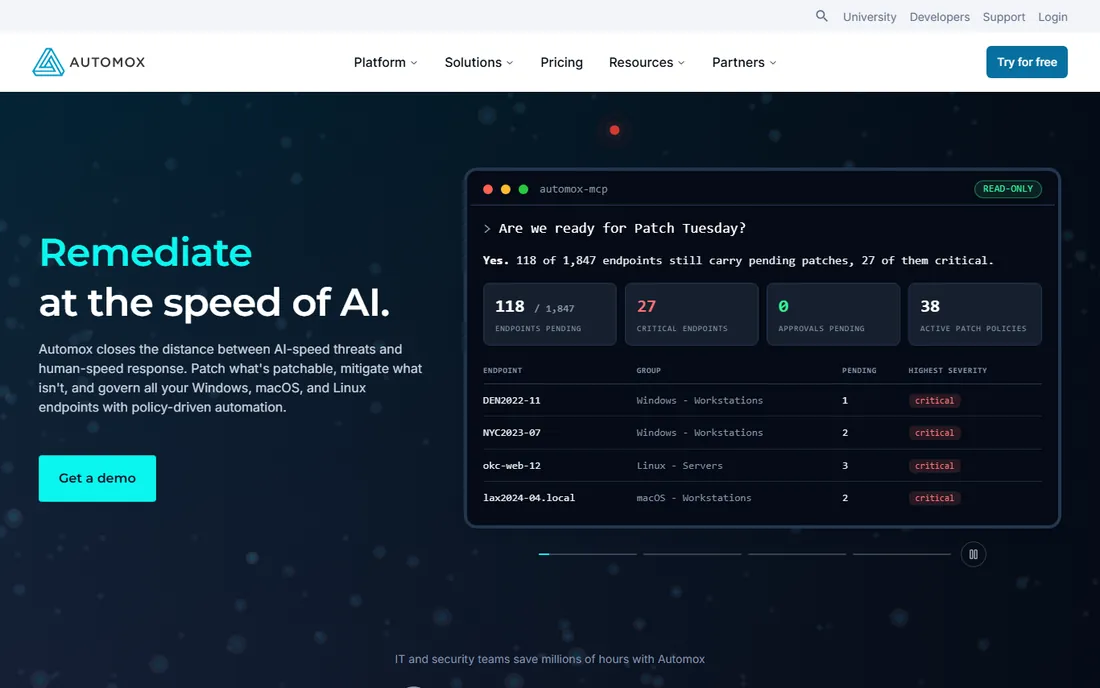
Automox built its name on one idea: patch every OS from one cloud console with no servers to maintain. The $1 per endpoint per month Patch OS plan covers OS patching on Windows, macOS and Linux, billed annually (monthly billing adds 25%). One lightweight agent handles each device, and the policy engine pushes patches on a schedule you set. For remote and hybrid fleets, the absence of VPNs and on-prem infrastructure is the real pitch.
Moving up costs more thought. Automate Essentials and Automate Enterprise, which add 500-plus third-party patching titles, software deployment and API access, are custom-quoted, and reviewers describe the step from $1 to those tiers as steep. Some also find the pricing structure confusing on first read. Automox suits teams that want OS patching everywhere and are willing to talk to sales for the fuller automation story.
What we like- $1 per endpoint entry price is the cheapest published cloud rate in this list
- No on-prem infrastructure, agents install in minutes
- Worklet scripts automate config beyond patching
- 350-plus third-party titles on the entry tier
Watch out for- The Automate tiers that add 500-plus third-party titles and advanced policies are quote-only
- Small teams report the pricing feels complicated
- No free tier, only a trial
#3
ManageEngine Patch Manager Plus
Best for: Budget-conscious teams that want on-prem or cloud patching with a free tier
Visit manageengine.com
Starting priceLess than $1/endpoint/month (Professional); $1/endpoint/month (Enterprise)
Free planFree edition for up to 20 workstations and 5 servers; 30-day free trial on paid editions
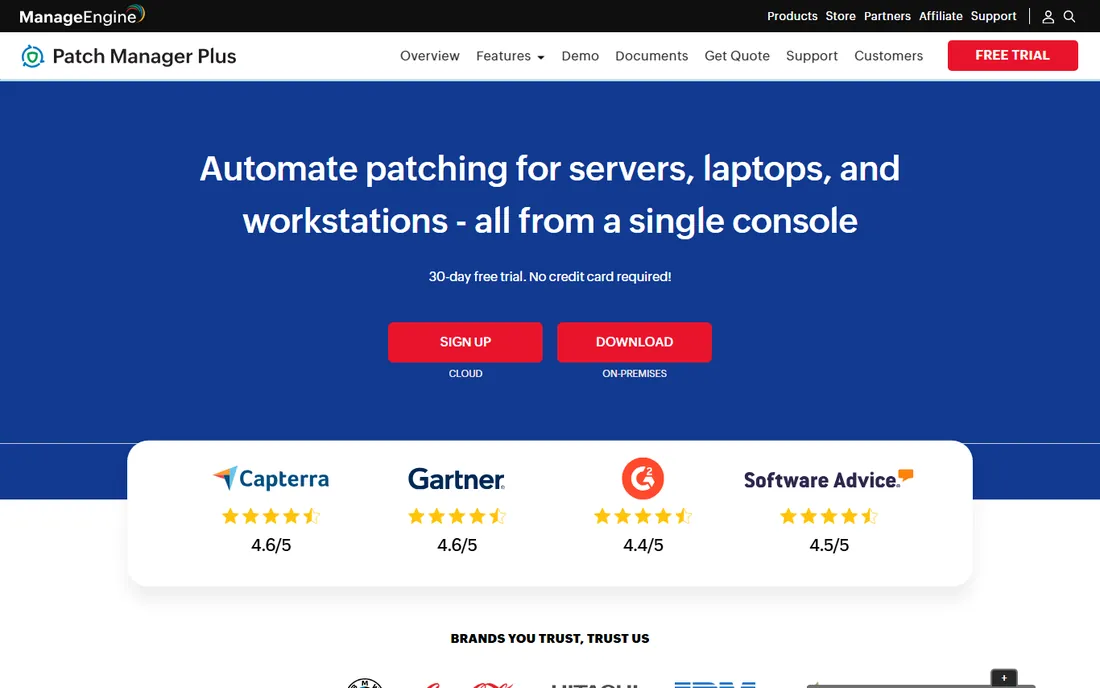
ManageEngine is the budget pick with an enterprise feature list. Patch Manager Plus scans for missing patches, tests and approves them automatically, and deploys across Windows, macOS and Linux plus 1,100-plus third-party applications. It runs on-prem or in the cloud, patches machines on LAN, WAN and DMZ without a VPN, and rolls patches back with one click. The vendor advertises Professional at less than $1 per endpoint per month and Enterprise at $1.
The fine print matters. Automated patch testing and approval, driver and BIOS updates, and bandwidth optimization all require the Enterprise edition, so compare editions, not just the headline price. Also note Patch Manager Plus is the patching component of ManageEngine Endpoint Central: if you later want vulnerability management and data security, the upgrade path is already built. For fleets that need patching handled cheaply and thoroughly, this is hard to beat on price.
What we like- Genuinely cheap per endpoint with a usable free edition
- On-prem and cloud deployment
- Patch testing and approval plus driver and BIOS updates
- 1,100-plus third-party apps
Watch out for- Driver, BIOS and antivirus updates plus automated patch testing and approval are gated to the Enterprise edition
- Two licensing models (subscription and perpetual) take explaining
- The interface shows its age next to cloud-native rivals
Starting price$3.50/device/year (Enterprise Plus; starts at $3,500/year for up to 1,000 devices)
Free planFree trial
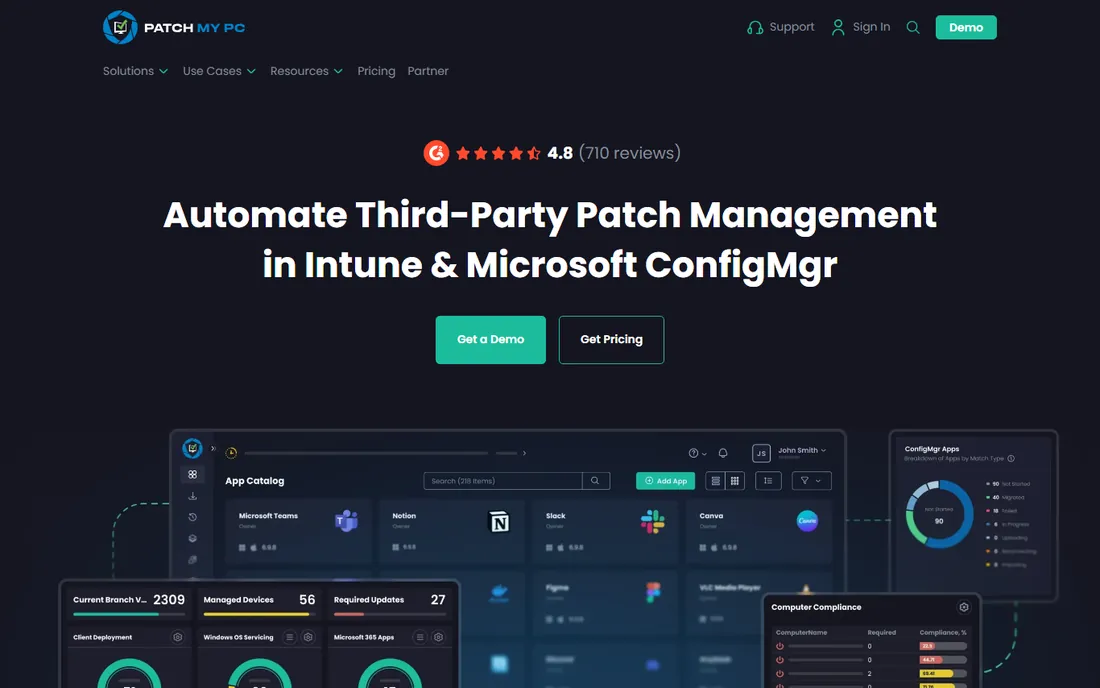
Patch My PC is a specialist: it automates third-party patching and application management for teams already invested in ConfigMgr, WSUS and Intune. Instead of replacing your management stack, it publishes updates and applications straight into it: the Enterprise Plus tier at $3.50 per device per year automates third-party updates in WSUS, ConfigMgr and Intune, plus Windows and macOS app packaging and deployment. Every subscription includes onboarding and unlimited support with no separate maintenance fees.
The specialization is also the limit. If your fleet is mostly macOS or Linux outside Intune, this is the wrong tool. And the economics favor scale: the $3,500 annual starting price covers up to 1,000 devices, which is cheap per device but a real commitment for a 100-device shop. For a Microsoft-centric IT team, though, few tools remove as much manual packaging and update work per dollar.
What we like- Built specifically for the Microsoft stack, so it plugs into tools admins already run
- Per-device annual pricing is very low at scale
- Support is consistently praised by reviewers
- 3,878 supported products in the catalog
Watch out for- It lives inside the Microsoft ecosystem, so non-Windows fleets get little value
- The $3,500 annual minimum is steep for very small fleets
- No agentless or on-prem-free option
#5
Atera
Best for: Internal IT teams and MSPs that want patching bundled into a full IT platform
Visit atera.com
Starting price$129/tech/month (MSP Pro, billed annually); $149/tech/month (IT Professional, billed annually)
Free planFree trial (30 days, no credit card)
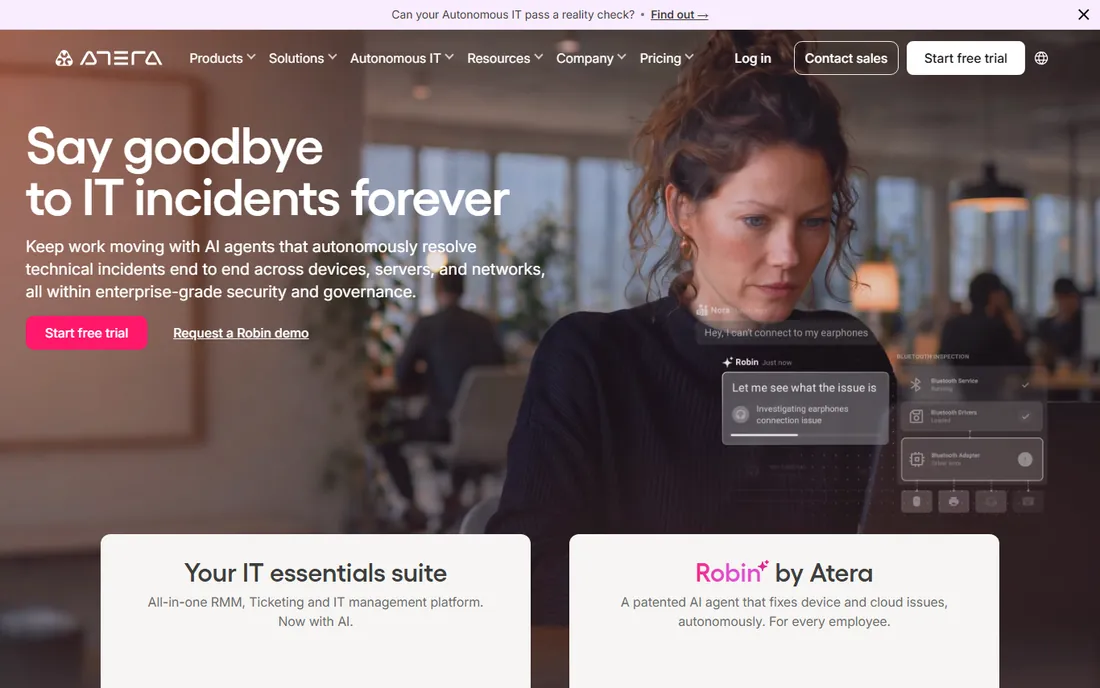
Atera flips the usual pricing math: you pay per technician, not per endpoint, and patching is included in every plan. MSP plans start at $129 per technician per month billed annually, IT department plans at $149. That covers automated patching for Windows and macOS plus third-party apps via WinGet and Chocolatey, alongside RMM, ticketing, remote access and AI agents. If you manage 500 endpoints with two technicians, the per-device economics are excellent.
It only makes sense if you want the platform. A team that needs patching alone gets RMM, PSA and remote access along for the ride, and a team with ten technicians and 100 devices pays more than with per-endpoint tools. Atera is the right pick when patching is one job inside a broader IT operation, not when it is the only job.
What we like- Per-technician pricing with unlimited devices and end users, so the bill stays flat as you grow
- Patching included in every plan at no extra cost
- Bundles RMM, ticketing, remote access and AI agents in one subscription
Watch out for- Per-technician pricing punishes teams with many techs and few devices
- Linux patching is lighter than Windows and macOS coverage
- Patch-only buyers pay for a whole platform they may not use
#6
NinjaOne
Best for: IT teams and MSPs that want patching inside a unified endpoint management platform
Visit ninjaone.com
Starting price$1.50 to $3.75/device/month (published range; exact price by quote)
Free planFree trial (14 days)
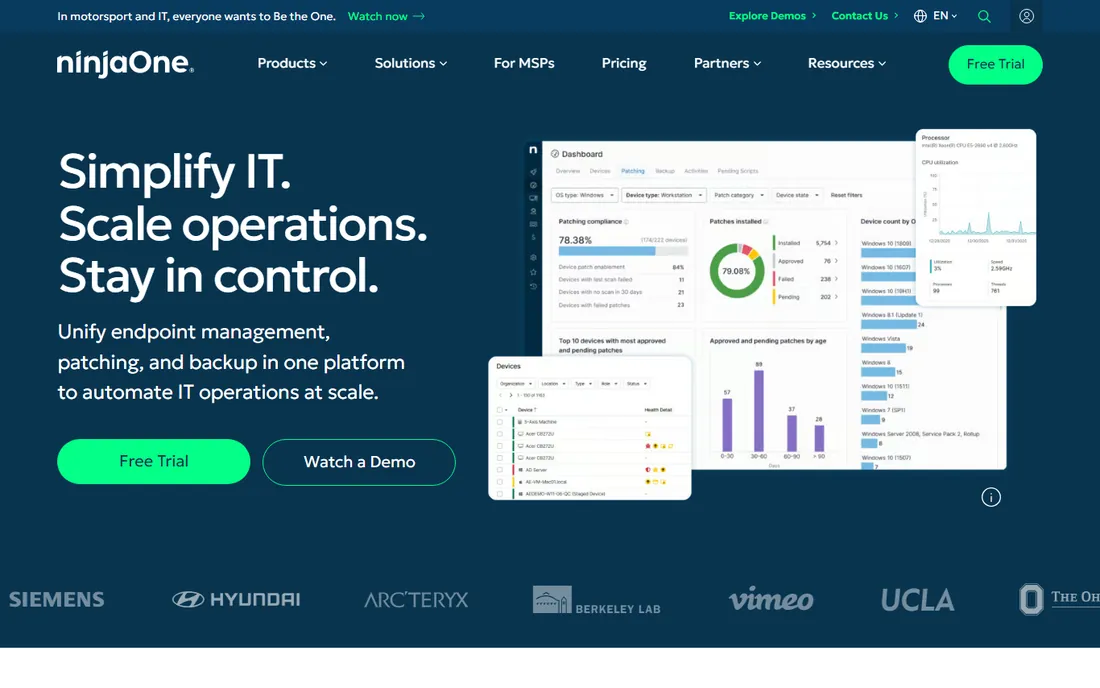
NinjaOne is unusual here because it publishes numbers: the pricing page shows a range from $1.50 per device per month at 10,000 endpoints up to $3.75 at 50 or fewer, varying by region and products. Patch management is one module in a unified platform covering monitoring, backup, remote access and ticketing, with Patch Intelligence AI layered on top to flag patches likely to cause instability before they roll out. Your exact price comes from a quote, but at least you start with a range.
The platform breadth cuts both ways. If you want patching plus monitoring plus backup from one vendor with one contract, NinjaOne consolidates tools nicely. If you only want patching, Action1 or Automox do the job for less. NinjaOne fits IT teams and MSPs that are standardizing their whole endpoint stack, not buyers shopping for a single-purpose patcher.
What we like- Publishes a per-device price range, which is rare in this category
- Autonomous patch management with Patch Intelligence AI that pauses risky OS updates
- Patches Windows, macOS, Linux and 135-plus third-party apps
- One platform for monitoring, backup and remote access
Watch out for- You still need a custom quote for your exact rate
- It is a full platform, so patch-only buyers pay for more than they use
- The best per-device rate needs very large fleets
#7
Ivanti Neurons for Patch Management
Best for: Enterprises that want risk-based patch prioritization, not just patch deployment
Visit ivanti.com
Starting priceSee website (custom quote: platform fee plus per-device licenses)
Free planNo (demo on request)
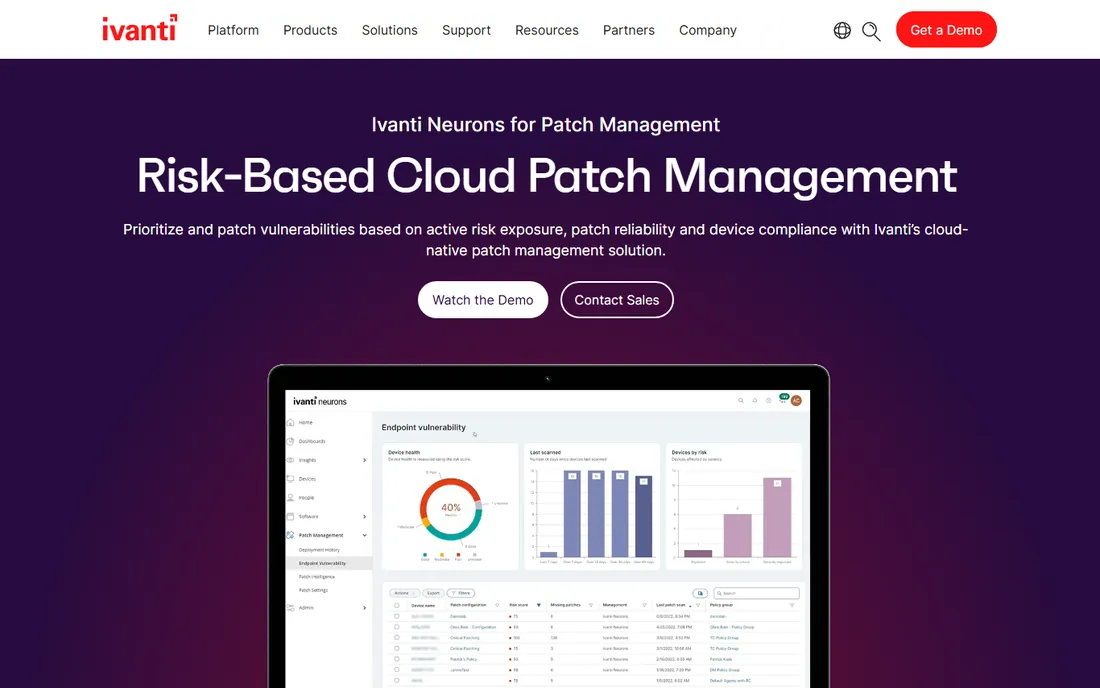
Ivanti Neurons for Patch Management targets a different question than most tools on this list: not "which patches are missing" but "which missing patches actually matter." Its Vulnerability Risk Rating scores vulnerabilities using threat intelligence and penetration-test validation, so teams patch the exposures attackers are using first. Ring deployment rolls patches out in phases, and a post-patch survey bot gathers user feedback, feeding real sentiment back into the promotion decision.
The catch is the buying motion. Ivanti publishes no prices; the FAQ says the model is a platform fee plus device-based licenses and asks you to speak to sales. There is no free tier, only a demo. This is an enterprise purchase with enterprise onboarding, aimed at security teams that already think in terms of exposure time and SLAs. Smaller teams will find the tools above faster and cheaper to adopt.
What we like- Risk-based prioritization using its Vulnerability Risk Rating, which weighs live threat context beyond CVSS
- Ring deployment with post-patch user sentiment checks
- 800-plus software titles
- Native integration with the rest of the Ivanti Neurons family
Watch out for- No published pricing at all
- Buying is sales-led, so expect a longer process
- The broad product family means more to evaluate than a point tool
#8
Syxsense
Best for: Teams that want patching inside a unified endpoint security platform
Visit syxsense.com
Starting priceSee website (custom quote)
Free planFree trial (14 days, per reviewers)
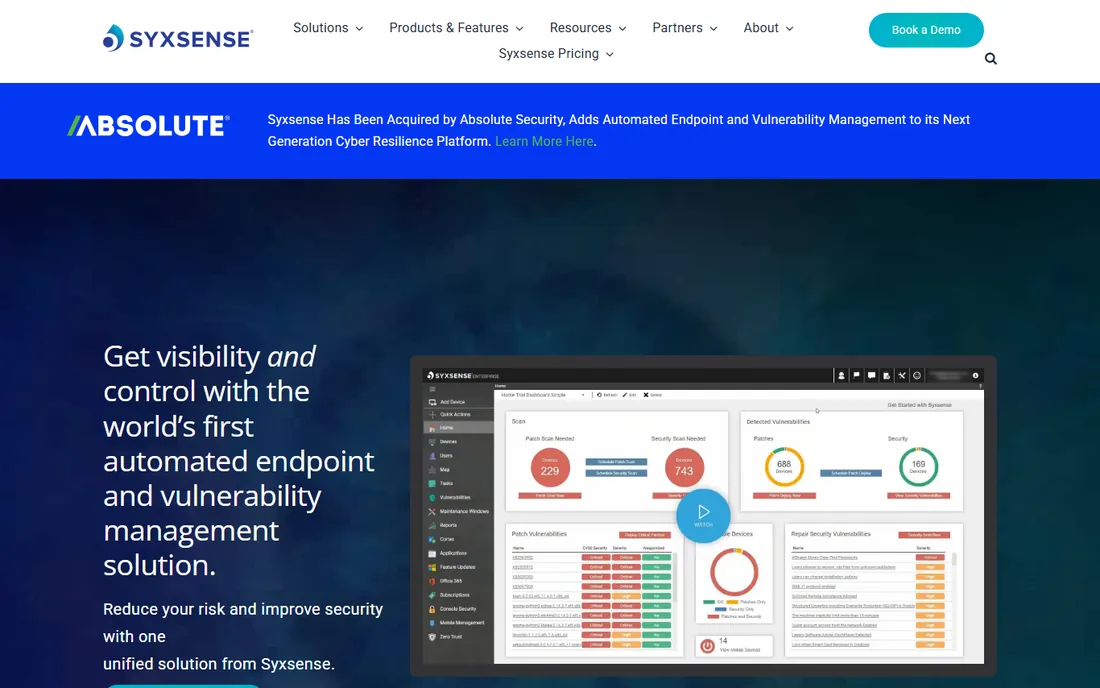
Syxsense sells unified security and endpoint management rather than standalone patching. From one cloud console you get patch scanning and deployment, vulnerability scanning, a 2,000-plus remediation library and the Cortex workflow builder for automated playbooks. Built-in reporting covers compliance frameworks, and the platform manages Windows, Linux, macOS and mobile devices.
Like Ivanti, it keeps its prices behind a quote wall: the pricing page asks you to request a quote, and per-device costs only surface inside a trial account. Reviewers have reported a 14-day trial covering up to 50 devices and 50 mobile devices, which is enough to evaluate properly. Choose Syxsense when patching is part of a security program; choose a specialist when it is a standalone chore.
What we like- Combines patch management with vulnerability scanning and remediation in one console
- Syxsense Cortex workflow builder automates remediation playbooks with drag and drop
- A 14-day trial is available on up to 50 devices
- Compliance reporting for frameworks like PCI, HIPAA and SOX
Watch out for- No published pricing
- The pricing page directs you to a quote or demo
- Patching is bundled into a security platform, so it is more than patch-only buyers need
#9
SecOps Solution
Best for: Teams that want agentless patching with SaaS, on-prem or air-gapped deployment
Visit secopsolution.com
Starting priceSee website (custom quote)
Free planFree trial (no credit card needed)
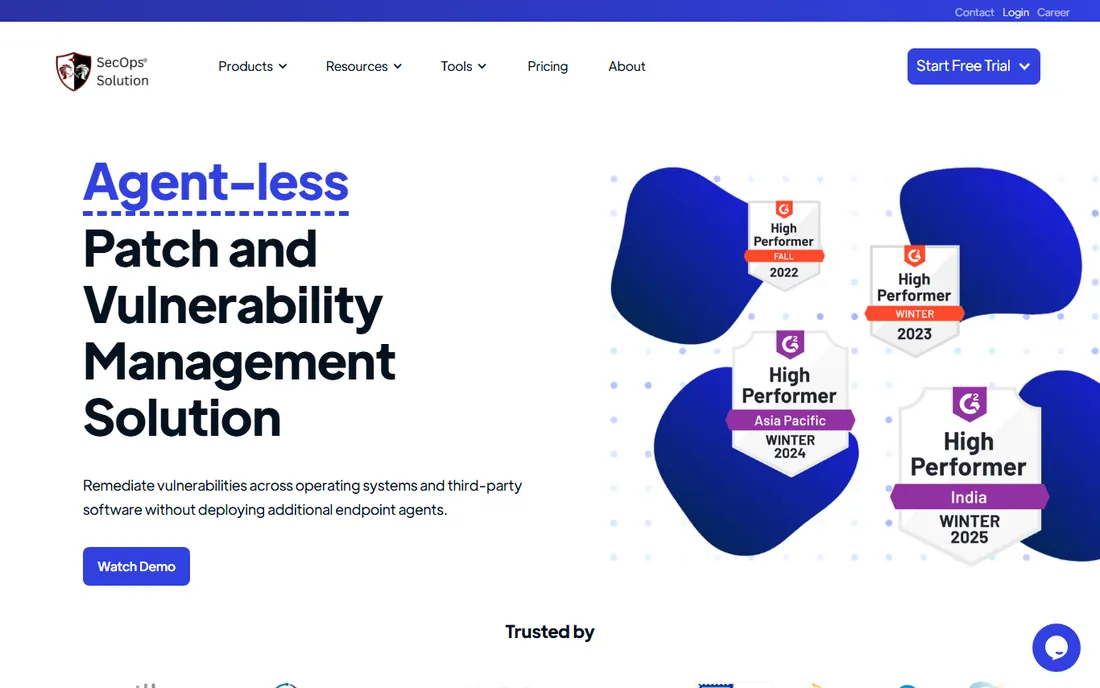
SecOps Solution takes the agentless route: it scans and patches over the network without deploying agents to endpoints, which suits teams that cannot or will not install agents everywhere. The platform supports SaaS, on-premises and fully air-gapped deployments, offers subscription or perpetual licensing, and covers 1,300-plus third-party applications with pre-validated, revertible patches. Real-time per-patch status and post-patch health checks give more deployment visibility than most tools in this price band.
Pricing is fully custom: the vendor says subscription pricing is tailored to each organization's size and needs, so you will talk to sales. A free trial is available without a credit card, which helps. SecOps is the interesting outsider here: strong architecture for restricted or agent-averse environments, but a thinner public track record than Automox or ManageEngine.
What we like- Agentless scanning and patching, so nothing installs on endpoints
- SaaS, on-prem and fully air-gapped deployment
- Subscription or perpetual licensing
- Pre-validated patches with rollback and 1,300-plus third-party apps
Watch out for- No published pricing
- Subscription quotes are tailored per organization, which slows budgeting
- A smaller vendor with fewer public reviews than the established names
How we chose
We started with the searches buyers actually run: patch management software, patching tools, automated patch software and WSUS alternatives. For each candidate we checked the vendor's own pricing page and product pages first, then public reviews on G2, Capterra and TrustRadius, practitioner discussion on Reddit and technical forums, and feature documentation for OS coverage, third-party catalogs and deployment models. Where a vendor published no price, we wrote "See website" instead of guessing. We favored tools that exist and are actively sold today, mixing per-endpoint cloud tools, platform suites and specialists.
What to check before you buy patch management software
Price per endpoint is only the first line of the math. Start with OS and app coverage: every tool here patches Windows, but macOS, Linux and third-party application coverage vary widely, and the third-party catalog size (from 135-plus at NinjaOne to 3,878 at Patch My PC) decides how much manual packaging remains. If your fleet is half remote, confirm the tool patches off-network devices without a VPN; most cloud-native tools do, on-prem tools need planning.
Next, look at how patches are controlled. Test-and-approve workflows, staged rollouts or update rings, and one-click rollback separate tools you can trust from tools you have to babysit. Patch Tuesday volume makes this non-negotiable above a few hundred devices. Then check the deployment model: agent-based tools need an agent on every endpoint and a rollout plan; agentless tools like SecOps scan over the network, which is easier to start but depends on network reachability.
Finally, read the pricing the way the vendor bills it. Per-endpoint pricing scales with devices, per-technician pricing (Atera) scales with staff, and annual minimums (Patch My PC's $3,500) can dwarf the per-unit price for small fleets. Free tiers are real in this category: Action1 covers 200 endpoints free forever and ManageEngine ships a free edition, so a small fleet may pay nothing at all.
Agent or agentless: the deployment question that changes everything
Most patch tools install an agent on every endpoint. Agents give the deepest control: they patch laptops that never touch the office network, enforce reboot behavior and report compliance in real time. The cost is the rollout itself: deploying, updating and troubleshooting agents across the fleet, plus the performance footprint on each machine.
Agentless tools such as SecOps Solution skip that entirely and scan and patch over the network. Setup takes minutes, nothing runs on the endpoint, and air-gapped networks stay supported. The trade-off is reach: devices that are offline or unreachable from the scanner do not get patched, and some advanced actions (like software deployment beyond patching) are thinner.
For most small and mid-size fleets, either model works; pick based on your network reality. If your endpoints are scattered across homes and coffee shops, agents win. If your servers sit in controlled data centers and you dread agent sprawl, agentless is worth a serious look.
Frequently asked questions
How much does patch management software cost?
It ranges from free to quote-only enterprise pricing. Action1 is free for up to 200 endpoints, ManageEngine's free edition covers small fleets, and Automox starts at $1 per endpoint per month billed annually. Patch My PC starts at $3,500 per year for up to 1,000 devices. Platform tools like NinjaOne publish $1.50 to $3.75 per device per month, while Ivanti, Syxsense and SecOps are custom-quoted.
Can patch management cover third-party apps, not just Windows Update?
Yes, and that is where these tools earn their keep. Windows Update handles the OS, but applications like Chrome, Adobe Reader and Java need separate patching. Catalog sizes vary: Patch My PC supports 3,878 products, ManageEngine over 1,100, Syxsense 1,300-plus third-party apps, and Automox 350-plus on its entry tier. Check the catalog for the specific apps you run before buying.
Do I need to install agents on every device?
With most tools, yes. Automox, Action1, NinjaOne and Atera all use lightweight agents. SecOps Solution is the agentless exception here: it scans and patches over the network with nothing installed on endpoints. Agents patch remote laptops better; agentless deploys faster in controlled networks.
What is the difference between patch management and vulnerability management?
Patch management deploys updates to fix known issues. Vulnerability management is broader: it finds weaknesses (including misconfigurations and unpatched software), prioritizes them by risk and tracks remediation. Tools like Ivanti Neurons, Syxsense and SecOps Solution do both; Action1, Automox and Patch My PC focus on the patching half.
Is there really free patch management software?
Yes. Action1 is free forever for up to 200 endpoints with no feature limits, which covers many small businesses entirely. ManageEngine Patch Manager Plus has a free edition for up to 20 workstations and 5 servers. Both are production-grade, not trials.
How long does it take to get patching running?
Cloud tools like Action1, Automox and NinjaOne advertise setup in minutes to hours: sign up, install agents, set a policy. On-prem tools like ManageEngine take longer because you provision the server first. Enterprise suites like Ivanti are implementation projects measured in weeks. Start with a trial on a pilot group before rolling out.
Sources we checked (22)
- https://action1.com/
- https://www.action1.com/free-edition/
- https://www.action1.com/blog/comparison/automox-alternatives/
- https://automox.com/
- https://www.manageengine.com/patch-management/
- https://www.manageengine.com/patch-management/pricing.html
- https://www.manageengine.com/za/patch-management/edition-comparison.html
- https://patchmypc.com/
- https://patchmypc.com/pricing
- https://www.atera.com
- https://www.atera.com/products/patch-management/
- https://www.ninjaone.com/
- https://www.ivanti.com/products/ivanti-neurons-for-patch-management
- https://www.syxsense.com/
- https://secopsolution.com/
- https://www.g2.com/products/automox/pricing
- https://www.g2.com/products/patch-my-pc/pricing
- https://thectoclub.com/tools/automox-review/
- https://www.techradar.com/pro/syxsense-review
- https://www.techradar.com/pro/ivanti-neurons-review
- https://www.saasworthy.com/product/patch-my-pc/pricing
- https://verpacker.app/blog/verpacker-vs-patch-my-pc
Is your product missing or out of date?
We review this list regularly. Vendors can request a listing, send updated pricing or ask about featured placement.

Shihab Mia · Founder, Rankite
Shihab has spent more than a decade helping SaaS and e-commerce brands grow through search. He writes Rankite's software buying guides from pricing pages, documentation and public user reviews. More about Shihab.