How we make this list: we compare pricing pages, product documentation and public user reviews. Rankite is independent; if a vendor ever pays for a featured spot, that listing is clearly labeled Partner.
Key takeaways
- All ten tools are free to self-host, with source code available under licenses like GPL, AGPL, or MIT.
- Self-hosted does not mean zero cost: you still pay for the server, backups, security updates, and the time someone spends maintaining it.
- Zammad, UVdesk, and osTicket are the most polished options for customer-facing support; Znuny, GLPI, and Request Tracker skew toward internal IT desks.
- Several vendors sell managed cloud versions (Zammad from 7 euros per agent per month, Hesk with flat-fee plans) if you want the open-source tool without running it.
- Community activity matters: projects with active forums, docs, and recent releases are safer long-term bets than abandoned ones.
Quick comparison
| Tool | Best for | Starting price | Free plan |
|---|
 osTicket osTicket | Classic free ticketing for small teams | Free (open source) | Yes |
 Zammad Zammad | Multichannel teams wanting a modern UI | Free (self-hosted); cloud from €7 per agent per month (billed annually) | Yes |
 UVdesk UVdesk | Ecommerce and multichannel support | Free (open source community edition) | Yes |
 FreeScout FreeScout | Shared inboxes for small teams | Free (open source); paid add-on modules | Yes |
 Hesk Hesk | Simple PHP help desk plus knowledge base | Free (self-hosted download) | Yes |
 Znuny Znuny | IT service desks needing OTRS-class power | Free (open source) | Yes |
 GLPI GLPI | IT asset and ticket management combined | Free (open source) | Yes |
 Request Tracker Request Tracker | Highly customizable enterprise ticketing | Free (open source) | Yes |
 Peppermint Peppermint | Modern Docker-based ticketing | Free (open source) | Yes |
 Trudesk Trudesk | Real-time Node.js help desk | Free (open source) | Yes |
Is your product missing or out of date?
We review this list regularly. Vendors can request a listing, send updated pricing or ask about featured placement.
The best open source help desk software
Most help desk buyers overpay for ticketing. If your needs are tickets, email piping, canned replies, and a knowledge base, the software itself can cost you nothing. What costs money is hosting, maintenance, and the learning curve, which is where these ten tools differ. Each one is free to self-host, and several offer paid cloud versions for teams that want the tool without the server work.
Starting priceFree (open source)
Free planYes
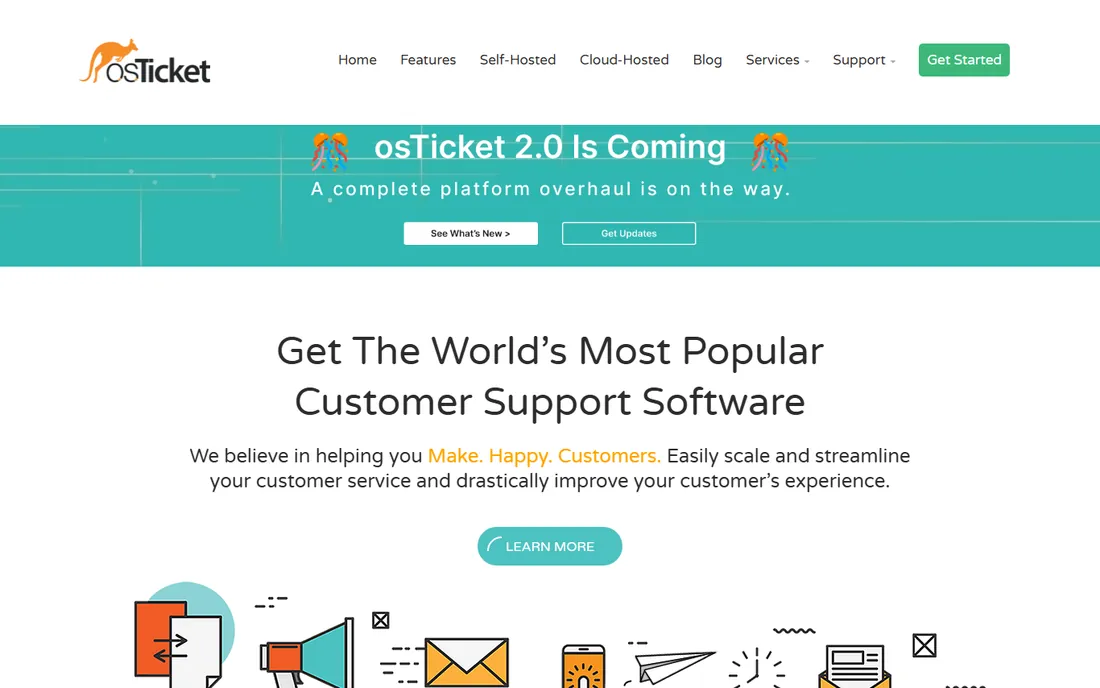
osTicket has been around since 2006 and remains the default answer when someone asks for a free help desk. Tickets come in through email, web forms, and API, then get routed by filters to the right department or agent. The dashboard covers reports, SLAs, canned responses, and a customer portal, which is more than many paid tools offered at launch. It runs on PHP and MySQL, so any cheap shared host or VPS will do.
The honest catch is age. The interface feels like software from a decade ago, and deep customization means editing PHP. The project has also had slow release stretches in the past, so check the current version before committing. For a small team that wants working ticketing this week at zero license cost, it still does the job.
What we like- Long track record and huge community
- Email, web-form, and API ticket creation
- Built-in SLAs and reporting
Watch out for- Interface looks dated
- Customization requires PHP skills
Starting priceFree (self-hosted); cloud from €7 per agent per month (billed annually)
Free planYes
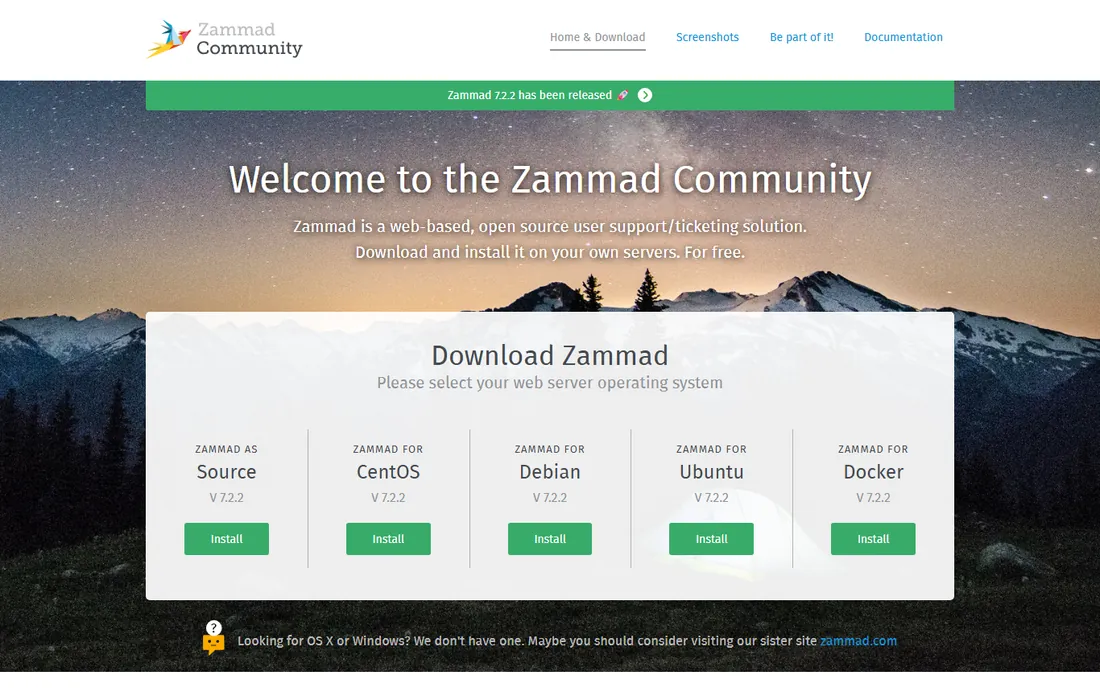
Zammad is what osTicket would look like if it were designed today. The agent interface is fast and modern, and tickets arrive from email, chat, phone, Telegram, and social channels into one queue. The software is AGPLv3 licensed and free to self-host, owned by an independent foundation. If you would rather not run servers, Zammad GmbH sells hosted plans starting at 7 euros per agent per month billed annually (Starter, capped at 5 agents), with Professional and Plus tiers at 16 and 25 euros.
The honest catch is infrastructure. Self-hosting Zammad properly means running Elasticsearch, PostgreSQL, and Redis alongside the app, which is more moving parts than a PHP script on shared hosting. Teams without a sysadmin should price the cloud plan instead. For teams with the skills, it is one of the most complete free help desks available.
What we like- Clean modern interface
- Email, chat, phone, and social channels in one queue
- Strong docs and community
Watch out for- Self-hosting needs Elasticsearch, PostgreSQL, and Redis
- Cloud agent caps are strict on the entry tier
Starting priceFree (open source community edition)
Free planYes
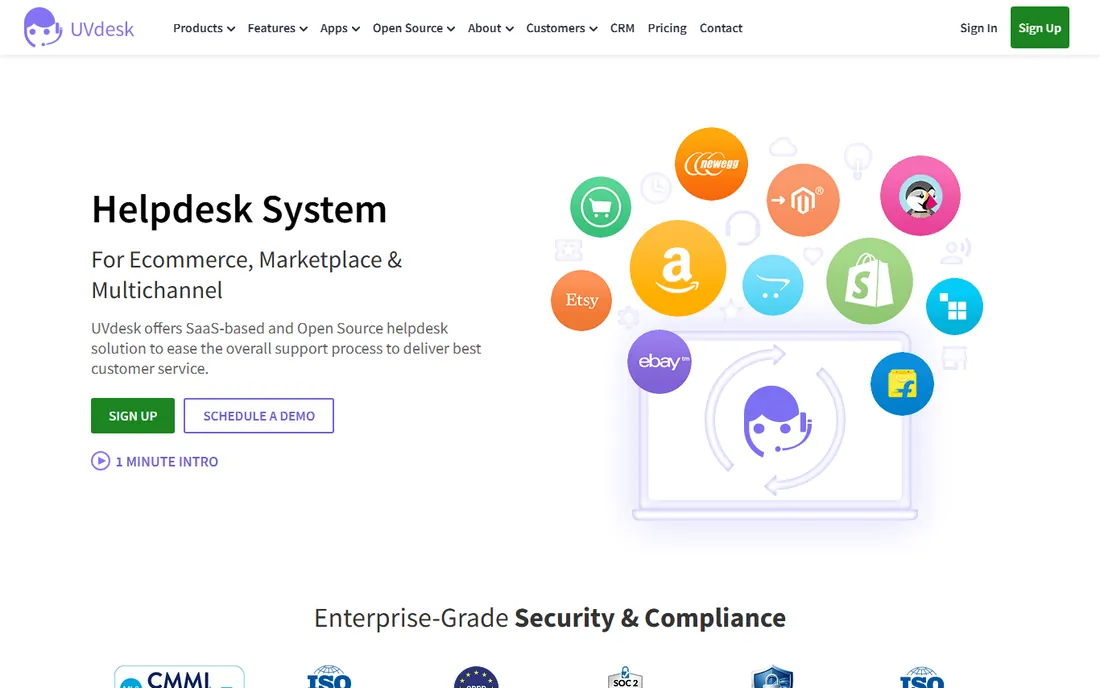
UVdesk was built with ecommerce in mind. Beyond standard email and form ticketing, it offers integrations with platforms like Magento, Shopify, PrestaShop, and marketplaces, so order data sits next to the ticket. The community edition is free and open source, built on the Symfony PHP framework, which makes it approachable for any PHP developer to customize. A paid SaaS version exists for teams that want it hosted.
The honest catch is the app model. The core is free, but some of the nicer ecommerce and productivity extensions are paid, so the real cost depends on which apps you need. The project forums are active, which helps, but expect to figure out some edge cases yourself. Ecommerce stores that want ticket-plus-order context in one free system should start here.
What we like- Built on Symfony/PHP, easy for developers to extend
- Marketplace and ecommerce integrations
- Active forums
Watch out for- Some advanced apps cost extra
- Documentation can be patchy for edge cases
Starting priceFree (open source); paid add-on modules
Free planYes
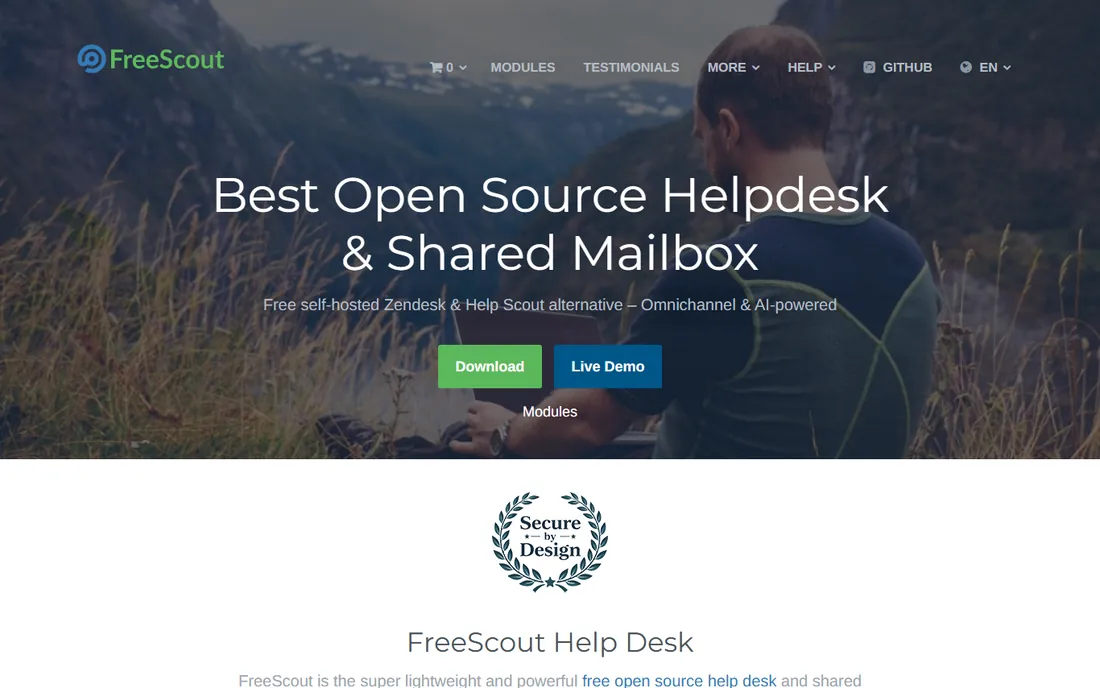
FreeScout looks and feels like a premium shared-inbox tool, except the core is free. It is a self-hosted Laravel app that handles unlimited agents, tickets, and mailboxes, with collision detection, internal notes, merging, and email tracking built in. Installation is straightforward on a standard PHP host, and there is a live demo to try before you install. The project is AGPL licensed.
The honest catch is the module store. The free core is solid, but many teams end up buying modules for workflows, custom fields, time tracking, or an end-user portal, each sold as a paid add-on. Add up the modules you actually need before comparing with a cloud tool. For teams that just need a fast shared inbox, the free core may be enough on its own.
What we like- Lightweight Laravel app, easy to install
- Unlimited agents, tickets, and mailboxes
- Fast, clean interface
Watch out for- Key features like workflows and custom fields are paid modules
- Mobile apps are limited
#5
Hesk
Best for: Simple PHP help desk plus knowledge base
Visit hesk.com
Starting priceFree (self-hosted download)
Free planYes
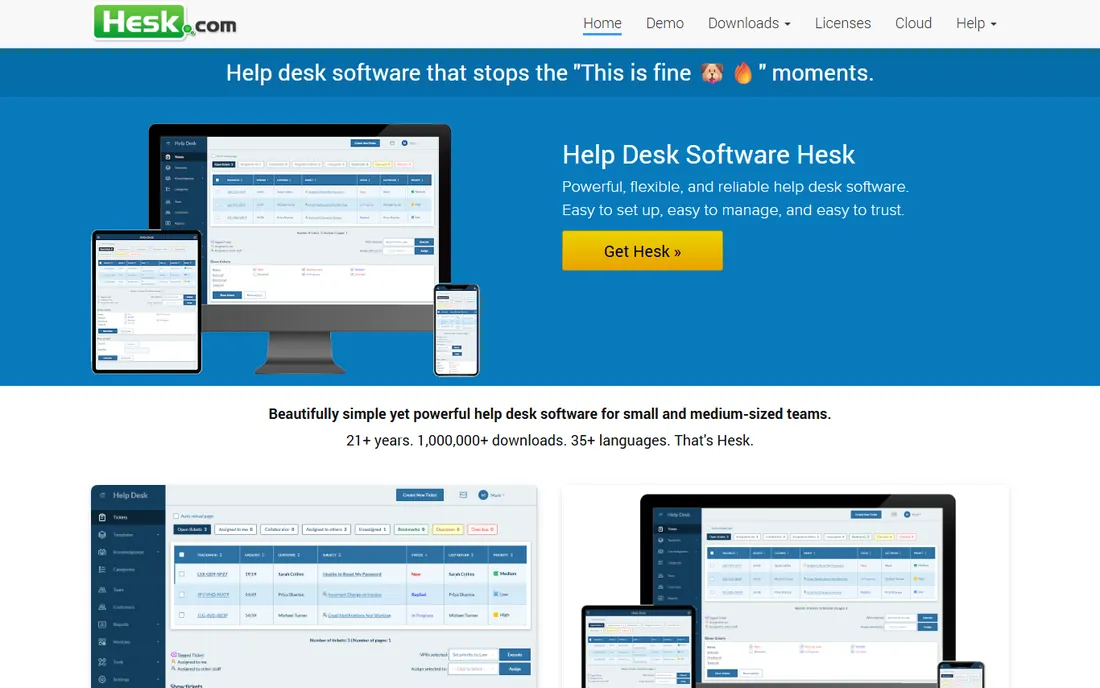
Hesk keeps the footprint tiny on purpose. The whole self-hosted app is a few megabytes, installs on any PHP and MySQL host in minutes, and includes a knowledge base alongside ticketing. The free download covers unlimited tickets, and the project has been actively developed for over 20 years, with more than 900,000 downloads. Hesk Cloud offers managed hosting on flat-fee plans that do not charge per agent.
The honest catch is breadth. Hesk covers ticketing, knowledge base, and basic automation well, but it does not have the integration ecosystem or marketplace of Zammad or FreeScout. The flat-fee cloud plans are friendly for growing teams but less attractive for a single user. For schools, nonprofits, and small IT teams that want simple and dependable, the free version is hard to beat.
What we like- Tiny 3 MB download, installs in minutes
- Knowledge base included out of the box
- 35-plus languages
Watch out for- Fewer integrations than bigger projects
- Cloud pricing is flat-fee, which can be costly for solo users
#6
Znuny
Best for: IT service desks needing OTRS-class power
Visit znuny.org
Starting priceFree (open source)
Free planYes
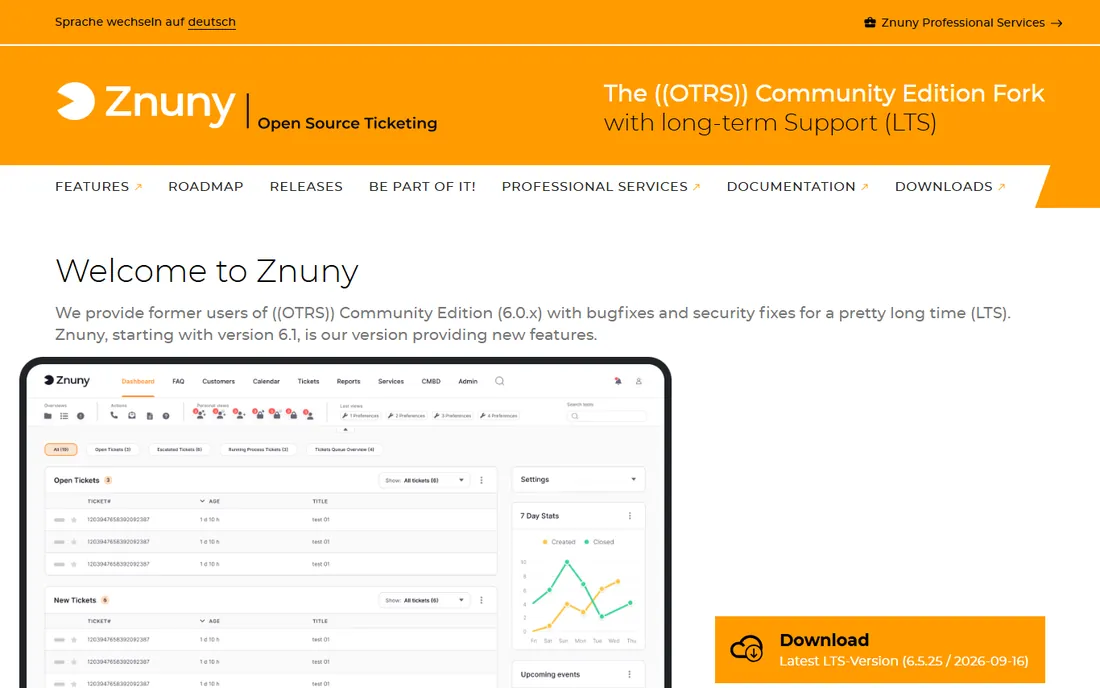
Znuny is the maintained continuation of the open-source OTRS Community Edition, aimed squarely at IT service desks. It brings corporate-grade ticket management: granular permissions, dynamic fields, configurable workflows, escalation rules, reporting dashboards, and ITSM functions like change and asset management. It is GPL licensed and free to self-host, written in Perl. Znuny GmbH offers commercial support for companies that need it.
The honest catch is complexity. This is not a tool you install in an afternoon; configuration expects someone who understands ITIL-style processes. The interface is functional rather than beautiful. But for internal IT departments that need process rigor without license fees, Znuny delivers what commercial ITSM suites charge thousands for.
What we like- Mature ITSM feature set from the OTRS lineage
- Granular permissions and automation
- Stable and actively maintained
Watch out for- Interface feels enterprise-dated
- Setup and configuration have a real learning curve
Starting priceFree (open source)
Free planYes
GLPI does two jobs in one free package: help desk ticketing and IT asset management. Tickets can link directly to hardware, software licenses, and network devices, so agents see the full context of what broke. It includes a CMDB, SLA management, a service catalog, and a large plugin marketplace. The software is GPL licensed, written in PHP, and used by millions of devices worldwide. GLPI Network Cloud offers a managed subscription with a 45-day free trial.
The honest catch is scope. If you only need customer support tickets, GLPI is more than you need, and its interface shows it. The learning curve is real. But for IT departments that want assets and tickets in one system with zero license cost, there is no stronger free option.
What we like- Tickets plus full IT asset inventory and CMDB
- Huge user base and plugin ecosystem
- Active development
Watch out for- Overkill if you only need ticketing
- The interface packs a lot in and can overwhelm newcomers
Starting priceFree (open source)
Free planYes

Request Tracker, or RT, has been handling tickets since 1996, and it shows in the depth. Custom ticket lifecycles, automation scrips, fine-grained permissions, dashboards, asset tracking, and a knowledge base are all included, and everything is extensible in Perl. It is GPLv2 licensed and completely free to run on your own server, no matter how many users. Best Practical sells Cloud RT hosting and support plans, with a 14-day free trial of the cloud version.
The honest catch is the stack. RT is Perl-based, and serious customization needs a Perl-capable admin. The interface is practical, not modern. Universities, ISPs, and incident-response teams have run it for decades, which says a lot about reliability. If you have the technical staff, it is one of the most powerful free ticket systems ever built.
What we like- Extremely flexible with custom lifecycles and scrips
- Runs on your own server for free under GPLv2
- Decades of production use
Watch out for- Perl-based and admin-heavy
- The UI is utilitarian, not pretty
Starting priceFree (open source)
Free planYes
Peppermint is the newcomer, built as a modern open-source alternative to Zendesk and Jira. It is a TypeScript and Node.js app that deploys with Docker in one command, runs happily on a small VPS or even a Raspberry Pi, and keeps all data on your own server. Features include mailbox integration over SMTP and IMAP, webhooks, OIDC authentication, a REST API, and a markdown ticket editor. The project is open source and actively developed.
The honest catch is maturity. Peppermint does not yet have the depth of Zammad or the community of osTicket, and some enterprise features are still on the roadmap. But for developers and homelab users who want a clean, modern ticket system they can spin up in minutes, it is the freshest option on this list.
What we like- Modern TypeScript and Node.js stack
- One-line Docker deployment
- Lightweight enough for a small VPS
Watch out for- Younger project with a smaller community
- Feature set is thinner than mature alternatives
Starting priceFree (open source)
Free planYes
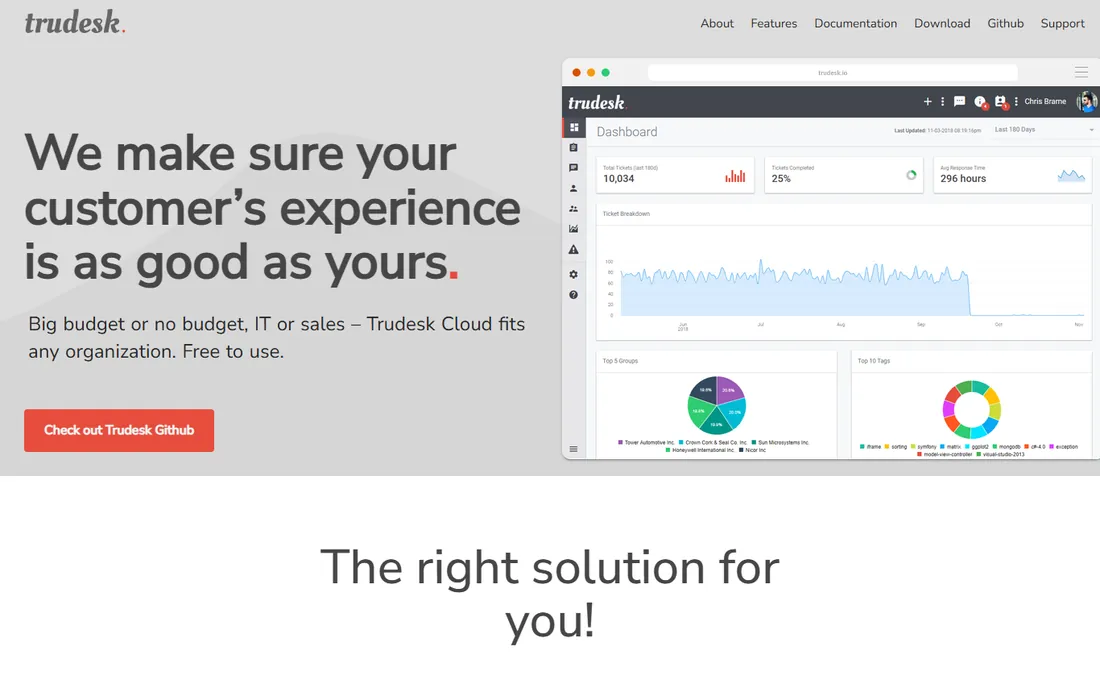
Trudesk is a Node.js and MongoDB help desk with real-time everything: tickets, notifications, and chat update live without refreshing. The community edition is free and open source, deploys with a one-line installer on Ubuntu, and runs on any cloud provider, Docker, bare metal, or even a Raspberry Pi. It includes reporting with visual graphs, a documented REST API, and customizable branding. Trudesk Cloud offers a hosted version.
The honest catch is the stack. MongoDB and Node.js are a different world from the PHP tools on this list, so make sure your team is comfortable with them. The community is smaller, which means fewer tutorials and plugins. For teams that want a fast, real-time desk and like the Node ecosystem, Trudesk is worth a look.
What we like- Real-time ticket updates without page refreshes
- Runs anywhere including Docker and bare metal
- Built-in chat
Watch out for- MongoDB requirement adds a dependency
- Smaller community than PHP-based rivals
What self-hosting really costs
Free software is not a free help desk. Budget for a VPS or server, SSL certificates, automated backups, and security updates. The PHP tools (osTicket, Hesk, FreeScout, UVdesk, GLPI) run on cheap shared or small virtual hosting. Zammad, Request Tracker, and the Node.js tools (Peppermint, Trudesk) need a real VPS with enough memory, plus the databases they depend on. Then add human time: someone has to apply updates, watch for security releases, and fix things when they break. If that person does not exist on your team, a managed cloud plan from the vendor is usually cheaper than learning the hard way.
Licenses, briefly
Most tools here use GPL or AGPL licenses, which means the software is free to use and modify, but if you distribute a modified version you must share your changes under the same license. AGPL goes further and covers software run as a web service. This rarely matters for internal use, but check with your team if you plan to embed the tool in a product you sell.
Support options
Community support (forums, GitHub issues, docs) is free and varies in speed. Zammad, Znuny, GLPI, and Request Tracker all have vendors selling professional support contracts, which matters for businesses that need a guaranteed response. Hesk includes responsive support even for the free version, based on user reports. If support SLAs matter to your boss, price the commercial support tier before you commit to a tool.
How we chose
We started from the tools that show up repeatedly in open-source help desk comparisons, GitHub awesome lists, and community discussions on Reddit and Hacker News. We filtered for projects that are genuinely free and open source (not just freemium SaaS), actively maintained with recent releases, and usable by a small business without a dedicated development team.
For each tool we opened the official homepage to confirm the project is real and current, checked its documentation and GitHub activity for signs of life, and read the vendor's own pricing or hosting pages for any paid options. We weighted ease of self-hosting, feature completeness for everyday support work, community health, and honest limits like module paywalls or infrastructure demands.
Self-host or use the cloud version
Run the math before you decide. A small VPS costs a few dollars a month, and the PHP tools install in an afternoon. That is the cheapest path for a technically comfortable team. But factor in your time: initial setup, hardening, updates, backups, and troubleshooting all land on someone. If that someone is you and you already have a full job, the cloud version of the same tool buys back your evenings.
Cloud options exist for most of this list. Zammad's hosted plans start at 7 euros per agent per month, Hesk Cloud uses flat-fee plans with no per-agent charges, and FreeScout's modules let you pay once for features instead of monthly. Compare the cloud price against your own hourly cost times the maintenance hours. Many small businesses find the crossover point arrives faster than they expected.
Frequently asked questions
Is open source help desk software really free?
The software is free to download and use, with no per-agent license fees. You still need hosting, a domain, backups, and someone to maintain the installation. Some tools also sell paid add-on modules or managed cloud versions. Read the license and the module store before assuming the total cost is zero.
Which open source help desk is easiest to set up?
Hesk and osTicket are the fastest: download the PHP files, point them at a MySQL database, and you are answering tickets within the hour. FreeScout is similarly quick on standard PHP hosting. Peppermint's one-line Docker install is easy if you already use Docker. Zammad, Znuny, and Request Tracker take more setup and suit teams with sysadmin experience.
Can I migrate from Zendesk or Freshdesk to an open source tool?
Usually yes. Most tools on this list import tickets via CSV, and several have documented migration paths from Zendesk. osTicket, Zammad, and FreeScout all have community guides for this. Export your tickets, users, and knowledge base articles first, then test the import on a staging copy before switching over.
Do these tools include a knowledge base?
Hesk and osTicket include a knowledge base out of the box. Zammad has one on its higher cloud tiers and in the self-hosted version. Request Tracker includes an articles feature. FreeScout sells a knowledge base as a paid module. If self-service articles are a priority, check the specific edition before you commit.
What about security updates?
This is the main risk of self-hosting. You are responsible for applying security patches when the project releases them. Active projects like Zammad, GLPI, and osTicket publish updates regularly; subscribe to their release feeds or GitHub notifications. If you cannot commit to patching promptly, use the vendor's managed cloud version, where updates are handled for you.
Sources we checked (11)
- https://osticket.com
- https://zammad.org/
- https://zammad.com/en/pricing
- https://uvdesk.com/
- https://freescout.net
- https://www.hesk.com
- https://www.znuny.org
- https://www.glpi-project.org/en/
- https://bestpractical.com/request-tracker
- https://peppermint.sh/
- https://trudesk.io
Is your product missing or out of date?
We review this list regularly. Vendors can request a listing, send updated pricing or ask about featured placement.

Shihab Mia · Founder, Rankite
Shihab has spent more than a decade helping SaaS and e-commerce brands grow through search. He writes Rankite's software buying guides from pricing pages, documentation and public user reviews. More about Shihab.