How we make this list: we compare pricing pages, product documentation and public user reviews. Ratings come from G2, Capterra or Trustpilot, with the date we checked them.
Key takeaways
- Rotating a PDF is a simple job, but the best tools differ on free limits, batch handling, and whether rotation is saved permanently in the file.
- PDF24 is the most generous free option, with no artificial limits, while iLovePDF is the easiest all round suite for occasional rotation and batch jobs.
- Smallpdf and Sejda offer polished interfaces but limit free use per day or per hour, so they suit occasional users better than heavy users.
- For sensitive documents, prefer a desktop tool such as PDF24 Creator or Sejda Desktop, so the file never leaves your computer.
- Always download the rotated file and open it in a fresh viewer to confirm the orientation stuck, since some viewers only rotate the display without saving the change.
Quick comparison
| Tool | Best for | Starting price | Free plan |
|---|
 iLovePDF iLovePDF | All round free suite with batch rotation | Free | Yes |
 Smallpdf Smallpdf | Polished interface for occasional use | Free | Yes |
 PDF24 PDF24 | Unlimited free rotation | Free | Yes |
 Sejda Sejda | Precise page control with desktop option | Free | Yes |
 PDF2Go PDF2Go | Everyday free jobs with no account | Free | Yes |
 Soda PDF Soda PDF | Full desktop and online PDF suite | See website | Yes |
 PDF Candy PDF Candy | Large free toolset with desktop app | $6 per month | Yes |
 Adobe Acrobat Online Adobe Acrobat Online | Trusted brand with full PDF editing | See website | Yes |
Is your product missing or out of date?
We review this list regularly. Vendors can request a listing, send updated pricing or ask about featured placement.
#1iLovePDF
Best for: All round free suite with batch rotation4.6/5 on
G2 (583 reviews, checked Oct 2026)
Visit ilovepdf.com
Starting priceFree
Free planYes
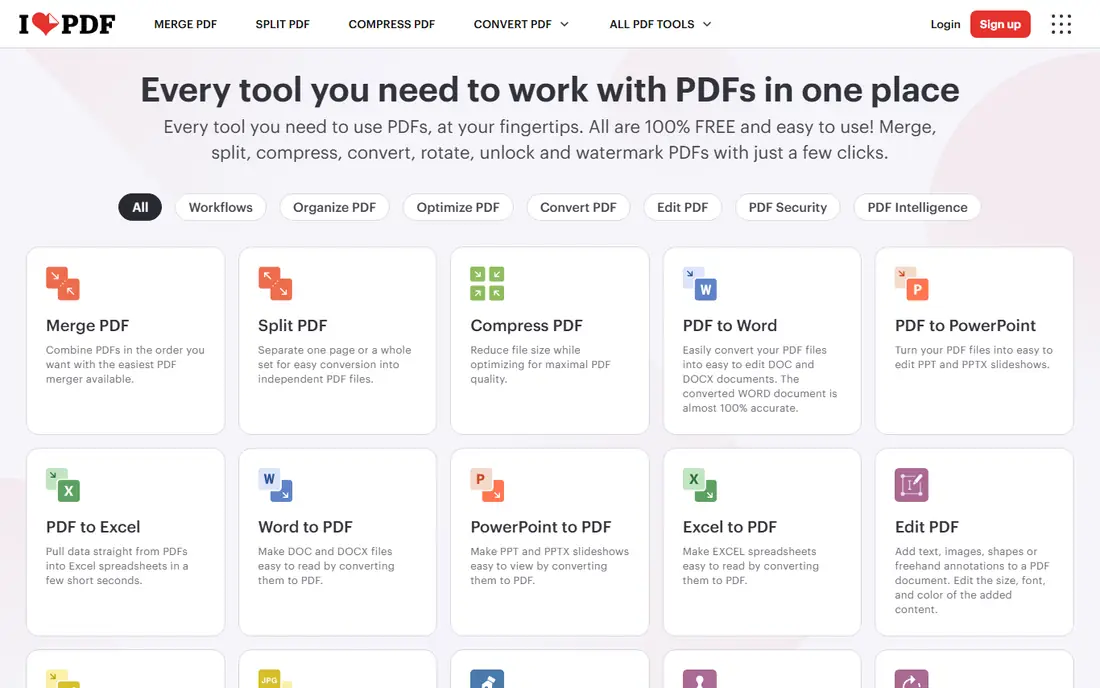
iLovePDF is the most popular online PDF suite, and its Rotate PDF tool shows why. Upload one PDF or several at once, rotate individual pages by 90, 180, or 270 degrees, or rotate the whole document with one click, then download the corrected file or save it to Google Drive or Dropbox. The Organize PDF tool adds page previews so you can see exactly which pages need fixing, plus delete and reorder options.
Security is solid for an online tool: uploads use encrypted transfer, files are auto deleted after a maximum of 2 hours, and iLovePDF holds ISO 27001 certification. The free tier covers occasional rotation well, though heavy users may hit daily task limits and need Premium, which adds desktop access, advanced OCR, and workflows. For most people rotating a scanned document or a sideways report, iLovePDF is the easiest first stop.
What we like- Rotate single pages or whole documents, and rotate multiple PDFs at once
- Files auto deleted after 2 hours
- ISO 27001 certified
- Integrates with Google Drive and Dropbox
Watch out for- Free tier limits tasks per day in third party comparisons
- Advanced features such as OCR and e signatures need Premium
- Some tools need an account for heavy use
#2Smallpdf
Best for: Polished interface for occasional use4.5/5 on
G2 (306 reviews, checked Oct 2026)
Visit smallpdf.com
Starting priceFree
Free planYes
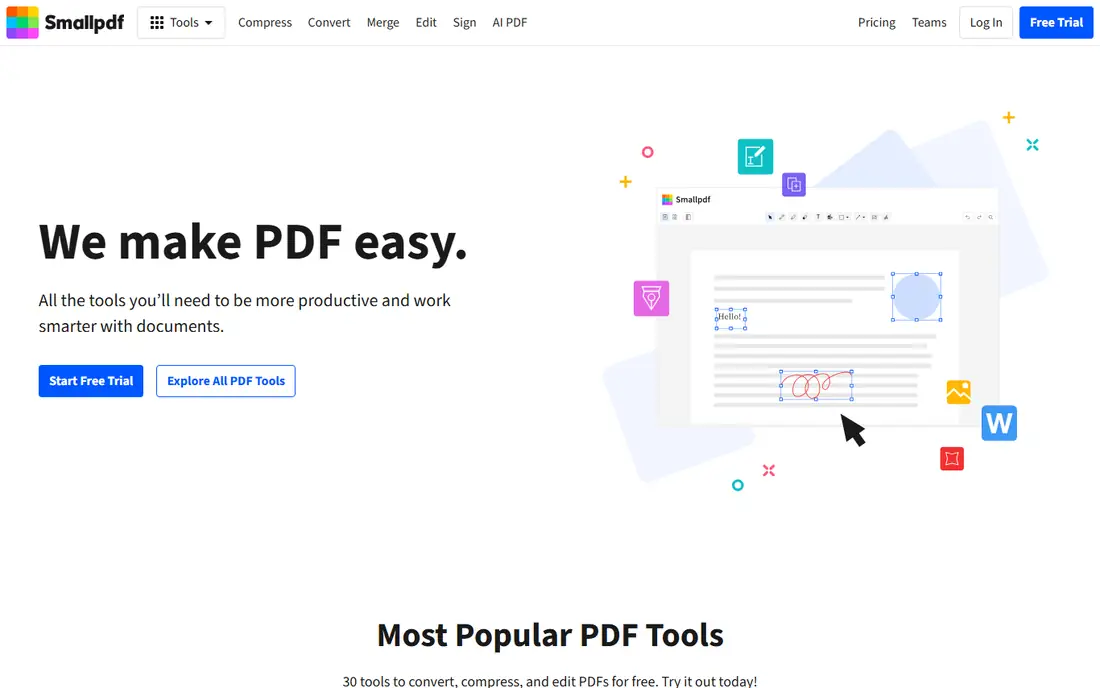
Smallpdf is the most polished PDF tool here, and its Rotate PDF tool is a model of simplicity. Drag in a PDF, click a page to rotate it, or click Rotate All to fix the whole document, then apply changes and download. You can also add more files, delete pages, and rearrange pages without leaving the tool, which helps when a scanned document needs more than rotation.
The limit is the free tier: third party comparisons put it at about 2 tasks per day, so Smallpdf suits occasional users, not daily batch work. A Pro subscription removes the limit and adds the full 30 tool suite, with a 7 day free trial to test it. Security is strong, with TLS encryption and ISO 27001 certification. If you rotate PDFs rarely and value a clean interface, Smallpdf is an excellent choice.
What we like- Clean, beginner friendly interface
- Rotate specific pages or all pages at once, with page reorder and delete in the same tool
- 256 bit TLS encryption and ISO 27001 certification
- Mobile app available
Watch out for- Free tier allows only about 2 tasks per day in third party comparisons
- Full access needs a Pro subscription with a 7 day free trial
- Larger files may need Pro
Starting priceFree
Free planYes
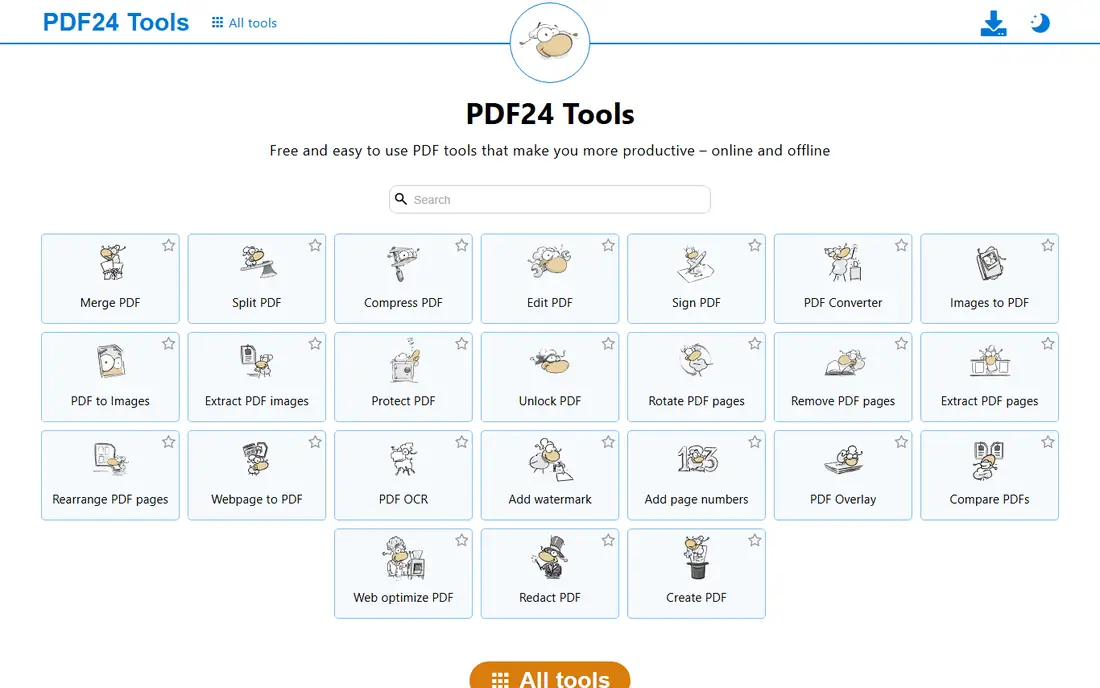
PDF24 is the best choice if you rotate PDFs often and refuse to pay or count daily tasks. Its homepage states that all PDF24 tools are free of charge with no artificial limits, supported by advertising on the pages. The Rotate PDF tool works like the others: upload, rotate pages or the whole document, and download, with no account needed.
Privacy is handled in two ways. Online files transfer encrypted and are removed from servers after a short time, and if you want files to stay local, the free PDF24 Creator app gives you the same tools offline on Windows. The interface is functional rather than beautiful, and it lacks some of the polish of Smallpdf. For unlimited, free rotation, PDF24 is the clear winner.
What we like- Completely free with no artificial limits, per its own homepage
- Works in any browser with no installation
- Files removed from servers after a short time
- Offline Creator app for sensitive files
Watch out for- Interface is plainer than Smallpdf or iLovePDF
- Online tools run on PDF24 servers, so sensitive files still upload unless you use Creator
- Ads support the free service
#4Sejda
Best for: Precise page control with desktop option4.5/5 on
G2 (42 reviews, checked Oct 2026)
Visit sejda.com
Starting priceFree
Free planYes
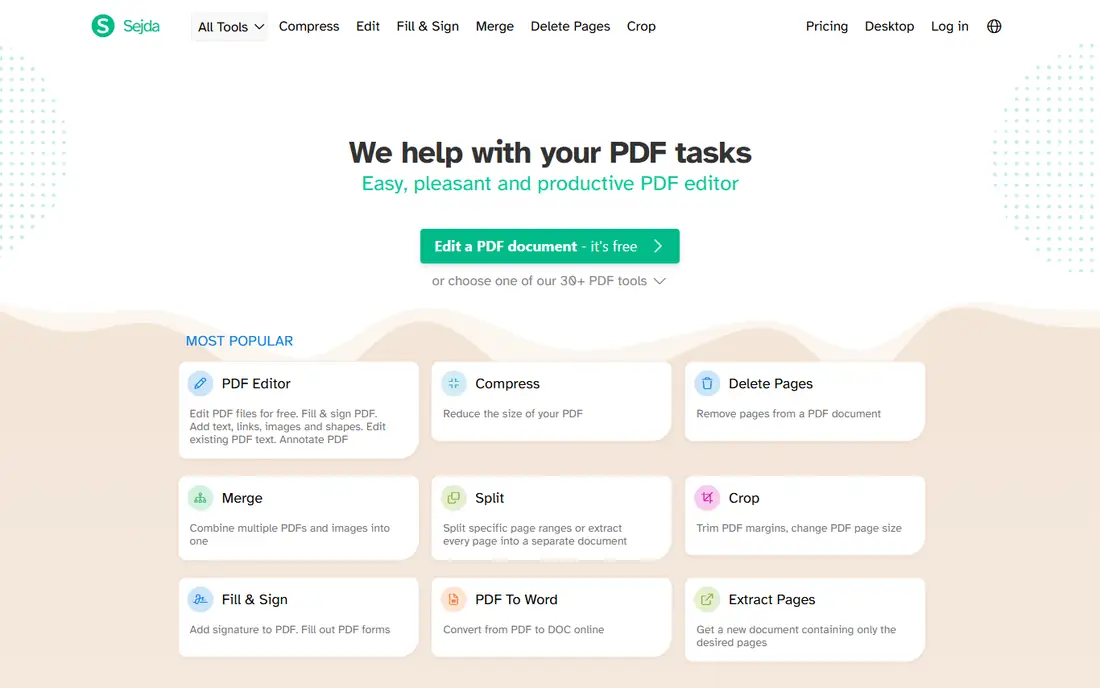
Sejda is the precision pick. Its Rotate tool lets you rotate pages and save the change permanently in the PDF, so the file opens correctly in any viewer. Around it sit organize, delete, extract, crop, and deskew tools, which help when a scanned document needs straightening as well as rotation. Sejda's homepage lists more than 40 tools, and its desktop app mirrors the online service offline.
The free online tier has hourly limits, so heavy users need a paid plan for higher allowances. Files processed online are permanently deleted after processing, and the desktop app keeps files on your computer entirely. If you rotate PDFs regularly and want exact page control plus a local option, Sejda is one of the strongest tools here.
What we like- Dedicated Rotate tool that saves rotation permanently
- Page level control with organize, delete, and extract tools nearby
- Desktop app for Mac, Windows, and Linux keeps files local
- Files deleted after processing
Watch out for- Free online use has hourly limits
- Full desktop and higher limits need a paid plan
- Interface has many tools, which can overwhelm new users
#5PDF2Go
Best for: Everyday free jobs with no account4.8/5 on
G2 (8 reviews, checked Oct 2026)
Visit pdf2go.com
Starting priceFree
Free planYes
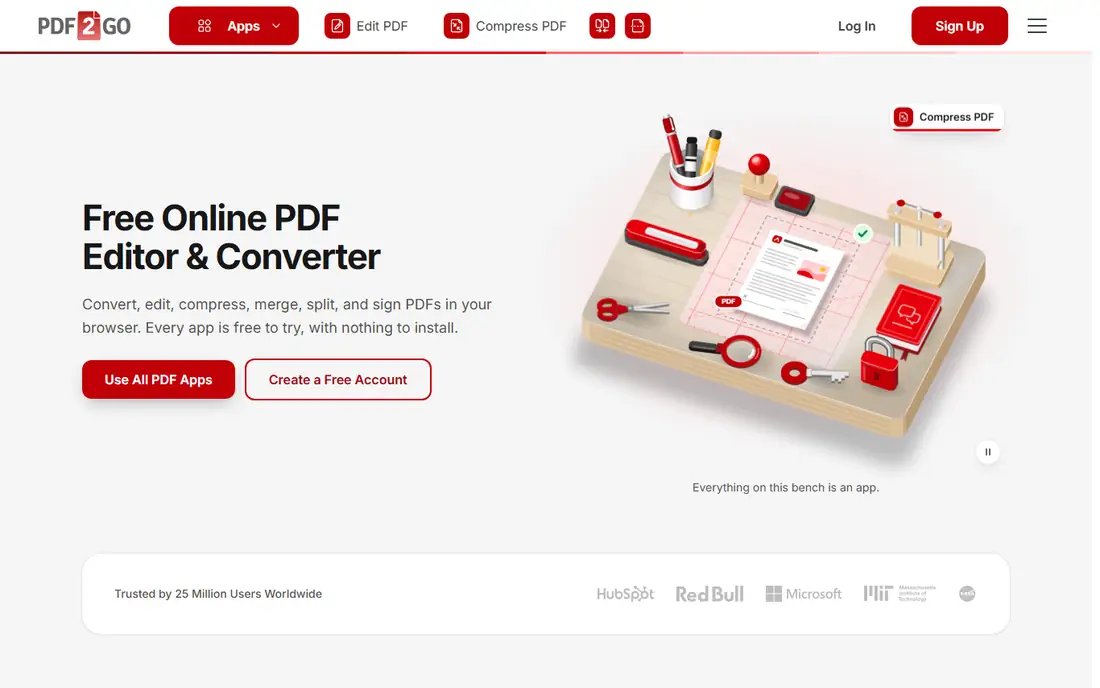
PDF2Go is a friendly, no fuss option for everyday PDF jobs. Its homepage states that everyday jobs are free with no account at all, and a free account raises the file size allowance. The Rotate PDF app works in the browser on any device, with no installation, and it sits alongside 50 other apps for converting, merging, splitting, compressing, and signing PDFs.
The trade off is scale: larger files, batch processing, and no waiting need a paid plan, with third party listings putting the starting price around $6.42 per month. The rotate tool itself is simple rather than advanced, without Sejda's deep page controls. For a quick, free rotation with no account, PDF2Go is a dependable pick.
What we like- Everyday jobs free with no account, and a free account raises allowances
- 50 browser apps including rotate, merge, split, and convert
- Touch friendly on phones
- GDPR compliant with TLS encryption
Watch out for- Larger files and batch processing need a paid plan
- Free use may involve waiting at busy times
- Rotate tool is simpler than Sejda's page controls
#6Soda PDF
Best for: Full desktop and online PDF suite4.4/5 on
G2 (70 reviews, checked Oct 2026)
Visit sodapdf.com
Starting priceSee website
Free planYes
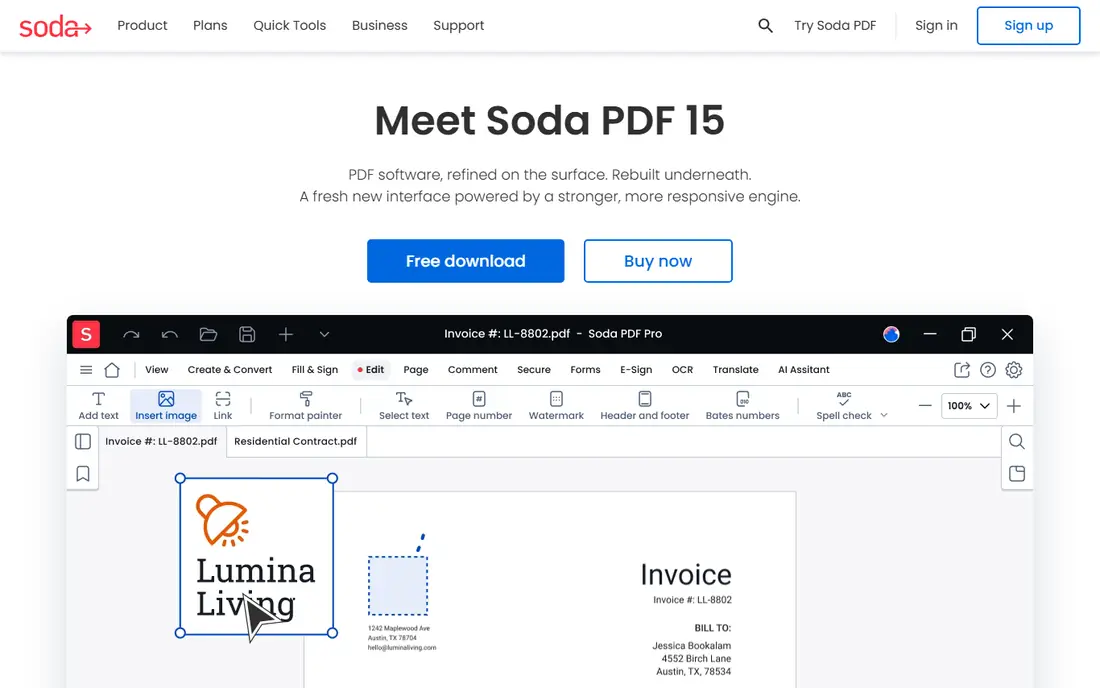
Soda PDF is the full suite option. Its online platform offers free quick tools for merging, compressing, editing, converting, and splitting PDFs, and its desktop app adds offline editing, OCR, batch conversion, e signatures, and redaction. Rotation sits inside the editor and page tools, so you can fix orientation as part of a larger edit rather than as a standalone job.
Pricing is the part to check carefully: third party listings disagree on Soda PDF plans, with Home plans quoted around $48 per year in some sources and monthly prices from $7 to $15 in others, so confirm the current price on the checkout page before buying. Free quick tools also carry size and daily limits. Soda PDF fits users who want one PDF suite for everything, not just rotation.
What we like- Full PDF suite on desktop and online, with editing, OCR, e signatures, and batch tools
- Free quick tools for common jobs
- Works with Dropbox, Google Drive, and OneDrive
Watch out for- Full rotation and editing features sit behind paid plans with conflicting published prices, so check the checkout page
- Desktop app is Windows focused
- Free quick tools have size and daily limits
#7PDF Candy
Best for: Large free toolset with desktop app3.8/5 on
G2 (18 reviews, checked Oct 2026)
Visit pdfcandy.com
Starting price$6 per month
Free planYes
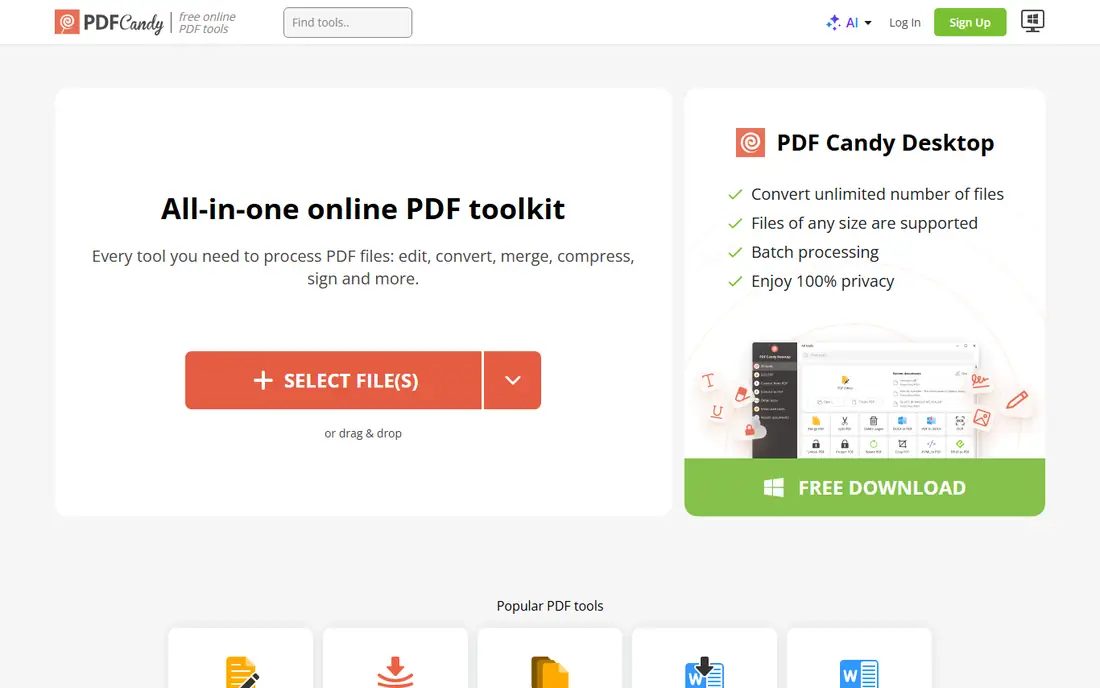
PDF Candy offers one of the largest free PDF toolsets online, with more than 90 tools covering rotation, conversion, splitting, merging, compression, and more. The Rotate PDF tool is ad free and easy: upload from your device, Dropbox, or Google Drive, rotate pages, and download. Tools can be favorited for faster access, which helps if you rotate PDFs often.
Free use carries hourly limits, and paid plans remove them: Web Monthly costs $6 per month, Desktop plus Web Yearly costs about $4 per month billed yearly, and Desktop plus Web Lifetime costs $99 one time, with file sizes up to 500 MB and priority processing. The desktop app is Windows only, so Mac and Linux users should stick to the web tools. For a broad, ad free toolset with a desktop option, PDF Candy is strong value.
What we like- More than 90 free online tools including rotate
- Ad free tools with drag and drop from Dropbox and Google Drive
- Desktop app for Windows with the same tools
- Paid plans remove hourly limits and raise file size to 500 MB
Watch out for- Free plan has hourly limits and a queue at busy times
- Desktop app is Windows only
- Paid pricing is shown as monthly equivalents for yearly plans, so read the checkout terms
#8
Adobe Acrobat Online
Best for: Trusted brand with full PDF editing
Visit adobe.com
Starting priceSee website
Free planYes
Adobe Acrobat Online is the official option from the company that created PDF. Its online Rotate PDF tool lets you upload one or more PDFs, rotate specific pages or all pages left or right, and download the corrected document. Because it comes from Adobe, compatibility with PDF readers and business workflows is rarely an issue, and it connects to the full Acrobat desktop suite for editing, signing, and form work.
The free online tier is limited, and serious use needs an Acrobat subscription, whose price varies by plan and region, so check Adobe's current pricing page. A sign in is required for many actions, which adds friction compared with PDF24 or PDF2Go. If you already use Acrobat, or you need a trusted tool for business documents, Adobe Acrobat Online is the safe, official choice.
What we like- Rotate specific pages or all pages in the browser from the company behind the PDF format
- Integrates with the full Acrobat desktop suite
- Trusted by businesses for contracts and forms
Watch out for- Free online use is limited and full features need an Acrobat subscription
- Sign in required for many actions
- Heavier than a single purpose rotate tool
How we chose
We compared online tools that rotate PDF pages today in a browser, with a working homepage and a dedicated rotate function (not just a viewer that rotates the display). We weighed free limits, batch rotation, page level control, file size handling, privacy (including desktop options and file deletion), and ease of use. Where a price was not confirmed on the vendor's own page, we listed it as "See website" rather than guessing, and we noted where third party sources disagree on pricing. We favored tools that save rotation permanently in the file, so the corrected PDF opens correctly everywhere.
Start with how often you rotate PDFs. For a one off fix, any free tool here works: upload, rotate, download, done. For daily or batch work, PDF24's unlimited free tier or iLovePDF's batch rotation saves time and money. For scanned documents that also need straightening or page cleanup, Sejda or iLovePDF's organize tools help more than a basic rotator.
Check that rotation is saved, not just displayed
Some PDF viewers let you rotate the view without changing the file, so the next person sees the old orientation. A true rotation tool writes the new orientation into the PDF. After downloading, open the file in a fresh viewer or on another device and confirm it looks right before you send it on.
Protect sensitive documents
Online tools upload your file to a server, even if they delete it quickly. For contracts, medical records, or legal documents, prefer a desktop tool such as PDF24 Creator or Sejda Desktop, where the file never leaves your computer. If you must use an online tool, check its deletion policy and avoid uploading files you would not email to a stranger.
Watch free limits before a big job
Free tiers differ: Smallpdf allows about 2 tasks per day in third party comparisons, Sejda and PDF Candy limit free use per hour, and PDF24 claims no limits. For a large batch, test one file first, confirm the limit, and switch tools rather than paying mid job. Most tools also cap file size on free tiers, so compress a very large PDF first if needed.
Frequently asked questions
How do I rotate a PDF online for free?
Upload the PDF to a free tool such as iLovePDF, PDF24, or PDF2Go, click the pages you want to rotate or choose Rotate All, apply the change, and download the corrected file. Most tools offer 90 degrees clockwise, 90 degrees counterclockwise, and 180 degree rotation.
Can I rotate only some pages in a PDF?
Yes. All the tools in this list let you rotate individual pages as well as the whole document. Click a page thumbnail to rotate just that page, which is useful when only a few scanned pages are sideways.
Does rotating a PDF reduce its quality?
No, when done properly. Rotation changes the page orientation flag in the PDF rather than re rendering text and images, so quality stays the same. Avoid tools that convert pages to images and back, since those can soften text.
Is it safe to upload a PDF to an online rotation tool?
For ordinary documents, yes, provided the tool uses encrypted transfer and deletes files after processing, as iLovePDF, PDF24, Sejda, and PDF2Go state. For sensitive documents, use a desktop tool such as PDF24 Creator or Sejda Desktop so the file never uploads.
What is the best completely free PDF rotation tool?
PDF24 is the most generous free option, with no artificial limits per its own homepage and a free offline Creator app. iLovePDF is the best free all round suite if you also need merge, split, and convert tools, though its free tier has daily task limits in third party comparisons.
Why does my PDF still look sideways after rotating?
You may have rotated only the viewer display, not the file, or you may be opening a cached copy. Use a true rotation tool, download the new file with a new name, and open it in a fresh viewer. If it still looks wrong, the page may have a scanned image that is itself sideways, in which case an editor that rotates image content, rather than just the page flag, may be needed.
Sources we checked (8)
- https://www.ilovepdf.com
- https://smallpdf.com
- https://tools.pdf24.org
- https://www.sejda.com
- https://www.pdf2go.com
- https://www.sodapdf.com
- https://pdfcandy.com
- https://www.adobe.com
Is your product missing or out of date?
We review this list regularly. Vendors can request a listing, send updated pricing or ask about featured placement.

Shihab Mia · Founder, Rankite
Shihab has 5+ years in B2B and SaaS SEO. He writes Rankite's software buying guides from pricing pages, documentation and public user reviews. More about Shihab.