How we make this list: we compare pricing pages, product documentation and public user reviews. Ratings come from G2, Capterra or Trustpilot, with the date we checked them.
Key takeaways
- DocuSign and Adobe Acrobat Sign are the enterprise standards for legally binding e-signatures, with the widest acceptance.
- Dropbox Sign, formerly HelloSign, is the simplest option for individuals and small teams.
- PandaDoc combines e-signatures with proposals and quotes, which suits sales teams.
- SignNow and SignRequest offer strong value for small businesses that need core signing without enterprise prices.
- Check legal validity in your country and whether recipients need an account, since that affects how smoothly signing goes.
Quick comparison
Is your product missing or out of date?
We review this list regularly. Vendors can request a listing, send updated pricing or ask about featured placement.
The best online services for signing PDFs

#1DocuSign
Best for: Enterprise standard4.5/5 on
G2 (2,896 reviews, checked Oct 2026)
Visit docusign.com
Starting priceSee website
Free planFree trial
DocuSign is the most widely recognised e-signature service, and that recognition matters: recipients trust it, courts and businesses accept it, and its audit trails, encryption and compliance certifications meet enterprise and legal requirements in many countries. Signing a PDF is simple for the recipient, who clicks a link, reviews the document and signs without creating an account in most cases.
Features cover templates, bulk sending, conditional fields, payments, identity verification and integrations with Salesforce, Google Workspace, Microsoft 365 and hundreds of other tools. The mobile app lets you prepare and sign on the go, and the admin console manages users, branding and compliance.
Pricing is higher than simpler rivals, and advanced features like bulk send and advanced identity checks sit on higher tiers. A free trial lets you test the core flow. For a business where signature acceptance and compliance matter most, DocuSign is the safest choice.
What we like- Widest acceptance for legal signatures
- Strong security and audit trails
- Huge integration library
Watch out for- Higher prices than rivals
- Some features need higher tiers

#2Adobe Acrobat Sign
Best for: Adobe ecosystem users4.4/5 on
G2 (1,072 reviews, checked Oct 2026)
Visit adobe.com
Starting priceSee website
Free planFree trial
Adobe Acrobat Sign, formerly Adobe Sign, is the e-signature service inside the Adobe ecosystem, and it integrates deeply with Acrobat, Microsoft 365, Salesforce and Workday. If your team already edits PDFs in Acrobat, sending them for signature from the same app is a natural workflow, with form field detection, templates and tracking built in.
Compliance is a strength, with support for major e-signature laws, audit trails, identity verification options and enterprise security controls. Recipients sign by link without an account, and senders get real-time status, reminders and a final signed PDF with a certificate.
The interface packs a lot in and can feel complex for a first-time sender, and pricing is tiered by features. But for organisations already invested in Adobe or Microsoft, Acrobat Sign is the most integrated option.
What we like- Deep Acrobat and Microsoft integration
- Strong compliance
- Trusted Adobe brand
Watch out for- Interface can feel complex
- Pricing is tiered
Starting priceFree
Free planYes
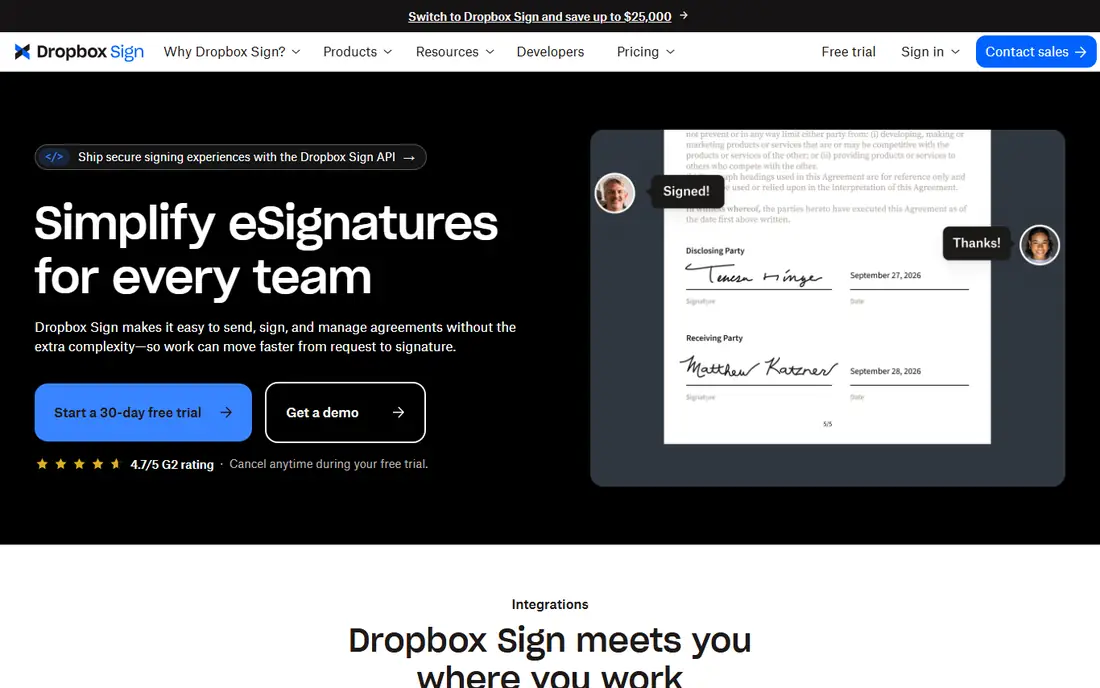
Dropbox Sign, formerly HelloSign, is the simplest e-signature service in this list. Upload a PDF, add signature fields by dragging them onto the document, enter recipient emails, and send. Recipients sign by link without an account, and you get a signed copy with an audit trail. The free plan covers a few signature requests a month, which is enough for occasional personal use.
Integration with Dropbox means documents you store there can be sent for signature directly, and the interface is clean enough that first-time users rarely need help. Templates, team features and API access sit on paid plans, which are still cheaper than DocuSign's for small teams.
Advanced features like bulk sending, advanced identity verification and deep CRM integrations are thinner here. But for individuals and small teams who just need PDFs signed quickly and legally, Dropbox Sign is the easiest tool to start with.
What we like- Very easy to use
- Free plan for basic signing
- Good Dropbox integration
Watch out for- Fewer advanced features than DocuSign
- Higher tiers needed for teams

#4PandaDoc
Best for: Proposals plus signatures4.7/5 on
G2 (3,621 reviews, checked Oct 2026)
Visit pandadoc.com
Starting priceFree
Free planYes
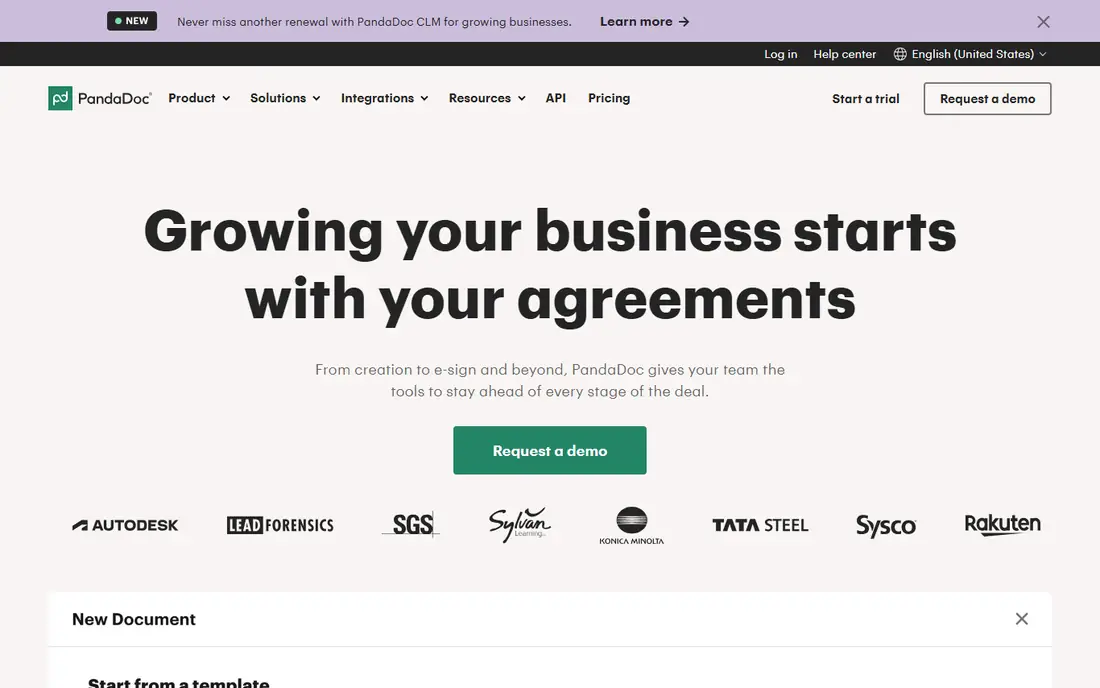
PandaDoc is a document platform that includes e-signatures, which makes it ideal for sales teams that send proposals, quotes and contracts rather than standalone PDFs. Create a proposal from a template, add pricing tables and content blocks, send it for signature, and track when the recipient opens, reads and signs it.
The free plan covers basic e-signatures, while paid plans add the full editor, templates, CRM integrations, payments and analytics. That breadth suits teams that want one tool for the whole sales document workflow, from first draft to signed deal.
For pure PDF signing, PandaDoc is more than you need, and its pricing reflects the wider feature set. But if your documents are proposals and quotes that need signatures, PandaDoc replaces two tools with one.
What we like- Combines documents, proposals and signatures
- Good templates
- Analytics on document opens
Watch out for- More than a pure signing tool
- Pricing rises with features

#5SignNow
Best for: Small business value4.6/5 on
G2 (1,772 reviews, checked Oct 2026)
Visit signnow.com
Starting priceSee website
Free planFree trial
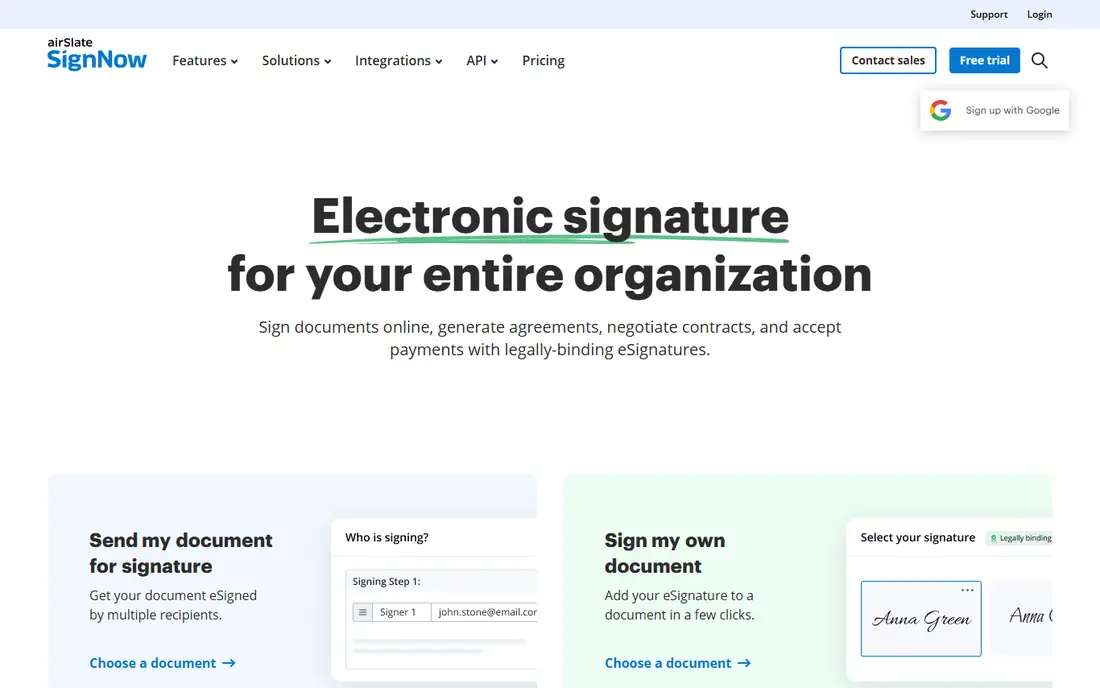
SignNow offers much of DocuSign's core functionality at a lower price, which makes it popular with small and mid-size businesses. Upload a PDF, add fields, send to one or many recipients, track status, and collect legally binding signatures with audit trails, all from a clean web app or mobile app.
Team features include shared templates, roles and branding, and integrations cover Salesforce, Google Workspace, Microsoft and Zapier. A free trial lets you test the full flow, and paid plans are priced below enterprise rivals for comparable features.
The interface is less polished than DocuSign's, and some advanced integrations need higher tiers. But for a small business that needs reliable, legal e-signatures without enterprise prices, SignNow is excellent value.
What we like- Strong value for money
- Good templates and team features
- Mobile apps
Watch out for- Interface less polished than DocuSign
- Some integrations need higher tiers
Starting priceSee website
Free planFree plan
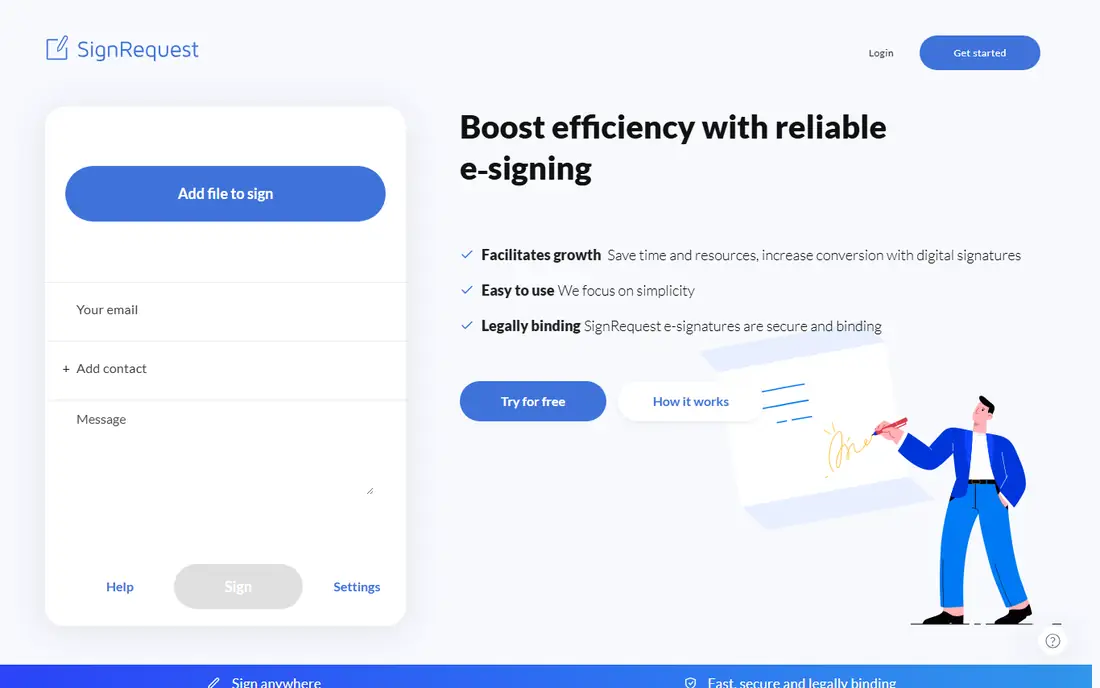
SignRequest is a simple, affordable e-signature service with a free plan for occasional signing and low-cost paid plans for teams. The workflow is straightforward: upload a PDF, place signature fields, send by email, and receive a signed copy with an audit trail. Integrations with Google Drive, Dropbox and Zapier cover common needs.
For individuals and small teams that sign a handful of documents a month, SignRequest's free and low-cost plans are hard to beat. The interface is clean and the learning curve is minimal.
Feature depth is thinner than DocuSign or PandaDoc, with fewer templates, less automation and a smaller integration library. But for simple, legal PDF signing at a low price, SignRequest delivers exactly what most small users need.
What we like- Very affordable
- Simple workflow
- Free plan for occasional use
Watch out for- Fewer features than larger rivals
- Smaller integration library

#7Zoho Sign
Best for: Zoho users4.4/5 on
G2 (64 reviews, checked Oct 2026)
Visit zoho.com
Starting priceFree
Free planYes
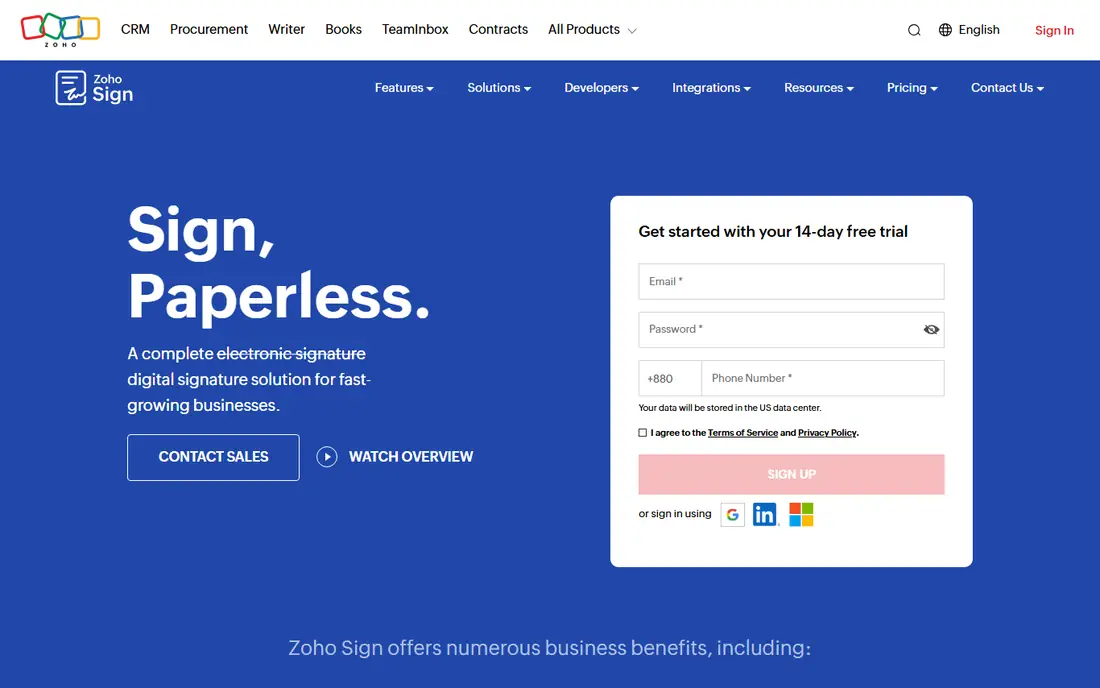
Zoho Sign is the e-signature service inside the Zoho suite, and it is a natural fit for businesses already using Zoho CRM, Books or Writer. Upload a PDF, add fields, send for signature, and track status, with templates, bulk sending and reminders on paid plans. A free plan covers basic personal signing.
Integration with Zoho apps means signed documents can flow into CRM records, accounting and document storage without manual steps, which saves time for Zoho shops. The interface is clean, and pricing is competitive for teams.
Outside the Zoho ecosystem, third-party integrations are fewer than DocuSign's, and brand recognition among recipients is lower. But for a Zoho business that needs legal e-signatures, Zoho Sign is the obvious, affordable choice.
What we like- Free plan for individuals
- Integrates with Zoho apps
- Good value for teams
Watch out for- Best inside Zoho ecosystem
- Fewer third-party integrations than DocuSign
Starting priceFree
Free planYes
Eversign, now part of the airSlate family, is a straightforward e-signature service with a free plan for small teams and affordable paid plans. It covers the essentials: PDF upload, drag-and-drop fields, templates, in-person signing, reminders and audit trails, with a clean interface that needs little training.
Team features include shared documents, roles and branding, and integrations cover Google Drive, Dropbox and Zapier. For a small business that needs legal signatures without enterprise complexity or cost, Eversign is a practical choice.
As a smaller vendor, Eversign lacks DocuSign's enterprise compliance depth and integration library. But for everyday PDF signing by a small team, its free plan and simple workflow make it worth trying.
What we like- Free plan for small teams
- Simple templates and workflows
- Good value
Watch out for- Smaller vendor
- Fewer enterprise features
How we chose
We compared services on legal validity, ease of use for senders and recipients, templates, integrations, audit trails and price. Prices were checked against vendor sites, and where pricing is tiered or quoted we say so. We also read public user reviews to confirm which services recipients find easiest to sign with, since a signature tool that confuses recipients slows every deal.
Are online signatures legally binding?
In most countries, including the US under the ESIGN Act and the EU under eIDAS, electronic signatures are legally binding for most documents, provided the signer consents and the process creates a reliable audit trail. Exceptions exist for wills, some real estate documents and other special cases, which vary by jurisdiction. For high-value or regulated documents, check local law and consider identity verification features offered by DocuSign or Adobe Acrobat Sign.
Tips for smooth signing
Keep documents short and fields clearly labelled, so recipients sign without confusion. Send from a recognisable name and email, add a short message explaining what the document is, and set a reminder for unsigned documents after a few days. Always download and store the final signed PDF with its audit trail, rather than relying on the platform alone.
Frequently asked questions
What is the best free service for signing PDFs?
Dropbox Sign, PandaDoc, Zoho Sign and Eversign all offer free plans for basic signing, while SignRequest offers a free tier for occasional use. For a few documents a month, any of these will work, with Dropbox Sign the easiest to start with.
Do recipients need an account to sign?
No, in most cases. Recipients sign by clicking an email link and completing the document in their browser, without creating an account. This is true for DocuSign, Adobe Acrobat Sign, Dropbox Sign and most services here.
Are e-signatures legally binding?
Yes, in most countries for most documents, under laws like the US ESIGN Act and the EU eIDAS regulation, provided the process includes consent and an audit trail. Some documents, like wills, may need wet signatures depending on jurisdiction.
Can I sign a PDF on my phone?
Yes. All services here offer mobile signing through a browser link, and most offer mobile apps for senders. Recipients can sign on a phone by drawing, typing or uploading a signature image.
What is an audit trail?
An audit trail is a record of who signed, when, from which IP address and device, and what actions were taken on the document. It provides evidence that the signature is genuine and is included with the final signed PDF by reputable services.
How many documents can I send for free?
It varies. Dropbox Sign's free plan covers a few requests a month, while other free plans have similar limits. For regular business use, a paid plan is usually needed, though prices for small teams are modest.
Sources we checked (8)
- https://www.docusign.com
- https://www.adobe.com/acrobat/sign.html
- https://sign.dropbox.com
- https://www.pandadoc.com
- https://www.signnow.com
- https://signrequest.com
- https://www.zoho.com/sign/
- https://eversign.com
Is your product missing or out of date?
We review this list regularly. Vendors can request a listing, send updated pricing or ask about featured placement.

Shihab Mia · Founder, Rankite
Shihab has 5+ years in B2B and SaaS SEO. He writes Rankite's software buying guides from pricing pages, documentation and public user reviews. More about Shihab.
 Dropbox Sign
 SignRequest
 eSignatures by Eversign