How we make this list: we compare pricing pages, product documentation and public user reviews. Ratings come from G2, Capterra or Trustpilot, with the date we checked them.
Key takeaways
- PayPal remains the most trusted checkout brand for online buyers.
- Stripe suits businesses that need developer tools and subscription billing.
- Square fits sellers who take payments in person and online from one account.
- Venmo and Cash App lead for casual person-to-person payments in the US.
- Wise offers the clearest pricing for international transfers at the real exchange rate.
Quick comparison
| Tool | Best for | Starting price | Free plan |
|---|
 PayPal PayPal | Trusted online checkout | Free to send to friends; 2.99% + $0.49 for card payments | Yes |
 Stripe Stripe | Online businesses and SaaS | 2.9% + $0.30 per online card charge | Yes |
 Square Square | In-person and online selling | 2.6% + $0.15 in person; 2.9% + $0.30 online | Yes |
 Venmo Venmo | Friends and small sellers | Free from bank; 1.9% + $0.10 for business | Yes |
 Cash App Cash App | Simple US transfers | Free standard transfers; 2.75% for business | Yes |
 Wise Wise | International transfers | Conversion from about 0.4% | Yes |
 Apple Pay Apple Pay | iPhone and Mac checkout | Free for users | Yes |
 Google Pay Google Pay | Android and web checkout | Free for users | Yes |
Is your product missing or out of date?
We review this list regularly. Vendors can request a listing, send updated pricing or ask about featured placement.
The best online payment services
#1PayPal
Best for: Trusted online checkout4.4/5 on
G2 (2,751 reviews, checked Oct 2026)
Visit paypal.com
Starting priceFree to send to friends; 2.99% + $0.49 for card payments
Free planYes
PayPal is the payment brand most online buyers recognize, and that recognition lifts checkout completion for small stores. Sending money to friends from a bank balance or PayPal balance is free in the US, while commercial card payments run 2.99% + $0.49, and PayPal Checkout button payments run 3.49% + $0.49. Buyer and seller protection programs cover many disputes, which gives both sides confidence.
New sellers sometimes face payment holds while PayPal verifies delivery, and currency conversion fees make international sales pricier than the headline rate suggests. For a small business that wants a checkout button customers trust on day one, PayPal remains the default.
What we like- Buyers already trust the brand
- Buyer and seller protection programs
- Works in most countries
Watch out for- Checkout rate of 3.49% + $0.49 applies to PayPal button payments
- Holds on new sellers
- Currency conversion fees add up
#2Stripe
Best for: Online businesses and SaaS4.2/5 on
G2 (462 reviews, checked Oct 2026)
Visit stripe.com
Starting price2.9% + $0.30 per online card charge
Free planYes
Stripe is the standard for online businesses that build their own checkout. Online card charges cost 2.9% + $0.30 with no monthly fee, and the APIs, documentation, and testing tools are the best in the industry. Subscription billing, invoicing, and marketplace payouts through Stripe Connect cover most SaaS and platform models without a second vendor.
Custom setups need developer time, and support runs mostly through online channels rather than phone. Billing features add separate fees on some plans. For a business with technical resources that wants full control over checkout, Stripe is the strongest platform.
What we like- Best developer tools and APIs
- Strong subscription billing
- No monthly fee for standard pricing
Watch out for- Needs developer help for custom setups
- Support is largely online
- Add-ons like Billing cost extra
#3Square
Best for: In-person and online selling4.6/5 on
G2 (1,208 reviews, checked Oct 2026)
Visit squareup.com
Starting price2.6% + $0.15 in person; 2.9% + $0.30 online
Free planYes
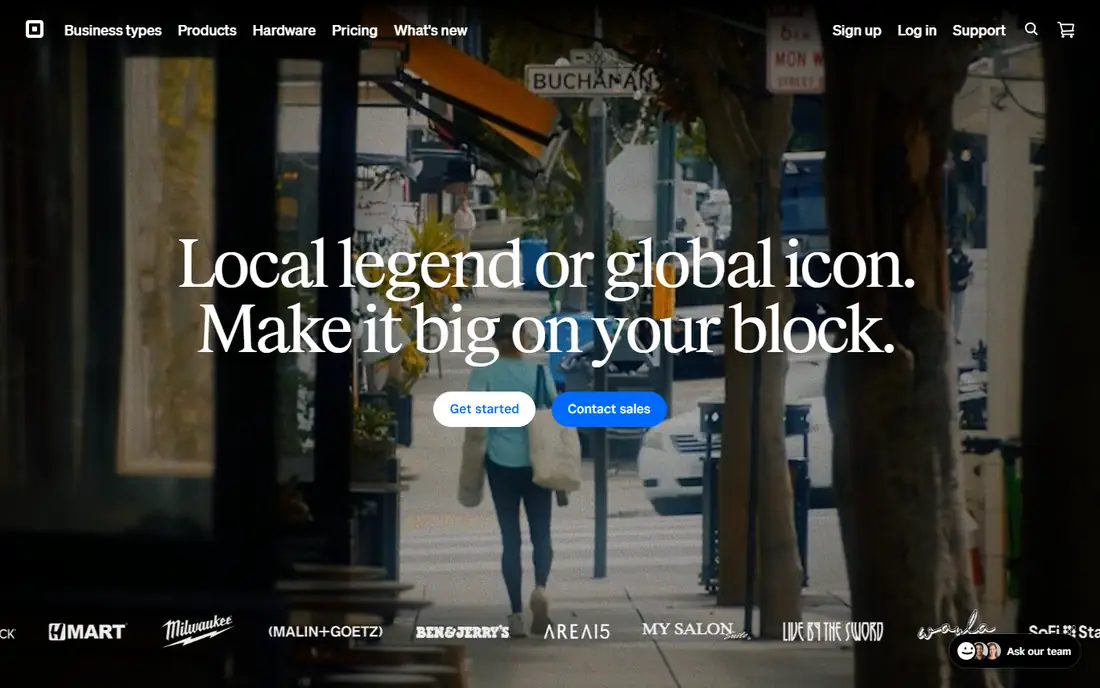
Square suits sellers who work both sides of the counter. In-person card payments cost 2.6% + $0.15, online payments 2.9% + $0.30 on paid plans, and the same account covers point-of-sale hardware, online store, invoices, and inventory. Square charges nothing for chargebacks, which saves real money compared with rivals, and standard transfers arrive the next business day at no cost.
The free plan online rate runs higher at 3.3% + $0.30, and manually entered cards cost 3.5% + $0.15. Paid plans are priced per location, so multi-store businesses should check totals. For a shop, cafe, or market stall that also sells online, Square is the simplest all-in-one option.
What we like- One account for store, online, and invoices
- No chargeback fees
- Next-day transfers at no cost
Watch out for- Online rate on the free plan is higher
- Manual entry costs more
- Advanced plans are per location
Starting priceFree from bank; 1.9% + $0.10 for business
Free planYes
Venmo is the social payment app for the US. Splitting rent, dinner, and trip costs takes seconds, and the feed shows payments between friends, which makes shared expenses visible without awkward reminders. Sending from a bank account, debit card, or Venmo balance is free for personal payments, while credit card sends cost 3%.
Business profiles let small sellers accept payments at 1.9% + $0.10, which undercuts larger processors for small transactions. Venmo works only in the US, and instant transfers cost up to 1.75% with a $25 cap. For casual payments between Americans, Venmo is the app most people already have.
What we like- Huge US user base
- Social feed makes splitting bills easy
- Business profiles for small sellers
Watch out for- US only
- Credit card sends cost 3%
- Instant transfers cost up to 1.75%
Starting priceFree standard transfers; 2.75% for business
Free planYes
Cash App keeps money movement simple. Standard transfers between friends are free, and the same app covers a debit card, direct deposit, and stock and bitcoin buying for users who want them. Business accounts pay a flat 2.75% per payment, which is easy to understand and competitive for small sellers.
Availability is limited mostly to the US, with some UK features, and support runs through the app rather than phone lines. Instant transfers cost 0.5% to 1.75%. For Americans who want one simple app for sending, spending, and saving, Cash App is the most straightforward option.
What we like- Very simple interface
- Free standard transfers
- Banking, card, and investing in one app
Watch out for- US and UK only for most features
- Business rate of 2.75%
- Support is app-based
#6Wise
Best for: International transfers4.7/5 on
G2 (11 reviews, checked Oct 2026)
Visit wise.com
Starting priceConversion from about 0.4%
Free planYes
Wise, formerly TransferWise, is the benchmark for international transfers because it uses the real mid-market exchange rate with no markup hidden inside it. Fees run from about 0.4% depending on the currency pair, and the exact cost shows before you send, unlike banks that hide margin in the rate. Local bank details in many currencies let freelancers get paid like a local in several countries.
Wise is not a full bank replacement, and transfer speed varies by corridor, from instant to a few business days. For anyone sending money across borders or getting paid internationally, Wise usually beats banks and most rivals on total cost.
What we like- Real mid-market exchange rate
- Fees shown upfront
- Local bank details in many currencies
Watch out for- Not a full bank replacement
- Transfer speed varies by corridor
- Business features are narrower
Starting priceFree for users
Free planYes
Apple Pay turns an iPhone, Apple Watch, or Mac into a payment method. Checkout takes a fingerprint or face scan, merchants never receive the real card number, and users pay no fee for using it. That combination of speed and privacy makes it popular for in-store tap payments and in-app purchases.
The limits are ecosystem and coverage. Apple Pay works only on Apple devices, and smaller merchants may not accept it. Buyer protection depends on the underlying card, since Apple Pay itself runs no dispute program. For Apple users, it is the fastest way to pay, and merchants who add it often see higher checkout completion.
What we like- Fast biometric checkout
- No fee for users
- Card numbers are never shared with merchants
Watch out for- Apple devices only
- Merchant acceptance varies
- No buyer protection program of its own
Starting priceFree for users
Free planYes
Google Pay is the Android and web equivalent of Apple Pay. Cards, loyalty passes, and transit tickets live in one wallet, checkout on supported sites takes a few taps, and users pay no fee. For Android owners, it is the default wallet, and web checkout through Chrome keeps payment details handy without retyping card numbers.
Features vary by country, and person-to-person payments in the US are more limited than Venmo or Cash App. Merchant acceptance also varies outside major retailers. For Android users and web shoppers, Google Pay removes friction from everyday checkout.
What we like- Works across Android and the web
- No fee for users
- Cards and passes in one wallet
Watch out for- Feature set varies by country
- Person-to-person options are limited in the US
- Merchant acceptance varies
How we chose
We compared services on fees, speed, coverage, and protection, using vendor pricing pages and published fee comparisons from 2026. We favored services US users can use today with a distinct strength. We did not claim hands-on testing, and where fees varied by payment method we quoted the standard rate and noted the variation.
How to pick the right payment service
Start with who pays you. Online stores need a checkout processor like Stripe, Square, or PayPal, while freelancers getting paid by US clients can often use Venmo business or Cash App at lower rates. International work points to Wise, since exchange-rate markups cost more than processing fees on cross-border payments. Phone-first shoppers should accept Apple Pay or Google Pay at checkout to cut abandoned carts.
Then compare total cost, not just the percentage. A 1% fee difference on $100,000 of annual sales equals $1,000, and fixed per-transaction fees hurt small tickets most. Instant transfer fees, currency conversion, chargeback fees, and monthly plan costs all belong in the comparison. Square charges no chargeback fees, while Stripe and PayPal charge on disputes, which changes the math for high-dispute businesses.
Security and scams deserve equal attention. Person-to-person apps offer little protection for purchases, so never send money to strangers for goods on Venmo or Cash App as if it were a store checkout. Use PayPal Goods and Services or a card processor for purchases from unknown sellers, and turn on two-factor authentication everywhere. Finally, check payout speed: next-day transfers help cash flow for small businesses, while holds on new accounts can delay funds for weeks at some providers.
Common mistakes cost more than fees. Sellers often pick a processor for its headline rate and miss that keyed-in cards, international cards, and currency conversion each add surcharges. Buyers often send purchase payments as friends-and-family transfers to save fees, losing all protection if the seller vanishes. Read the fee schedule for your exact transaction type, confirm payout timing before launch, and test a small real payment end to end before routing all sales through a new provider.
Frequently asked questions
What is the cheapest way to send money to a friend?
Bank-funded transfers on Venmo, Cash App, and Zelle are free in the US. Credit card sends cost about 3%, and instant transfers add 0.5% to 1.75%.
Which payment service is best for a small online store?
PayPal for trusted checkout, Stripe for custom checkout and subscriptions, or Square for combined in-person and online selling. Compare fees on your average order size before choosing.
Is Wise cheaper than a bank wire for international transfers?
Usually yes. Wise uses the real exchange rate with fees from about 0.4%, while banks often hide margin in the rate plus a wire fee. Compare the total received amount, not just the stated fee.
Do Apple Pay and Google Pay charge users?
No. Both wallets are free for users. Merchants pay normal card processing fees, and any rewards depend on the underlying card.
Are Venmo and Cash App safe for buying things?
Only with protections. Personal payments offer little buyer protection, so use business profiles, PayPal Goods and Services, or a card processor when buying from sellers you do not know.
How fast do businesses receive payments?
Square and Stripe typically pay out the next business day on standard transfers. PayPal may hold funds for new sellers, and instant transfers cost extra on most platforms.
Sources we checked (8)
- https://www.paypal.com/us/business/paypal-business-fees
- https://stripe.com/pricing
- https://squareup.com/us/en/payments/our-fees
- https://venmo.com/business
- https://cash.app
- https://wise.com/us/pricing
- https://www.apple.com/apple-pay/
- https://pay.google.com
Is your product missing or out of date?
We review this list regularly. Vendors can request a listing, send updated pricing or ask about featured placement.

Shihab Mia · Founder, Rankite
Shihab has 5+ years in B2B and SaaS SEO. He writes Rankite's software buying guides from pricing pages, documentation and public user reviews. More about Shihab.