How we make this list: we compare pricing pages, product documentation and public user reviews. Ratings come from G2, Capterra or Trustpilot, with the date we checked them.
Key takeaways
- QuickBooks Online and Xero lead for US small businesses that want receipts, bills, and statements stored alongside the ledger, with bank feeds that keep records current.
- Zoho Books is the best value for a small business under $50,000 in annual revenue, since its free plan includes document handling and full accounting.
- Wave is the strongest free option with no revenue cap, while FreshBooks suits service businesses that attach files to invoices, expenses, and projects.
- File storage limits matter, so check attachment counts, receipt capture limits, and export options before moving years of paper records into any tool.
- FreeAgent is a UK-focused pick, so US buyers should favour QuickBooks, Xero, Wave, or Kashoo unless they also need UK tax filing.
Quick comparison
| Tool | Best for | Starting price | Free plan |
|---|
 QuickBooks Online QuickBooks Online | US small businesses that want one complete system | $38 per month | No |
 Xero Xero | Clean bank reconciliation with document capture | $27 per month | No / Free trial |
 FreshBooks FreshBooks | Service businesses that bill by time and project | $23 per month | No / Free trial |
 Zoho Books Zoho Books | Best value accounting with document storage | Free; Standard $15 per month (billed annually) | Yes |
 Sage Sage | Established businesses that want a known brand | See website | No |
 Wave Wave | Free accounting with unlimited invoices | Free; Pro $19 per month | Yes |
 FreeAgent FreeAgent | UK small businesses and landlords | See website | No / Free trial (30 days) |
 Kashoo Kashoo | Simple accounting with unlimited users and attachments | See website | No / Free trial (14 days) |
Is your product missing or out of date?
We review this list regularly. Vendors can request a listing, send updated pricing or ask about featured placement.
The best accounting software with online file storage
#1QuickBooks Online
Best for: US small businesses that want one complete system4.0/5 on
G2 (3,871 reviews, checked Oct 2026)
Visit quickbooks.intuit.com
Starting price$38 per month
Free planNo
QuickBooks Online is the safest default for a US small business, because most accountants already know it and most payroll, payment, and inventory tools connect to it. Receipts can be photographed and attached to expenses, bills and statements can be stored against transactions, and bank feeds pull transactions in for reconciliation. That combination means the ledger and the supporting documents live together, which makes tax time far less painful.
The entry Simple Start plan at $38 per month covers one user, so a business with a bookkeeper and an owner working at the same time will need Essentials or Plus. Document handling is solid rather than generous, and storage and attachment behaviour varies by plan, so confirm limits before scanning a filing cabinet into QuickBooks. For a growing US business, though, the accountant network alone often justifies the price.
What we like- Widest US accountant support
- Receipt capture and document attachments
- Large integration library
Watch out for- Entry plan allows only one user
- Price rises with each tier and add-on
#2Xero
Best for: Clean bank reconciliation with document capture4.4/5 on
G2 (1,832 reviews, checked Oct 2026)
Visit xero.com
Starting price$27 per month
Free planNo / Free trial
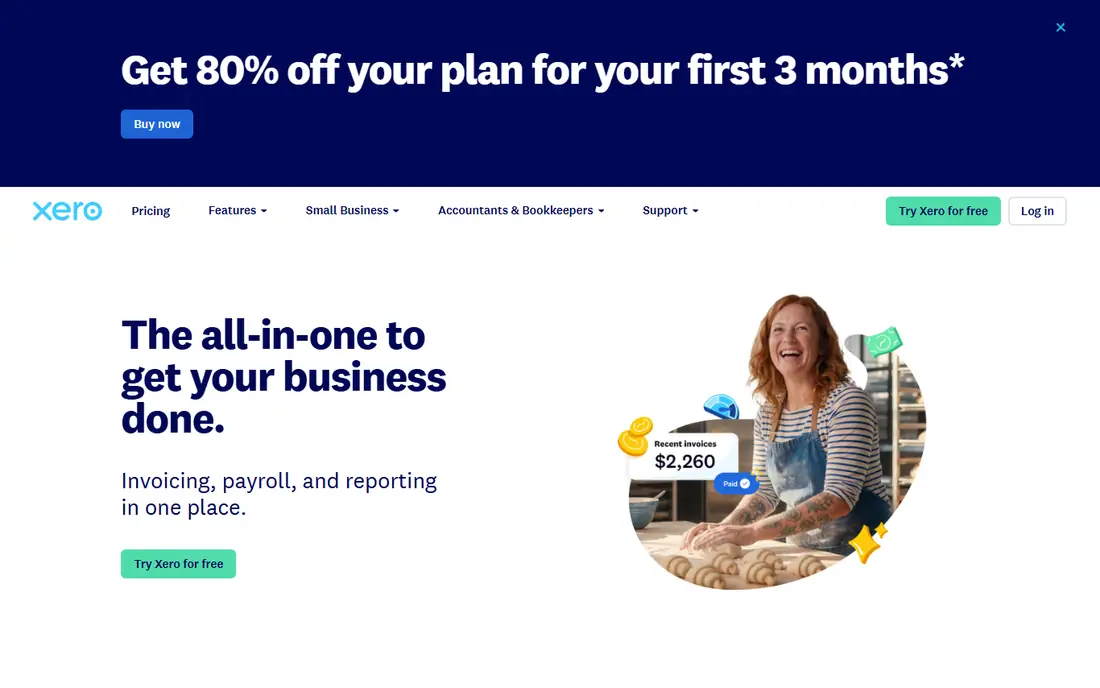
Xero suits a business that wants tidy books without a steep learning curve. Its Smart Document Capture pulls bills and receipts into Xero, matches them to transactions, and stores the source file with the record, so an auditor or accountant can trace any figure back to its document. Bank reconciliation is a particular strength, with feeds from many US banks and clear matching for payments and bills.
The Early plan at $27 per month covers 20 invoices and 5 bills per month, which is tight for a busy business, so many owners land on Growing at $59 per month. Unlike QuickBooks, Xero does not charge per user on paid plans, which helps a business with several staff or an external accountant. Check the document capture and file storage limits on your chosen plan, since they shape how much paper you can truly go without.
What we like- Smart document capture on every plan
- Unlimited users on paid plans
- Strong bank reconciliation
Watch out for- Entry plan caps invoices and bills
- Payroll depth varies by region
#3FreshBooks
Best for: Service businesses that bill by time and project4.5/5 on
G2 (981 reviews, checked Oct 2026)
Visit freshbooks.com
Starting price$23 per month
Free planNo / Free trial
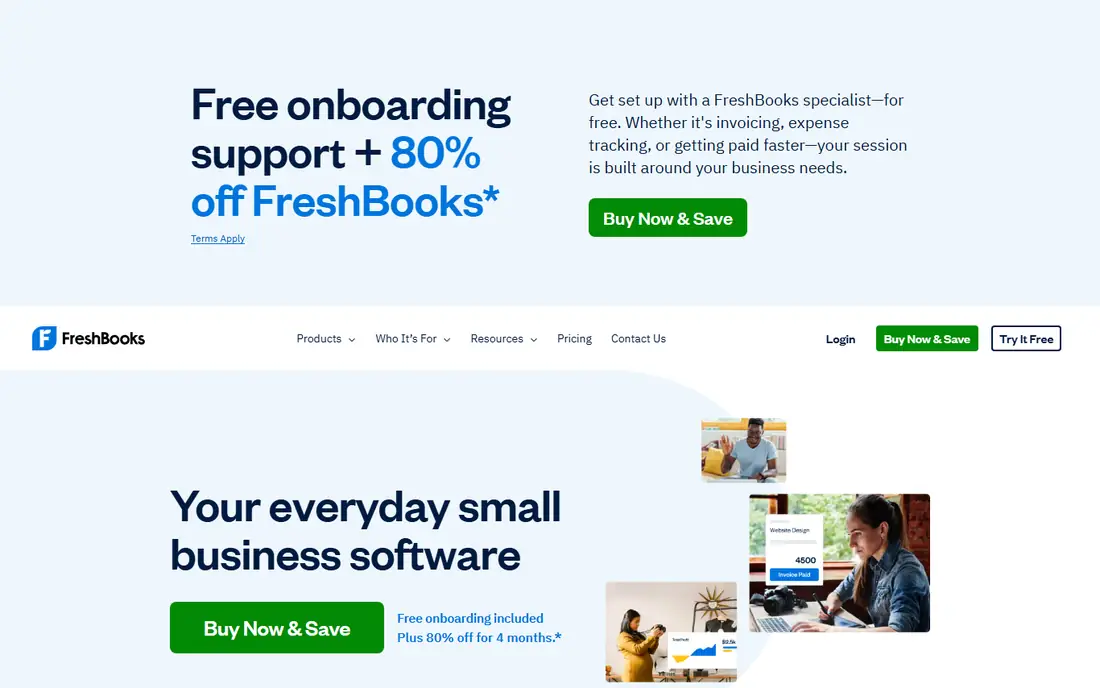
FreshBooks fits freelancers, agencies, and service firms that live on invoices. Time tracked on a project becomes an invoice in a few clicks, expenses and receipts attach to clients and projects, and clients can view and pay invoices online. The document side is practical rather than archival: receipts support expense claims, and project files keep client work tied to billing, which suits a service workflow.
The Lite plan at $23 per month covers only 5 clients, so a growing agency will move to Plus or Premium quickly. FreshBooks also lacks the full double-entry depth of QuickBooks or Xero on lower plans, and it has no bank reconciliation in the same sense. A service business that bills by the hour will still find it the fastest route from work done to money collected, with documents stored where billing happens.
What we like- Easy invoicing from tracked time
- Expense and receipt handling
- Good client and project views
Watch out for- Lite plan covers only 5 clients
- No full double-entry accounting on entry plans
- Inventory tools are thin
#4Zoho Books
Best for: Best value accounting with document storage4.4/5 on
G2 (329 reviews, checked Oct 2026)
Visit zoho.com
Starting priceFree; Standard $15 per month (billed annually)
Free planYes
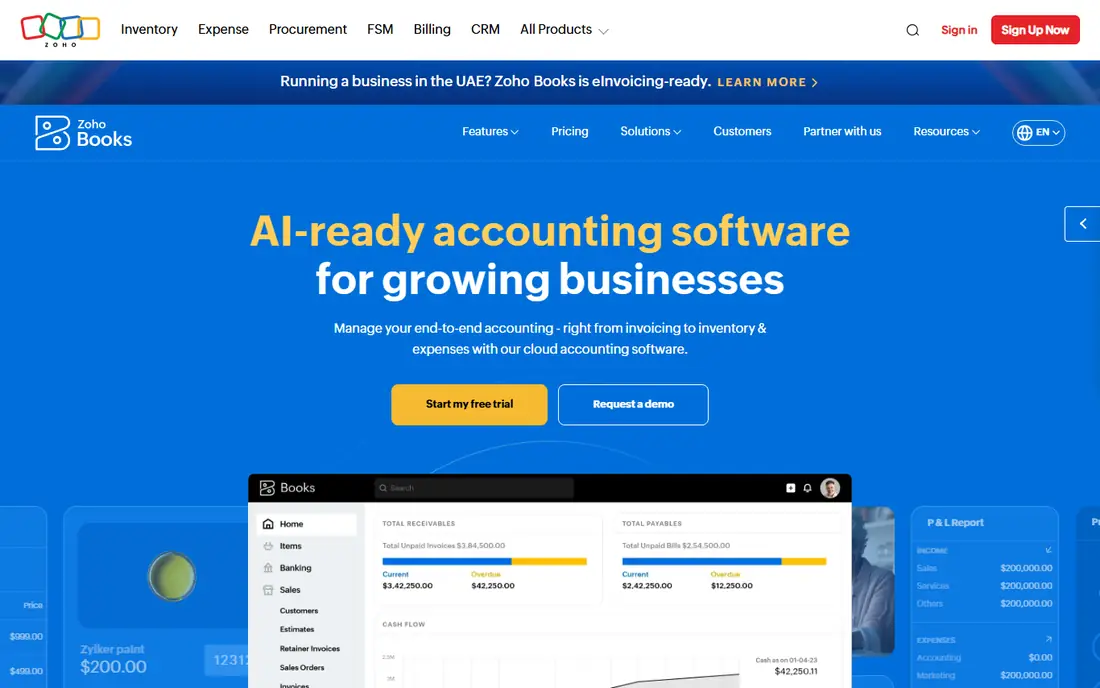
Zoho Books gives a bootstrapped business full accounting at a price rivals cannot match. The free plan, for businesses with annual revenue under $50,000, includes invoicing, expenses, bank reconciliation, and document handling, with 1,000 invoices per year. Paid Standard at $15 per organisation per month billed annually adds users and room to grow, while Professional and Premium add inventory, projects, and automation.
Document storage in Zoho Books works through attachments on transactions, bills, and expenses, plus a documents section for client and vendor files. That keeps source papers with the numbers they support, rather than in a separate drive folder that nobody checks. A business that already uses Zoho CRM or Zoho Mail gets extra value, since data and documents can flow between apps, but even as a standalone tool, Zoho Books is hard to beat on value.
What we like- Free plan for businesses under $50,000 revenue
- Document attachment and receipt handling
- Strong reports
Watch out for- Free plan caps invoices at 1,000 per year
- Interface varies across Zoho apps
- Payroll needs a separate tool
#5
Sage
Best for: Established businesses that want a known brand
Visit sage.com
Starting priceSee website
Free planNo
Sage suits a business that wants an established vendor with a path from small business accounting to larger finance software. Sage accounting products handle invoicing, expenses, bank reconciliation, and document attachments, and the broader Sage range, including Sage Intacct, serves mid-sized finance teams that outgrow small business tools. That upgrade path matters for a business that expects to grow into multi-entity or complex reporting needs.
The buying experience is less simple than with QuickBooks or Xero. Sage sells several accounting products across regions, and US small business pricing is not presented as one clear list, so a buyer should confirm exactly which Sage product, plan, and document limits are being quoted. For a business that values brand stability and a long upgrade path, Sage is worth that extra diligence.
What we like- Long-established accounting brand
- Document and receipt handling
- Scalable to larger finance teams
Watch out for- US small business pricing is not published as a simple list
- Product range can confuse buyers
#6Wave
Best for: Free accounting with unlimited invoices4.3/5 on
G2 (328 reviews, checked Oct 2026)
Visit waveapps.com
Starting priceFree; Pro $19 per month
Free planYes
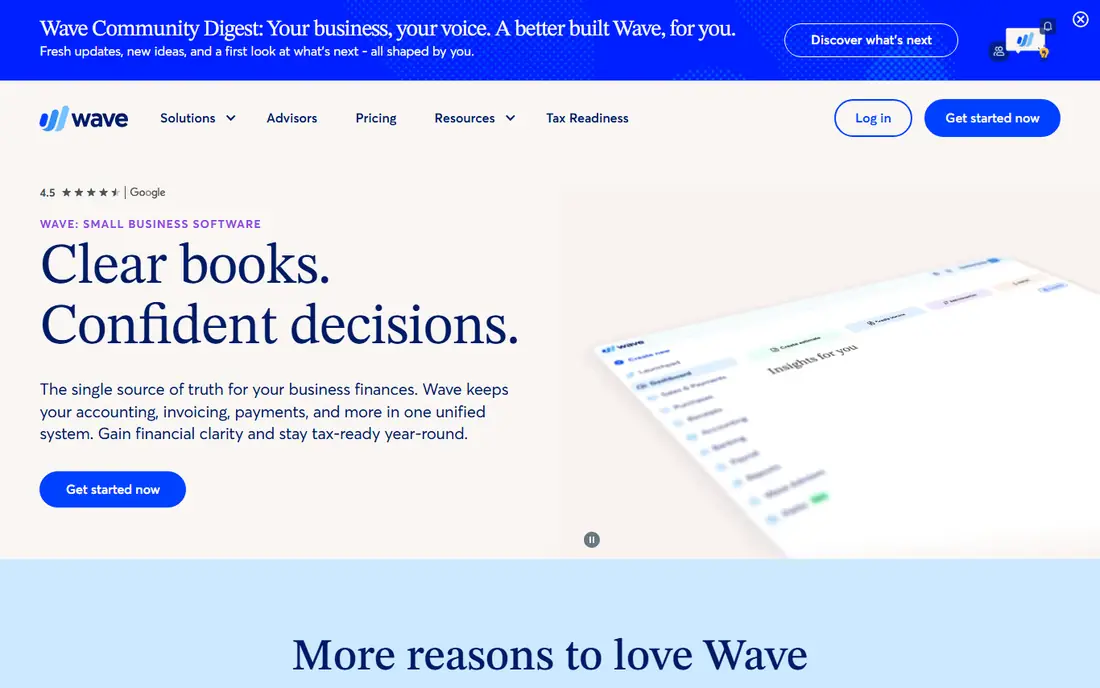
Wave is the best free accounting option with no revenue cap. The Starter plan costs nothing and covers unlimited invoices, estimates, bills, and bookkeeping records, with documents and receipts handled through uploads and, on Pro, receipt scanning. For a sole owner or very small business that mainly needs clean books and professional invoices, Wave removes the monthly bill entirely.
The free plan has a clear limit: no automatic bank import, so transactions must be entered or imported manually unless you pay for Pro at $19 per month. Wave also lacks the depth of QuickBooks for inventory and complex reporting, and its ecosystem is smaller. A business that accepts manual imports, or pays for Pro, gets capable accounting with online file handling at a fraction of rival prices.
What we like- Free Starter plan with unlimited invoices
- Receipt scanning on Pro
- Simple setup for sole owners
Watch out for- No automatic bank import on the free Starter plan
- Support and payroll are paid add-ons
#7FreeAgent
Best for: UK small businesses and landlords4.3/5 on
G2 (45 reviews, checked Oct 2026)
Visit freeagent.com
Starting priceSee website
Free planNo / Free trial (30 days)
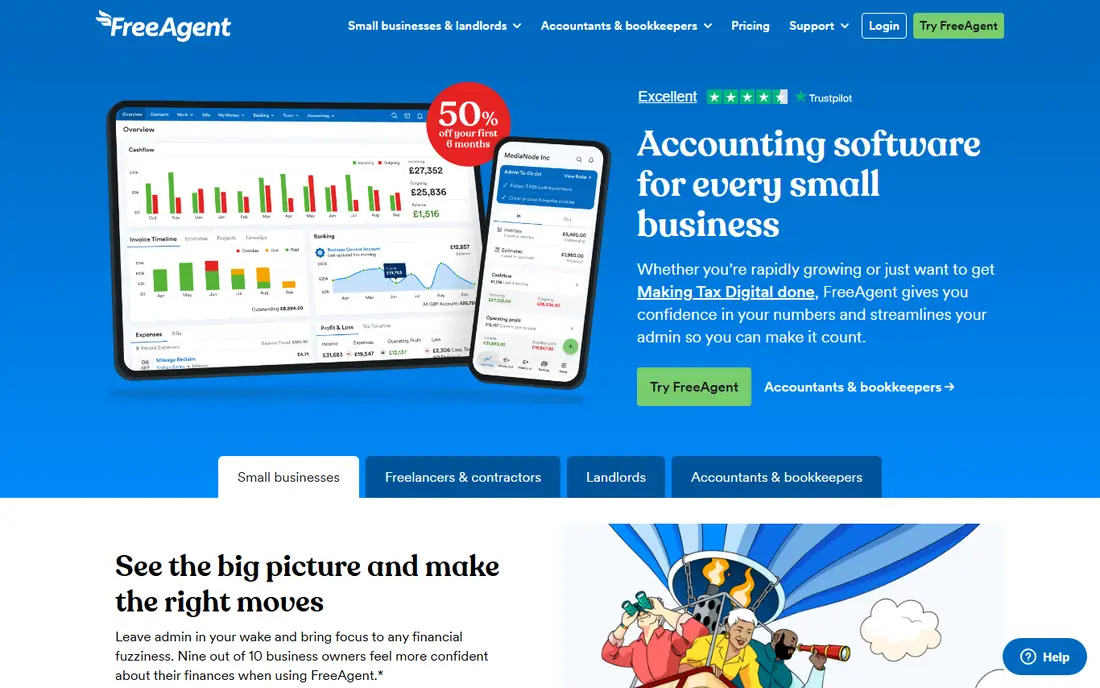
FreeAgent is built for UK small businesses, freelancers, and landlords, and its strength is tax filing. It handles Making Tax Digital for Income Tax, VAT, and Self Assessment returns directly, with receipt and bill capture through its Smart Capture tool and files stored against transactions. Support comes from UK-based accountants, which helps a UK owner who wants plain answers to tax questions.
For a US buyer, that UK focus is the deciding factor. FreeAgent does not replace US tax tools, and its regular UK price is £33 per month billed monthly, or £165 per year on an annual deal after a first-year promotion, excluding VAT. A UK business that wants accounting, file storage, and tax filing in one place should shortlist it, while a US business should choose QuickBooks, Xero, Wave, or Kashoo instead.
What we like- UK tax filing built in
- Receipt capture with Smart Capture
- Helpful support from accountants
Watch out for- UK-focused, with limited US tax value
- Unlimited receipt capture is a paid add-on
- Pricing in pounds
#8Kashoo
Best for: Simple accounting with unlimited users and attachments4.6/5 on
G2 (55 reviews, checked Oct 2026)
Visit kashoo.com
Starting priceSee website
Free planNo / Free trial (14 days)
Kashoo suits a first-time owner who wants accounting without jargon. It offers a double-entry ledger, bank feeds through Plaid, invoicing, expense tracking, and unlimited attachments, so receipts and source documents can be stored with every transaction. Unlimited users mean an owner, a bookkeeper, and an accountant can all work in the same books without per-seat charges, which is unusual at this price level.
The trade-off is ecosystem size. Kashoo connects to fewer apps than QuickBooks or Xero, and its pricing page does not present a simple public starting rate, so a buyer should request a quote and confirm the plan, attachment, and bank feed terms. For a small business that values simplicity and unlimited users over a large app library, Kashoo is a calm, capable choice.
What we like- Unlimited users at no extra cost
- Unlimited attachments
- Simple double-entry ledger
Watch out for- Smaller integration library than QuickBooks or Xero
- Pricing is not shown as a simple public list
How we chose
We compared pricing pages, product documentation, and public reviews on G2, Capterra, and Reddit, and we kept only tools with current accounting products that store files online, whether through attachments, receipt capture, or a documents section. We weighed invoice and bill limits, bank feed behaviour, attachment limits, user pricing, and export options, and we listed prices as See website where the vendor does not publish a clear starting rate. We did not claim hands-on testing, and prices should be confirmed on the vendor pricing page before purchase.
How to judge online file storage in accounting software
Start with the documents you actually keep. Receipts, supplier bills, contracts, and bank statements each need a home, so check whether a tool attaches files to the matching transaction, stores them in a separate documents area, or both. A tool that only stores receipts is fine for expenses, but a business with contracts and statements needs attachment support across invoices, bills, and journal entries too.
Next, check capture and limits. Receipt scanning that extracts amounts and dates saves real time, but some tools cap captures per month or charge extra for unlimited capture, as FreeAgent does. Confirm the file size and count limits, whether files export with the ledger, and whether your accountant can access documents without a paid seat. A tool that locks documents behind an extra user licence will cost more than its headline price suggests.
Finally, test the tax-time workflow. Upload a month of real receipts, reconcile the bank feed, and hand the books to your accountant in the trial, then ask what was missing. That test reveals attachment gaps, bank feed problems, and export limits faster than any feature list, and it shows whether online file storage in that tool truly replaces a paper folder or just adds another place to look.
Frequently asked questions
What is online file storage in accounting software?
Online file storage in accounting software means receipts, bills, contracts, and statements are uploaded and kept with the matching transaction in the cloud. That keeps the source document beside the number it supports, so an accountant or auditor can trace any figure without searching email or paper folders.
Is receipt scanning included in free accounting software?
Some free plans include basic receipt handling, including Zoho Books free and Wave Pro, while others limit captures or charge extra for unlimited scanning. Check the capture limit on your chosen plan, since a business with many monthly receipts can hit a cap quickly.
Can I export my documents if I leave an accounting tool?
Most tools here allow document and data export, but the format and completeness vary, so confirm before you commit. Ask whether attachments export with transactions, whether the export keeps original file names, and whether your accountant can download everything without a paid seat.
Do I still need a separate cloud drive for accounting files?
Not always, since accounting tools now store receipts and bills with transactions, but many businesses still keep contracts and year-end files in a cloud drive as a backup. A practical setup stores transaction documents in the accounting tool and keeps signed contracts and tax returns in both places.
Which accounting software is best for a US small business?
QuickBooks Online is the safest US default, because most accountants know it and most payroll and payment tools connect to it. Xero is a strong alternative for businesses that want unlimited users and clean reconciliation, while Wave suits a sole owner who wants free accounting.
Is Zoho Books really free?
Yes, Zoho Books offers a free plan for businesses with annual revenue under $50,000, with 1,000 invoices per year and full accounting features. Once revenue passes that threshold, or invoice volume grows, a paid plan starting at $15 per organisation per month billed annually is required.
Sources we checked (8)
- https://quickbooks.intuit.com/pricing/
- https://www.xero.com/pricing/
- https://www.freshbooks.com/pricing
- https://www.zoho.com/books/pricing/
- https://www.sage.com/en-us/accounting/
- https://www.waveapps.com/pricing
- https://www.freeagent.com/pricing/
- https://www.kashoo.com/pricing/
Is your product missing or out of date?
We review this list regularly. Vendors can request a listing, send updated pricing or ask about featured placement.

Shihab Mia · Founder, Rankite
Shihab has 5+ years in B2B and SaaS SEO. He writes Rankite's software buying guides from pricing pages, documentation and public user reviews. More about Shihab.