How we make this list: we compare pricing pages, product documentation and public user reviews. Ratings come from G2, Capterra or Trustpilot, with the date we checked them.
Key takeaways
- Spotify and Apple Music offer the most reliable offline downloads for most listeners, with wide catalogs and simple download controls.
- YouTube Music suits listeners who want music videos and remixes offline, while Amazon Music suits Prime members who want a low extra cost.
- Tidal and Qobuz suit listeners who care about sound quality, with high-resolution downloads and streams for supported devices.
- Offline downloads usually require a paid plan and a regular online check-in, so read the download limits before a long trip.
Quick comparison
| Tool | Best for | Starting price | Free plan |
|---|
 Spotify Spotify | Reliable offline downloads | See website | No |
 Apple Music Apple Music | Apple device owners | $10.99 per month | Free trial |
 YouTube Music YouTube Music | Videos and remixes | $10.99 per month | Free trial |
 Amazon Music Amazon Music | Prime members | See website | Limited |
 Tidal Tidal | High-quality audio | $10.99 per month | Free trial |
 Deezer Deezer | Flow and lyrics | $11.99 per month | Yes |
 Pandora Pandora | Radio-style offline | $10.99 per month | Yes |
 Qobuz Qobuz | High-resolution downloads | See website | Free trial |
Is your product missing or out of date?
We review this list regularly. Vendors can request a listing, send updated pricing or ask about featured placement.
The best offline music apps
Starting priceSee website
Free planNo
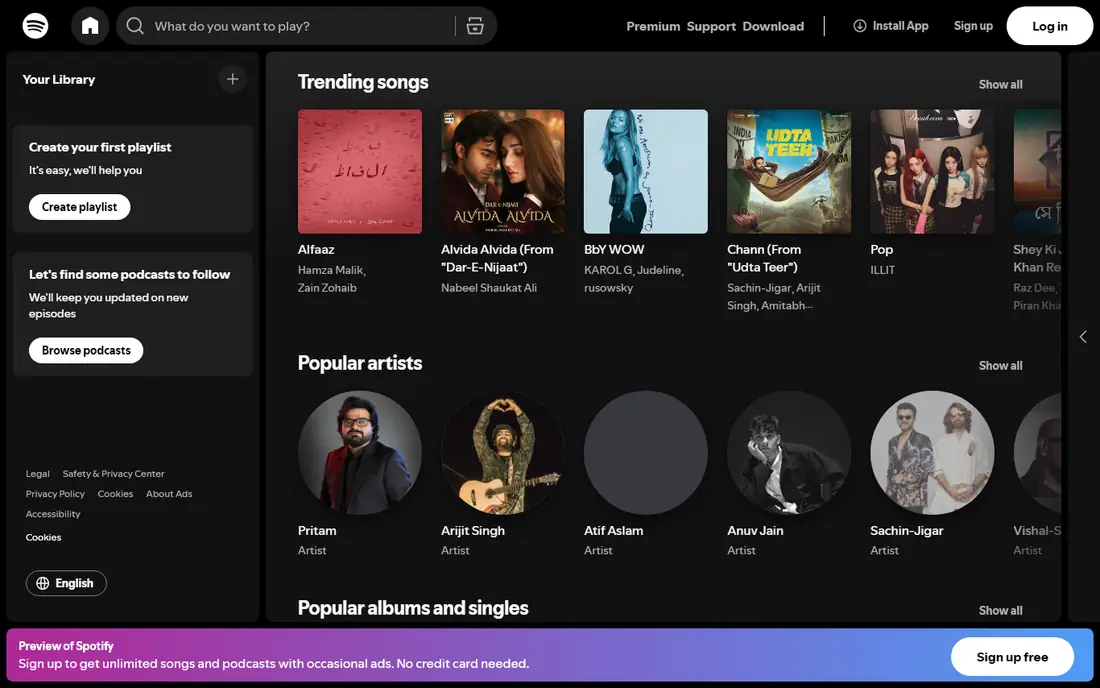
Spotify is the safest offline music pick for most listeners. Premium lets you download albums, playlists and podcasts to a phone, tablet or computer, with a clear toggle for each item. The catalog covers almost every mainstream artist, and downloaded tracks play without ads or an internet connection. For flights, commutes and rural trips, Spotify downloads simply work, which is the main test for this category.
Free Spotify does not offer offline downloads, so a paid plan is required. Downloads also need a periodic online check-in, usually within 30 days, or they become unavailable until you reconnect. A listener who travels for months without internet should plan around that limit. For everyday offline listening, Spotify remains the default choice.
What we like- Largest mainstream catalog
- Simple download toggles for albums and playlists
- Downloads on up to five devices
Watch out for- Offline listening needs a Premium plan
- Downloads expire if you go offline too long without check-in
Starting price$10.99 per month
Free planFree trial
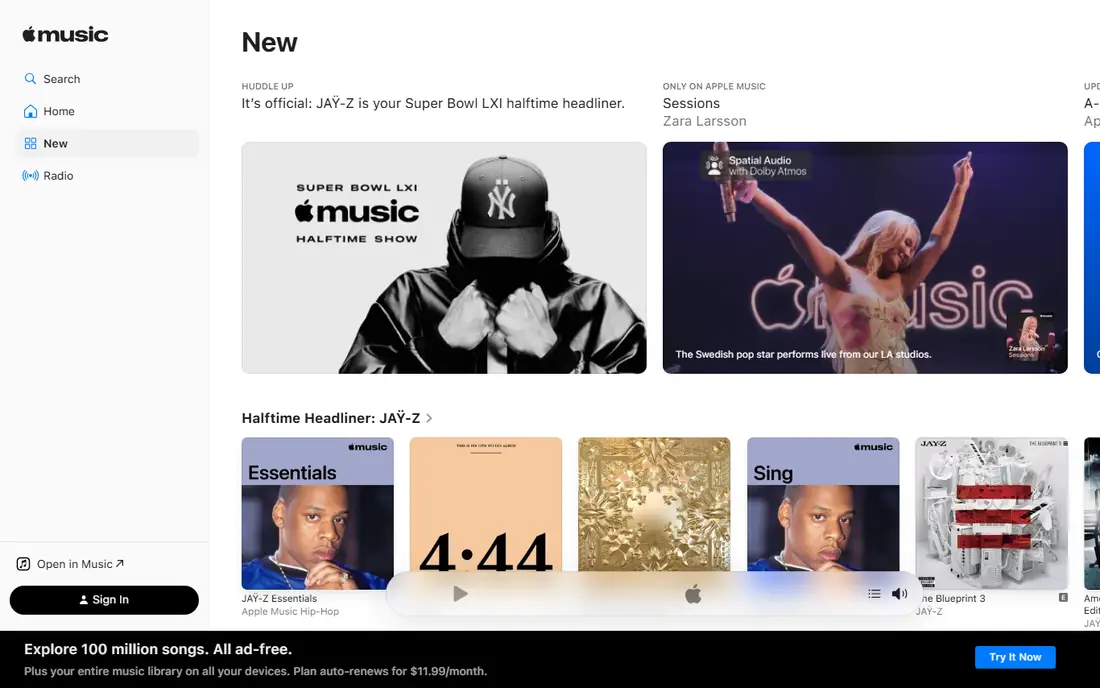
Apple Music suits a listener who lives in the Apple ecosystem. Downloads work across iPhone, iPad, Mac and Apple Watch, with lossless audio included at no extra cost for supported tracks. The catalog is wide, and the library view makes it easy to keep downloaded albums separate from streamed ones. For an Apple Watch owner who runs or trains without a phone, offline watch downloads are a genuine advantage.
Android and Windows users get a less polished experience, and there is no free tier that allows downloads. A listener who shares a household plan should also check family pricing, which can lower the per-person cost. For Apple users, Apple Music is the most integrated offline option.
What we like- Deep integration with iPhone, iPad, Mac and Apple Watch
- Lossless audio included
- Large catalog
Watch out for- Android and Windows apps are less polished
- No free tier with downloads
Starting price$10.99 per month
Free planFree trial
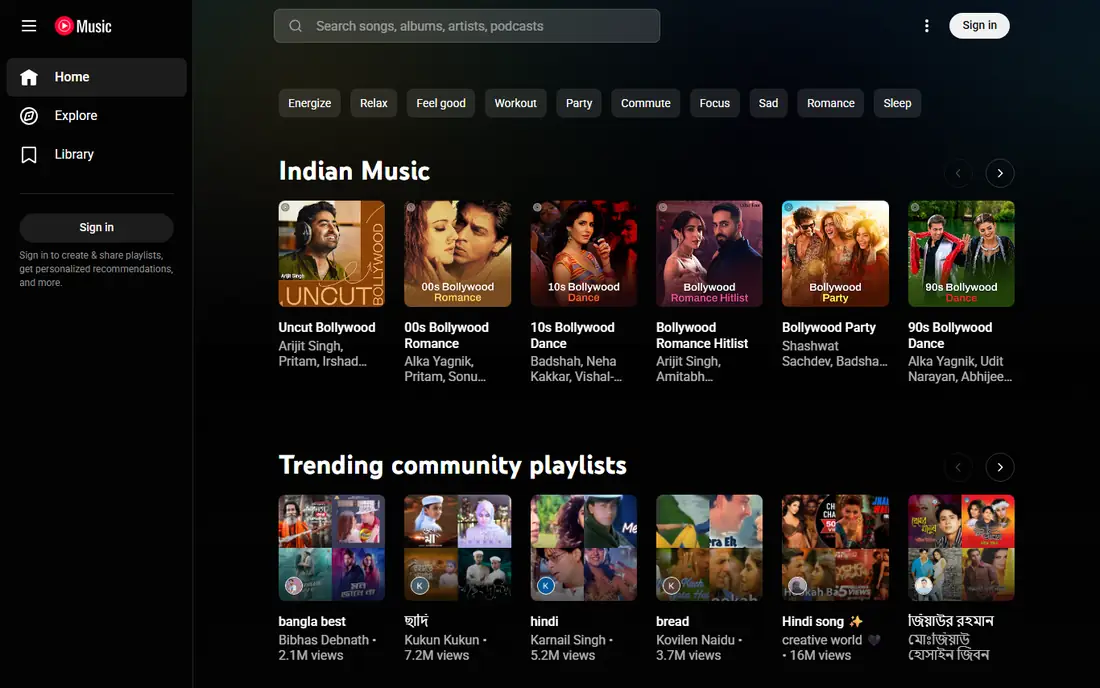
YouTube Music is the best offline pick for a listener who wants more than studio albums. Music videos, live versions, covers and remixes sit alongside official tracks, and a Premium plan allows downloads of all of them. Smart downloads can automatically fill free storage with recommended songs, so a listener always has fresh music offline without manual work. Recommendations are strong, learning from watch and listen history.
The video-heavy interface can feel cluttered for a listener who only wants audio, and free listening does not include offline downloads or background play. A Premium plan is required for full offline use. For a listener who loves videos and rare versions, YouTube Music offers the widest offline library.
What we like- Huge catalog including videos, covers and remixes
- Smart downloads can fill storage automatically
- Good recommendations
Watch out for- Interface mixes videos and songs in ways some listeners dislike
- Offline needs a Premium plan
Starting priceSee website
Free planLimited
Amazon Music suits a Prime member who wants offline music without a second full-price subscription. Prime members get a music tier included, while Music Unlimited adds the full catalog and offline downloads. Alexa integration makes it easy to play downloaded or streamed music on Echo devices, and the app covers phones, tablets and computers. For a household already paying for Prime, the extra cost for full offline access is modest.
The basic Prime tier limits on-demand playback and catalog depth, so a serious listener will need Music Unlimited. The app interface also feels less polished than Spotify or Apple Music. For a Prime household, Amazon Music is a convenient and affordable offline option.
What we like- Low extra cost for Prime members
- Offline downloads on paid tiers
- Works with Alexa devices
Watch out for- Catalog depth on the basic Prime tier is limited
- Interface trails Spotify and Apple Music
#5Tidal
Best for: High-quality audio4.6/5 on
G2 (73 reviews, checked Oct 2026)
Visit tidal.com
Starting price$10.99 per month
Free planFree trial
Tidal suits a listener who cares about sound quality as much as song choice. Lossless and high-resolution audio are included, and offline downloads can keep that quality, provided the device and headphones support it. The app also highlights artist stories, credits and exclusive content, which appeals to a listener who reads liner notes. For a home listener with good headphones, Tidal downloads sound noticeably better than standard streams.
High-quality files use far more storage, so a phone fills up faster with Tidal downloads than with Spotify. The catalog is also thinner in some niche genres. A listener who mainly uses basic earbuds on a commute may not hear the difference. For quality-focused offline listening, Tidal is a top pick.
What we like- High-resolution and lossless audio
- Offline downloads in high quality
- Artist-focused features
Watch out for- Catalog is smaller than Spotify for some niches
- High-quality files use more storage
Starting price$11.99 per month
Free planYes
Deezer suits a listener who likes a personal radio mix with lyrics. Flow blends favorite tracks with new recommendations into a continuous stream, and synced lyrics help a listener learn words or sing along. Paid plans allow offline downloads of albums, playlists and Flow mixes, with a clean download manager. For a listener who wants discovery plus offline access, Deezer offers a distinctive mix.
Deezer is less prominent in the US than Spotify or Apple Music, and its catalog depth varies by genre. The free tier also lacks offline downloads, so a paid plan is required. For a listener who values Flow and lyrics, Deezer is a worthwhile alternative.
What we like- Flow creates a personal radio mix
- Synced lyrics for many tracks
- Offline downloads on paid plans
Watch out for- US catalog and brand presence are smaller than Spotify
- Free tier does not include downloads
Starting price$10.99 per month
Free planYes
Pandora suits a listener who prefers radio stations to building playlists. Thumbs up and down shape stations over time, and Premium adds on-demand playback plus offline mode for stations, albums and playlists. The interface is simple, which appeals to a listener who wants music without managing a large library. For a driver or a worker who likes background music, Pandora stations work well offline.
On-demand depth trails Spotify and Apple Music, and free listening does not include offline downloads. A listener who wants to play any album on demand will find Pandora thinner. For radio-style offline listening, Pandora remains a solid and simple choice.
What we like- Strong radio stations and thumbs feedback
- Offline mode on Premium
- Simple interface
Watch out for- On-demand catalog is thinner than Spotify
- Offline features need the Premium tier
Starting priceSee website
Free planFree trial
Qobuz suits a serious listener who wants to own high-resolution music, not just stream it. The download store sells albums in high-resolution formats without proprietary lock-in, and the streaming app also offers high-quality offline downloads. Digital booklets and detailed credits appeal to a listener who treats albums as complete works. For classical, jazz and rock fans, the catalog is deep and well curated.
Price is higher for full quality tiers, and pop catalog depth trails Spotify. A casual listener will not need Qobuz quality and may prefer a cheaper mainstream app. For a listener who buys and keeps high-resolution albums, Qobuz is the best offline store and app combination in this list.
What we like- High-resolution streaming and download store
- No proprietary format lock-in
- Detailed album booklets
Watch out for- Higher price for full quality tiers
- Catalog focuses more on classical, jazz and rock than pop
How we chose
We compared vendor pricing pages, download features, catalog breadth and public reviews for music apps that offer offline listening in the US. We looked for download limits, device counts, audio quality, offline check-in rules and honest pricing. We did not claim hands-on testing, and we used "See website" where prices vary by plan or region, since music pricing changes often.
How to set up offline music for a trip
Start by checking your storage. High-quality downloads use far more space than standard quality, so set download quality to standard if your phone is nearly full, and reserve high quality for a smaller set of favorite albums. Download over Wi-Fi the night before travel, and open each playlist once to confirm the download completed.
Next, check the check-in rule for your app. Most services require your device to connect within about 30 days to keep downloads active, so a long offline trip needs a plan for a brief connection. Finally, carry a backup. A second playlist on a different app, or a few purchased albums from Qobuz, can save a trip if one service fails. Test offline mode with airplane mode on before you leave, not after. If you share a family plan, check how downloads split across members, since each member usually gets a separate offline library.
Frequently asked questions
Can I listen offline for free?
Mostly no. Free tiers from Spotify, Apple Music and YouTube Music do not include offline downloads, while Deezer and Pandora free tiers also lack downloads. A paid plan is usually required, although some apps offer free trials to test offline features.
How many devices can I download music to?
It varies by service. Spotify allows downloads on up to five devices, while other services set their own limits, often between three and ten devices. Check the device limit for your plan if your household shares one account.
Do offline downloads expire?
Yes, in most cases. Downloads usually need a periodic online check-in, often within 30 days, or they become unavailable until you reconnect. Purchased downloads from a store such as Qobuz do not expire in the same way, since you own the files.
Does offline quality match streaming quality?
It can, if you set download quality to high or lossless in the app settings. High-quality downloads use more storage, so balance quality against free space on your device before a trip.
Which offline app uses the least storage?
Standard quality downloads from Spotify, Apple Music or Pandora use the least space, while lossless and high-resolution downloads from Tidal and Qobuz use far more. Set download quality in the app before downloading a large library.
Sources we checked (8)
- https://www.spotify.com
- https://music.apple.com
- https://music.youtube.com
- https://music.amazon.com
- https://tidal.com
- https://www.deezer.com
- https://www.pandora.com
- https://www.qobuz.com
Is your product missing or out of date?
We review this list regularly. Vendors can request a listing, send updated pricing or ask about featured placement.

Shihab Mia · Founder, Rankite
Shihab has 5+ years in B2B and SaaS SEO. He writes Rankite's software buying guides from pricing pages, documentation and public user reviews. More about Shihab.