How we make this list: we compare pricing pages, product documentation and public user reviews. Rankite is independent; if a vendor ever pays for a featured spot, that listing is clearly labeled Partner.
Key takeaways
- Envoy and Robin lead the workplace platform market, with Envoy strongest at the front door and Robin at space optimization.
- OfficeRnD is the adoption-friendly choice for hybrid teams that need employees to actually use the system.
- Skedda and deskbird cover simpler needs well: Skedda for space scheduling rules, deskbird for European mid-market hybrid work.
- Pricing models differ wildly, so model costs at your headcount and location count before shortlisting.
Quick comparison
| Tool | Best for | Starting price | Free plan |
|---|
 Envoy Envoy | Visitor management plus workplace | See website | Free trial |
 Robin Robin | Real-time space optimization | See website | No |
 OfficeRnD OfficeRnD | Hybrid teams wanting high adoption | See website | No |
 Skedda Skedda | Flexible space scheduling | See website | Free trial |
 OfficeSpace OfficeSpace | Enterprise space planning and analytics | See website | No |
 Kadence Kadence | AI-assisted hybrid coordination | See website | No |
 deskbird deskbird | European mid-market hybrid work | See website | Yes |
 YAROOMS YAROOMS | Regulated enterprises needing compliance | See website | No |
 Officely Officely | Slack and Teams-native booking | See website | Free trial |
 elia elia | Unified workplace operations | Free | Yes |
Is your product missing or out of date?
We review this list regularly. Vendors can request a listing, send updated pricing or ask about featured placement.
The best office management software
Starting priceSee website
Free planFree trial
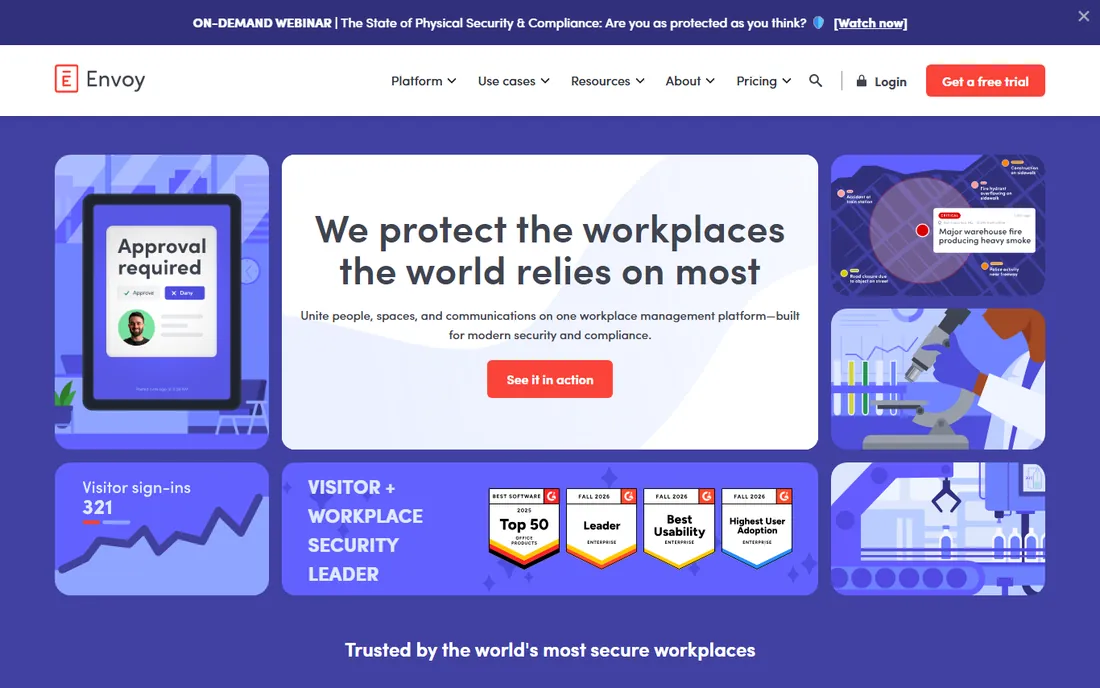
Envoy started at the front door and grew into a workplace platform. Visitor management remains the core strength: digital check-in, badge printing, host notifications and compliance workflows that regulated workplaces require. Around it sit modules for desk and room reservations, deliveries, emergency notifications and digital signage. The customer list spans the largest enterprises.
The modular pricing needs careful modeling: a platform fee plus per-resource monthly costs, with advanced features in premium tiers. That flexibility serves enterprises but complicates budgeting. For visitor-heavy, security-conscious, multi-site workplaces, Envoy's depth at the door and across the building is unmatched.
What we like- Best-in-class visitor management
- Modules for desks, rooms, deliveries and emergencies
- Runs in 16,000-plus workplaces
Watch out for- Modular pricing gets complex
- Platform fee plus per-resource costs
- Enterprise sales process
Starting priceSee website
Free planNo
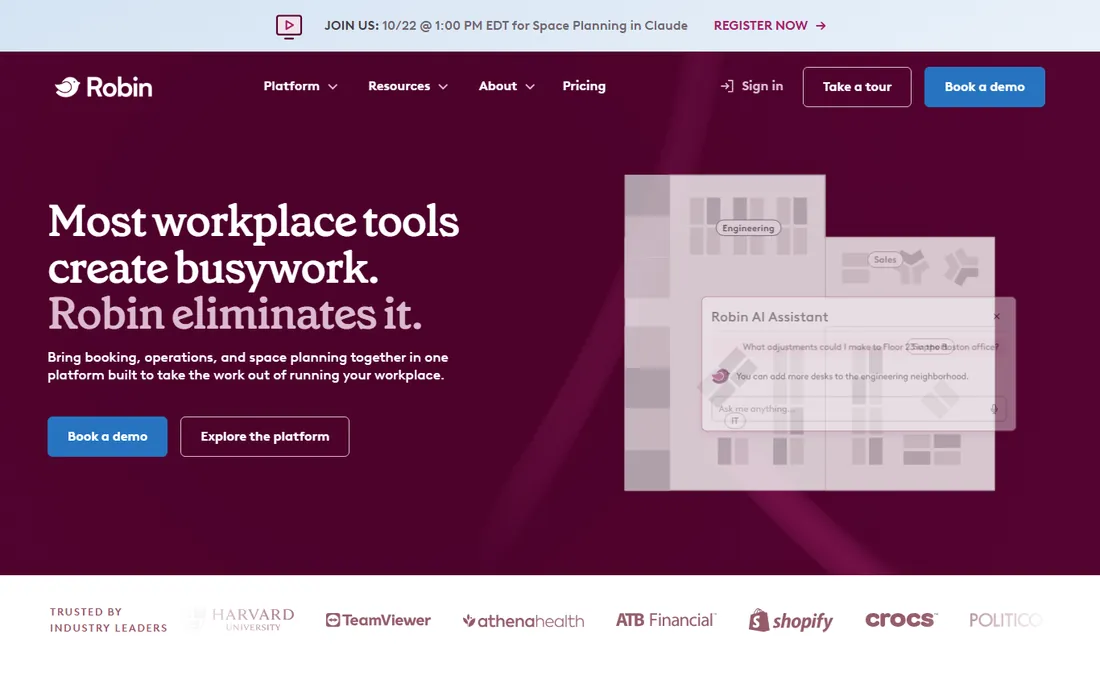
Robin focuses on the space itself: who is using which desk and room, and how the office could work better. Real-time booking, interactive floor plans and utilization analytics help facilities teams right-size their footprint. Integrations with Slack, Teams and Outlook put booking where employees already work.
Pricing is quote-only with no published entry tier, which makes small evaluations difficult. Implementation runs through sales rather than self-serve. Visitor management exists but trails Envoy's depth. For enterprises optimizing expensive office space with data, Robin's analytics-led approach fits.
What we like- Strong desk and room booking with analytics
- Space utilization insights
- Good calendar integrations
Watch out for- Quote-only pricing
- Implementation is sales-led
- Less visitor depth than Envoy
Starting priceSee website
Free planNo
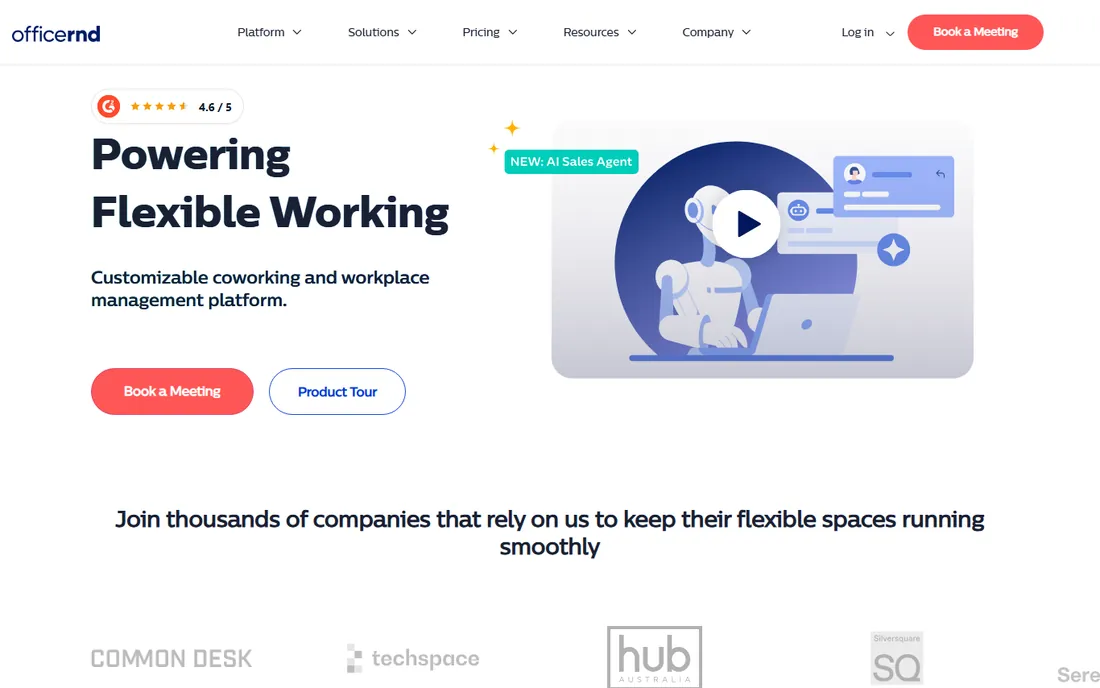
OfficeRnD obsesses over the employee experience, and it shows in adoption. Booking happens inside Teams, Outlook, Slack or Google Calendar rather than another app to learn. Day coordination features suggest when to come in based on colleagues and meetings. G2 ratings lead the category, and small organizations can go live in hours.
Visitor management comes as an add-on rather than native depth. The platform is broader than simple booking needs, and pricing tiers reward careful study. But the fundamental insight is right: workplace software only works if employees use it, and OfficeRnD is built for that reality.
What we like- Employee-friendly booking inside Teams and Slack
- Fast implementation
- Strong G2 ratings
Watch out for- Visitor management is an add-on
- Broader than basic needs
- Pricing tiers need study
Starting priceSee website
Free planFree trial
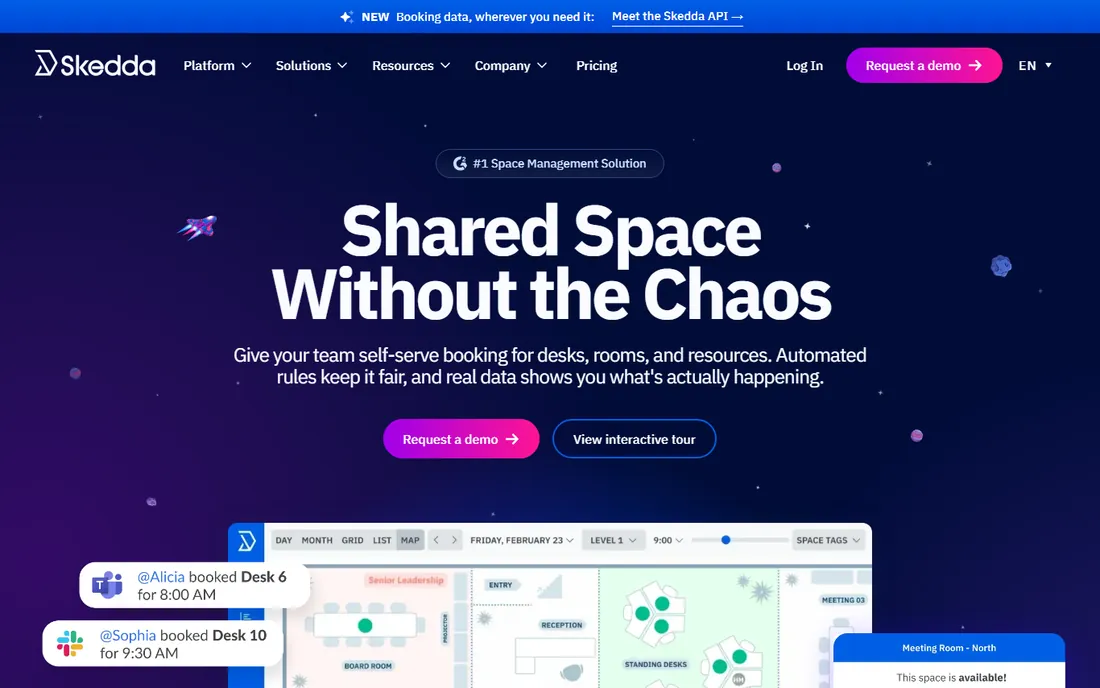
Skedda excels at the rules layer of space scheduling: who can book what, when, with what approval and limits. Interactive floor plans make the office bookable visually, covering desks, rooms and parking. Organizations with complex booking policies, universities, shared facilities, get controls that simpler tools lack.
Setup requires planning to configure those rules well. It is narrower than full workplace platforms, with less visitor and analytics depth. But for the specific job of fair, controlled space scheduling, Skedda's rule engine is the best in class.
What we like- Advanced booking rules and controls
- Interactive floor plans
- Good for desks, rooms and parking
Watch out for- Setup needs planning
- Narrower than full workplace platforms
- Pricing per space adds up
Starting priceSee website
Free planNo
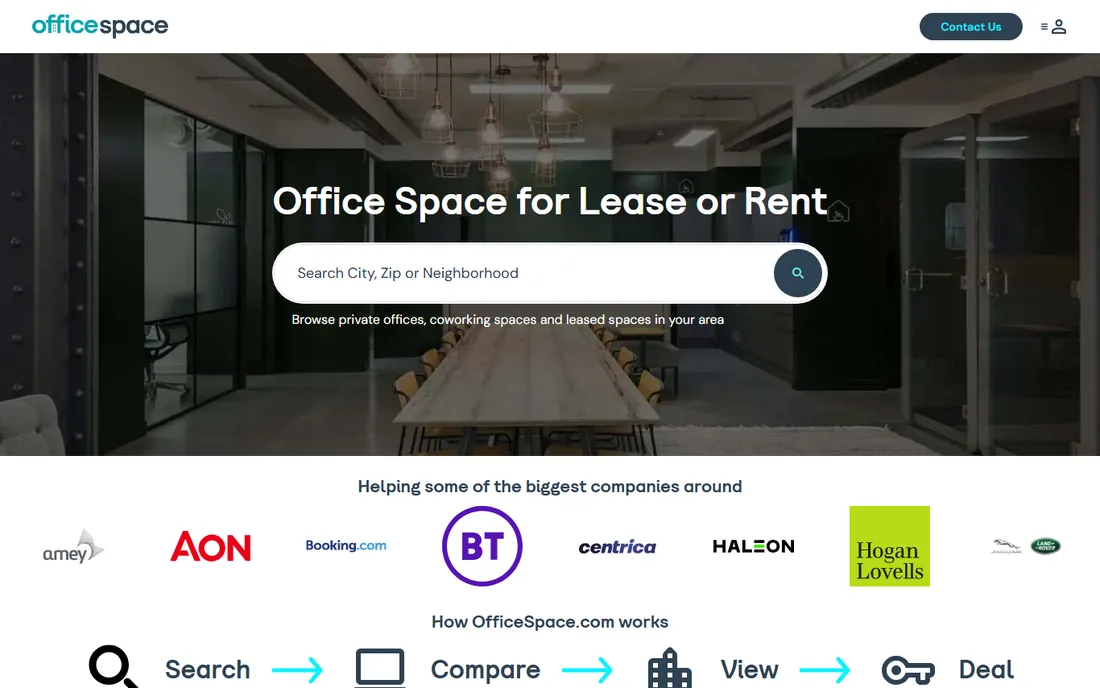
OfficeSpace serves enterprises managing large portfolios: block and stack planning, move management, asset tracking and the analytics to make real estate decisions. It is the strategic layer above daily booking, answering how much space the company needs and where.
Pricing is custom quote, and the learning curve reflects the depth. Organizations that only need desk booking should choose simpler tools. But for workplace leaders managing space as a portfolio, OfficeSpace's planning capabilities are the point.
What we like- Deep space planning and move management
- Strong analytics
- Enterprise-grade security
Watch out for- Custom quote pricing
- Learning curve
- More than booking-only needs
Starting priceSee website
Free planNo
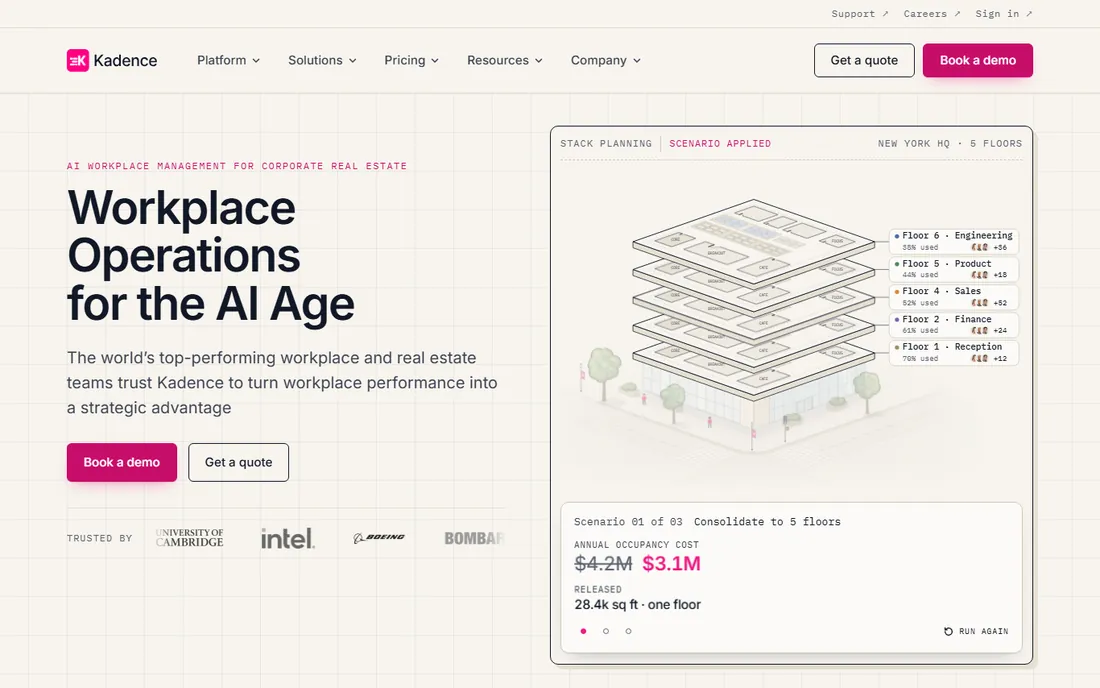
Kadence applies AI to the hybrid coordination problem: suggesting office days, coordinating team presence and smoothing the scheduling friction of flexible work. The modern interface and Teams/Slack integrations suit companies that run on those platforms.
As a newer vendor, depth trails the established players in visitor management and space analytics. Pricing is quote-based. But the AI coordination angle addresses the real hybrid pain, getting the right people in the office on the same days, which booking tools alone do not solve.
What we like- AI-powered coordination suggestions
- Good Teams and Slack integration
- Modern interface
Watch out for- Custom quote pricing
- Newer vendor
- Depth trails established players
Starting priceSee website
Free planYes
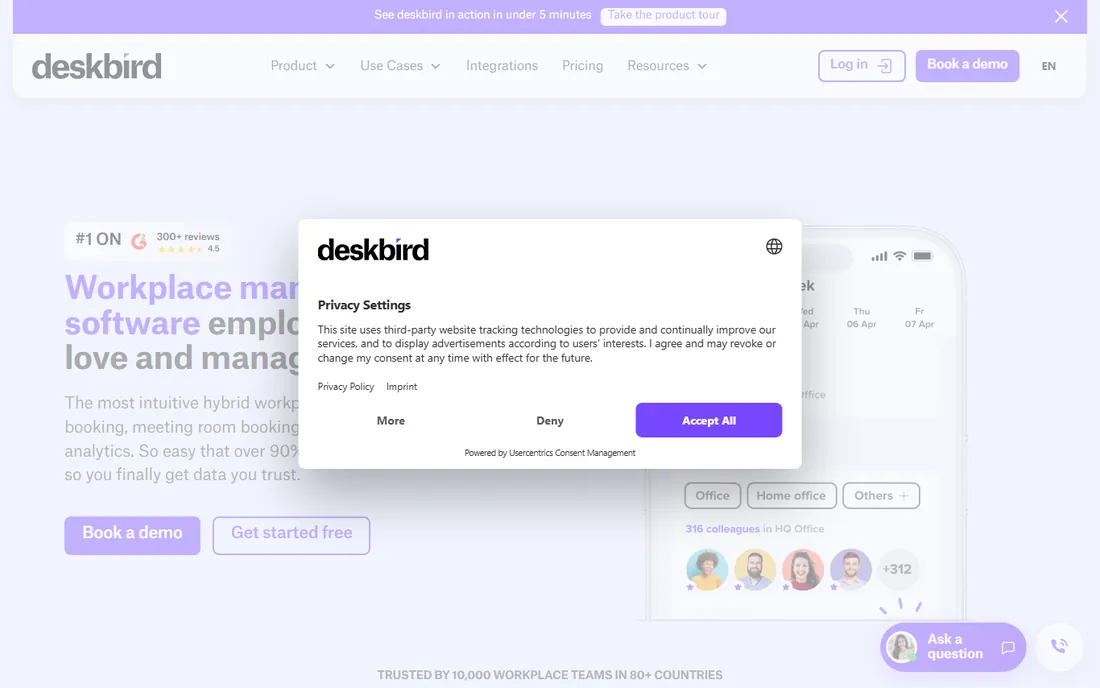
deskbird won the European mid-market with an intuitive booking experience and honest per-user pricing. Employees actually use it, which is the whole battle, and the free tier lets teams start without procurement. Hybrid scheduling, desk and room booking cover the core needs cleanly.
Per-user pricing scales with headcount, which large enterprises should model. Reporting is lighter than analytics-led rivals. But for European mid-size companies wanting hybrid coordination that employees adopt, deskbird is the pragmatic choice.
What we like- Intuitive employee experience
- Affordable per-user pricing
- Free tier available
- Strong in Europe
Watch out for- Costs scale with headcount
- Reporting is lighter
- US presence is smaller
Starting priceSee website
Free planNo
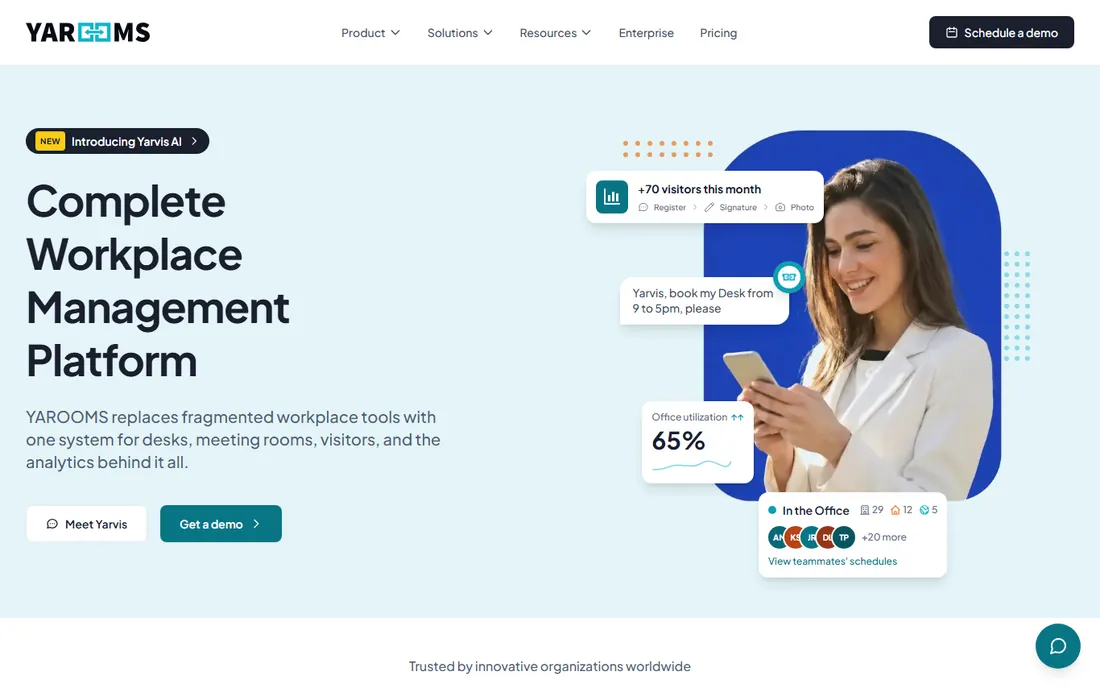
YAROOMS targets regulated enterprises where compliance is nonnegotiable: banking, healthcare, government. SOC 2, ISO 27001, GDPR and data residency options come standard, with audit logs and Microsoft 365 integration. The security posture is the product as much as the booking.
Pricing is custom, and the mobile experience gets mixed reviews. Brand recognition is narrower than the leaders. But for compliance-heavy organizations that cannot compromise on data controls, YAROOMS' security-first design is the differentiator.
What we like- Strong security and compliance posture
- Audit logs and data residency
- Microsoft 365 integration
Watch out for- Custom pricing
- Mobile experience is mixed
- Narrower brand recognition
Starting priceSee website
Free planFree trial
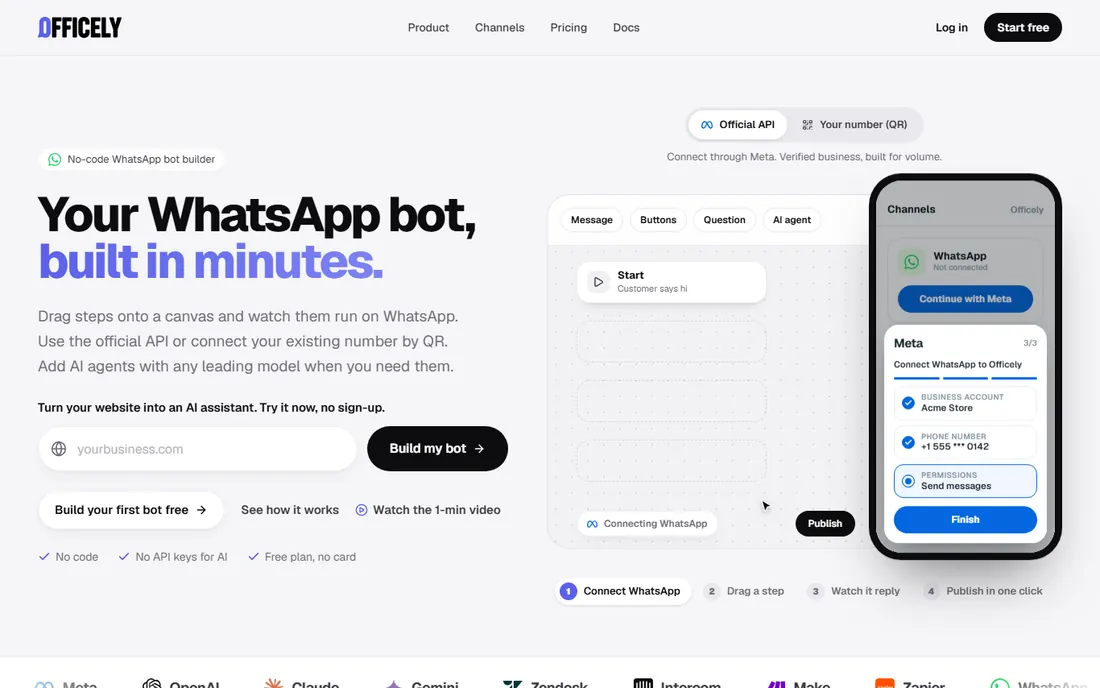
Officely meets employees where they already are: inside Slack and Teams. Desk and room booking happen in chat without opening another app, which drives adoption among teams that live in messaging. Deployment is quick and the experience is simple.
Reporting is lighter than analytics platforms, and the feature set is narrower. The company is smaller. But the insight is sound: the best workplace tool is the one inside the app employees never close. For Slack and Teams-centric teams, Officely's native approach works.
What we like- Lives inside Slack and Teams
- Simple for employees
- Quick to deploy
Watch out for- Lighter reporting
- Narrower feature set
- Smaller company
Starting priceFree
Free planYes
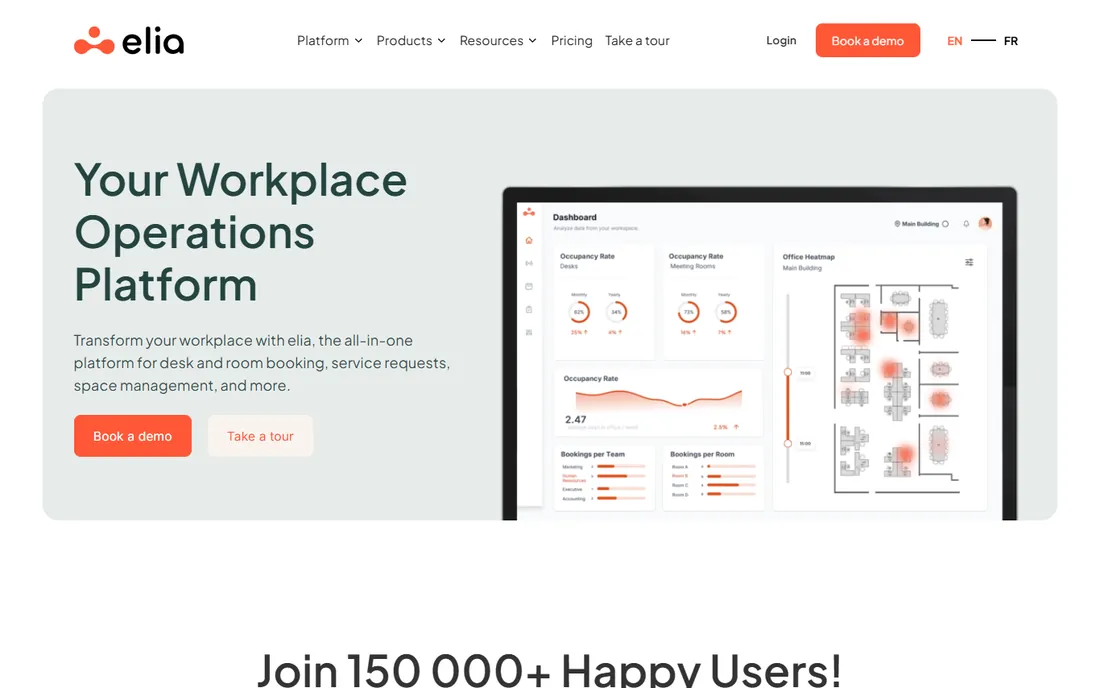
elia aims to unify workplace operations: desk booking, space planning, visitor handling and analytics in one platform with a free tier to start. The unified view appeals to operations teams tired of stitching point solutions together.
As a newer vendor, the ecosystem is smaller and enterprise depth is still growing. But the all-in-one positioning with accessible pricing gives smaller operations a credible alternative to assembling modules from multiple vendors.
What we like- Desk booking, visitors and analytics in one
- Free tier available
- Unified operations view
Watch out for- Newer vendor
- Smaller ecosystem
- Enterprise depth still growing
How we chose
We focused on workplace management platforms covering desk booking, visitor management and space analytics. Each product was verified as currently offered. Pricing came from vendor pages and recent independent comparisons where published, marked honestly where it was not. We weighed booking experience, visitor depth, analytics, integrations and adoption, drawing on vendor documentation and buyer guides. No vendor paid for placement and we claimed no hands-on testing.
What to check before you buy
Start with the actual problem. Visitor-heavy receptions need Envoy's door depth. Space optimization needs Robin's analytics. Adoption problems need OfficeRnD's employee experience. Buying a platform for the wrong problem wastes the budget regardless of quality.
Model pricing at your scale. Per-user, per-resource and platform-fee models produce wildly different totals at different headcounts. Get quotes at current and projected size, including the modules and add-ons the demo glossed over. And trial with real employees, not just facilities staff; adoption is the metric that determines success.
Rolling out office software without the revolt
Office management software touches everyone's daily routine, which makes rollouts politically sensitive. The most common failure is buying for the facilities team while forgetting the employees who live with the system. A desk booking tool that facilities loves but employees find confusing gets bypassed, and bypassed software is wasted money. Include employee representatives in the evaluation, and test the mobile experience with actual frontline staff, not just managers.
Start with one painful process, not the whole suite. Visitor management is the classic first win: the paper logbook is visibly archaic, the digital replacement is obviously better, and the improvement is felt on day one. Desk booking or room booking comes next. Trying to launch everything simultaneously overwhelms people and gives the rollout a reputation for disruption before any value lands.
Communication matters more than training. People need to know why the change is happening, what is expected of them, and where to get help. A short video beats a long manual. Champions on each floor or team, people who genuinely like the new system, answer questions faster than any helpdesk. And keep the old process running in parallel for two weeks, not two months: a long overlap lets people avoid the new system indefinitely.
Measure adoption, not just deployment. Logins per week, bookings made in the system versus by email, visitor check-ins processed digitally. If numbers stall, find out why: usually it is a small friction, a confusing screen or a missing integration, rather than resistance to change. Fix the friction and adoption follows. The software is the easy part; the rollout is the project.
Frequently asked questions
What is office management software?
Software for running the physical workplace: desk and room booking, visitor management, space utilization analytics and related operations. It serves hybrid teams coordinating office presence and facilities teams managing space.
How much does workplace management software cost?
Pricing varies by model: per user, per bookable resource, or platform fee plus modules. Entry points range from free tiers to a few hundred dollars monthly, with enterprise platforms quote-based. Always model total cost including add-ons like visitor management and SSO.
Do I need sensors for desk booking?
Not necessarily. Check-in data from the app shows usage, and many offices start without sensors. Sensors help for unbookable areas, environmental data, or proof before big lease decisions. Factor hardware and installation costs.
What is the difference between Envoy and Robin?
Envoy leads with visitor management and security, expanding into workplace modules. Robin leads with desk booking and space utilization analytics. Visitor-heavy, regulated workplaces lean Envoy; space optimization-focused enterprises lean Robin.
Can small teams use office management software?
Yes. deskbird and elia offer free tiers, Skedda and Officely have accessible entry pricing, and OfficeRnD can go live in hours for small organizations. Start with the specific need rather than the full platform.
Sources we checked (12)
- https://envoy.com
- https://robinpowered.com
- https://www.officernd.com
- https://www.skedda.com
- https://www.officespace.com
- https://kadence.co
- https://www.deskbird.com
- https://www.yarooms.com
- https://officely.ai
- https://www.elia.io
- https://www.elia.io/blog/best-hybrid-workplace-software
- https://www.officernd.com/blog/best-desk-booking-software/
Is your product missing or out of date?
We review this list regularly. Vendors can request a listing, send updated pricing or ask about featured placement.

Shihab Mia · Founder, Rankite
Shihab has spent more than a decade helping SaaS and e-commerce brands grow through search. He writes Rankite's software buying guides from pricing pages, documentation and public user reviews. More about Shihab.