How we make this list: we compare pricing pages, product documentation and public user reviews. Ratings come from G2, Capterra or Trustpilot, with the date we checked them.
Key takeaways
- ABBYY FineReader is the strongest desktop OCR for mixed documents, and the best starting point for typed plus handwritten archives.
- MyScript Nebo recognises handwriting as you write it, in real time, and is the accuracy leader for notes taken with a stylus on a tablet.
- Google Drive and Microsoft OneNote read handwriting for free, which makes them the sensible first test for any pile of notes.
- Handwriting OCR is probabilistic. Neat separated letters convert well; fast cursive, faded ink, and overlapping strokes produce errors you must proofread.
- Privacy first: never upload identity documents, medical notes, or legal papers to a free web OCR. Use a desktop or on device tool for anything sensitive.
Quick comparison
Is your product missing or out of date?
We review this list regularly. Vendors can request a listing, send updated pricing or ask about featured placement.
The best OCR software for handwriting recognition

#1ABBYY FineReader
Best for: Serious document OCR4.5/5 on
G2 (294 reviews, checked Oct 2026)
Visit pdf.abbyy.com
Starting priceSee website
Free planNo
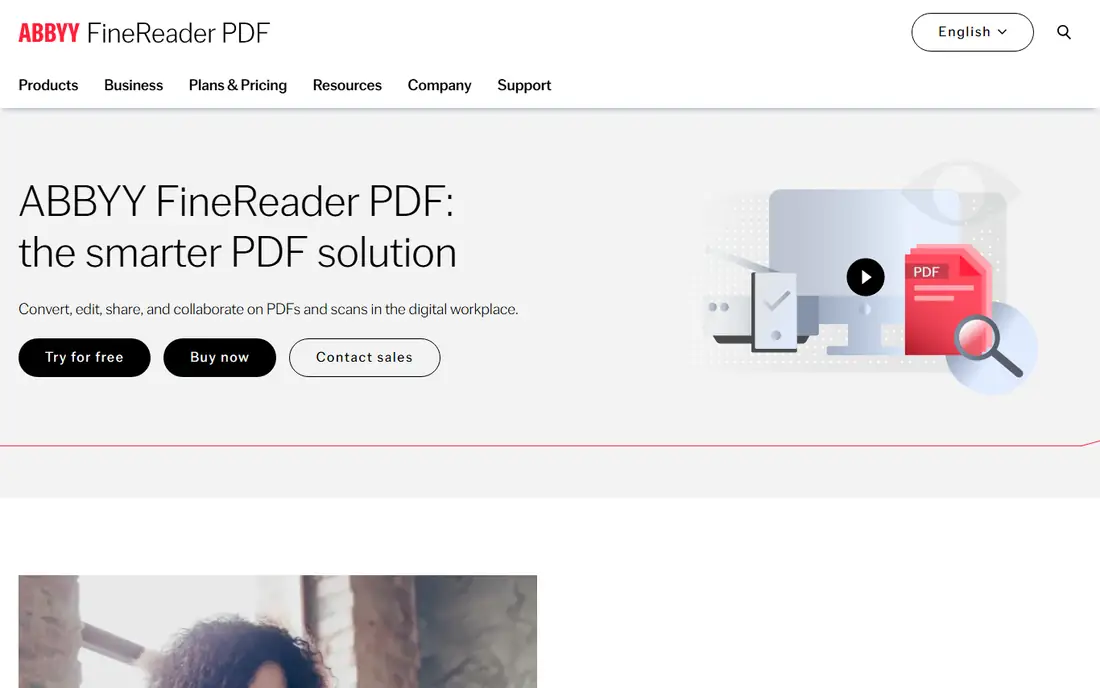
FineReader is the reference desktop OCR suite, and its handwriting recognition, sold under its ICR features, handles printed handwriting and form fields better than general tools. For mixed archives, typed letters with handwritten annotations, forms with filled boxes, it is the first tool to trial. It runs locally, which matters for the privacy reasons below.
The trade off is scope against focus. FineReader shines on documents, not on live note taking, and its handwriting strength depends on language and writing style. FineReader fits offices, researchers, and anyone digitising a backlog of paper who needs the file to stay on their own hardware.
What we like- Best in class OCR engine across print and handwriting
- Converts to Word, Excel, and searchable PDF
- Batch processing for archives
- Desktop software keeps files on your machine
Watch out for- Handwriting support is narrower than its print support and varies by language
- Pricing by edition and licence type
- Interface is built for volume, not casual use
Starting priceFree
Free planYes
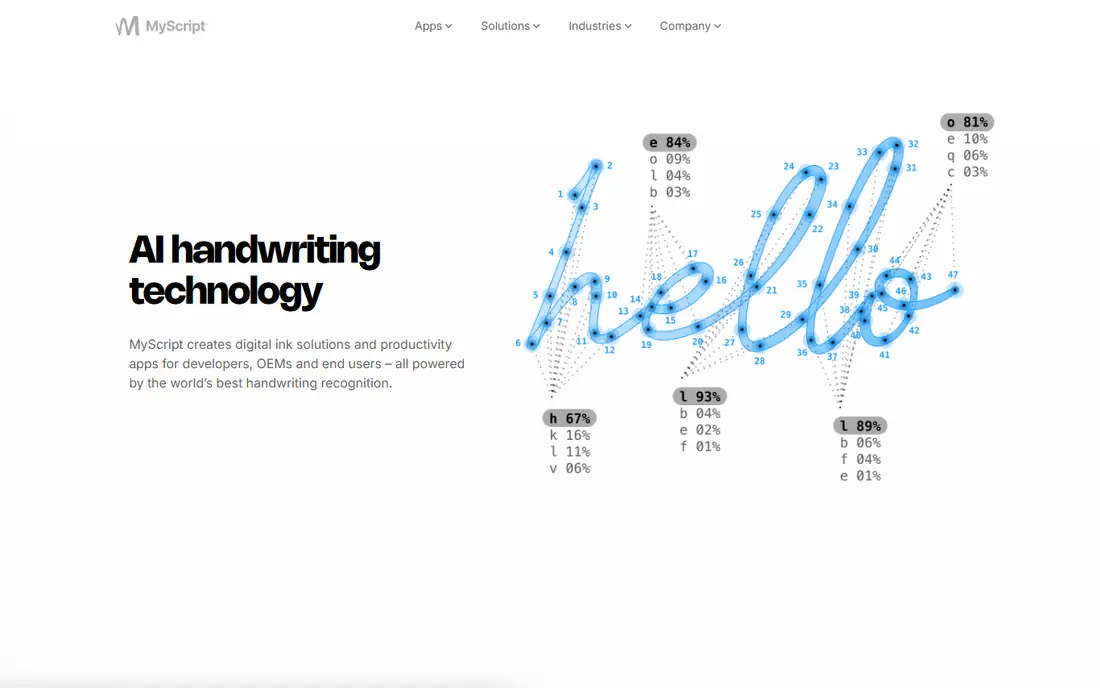
Nebo takes the other path: instead of scanning finished handwriting, it understands the strokes as you write them, which gives it context no scanner has. The result is the most accurate handwriting to text conversion most users will find, with structure preserved: headings, lists, and diagrams survive conversion. A free tier covers basic notebooks.
The trade off is timing. Nebo cannot help with a shoebox of old letters, because it needs the live pen. Nebo fits students, professionals, and anyone who takes notes by hand on a tablet and wants them typed, searchable, and shareable afterwards.
What we like- Recognises handwriting as you write, in many languages
- Converts notes to typed text with a gesture
- Handles diagrams, maths, and mixed writing
- Works with Apple Pencil and other styluses
Watch out for- It recognises your live writing, not scans of old paper
- Full features need the paid version
- Tablet centred, desktop is secondary
Starting priceFree
Free planYes
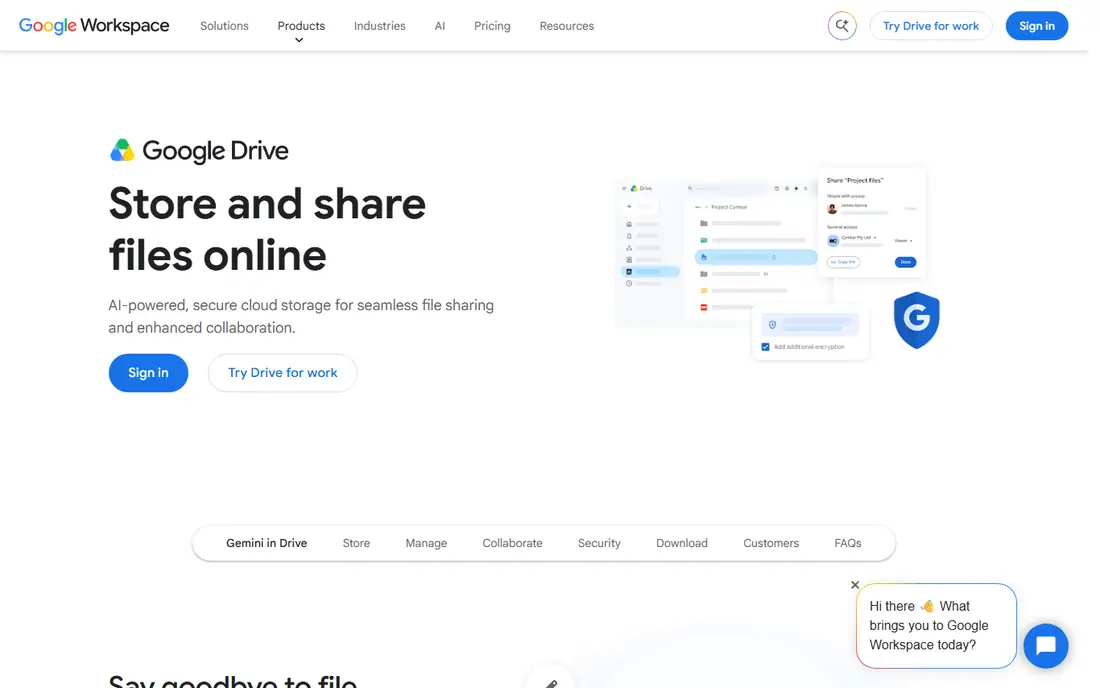
The free option most people already own: upload a scan or photo of handwriting to Google Drive, open it with Google Docs, and Google places the recognised text under the image. For clear, separated handwriting it works well enough to search and copy. For dense cursive it produces a draft you will correct by hand.
The trade off is price against privacy and control. Your document travels to a cloud service, which rules it out for confidential material. Google Drive OCR fits personal notes, family documents, and quick tests of whether your handwriting is machine readable at all.
What we like- Free with a Google account
- Open an image or PDF in Google Docs and the text appears
- Handles clear handwriting surprisingly well
- No software to install
Watch out for- Files are processed on Google servers, so nothing sensitive belongs here
- No control over recognition settings
- Results vary sharply with writing quality
#4Microsoft OneNote
Best for: Free notes with Office4.5/5 on
G2 (1,872 reviews, checked Oct 2026)
Visit microsoft.com
Starting priceFree
Free planYes
OneNote quietly includes capable handwriting tools: write with a pen and convert ink to text, or drop in a photo of a whiteboard and search the words inside it later. For Microsoft 365 shops it is already paid for, and the standalone app is free.
The trade off is convenience against peak accuracy. OneNote is a notes app with OCR inside, not an OCR product. OneNote fits Office users who mix typed and handwritten notes and want them searchable without buying anything new.
What we like- Ink to text built in for stylus notes
- Printed images and scans become searchable
- Free and included with Microsoft 365
- Copy text from a picture in two clicks
Watch out for- Recognition quality trails Nebo for live writing and ABBYY for documents
- Handwriting features vary by platform version
- Cloud sync means Microsoft servers hold your notes

#5Pen to Print
Best for: Scanning handwritten notes to text5.0/5 on
G2 (2 reviews, checked Oct 2026)
Visit pen-to-print.com
Starting priceFree
Free planYes
Pen to Print is the specialist phone app for notebooks: point the camera at a handwritten page and receive text you can edit, save, and send on. It is honest, focused software: nothing about forms, tables, or archives, just notes.
The trade off is focus against ceiling. Accuracy is bounded by your writing and the camera, and cloud processing means private journals should stay away. Pen to Print fits students and journal keepers who want paper notes in digital text with minimum fuss.
What we like- Built for one job: photograph handwritten pages and get editable text
- Simple phone workflow
- Free tier to test your own handwriting
- Exports to common formats
Watch out for- Recognition struggles with cursive and messy pages
- Scans are processed in the cloud on the free path
- Premium subscription needed for volume
Starting priceFree
Free planYes
Goodnotes is the notebook app students and iPad professionals standardise on, and its quiet strength is that everything you write stays findable: the app indexes your handwriting so a word written in March can be searched in October, and selections can be converted to typed text. The free plan limits notebooks; paid plans are reported per year or one time purchase.
The trade off is ecosystem against universality. Windows and Android versions exist but trail the iPad app. Goodnotes fits Apple first note takers who write a lot and mainly need search plus occasional conversion.
What we like- Excellent pen experience on iPad
- Handwriting is searchable inside the app
- Converts handwriting to text when you need it out
- Strong template and notebook system
Watch out for- Best on Apple hardware
- Full features need the paid plan
- Recognition serves search first, bulk conversion second

#7Adobe Acrobat Pro
Best for: OCR inside PDF workflows4.7/5 on
Capterra (4,264 reviews, checked Oct 2026)
Visit adobe.com
Starting price$19.99 per month
Free planNo
Acrobat's OCR is excellent on print and serviceable on clear handwriting, and its place on this list is workflow: if your archive already lives as PDFs and the goal is searchability, running Recognise Text inside the app you own beats learning a new one. It is reported at $19.99 per month billed annually.
The trade off is breadth against handwriting depth. Do not buy Acrobat for handwriting alone; ABBYY and Nebo both beat it at that specific job. Acrobat fits offices standardising on PDF where handwriting is a minority of the paper.
What we like- Recognise text runs across whole PDF files
- Your document workflow stays in one app
- Files can be processed locally on desktop
- Strong all round PDF toolset
Watch out for- Handwriting recognition is its weakest OCR mode
- Subscription pricing
- Better at making PDFs searchable than producing clean editable handwriting text
Starting priceSee website
Free planNo
Transkribator serves the hardest handwriting of all: the past. Its models are trained for historical documents, parish records, letters, and manuscripts, in scripts and spelling that defeat general OCR. Genealogists and archive researchers are its core users.
The trade off is specialisation against generality. It is the wrong purchase for office notes and the only sensible one for a box of 19th century letters. Transkribator fits researchers, archivists, and family historians working through old handwriting at volume.
What we like- Built for archives, letters, and manuscripts
- AI models trained on historical hands
- Handles old scripts that general OCR ignores
- Aimed at researchers and family historians
Watch out for- Niche tool with credit based pricing to confirm
- Results still need scholarly proofreading
- Not designed for today's meeting notes
How we chose
We compared tools on the only question that matters here: how well they read handwriting, tested against the kinds of writing people actually save, from neat study notes to old letters. We separated live recognition from scan recognition because they are different technologies with different winners. We recorded published pricing where it is stable and wrote See website where editions and credits make a single figure misleading. Every tool was also judged on where your document goes during processing, because handwriting is personal.
How to choose OCR software for handwriting
Protect the document first. Never upload identity papers, medical notes, financial records, or legal documents to a free web OCR or a consumer cloud app: you lose control of the copy the moment it leaves your machine. For sensitive material use desktop software such as ABBYY FineReader, or your device's built in tools, and keep the originals offline. For ordinary notes, run a fair test: scan the same three pages, your neatest writing, your normal writing, and your worst, through the free options from Google and OneNote and one specialist trial. Count errors per page, especially in names and numbers, because a tool that mangles figures is unusable for invoices and records however clean its prose looks. Then choose by source: live tablet writing points to Nebo or Goodnotes, scanned modern paper to ABBYY or Acrobat, old documents to Transkribator. Whatever you pick, proofread anything that will be quoted, filed, or sent, because handwriting OCR produces a good draft, not a certified copy.
Frequently asked questions
How accurate is handwriting OCR?
On neat, separated letters in good light, modern tools can exceed 90 percent character accuracy. On fast cursive it can fall below half, with errors concentrated in names, numbers, and unusual words. Always proofread output that matters.
What is the best free OCR for handwriting?
Google Drive with Google Docs is the simplest free test for scans, and OneNote is free for notes inside the Microsoft world. Both process files in the cloud, so keep sensitive documents away from them.
Can OCR read cursive writing?
Yes, with limits. Tools trained on cursive, especially MyScript's engine for live writing and Transkribator for historical hands, handle connected script far better than general OCR. Expect a draft that needs correction rather than a perfect transcript.
Is it safe to upload documents to online OCR tools?
For personal notes you would happily share, the risk is low. For identity documents, medical or legal papers, contracts, or anyone else's private information, no: use desktop or on device software so the document never leaves your control.
Why does the same tool read one page well and fail on the next?
Handwriting varies page to page: pen, ink contrast, letter spacing, and how tired the writer was. Faded pencil and overlapping strokes are the hardest inputs. Scanning at higher resolution with even light fixes more failures than changing software.
Can these tools turn old family letters into text?
Yes, that is Transkribator's purpose, and ABBYY or Google can handle clearer examples. Work in small batches and correct as you go: ten accurate pages are worth more to a family archive than a hundred rough ones.
Sources we checked (0)
Is your product missing or out of date?
We review this list regularly. Vendors can request a listing, send updated pricing or ask about featured placement.

Shihab Mia · Founder, Rankite
Shihab has 5+ years in B2B and SaaS SEO. He writes Rankite's software buying guides from pricing pages, documentation and public user reviews. More about Shihab.
 MyScript Nebo
 Google Drive OCR
 Goodnotes
 Transkribator