How we make this list: we compare pricing pages, product documentation and public user reviews. Ratings come from G2, Capterra or Trustpilot, with the date we checked them.
Key takeaways
- OneNote is the most complete free offer for students: full notebooks, handwriting and ink, audio recording and no feature paywall for anyone with a Microsoft account.
- Notion is the best free system for organising a whole degree, notes, deadlines and revision in one workspace, and students with a school email can get its Plus plan free.
- Apple Notes and Google Keep cover fast capture for students inside those ecosystems, and Joplin and Obsidian keep notes in files you own, free for personal use.
- GoodNotes is the handwriting favourite on iPad, but its free tier is a trial in disguise, limited notebooks, so it sits last in a guide about free.
Quick comparison
| Tool | Best for | Starting price | Free plan |
|---|
 OneNote OneNote | Complete free notebooks with handwriting | Free | Yes |
 Notion Notion | Organising notes, tasks and revision together | Free | Yes |
 Obsidian Obsidian | Notes in your own files that link together | Free | Yes |
 Apple Notes Apple Notes | Fast notes on iPhone, iPad and Mac | Free | Yes |
 Google Keep Google Keep | Quick capture and reminders on Android | Free | Yes |
 Joplin Joplin | Open source notebooks with sync you choose | Free | Yes |
 GoodNotes GoodNotes | Handwriting on iPad, with a limited free tier | Free | Yes |
Is your product missing or out of date?
We review this list regularly. Vendors can request a listing, send updated pricing or ask about featured placement.
The best free note taking apps for students
#1OneNote
Best for: Complete free notebooks with handwriting4.5/5 on
G2 (1,873 reviews, checked Oct 2026)
Visit onenote.com
Starting priceFree
Free planYes
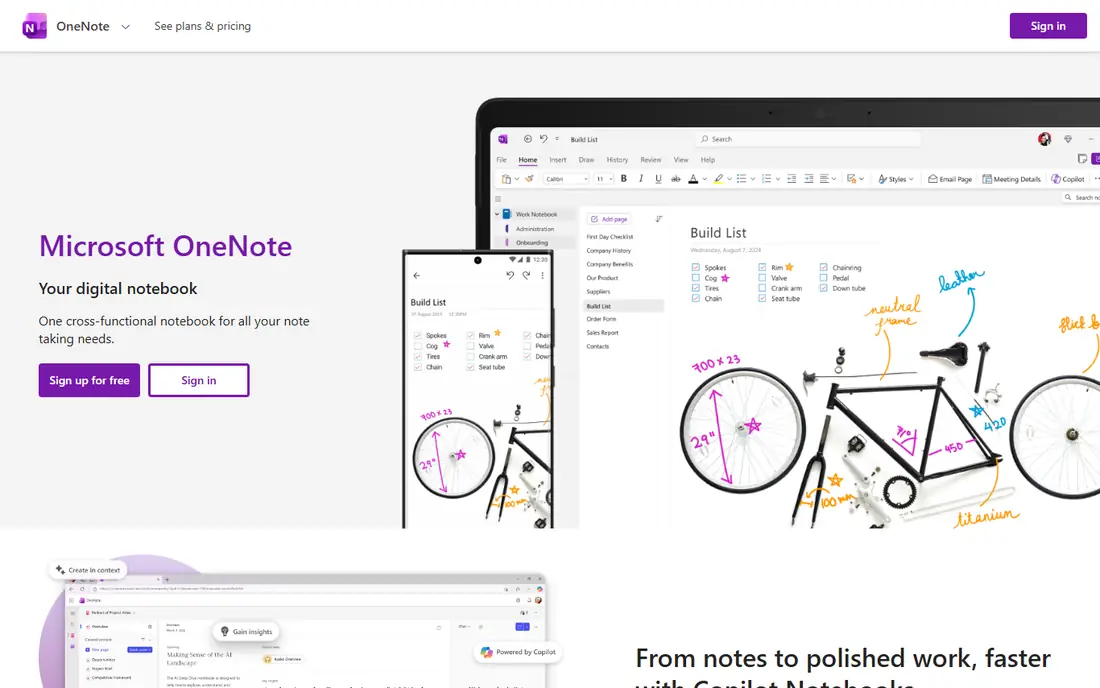
What we like- OneNote is the strongest free offer in student note taking: a real notebook structure of sections and pages, typing, handwriting and drawing with a stylus, audio recording synced to your notes, maths equation support, a web clipper, and apps on every platform, all free with a Microsoft account and no paid tier gating the features a student needs. Lectures, seminars and revision all fit its freeform pages, where text, ink, images and recordings sit wherever you put them. Many universities run on Microsoft accounts anyway, which makes class notebooks and sharing with tutors a native act rather than an export.
Watch out for- The free storage is OneDrive's free allowance, which heavy recording and scanning can fill, after which a storage subscription is the cost hiding inside free. The interface differs enough between platforms to confuse, and the freeform canvas that delights in lectures can decay into messy pages without a structure habit. Search of handwriting works but varies with handwriting quality. OneNote's organisation is notebooks all the way down
- Students who think in linked webs of ideas will prefer Obsidian's model.
#2Notion
Best for: Organising notes, tasks and revision together4.6/5 on
G2 (13,834 reviews, checked Oct 2026)
Visit notion.com
Starting priceFree
Free planYes
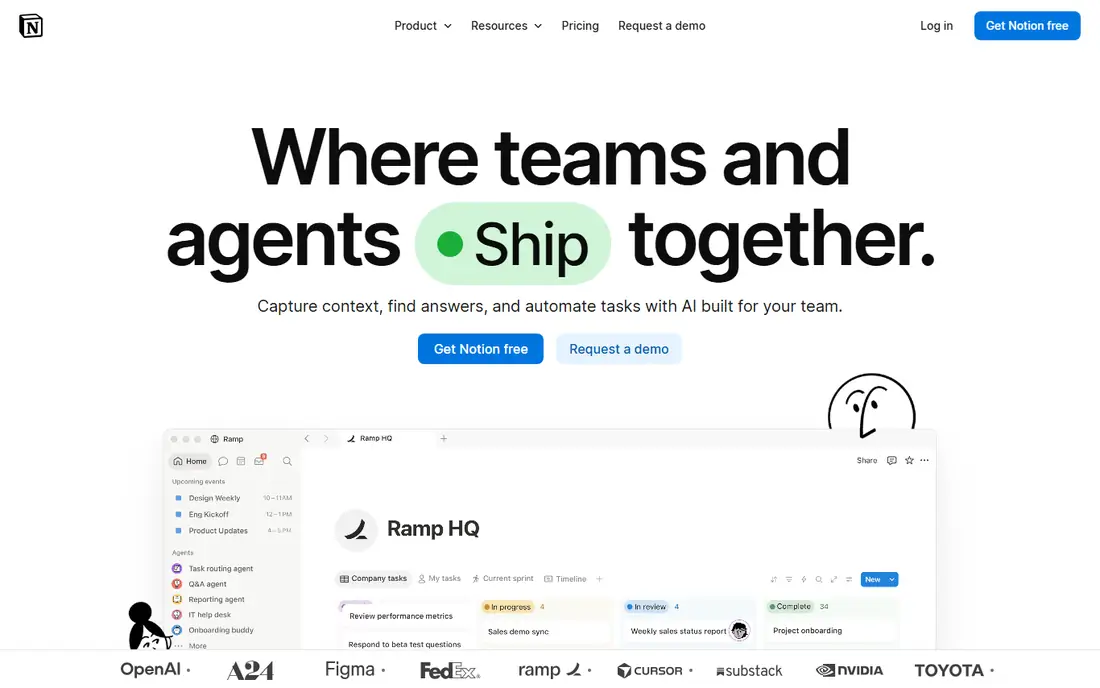
What we like- Notion gives a student a whole study system free: lecture notes as pages, a deadline tracker as a database, revision plans, reading lists and shared society documents in one workspace with templates for every student workflow imaginable. The free plan covers a single student's real needs, and Notion offers its Plus plan free to students and educators with a school email at eligible institutions, which removes limits entirely for many readers of this guide. Its clean pages export and share well for group projects, and the same workspace later becomes a job hunt and career system, which no other app here attempts.
Watch out for- Notion is a typed, structured tool: there is no real handwriting, no stylus maths on the page, and offline access has historically been its weak side, a genuine issue in a basement lecture hall, though it has been improving. Free plan upload limits apply per file. The system's power invites over engineering
- Students can spend revision week perfecting the dashboard instead of revising, a failure mode Notion's flexibility makes easy. Notes live on Notion's servers, which the file ownership minded should weigh against Obsidian and Joplin.
#3Obsidian
Best for: Notes in your own files that link together4.5/5 on
G2 (13 reviews, checked Oct 2026)
Visit obsidian.md
Starting priceFree
Free planYes
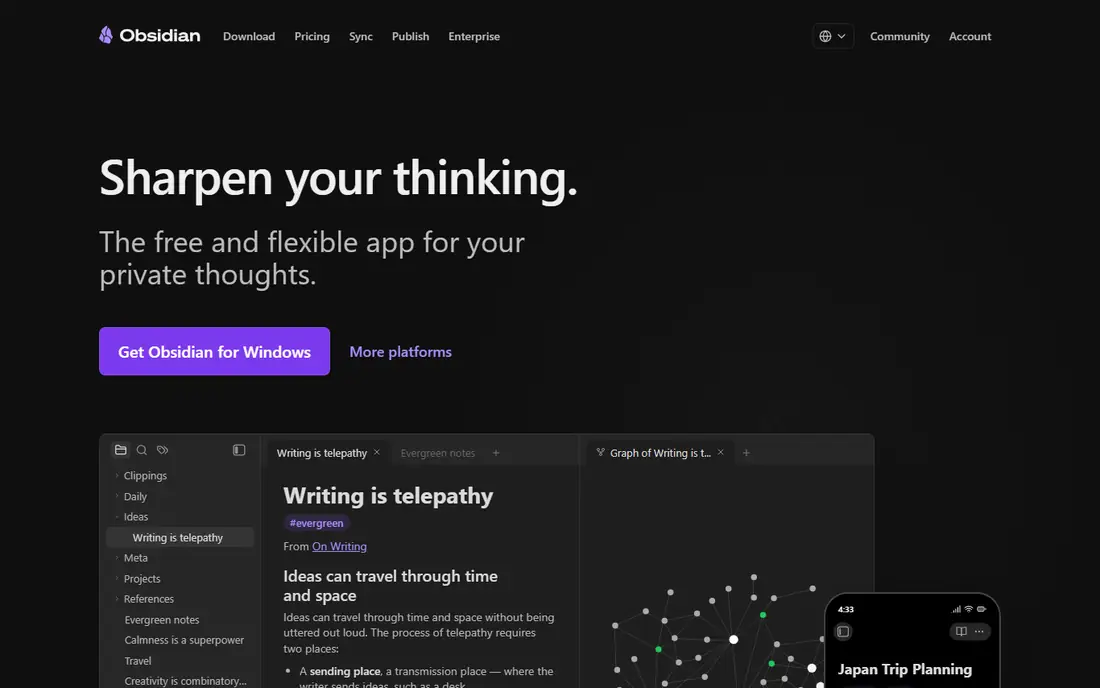
What we like- Obsidian stores notes as plain text files on your own device and links them into a personal knowledge base, free for personal use including students, with backlinks and a graph that show how ideas connect across subjects, which suits essay based and research heavy degrees beautifully. Because the files are yours in an open format, your degree's notes survive any company decision and open in any editor in twenty years. Hundreds of plugins add flashcards, spaced repetition, PDF annotation and drawing. There is no account, no upload limit and no subscription between you and your notes.
Watch out for- Sync between devices is the paid extra, Obsidian Sync, or your own arrangement through a cloud folder, which works but is one more thing to set up. Handwriting is a plugin experience, not a native strength, so stylus first students belong on OneNote or GoodNotes. The power and plugin choice overwhelm some new users, and mobile apps, while good, trail the desktop. Sharing notes with a study group means exporting files rather than sending a link, a small friction that recurs all degree long.
Starting priceFree
Free planYes
What we like- Apple Notes is already on every Apple device a student owns, free with iCloud, and it has grown into a capable study tool: typed notes, checklists, scanned documents, handwritten notes with an Apple Pencil that convert and search surprisingly well, audio recording with transcription on newer devices, tags and smart folders, and quick note capture from anywhere in the system. For lectures on an iPad and thoughts on an iPhone, the zero setup and instant sync inside one ecosystem is hard to beat, and shared notes handle light group work.
Watch out for- Apple only, in full: a Windows laptop or Android phone in your life breaks the chain, and the web version is a poor substitute. Organisation is folders and tags rather than a study system, so deadlines and revision planning live elsewhere. Export is limited compared with the file based apps, which matters when a degree's archive needs to move. Handwriting and features vary by device generation, and iCloud's free storage is small enough that a media heavy degree will meet its paid tier eventually.
Starting priceFree
Free planYes
What we like- Keep is the sticky note perfected: open it, write or dictate, and the thought is saved, searchable and synced, with labels, colours, checklists, image notes with text recognition, and location or time reminders that fire when you reach the library. For the capture layer of student life, reading references, essay sparks, society admin, nothing in this list is faster, and it is completely free with a Google account on Android, iOS and the web. Voice notes transcribe automatically, which makes walking between lectures a study activity.
Watch out for- Keep is not where essays get planned or lectures get filed: there is no notebook structure, no folders beyond labels, no handwriting worth the name and no formatting beyond the basics, so a degree's notes in Keep become a drawer of slips. Long notes strain its card model. It is best understood as the inbox beside a real system, OneNote or Notion, into which Keep's captures get filed weekly. Students who try to live in Keep alone usually migrate mid degree, with the drawer to sort out.
#6Joplin
Best for: Open source notebooks with sync you choose4.8/5 on
G2 (5 reviews, checked Oct 2026)
Visit joplinapp.org
Starting priceFree
Free planYes
What we like- Joplin is the open source answer: notebooks and notes in markdown, attachments, tags, a web clipper, end to end encryption for synced notes, and sync through your choice of services, a cloud drive, Joplin's own cloud or your own server, free on Windows, Mac, Linux, Android and iOS. Students in technical subjects appreciate the markdown and code support, privacy minded students appreciate that no company holds their notes, and the whole degree costs nothing. Its offline first design means the basement lecture hall problem does not exist here.
Watch out for- The interface is earnest rather than polished, and handwriting is not its language: stylus students should look elsewhere. Sync through third party clouds occasionally needs untangling, and the encryption setup is one more password whose loss is permanent. Sharing and collaboration are minimal. Joplin rewards a student who values ownership and can tolerate a utilitarian tool, which describes a specific and happy minority
- Everyone else finds OneNote or Notion easier to love by week two.
Starting priceFree
Free planYes
What we like- GoodNotes is the handwriting experience iPad students compare everything against: natural ink, notebooks that feel like paper ones, excellent PDF markup for lecture slides and readings, handwriting search and conversion, and study tools including flashcards built from your notes. For maths, sciences and any subject where the notes are diagrams and workings, it is the class of the field, and its free tier lets you create a small number of notebooks, enough to test whether digital handwriting suits you before paying for the full version.
Watch out for- In a guide about free, honesty requires the limit up front: the free tier caps notebooks at a number a real semester exceeds quickly, so GoodNotes is effectively a paid app with a good trial, its full version sold by subscription or one time purchase in the App Store. It is Apple centred, with other platforms secondary. Typed, structured study systems are not its strength, and exporting a degree of handwritten notebooks into other tools is possible but clunky. Buy it for the ink if ink is your method
- Do not plan a free degree on it.
How we chose
We compared note taking apps a student can genuinely use free in October 2026, and ranked by what the free tier actually sustains across a semester rather than what the landing page implies: OneNote's completeness leads, Notion's student offer follows, and GoodNotes is included with its limits stated plainly because its handwriting is the benchmark readers will ask about. Each entry notes storage and sync, the two places free quietly ends, and platform limits, since a note system that excludes one of your devices fails regardless of features. All seven are established products with education user bases, and none requires a credit card to start.
How to choose the right free notes app
Decide your input first. If you handwrite, the shortlist is OneNote free and complete, Apple Notes if you live on Apple devices, and GoodNotes if the trial convinces you to pay for the best ink. If you type, the question becomes structure: OneNote's notebooks, Notion's system or Obsidian's linked files, and the deciding test is where your revision happens, because the app you revise from is the app that matters. If your problem is forgetting and capturing, Keep or Apple Notes as the inbox, feeding one of the systems above.
Then protect the archive. A degree is three or four years of notes, and the free app that cannot export them owns you by final year: OneNote, Obsidian and Joplin export openly, Notion exports well, Apple Notes least of all. Check your university account too: many institutions provide Microsoft or Google accounts with large storage, which quietly removes the free storage ceiling for OneNote and Keep respectively. Finally, resist running three systems at once beyond a capture inbox and a home; notes scattered across apps are notes lost at revision time, which is the only time they were ever for.
Frequently asked questions
Is OneNote really completely free for students?
The app and its features are free with a personal Microsoft account, including handwriting, recording and the notebook system, with no paid feature tier individuals must buy into. The limit is storage: notes live in OneDrive, whose free allowance is modest, and heavy audio recording or scanned handouts can fill it, at which point the cost is a storage plan or a university account, many of which include far larger OneDrive allowances. As a feature set, though, nothing else free in this list is as complete, which is why it leads.
How do I get Notion Plus free as a student?
Notion offers its Plus plan free to students and educators who sign up with a school email address at an eligible institution, through its education programme. The usual route is creating or converting your account with the school address and applying the education discount in settings. Eligibility depends on the institution being recognised, and the offer's terms can change, so check Notion's education page at the start of term. Even without it, the standard free plan covers a single student's notes and projects adequately for most degrees.
Which app is best for handwritten maths and science notes?
GoodNotes has the best ink and PDF markup if you are willing to pay after the free trial; OneNote is the best free answer, with stylus support, equation tools and recording on every platform. Apple Notes suits Pencil users inside an all Apple setup. Whichever you choose, check that handwriting is searchable in it, type a keyword from a handwritten page during your test week, because finding one formula among four hundred pages is the feature that decides revision season.
Can I use these apps offline in lectures?
OneNote, Obsidian, Joplin, Apple Notes and GoodNotes all work fully offline on device, syncing when a connection returns, because they store notes locally. Notion has historically been the weak one offline, with improvements rolling out, so test your exact lecture scenario, aeroplane mode in a basement room, before trusting it as your only lecture tool. Google Keep caches on mobile but is thinnest offline on the web. For exam season reliability, local first apps carry less risk.
Will my notes be safe if I lose my laptop?
With the cloud synced apps, OneNote, Notion, Apple Notes and Keep, your notes live in the account and return on the next device you sign into, which is their quiet superpower. With the file based apps, safety depends on your sync: Obsidian with Sync or a cloud folder, Joplin with its sync set up, both fine when configured and unforgiving when not. Whichever you use, turn on two factor sign in for the account holding your degree, because account loss in final year is the disaster none of these apps can undo for you.
Sources we checked (0)
Is your product missing or out of date?
We review this list regularly. Vendors can request a listing, send updated pricing or ask about featured placement.

Shihab Mia · Founder, Rankite
Shihab has 5+ years in B2B and SaaS SEO. He writes Rankite's software buying guides from pricing pages, documentation and public user reviews. More about Shihab.