How we make this list: we compare pricing pages, product documentation and public user reviews. Ratings come from G2, Capterra or Trustpilot, with the date we checked them.
Key takeaways
- Zapier, Make and n8n remain the automation backbone, with n8n offering self-hosting and Make a generous free tier.
- Lindy, Bardeen and Gumloop are AI-native: agents that reason through tasks rather than just triggering steps.
- Relay.app adds human-in-the-loop approvals for workflows that need judgment.
- Relevance AI lets teams build an AI workforce of specialized agents without code.
Quick comparison
| Tool | Best for | Starting price | Free plan |
|---|
 Zapier Zapier | Connecting apps at scale | See website | Yes |
 Make Make | Visual automation | See website | Yes |
 n8n n8n | Self-hosted workflows | See website | Yes |
 Bardeen Bardeen | Browser-based AI agents | See website | No |
 Gumloop Gumloop | AI-powered workflow builder | See website | No |
 Relay.app Relay.app | Human-in-the-loop automation | See website | No |
 Lindy Lindy | AI teammates in Slack | $49.99/month (Pro) | Yes |
 Relevance AI Relevance AI | Building an AI workforce | See website | No |
Is your product missing or out of date?
We review this list regularly. Vendors can request a listing, send updated pricing or ask about featured placement.
No-code AI workflow automation splits into two camps: classic automation platforms adding AI steps, and AI-native agents that plan and reason. Both let non-developers automate real work. Eight tools.
Starting priceSee website
Free planYes
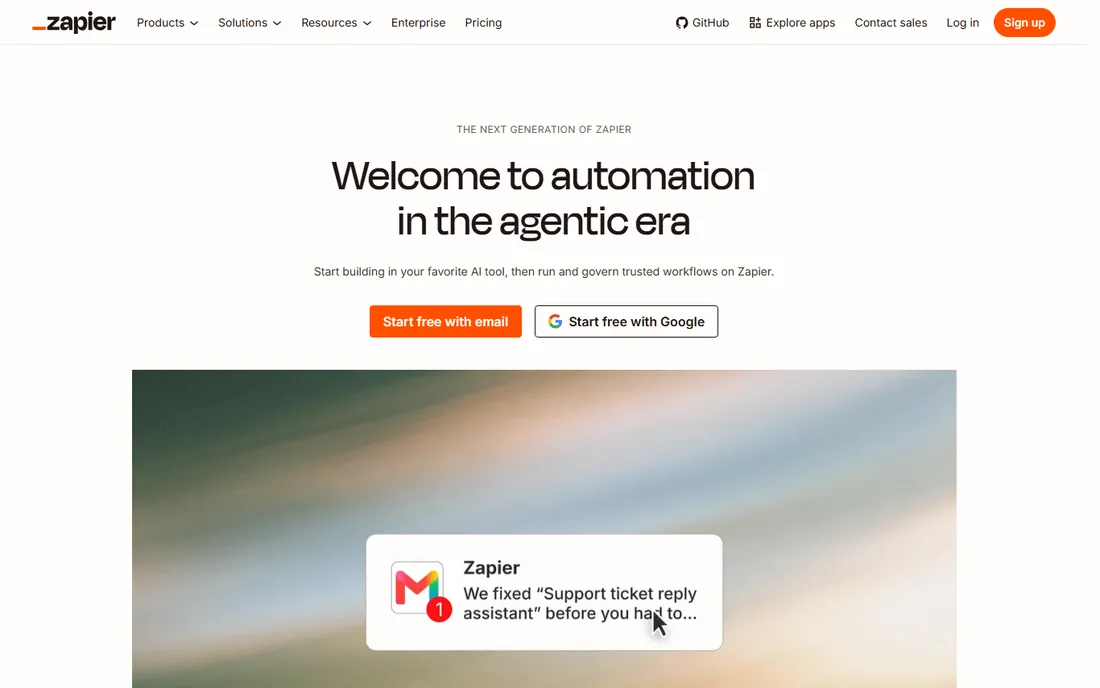
Zapier remains the default automation layer: connect web apps without code, now with AI actions for summarization, classification and content generation inside Zaps. The integration catalog is unmatched.
Heavy users watch task counts. Zapier fits teams automating across many apps where breadth of integrations matters most.
What we like- 7,000-plus app integrations
- The industry standard
- AI steps now built in
- Huge template library
Watch out for- Task-based pricing gets expensive at volume
- Complex logic is clunky
Starting priceSee website
Free planYes
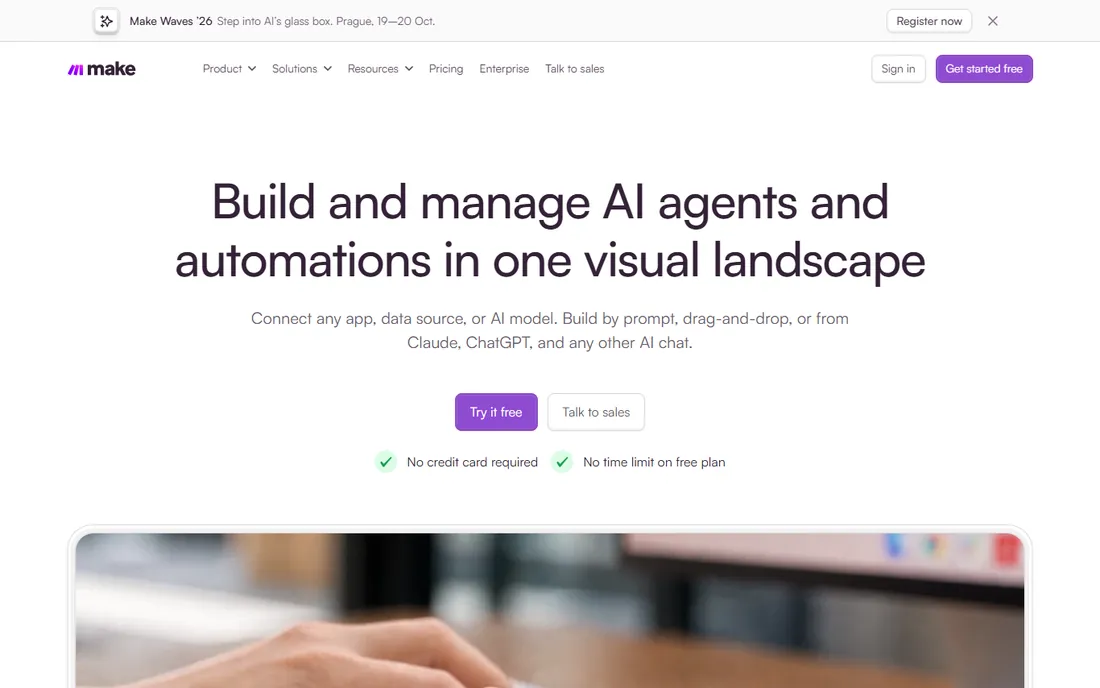
Make's visual canvas suits multi-step workflows with routers, filters and error handling that Zapier struggles to express. The free tier is genuinely usable, and paid plans price by operations.
Beginners may prefer Zapier's simplicity. Make fits builders wanting sophisticated automation logic at fair pricing.
What we like- Visual scenario builder handles complex logic well
- Generous free tier
- Strong value per operation
Watch out for- Learning curve steeper than Zapier
- Fewer integrations overall
Starting priceSee website
Free planYes
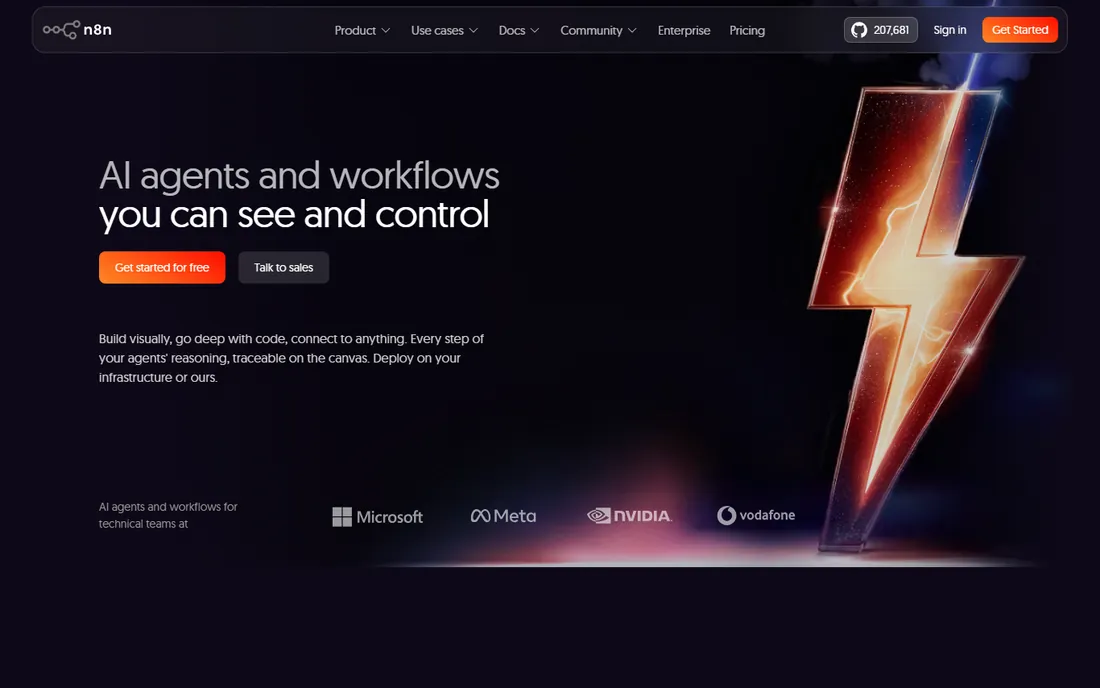
n8n gives technical teams automation freedom: self-host for unlimited executions, build AI agent workflows with memory and tools, and extend with code when needed. The fair-code license keeps costs predictable.
Non-technical users may struggle. n8n fits teams wanting powerful, private automation without per-task pricing.
What we like- Fair-code model with self-hosting
- AI agent nodes
- No per-execution pricing when self-hosted
- Highly extensible
Watch out for- Self-hosting needs technical comfort
- The interface is less polished than Zapier
Starting priceSee website
Free planNo
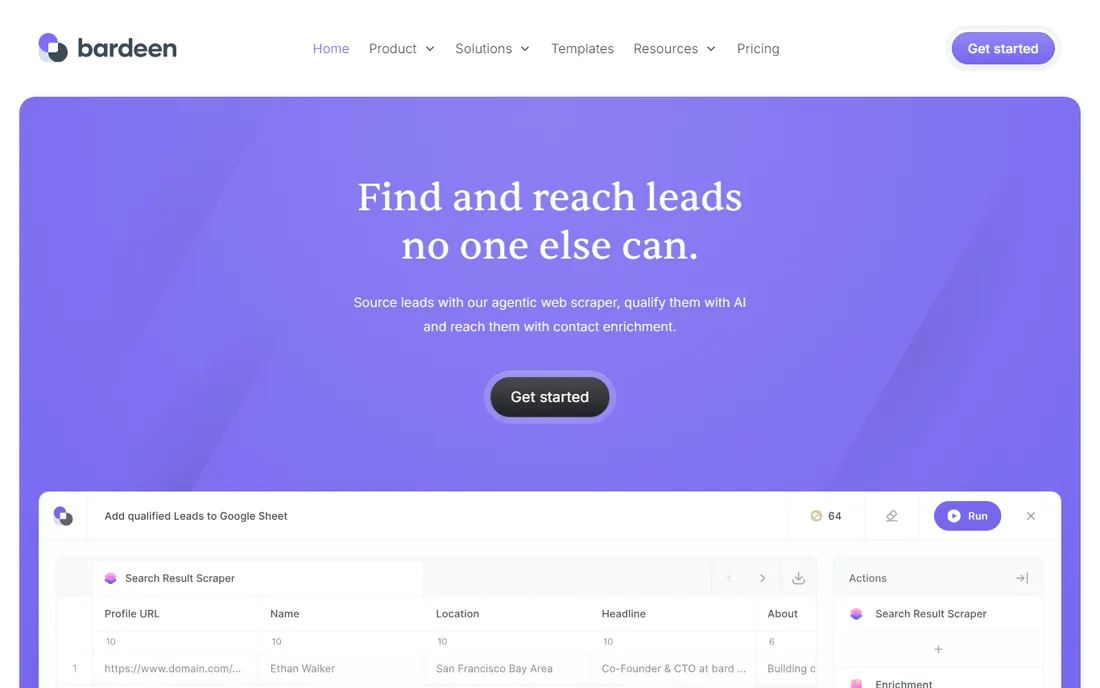
Bardeen runs AI agents in the browser: scraping, data entry and multi-app workflows controlled from where knowledge workers already work. Natural language building and proactive suggestions lower the skill barrier.
Always-on backend workflows are not its strength. Bardeen fits sales, recruiting and ops teams automating browser-heavy repetitive work.
What we like- Automates directly in the browser
- Natural language automation building
- Proactive suggestions
- Strong for sales and recruiting workflows
Watch out for- Browser-centric model limits server-side automation
- Pricing is tiered by usage
Starting priceSee website
Free planNo
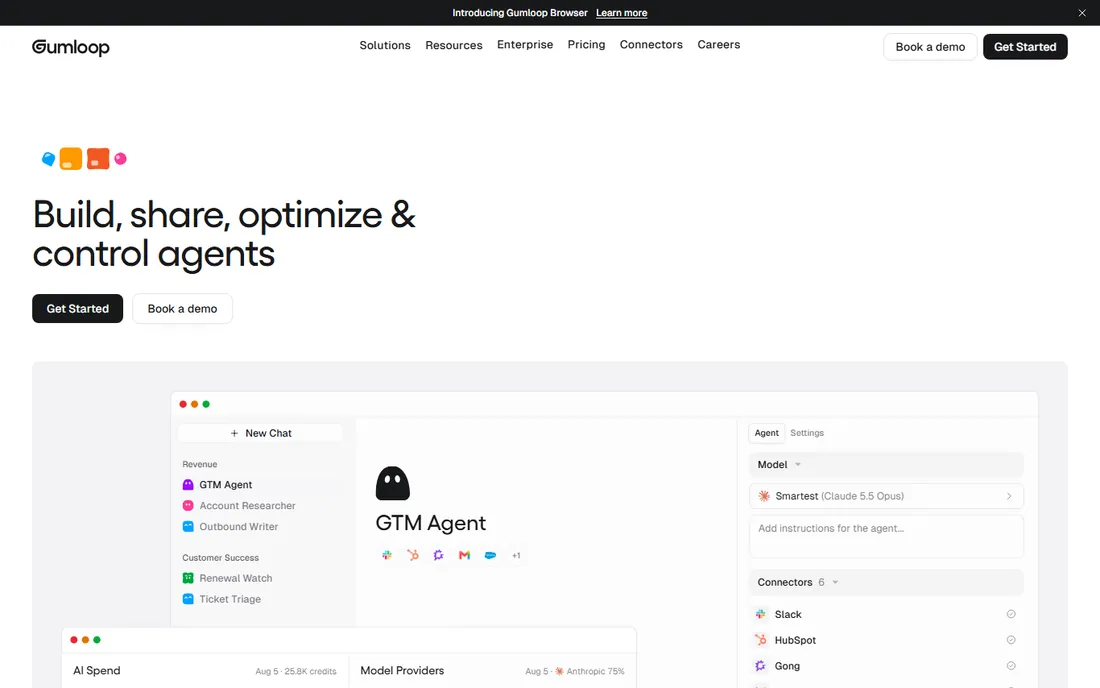
Gumloop puts AI reasoning inside automation: the AI Router interprets text, classifies intent and chooses actions dynamically instead of following rigid rules. Prompt-to-build generates workflows from descriptions.
The ecosystem is young. Gumloop fits teams whose automations need judgment calls, not just if-then logic.
What we like- AI Router makes context-based decisions mid-workflow
- Prompt-to-build from plain English
- Unified access to GPT, Claude and Gemini
- 110-plus integrations
Watch out for- Newer platform with a smaller template library
- AI credit costs need monitoring
Starting priceSee website
Free planNo
Relay.app designs for supervised automation: AI and rules handle the routine, humans approve the consequential, all inside collaborative workflows. It suits finance, legal and ops processes where full autonomy is risky.
Integration breadth trails the giants. Relay.app fits teams automating processes that need human judgment at key steps.
What we like- Built-in human approvals and confirmations
- Collaborative workflow design
- Good for processes needing oversight
Watch out for- Smaller integration catalog than Zapier or Make
- Newer vendor
Starting price$49.99/month (Pro)
Free planYes
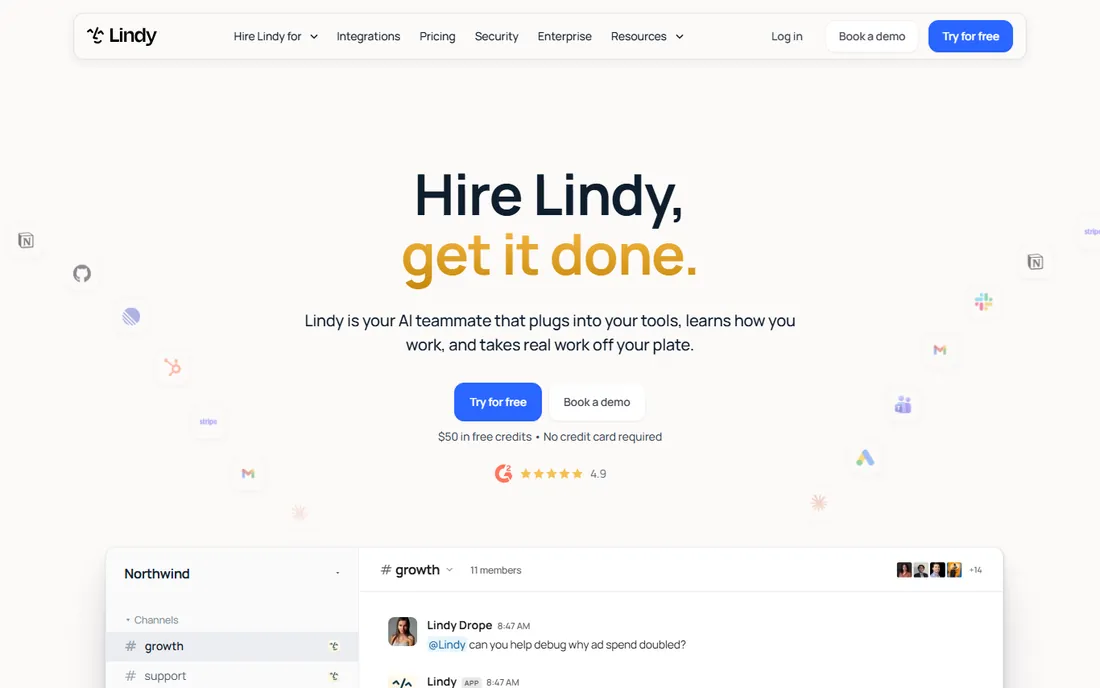
Lindy deploys AI teammates: describe the outcome in plain English and the agent handles lead follow-up, scheduling, support triage or admin ops, choosing between GPT, Claude and Gemini per task. The free tier includes 400 monthly credits; Pro at $49.99 adds 5,000 credits and phone automations.
Agents need supervision while learning. Lindy fits SMBs wanting AI staff for operations without hiring.
What we like- AI employees that own processes end to end
- Works in Slack with natural language
- 400 free credits monthly
- Multi-model support
Watch out for- Credit-based pricing needs monitoring
- Complex setups need iteration
Starting priceSee website
Free planNo
Relevance AI lets companies build and manage an AI workforce: specialized agents for sales, support and ops tasks, assembled without code on managed infrastructure.
Results vary with configuration quality. Relevance AI fits companies experimenting with multi-agent operations beyond single workflows.
What we like- No-code platform for building teams of AI agents
- Prebuilt agent templates
- Managed infrastructure
Watch out for- Agent quality depends on setup effort
- Pricing is custom for scale
What to check before you buy
Decide whether you need automation or agents. Rule-based multi-app sync favors Zapier or Make; tasks requiring judgment favor Lindy, Gumloop or Bardeen.
Check integration coverage for your specific apps. Model pricing against your volume: task, operation and credit models behave very differently at scale. Verify data privacy: where does your data go when AI processes it. Finally, test the human-in-the-loop controls before giving agents autonomy over consequential actions.
Automations worth building first
New automation users build what is fun; experienced ones build what hurts. If you are starting out, these five automations pay back fastest.
Lead capture to CRM to notification. A form fill creates the contact, assigns the owner, sends an internal alert and starts a follow-up sequence. This single flow fixes the most common small-business leak: leads that sit untouched for days. Measure response time before and after; the improvement is usually dramatic.
Invoice and payment chasing. Draft invoices from new deals, send them on schedule, and escalate politely when they go overdue. Cash flow is the lifeblood of small businesses, and manual chasing is the task everyone postpones. Automation does not feel awkward about the third reminder.
Meeting to task to follow-up. When a meeting ends, create tasks from the notes, assign owners with due dates, and schedule the follow-up. The automation does not need AI to be valuable; it just needs to close the loop that humans forget.
Status sync between tools. The project is updated in one tool, the client sees it in another, finance sees it in a third. Keeping three systems in sync manually is error-prone busywork. A sync automation eliminates the "which system is right" arguments.
Weekly digest reporting. Pull the key numbers into one email every Monday: pipeline, cash, open tickets, shipped work. Leaders who get this reliably make better decisions, and nobody spends Friday afternoon assembling it.
Build these before the clever stuff. A reliable lead flow beats an AI-powered novelty every time. Once the basics run without touching them, then experiment with AI steps: drafting, summarizing, classifying. The AI amplifies a working process; it cannot fix a broken one.
How we chose
We selected no-code automation and AI agent platforms with live products and real users, spanning classic automation and AI-native agents, using vendor sites, documentation and public reviews. Lindy's price comes from its own site; elsewhere we wrote See website. We did not build production workflows.
When to graduate from no-code to code
No-code automation has a ceiling, and hitting it is a sign of success, not failure. Knowing when you have arrived saves months of fighting the tool.
Volume is the first signal. When a workflow runs tens of thousands of times a month, per-task pricing often exceeds the cost of a small custom service. Do the math at your actual volume, including the error-handling runs and retries that also count as tasks.
Complexity is the second. Workflows with dozens of branches, intricate state or heavy data transformation become visual spaghetti that nobody can debug. Code handles branching logic, loops and error handling more readably than a canvas of boxes once past a certain size.
Latency and reliability requirements are the third. No-code platforms poll on schedules and queue work through shared infrastructure. When a workflow needs sub-second response or guaranteed delivery, a purpose-built service wins.
The graduation does not have to be all or nothing. The common pattern keeps no-code for orchestration and human-facing steps while moving the heavy logic to code: a webhook step calls your API, which does the complex work and returns the result. This hybrid gets you most of the way without rebuilding everything.
Also consider who maintains it. No-code workflows are maintainable by the operations team; custom code needs engineering. If engineering is a bottleneck, a slightly awkward no-code workflow that the ops team can fix themselves beats an elegant service that waits three sprints for a change.
Revisit the decision yearly. Pricing changes, platforms add code steps and AI agents blur the line further. The right answer in 2024 may not be the right answer now.
Frequently asked questions
What is the difference between Zapier and AI agents like Lindy?
Zapier executes predefined steps when triggered. AI agents like Lindy interpret goals, make decisions and adapt to exceptions, handling messier real-world tasks.
Do I need to code to use these tools?
No. All eight are no-code or low-code, though complex workflows in Make or n8n benefit from technical thinking.
How does credit-based pricing work?
Platforms like Lindy consume credits per task, AI call or interaction. Monitor usage closely: agentic workflows can burn credits faster than expected.
Can these tools replace employees?
They handle the first 80 percent of routine work; human judgment, relationships and accountability remain human. Treat them as force multipliers.
What is human-in-the-loop automation?
Workflows where AI or rules do the work but pause for human approval at critical steps. Relay.app specializes in this pattern.
Which tool is best for a small business starting out?
Zapier or Make for app connections, with free tiers to learn on. Add Lindy or Bardeen when you want AI handling tasks, not just moving data.
How many tasks does a typical business automation use?
A small business usually runs a few hundred to a few thousand automation tasks monthly across a dozen workflows. The heavy consumers are syncs that run on schedules (checking for new records every fifteen minutes burns tasks even when nothing changes) and multi-step workflows with many actions per run. Webhook triggers instead of polling, and filters that stop empty runs early, cut usage dramatically.
Are AI steps in automations reliable enough for production?
For drafting, summarizing and classifying, yes, with human review on anything customer-facing or financially significant. AI steps occasionally produce wrong outputs, so design workflows with validation: confidence thresholds, format checks, and a human approval step before external actions. Treat AI steps as smart interns, not as deterministic functions.
Can no-code automations handle approvals?
Yes, and approval workflows are among the most popular use cases. The pattern is straightforward: trigger on a request, notify the approver with the details, wait for approve or reject, then route accordingly with timeouts and escalations. Keep the approval interface simple (a button in email or chat) or approvers will ignore it.
Sources we checked (8)
- https://zapier.com
- https://www.make.com
- https://n8n.io/
- https://www.bardeen.ai
- https://www.gumloop.com/
- https://relay.app
- https://lindy.ai
- https://www.relevance.ai/
Is your product missing or out of date?
We review this list regularly. Vendors can request a listing, send updated pricing or ask about featured placement.

Shihab Mia · Founder, Rankite
Shihab has 5+ years in B2B and SaaS SEO. He writes Rankite's software buying guides from pricing pages, documentation and public user reviews. More about Shihab.