How we make this list: we compare pricing pages, product documentation and public user reviews. Rankite is independent; if a vendor ever pays for a featured spot, that listing is clearly labeled Partner.
Key takeaways
- TrueNAS is the open-source enterprise pick, free to run with ZFS data integrity; Unraid is the homelab favorite from $49.
- Synology DSM and QNAP QTS come bundled with their hardware: the easiest path if you are buying a NAS box.
- openmediavault, XigmaNAS and Rockstor are free, open-source options for DIY builders on commodity hardware.
- Amahi suits home users who want a simple home server with media and app features.
The best NAS software
A NAS is a computer whose job is storing files and serving them to your network, and the software decides whether that computer is a joy or a chore. Buy a prebuilt box and the software comes with it. Build your own and you choose: enterprise-grade ZFS storage, a friendly homelab OS, or a minimal open-source system. These eight platforms cover every approach.

#1
TrueNAS
Best for: Serious home and business storage on the open-source ZFS platform
Visit truenas.com
Starting priceFree (open source); turnkey appliances quoted (see website)
Free planYes
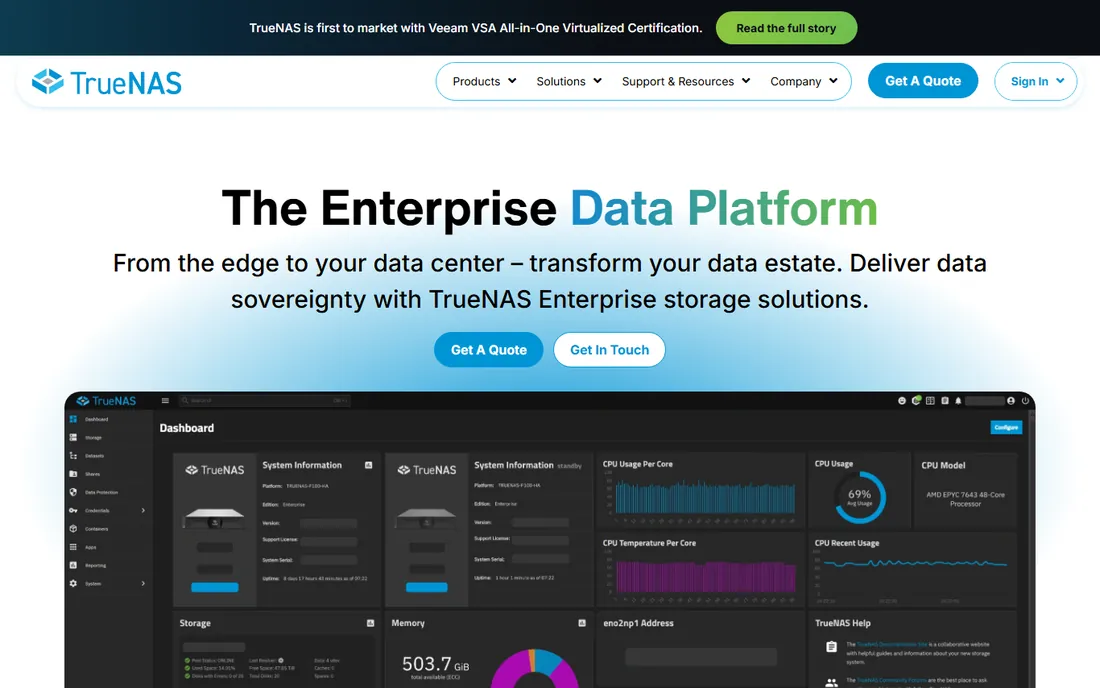
TrueNAS is the platform storage nerds respect. Built on OpenZFS, it checksums every block, detects silent corruption, and heals it automatically: the kind of data integrity most NAS software simply does not offer. The open-core model means critical code is visible and tested by a huge community, and one unified platform covers file, block and object storage.
The software itself is free to install on your own hardware. The learning curve is real: ZFS pool design, RAM sizing and best practices reward study. For anyone storing data they cannot afford to lose, from photo archives to business records, TrueNAS is the strongest free foundation available.
What we like- Open-core model with the code visible and community-vetted
- OpenZFS self-healing protects against bit rot and silent corruption
- Scales from home labs to 40PB+ enterprise deployments
Watch out for- ZFS wants plenty of RAM and rewards careful planning
- The interface assumes technical users
- Enterprise support and appliances are quote-priced

#2
Synology DSM
Best for: Buyers who want the most polished NAS experience with the hardware
Visit synology.com
Starting priceSee website (DSM is bundled with Synology NAS hardware)
Free planNo
DSM (DiskStation Manager) is why people buy Synology. It turns a NAS box into a private cloud: file sharing, automated backups, photo management, video surveillance, media streaming and office apps, all through an interface polished enough for non-technical family members. The package ecosystem is unmatched.
The catch is the bundle: DSM does not run on your own hardware, and Synology boxes cost more than equivalent DIY builds. For buyers who want storage that just works, with minimal tinkering, DSM remains the gold standard. DIY builders should look at TrueNAS or openmediavault instead.
What we like- The most refined NAS interface in the business, with a huge app ecosystem
- Backup, surveillance, media and productivity packages included
- Trusted by over half of Fortune 500 companies per the vendor
Watch out for- Only runs on Synology hardware
- Hardware carries a price premium over DIY
- Recent models push Synology-branded drives

#3
Unraid
Best for: Homelab builders who want storage plus Docker and VMs in one OS
Visit unraid.net
Starting priceFrom $49 (one-time license; see website for current tiers)
Free planFree trial (30 days)
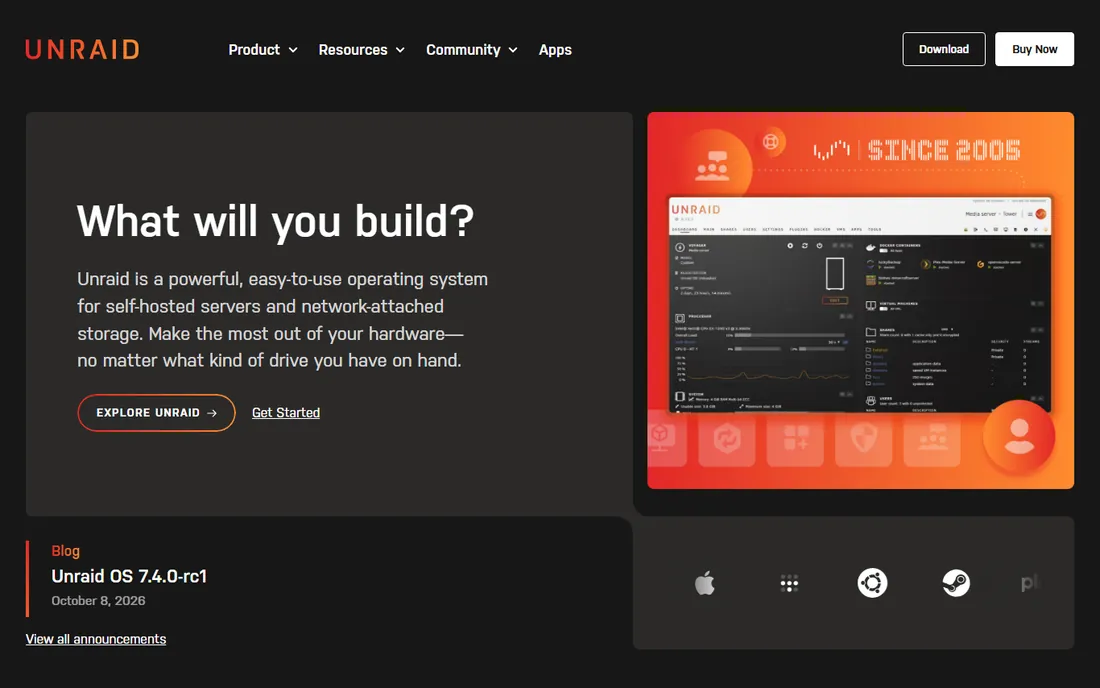
Unraid is the homelab operating system: an easy-to-use platform for self-hosted servers and network-attached storage that lets you mix hard drives of any size and grow capacity over time. Where it shines is everything around storage: Docker containers via Community Apps, virtual machines, and a community with guides for nearly every use case.
Licenses start at $49, a one-time cost that undercuts most subscription software. The 30-day trial lets you test on real hardware first. For the classic homelab (media server, backups, a few self-hosted apps), Unraid is the friendliest path from a pile of drives to a working server.
What we like- Mix-and-match drives of any size with easy expansion
- Huge Community Apps library for Plex, Home Assistant and more
- 30-day free trial with no credit card
Watch out for- Paid license required after the trial (from $49)
- No native ZFS in the traditional array setup
- Performance trails ZFS for heavy workloads
Starting priceFree
Free planYes
openmediavault (OMV) is the free NAS distribution for people who like Debian. Install it on any x86 or ARM hardware and you get a web-managed NAS with SMB, NFS, FTP and rsync, plus a plugin system covering Docker, virtualization, media servers and backup tools. The 2026 releases show active, ongoing development.
It is less polished than DSM and less storied than TrueNAS, but it is free, flexible and honest. Linux-comfortable builders who want a no-cost NAS OS without ZFS complexity will feel at home. Pair it with mergerfs and SnapRAID via plugins for a popular DIY setup.
What we like- Completely free and open source
- Debian base means huge package availability and familiarity
- Plugin system extends into Docker, KVM and media apps
- Actively maintained with regular updates
Watch out for- The interface is functional rather than beautiful
- Setup assumes Linux comfort
- Plugin quality varies since many are community-maintained

#5
QNAP QTS
Best for: Buyers who want powerful hardware plus a deep app ecosystem
Visit qnap.com
Starting priceSee website (QTS is bundled with QNAP NAS hardware)
Free planNo
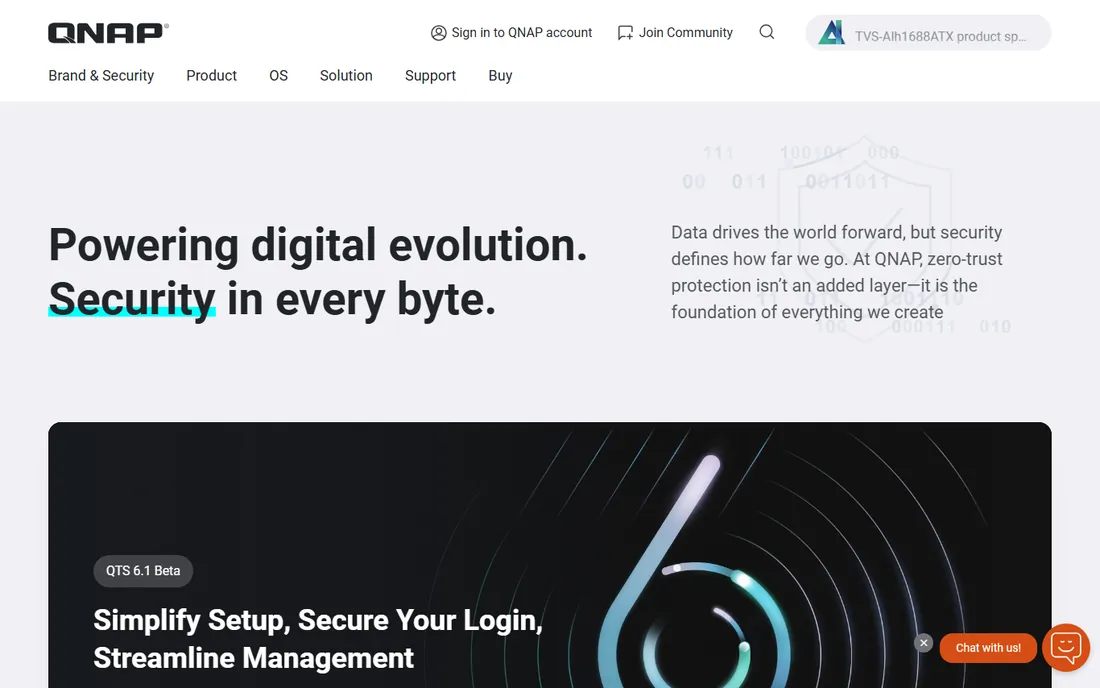
QTS is QNAP's NAS operating system, and it leans powerful: virtualization, container support, multimedia transcoding, surveillance and backup, on hardware ranging from two-bay home units to rackmount enterprise systems. Recent models even target edge AI workloads with GPU support.
Like DSM, QTS comes with the box: you buy QNAP hardware, you get QTS. It is generally more tinkerer-friendly and hardware-diverse than Synology, at the cost of some polish. Buyers choosing between the two big prebuilt brands should compare specific models and apps; DIY builders should look elsewhere on this list.
What we like- Runs on a huge range of QNAP hardware from home to enterprise
- Deep app ecosystem including virtualization and AI workloads
- Strong multimedia and HDMI-equipped models
Watch out for- Only runs on QNAP hardware
- The interface is powerful but busier than DSM
- QNAP's security history means keeping updates current is essential

#6
XigmaNAS
Best for: Free, lightweight FreeBSD-based NAS for repurposed hardware
Visit xigmanas.com
Starting priceFree
Free planYes
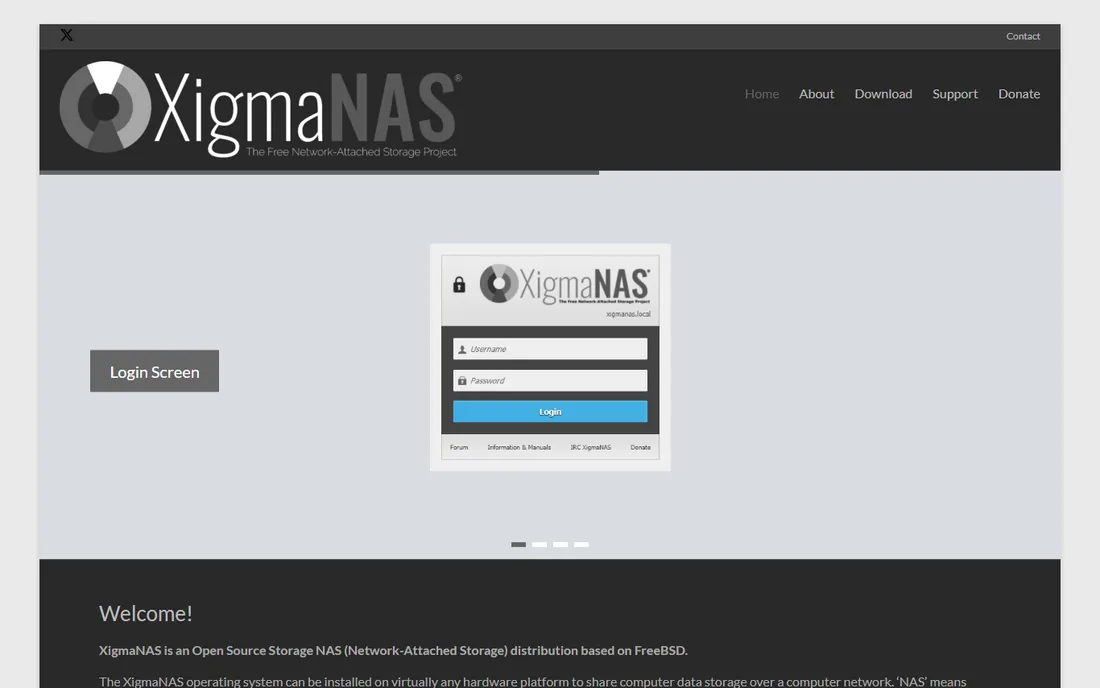
XigmaNAS (the continuation of the FreeNAS 0.7 lineage) is the minimalist's NAS: a FreeBSD-based distribution that installs on virtually any hardware, boots from USB, and shares storage over SMB, NFS, FTP, iSCSI and more, with ZFS support. It is the simplest and fastest way to turn an old PC into a working NAS.
It will not win beauty contests, and the community is smaller than the big names. But for repurposing old hardware into reliable network storage at zero software cost, XigmaNAS remains a legitimate, stable choice. Tinkerers who like FreeBSD will appreciate its roots.
What we like- Completely free and open source
- Runs on almost any hardware, even from USB or live boot
- ZFS support with a small footprint
- Long track record of stable releases
Watch out for- The interface and documentation show the project's age
- Smaller community than TrueNAS or OMV
- Feature development is steady but slow

#7
Rockstor
Best for: Open-source Btrfs-based NAS with Docker app support
Visit rockstor.com
Starting priceFree
Free planYes
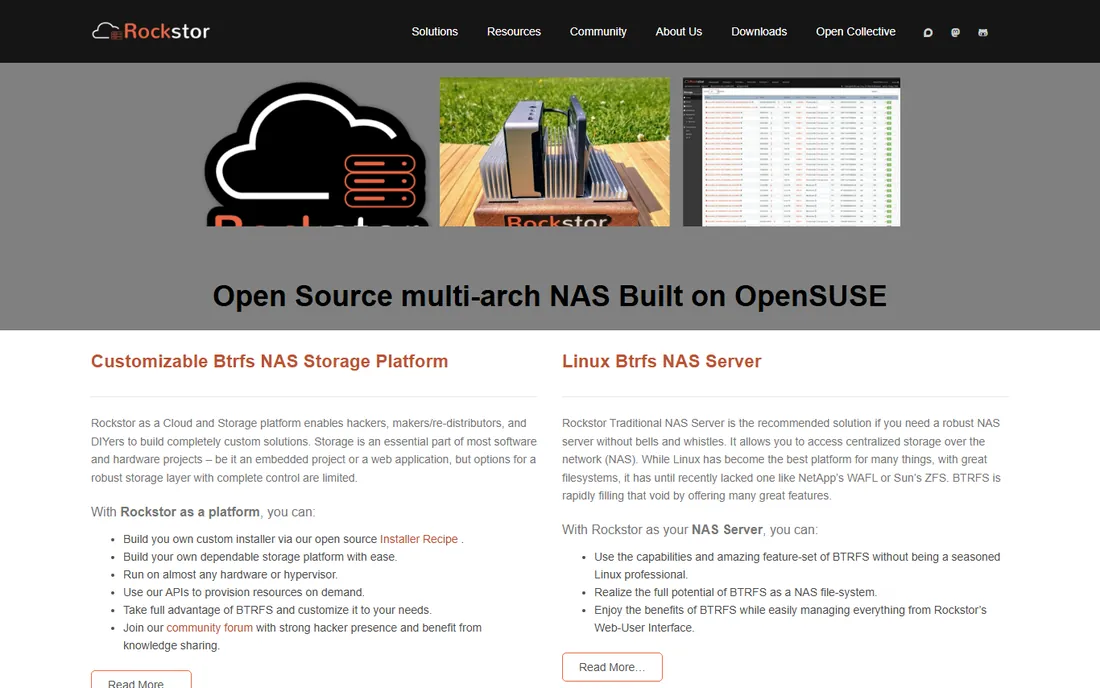
Rockstor bets on Btrfs: copy-on-write snapshots, checksums, compression and pooling, managed through a web interface without requiring Linux expertise. Rock-ons bring Docker apps (Plex, Nextcloud and friends) to the NAS, and the platform runs on nearly any hardware or hypervisor.
The Btrfs choice is both the appeal and the homework: understand its RAID limitations before building large arrays. For users who want modern filesystem features with a gentler learning curve than ZFS, Rockstor is the friendliest Btrfs NAS available, and it is free.
What we like- Free and open source, built on openSUSE with Btrfs snapshots and checksums
- Rock-ons (Docker plugins) add apps easily
- Runs on commodity hardware and hypervisors
Watch out for- Btrfs RAID5/6 has well-known caveats to understand first
- Smaller community and ecosystem than TrueNAS
- The project has had a quieter development pace at times

#8
Amahi
Best for: Home users who want a simple server with media and apps
Visit amahi.org
Starting priceFree
Free planYes
Amahi calls its server a "home digital assistant": a central home computer for media streaming, backups, disk pooling and one-click apps, designed for households where nobody wants to be the IT department. It is open source, runs on a dedicated PC, and handles entertainment and storage basics.
Be clear about what it is not: Amahi is not in TrueNAS's league for data integrity or scale. It is for families who want a simple home server with apps, not for archivists or businesses. For that modest job, it is free, friendly and honest about its scope.
What we like- Free and open source, designed for non-technical home users
- One-click app store for media, backup and web apps
- Disk pooling and easy VPN included
Watch out for- A home server rather than a serious NAS OS: storage features are basic
- The project moves slowly
- Not suitable for business or large-scale storage
How we chose
We defined NAS software as operating systems and platforms whose primary job is network-attached storage: DIY distributions and the bundled OSes of major NAS vendors. Pure cloud storage and backup apps did not qualify. For each candidate we opened the vendor's homepage, confirmed the product is current, and recorded pricing only where published. Unraid publishes license pricing; the bundled OSes do not sell separately.
Quick comparison
| Tool | Best for | Starting price | Free plan |
|---|
| TrueNAS | Serious home and business storage on the open-source ZFS platform | Free (open source); turnkey appliances quoted (see website) | Yes |
| Synology DSM | Buyers who want the most polished NAS experience with the hardware | See website (DSM is bundled with Synology NAS hardware) | No |
| Unraid | Homelab builders who want storage plus Docker and VMs in one OS | From $49 (one-time license; see website for current tiers) | Free trial (30 days) |
 openmediavault openmediavault | Free, Debian-based NAS software for DIY builders | Free | Yes |
| QNAP QTS | Buyers who want powerful hardware plus a deep app ecosystem | See website (QTS is bundled with QNAP NAS hardware) | No |
| XigmaNAS | Free, lightweight FreeBSD-based NAS for repurposed hardware | Free | Yes |
| Rockstor | Open-source Btrfs-based NAS with Docker app support | Free | Yes |
| Amahi | Home users who want a simple server with media and apps | Free | Yes |
Is your product missing or out of date?
We review this list regularly. Vendors can request a listing, send updated pricing or ask about featured placement.
Buy the box or build it yourself
The fundamental fork: prebuilt (Synology, QNAP) versus DIY (everything else). Prebuilt wins on time: unbox, plug in drives, follow the wizard, done in an hour, with support to call. You pay a hardware premium and accept the vendor's ecosystem. DIY wins on cost and control: commodity hardware, your choice of software, no vendor lock-in. You pay in research and setup time.
The middle path is real: buy a used enterprise mini-PC or an old desktop, add drives, and install TrueNAS or Unraid. Total cost often lands below a new two-bay Synology with more performance. But be honest about your tolerance for troubleshooting at 11 PM when the array will not import. If that sentence made you anxious, buy the box.
Choosing the right NAS software
Start with the hardware question above, then match software to skill and goal. Data you cannot lose (photos, business records): TrueNAS for ZFS integrity. Homelab with media and self-hosted apps: Unraid. Maximum polish, minimum effort: Synology DSM on Synology hardware. Power-user prebuilt: QNAP QTS. Free Debian-based DIY: openmediavault. Old-hardware revival: XigmaNAS. Btrfs fans: Rockstor. Simple family server: Amahi.
Whatever you choose, plan the unglamorous parts first: how many drive bays you will need in three years, your backup strategy (RAID is not backup), and how you will get data off the NAS if the box dies. The software decision matters less than the discipline of backups and the honesty of your capacity planning.
Frequently asked questions
How much storage do I actually need?
Add up what you have now, double it, and buy bays for triple. Photo and video libraries grow relentlessly, and running a NAS above 80% capacity hurts performance and flexibility. Four bays is the sweet spot for most homes: two drives of usable mirrored storage with room to grow. Businesses should size from their backup and retention policies.
Is RAID a backup?
No. RAID protects against drive failure; it does not protect against deletion, ransomware, fire, theft or controller failure. Follow the 3-2-1 rule: three copies of important data, on two different media, with one offsite. Your NAS can be one copy; cloud backup or an offsite drive should be another.
ZFS vs Btrfs vs traditional RAID: which should I choose?
ZFS (TrueNAS) is the most proven for data integrity, with checksumming and self-healing, but wants RAM and planning. Btrfs (Rockstor) offers similar modern features with a gentler curve but has RAID5/6 caveats. Traditional RAID or Unraid's array is simpler and fine for media storage where integrity checking matters less. Match the filesystem to how much you care about silent corruption.
Can I run apps like Plex on my NAS?
Yes, on most of these platforms. Synology DSM and QNAP QTS have Plex in their app stores; Unraid runs it via Community Apps; TrueNAS, openmediavault and Rockstor support Docker containers. Check transcoding needs: 4K transcoding wants a CPU with Quick Sync or a GPU, which rules out most ARM-based boxes.
Should I build a NAS or just use cloud storage?
Cloud storage wins on zero maintenance and offsite safety; a NAS wins on cost at scale, speed on your local network, and privacy. A 4TB cloud plan costs more per year than the electricity for a small NAS. Many people do both: NAS for primary storage and media, cloud for offsite backup of the irreplaceable files.
Sources we checked (8)
- https://www.truenas.com
- https://synology.com/
- https://unraid.net/
- https://openmediavault.org/
- https://www.qnap.com
- https://www.xigmanas.com
- https://rockstor.com/
- https://amahi.org/
Is your product missing or out of date?
We review this list regularly. Vendors can request a listing, send updated pricing or ask about featured placement.

Shihab Mia · Founder, Rankite
Shihab has spent more than a decade helping SaaS and e-commerce brands grow through search. He writes Rankite's software buying guides from pricing pages, documentation and public user reviews. More about Shihab.