How we make this list: we compare pricing pages, product documentation and public user reviews. Ratings come from G2, Capterra or Trustpilot, with the date we checked them.
Key takeaways
- Finale is gone: MakeMusic ended development on 26 August 2024 and stopped selling it, so former Finale users should migrate to Dorico or Sibelius.
- MuseScore is the best free starting point, with professional features at zero cost on Windows, Mac and Linux.
- Dorico leads on engraving quality for professional composers, while Sibelius suits educators and students with its cloud collaboration.
- Noteflight and Flat are the classroom picks, running in the browser with real-time collaboration and Google Classroom integration.
- StaffPad is the tablet pick for handwriting-based composers, while LilyPond suits engravers who prefer code-based notation.
Quick comparison
| Tool | Best for | Starting price | Free plan |
|---|
 Dorico Dorico | Professional engraving quality | Free (SE); Pro about $600 | Yes (SE) |
 Sibelius Sibelius | Educators, students, professionals | $12.99 per month | Yes (First tier in some guides) |
 MuseScore MuseScore | Free, open-source notation | Free | Yes |
 Noteflight Noteflight | Browser-based classroom notation | Free; Premium about $49 per year | Yes |
 Flat Flat | Real-time collaboration for teams | Free; Premium about $6 per month | Yes |
 Guitar Pro Guitar Pro | Guitar tablature and composition | See website | No |
 LilyPond LilyPond | Code-based publication engraving | Free | Yes |
 StaffPad StaffPad | Handwriting on tablet | About $89.99 one-time | No |
Is your product missing or out of date?
We review this list regularly. Vendors can request a listing, send updated pricing or ask about featured placement.
The best music notation software
Starting priceFree (SE); Pro about $600
Free planYes (SE)
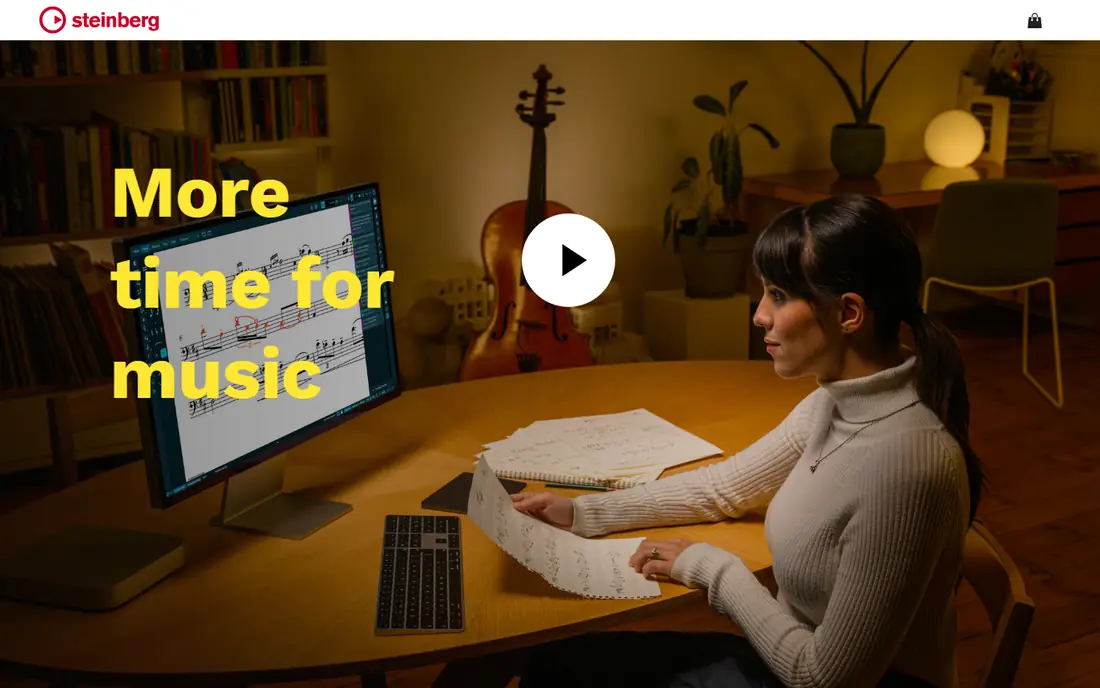
Dorico from Steinberg is arguably the most powerful notation software available today, with exceptional engraving quality and automated score layout that reduces manual adjustment. When Finale ended in August 2024, MakeMusic endorsed Dorico and offered Finale users a Dorico Pro crossgrade for $149, a strong signal of where the professional market moved. Dorico SE is free, while Pro runs near $600 in recent comparisons, with subscription figures near $15 per month in some guides.
The learning curve is steep, and pricing for student access is significant, so K-12 classrooms should look at Flat or Noteflight instead. For advanced students heading to conservatoire and professional composers, building familiarity with Dorico is genuinely valuable.
What we like- Best-in-class engraving
- Next-generation layout automation
- Endorsed Finale migration path
Watch out for- Steep learning curve
- Pro price is high
- No classroom management layer
#2
Sibelius
Best for: Educators, students, professionals
Visit avid.com
Starting price$12.99 per month
Free planYes (First tier in some guides)
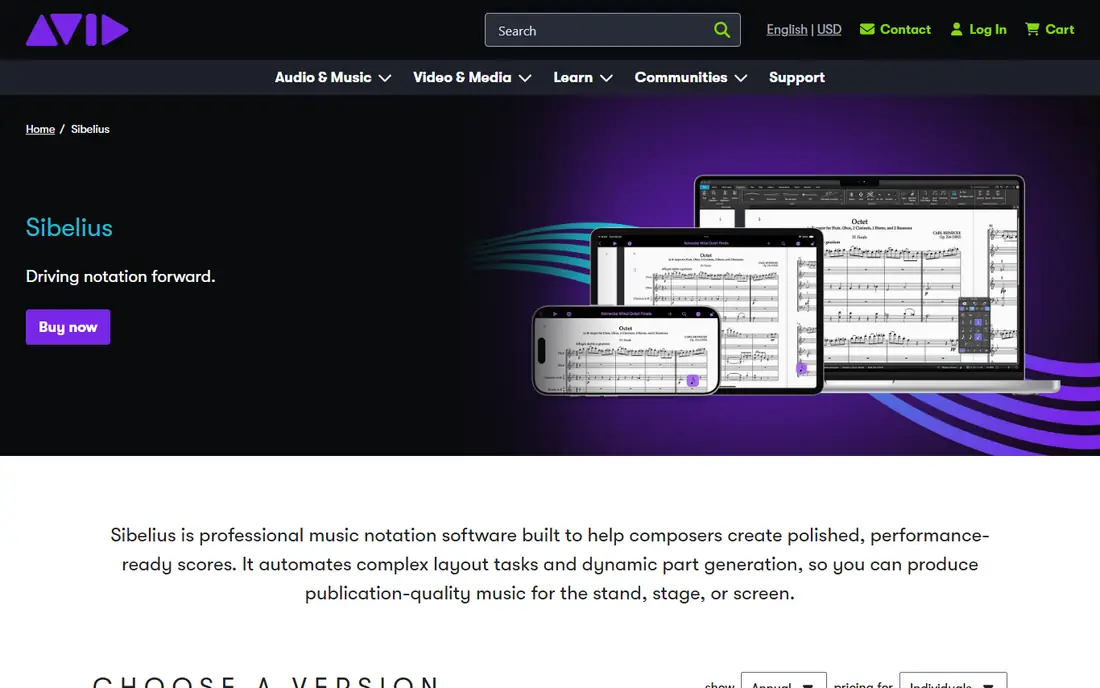
Sibelius from Avid remains a top professional choice, with Magnetic Layout that automatically avoids collisions between notation elements, plus cloud collaboration and ease of use across Windows, Mac and iOS. Recent comparisons list entry near $12.99 per month or $99 per year, with Ultimate perpetual licenses offered at $149 to Finale switchers in 2024. Sibelius 2026.9 arrived recently, showing active development.
Sibelius users who are happy with the product have plenty of reasons to stay, and the regular updates give them more. For educators and students who want a polished, widely taught program with strong playback, Sibelius is the safe professional pick beside Dorico.
What we like- Magnetic Layout avoids collisions
- Cloud collaboration
- Regular updates through 2026
Watch out for- Pricing varies by tier
- Full Ultimate cost is high
- Subscription model for most users
Starting priceFree
Free planYes
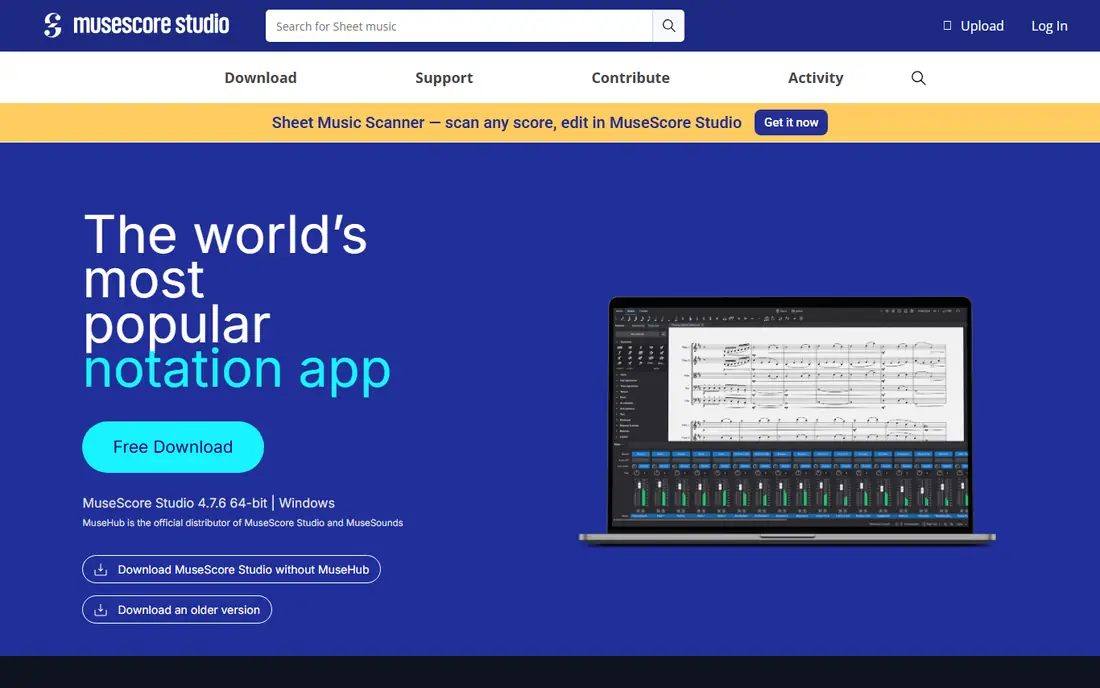
MuseScore is free and open source, with professional features that make it the best starting point for beginners, students and budget-conscious composers. It runs on Windows, Mac and Linux, exports to PDF and MIDI, and supports a wide range of instruments and ensembles. Recent comparisons rate it 4.4 to 4.8 out of 5, reflecting a mature, community-driven program.
Engraving polish trails Dorico, and playback libraries are more limited than paid rivals, but for most school and hobby use, MuseScore covers everything needed. Educators on tight budgets should start here before spending on any paid program.
What we like- Free and open source
- Professional features
- Windows, Mac and Linux support
Watch out for- Engraving polish trails Dorico
- Playback libraries are more limited
#4Noteflight
Best for: Browser-based classroom notation4.2/5 on
G2 (11 reviews, checked Oct 2026)
Visit noteflight.com
Starting priceFree; Premium about $49 per year
Free planYes
Noteflight is a web-based collaborative platform that runs in the browser, making it easy to deploy in schools without installs. Real-time collaboration lets students and teachers edit the same score, and Noteflight Learn adds classroom management features for districts already invested in the ecosystem. Premium runs near $49 per year in recent comparisons, with a free tier for basic use.
Where it falls short for many teachers is feedback depth and performance assessment compared with Flat for Education. Schools already invested in Noteflight may have good reasons to stay, while new classroom buyers should compare Flat first.
What we like- Runs in the browser with no install
- Real-time collaboration
- Classroom management options
Watch out for- Feedback depth trails Flat for Education
- Advanced notation options are limited
Starting priceFree; Premium about $6 per month
Free planYes
Flat is a web-based notation tool built for teams and educators, with real-time collaboration, live editing and commenting, and Google Classroom integration. Flat for Education adds assignment distribution and collection, auto-grading, in-score timestamped feedback and performance assessment, at $79 per teacher per year with no per-student licensing required in recent comparisons. Premium for individuals runs near $6 per month or $49 per year.
The trade is depth: Flat lacks the engraving features professionals need, and it needs an internet connection. For classrooms, where assignment workflow matters more than engraving polish, Flat is the strongest pick in this list.
What we like- Browser-based with no install
- Live editing and commenting
- Google Classroom integration
Watch out for- Lacks depth for professional engraving
- Needs an internet connection
Starting priceSee website
Free planNo
Guitar Pro is the standard for guitar tablature and composition, combining tablature with standard notation, realistic playback and multi-track support for guitar, bass, drums and keys. Songwriters and guitar teachers use it to write, practice and share tabs, and its playback engine helps students hear parts before playing them.
Notation features trail the professional engravers, and the audience is guitar-focused, so orchestral composers should look elsewhere. For guitarists, though, no other tool here matches Guitar Pro tablature workflow, and its one-time purchase model avoids subscription fatigue.
What we like- Best tablature editing
- Realistic playback for guitar-focused writing
- Multi-track support
Watch out for- Notation features trail Dorico and Sibelius
- Guitar-focused audience only
Starting priceFree
Free planYes
LilyPond produces publication-ready engraving through a code-based markup language, giving engravers and programmers full control over every element of a score. It is free, cross-platform and long established, with output quality that rivals paid engravers for printed parts. Publishers and engravers who value typographic control over point-and-click editing use LilyPond for final output.
The code-based workflow has a steep learning curve, and casual composers will find graphical editors far faster. For engravers and coders who want deterministic, version-controlled scores, LilyPond is unmatched at any price, since the price is zero.
What we like- Publication-ready engraving
- Full control through markup
- Free and open source
Watch out for- Code-based workflow has a steep learning curve
- No graphical editing
Starting priceAbout $89.99 one-time
Free planNo
StaffPad lets composers write music by hand on iPad and Windows tablets, with handwriting recognition converting strokes into notation. That tablet-first workflow suits composers who think in pen rather than mouse, and realistic playback helps them hear sketches immediately. Recent comparisons list it near $89.99 one-time, with ratings near 4.3 to 4.7 out of 5.
The workflow is tablet-only, and the feature set is smaller than desktop engravers, so complex orchestral work still belongs in Dorico or Sibelius. For sketching, teaching and composing away from a desk, StaffPad is the most natural-feeling tool here.
What we like- Handwriting recognition
- Tablet-first composing
- Realistic playback
Watch out for- Tablet-only workflow
- Smaller feature set than desktop engravers
How we chose
We compared published 2026 comparisons, favoring tools with clear pricing and distinct audiences, and we excluded Finale, since MakeMusic ended development on 26 August 2024 and stopped selling it. Where pricing figures conflicted across guides, notably Sibelius at $99 per year versus $12.99 per month, and Dorico Pro at $299, $600 or $699 across sources, we listed the most commonly cited figure and flagged the conflict. We weighed engraving quality, ease of use, classroom features, platform support and price, and we left out transcription-only tools, since this list covers notation creation.
Migrating from Finale
Finale users should export scores as MusicXML, which Dorico, Sibelius, MuseScore and Flat all import, preserving notes, rhythms and most layout. Dorico was the endorsed migration path with a $149 crossgrade, while Avid countered with a $149 Sibelius Ultimate perpetual license, so former Finale users had two affordable professional routes. Keep Finale installed for old .mus and .musx files during the transition, since conversion of complex scores still needs a human pass for layout details.
Choosing by user type
File formats decide more purchases than feature lists do. MusicXML is the interchange standard that lets scores move between Dorico, Sibelius, MuseScore and Flat, while MIDI carries notes and rhythms but loses layout, and PDF is final output only. Before buying, export a real score from your current tool as MusicXML, import it into the trial of the new tool, and check that tuplets, lyrics, chord symbols and rehearsal marks survive. A tool that mangles your back catalog on import will cost more in cleanup time than its license price.
Start by naming the job before the tool: a classroom needs assignment workflow, a publisher needs engraving control, a guitarist needs tablature, and a student needs a free program that runs on a school laptop. Buying the most powerful engraver for a classroom wastes money and training time, while handing a publisher a browser tool wastes engraving hours on every part. Match the tool to the job, then check that the file formats you need, especially MusicXML import and PDF export, work before committing a whole class or catalog.
Professional composers and arrangers should choose Dorico for engraving or Sibelius for familiarity and playback. Students and beginners should start with MuseScore free, then move to Sibelius or Dorico when studies demand it. Educators and classrooms should choose Flat for Education or Noteflight Learn, depending on existing licenses. Guitarists should choose Guitar Pro, tablet composers StaffPad, and engravers LilyPond.
Frequently asked questions
What happened to Finale?
MakeMusic ended development of Finale on 26 August 2024 after 36 years and stopped selling it immediately, endorsing Dorico as the migration path. Former Finale users should export scores as MusicXML and move to Dorico, Sibelius or MuseScore.
What is the best free music notation software?
MuseScore, which is free and open source with professional features on Windows, Mac and Linux. Flat and Noteflight also offer free tiers, but with more limited features than MuseScore desktop program.
Which is better, Dorico or Sibelius?
Dorico leads on engraving quality and automated layout, while Sibelius leads on familiarity, Magnetic Layout and cloud collaboration. Both are professional choices, and former Finale users received crossgrade offers for both.
Can I use music notation software in a classroom?
Yes. Flat for Education and Noteflight Learn are browser-based with classroom management, Google Classroom integration and assignment tools. MuseScore free suits schools with no budget, while Sibelius and Dorico suit advanced students.
What is the best notation software for guitar?
Guitar Pro, which specializes in tablature with standard notation, realistic playback and multi-track support. General engravers handle guitar parts, but none match Guitar Pro tablature workflow.
Is LilyPond hard to learn?
Yes, compared with graphical editors, since LilyPond uses a code-based markup language. The payoff is publication-ready engraving with full control and version-controlled scores, which suits engravers and programmers.
Sources we checked (8)
- https://www.devopsschool.com/blog/top-10-music-notation-software-tools-in-2025-features-pros-cons-comparison/
- https://www.scmgalaxy.com/tutorials/top-10-music-notation-software-tools-in-2025-features-pros-cons-comparison/
- https://www.cotocus.com/blog/top-10-music-notation-software-tools-in-2025-features-pros-cons-comparison/
- https://blog.flat.io/finale-was-discontinued-the-best-alternatives-for-music-teachers-in-2026/
- https://www.scoringnotes.com/opinion/exposition-development-recapitulation/
- https://musescore.org
- https://flat.io
- https://lilypond.org
Is your product missing or out of date?
We review this list regularly. Vendors can request a listing, send updated pricing or ask about featured placement.

Shihab Mia · Founder, Rankite
Shihab has 5+ years in B2B and SaaS SEO. He writes Rankite's software buying guides from pricing pages, documentation and public user reviews. More about Shihab.