How we make this list: we compare pricing pages, product documentation and public user reviews. Rankite is independent; if a vendor ever pays for a featured spot, that listing is clearly labeled Partner.
Key takeaways
- Duo and Microsoft's MFA remain the easiest wins, with Duo the simplest deployment and Microsoft's included in 365.
- Okta and Ping Identity suit organizations that want MFA inside a broader identity platform.
- Yubico's hardware keys are the strongest phishing-resistant option for high-risk users.
- HYPR and 1Kosmos lead the passwordless push, removing passwords instead of just adding factors.
Quick comparison
| Tool | Best for | Starting price | Free plan |
|---|
 Duo Duo | Simple, user-friendly MFA | Free | Yes |
 Okta Okta | MFA inside workforce identity | See website | Free trial |
 Authy Authy | Consumer-friendly 2FA app | Free | Yes |
 RSA SecurID RSA SecurID | Enterprise token-based MFA | See website | No |
 Yubico Yubico | Phishing-resistant hardware keys | See website | No |
 HYPR HYPR | Passwordless authentication | See website | No |
 1Kosmos 1Kosmos | Identity-proofed passwordless MFA | See website | No |
 Thales Thales | Enterprise MFA and access management | See website | No |
 Microsoft Entra MFA Microsoft Entra MFA | MFA inside Microsoft 365 | See website | Free |
 PingID PingID | MFA inside Ping Identity | See website | Free trial |
Is your product missing or out of date?
We review this list regularly. Vendors can request a listing, send updated pricing or ask about featured placement.
The best multi-factor authentication software
Starting priceFree
Free planYes
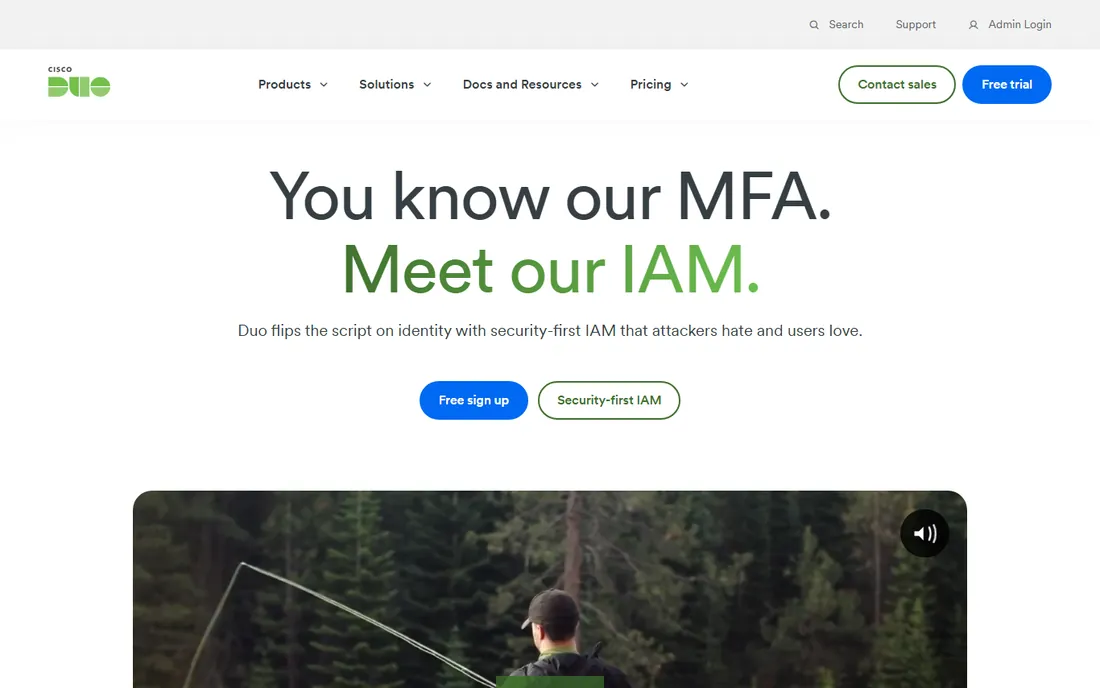
Duo, now part of Cisco, made MFA something users tolerate. Push a notification, tap approve, done. Deployment is famously quick, the free tier covers small teams, and device health checks add zero-trust context. For organizations adding MFA to existing identity, Duo is the path of least resistance.
It is MFA plus device trust, not a full identity platform. Advanced features need paid tiers, and Cisco ownership changed the commercial experience. But the core job, strong authentication users actually complete, is what Duo does best.
What we like- Easiest MFA deployment
- Push approvals users accept
- Free tier for small teams
Watch out for- Full identity needs more
- Cisco sales dynamics
- Advanced tiers cost more
Starting priceSee website
Free planFree trial
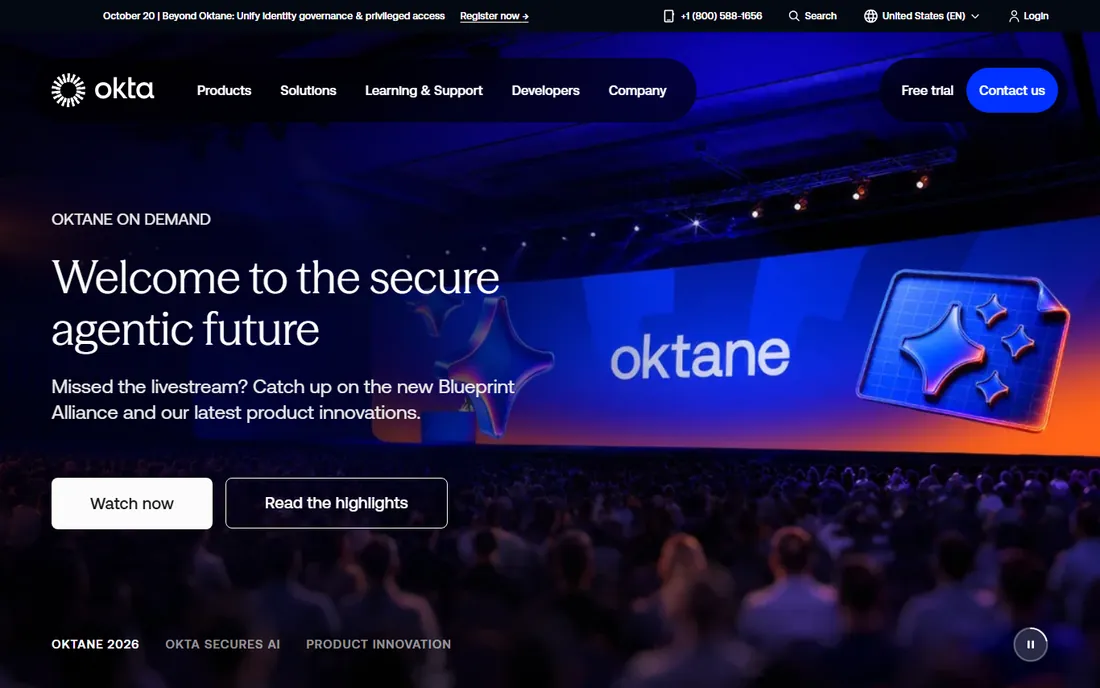
Okta's Adaptive MFA adjusts to risk: low-risk sign-ins pass smoothly, risky ones face stronger challenges. Inside the Okta identity platform, MFA policies connect to SSO, lifecycle and governance naturally. Factor support spans push, biometrics, hardware keys and more.
It requires the Okta platform commitment and pricing. Standalone MFA buyers get less value. But organizations on Okta get adaptive, risk-based MFA as a native capability rather than a bolt-on.
What we like- Adaptive MFA with risk signals
- Deep identity integration
- Broad factor support
Watch out for- Platform pricing
- Needs Okta commitment
- Complexity at scale
Starting priceFree
Free planYes
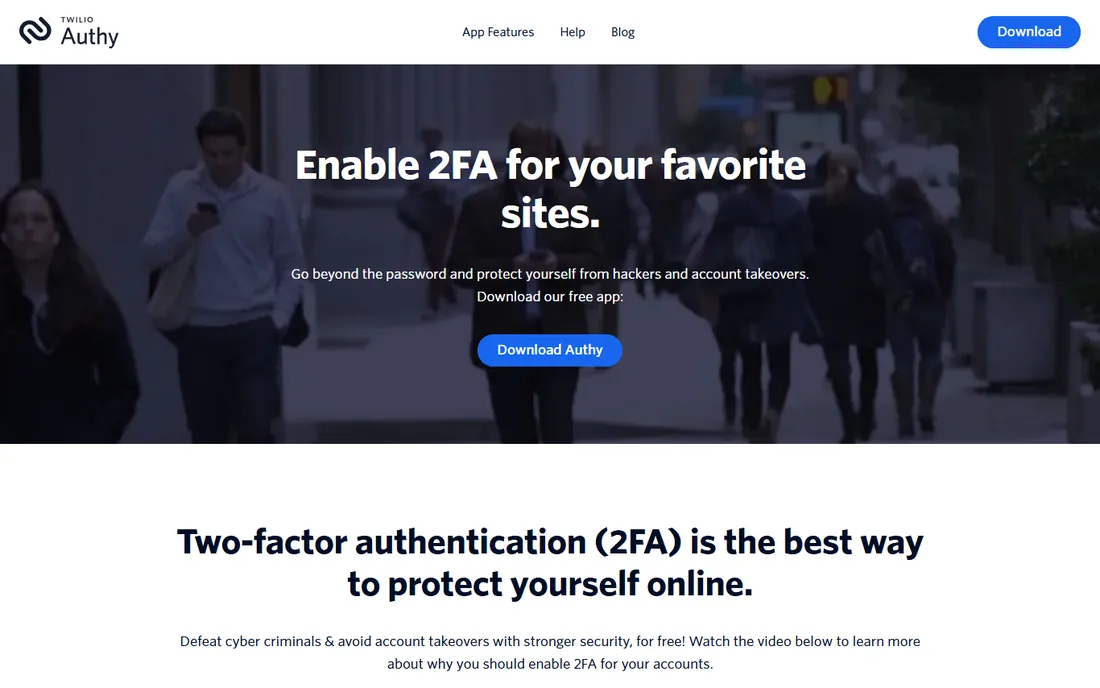
Authy, from Twilio, is the friendly authenticator app: free, easy, with multi-device sync that survives phone upgrades. Small teams and individuals get solid TOTP-based 2FA without enterprise software. The simplicity is the feature.
Enterprise administration is thinner than business-focused tools, and Twilio's strategic shifts raise questions. But for straightforward two-factor authentication that anyone can set up in minutes, Authy remains the accessible choice.
What we like- Free and easy authenticator app
- Multi-device sync
- Good for small teams
Watch out for- Twilio ownership questions
- Consumer focus
- Less enterprise administration
Starting priceSee website
Free planNo
RSA SecurID invented enterprise MFA with its time-synced tokens, and large organizations still run it widely. The hardware tokens work without phones, the enterprise integration is proven, and regulated industries trust the brand.
The experience feels dated next to push-based modern tools, pricing is enterprise, and innovation moves deliberately. But the installed base is enormous, and for organizations with token infrastructure invested, SecurID's reliability keeps it entrenched.
What we like- The original enterprise MFA
- Hardware and software tokens
- Deep enterprise trust
Watch out for- Dated experience
- Enterprise pricing
- Innovation trails newer vendors
Starting priceSee website
Free planNo
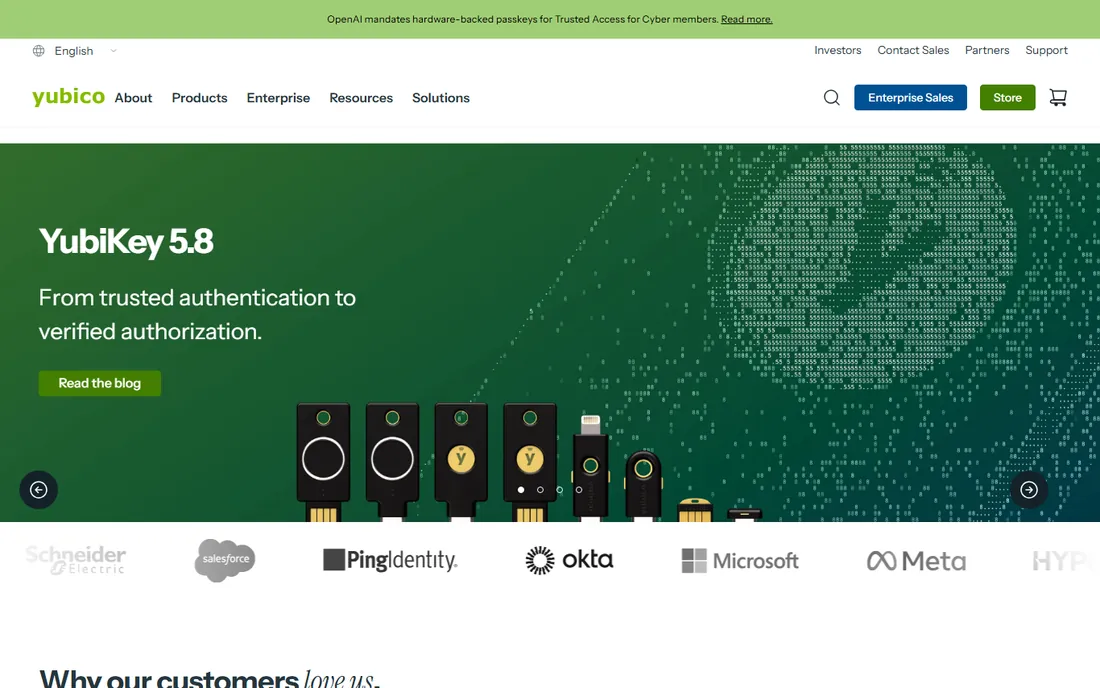
Yubico's YubiKeys are the gold standard for phishing-resistant authentication. FIDO2 hardware keys cannot be phished the way codes and pushes can, which makes them the choice for high-risk users: executives, admins, finance. One key works across hundreds of services.
Hardware means procurement, distribution and replacement processes. Lost keys need recovery workflows. But for the accounts where compromise is catastrophic, no software factor matches a hardware key's assurance.
What we like- Strongest phishing resistance
- FIDO2 standard
- Works across services
Watch out for- Hardware to buy and distribute
- Lost keys need processes
- Per-user cost
Starting priceSee website
Free planNo
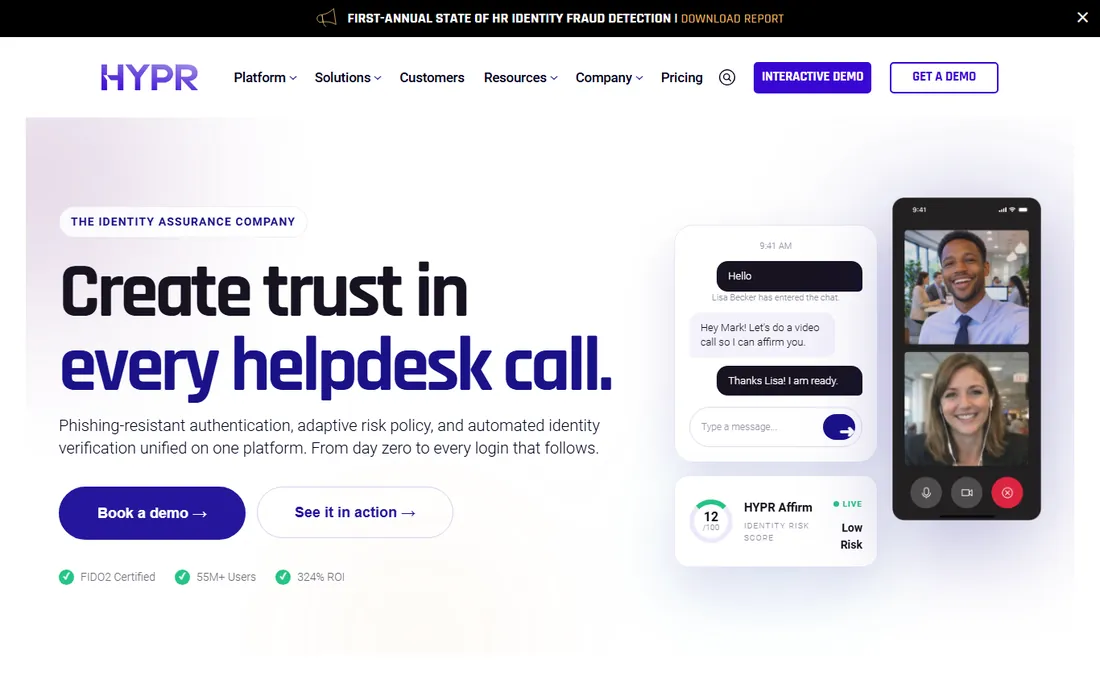
HYPR removes passwords entirely, replacing them with device-bound biometrics. No passwords means no phishing, no credential stuffing, no reset tickets. Enterprise deployments prove it at scale, with the security architecture to satisfy CISOs.
It needs managed devices and enterprise sales engagement. Going passwordless is a cultural change as much as a technical one. But organizations ready to kill passwords get the most complete passwordless platform here.
What we like- True passwordless with biometrics
- Strong enterprise deployments
- Phishing resistant
Watch out for- Enterprise sales
- Needs device management
- Cultural change required
Starting priceSee website
Free planNo
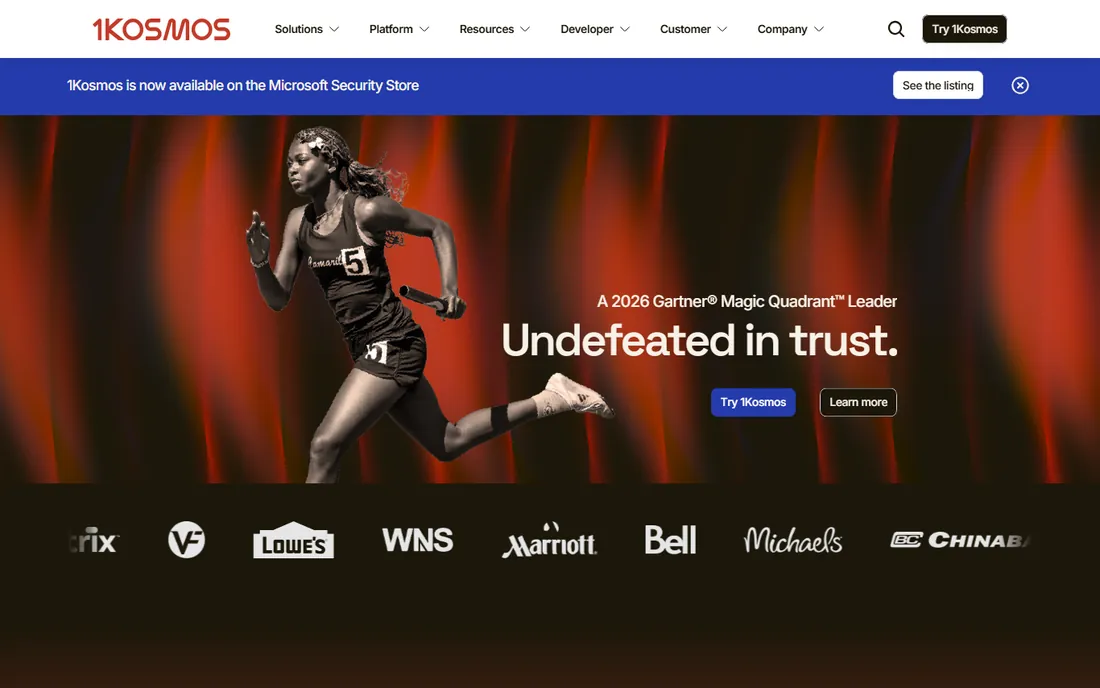
1Kosmos combines identity proofing with passwordless authentication: verify who someone is once, then authenticate with biometrics. The approach suits both workforce and customer scenarios, with privacy-preserving architecture. Banks and enterprises use it for high-assurance access.
The enterprise focus and enrollment effort exceed simple MFA rollouts. But where identity assurance matters, not just authentication, 1Kosmos's proofing-plus-passwordless model addresses the fuller problem.
What we like- Identity proofing plus passwordless
- Strong for workforce and customers
- Privacy-preserving
Watch out for- Enterprise focus
- Newer vendor
- Needs enrollment effort
Starting priceSee website
Free planNo
Thales, with its SafeNet heritage, offers enterprise MFA inside a vast security portfolio. Regulated industries and governments trust the brand, and the access management products integrate with the broader Thales ecosystem. Hardware and software factors are both covered.
Enterprise sales, pricing and portfolio complexity come with the territory. But for large organizations standardizing security vendors, Thales' MFA carries the assurance of the broader relationship.
What we like- Broad enterprise security portfolio
- SafeNet heritage
- Strong in regulated sectors
Watch out for- Enterprise sales and pricing
- Portfolio breadth complicates
- Innovation is steady
Starting priceSee website
Free planFree
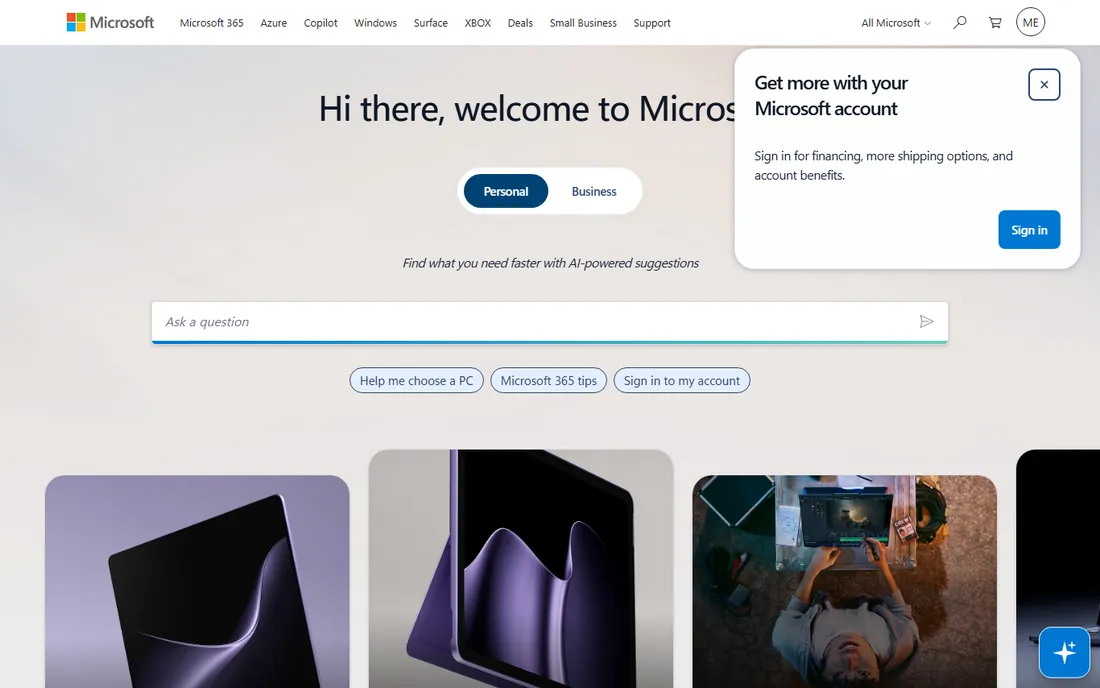
Microsoft's MFA, through Entra ID, is already paid for in most enterprises. The Authenticator app handles push approvals well, Conditional Access policies add risk-based intelligence, and the free tier covers basics. For the Microsoft base, the economics are decisive.
Premium features need Entra ID P1/P2 licenses, and administration sprawls across Microsoft portals. But when MFA is already in the subscription, standalone MFA must justify a separate bill, which most organizations cannot.
What we like- Included with Microsoft 365
- Authenticator app is good
- Conditional Access integration
Watch out for- Best inside Microsoft
- Advanced features need premium tiers
- Admin sprawl
Starting priceSee website
Free planFree trial
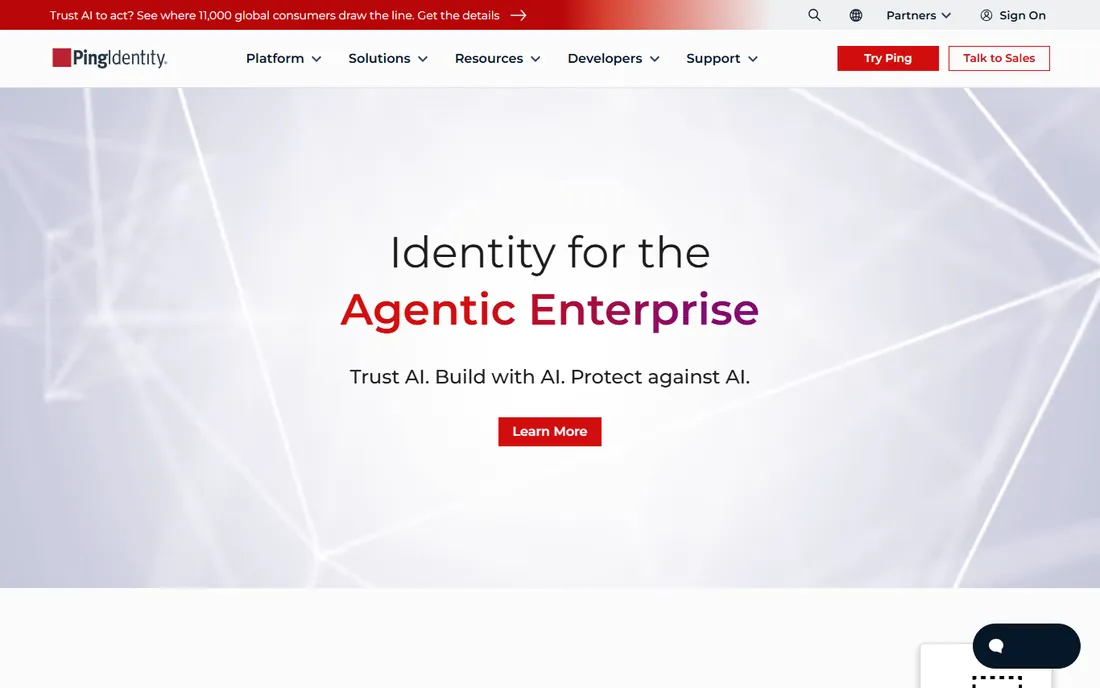
PingID provides adaptive MFA inside Ping Identity's platform, with risk-based policies and broad factor support. Enterprises on Ping get MFA that shares the platform's orchestration and governance. The enterprise track record is solid.
Standalone value is narrower; it shines inside Ping. But Ping customers get capable adaptive MFA without another vendor, which is the ecosystem logic that drives most MFA decisions.
What we like- Adaptive MFA in the Ping platform
- Broad factor support
- Enterprise proven
Watch out for- Needs Ping commitment
- Enterprise pricing
- Narrower standalone value
How we chose
We covered standalone MFA, identity-platform MFA, hardware keys and passwordless vendors. Each product was verified as currently offered. Pricing is quote-based for enterprise products, so we marked it honestly. We weighed factor variety, phishing resistance, user experience, administration and ecosystem fit. No vendor paid for placement and we claimed no hands-on testing.
The phishing-resistance ladder
Not all MFA is equal. SMS codes and basic TOTP can be phished. Push approvals are better but push-bombing attacks exist. FIDO2 hardware keys and device-bound biometrics resist phishing cryptographically. The right choice depends on risk: standard employees do fine with push MFA, while executives, admins and finance need phishing-resistant factors.
Regulators and insurers increasingly expect phishing-resistant MFA for privileged access. Plan the ladder now: deploy push MFA broadly, add hardware keys for high-risk roles, and evaluate passwordless for the long term. The products here span the full ladder.
What to check before you choose
Test enrollment and recovery with real users, including the least technical. MFA fails at enrollment friction and account recovery, not at cryptography. The best factor is the one users complete consistently.
Plan for lost devices and locked-out users. Recovery workflows determine helpdesk load. And verify the factors your risk assessment requires: if phishing resistance is mandated for admins, only FIDO2 and equivalent qualify, which narrows the field immediately.
Rolling out MFA without a helpdesk meltdown
MFA rollouts fail at enrollment, not at technology. The plan that works starts with communication: tell people what is changing, when, and exactly what they will need to do, weeks before enforcement. The message should come from leadership, not IT, and it should explain the why in plain terms. People accept security friction they understand and resent friction imposed without explanation.
Pilot with friendly departments first. IT, then a willing business unit, then the general population, then executives and high-risk roles with stronger factors. Each wave surfaces issues: the shared workstation problem, the field workers without smartphones, the executives who travel with multiple devices. Solving these in the pilot prevents a company-wide crisis.
Enrollment support determines helpdesk load. Set up enrollment stations or drop-in sessions during the first week, with staff who can walk people through setup in two minutes. Provide clear one-page guides with screenshots for each factor type. And staff the helpdesk for double the normal volume during rollout week; the spike is predictable and temporary.
Plan the exceptions deliberately. Service accounts, shared devices, legacy applications and break-glass admin accounts all need documented approaches. Unplanned exceptions become permanent security holes. And build the recovery process before day one: lost phone procedures, temporary bypass codes with approval workflows, and clear ownership of who can grant them. A rollout with good recovery feels smooth; one without it feels like a lockout crisis. The technology is the easy part.
Finally, measure what matters after rollout: enrollment completion rates, helpdesk ticket volumes for lockouts, and authentication failure rates by factor type. These metrics reveal whether the deployment actually improved security or just added friction. Review them quarterly and adjust factors, policies and support based on what the data shows.
Frequently asked questions
What is the best MFA method?
FIDO2 hardware keys offer the strongest phishing resistance. Push approvals offer the best balance of security and usability for most users. SMS codes are the weakest and should be avoided where better options exist.
Is Duo or Microsoft Authenticator better?
Duo offers simpler standalone deployment with an excellent admin experience. Microsoft Authenticator is already included with Microsoft 365 with good Conditional Access integration. Microsoft shops usually choose Microsoft; others often prefer Duo's simplicity.
What is passwordless authentication?
Authentication without passwords, typically using device-bound biometrics or hardware keys. It eliminates phishing, credential stuffing and password resets. HYPR and 1Kosmos lead enterprise passwordless; FIDO2 keys enable it broadly.
How much does MFA software cost?
Many options are free for small teams: Duo, Authy and Microsoft all offer free tiers. Enterprise MFA typically costs a few dollars per user monthly. Hardware keys add per-user device costs. Passwordless platforms are quote-based.
Do I still need MFA with SSO?
Yes, absolutely. SSO centralizes login, which makes MFA more important, not less: one compromised SSO login reaches every connected app. Every SSO deployment should enforce MFA, preferably phishing-resistant for privileged users.
Sources we checked (10)
- https://duo.com
- https://www.okta.com
- https://www.authy.com
- https://www.rsa.com
- https://www.yubico.com
- https://www.hypr.com
- https://www.1kosmos.com
- https://www.thalesgroup.com
- https://www.microsoft.com
- https://www.pingidentity.com/en.html
Is your product missing or out of date?
We review this list regularly. Vendors can request a listing, send updated pricing or ask about featured placement.

Shihab Mia · Founder, Rankite
Shihab has spent more than a decade helping SaaS and e-commerce brands grow through search. He writes Rankite's software buying guides from pricing pages, documentation and public user reviews. More about Shihab.